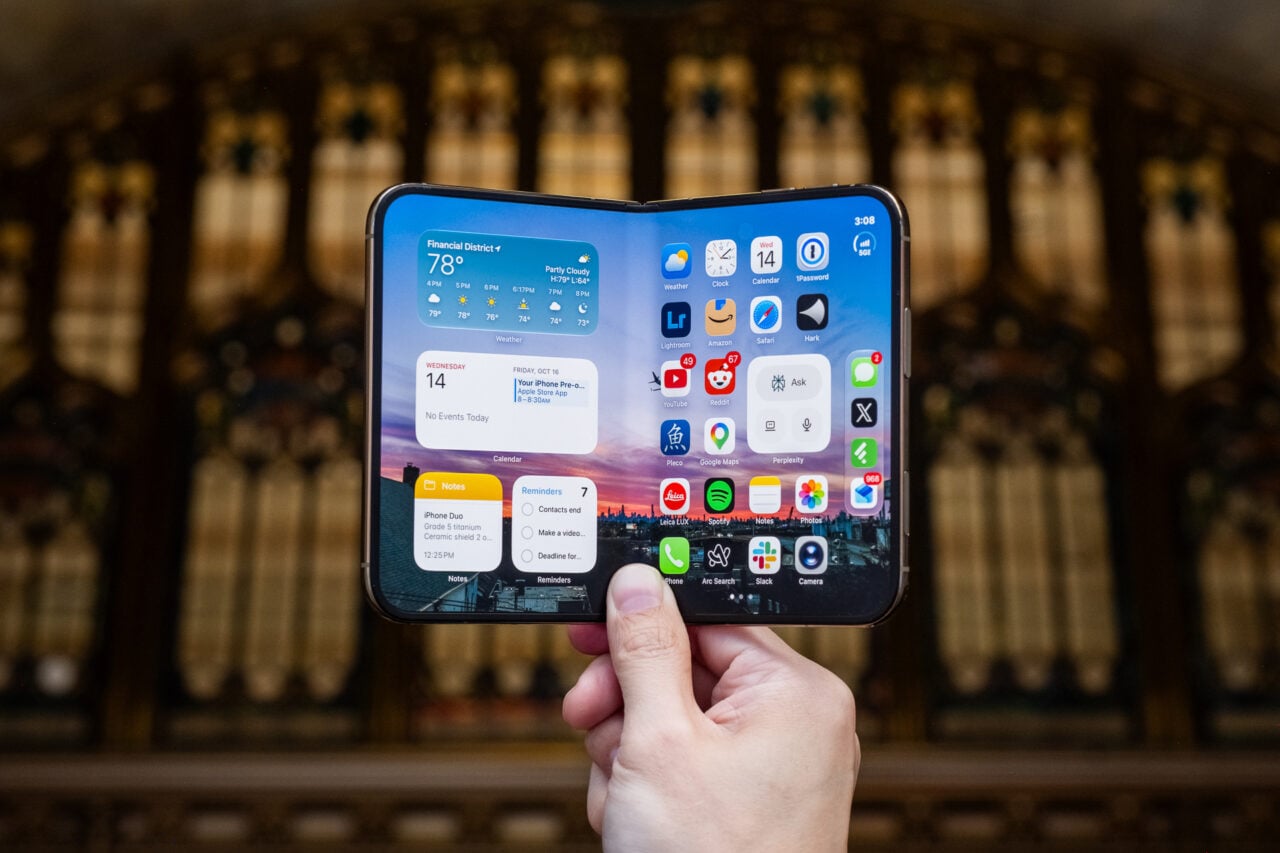
The first public beta for iOS 27 is now available for download, which means if you have a supported iPhone, you can try out the new Siri AI before it officially rolls out this fall.
This public beta is equivalent to the third developer beta of the new iPhone software. While there are still several more developer betas to go this summer, the early software versions have been stable enough to represent what to expect in the final release.
I’ve been testing these developer builds of iOS 27 on an iPhone Air since the first one was released at WWDC 2026 and using Siri AI daily for just over a month. Excuse me for sounding hyperbolic, but Apple f*cking cooked.
It took me maybe two weeks to learn what Siri AI could and couldn’t do, but once I figured that out, I now can’t imagine using my phone without the more intelligent assistant. Whenever I accidentally pick up my personal iPhone 16 Pro, which is still on iOS 26 and saddled with “Siri classic,” I feel like I’ve been knocked back to the stone age.
See iPhone 17 Pro at Apple.com

But first, a brief history lesson for those who have not followed the Siri drama. Back at WWDC 2024, Apple announced a massive revamp to its voice assistant, complete with “personal context,” a way for Siri to surface information from across your apps. For example, instead of manually searching in your inbox for flight information, you could simply ask Siri to find it for you. Want to know what your “lunch plans” are with your mom? Siri would find that info from your chat between you and your mom. Apple also demoed how Siri could understand what’s happening on your iPhone’s screen, providing information about what it “sees.”
All of these new Siri features were supposed to launch under “Apple Intelligence,” Apple’s suite of homegrown AI features for its devices, including on iPad and Mac. When it came time to launch that fall, Apple Intelligence’s other features, like Writing Tools and notification summaries, rolled out, but the new Siri did not.
2025 came and went without the new voice assistant. At WWDC 2025, Apple execs admitted that the new Siri was delayed because it didn’t meet Apple’s expectations. “It didn’t converge in a way, quality-wise, that we needed it to,” Craig Federighi, Apple’s SVP of software engineering, told The Wall Street Journal. Instead of shipping a half-baked Siri, he said that Apple decided to rearchitecture it. That ultimately ended up with Apple partnering with Google to use its Gemini models to essentially give Siri a much-needed brain transplant.
Fast forward to this year’s WWDC in June, where Apple spent a good chunk of its 1.5-hour keynote showing that the new Siri—now called Siri AI—does in fact work and is vaporware no more.
Siri AI needed to stick the landing—and it mostly does, if my first month with beta versions of it is any indication.
After indexing your iPhone—this can take a few days depending on how much data you have—Siri AI will then be ready to dig into your Apple apps and, well, assist you. The first few days (and even weeks) were a lot of trial and error. I asked Siri AI all kinds of questions and was surprised (and not surprised) by what it could do.
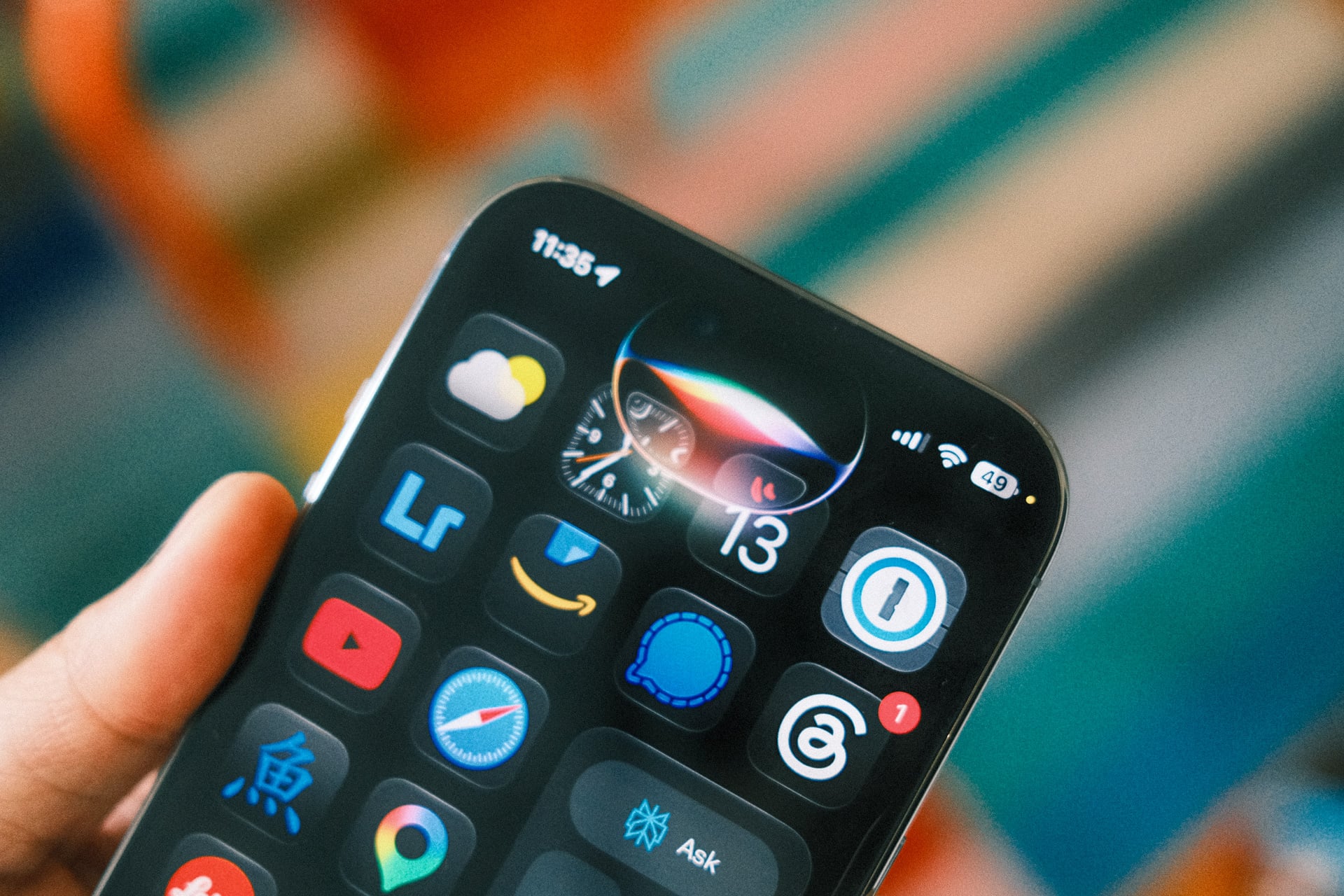
Without having ever told Siri AI who my girlfriend was, it was able to, with the press and hold of my iPhone’s side button, tell me what kind of foods she liked based on entries in my Notes app and messages that she had sent me when we started dating. Siri AI also reminded me that she doesn’t like salad. (Same as me!). The answers bubbled out of my iPhone’s Dynamic Island, and, from there, I could either continue the conversation with voice or type into the “Ask Siri” bar. There’s also a + button to take a photo, include an image from the Photos app, or attach a file.
Interacting with Siri AI is very similar to a chatbot app like ChatGPT or Perplexity, which is to say it’s very easy to understand and use. If you’re familiar with those types of AI chatbot apps, you’ll quickly pick up Siri AI.
I asked Siri AI to find me my upcoming flight details to London for Samsung Unpacked next week. It correctly pulled up my flight details with departure and arrival times. Could I have opened my Mail app and searched for it myself? Yes, but going into my inbox is stressful. I hate scrolling through emails, especially long ones, to find something. In situations like this, Siri AI saves me a lot of time.
When you ask Siri AI to do something and it does it, it feels like magic. I get so excited that it saved me a bunch of taps. But when it fails to do something, reality sinks in, and you realize that Siri AI is still a work in progress. Apple lists a whole bunch of “actions” in apps that Siri can perform, like “rotate a photo left.” I asked Siri to do this for me, but instead of rotating the image, it opened the crop tool and then told me I could rotate it myself. Not quite the “just do it” attitude I was looking for.
The real magic happens when you ask for multistep actions—chaining a few tasks together. A real-life example: Find the things my dad likes, then draft an email to my mom suggesting we consider buying it for Father’s Day. With one voice command, Siri looked through my iPhone, identified that I had considered “AirPods 4” as a gift, and drafted up an email. Siri AI missed the part about sending the email to my mom, but it did most of the work, which counts as impressive to me.
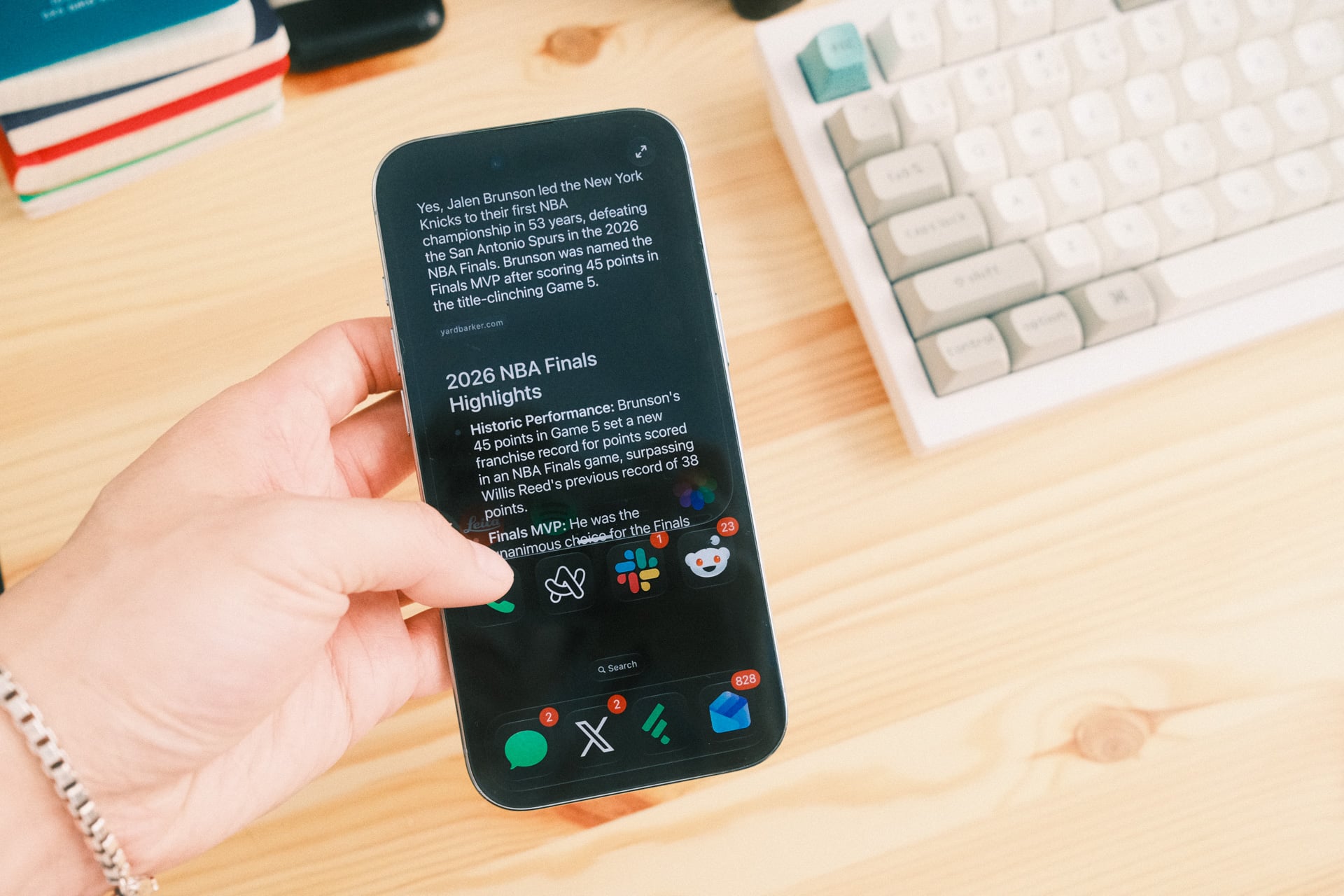
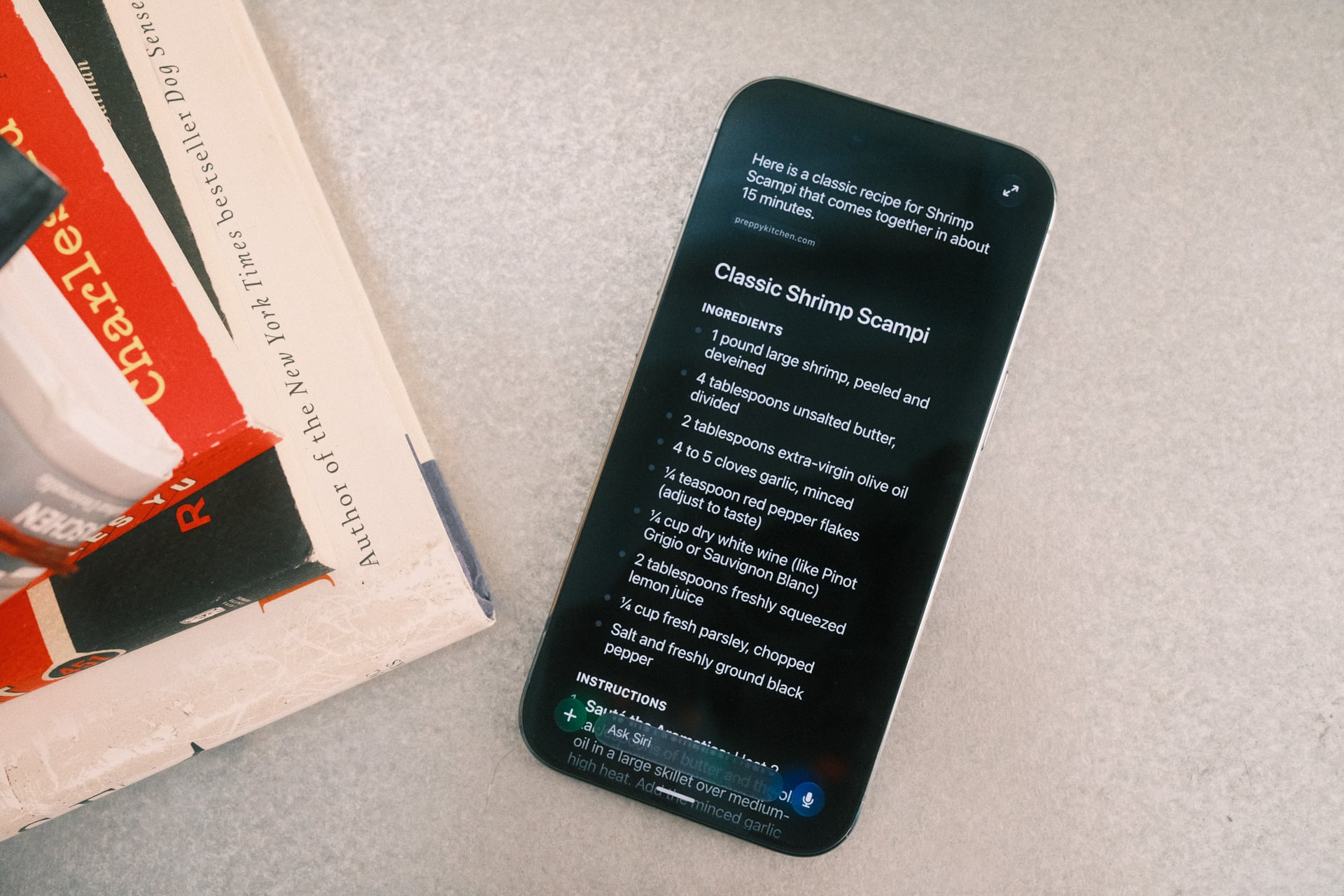
Mostly, I found myself using Siri AI to search for things just like I do with ChatGPT, Gemini, or Perplexity. When I needed a recipe for shrimp scampi, it found me one from Preppy Kitchen. I didn’t have to go to the website and deal with obtrusive ads. When I wanted to know more about Jalen Brunson and how he led the New York Knicks to their first NBA championship in 53 years, I just asked Siri AI and it gave me a summary with a brief chart on key stats, pulled from Wikipedia. When I needed help identifying an actor from a Malcolm in the Middle video clip I was looking at on my MacBook, I fired up the Camera app, tapped the new Siri mode, took a photo, and Siri AI correctly told me her name was Tania Raymonde using “Visual Intelligence.” I could then continue the conversation with follow-up questions, like inquiring about her recent acting roles.
One thing you should be aware of is that Siri AI’s helpfulness can be limited when it shouldn’t be. You would think telling Siri AI to “show me how much storage I have left on my iPhone” would open the respective screen within the Settings app and simply show me my remaining gigabytes. Alas, Siri AI could only point me to the Settings app and then tell me which menus to tap through.
All “conversations” that you have with Siri AI are saved in the new Siri app. It’s handy for recalling past chats. By default, the app automatically deletes conversations after 30 days, but you can change that to a year or to keep them forever. Worth noting: deleting conversations doesn’t necessarily make Siri AI “dumber,” but if you ask again for something you previously asked for, it could take longer since it needs to rescan your data for that info.
Siri AI isn’t completely bug-free, either. For example, whenever I asked it to “show me photos with me and my sisters,” it would display “Here are the photos with Jenny and Angela” followed by black space where the photos should have been. I noted several crashes and misunderstandings throughout the first developer betas, but that’s to be expected since it’s early-release software.
It should also be noted that Siri AI can make mistakes, too. While it’s less likely to hallucinate information compared to other LLM-based chatbots when it’s pulling information from across your Apple apps like Mail, Messages, and Notes, I have not been able to shake off the feeling that Siri AI will tell me something one day, and I’ll blindly trust it only to end up screwed in some way. I’ve witnessed some of Siri AI’s incorrect answers. A few times it thought my girlfriend was my sister when I was asking for group photos, and some of the “facts” taken from the web were from websites that I wouldn’t consider reputable.
Siri AI’s foundation is all here. It’s remarkable that Apple has been able to correct its massive fumble and somehow not miss a beat in the AI race. Of course, that’s the advantage Apple has by controlling the entire stack—both the hardware and software. Its powerful supported devices can perform many AI tasks locally and privately. In the case of Siri AI, anything that taps into personal context is on-device and never sent to the cloud. Stuff that requires “world knowledge” or information from the web does, but privately as well, thanks to Apple’s Private Cloud Compute, which Apple claims never shares your personal data with any companies.
Currently, Siri AI is only available in English and in the U.S. Apple has not announced plans to bring Siri AI to Europe due to restrictions from the Digital Markets Act. Siri AI’s launch in China is also up in the air as a result of regulations.
A month with Siri AI and I’ve found myself talking to it more and more every day. I no longer need to unlock my iPhone, launch an AI app, and then make a voice or text prompt. The intelligence and automation (light as they still are right now) that Siri AI now has are what Apple promised when the voice assistant launched on the iPhone 4S in 2011. There will probably never be One Big Moment where Siri AI changes everything, but if Apple can keep building on it—for real this time—we’re all going to be tapping on our glass slabs a whole lot less and talking to Siri AI to do more and more.