Schedule a Night Mode to Reduce Eye Strain, Then Change the Hue and Saturation
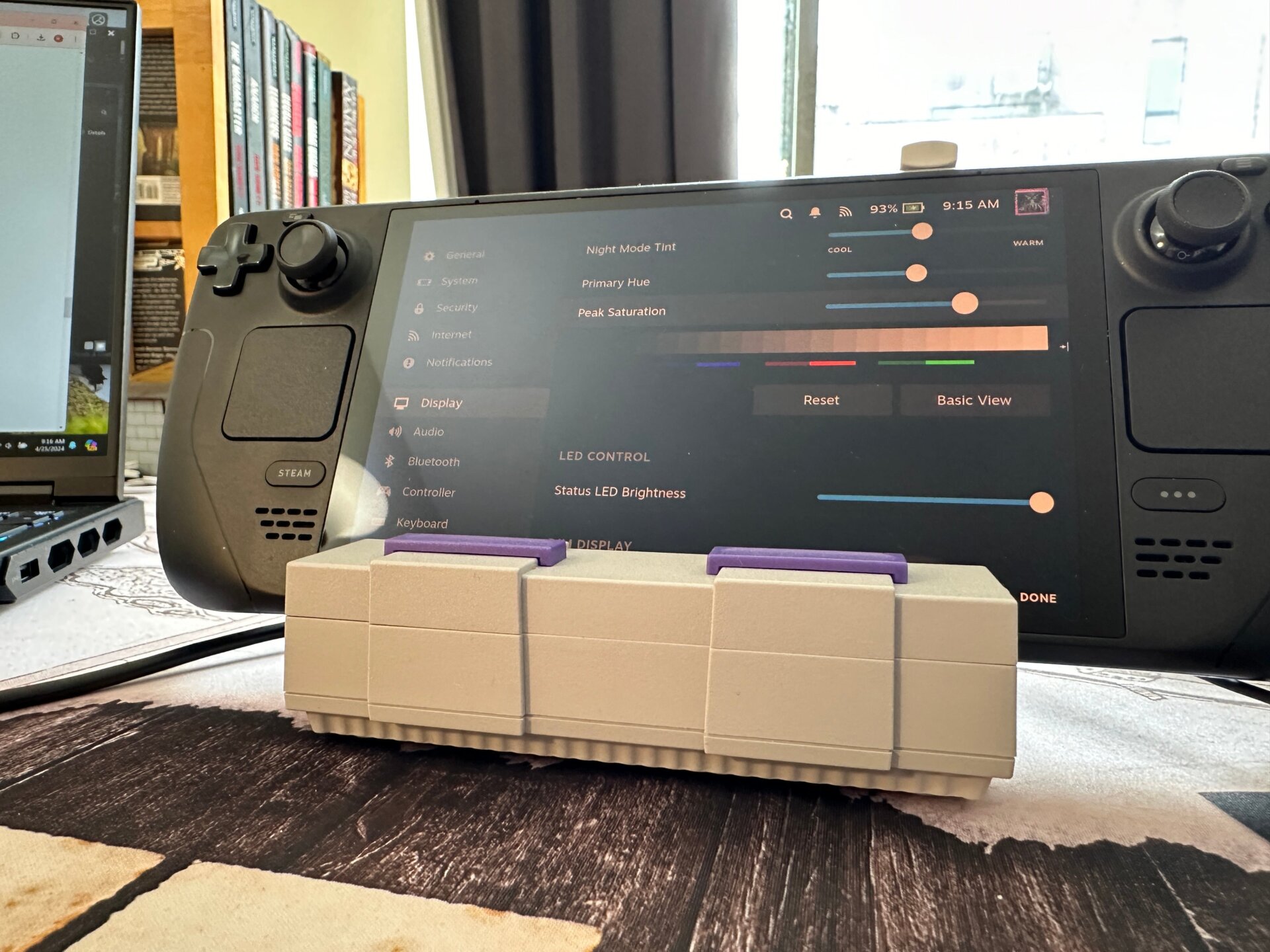
Your eyes are important, and you should help them by scheduling your Night Mode on your deck. Under Settings and Display, there’s an option to schedule a Night Mode for whenever you end up plugging away at your Deck after dark. Scroll down the options, and you can even expand it to set a custom tint for your deck at night, going so far as to mess with the hue and saturation. It’s great the Deck offers this amount of customization at base, though you may also want to look into a few plugins in Decky Loader that could make your experience in Game Mode a bit more nuanced.