Run What Might Be the Biggest Game Emulation Device Possible
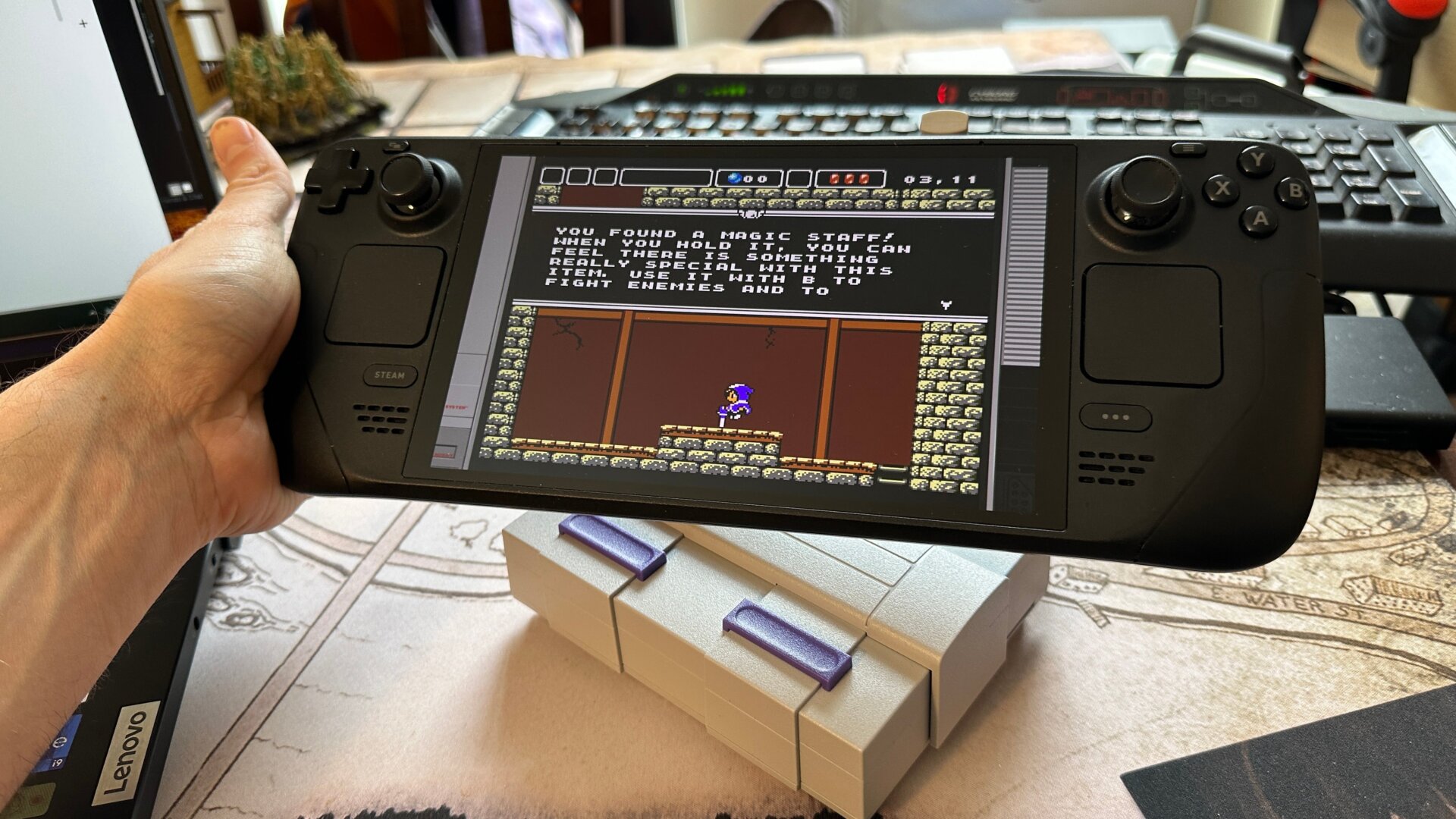
Now that we’re pretty well-versed in Steam Deck’s desktop mode, we can start thinking about running emulators. For this, we’ll want to first look at EmuDeck. This is truly an amazing program that can do pretty much everything you would want it to. It’s essentially one big platform capable of running all the biggest emulators out there. They have their own dedicated video tutorial for downloading it, which runs you through the basics of getting the program on your device. Suffice it to say that you’ll want to be in Desktop Mode before downloading EmuDeck and copying it over to your desktop from your downloads folder. Click on the file, hit Execute, and follow the instructions. You can do a quick install, which will give you all the major emulators on the platform, or do a custom install, where you can choose and select specific button layouts, save states, aspect ratios, and more.
Once you’re installed the program and put your ROMs into the correct folder for the system you’re trying to emulate, you should be able to access EmuDeck from your regular Game Mode UI under Collections. The next step is to find some ROMs to emulate, but since that’s a far more tricky legal subject, we’ll leave it up to you to find those. If you need a bit more help, check out our guides on PC game emulation and iOS game emulation.