Easier Link Sharing From Chrome
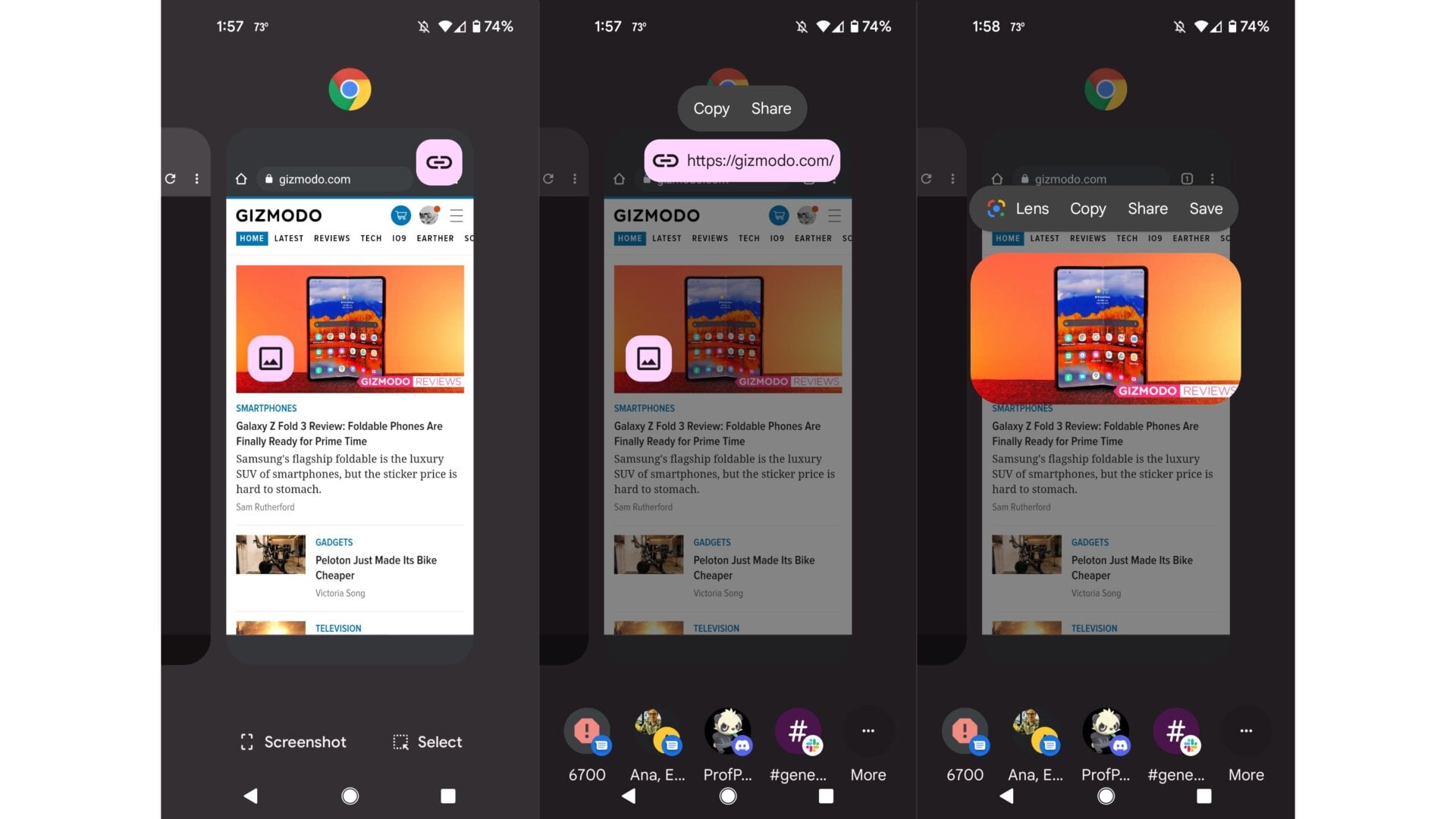
There’s a new way to share a link from an active Chrome browser tab: Assuming you’re in a single tab and not in a group tab, simply zoom out to the multitasking window and then tap on the link button that pops up. Android 12 will automatically populate a few of your latest contacts at the bottom for quick link sharing. You can also share an image by tapping on the accompanying image button.