Keep Sensitive Info Private
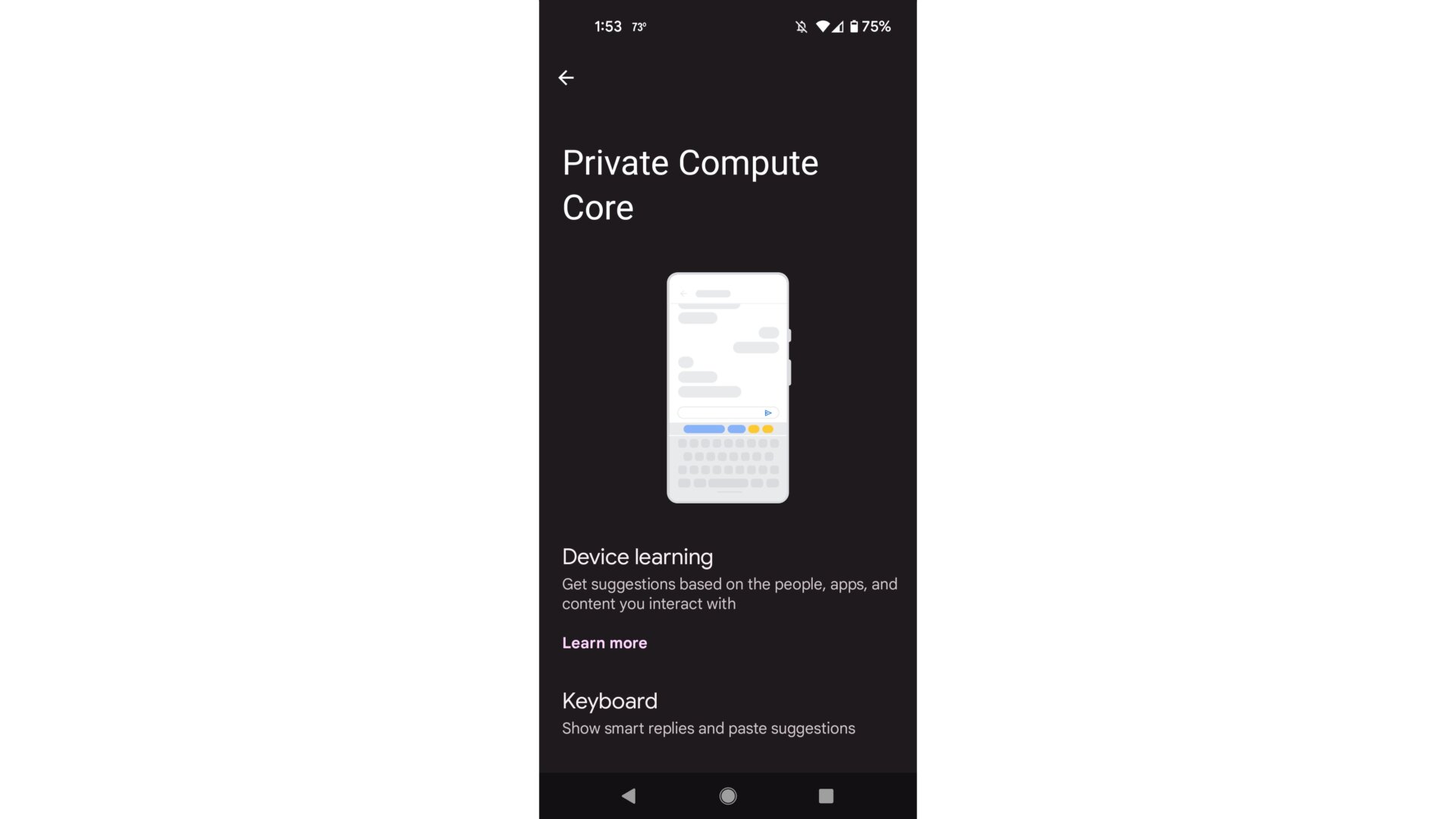
Google’s been emphasizing privacy a whole lot more lately. Some of the abilities introduced in Android 12 Beta 4 work in the background to ensure sensitive data remains protected.
This includes features like the Private Compute Core, which was introduced at Google I/O this year. The Private Computer Core is a partitioned space within the OS that keeps sensitive information used to train the machine algorithms for Live Caption, Now Playing, and Smart Reply safely tucked away. When the option is turned on, all audio and language processing happens exclusively on the device.
The Private Computer Core can be set up through the Privacy tab in the Settings panel. This will allow “sensitive computing” to happen in an isolated environment, kind of like when you’re browsing the web in Incognito mode. Currently, you can choose to turn off smart text suggestions in Gboard.