Nearby Share With Anyone and Everyone
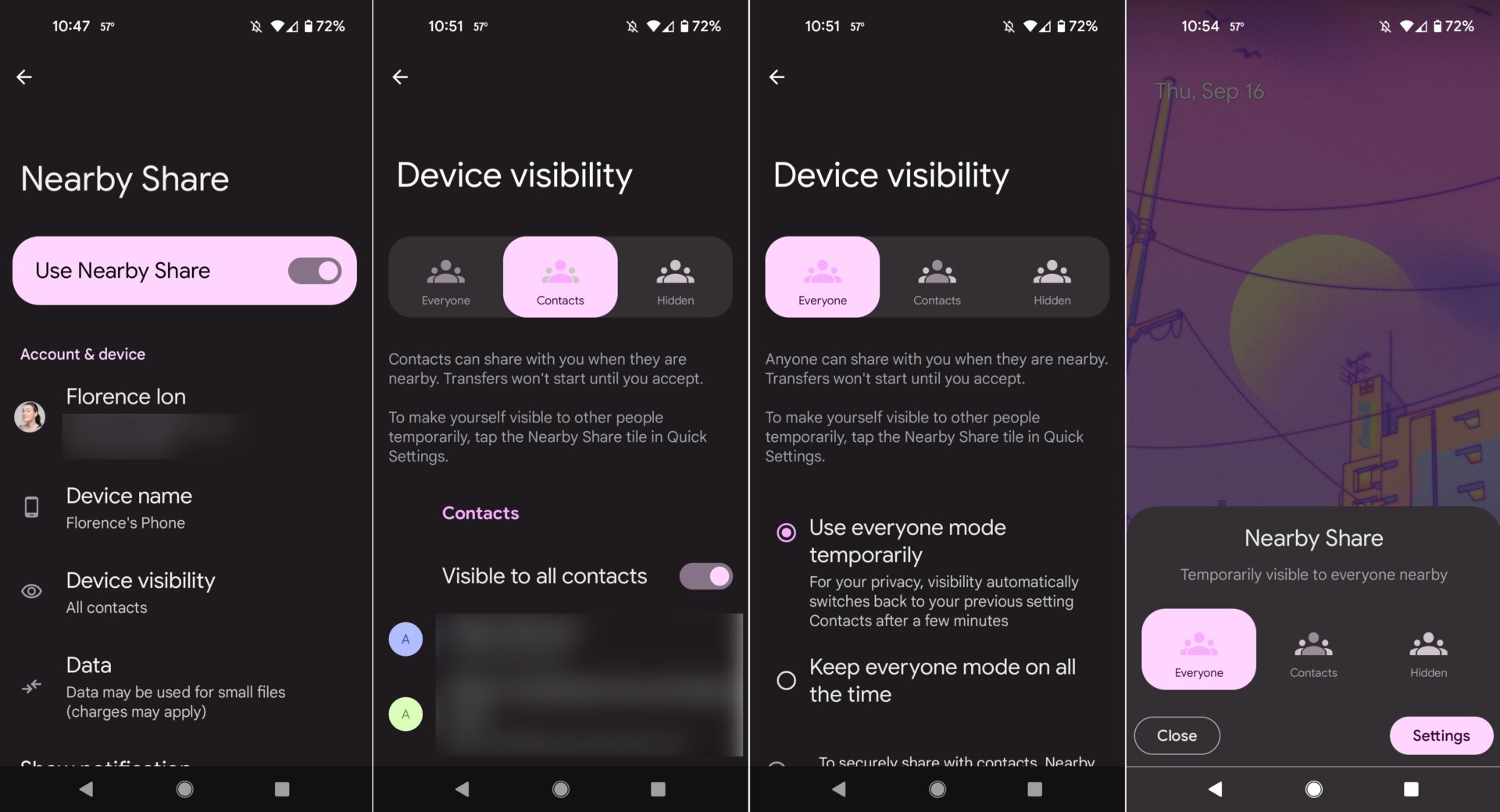
Android’s version of Apple’s AirDrop is called Nearby Share, and a new option in Android 12 Beta 5 expands the wireless file-sharing specification to anyone in proximity with a compatible device.
In the Settings menu, search for Nearby Share, then scroll down and select the Device visibility option. You can also add the Nearby Share tile to the Quick Settings for easier access.
The next page is your Device visibility options. By default, Nearby Share is available only to your contacts. Or you can switch to Everyone, and anyone can share with you when they are nearby. There’s an option to allow file-sharing with everyone temporarily or at all times.
You don’t have to use Nearby Share if you don’t want to. You can simply turn it off by selecting the Hidden option.