Don’t Forget Google Pay
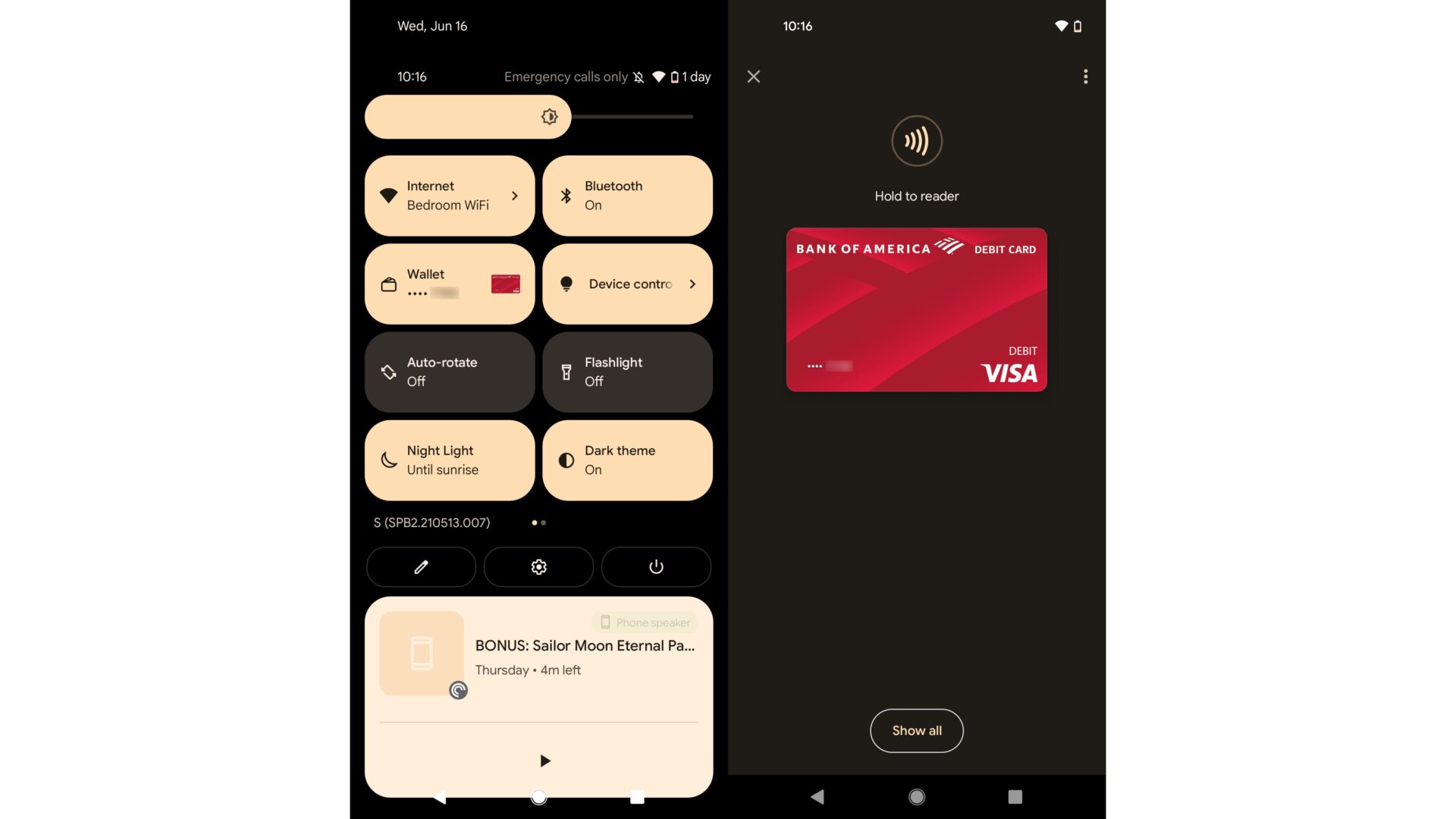
The Google Pay wallet was also extracted from the power menu and moved up into the Quick Settings panel. By default, you can drag it down once to access your Wallet. If you have Google Pay set up, you’ll see your default card show up on the screen, ready to be scanned. If not, Google will ask for some verification, and then you’re ready to start spending.