Enable the Quick Tap Gesture
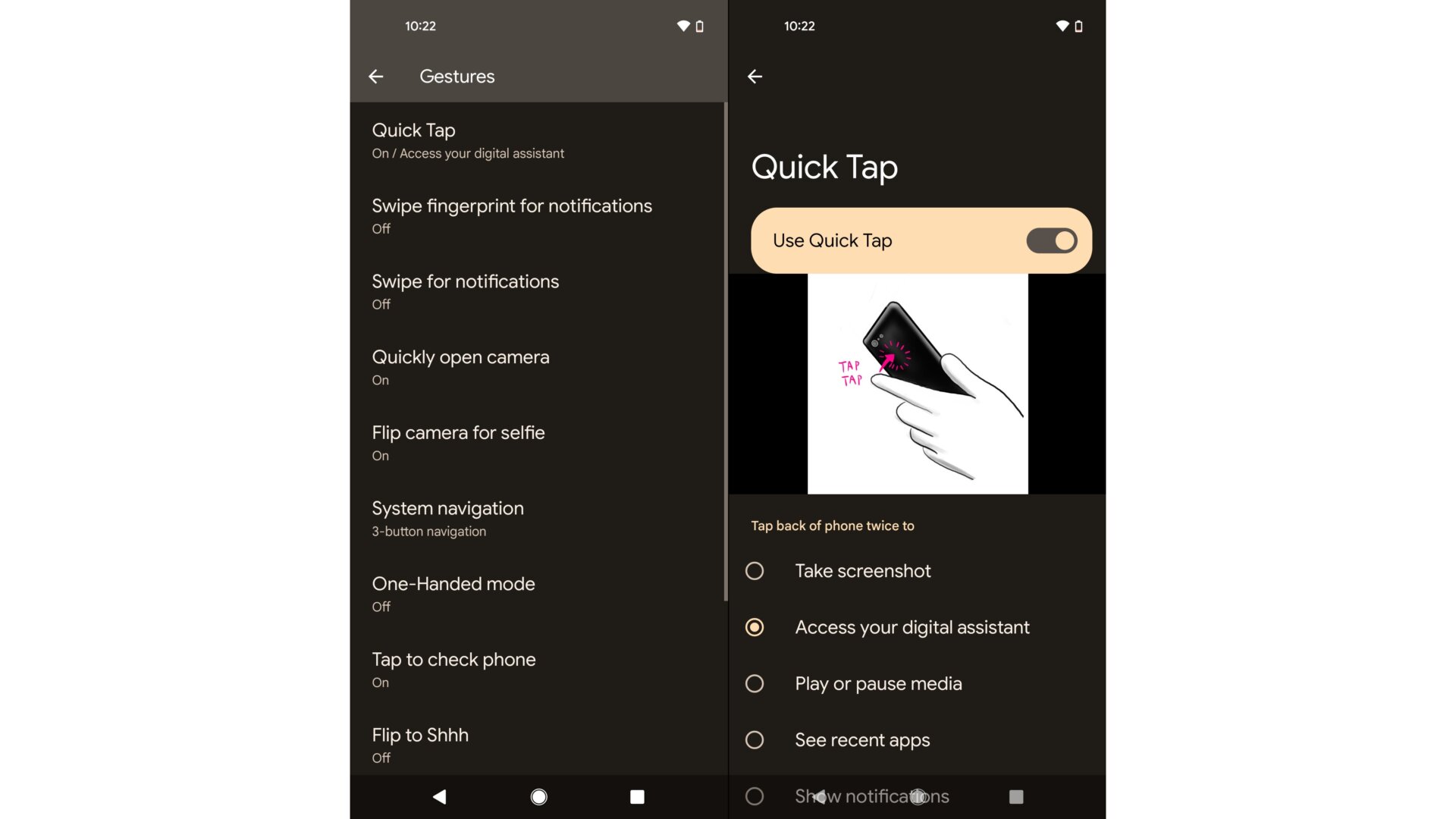
If you’re running the latest Android 12 beta on the Pixel 4a 5G or Pixel 5, you can enable the new Quick Tap gesture. Either search for it in the settings panel or head into the Gestures options and select Quick Tap. Once you turn it on, you can choose whether you want to double-tap on the back of the phone to take a screenshot, access the Assistant, play or pause media, see recent apps, show notifications, or open a specific app. You can also select whether the phone should require stronger taps to avoid accidental launches.