Adjust Your Lights From the Quick Settings
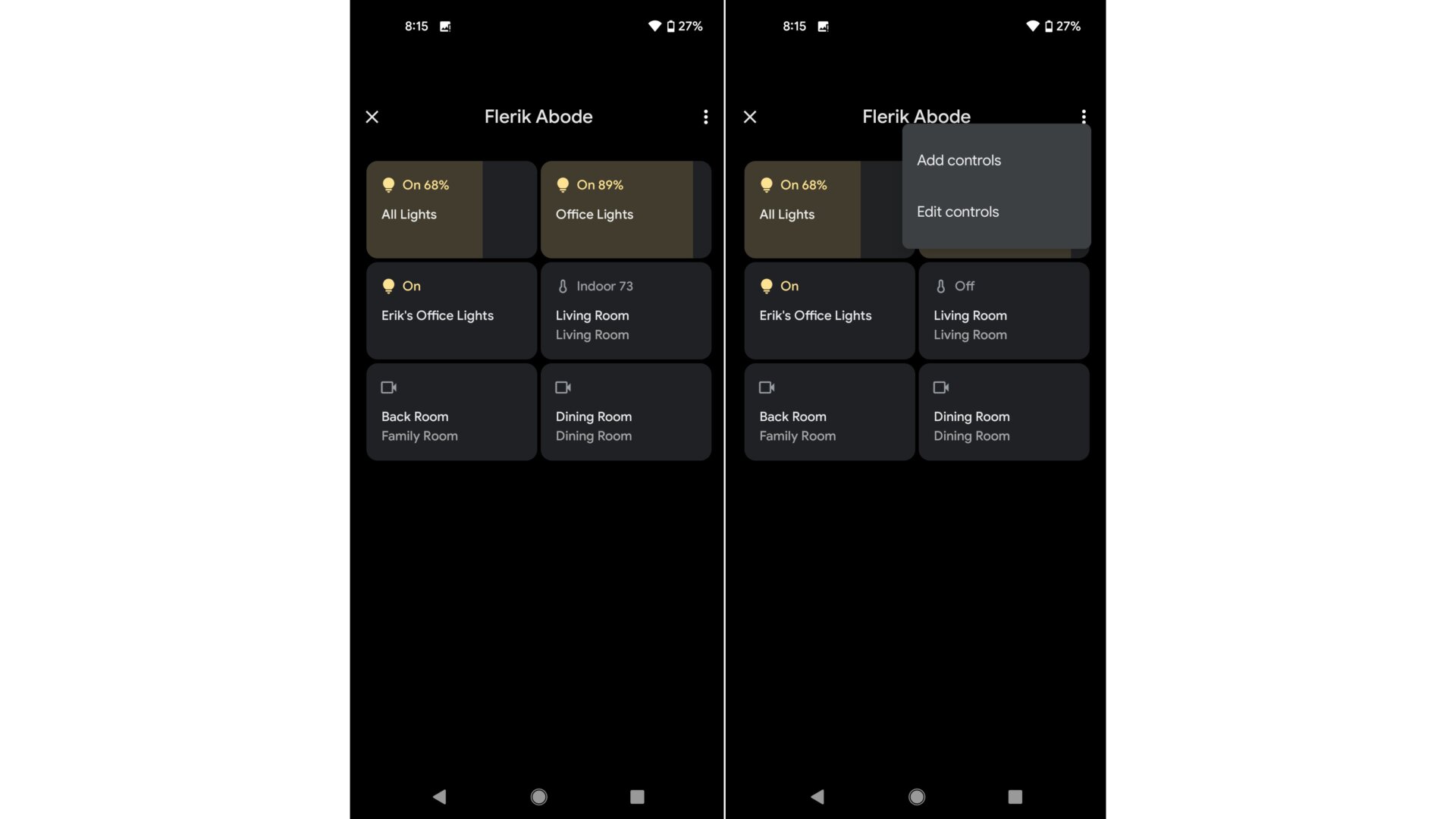
Android 12’s smart home controls have been rolled up into the Quick Settings panel. Drag down from the notification shade twice to reveal the quick tiles. If you had smart home controls set up before you installed the beta, you should see a Device Controls button pop up next to the Wallet option. Tap on it once to expand your smart home controls. From there, adjust your lights, cameras, thermostat, and other compatible devices as you need. You can also long-press on a particular room or control to expand into the Google Home app.