I’ve tested a lot of Wi-Fi routers over the years, and they’re pretty much always better than the one you’d get from your ISP. They rarely differ from each other in ways that any non-tech-obsessed person would notice. So how do you pick the right one? For me, it often comes down to pricing, form factor, and the actual user experience of managing my network.
Price-wise, the $550 TP-Link Deco BE77 Wi-Fi 7 mesh router system sits in the same zone as the Eero Pro 7 and the Netgear Orbi 770. It offers features neither of those devices has, thanks to its port selection, software options, and lower subscription pricing. In my testing over the last couple of weeks, the Deco BE77 was often faster than the Eero Pro 7 I checked it against. It’s tempting to call it a better mesh system.
But of course, there are other things to consider. In day-to-day use, the Deco BE77 was essentially indistinguishable from the Eero Pro 7. At the same time, the TP-Link router’s gargantuan size makes it a distracting presence when it sits in the same spot as the Eero. It was also a pain to get everything back on the network after I set it up, and I had to troubleshoot some odd software quirks while configuring things. But once I got through all of that, it proved to be an excellent mesh system that’s worth your while if you’re looking for speed and reliability in one.
TP-Link Deco BE77
A powerful, featureful, and stable mesh router system with very chunky hardware.
Pros
- Very fast Wi-Fi
- Stable connectivity
- Solid advanced options
- Doubles as a smart home hub
- Tiered subscriptions could save you money
Cons
- Big, chunky routers
- Fiddly transition from my previous network
- Subscriptions get pricey if trying to match Eero Plus
A big router with a decent port selection
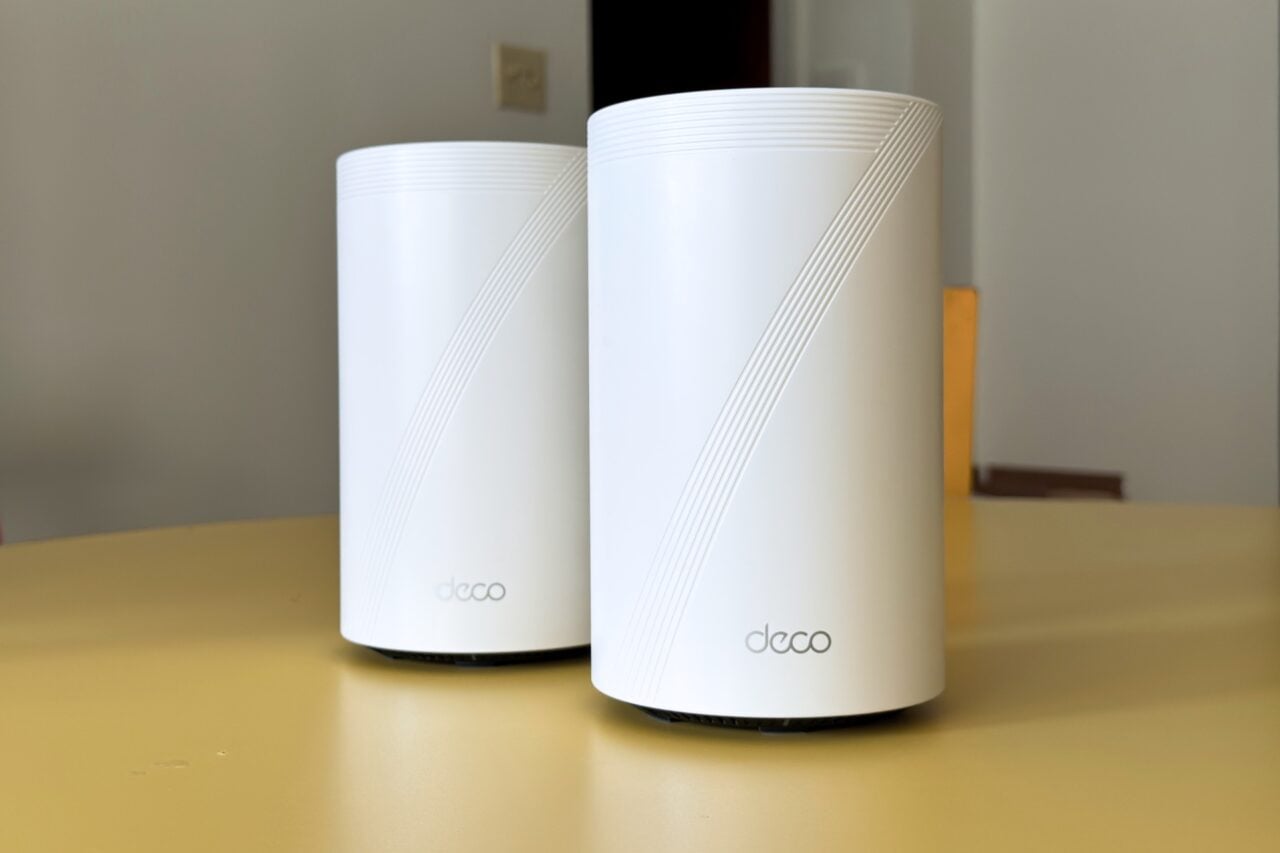
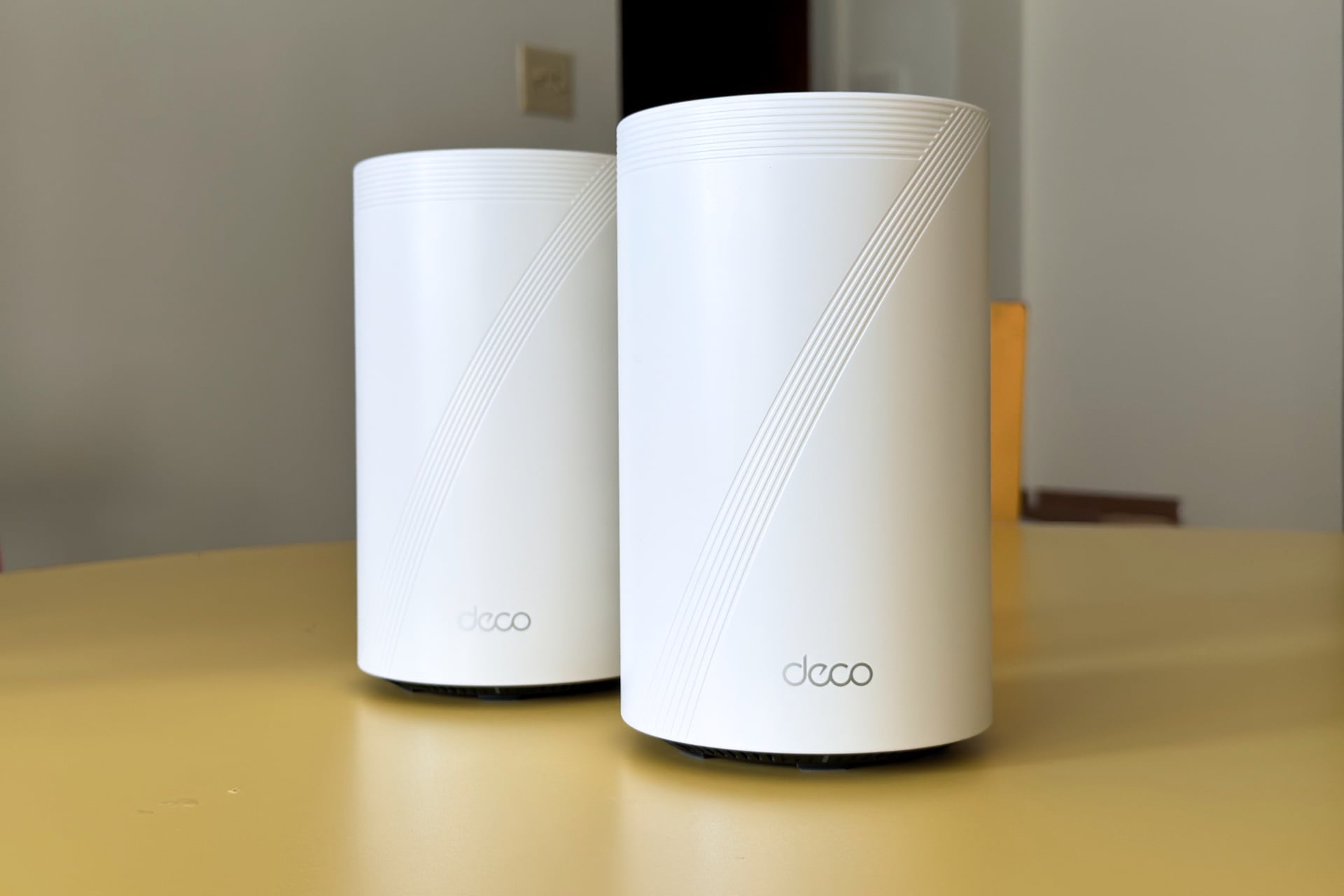
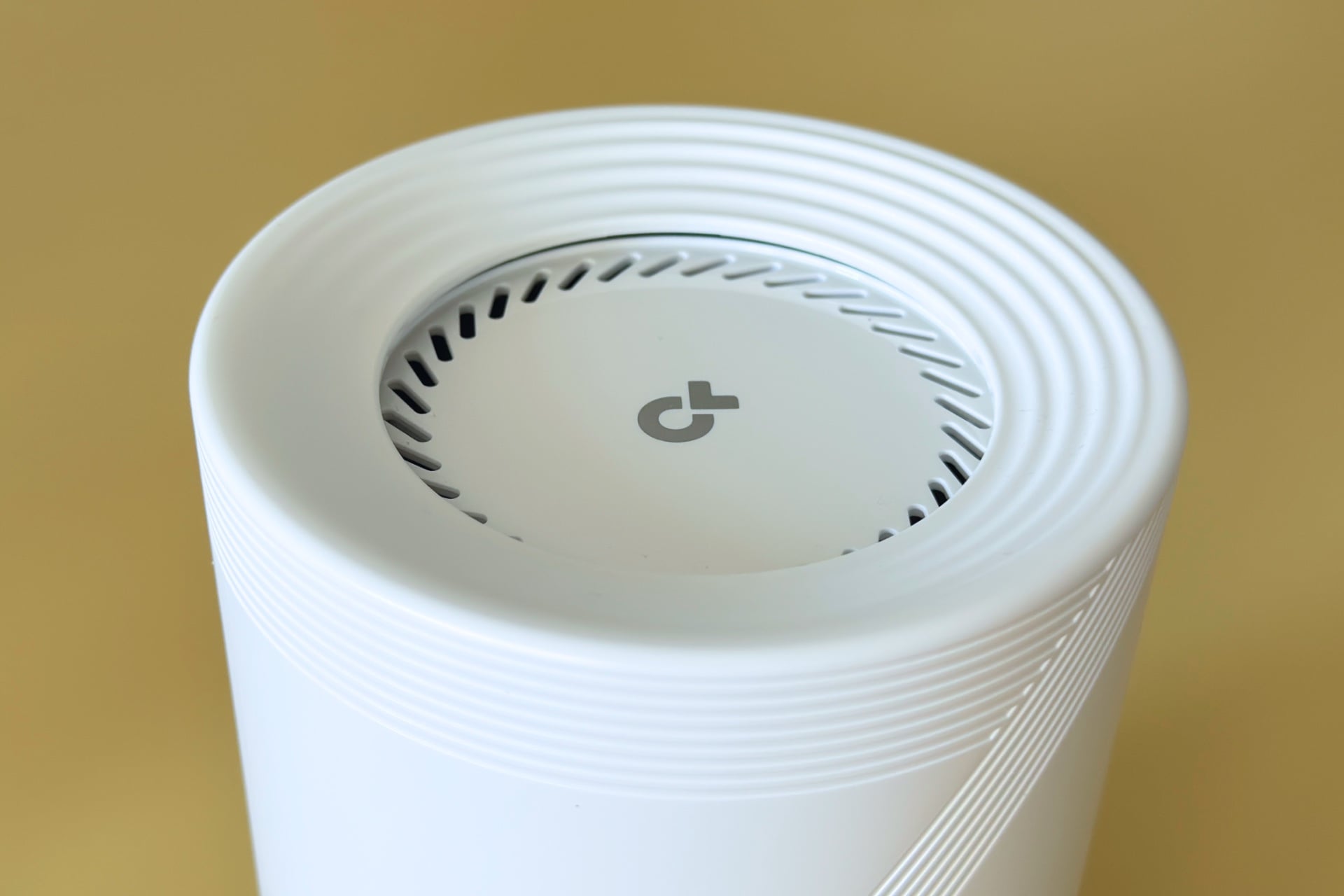
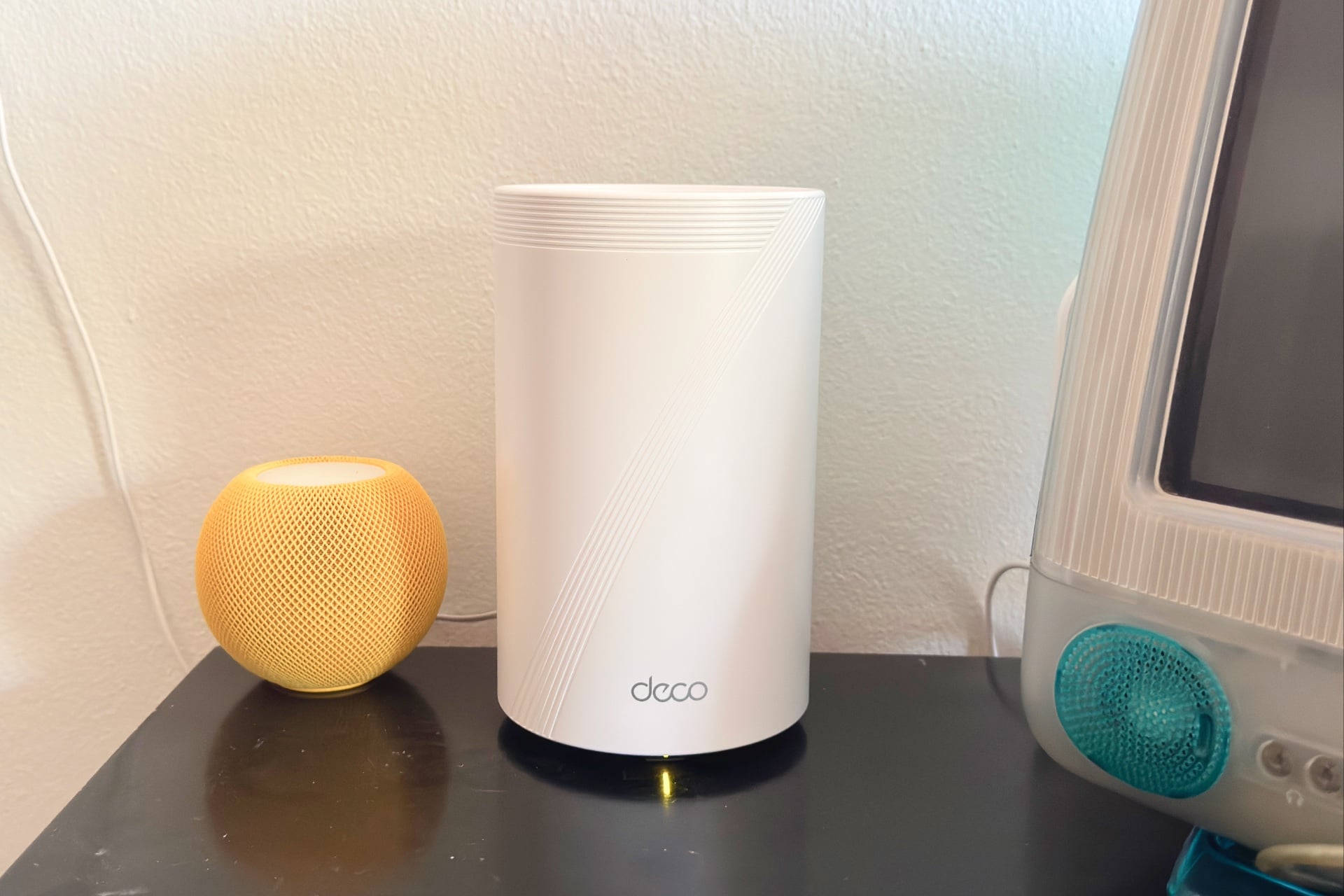
TP-Link sent me a two-pack of Deco BE77s. Each one is a big Wi-Fi canister, just shy of eight inches tall and five inches wide. That’s almost an inch taller than the Eero Pro 7, but also two inches narrower than the Eero’s oblong footprint at its widest. The Deco BE77’s beefy, cylindrical form factor makes it harder to hide if you’re the type who prefers to do so. I never recommend tucking your router behind furniture for the best Wi-Fi performance, but we all have our priorities.
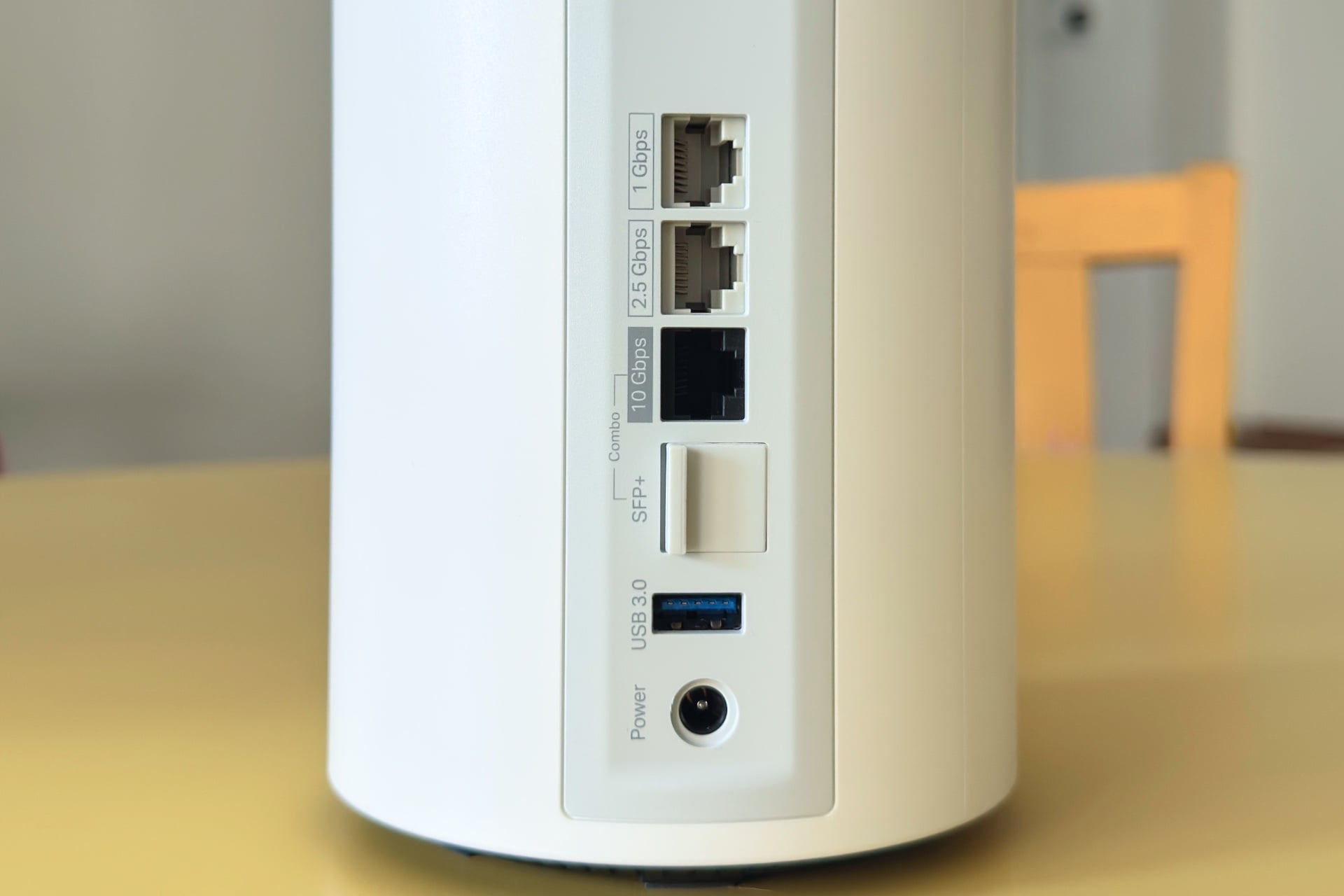
Both Deco BE77 units have the same mishmash of connectivity—a gigabit LAN ethernet port, another 2.5Gbps option, and a 10Gbps slot that you would connect to your modem or, if you have fiber, your optical network terminal (ONT). It also features an SFP+ port, which you can use, if you’re so fiber-blessed, and frees up the 10Gbps ethernet port for critical devices.
As someone who keeps a Synology NAS with two gigantic hard drives on my local network for Plex streaming and storing large files and backups, I appreciate the port selection. But that’s a rare use case, and most of us don’t have access to 2.5Gbps internet plans (let alone 10Gbps), making the ports a nice feature that shouldn’t drive most folks’ buying decisions.
Easy setup, cruddy smart home options
After connecting the Deco BE77—since they’re identical, it didn’t matter which one—to my fiber ONT, I popped open the TP-Link Deco app. Setup took about 10 minutes and involved agreeing to some terms and deciding whether or not to share usage data for TP-Link’s improvement program. Once I had named my Wi-Fi network and set a password, the app invited me to connect the second Deco BE77 to create a mesh. I did that later, and it was just as quick and easy.
After setup and initial testing, I set the router to use my usual network name and password, and about half of my smart home devices refused to reconnect. That’s a common configuration issue with many routers, though not all. I’ve never experienced it when transitioning to, say, an Eero or Ubiquiti network.
Growing pains aside, I generally enjoyed using the Deco BE77 and the Deco app. The router’s app home screen is easy to parse, showing you how many Deco BE77 routers are in your mesh and how many devices are connected to each. The buttons above and below take you to screens where you can test your internet speed, check your Wi-Fi settings, and view the list of devices connected to your router. Another section shows you, in real time, how much data is going in and out of your whole network. You can also get a real-time view of how much each device is using if you dive into the connected devices list.
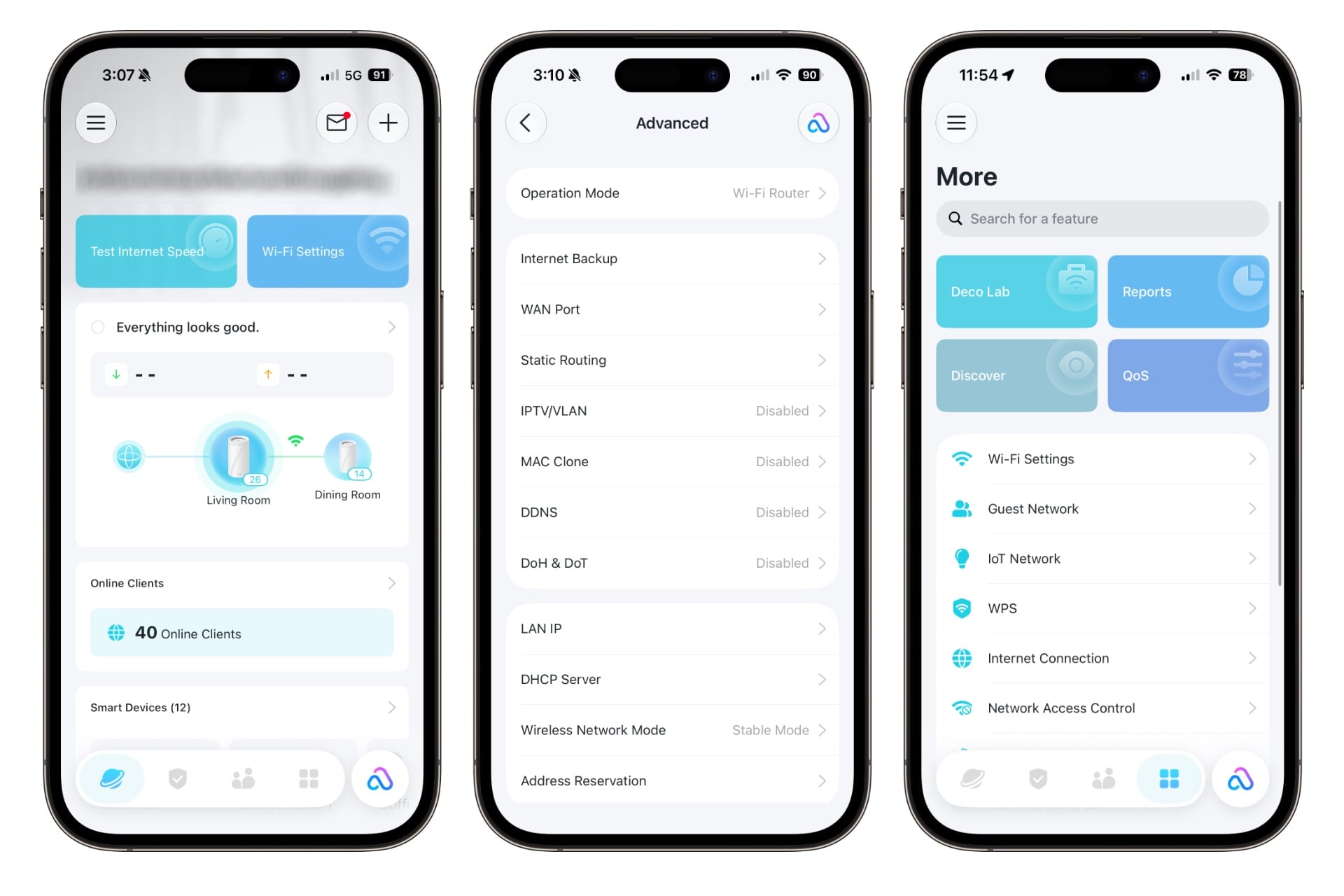
TP-Link gives users an amount of control over their network that I appreciate. On a per-device basis, you can decide whether you want, say, your Nintendo Switch to connect only to the 5GHz network. Which is great; every Switch I’ve ever owned, including the Switch 2, has an annoying tendency to prefer a much slower 2.4GHz connection. You can also do things like limit device throughput, choose which Deco BE77 router they connect to, or even prevent them from treating the network as a mesh.
Deeper in the app, you’ll find options like static routing or the ability to always park a given device on a specific IP address, which can be useful if you have particular firewall rules, like those on my Plex server, that only allow connections from specific IP addresses onto my local network. It also lets you customize DHCP Server settings, which I needed to do because, by default, the range of IP addresses the Deco BE77 would assign—or let me reserve—didn’t start until 192.168.68.51, for unclear reasons. That won’t matter to most people; I’m mainly including it in case you’re here after googling for a solution.
The Deco app’s advanced options aren’t as in-depth as you’d find on a lot of Asus or Ubiquiti routers, which let you do things like adjust the transmit power of specific radios. And I didn’t find anything like the (obnoxiously subscription-only) radio analytics graphs that exist in the Eero app. But TP-Link’s offerings are better than the near-total lack of control options I’ve found in the apps for Netgear and Linksys mesh systems I’ve tested in the past.
The Deco BE77 can also serve as a smart home hub, supporting TP-Link’s Tapo and Kasa lines, as well as Philips Hue and Matter devices. But it’s a very basic experience that you wouldn’t want to use if you have more than a few devices. I stopped messing with it after adding my Hue hub and a couple of Matter bulbs, because it just gave me a single, giant, two-column list of everything I’d added, with no apparent options to divide things up and make them easier to find and use. For example, I couldn’t group lights, like the four bulbs of an overhead fan, or separate devices under room headers, which made it hard to quickly find and operate things.
Fast, stable Wi-Fi
If you’re in a midsize two-bedroom apartment like the one I recently moved into, a single Deco BE77 may be all you need. My place is probably trickier than most, given that the building is more than 100 years old, and its thick walls are made of Wi-Fi-dampening plaster. Despite that, just one Deco BE77 at the far end of my unit provided fast, stable Wi-Fi to every area I tested.
I use a command-line tool called iPerf3 for basic network throughput testing. It let me simulate local file transfers between a designated server (an M2 MacBook Air, hardwired to an Anker Prime DL7400 dock) and client (a Samsung Galaxy Book 2 360, wirelessly connected via an MSI BE6500 Wi-Fi 7 USB adapter). Going this route means I don’t have to deal with the uncontrollable variables of the internet. I still went online while testing gaming and 4K video streaming. Most routers handle both just fine, but it was reassuring to see that this Deco system wasn’t weirdly bad at either.
A quick note here: I used different testing equipment when I reviewed the Eero Pro 7 last year, and I lived in a house then, rather than in my current apartment. Although my methods were the same, I obtained lower throughput numbers with the Eero Pro 7 during this retest. I suspect this was a matter of equipment. The Asus ROG Strix G18 gaming laptop I was borrowing then had a very good Intel BE200 Wi-Fi 7 chip, whereas I’m now using an external Wi-Fi 7 USB adapter that may simply not be as performant. It’s likely that the numbers recorded below would have been higher had I still been using that Strix laptop. This is why we do comparative benchmarking, folks!
Anyway, during my testing, the Deco BE77 pumped out 1.7Gbps at its fastest while using Wi-Fi 7 on the 6GHz band. The Eero Pro 7 peaked around 1.6Gbps. Interestingly, though the Pro 7 was at its fastest when I ran wireless throughput tests six feet away from it, in my living room, I saw the Deco BE77’s best throughput while sitting on the other side of a wall, about 15 feet away, in my bedroom. That dynamic played out across testing, with the two routers trading off which was better in a given spot. The only time I saw a clear throughput champ was when testing the 2.4GHz band, where the Pro 7 was sometimes twice as fast as the Deco BE77. Which doesn’t necessarily matter since these days, 2.4GHz is mainly used by smart home devices that need stability and responsiveness more than high throughput. Both routers were fine when it came to that.
The Deco BE77 passed my other, more experiential testing with flying colors. When I streamed video on seven different devices—most of them 26 feet from the router in my dining room—I didn’t notice any buffering or resolution drops, and streams on services like YouTube, Disney Plus, and Apple TV started almost instantly. The same goes for streaming full-bitrate Blu-ray rips from my Synology NAS using Plex. While I streamed, I downloaded Counter-Strike 2 to my Samsung laptop. That download mostly hovered between 400 Mbps and 600 Mbps.
Obviously, the Galaxy Book 2 360 is not a gaming laptop, but I still found online gameplay very smooth while playing Counter-Strike 2, even from the other side of my apartment. The same goes for Mario Kart World on my Switch 2—in a bad network environment, you’d expect to see things like other players’ karts going tumbling well after they’re hit with a red shell or apparent direct strikes that did nothing. I saw very little of that, whether I was connected to the Pro 7 or the Deco BE77.
One area where I did have a better time with TP-Link’s router than I did with Eero’s was when using AirPlay 2 to play synced audio across five HomePods. The Eero routers I’ve owned over the years sometimes struggle with this, which can manifest as my iPhone taking a long time to switch its audio output to a HomePod. Or it can show up as my needing multiple tries to add a speaker to an existing group, or audio randomly switching back to my iPhone. It’s always hard to know whether that’s Eero’s fault, Apple’s, or a bit of both. In any case, while I was testing with the Deco BE77, playback always switched from my phone to my HomePods almost immediately—and stayed there—and I never had issues adding multiple speakers to an already established group.
Plan to subscribe
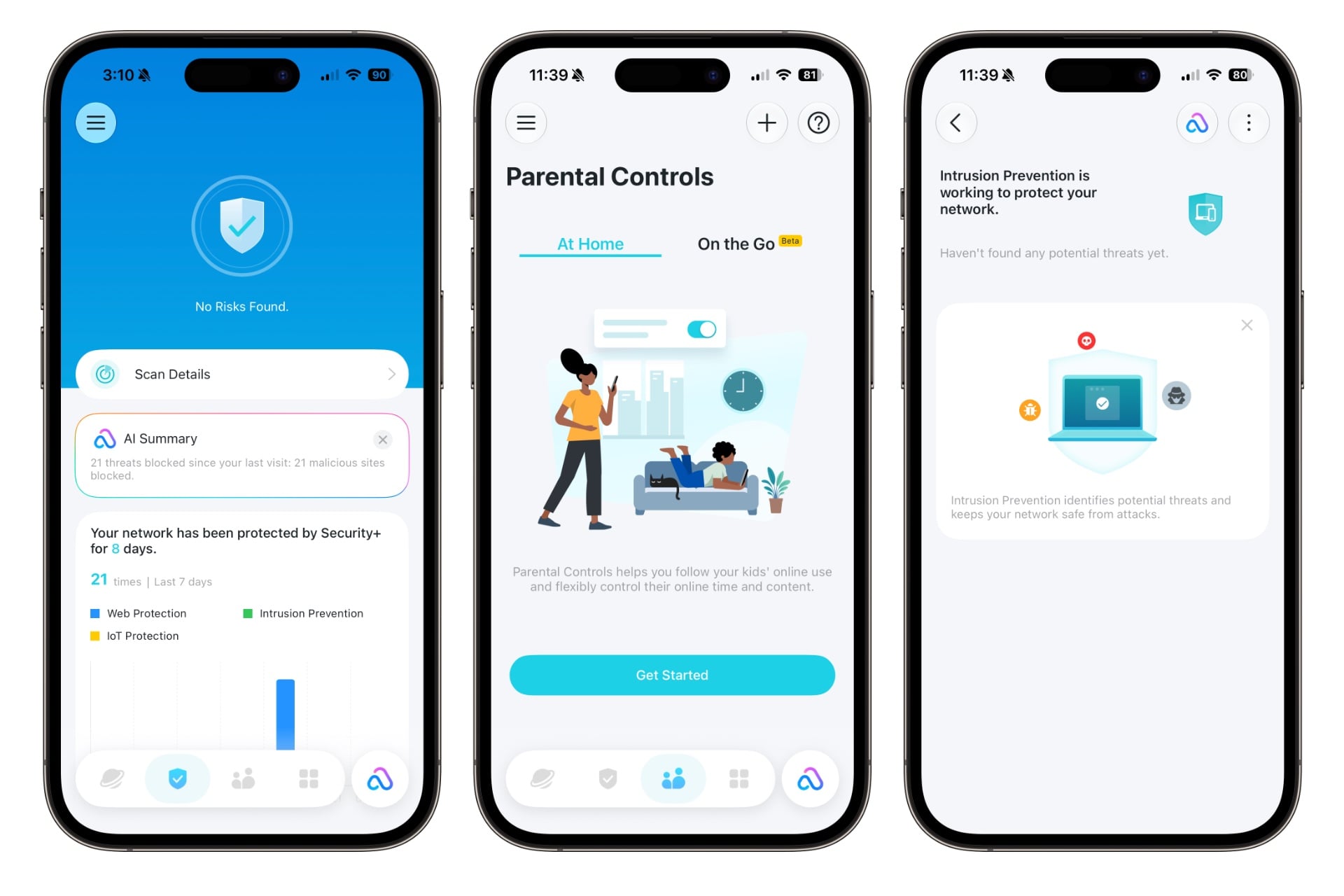
The Deco BE77, like most routers, offers subscription plans that provide extra security and parental controls. There are two separate subscriptions available under the TP-Link HomeShield umbrella. The Security+ plan, available for $4.99 monthly or $35.99 annually, includes protection against viruses and other malware. The Advanced Parental Controls plan, for $3 monthly or $18 annually, lets you filter content, set time limits for apps and general use, and monitor your kids’ device usage.
The plans together are cheaper than Eero’s all-in-one Eero Plus subscription, which is $10 monthly or $100 annually. That said, the security side of Eero Plus is more comparable to TP-Link’s higher-tier Total Security Package, which costs $130 a year when there’s no promotion. Both plans give you access to extras like a VPN and a password manager, but TP-Link’s offering doesn’t include parental controls, meaning TP-Link customers will still need to pay for those separately.
In general, while subscriptions like these can have their uses, you can often get the kinds of protection they offer through built-in smartphone controls and piecemeal security subscriptions on an as-needed basis. Also, not every router company charges for features like these—Asus, for example, offers them without a subscription, albeit through a third party. Pick your poison.
A great wireless mesh system
TP-Link’s Deco BE77 is a fantastic, easy-to-use mesh Wi-Fi router system that offers users a little more control than many similarly approachable options. After a little bit of troubleshooting at the start, I found that I didn’t really have to think about my network, and that’s exactly what I want out of Wi-Fi.
My only issue, aside from the early hiccups, was the routers’ size, which made them harder for me to place. I also don’t like the subscription pricing, though I appreciate that TP-Link offers targeted tiers so you’re not paying for features you don’t want. (I don’t particularly need network-wide parental controls, for example.) I still prefer Eero’s form factor and all-in-one subscription, which includes more options than TP-Link’s priciest option.
Still, I wouldn’t dismiss the Deco BE77, especially given its throughput at a distance—using Wi-Fi 7 on the 6GHz band, at least—and its ability to handle AirPlay. If you don’t mind a chunky can-shaped router and some potential troubleshooting, or you’re just tired of Eero, TP-Link’s Deco BE77 could be the ticket.