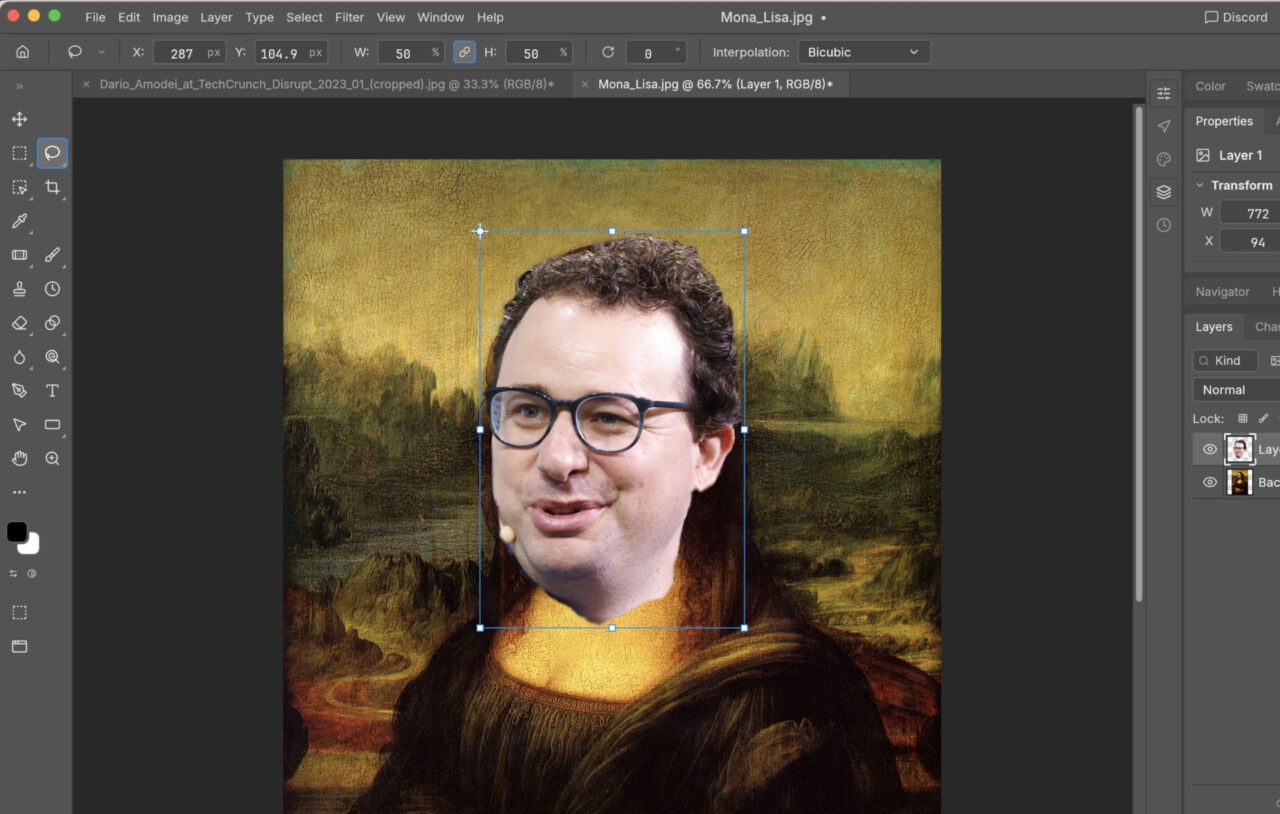
Adobe’s Creative Cloud has opened Photoshop up to more beginners than ever thanks to its $10 per month price tag. Here are ten super useful things to learn how to do if you’re using the software for the first time.
OK, yes, this tutorial is by Adobe. But, honestly, who better to tell you how to use its software? Over 45 minutes, this video shows you how to:
How to remove blemishes or ‘touch up’ a portrait (using the Spot Healing Tool)
Working with Layers and Adjustment Layers
Working with Masks
How to Crop
How to adjust exposure and fix colour-cast problems (using the Camera RAW filter)
How to remove an object from a photo (using Content Aware Fill)
How to move an object in a photo (using Content Aware Move) and duplicate/transform content
How to remove a subject from a photo and place it on a new background (using Smart Select and Refine Edge)
How to add text
How to save your photos in both editable and sharable format
All of which might not make you a pro, but it will certainly help kickstart your Photoshop career. [Adobe via PetaPixel]