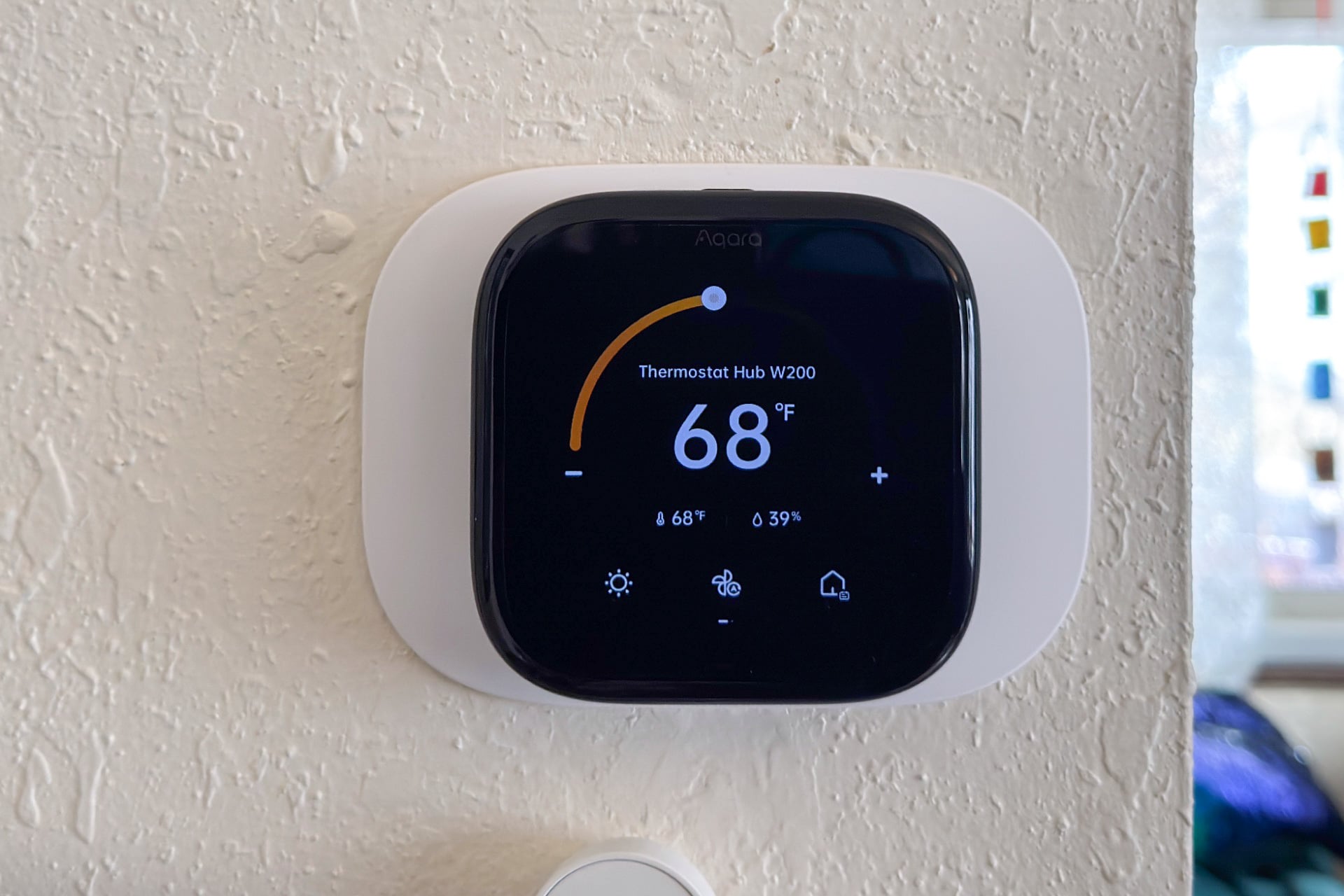
When I think of smart home thermostats, it’s almost always a Google Nest thermostat or one from the Ecobee line that comes to mind. Honeywell is in the mix, too. Now, Aqara has tossed its hat into the ring with its new $160 Thermostat Hub W200, and after a few weeks with it, I wouldn’t say I’m ready to permanently switch over from my 2019 Ecobee SmartThermostat (not to be confused with the company’s newer Smart Thermostats, with a space), but it wouldn’t take much more for me to make the swap.
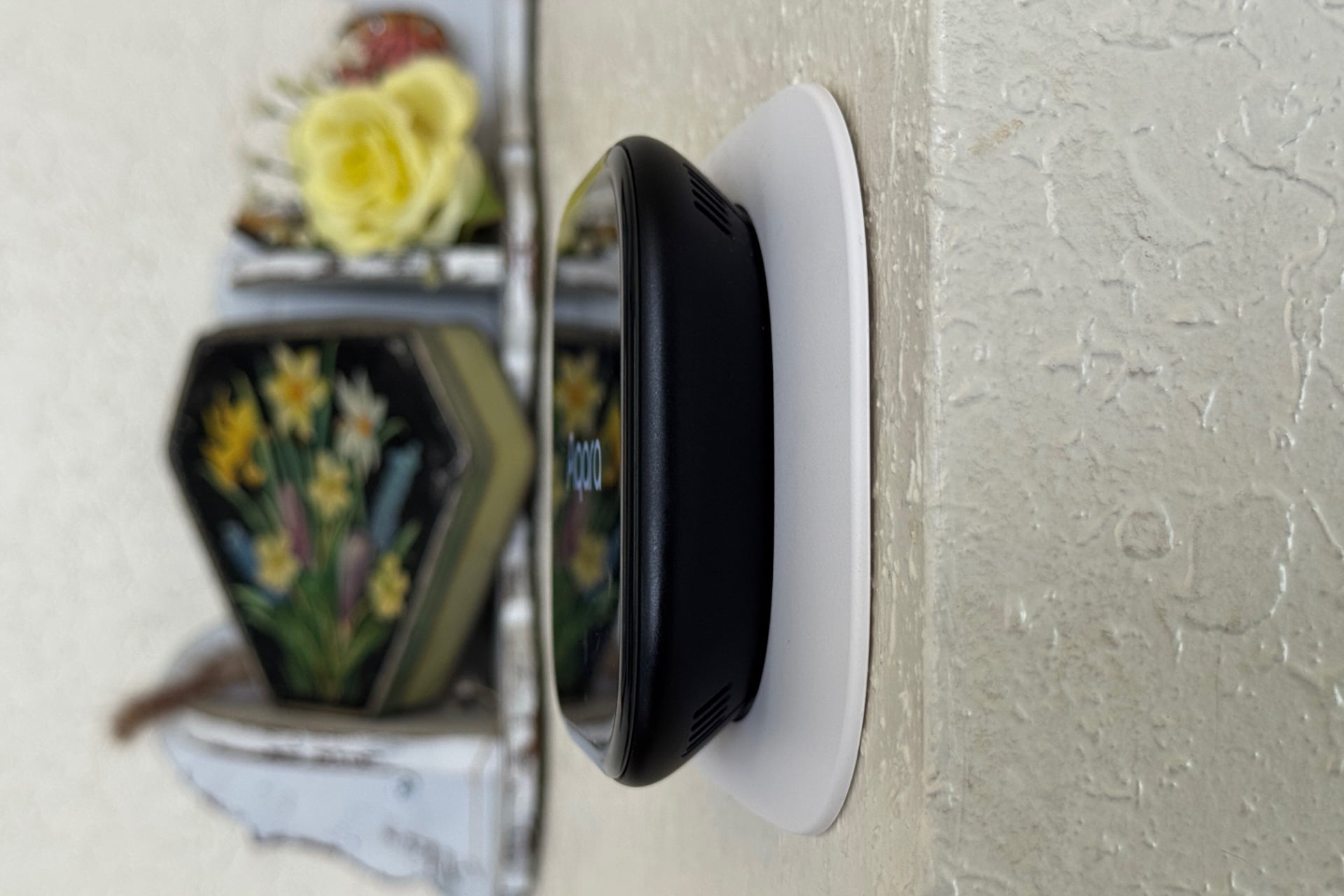
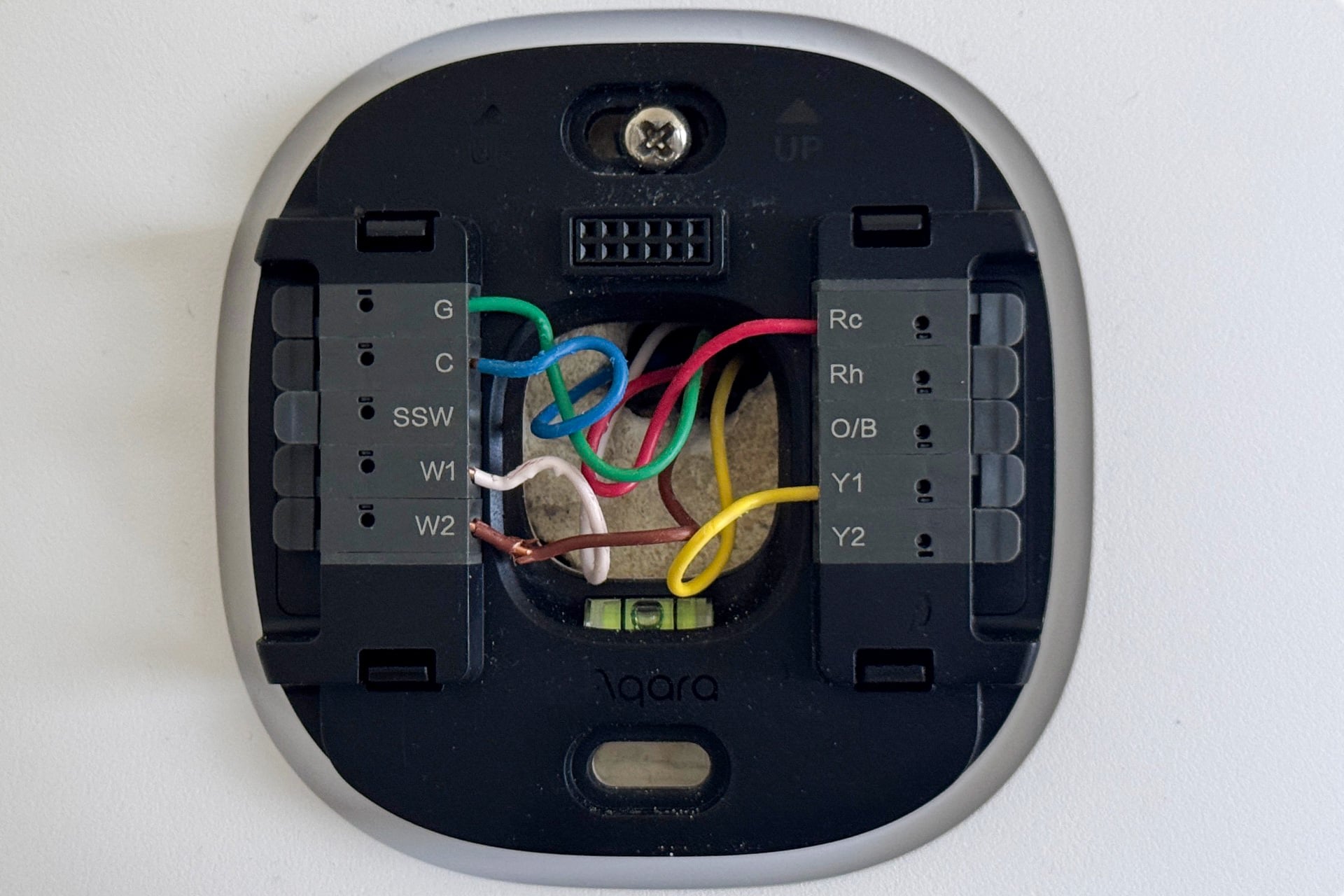
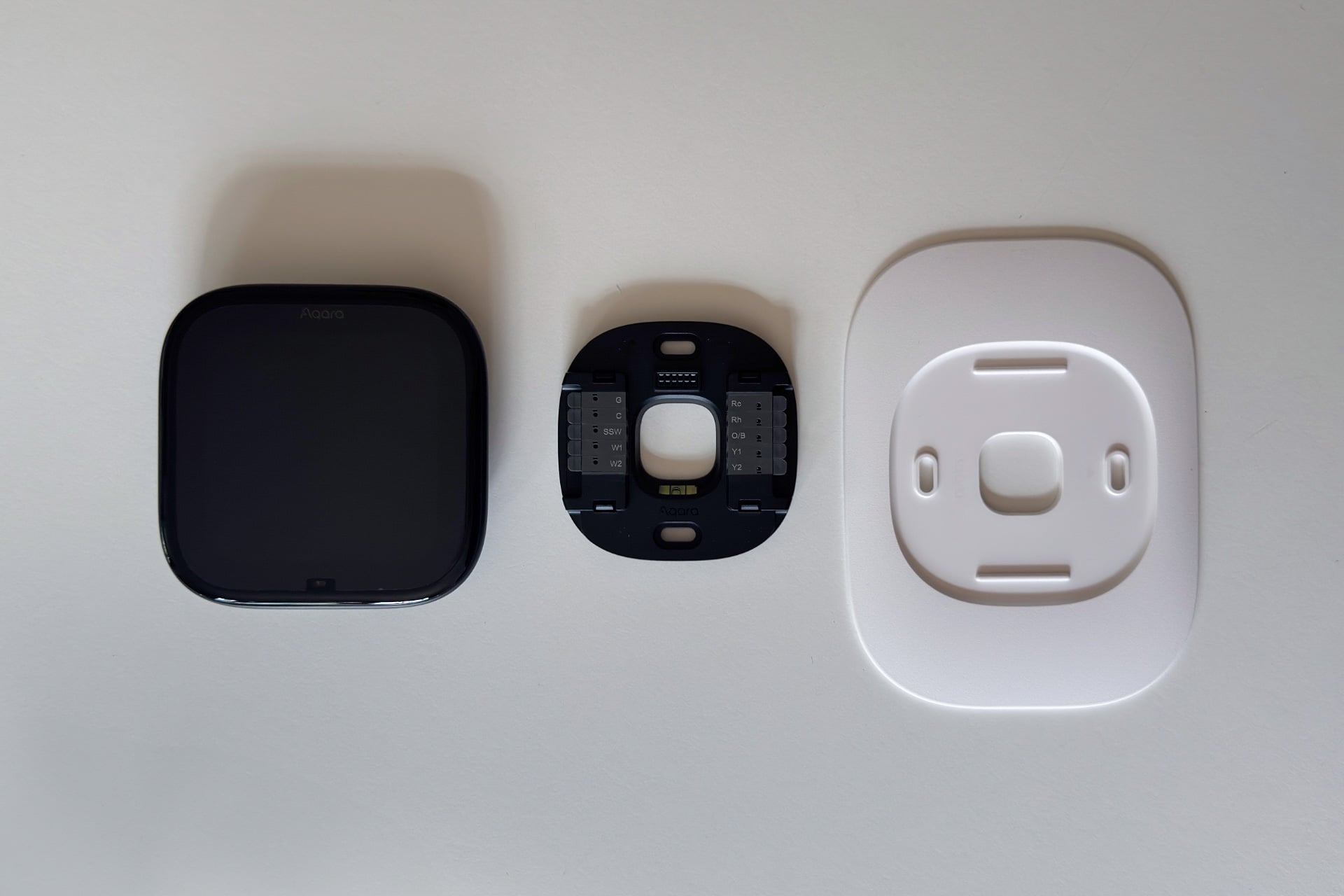
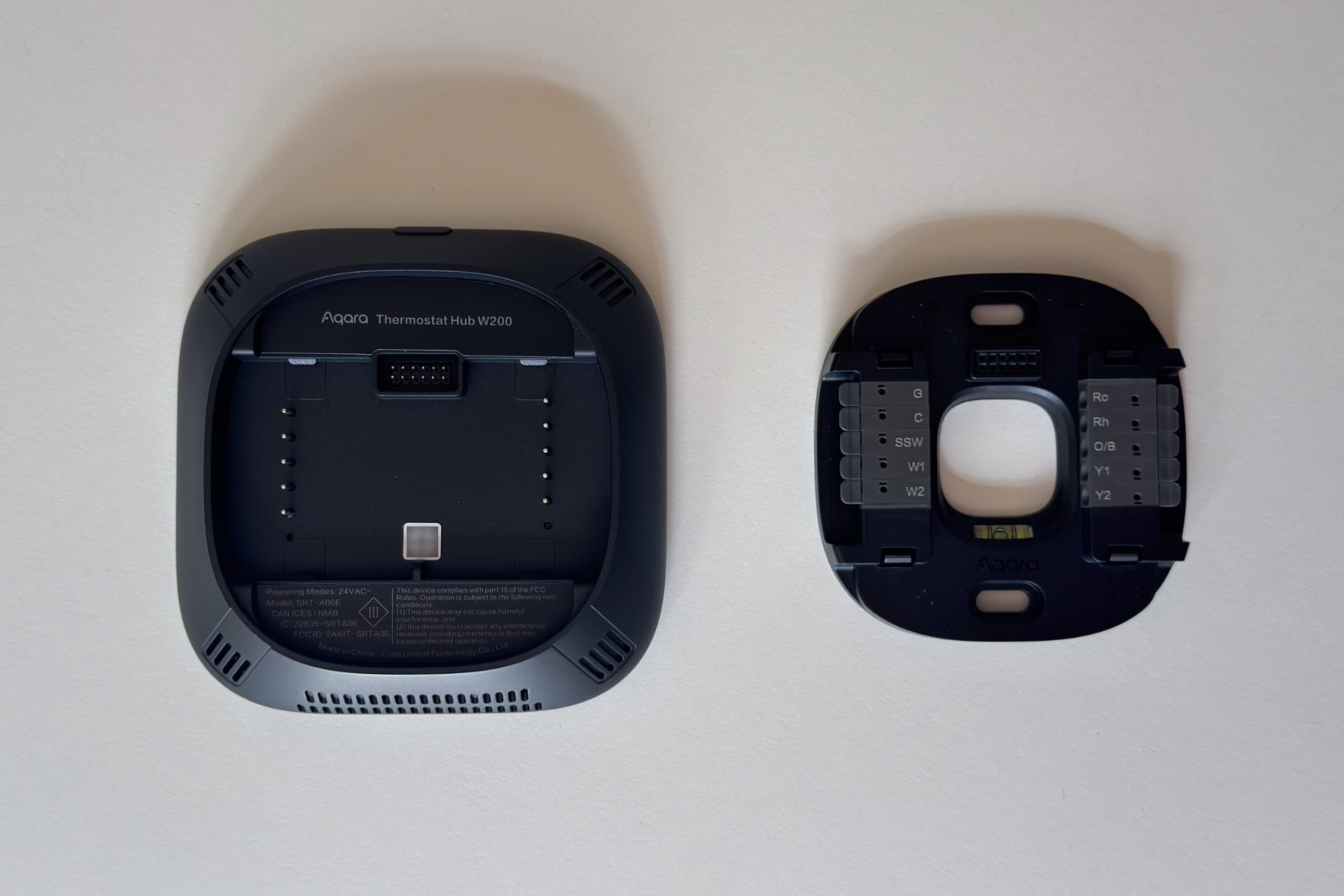
I’m going to talk a lot about Ecobee in this review. And not just because its smart thermostats and the W200 all look like blacked-out iOS icons. The W200’s menu system and scheduling approach is similar to using my old Ecobee, too, and the thing is just as easy to install and uses the same wiring, down to the C-wire (common wire). It’s almost a 1:1 replacement, just with some UI differences and fuller HomeKit integration.
In a few ways, Aqara succeeds where Ecobee has continued to fall short. The W200 is Matter-compatible, which means it works with any smart home platform you choose, and it has special integration with Apple Home that Ecobee thermostats lack. It’s also a smart home hub all its own; one that’s way more versatile than Ecobee’s old-timey walled garden approach. Plus, a lot of Aqara’s first-party devices will work just fine if you decide to ditch the W200 for a non-Aqara thermostat, unlike the Ecobee temperature sensor on my bedside table that became a useless piece of plastic the day I decommissioned my Ecobee thermostat for this review. (Then again, Aqara’s cheapest temperature and humidity sensor still requires a hub and would also become useless if you ditched the W200 and didn’t have another Aqara hub to replace it.)
Ecobee’s smart thermostats still have advantages over the W200 that keep me from wanting to move to Aqara’s thermostat permanently. But every one of my complaints was purely to do with the software. You may not share the same priorities as me, and the W200 might be just fine. If you do, though, it’ll be worth looking out for Aqara to improve things enough before you switch.
Aqara Thermostat Hub W200
A very mature-for-its-age smart thermostat and Matter hub that’s the first to use Apple’s Adaptive Thermostat and Energy thermostat features.
Pros
- Functions as a Matter controller
- Works great without the Aqara app
- Supports Apple’s Adaptive Temperature and Clean Energy Guidance features
- Easy to install
Cons
- Requires third-party temperature sensors for the best features
- No way to set temperature limits
- UI needs work
Apple’s expanded thermostat support
The W200 is the first thermostat to support Apple Home’s Adaptive Temperature feature, which Apple sneakily rolled out in iOS 26 last year. The feature puts scheduling controls and smart temperature adjustments based on whether anyone is home right in the Apple Home app, letting users with basic needs dispense with the Aqara app entirely. In fact, this is exclusively how I used the W200 for the first week or so, and I could easily see never connecting the W200 to the Aqara app at all.
If you’re just controlling the W200 this way, it’s more than fine. It has Heat, Cool, Away, and Auto modes like other thermostat apps. You can set schedules with specific temperature preferences for when you’re home during the day or sleeping at night, as well as for when you’re away. And you can make these modes switch automatically, or keep things manual if you have faith in your ability to consistently remember to adjust the thermostat throughout the day.
Of course, the whole reason I want a smart thermostat is so that I can automate these things instead of remembering to do them—the loose, whizzing marbles in my brain are unreliable at best. That’s especially important when leaving my house. Like any good smart thermostat app, Apple Home can switch to Away mode when you leave home, using either your phone’s location or—in the case of the W200, at least—the thermostat’s presence detection.
Apple’s expanded thermostat support also includes a little of the learning thing that made the Nest so popular years ago—If you turn on “Predict Arrival,” Apple Home can tweak the temperature so that your home is back to comfortable levels around the time you usually return from routine activities like work. A description under the feature’s toggle says it may also use your schedule and calendar events for this. There’s even an “Extended” away mode that can make more dramatic adjustments (using temperature limits that you set in the Apple Home app) when you leave town, so that you’re not wasting too much energy while you’re gone.
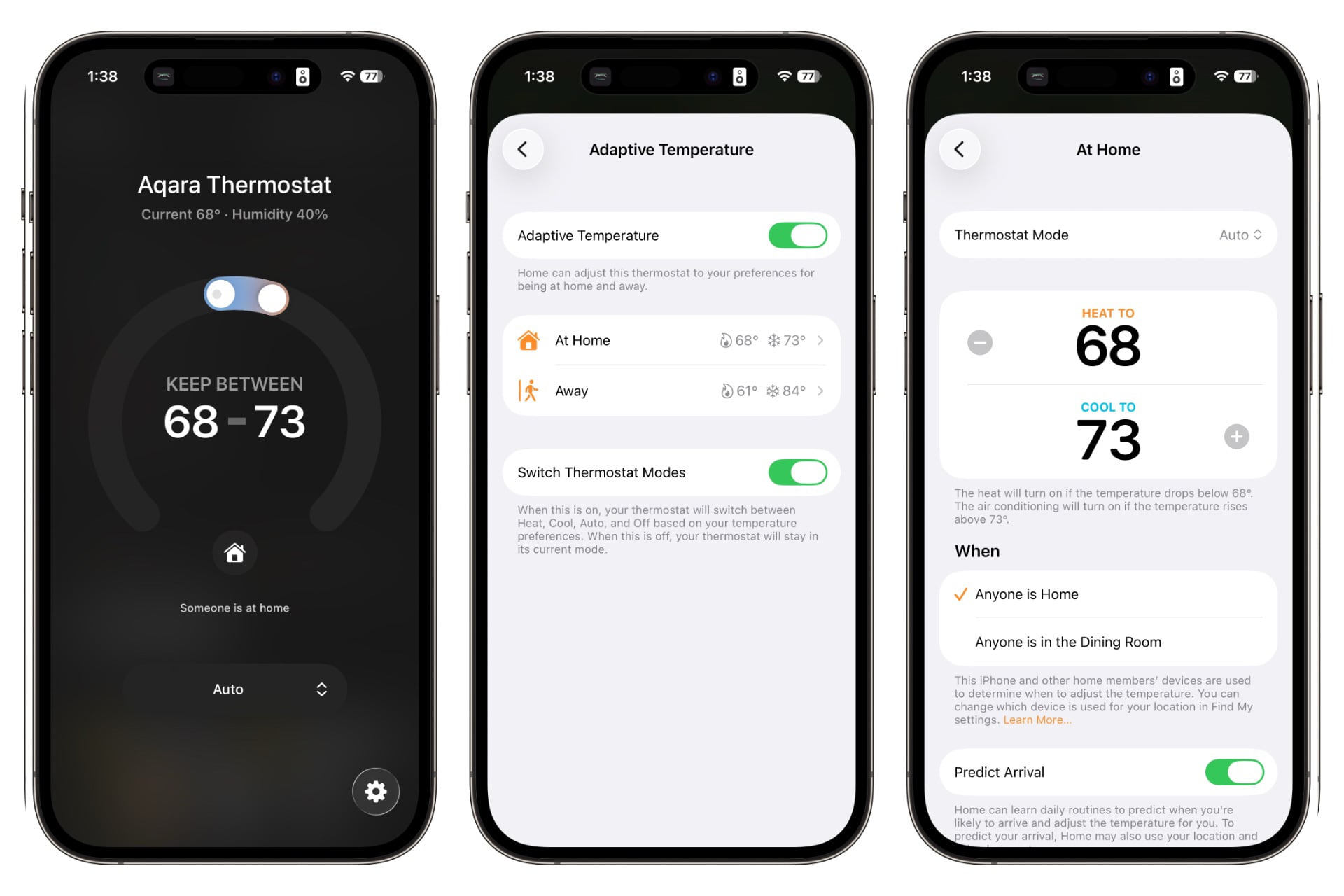
I didn’t have the opportunity to test the Extended mode and I don’t have a regular enough schedule to really test Predict Arrival, but notifications popped up on my iPhone every time I left home (be it for anything from a short walk or a night out) saying my temperature had been adjusted. I’ve never found my Ecobee SmartThermostat to be so consistent.
Underneath the Adaptive Temperature option in the Home app is a new “Energy” option. Tapping that takes you to a toggle labeled “Energy Sources.” Above it, a description reads: “Thermostats and climate accessories can make small adjustments to try to reduce electricity usage at certain times. These adjustments are designed to not impact the overall comfort of your home.” Below the toggle, Apple elaborates: “Using Grid Forecast, your thermostat will try to reduce usage while energy sources are less clean.” Turning this on, I learned that my local energy sources are mostly less clean, as my thermostat seemed to constantly lower my heating by one or two degrees from where I’d set it. I disagree that it didn’t “impact the overall comfort of my home,” but being in the upper midwest, I’m accustomed to wearing a hoodie and wool socks all winter. I’m not mad at the feature; I’m disappointed in our still somehow coal-burning world and the impact of AI data centers on my ballooning energy bill.
This is a great start, but I want to see more out of Apple’s thermostat support. One of my favorite things that my Ecobee thermostat and the W200 can do is use different sensors at different times of the day. That means at night, when I close the vents on my main floor to make sure air is being shunted upstairs to my bedroom, my furnace isn’t struggling to heat a floor that hot air is going to, turning my bedroom into a sauna (and blowing up my energy bill) in the process. I could achieve this by using Apple Home’s automations—I do this with a smart plug and the space heater in my office when I’m home alone and only need to heat that room anyway—but I’ve never liked how that works in practice when it comes to thermostats. I suppose I could also lower the thermostat’s set temperature to compensate, but that’s less precise.
I’d also like to be able to use more than one presence sensor to determine when someone is home. An Apple support article says Adaptive Temperature can adjust your thermostat based on room occupancy, but it’s not clear to me what that means; the Apple home app only gives me the option to use either my phone or the W200’s presence sensor to determine if someone is home. My partner and I have iPhones, so location is fine most of the time, but what about when we’re gone and we have a babysitter watching our kid? Or what if we were a house divided along iOS and Android lines?
Lastly, Apple Home doesn’t support multiple schedules that depend on where in the week you are. For instance, I couldn’t put the W200 in night mode at a later time on the weekend than during the week. That feels like a table stakes feature for thermostats, and it’s a little irksome to be forced to use Aqara’s app just for that. I like my smart home stuff all in one place wherever possible.
A user interface rant
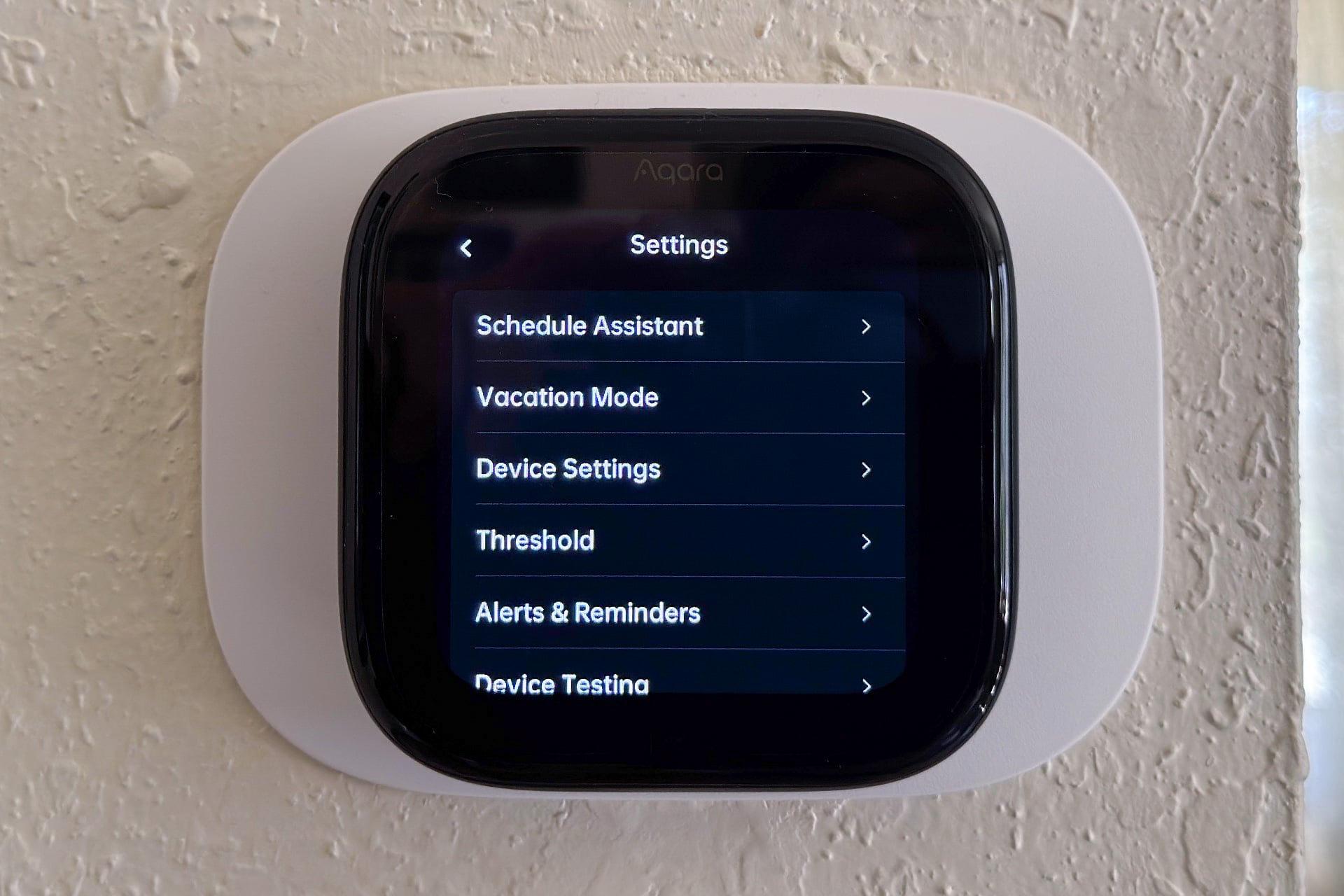
For a first try, the W200’s onscreen interface and companion smartphone app are remarkably robust, and the touch display looks nice for it is. It’s colorful and sharp, and bright enough to see any time of day, but can be dim enough that it won’t blind you at night. It’s a great start, but it’s also clear to me that the whole thing needs work, in ways that I didn’t realize I desperately needed to rant about until I got to this part of the review. You’re welcome to skip the next two paragraphs if you don’t want to hear me whine about user interfaces.
For starters, tweaking the temperature on the touchscreen was overly fiddly. You do this by pressing on a small circle and dragging it left or right along an onscreen arch. Trouble is, you have to be very precise when touching that circle, so I kept having to retry this once or twice to actually get a result. Also, it’s not obvious that you need to swipe down from the top of the screen to get to the thermostat’s settings menu, and if you don’t locate the digital-only user manual, the only way you’ll figure that out is by guessing there’s a swipe gesture. Such gestures are fine, but even knowing that’s how to get to settings, I never really got used to it and often found myself staring at the thermostat for a beat before I remembered how to get to the settings menu.
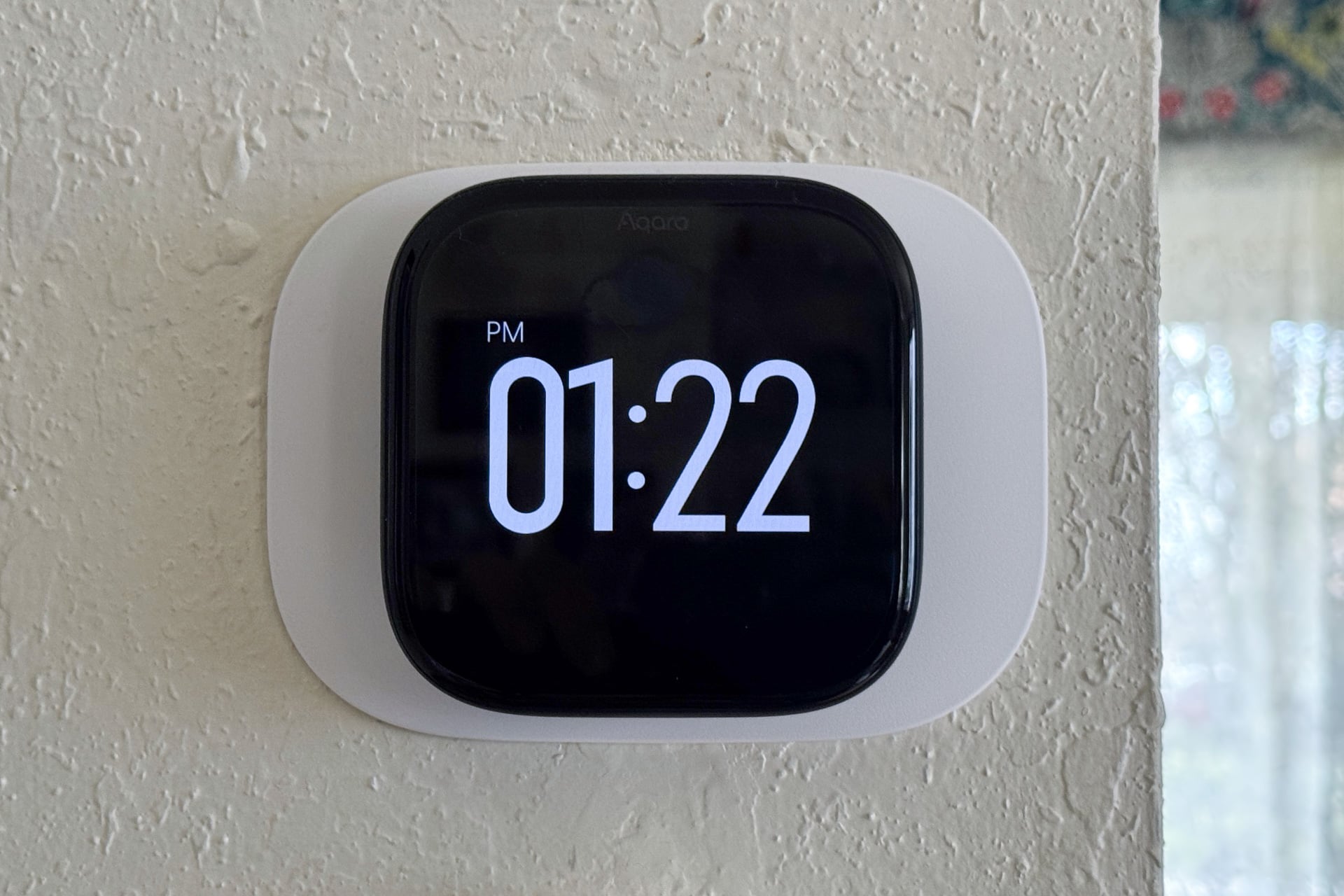
Lastly, smart thermostats make for great basic smart displays—my Ecobee SmartThermostat, for instance, shows things like the time, current indoor temperature, and even some weather information. The W200 has these things, but I don’t like how they’re handled. By default, it displays the target temperature, current mode, and actual indoor temperature and humidity on its home screen, and you can choose to have it show the time or the weather, but not both, when in standby mode.
Aqara vs. Ecobee in the battle of the thermostats
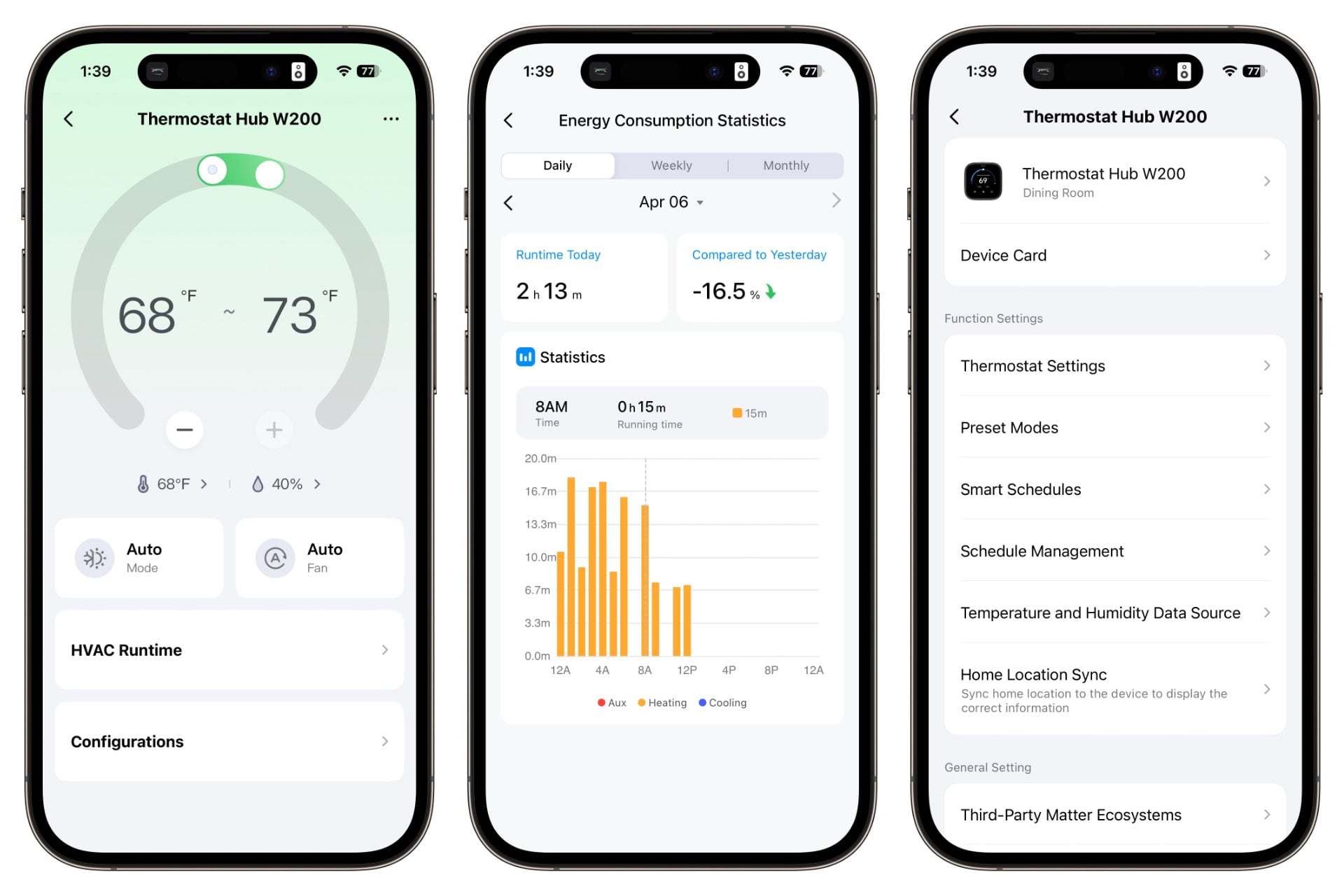
Ranting aside, the W200’s interface was very usable and familiar to me after several years of using an Ecobee, with many of the same features. For instance, it can use external temperature sensors as its main source at different times of the day. You can even pick an external humidity source for the W200, which my SmartThermostat can’t do. Unfortunately, Aqara only supports first-party external sensors, like Ecobee, and the W200 can only use one at a time—you won’t get the multi-room temperature averaging that other smart thermostats, including options from both Ecobee and Honeywell, have.
Other features of the W200 include being able to set a minimum runtime for your AC compressor to prevent short-cycling (which can lead to too much humidity in your house) or adjust temperature readings up or down if the W200’s sensor seems inaccurate. You can also look at your HVAC system’s runtime stats, although Aqara’s simple bar-graph presentation has a long way to go before it offers the deeply nerdy level of information you can get from an Ecobee.
Something I really missed during my time with the W200 is the ability to set limits on how high or low anyone can set the temperature. That really messes with my sworn duty as the primary techno-parent to keep the energy bill down through meticulous thermostat management. On more than one occasion, I found my kid had set the heat to 80 degrees or higher because “the heat wasn’t running.”
One other thing bears mentioning if you’re an automation sicko, like me, and you hoped that the W200’s onboard mmWave sensor would work like Aqara’s excellent FP2 or its new FP400, both of which let you create automations based on where someone goes in a room, not just whether the room is occupied or not. For instance, I’ve used the FP2 in my TV room to turn on all the lights when I walk through the room but only turn on specific ones at a lower brightness once I sit on my couch to watch something. The W200’s sensor doesn’t do any of that, sadly. But it is still useful—being mmWave, it’s sensitive enough to read whether you’re in the room even if you’re there and not moving. That gives it the sci-fi quality of letting you automate lights so that they turn on when you’re in a room and off when you leave, and it’s a nice step up from the less precise occupation sensor in my Ecobee SmartThermostat.
The Aqara Thermostat Hub W200 as a smart hub
Here’s where things get really interesting for the W200, and where its biggest strengths lie when comparing it to other thermostats. As a fully-fledged Matter controller hub—meaning it can control Matter devices without another smart ecosystem intermediating—it can serve as the head of your entire smart home, if that’s something you want it to do. In testing, I found that it works fine as a Matter hub, although things like the smart bulb on my desk were slower to respond to control via the Aqara app than the Apple Home app. Not much slower; just enough to notice. Think one second versus a quarter of a second.
The Aqara app has an automation system that lets you create if/then rules using both Aqara’s broad ecosystem of smart home products and any third-party devices you’ve connected through Matter, both as triggers and as things to be triggered. If you’ve used past Aqara hubs, you’ll be familiar with it. You won’t get a voice assistant from Aqara, though, and onboarding third-party Matter devices to the ecosystem sorely needs streamlining. I don’t think this should take over a dozen taps across more than 10 screens, yet it did when I tested it. Still, it’s more straightforward to initiate Matter onboarding in the Aqara app than it is via either Amazon Alexa or Google Home, both of which feel, to me, like they’re designed to hide the fact that you can add a Matter device..
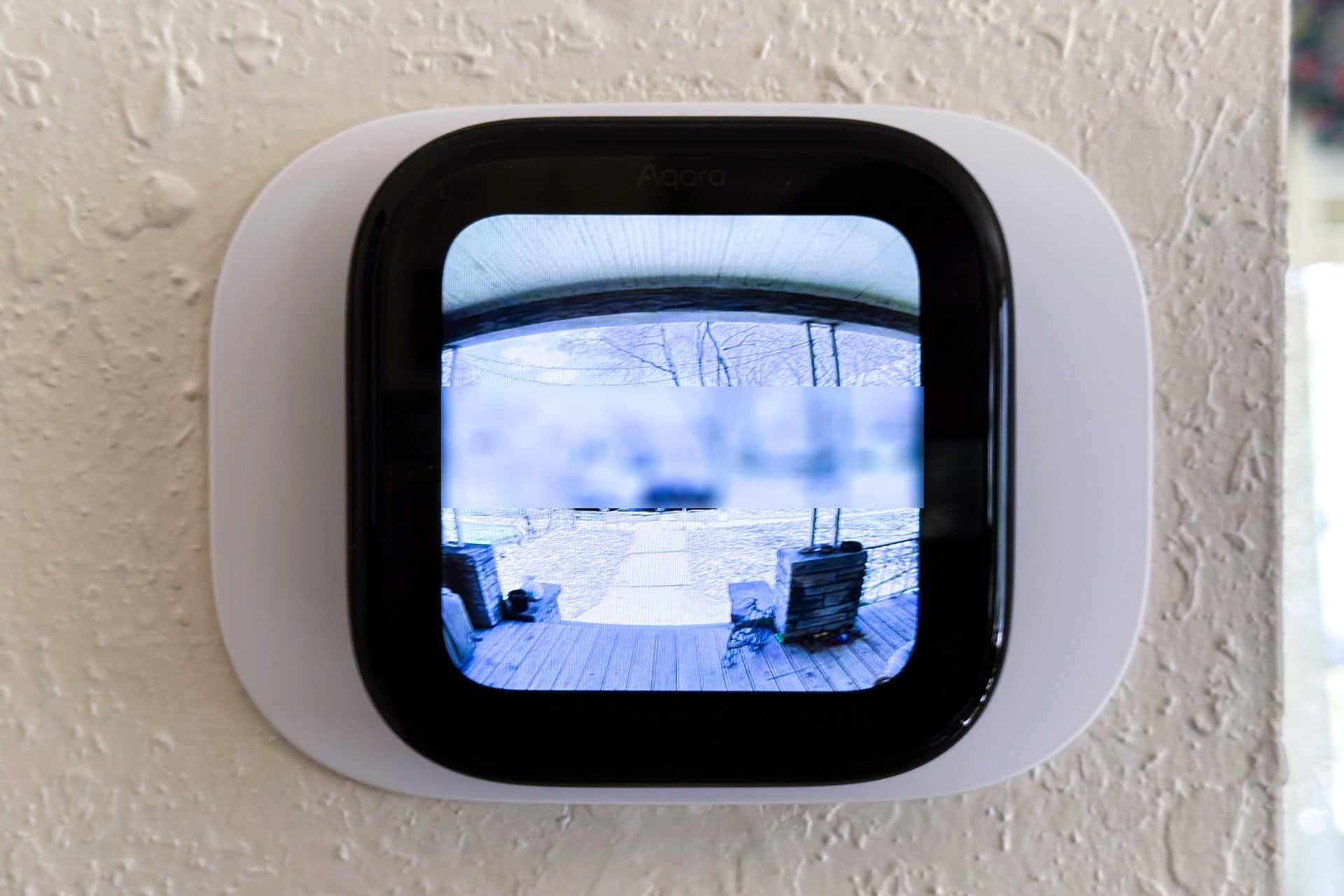
If you happen to have an Aqara video doorbell, you can use the W200 as a doorbell monitor. In my testing with Aqara’s new Doorbell Camera G400, a picture of the person at the door shows up on the W200’s display when they ring the doorbell, along with a button for locking or unlocking your door if you also have a Matter-connected doorbell or a first-party Aqara option like the U400 I recently reviewed. Aqara missed opportunities here, though: you get a still image instead of a video on the screen, and there’s no way to talk to the person using the W200 itself. You can view the live feed in the Aqara app or talk to visitors through your phone—the Aqara app can “call” you using the same UI as a Google Voice call, at least on iOS—but I’d love to be able to just use the W200 instead. Still, it’s a nice feature that my Ecobee SmartThermostat certainly can’t do.
A worthy entrant to the smart thermostat game
Aqara has come out swinging with its first smart thermostat, even if the company has some awkward quirks to work out and features to add or expand. In its primary role as a thermostat, it seemed to work just as well as the Ecobee SmartThermostat I’d already been using, and it’s great that I can finally use the Apple Home app for scheduling and automating a smart thermostat. Being a Matter controller and smart home hub is also a big advantage for the W200, and makes Aqara’s ecosystem far more welcoming and friendly than that of Ecobee, whose first-party sensors require one of its hub-like devices, like a thermostat or security camera.
Yet other smart thermostats have the advantage in ways that will matter to some people. The W200’s runtime history is nice but nowhere near as detailed as Ecobee’s, for instance. And if you care about being able to simultaneously use multiple temperature sensors as your source, you’ll want to get a more established alternative like a Google Nest or an Ecobee Smart Thermostat. Of course, smart thermostats with multiple simultaneous sensor support don’t magically direct air to specific rooms—that still requires you to open and close vents manually or using smart dampers.
Those criticisms aside, Aqara has one of the most open smart thermostats on the market in the Thermostat Hub W200, and with a little work, it could be the one to beat. At $160 (not counting the $30 C-wire adapter, which you’ll need if your furnace lacks a C-wire), it’s priced better than all but the cheapest options from both Google and Ecobee. And being able to totally skip a smart thermostat’s first-party app? That’s the dream, as far as I’m concerned.