Antivirus software used to have one job: find the infected file before it opened. That job still matters. But most of the money people lose online now goes out through a fake delivery text, a cloned bank login page, or a call from “tech support”, and none of those involves a file.
Security suites have changed to match, so a single detection score no longer tells you which one protects a household best. Price is the other trap. The figure on the checkout page covers the first year only, and the renewal often costs far more.
We tested the best-known suites against malware samples and live phishing links, timed their scans, and compared our results with the latest lab reports. These are the five we’d put on a family laptop.
Top 5 Antivirus Programs for 2026
- Norton 360: Best overall. The most complete suite, with a firewall, cloud backup, and a VPN with no data limit.
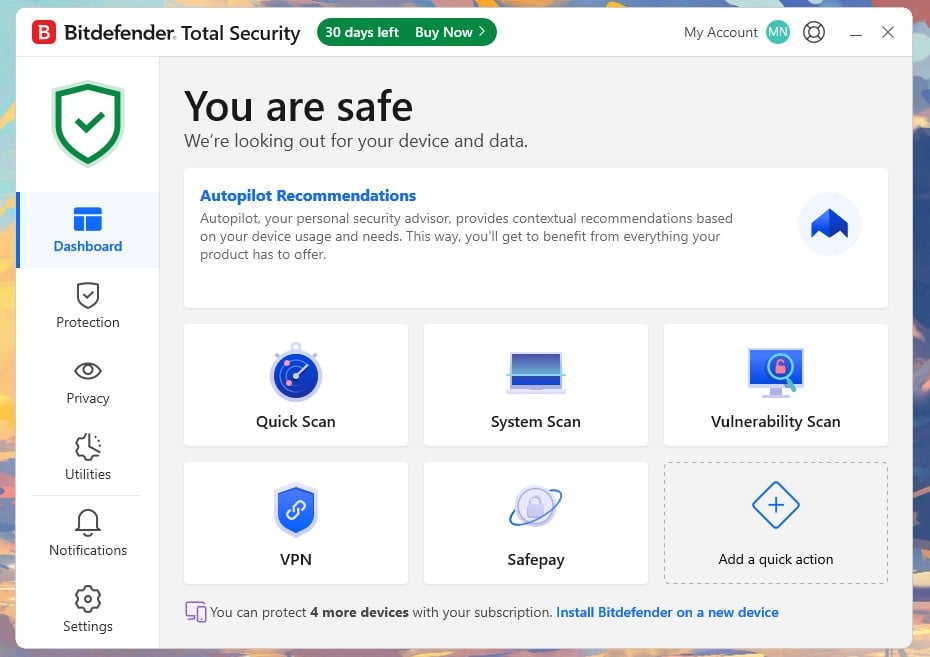
- Bitdefender: Best for older computers. Barely slows a PC during scans and rarely flags safe files.
- Avast One: Best free antivirus. The free version scores as well as paid suites in lab tests.
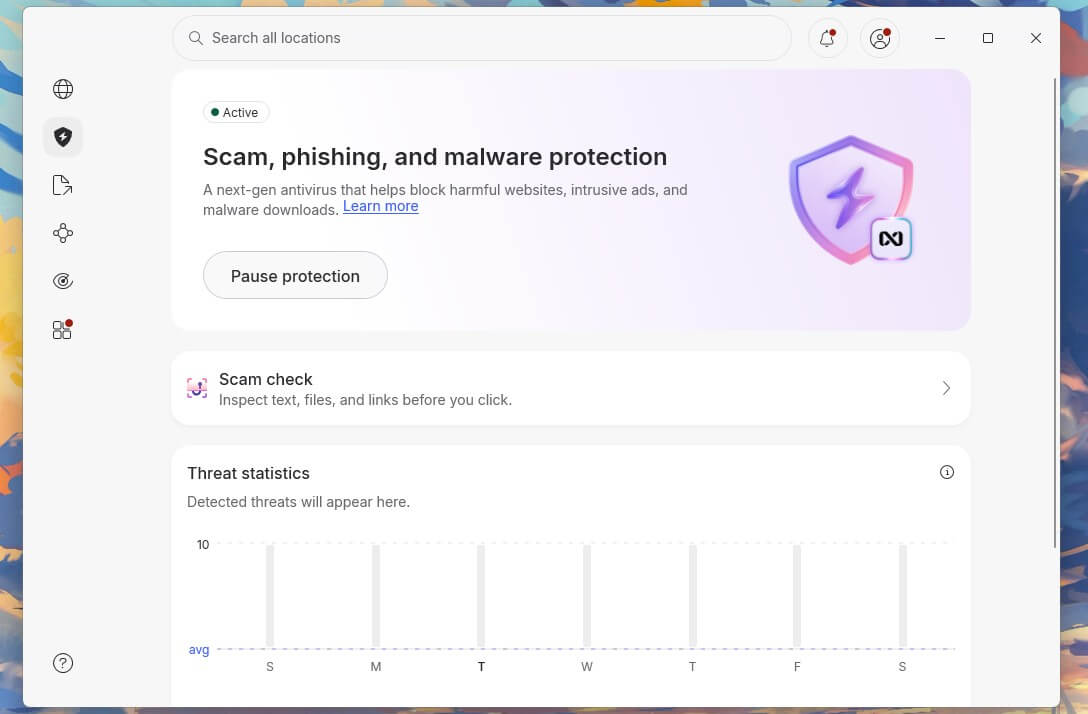
- NordVPN next-gen antivirus: Best antivirus and VPN in one. Stops phishing pages and infected downloads from inside the VPN app.
- McAfee+: Best for large households. One subscription covers an unlimited number of devices.
Antivirus Software Compared
Scan times and peak CPU come from our own Windows 11 test PC. Offline detection is the share of malware an antivirus detects with no internet connection. It comes from AV-Comparatives’ September 2026 Malware Protection Test, along with the false alarm counts.
| Antivirus | Full scan | Peak CPU during a scan | Offline detection | Lab false alarms | Devices |
| Norton 360 | 13 min 22 s | 23% | 95.4% | 15 | 1 to 10 |
| Bitdefender | 14 min 3 s | 11% | 97.2% | 1 | 1 to 25 |
| Avast One | 14 min 38 s | 12% | 95.4% | 15 | 1 free, 2 or 10 paid |
| NordVPN next-gen antivirus | No full scan | 0.2% (idle) | N/A | N/A | 10 |
| McAfee+ | 16 min 47 s | 33% | 81.3% | 36 | 5 or unlimited |
Our Top Antivirus Programs, Reviewed
1. Norton 360: Best Antivirus Software Overall
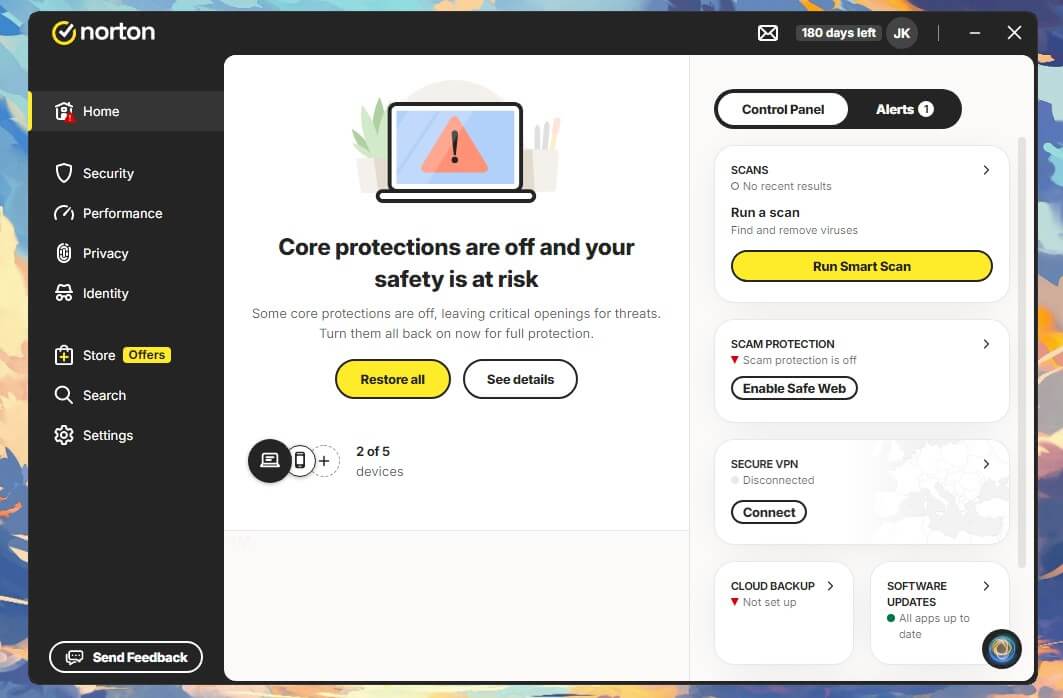
Rating: 4.8/5
Pros
- Fastest full scan in our tests
- Detailed firewall with sensible defaults
- Cloud backup for your files
- VPN with no data limit
- Refund if Norton can’t remove a virus
Cons
- Much higher price at renewal
- Works the PC hard during full scans
Norton 360 is the most complete package we tested. On our test PC, it detected 99.8% of malware samples with three false alarms, two of them ordinary documents. AV-TEST gave it top marks for protection, performance and usability in its August 2026 Windows 11 round. AV-Comparatives also recorded a 99.96% protection rate in September.
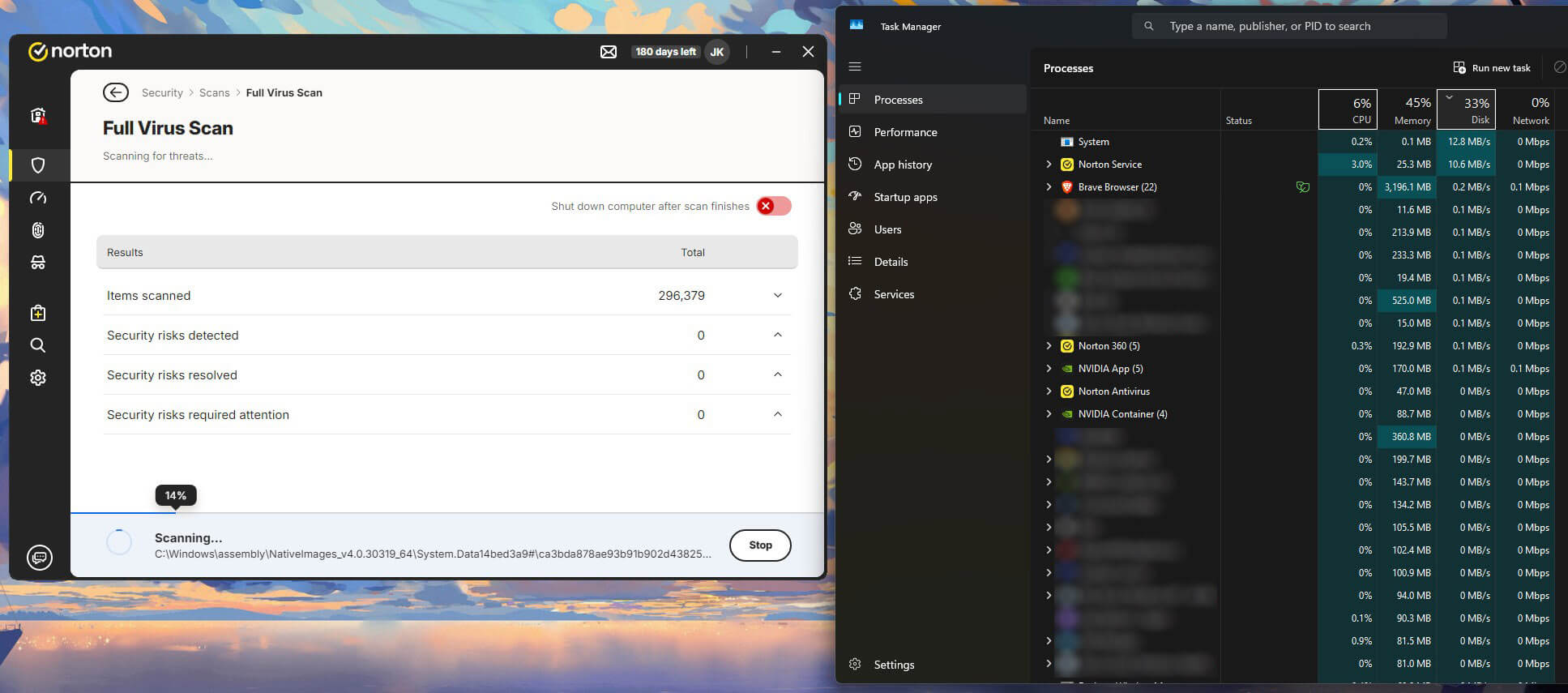
It was also the fastest scanner, finishing a full scan of two drives in 13 minutes 22 seconds. That speed comes from working the PC hard, though: CPU peaked at 23% and memory at 384 MB, about twice Bitdefender’s figures. In everyday tasks, however, AV-Comparatives rated Norton lighter than Bitdefender, so you’ll mostly feel it during a scheduled scan.
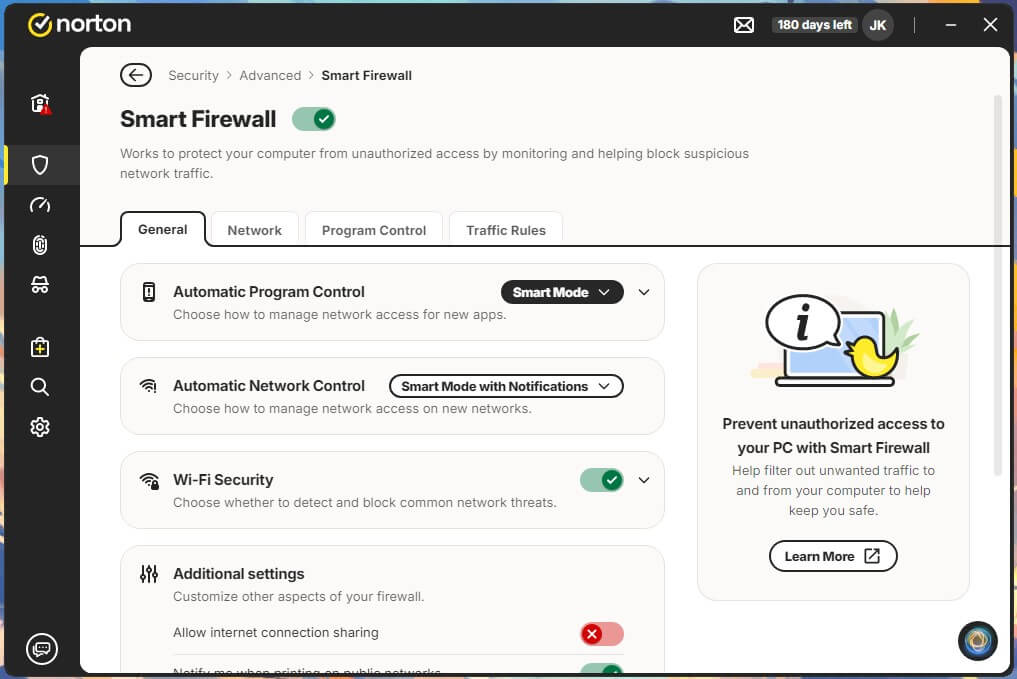
Norton pulls ahead on extras. Its Smart Firewall is detailed when you want to dig in and sensible enough that most people never open it. The VPN has no data limit, which is rare for a bundled VPN, and Deluxe adds Norton Family parental controls.
As for the cloud backup on Windows, it’s the feature I’d miss most, because a copy ransomware can’t touch is how you recover encrypted photos.
Price is the drawback. Deluxe costs about $50 for five devices in the first year, and the second year costs roughly two and a half times that. Every Norton 360 plan has a similar jump. Norton also bills a few days before the renewal date, so decide early whether you’re keeping it.
Protect 5 Devices With Norton 360 Deluxe
2. Bitdefender: Best for Older Computers
Rating: 4.7/5
Pros
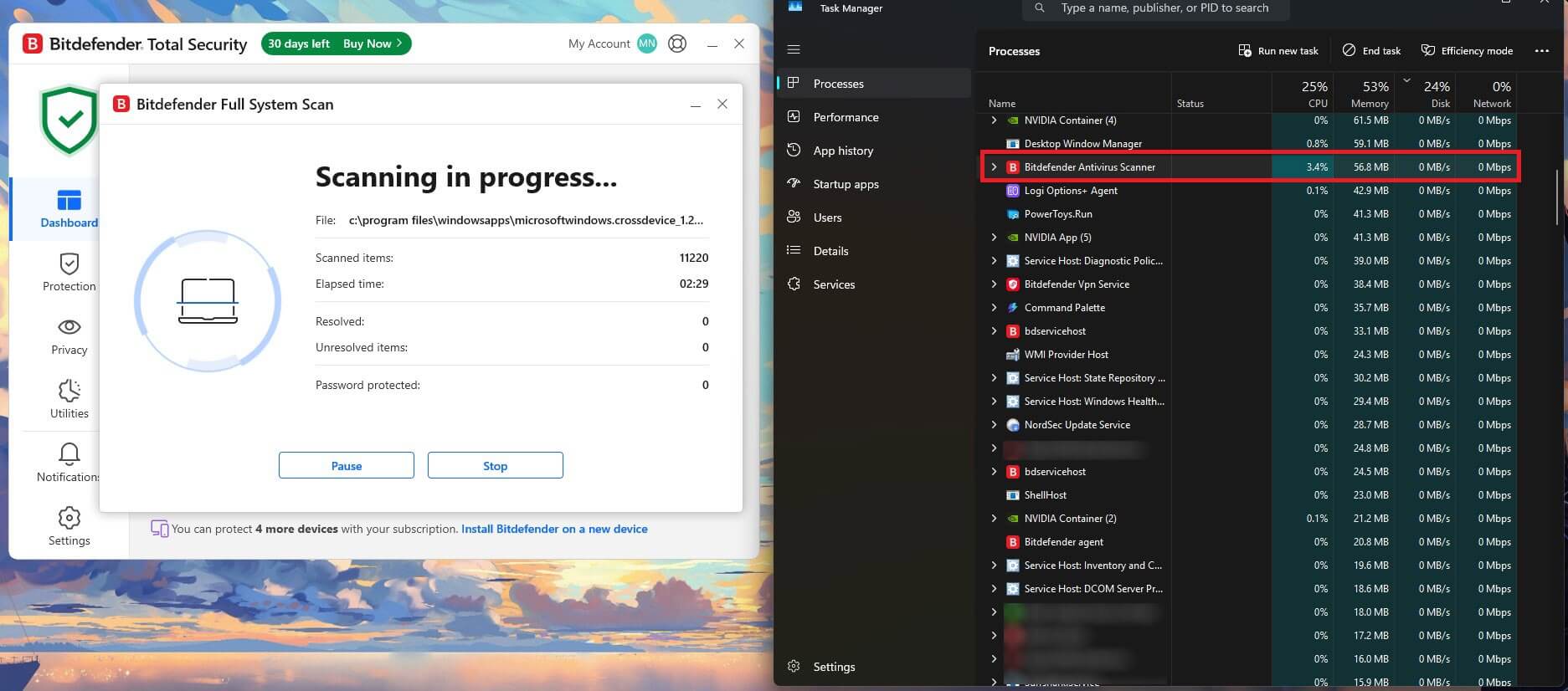
- Lightest on system resources during scans
- Fewest false alarms in lab tests
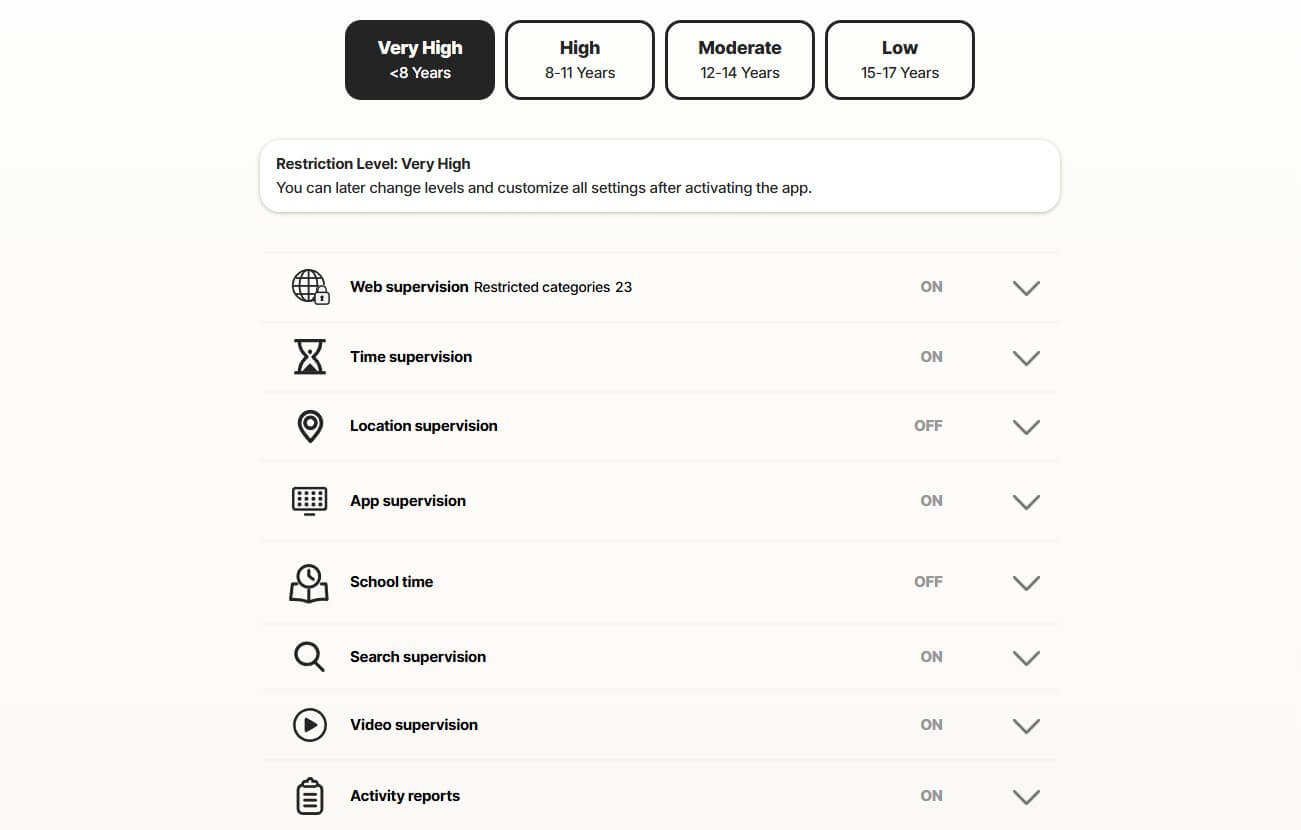
- Separate, locked-down browser for banking
- Warns you about remote-access scam calls
- Family plan covers five people
Cons
- Daily VPN data limit on lower plans
- Scam protection on computers requires a higher plan
Bitdefender is the antivirus I’d install on a computer that already feels slow. During a full scan, CPU peaked at 11% and memory at 183 MB, the lowest figures in our tests. That’s because Bitdefender’s scanner sends much of its analysis to the company’s cloud. The scan still finished in 14 minutes 3 seconds, less than a minute behind Norton.
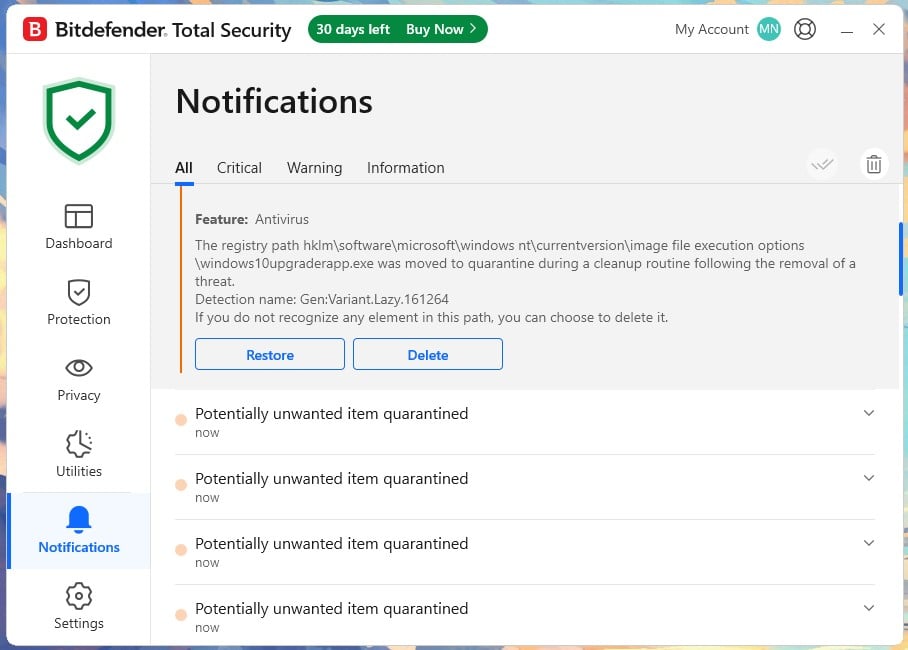
Detection was 99.8% on our test PC, with five false alarms. AV-Comparatives found a different order: one false alarm for Bitdefender in September, against 15 each for Norton and Avast. The lab’s sample set is far larger than ours, so we’d trust its ranking on this point. Bitdefender also had the lab’s best offline detection score.
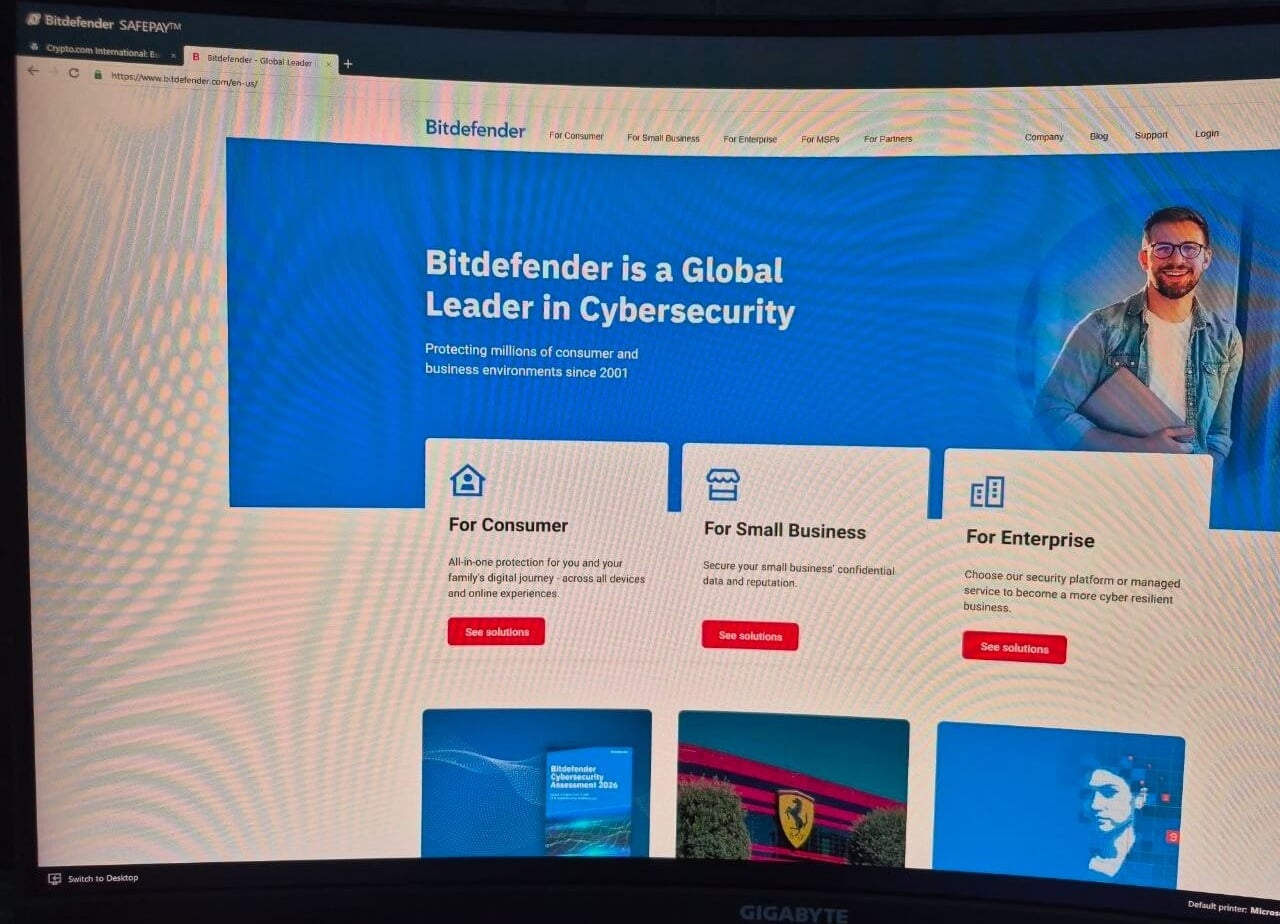
As for extras, Safepay opens your banking sessions in an isolated browser that blocks screenshots and keyloggers. On Premium Security, Remote Access Scam Protection warns you if remote desktop software is running while a banking site is open. It targets the fake tech support call.
Lower plans limit the VPN to 200 MB a day per device, enough for email on hotel Wi-Fi and little else. Upgrading to Premium Security removes the limit for less than Bitdefender’s standalone VPN costs. Total Security costs about $60 for five devices in year one and a little under twice that at renewal.
Over two years, Bitdefender and Norton cost about the same for five devices. The choice then rests on how light you want the software to be.
Get Bitdefender Total Security
3. Avast One: Best Free Antivirus
Rating: 4.3/5
Pros
- Free version with full real-time protection
- Pay only for the extras you add
- Locks chosen folders against ransomware
- Quiet mode for games and movies
- Smallest price increase at renewal
Cons
- Free version covers one device
- Offers its own browser during setup
- VPN costs extra
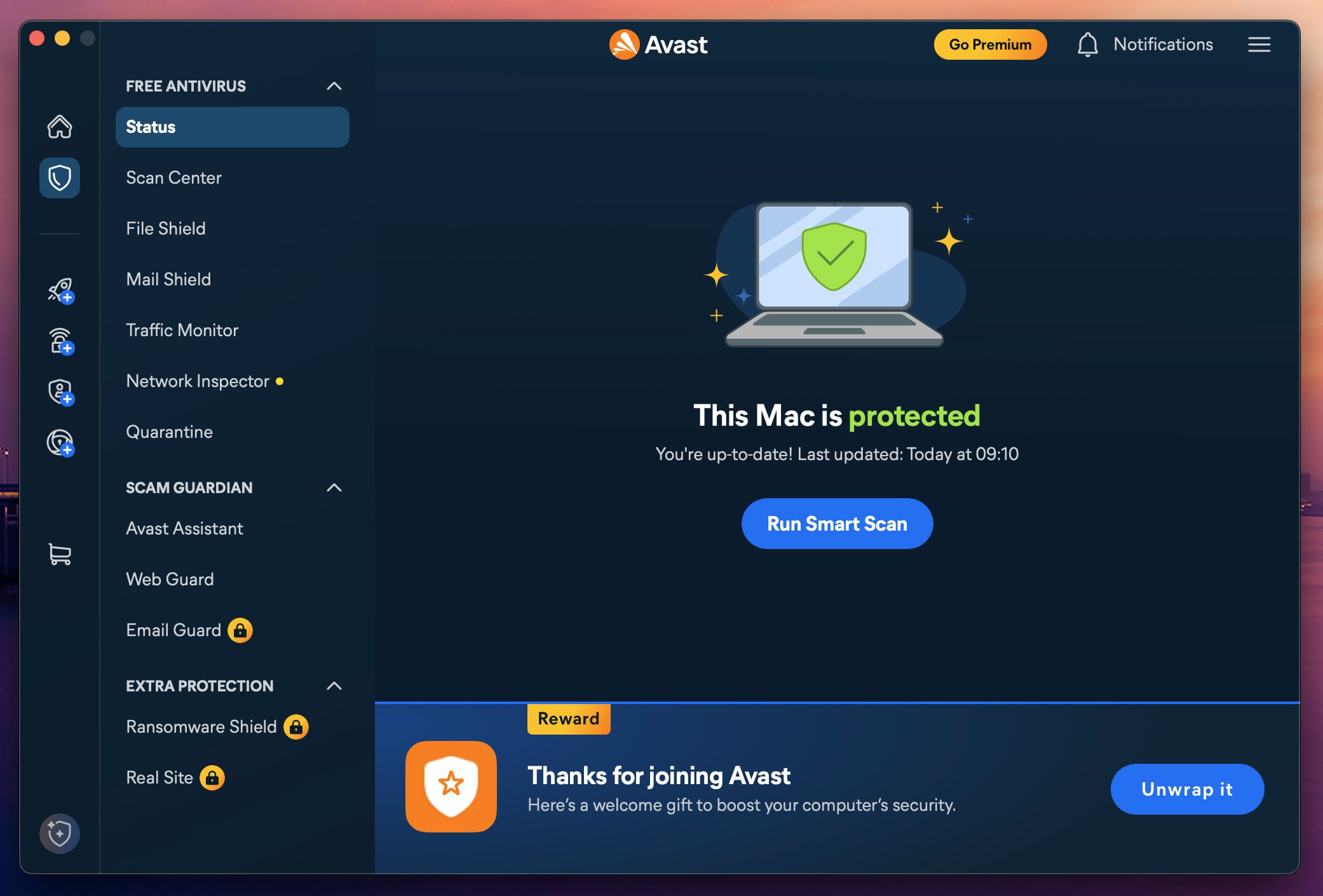
Avast One is the strongest free antivirus we tested, because the free version uses the same real-time engine as the paid one. In fact, AV-TEST’s latest scores for Avast Free Antivirus were as high as any paid suite’s. Paid modules then add extras one at a time.
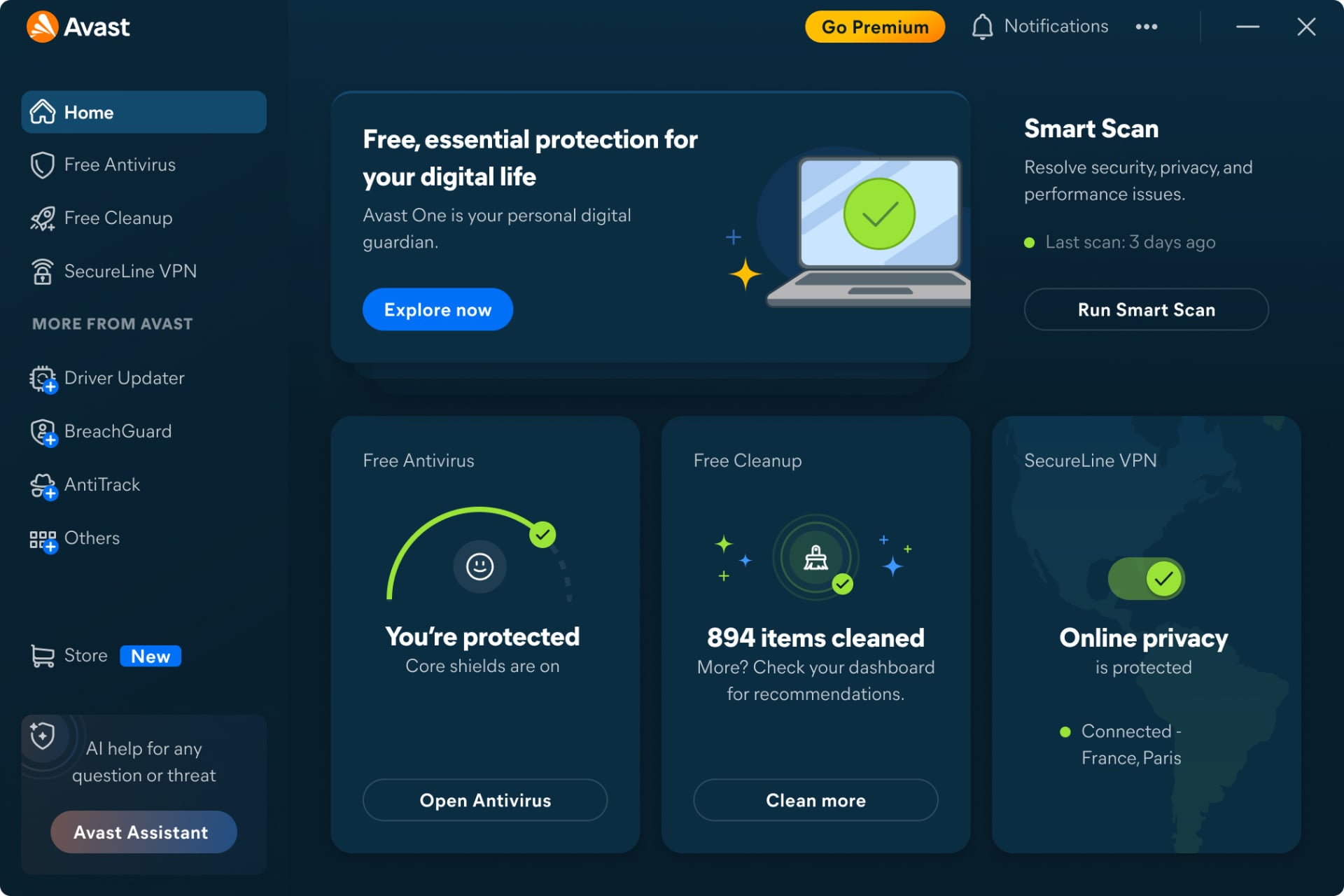
On our test PC, Avast detected 99.78% of samples with four false alarms. AV-Comparatives’ figures for Avast match Norton’s and AVG’s to the decimal, because the three share one detection engine. Its full scan took 14 minutes 38 seconds, with CPU never above 12%.
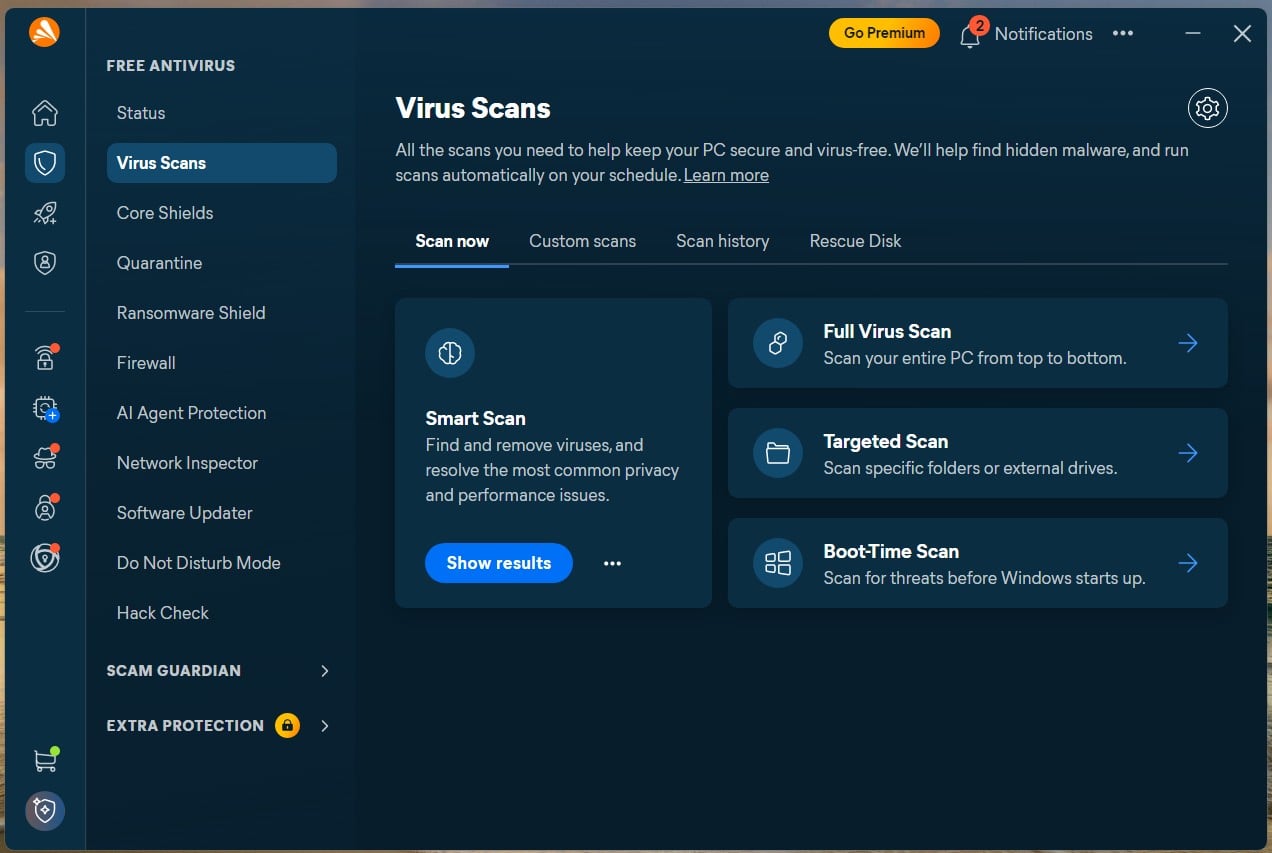
For gamers, Do Not Disturb postpones scans and pop-ups while a full-screen game is open. The free tier also includes Scam Guardian, which blocks fake online stores, and Ransomware Shield, which locks the folders you choose.
The installer offers Avast Secure Browser with its box already ticked, so untick it if you don’t want a second browser. Some people still ask whether Avast can be trusted. In 2024, it paid $16.5 million to settle FTC charges over browsing data sold through its former Jumpshot subsidiary. An FTC order now bans it from selling browsing data for advertising.
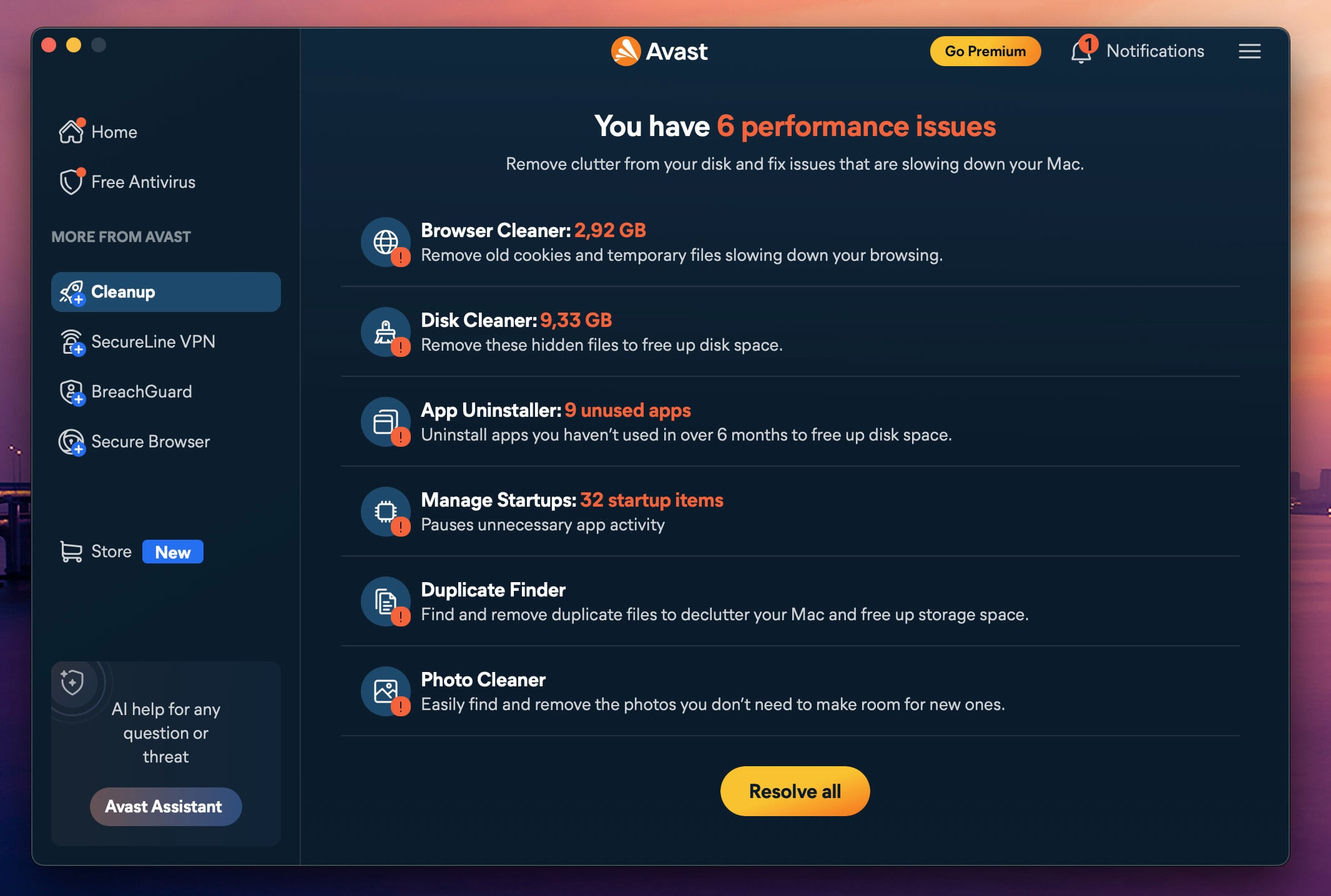
Avast belongs to Gen Digital, which also owns Norton and Avira. As for price, the paid version costs about $50 a year for one computer and one phone, or about $70 for ten devices. Its renewal increase is the mildest of the five.
Compare Avast One’s Paid Plans
4. NordVPN Next-Gen Antivirus: Best Antivirus and VPN in One
Rating: 4.0/5
Pros
- Warns you before a phishing page loads
- Checks downloads for malware
- Keeps working with the VPN disconnected
- One subscription for a VPN and antivirus
Cons
- Can’t scan files already on your computer
- Full protection on Windows and Mac only
- Much higher price at renewal
NordVPN’s next-gen antivirus works earlier than a classic suite. It skips the drive and checks what comes in: the link you click, the page you open, and the file you download. It’s built into the NordVPN app on Windows and macOS and keeps working when the VPN is off. The phone apps have a lighter version that only blocks dangerous sites.
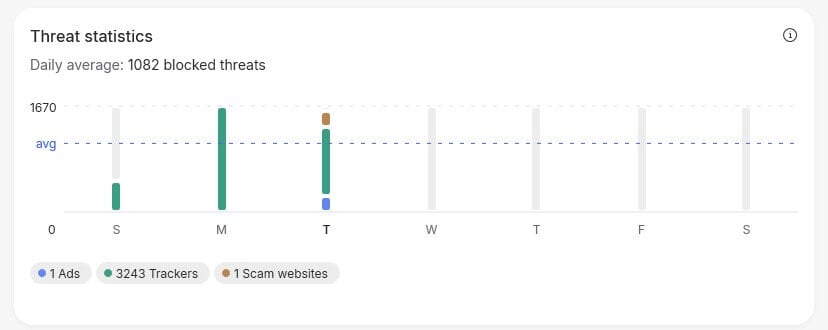
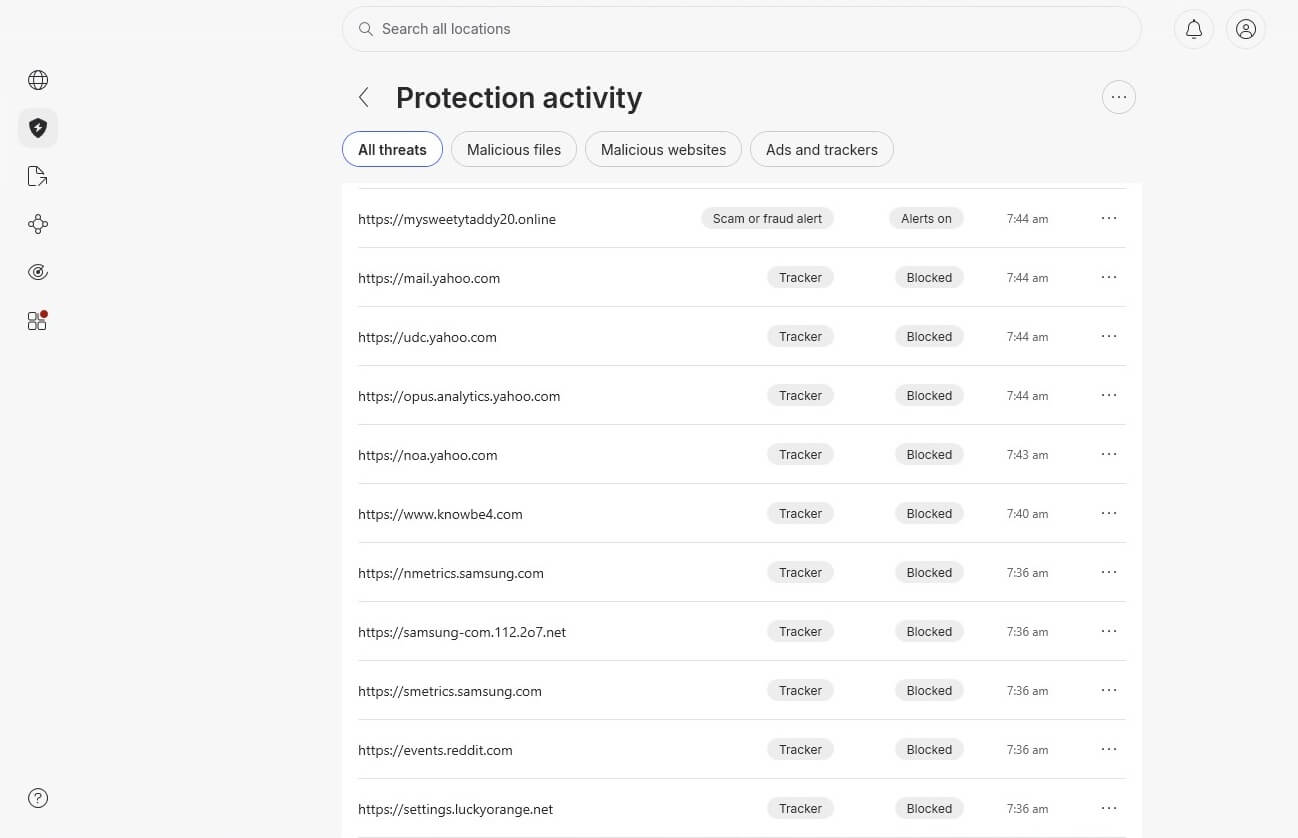
Phishing is its strength. Against live phishing links from an old Yahoo mailbox, it warned on 95% of them, each with a full-page warning. AV-Comparatives’ 2026 anti-phishing test recorded a similar 92%. Malware was weaker: it blocked 45 of the 50 infected files we downloaded, the lowest malware result in our tests.
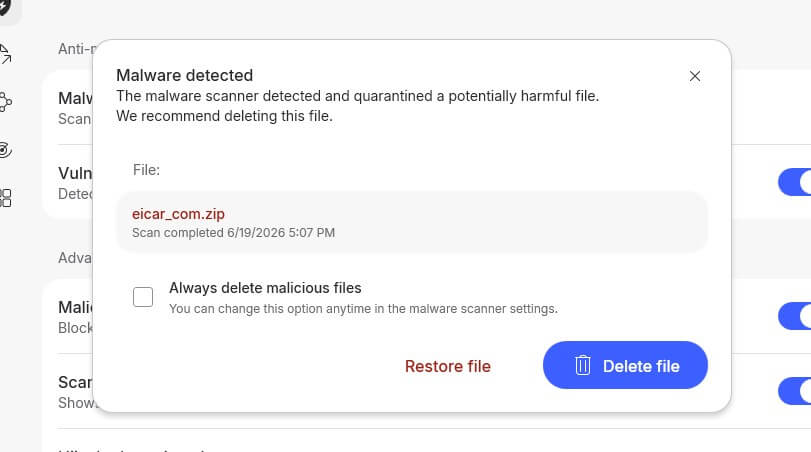
It also has no way to clean a computer that’s already infected, which takes one of the malware removal tools built for the job. On Windows, keep Microsoft Defender enabled alongside it. The rest of the toolkit targets account theft, with link checks in Gmail and alerts when your login sessions turn up for sale on the dark web.
In everyday use, the app used 0.2% CPU and 282 MB of memory. The antivirus requires the Complete plan, at about $4.50 a month on the two-year plan, for 10 devices.
The renewal costs several times the introductory rate. Even so, it’s the best deal for people already shopping for a VPN, since the antivirus costs little more than the VPN alone.
Get NordVPN’s Next-Gen Antivirus
5. McAfee+: Best for Large Households
Rating: 3.9/5
Pros
- Unlimited devices on one plan
- Polished apps for Android and iPhone
- Removes your details from data broker sites
- Checks texts and links for scams
Cons
- Slowest, heaviest full scan in our tests
- Weak detection without an internet connection
- Parental controls cost extra
- Much higher price at renewal
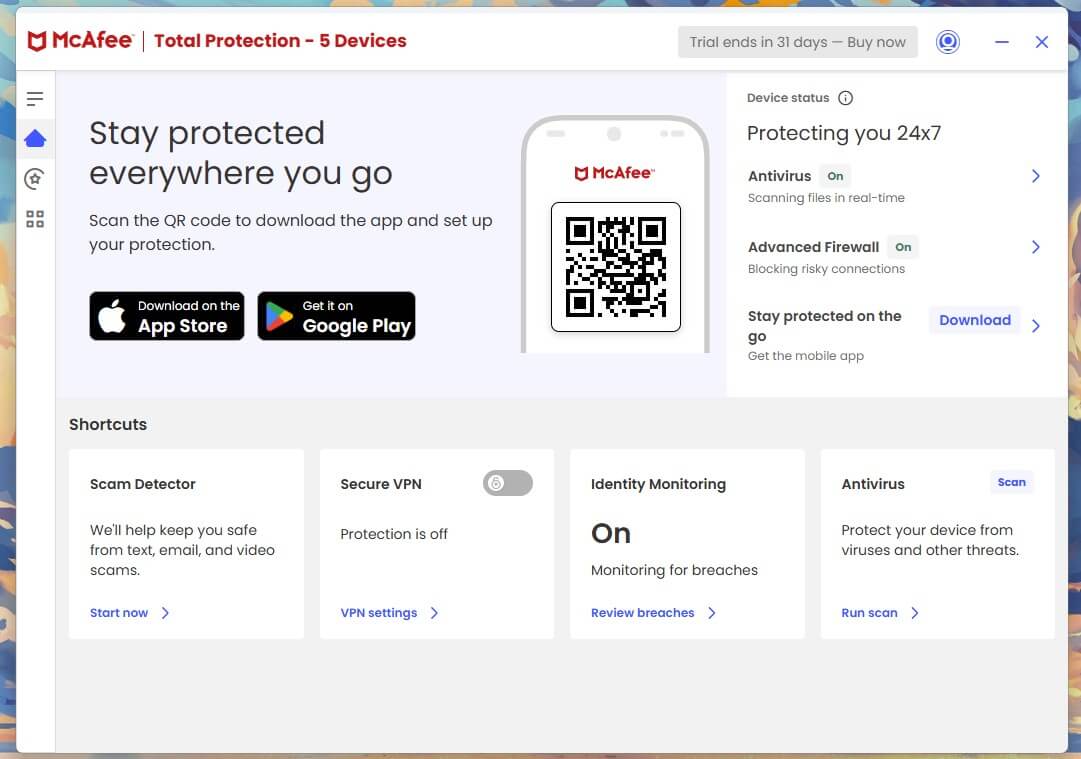
McAfee+ answers a question the others can’t: what do you install when nobody in the house knows how many devices there are? Between two phones each, the kids’ tablets and an old laptop in a drawer, per-device pricing stops making sense past six or seven devices.
McAfee+ Premium covers unlimited devices for about $50 in year one, though only for one user. At renewal, it costs about three times that. Online, its protection is strong: McAfee detected 99.4% of our samples with the cloud available and scored top marks at AV-TEST in August.
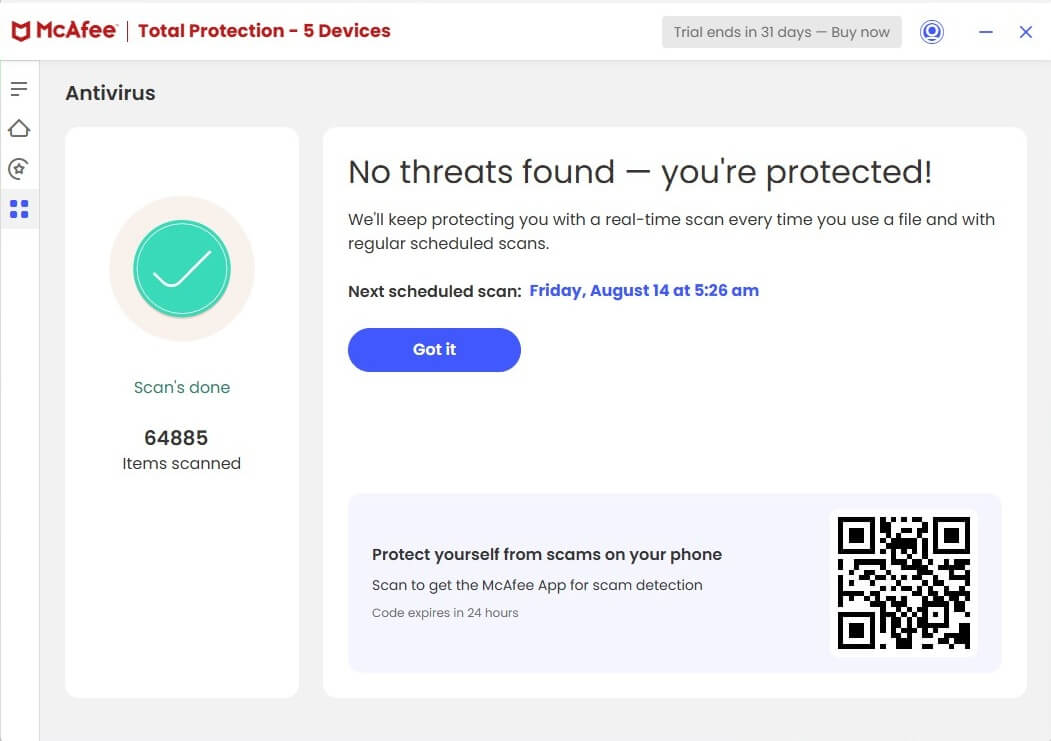
Offline, it caught only about 87%, and AV-Comparatives recorded an even lower 81.3% offline in September, along with 36 false alarms. If your laptop spends hours on trains or planes, McAfee is working with its weaker half for that time. Its full scan took 16 minutes 47 seconds at up to 33% CPU and 415 MB of memory.
That’s considerably more than any other suite on our PC. Day to day, it’s a different story: AV-Comparatives’ September performance test rated McAfee lighter than Norton, Avast and Bitdefender during ordinary work.
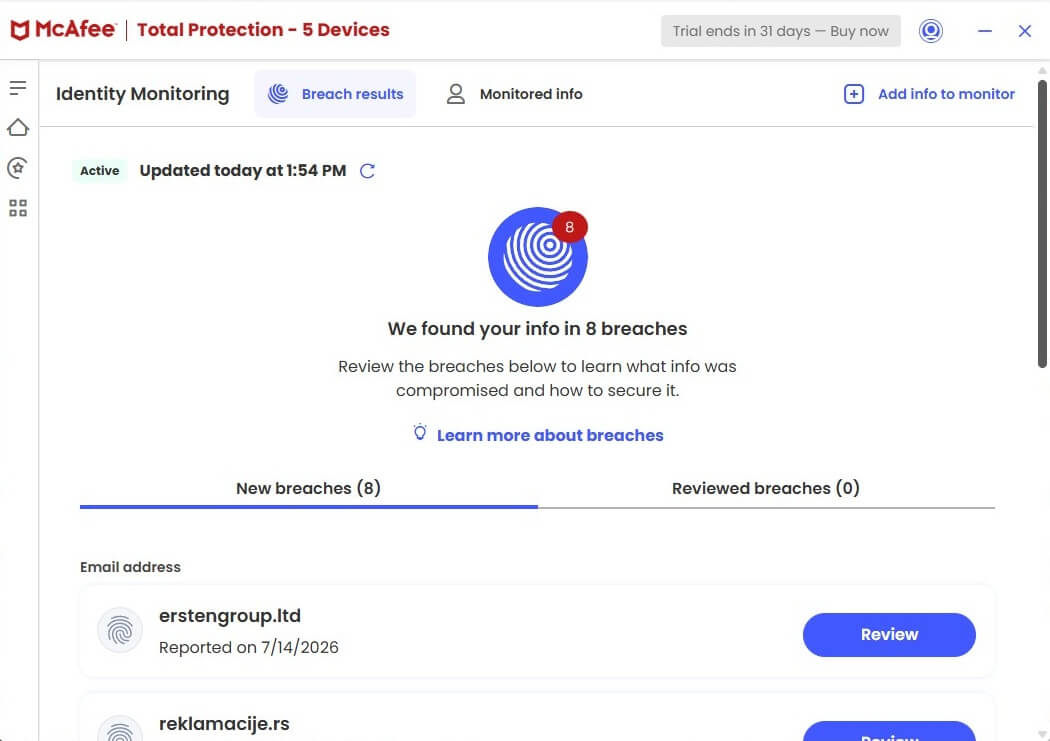
Schedule full scans for times you’re away from the computer, and you’ll rarely notice it. The privacy tools justify much of the price. Personal Data Cleanup finds your details on people-search sites and, on higher plans, sends the removal requests for you.
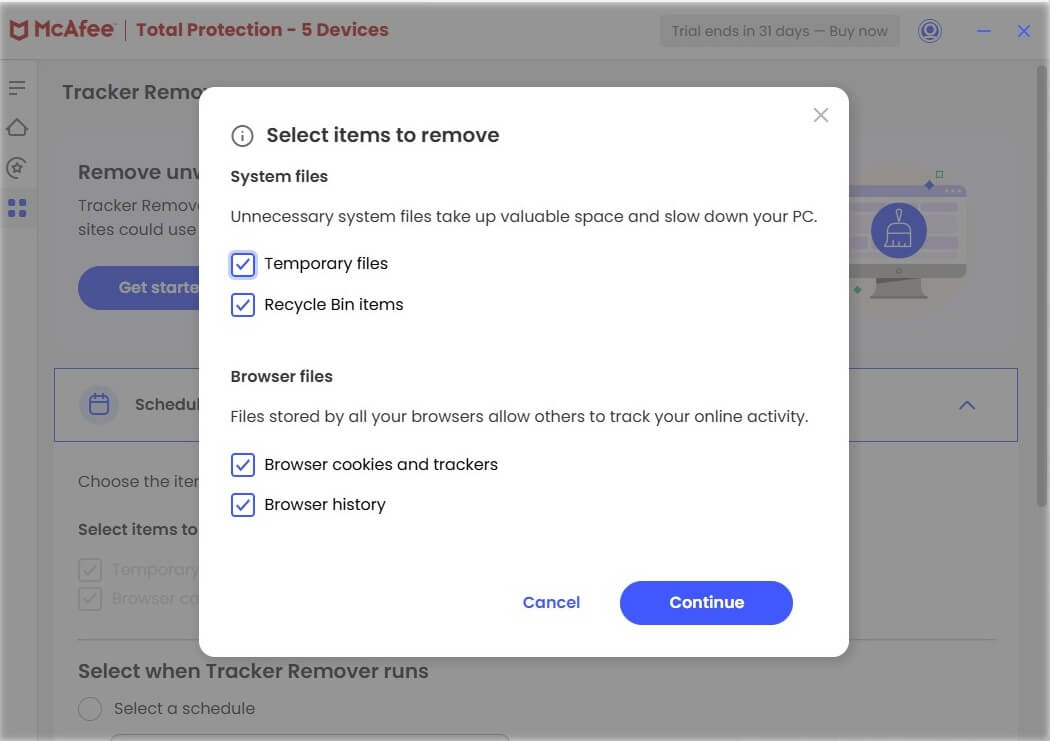
Scam Detector checks suspicious texts, emails, and links. The VPN has no data limit, but parental controls require McAfee Safe Family as a separate purchase.
What Antivirus Costs After the First Year
Antivirus has some of the steepest renewals in consumer software. These are the plans we’d buy from each company, with approximate first-year prices and how much more the renewal costs.
| Antivirus | Plan | Devices | First year | Renewal |
| Norton 360 | Deluxe | 5 | About $50 | About 2.5x the first year |
| Bitdefender | Total Security | 5 | About $60 | Just under 2x |
| Avast One | Paid, 10 devices | 10 | About $70 | About 1.4x |
| NordVPN | Complete | 10 | About $4.50 a month (two-year plan) | About 4x |
| McAfee+ | Premium | Unlimited | About $50 | About 3x |
For a single computer, the entry plans cost less: Norton AntiVirus Plus and Bitdefender Antivirus Plus cost around $25 to $30 for the first year. Families should look at how each company counts.
McAfee counts devices and allows one user, while Bitdefender’s Total Security Family covers 25 devices across five separate accounts, with parental controls, for about $80. Norton also offers a 60-day refund window, twice as long as the others.
Scam Protection Is Where Suites Now Compete
Detection scores are close at the top, so the companies now compete on scams. That makes sense, because most people who lose money online aren’t infected with anything. They’re talked into paying by a fake invoice, a “your account is locked” call, or a stranger who suddenly needs help.
Norton’s answer is money: Scam Protection Pro on the Select Plus plan reimburses up to $10,000 if a scam succeeds. Before that sways you, know that the cover is US-only and comes through an insurer with its own exclusions. Bitdefender and McAfee focus on stopping the scam instead.
A warning about remote desktop software during a banking session stops the loss before it happens, with no claim form involved.
Built-In Protection on Windows, Macs and Phones
Microsoft Defender comes enabled on Windows 11, and AV-TEST gave it 17.5 out of 18 in August 2026. It’s weaker without an internet connection, and AV-Comparatives logged 28 false alarms in September.
Still, it covers the basics for a single user who’s careful with links. Our guide to the best antivirus for Windows compares Defender with the paid suites in detail. If cost is the deciding factor, free antivirus from a reputable company is far better than none.
Even the best free antivirus software usually leaves out the firewall, ransomware recovery, and anything beyond one computer. Macs and phones need less malware scanning, since macOS and iOS restrict what apps can do.
Scam texts, phishing links and data leaks arrive on them just the same, which is why every suite ranked here includes mobile apps. On a Mac, the best antivirus for Mac also detects adware and fake installers that Apple’s own checks miss.
How We Tested
We combined our own tests with results from two independent labs:
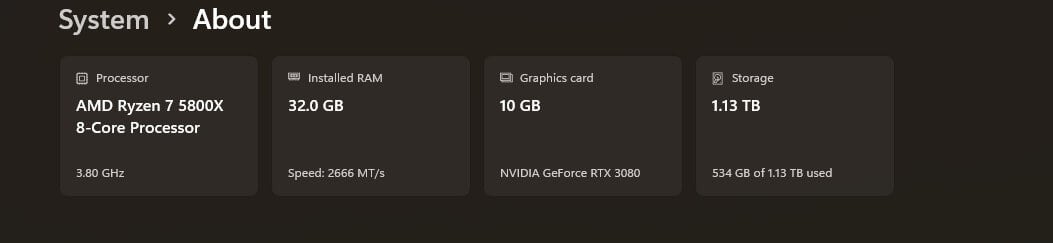
- Test PC: Windows 11 Pro on a Ryzen 7 5800X with 32 GB of memory.
- Scans: timed from start to finish with nothing else open, with peak CPU, memory, and disk use recorded.
- Malware: a large sample set for the full scanners, and 50 downloaded files for NordVPN, which checks files as they arrive.
- Labs: AV-TEST’s August 2026 Windows 11 test and AV-Comparatives’ September 2026 malware and performance tests.
We skipped the EICAR test file, since it only shows that a scanner is enabled. We bought every product at retail, and affiliate links don’t affect the ranking.
Antivirus Brands to Avoid in 2026
Kaspersky is the main one for US buyers. In June 2024, the US Department of Commerce banned Kaspersky from selling software or providing updates in the US, citing national security risks. The company then left the US market.
Its lab scores remain strong, including top marks at AV-TEST in August 2026. Even so, antivirus that can’t legally receive updates where you live loses protection over time. Be wary, too, of the free security suite bundled with some internet plans.
It’s usually an older engine updated on the internet company’s schedule, better than nothing and weaker than anything ranked here.
Verdict
Norton 360 takes first place because it has no weak areas, and its backup and parental controls are tools a household uses every week. Budget for the second year before you buy, because that’s where Norton becomes expensive.
For an older or slower computer, Bitdefender is the better buy, and it’s the one we’d set up for a parent who doesn’t want to think about antivirus. Beyond those two, let your device count decide: for the past five devices, McAfee+ or Bitdefender’s family plan costs less per device than Norton.
FAQ
Is antivirus software worth paying for?
Yes, for most households. Free antivirus detects malware well, but paid suites add ransomware recovery, scam blocking, parental controls, and phone protection, which cover the ways people most often lose money.
Does a VPN replace antivirus software?
No. A VPN encrypts traffic and hides an IP address, but it can't scan files. NordVPN's next-gen antivirus blocks malicious downloads and sites, while full suites also scan stored files.
Does antivirus slow down a computer?
Yes, slightly, and mostly during full scans. Modern suites send much of their analysis to the cloud, so everyday tasks feel normal, and gaming modes postpone scans while a full-screen app is open.
What should you do if your computer already has a virus?
Disconnect it from the internet, install a full antivirus scanner, and run a complete scan. If the infection returns, a bootable rescue scanner or a clean reinstall of the operating system removes it.
How often should you scan your computer for viruses?
A weekly full scan is enough for most computers, because real-time protection already checks files as they open. A quick scan after installing unfamiliar software adds a useful extra check.
Do iPhones need antivirus?
No, not in the traditional sense. iOS keeps apps separated, so no app can scan another for malware. Security apps on iPhone focus on phishing links, scam texts, and unsafe Wi-Fi networks instead.
How much does antivirus software cost?
Paid antivirus costs much less in the first year than at renewal, when the price often doubles or triples. Avast, Bitdefender, and McAfee offer free versions, and Defender comes with Windows.