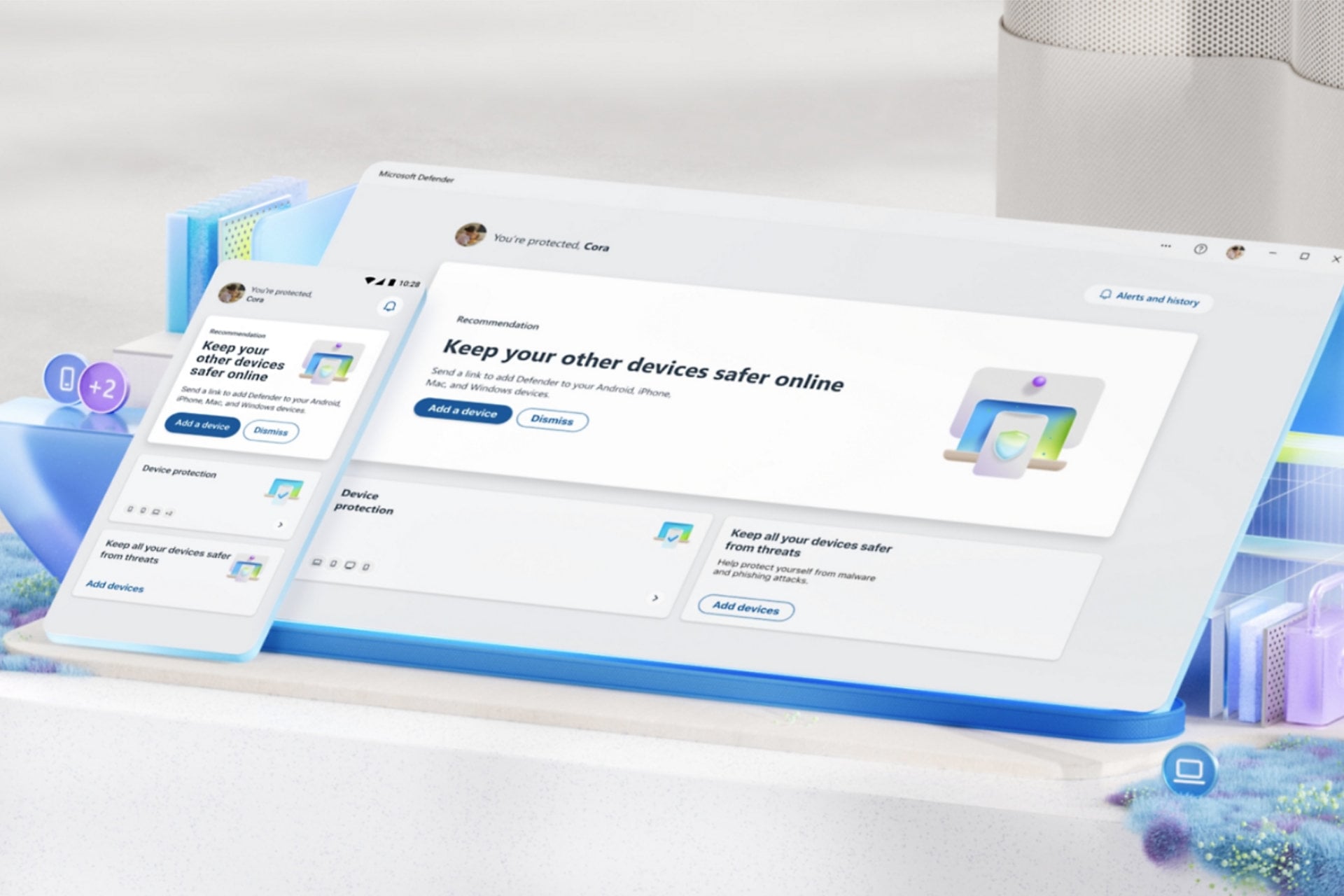
Every Windows 11 PC comes with an antivirus already enabled. In fact, Microsoft Defender now scores well in independent lab tests. The old habit of installing a second antivirus the day you unbox a laptop isn’t automatic anymore.
Defender leaves alone everything around the scanner: the shortened link in a text, the password that just leaked, the phone on the same Wi-Fi, the photos ransomware encrypts overnight. Paid Windows antivirus, on the other hand, is built for those.
It’s also where the suites differ most, along with how much they slow a PC down. So does your computer need that extra layer, and which one costs it the least? Here’s how five paid suites compare with Defender on a Windows 11 desktop.
Top Antivirus for Windows PCs in 2026
- Norton 360: Best overall for Windows. The quickest scanner on our PC, with a firewall more detailed than Windows Firewall.
- Bitdefender: Best for older PCs. Uses the least processor power and memory while it scans.
- Avast One: Best free Windows antivirus. Locks your folders against ransomware without a subscription.
- NordVPN next-gen antivirus: Best if you already pay for a VPN. Windows has the full version, with download checks and phishing blocking.
- McAfee+: Best for big households. No device limit, and light on the PC between scans.
- Microsoft Defender: Best built-in option. Already on every Windows PC, at no cost.
Windows Antivirus Compared
Full scan times and peak memory come from our Windows 11 desktop. The everyday slowdown score comes from AV-Comparatives’ September 2026 Performance Test, which times tasks such as opening apps and copying files. A lower score means a faster PC.
| Antivirus | Full scan | Peak memory during a scan | Everyday slowdown score | Lab false alarms | Covers phones and Macs |
| Norton 360 | 13 min 22 s | 384 MB | 4.9 | 15 | Yes |
| Bitdefender | 14 min 3 s | 183 MB | 8.7 | 1 | Yes |
| Avast One | 14 min 38 s | 200 MB | 5.2 | 15 | Yes |
| NordVPN next-gen antivirus | No full scan | 282 MB (idle) | N/A | N/A | Lighter version on phones |
| McAfee+ | 16 min 47 s | 415 MB | 3.1 | 36 | Yes |
| Microsoft Defender | N/A | N/A | 13.5 | 28 | With Microsoft 365 only |
The lab false alarm column uses AV-Comparatives’ September 2026 malware test.
The Best Antivirus for Windows, Reviewed
1. Norton 360: Best Antivirus for Windows Overall
Rating: 4.8/5
Pros
- Quickest full scan on our Windows PC
- Shows which apps connect to the internet
- Backs up Windows files to the cloud
- Light on the PC between scans
- Parental controls on Deluxe and above
Cons
- Heavy load during a full scan
- Steep price increase at renewal
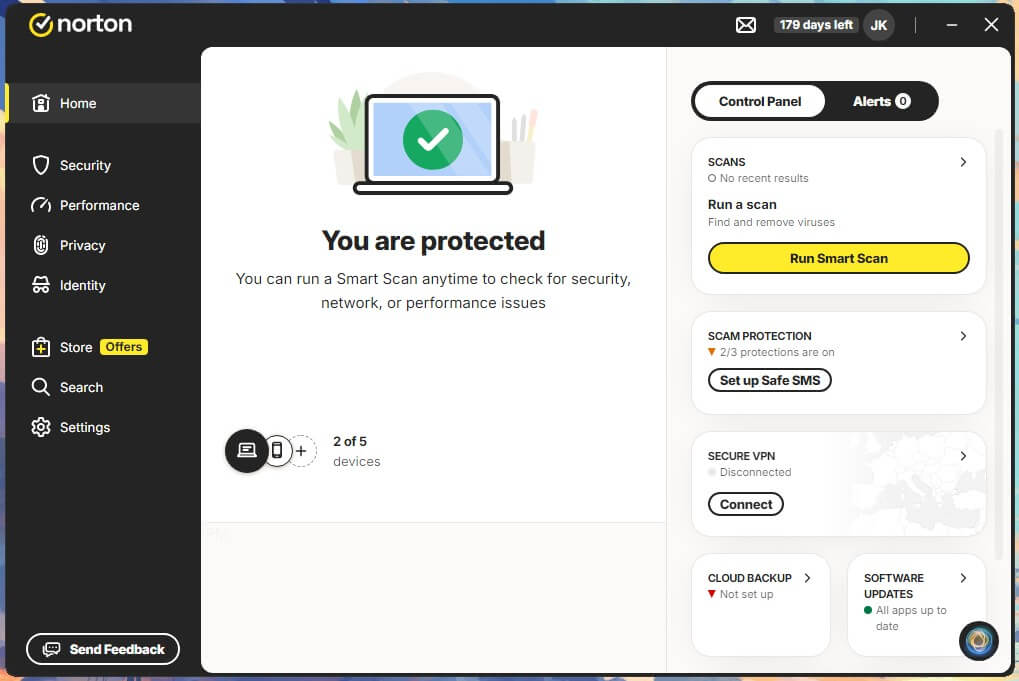
Norton 360 takes the top spot on Windows because it covers the most ground without weakening the scanner. Out of our malware samples, Norton missed just 0.2%, and its three false alarms were ordinary documents. AV-TEST’s August 2026 Windows 11 round gave it a perfect 18 out of 18.
On a laptop, its 95.4% offline detection at AV-Comparatives means it still recognizes most threats without asking the cloud. However, speed comes at a price during scans. A full sweep of two drives took 13 minutes 22 seconds, faster than any other suite on our PC, while CPU climbed to 23%. Between scans, the picture changes.
AV-Comparatives’ performance score of 4.9 puts Norton among the lightest suites for everyday work, far ahead of Defender’s 13.5. If your PC is fast enough to absorb a busy 15 minutes once a week, you’ll rarely notice it otherwise. Beyond that, the Windows extras are the reason to pay.
The Smart Firewall shows in plain language which app is connecting to the internet and lets you block it. By contrast, Windows Firewall keeps those rules in an advanced console most people never open. Cloud backup, which Norton offers on Windows only, keeps a copy of your documents that ransomware can’t touch.
The drawback is cost after year one. For a single PC, Norton AntiVirus Plus starts at about $30, but it and the larger Norton 360 plans roughly double or more at renewal.
2. Bitdefender: Best Windows Antivirus for Older PCs
Rating: 4.7/5
Pros
- Lowest CPU and memory use during scans
- Best offline detection in lab tests
- Very few false alarms in lab tests
- Locked-down browser for online banking
- Finds missing Windows updates
Cons
- Heavier during everyday tasks in lab tests
- Scam protection on Windows requires Premium Security
Bitdefender is the suite to choose when a full scan shouldn’t freeze an older laptop. CPU peaked at 11% and memory at 183 MB on our PC, less than half of Norton’s figures. Even so, the full scan finished just 41 seconds behind Norton’s. AV-Comparatives scored its everyday slowdown at 8.7, higher than Norton’s, Avast’s, or McAfee’s.
The light touch shows mainly during scans. Gaming, movie, and work profiles also push scans and alerts aside while a full-screen app is open. Its lab results are the strongest of the five. Bitdefender caught 99.8% of our samples, and AV-Comparatives recorded the best offline result in its September test, 97.2%, with a single false alarm.
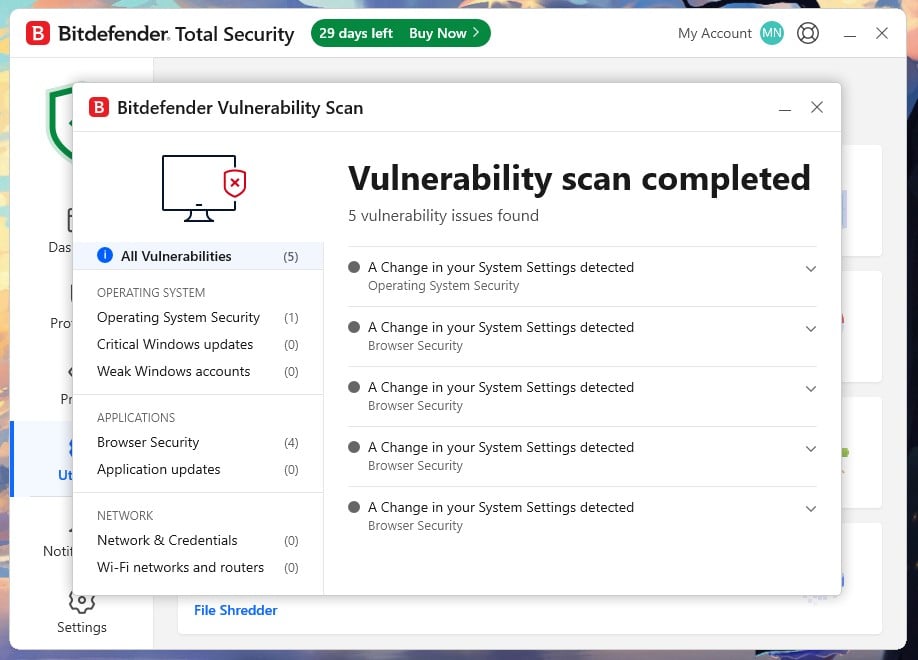
That offline figure counts on a laptop away from Wi-Fi, where detection depends on what’s stored on the PC. The vulnerability scan is a useful Windows touch, too, flagging missing updates and outdated apps before attackers find them. On Windows, Safepay opens your bank’s website in a separate browser that blocks keyloggers and screenshots.
As a result, it counters the banking malware written for Windows PCs. Protection against scams on the PC itself comes only with Premium Security. That plan watches for remote desktop software during banking, the tool fake tech support callers rely on.
If an elderly relative uses the PC, that’s the plan to buy. Premium Security costs about $80 for five devices in the first year, while Antivirus Plus covers a single PC for about $25.
3. Avast One: Best Free Antivirus for Windows 11
Rating: 4.3/5
Pros
- Free version scored top marks on Windows 11
- Ransomware folder locking at no cost
- Postpones scans and pop-ups during games
- Add paid tools one at a time
Cons
- Installer pushes Avast’s own browser
- Entry paid plan covers two devices
- VPN is a paid add-on
Avast One tops our ranking of the best free antivirus for Windows, and it’s the free alternative to Defender we’d install. AV-TEST gave Avast Free Antivirus a perfect score in its August 2026 Windows 11 test, the same as the paid suites from Norton and Bitdefender. That’s because the free version uses the full detection engine.
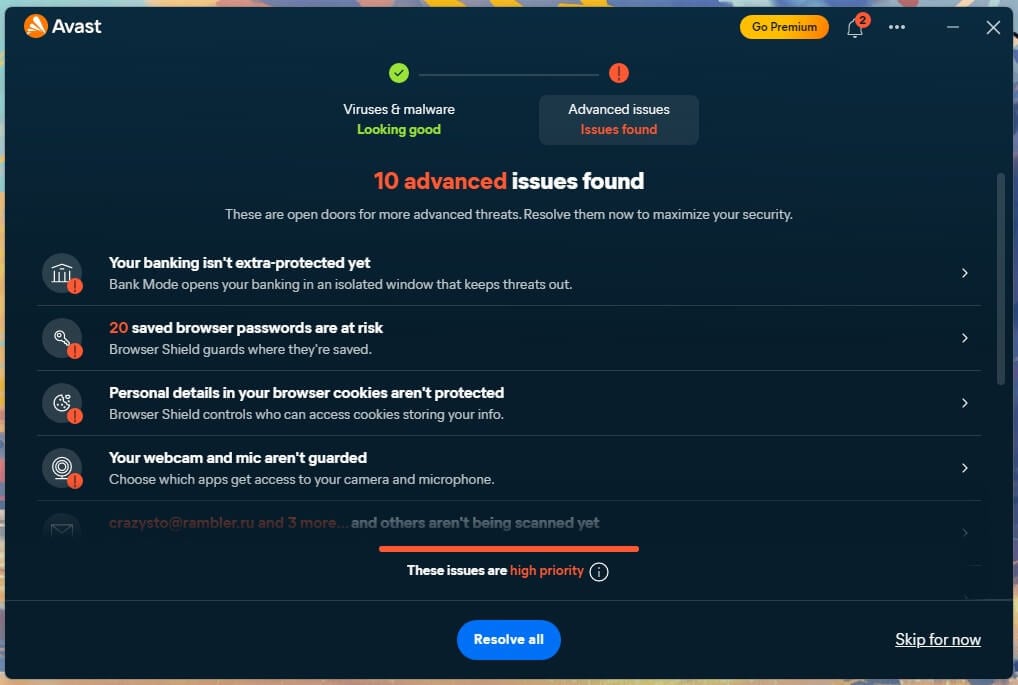
Our samples produced 99.78% detection and four false alarms, and its everyday slowdown score of 5.2 beat Defender’s by a wide margin. Its free version also covers two things Defender handles poorly. Ransomware Shield locks the folders you choose against changes from unknown apps, while Defender’s equivalent is disabled by default.
Do Not Disturb postpones scheduled scans and silences notifications, including Avast’s own upgrade offers, while a game or movie plays full-screen. Scanning the whole PC took 14 minutes 38 seconds, with CPU use peaking at 12%. The paid Avast One plans add scam call and text protection, starting at about $50 a year for one computer and one phone.
4. NordVPN Next-Gen Antivirus: Best If You Already Pay for a VPN
Rating: 4.0/5
Pros
- Full protection on Windows
- Blocks phishing pages in any browser
- Scans files as they download
- Works alongside Microsoft Defender
Cons
- No full scan of the drive
- Uses memory the whole time it’s open
- Steep price increase at renewal
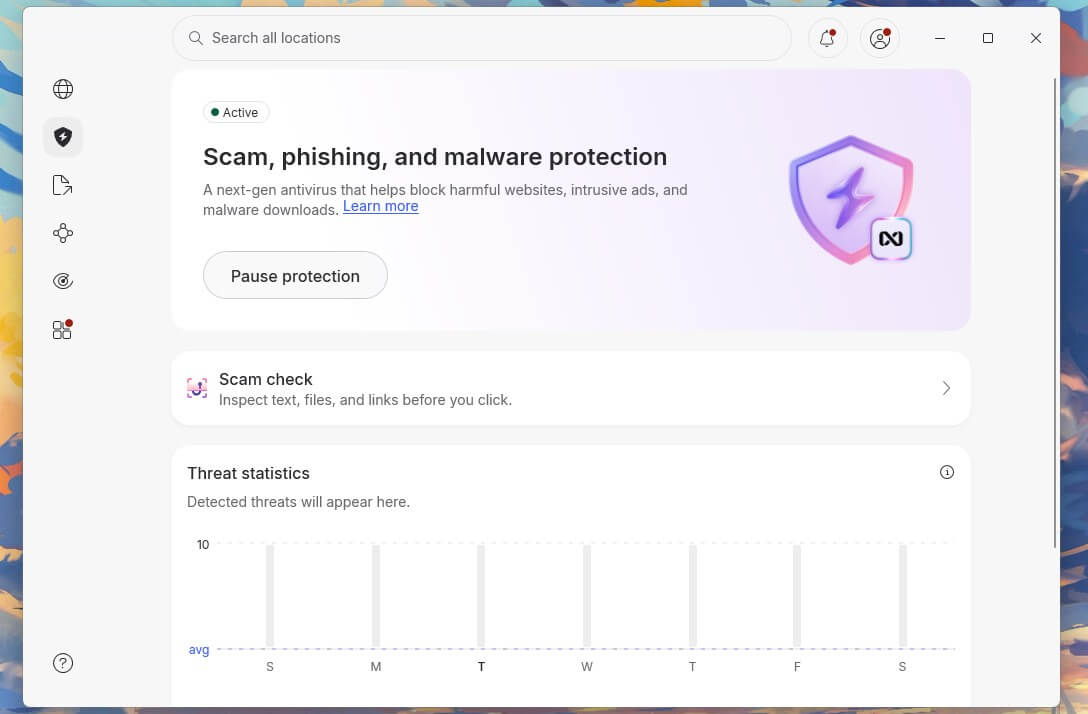
NordVPN’s next-gen antivirus works in its fullest form on Windows and macOS. On phones, NordVPN offers a lighter version that blocks dangerous sites. It doesn’t replace Defender. Instead, it covers what Defender handles weakly outside Edge. It checks the links you click and the files you download in any browser, whether the VPN is connected.
That division of labor showed in our results. It warned on 95% of the live phishing links we opened, with a full-page block, and AV-Comparatives’ phishing test this year gave NordVPN 92%. Downloads were weaker: it stopped 45 of 50 infected files.
Because it never scans the drive, a missed file remains there until another scanner finds it. Leave Defender’s real-time protection enabled for that reason. Idle, the app took 0.2% of the CPU and 282 MB of memory. There’s no scan spike, but that memory remains in use all day, so a laptop with 8 GB is the sensible minimum.
It comes with the Complete plan, under $5 a month on the two-year plan, which also covers the VPN itself, ad blocking, and a password manager. Since the renewal price is far higher, it’s a good deal mainly if a VPN was already on your list.
Try NordVPN’s Next-Gen Antivirus
5. McAfee+: Best for Households With Many Devices
Rating: 3.9/5
Pros
- Unlimited devices on Premium and Advanced
- Lightest everyday load in lab tests
- Requests data broker removals for you
- Flags scam texts and emails
Cons
- Slowest full scan on our PC
- Weak offline detection
- One user per plan
- Parental controls cost extra
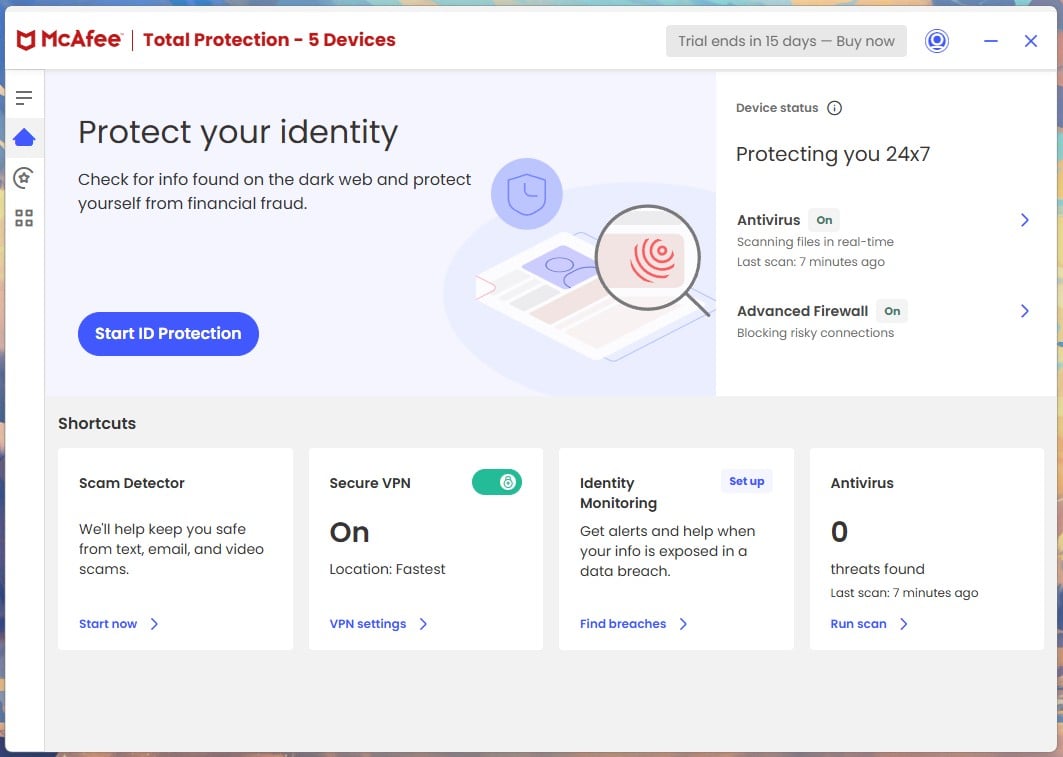
McAfee+ makes sense when the Windows PC is one device among many. A McAfee+ Premium subscription has no device limit and costs about $50 for the first year, roughly triple that afterward. As a result, a family with several laptops, phones and tablets pays one price.
It counts devices instead of people, though, so the whole household shares a single account. On our PC, it was the hungriest scanner: a full scan lasted 16 minutes 47 seconds, with CPU hitting 33% and memory 415 MB. Between scans, the result reverses: AV-Comparatives gave McAfee the best everyday slowdown score in its September test, 3.1.
Set full scans for a time the PC is on but idle, and an older machine will rarely feel it. Offline detection is its weak point. It caught about 87% of our samples without a connection, and AV-Comparatives recorded 81.3% in September, the lowest of the four full suites.
So McAfee works better on a desktop that remains online than on a laptop used on the road. Its Personal Data Cleanup and Scam Detector help the whole household, but parental controls cost extra through McAfee Safe Family.
Also Ranked: Microsoft Defender, Built Into Windows
Rating: 4.1/5
Pros
- Already installed and enabled on Windows
- Top protection scores in lab tests
- Free, with nothing to renew
- Updates automatically through Windows Update
Cons
- Weaker detection without an internet connection
- Frequent false alarms in lab tests
- Noticeable everyday slowdown in lab tests
- Scam-site blocking works best in Edge
Microsoft Defender is outside the numbered list because you don’t buy it, but it’s a capable scanner. AV-TEST gave it 17.5 out of 18 in its August 2026 Windows 11 test, and AV-Comparatives recorded a 99.89% protection rate in September. Still, its weaker spots show up in the same lab reports.
Offline detection fell to 82.2%, and it logged 28 false alarms. Its everyday slowdown score of 13.5 was also the heaviest in the performance test, well behind every paid suite in this ranking. Nothing protects your phone or Mac either, unless you pay for Microsoft 365 Personal or Family, which adds a Defender app for those devices.
For one careful person on one PC, with backups kept elsewhere and a separate password manager, Defender is a reasonable place to stop. Once children share the computer, you bank on it, or the house mixes Windows, Android, and Mac, the best antivirus software covers the parts Defender leaves out.
What Windows 11 Already Protects You From
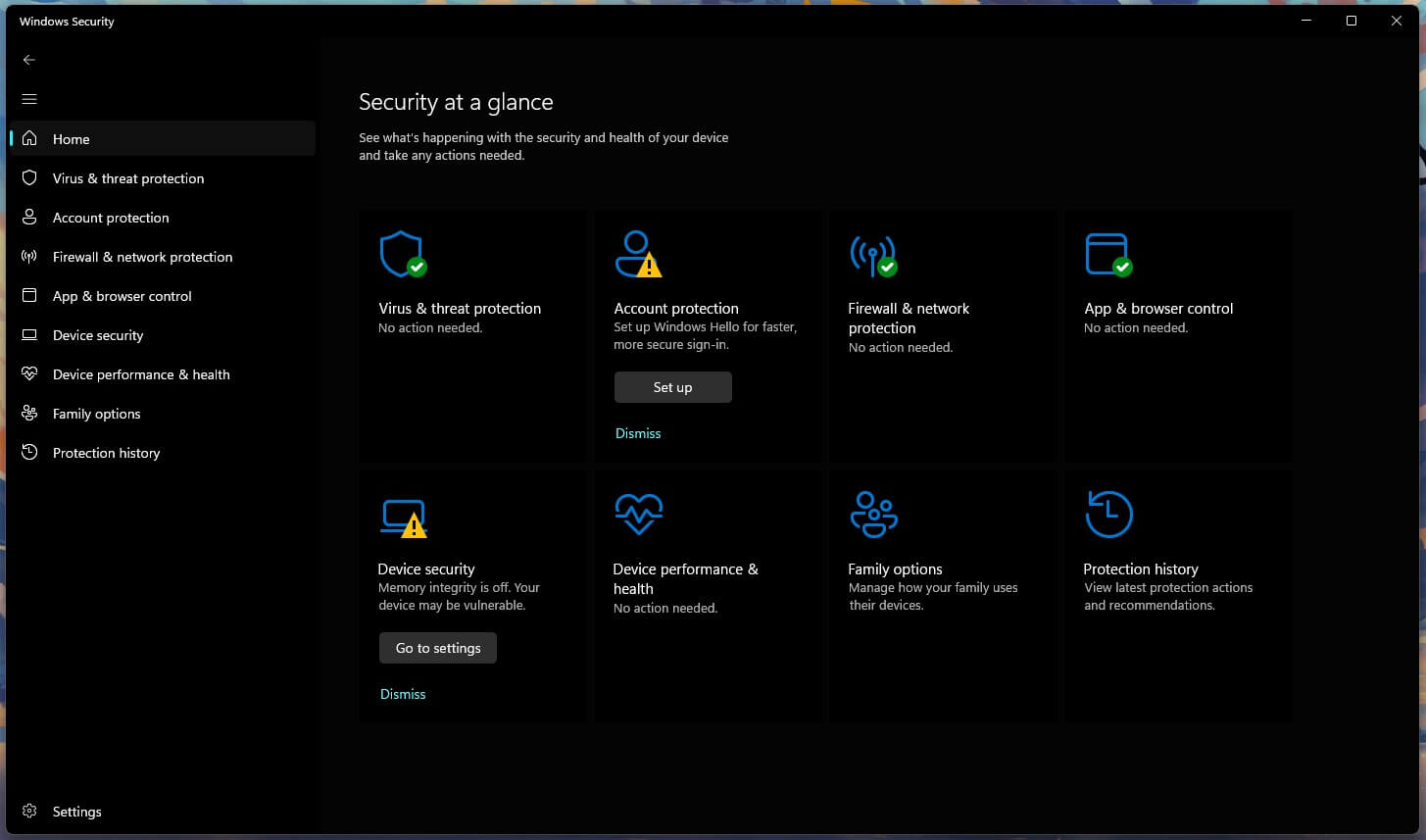
Beyond Defender, Windows 11 has several layers in the Windows Security app, and a few are worth checking before you pay for anything.
- Smart App Control blocks apps that are unsigned or have no known reputation. Find it under App & browser control.
- Memory integrity stops malicious code from loading into the core of Windows. It’s under Device security > Core isolation details.
- Controlled folder access protects your folders from ransomware, but it’s disabled by default. Enable it under Virus & threat protection > Manage ransomware protection.
- SmartScreen warns about dangerous sites and downloads, with the strongest coverage in Edge.
Those protect the files and the system well. However, what Windows doesn’t cover is the person using it. It won’t check a link in a text message, warn you that your email turned up in a breach, or restore files once ransomware has encrypted them.
A suite with backup, or one of the ransomware protection tools we tested, handles that last part.
Antivirus and Gaming on a Windows PC
Gamers usually worry about frame rates, but a modern antivirus barely touches them between scans. The slowdown shows up during a full scan, so game modes are the feature to look for. Norton, Bitdefender, and Avast detect full-screen games and postpone scans and notifications, so a scheduled sweep won’t start in the middle of a match.
You can also check any antivirus yourself in a minute. Open Task Manager, sort by CPU, and watch the antivirus process while the PC is idle and again during a scan. Idle use should remain close to zero. If it doesn’t, the software is a poor match for that hardware or something is misconfigured.
On our desktop, every full scan peaked well under 40% CPU.
How We Tested on Windows
Our numbers come from a Windows 11 Pro desktop built around a Ryzen 7 5800X, with 32 GB of RAM and two SSDs. Scans were timed from start to the results screen, with no other apps open, while peak CPU, memory, and disk use were logged.
NordVPN faced 50 downloaded samples, since it inspects files as they arrive, and the full scanners faced a much larger set. As for lab results, they come from AV-TEST’s August 2026 Windows 11 test and AV-Comparatives’ September 2026 malware protection and performance tests.
We paid for every product ourselves, and affiliate commissions play no part in the order.
Conclusion
Does your Windows PC need more than Defender? For one person who keeps Windows updated and stores backups elsewhere, not necessarily. Once the PC is shared, used for banking, or part of a house full of phones, a paid suite is worth it, and Norton 360 is the one we’d install first.
On an older laptop, however, start with Bitdefender’s free trial and see whether you notice it running. If you don’t, that’s your definitive answer.
FAQ
Do I need antivirus on Windows 11?
Not strictly. Microsoft Defender is enabled by default and scores well with independent labs. Paid antivirus adds scam blocking in every browser, ransomware recovery, parental controls, and protection for phones and Macs.
Is Windows Defender good enough for most people?
Yes, for one person on one PC with careful habits. Its weak points are offline detection and everything beyond the scanner, such as identity alerts, backups, and protection for other devices.
Can you run two antivirus programs on Windows?
Only one should handle real-time protection. Windows disables Defender's real-time scanning when another antivirus installs and enables it again if that antivirus is removed, which prevents the two from conflicting.
Do I need antivirus on Windows 10?
Yes, more than on Windows 11. Without regular security updates, known flaws remain open, and antivirus blocks many of the downloads and pages that exploit them. Upgrading is still the safer fix.
Does antivirus slow down games on Windows?
Usually not by much. Most suites detect full-screen games and postpone scans and notifications, so any slowdown appears mainly when a scheduled full scan starts during play.
Is Kaspersky safe to use on Windows?
Its lab scores are strong, but Kaspersky can no longer sell software or issue updates in the US. A US installation stops receiving protection updates, so US users should choose a different antivirus.