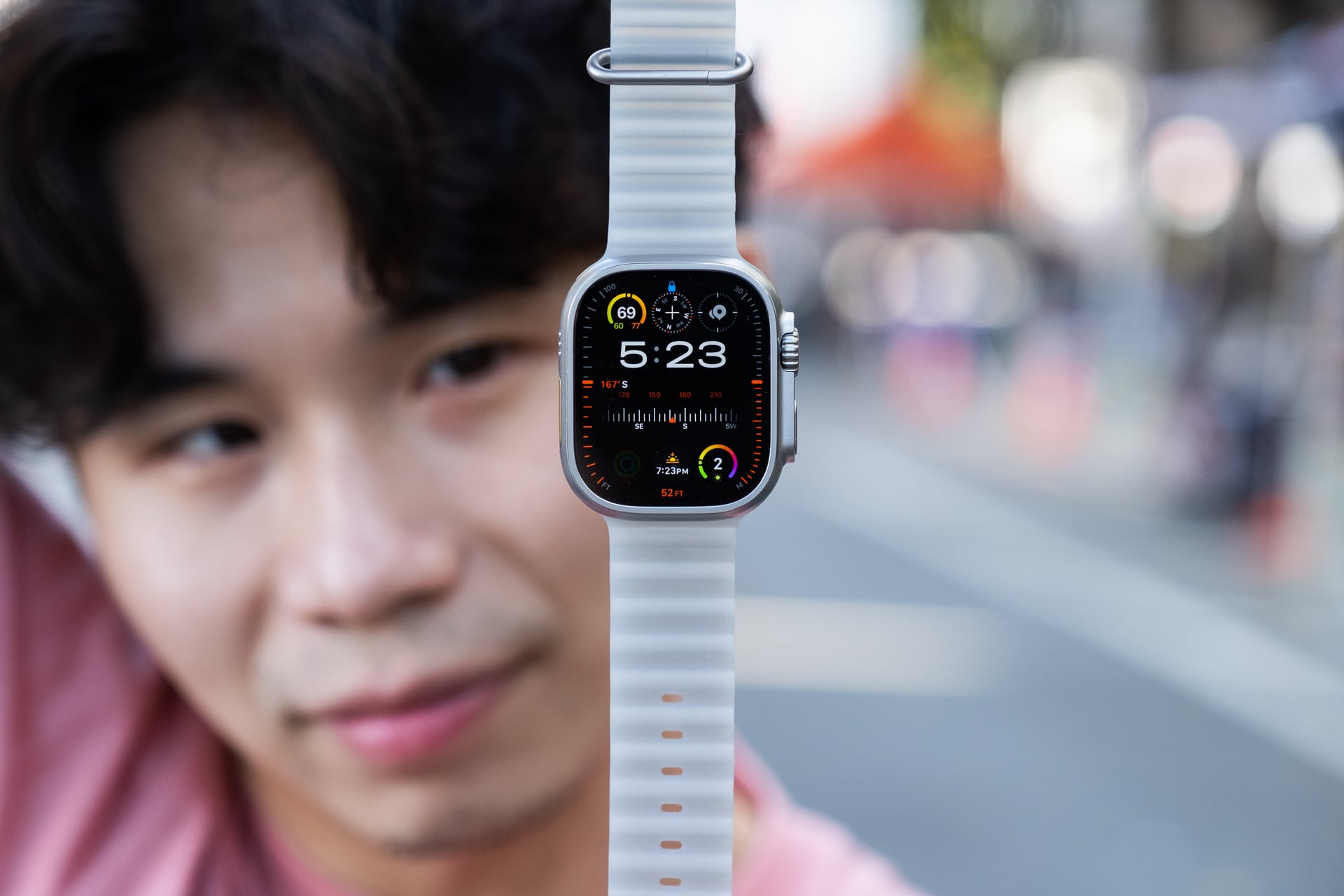

The good news is that the Apple Watch Ultra 4 didn’t get a price hike, despite the ongoing RAMpocalypse caused by AI data centers pushing up the cost of memory for consumer electronics, which then gets passed to consumers. It starts at the same $799 as every previous generation of Apple’s largest and most rugged smartwatch. In this economy, any gadget that doesn’t cost more than it used to, while improving on nearly everything, is a solid value.
While there are many upgrades on the Apple Watch Ultra 4 compared to the previous-gen Watch Ultra 3, this review—even publishing a week and a half after its official release—is incomplete because some core features aren’t available yet.
The redesigned Health app, which has an Insights tab for showing stats like your Readiness Scores, summaries powered by Apple Intelligence, and a Longevity tab for estimating your health age and scheduling and purchasing lab tests from Quest Diagnostics, only rolled out in the iOS 27.1 developer beta and iOS 27.2 public beta within the past week. Controversial “Audio Intelligence” features such as Live Rewind, which transcribes the last 15 seconds of detected audio, and Siri Recap, which summarizes real-time conversations into notes throughout the day, won’t be available until “later this year.”
Apple Watch Ultra 4
The Apple Watch Ultra 4 is even more ultra-packed than any previous Apple Watch.
Pros
- Easy-to-understand Readiness Score
- Continuous heart rate readings all day
- Even longer battery life
- Fast charging gets you more hours than before
Cons
- Non-customizable dynamic app grid
- Audio Intelligence features not available at time of review
- Design is getting stale
Even without those features, the Apple Watch Ultra 4 has enough going for it. You probably don’t need to upgrade if you’ve got an Ultra 3, but if you’re on any older Ultra or non-Ultra model, you’re going to get Apple’s very best smartwatch, provided the size literally fits your wrist.
Still a tank on your wrist
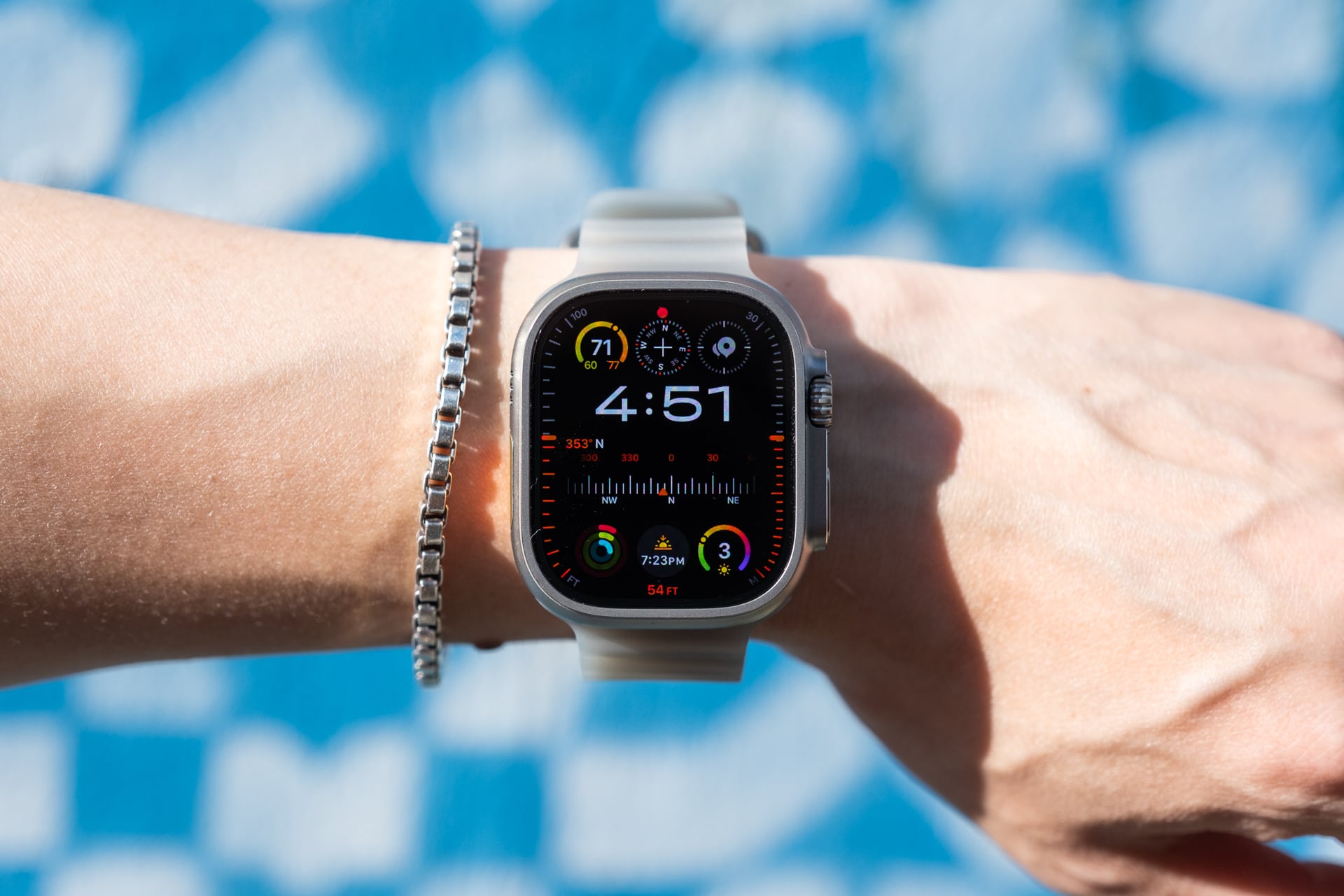
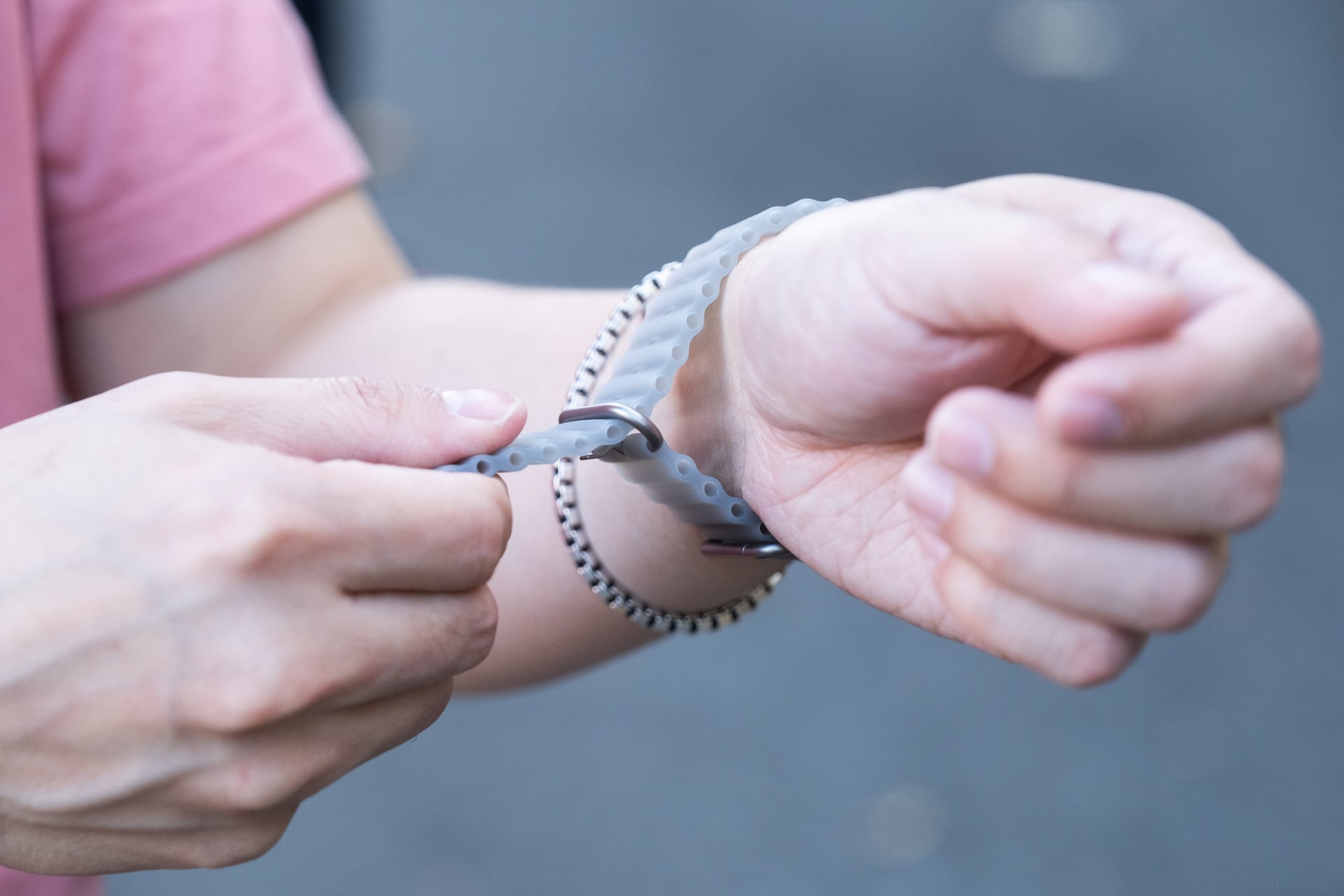
My wrist hasn’t grown in a year, so the Apple Watch Ultra 4 fits exactly the same as all previous Watch Ultra models. What has changed is that I’ve adapted to the 49mm titanium case size. Peoples’ preferences can change—and mine did. While I still prefer a polished stainless steel case with the smaller non-Ultra Apple Watches, the beefiness of the Apple Watch Ultra 4 no longer feels as goofy on my wrist as it used to. I credit the new Translucent Gray Ocean band for the style change; it somehow makes the case look like it’s floating on my wrist and works great for casual, active, and dress attire. $99 is steep to get the look, though.
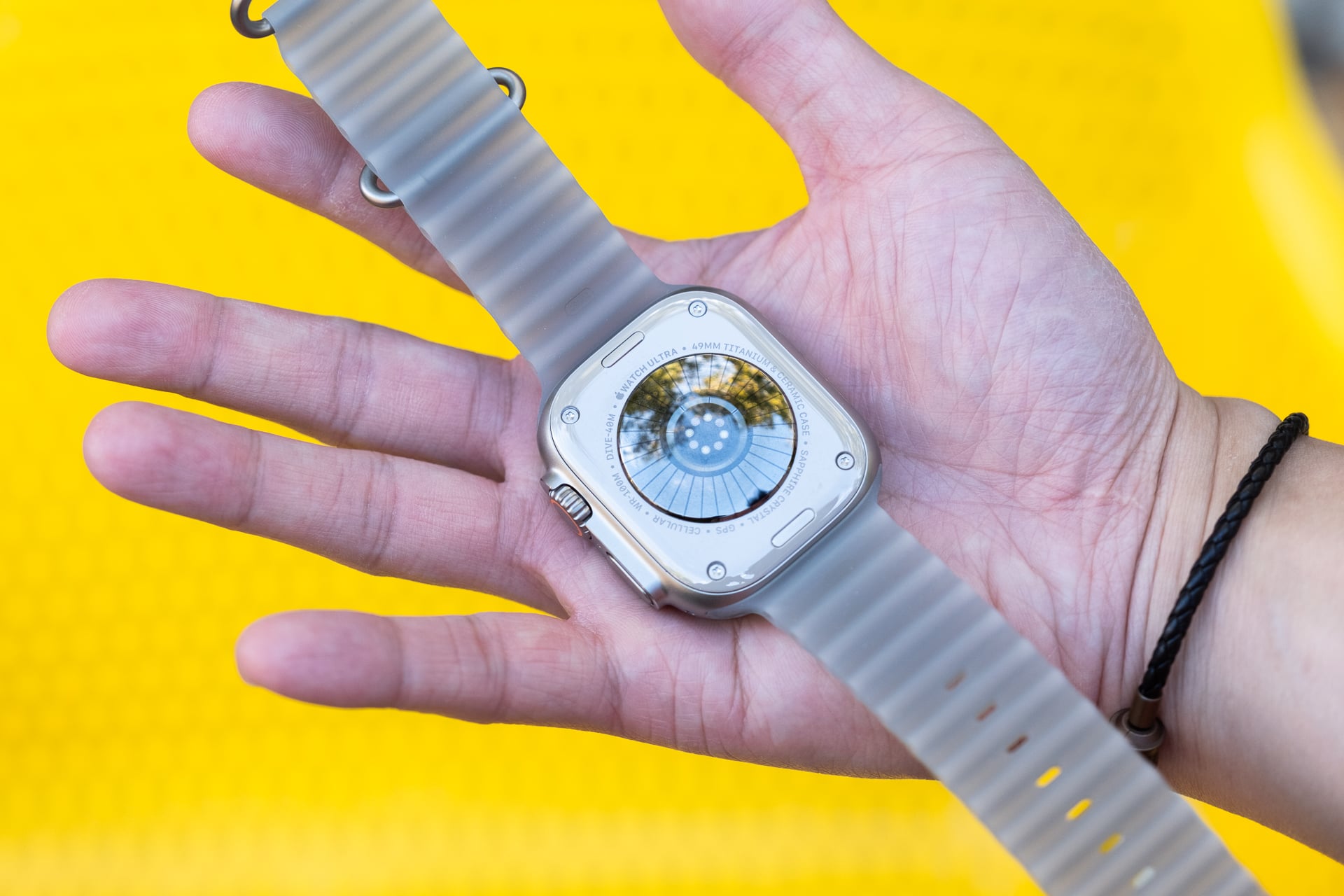
The Watch Ultra 4’s fundamentals also remain unchanged. Sure, there’s a new S11 SiP (system on a chip) that I’ll get into in a moment, but the hardware is largely the same. You’re still getting a diving computer, built-in 5G cellular, satellite connectivity, and an IP6X rating and MIL-STD 810H durability. There’s also still a programmable Action button on the left side. And the screen is still large and bright.
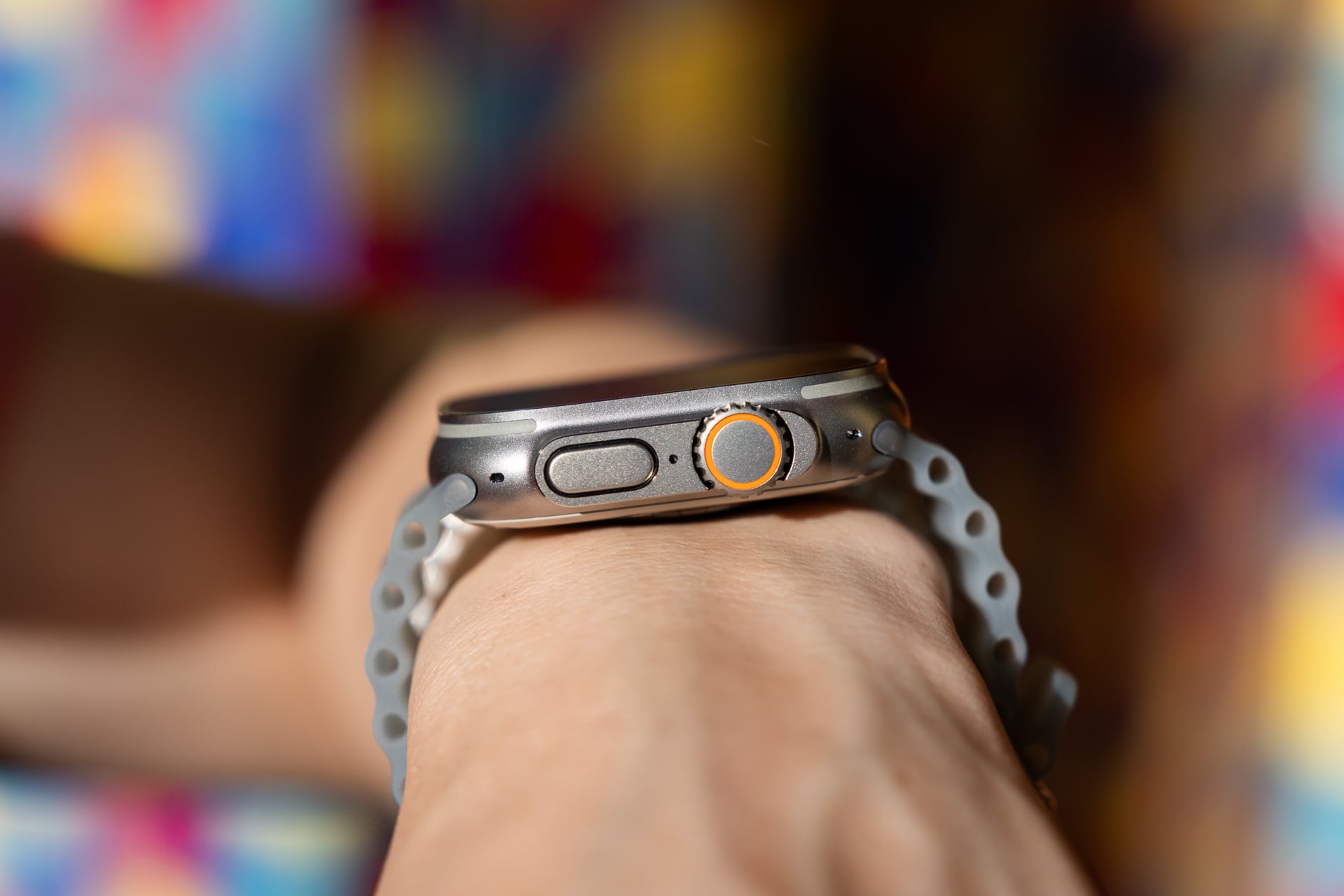
However, four generations in, I’m really pining for a new design. While keeping the same design maintains compatibility with all past Ultra bands, can we get something fresh next year? Even new finishes or colors would be better than the same old natural and black titanium. I don’t need a bigger display (1.98 inches is already huge), but I would appreciate a brighter one for better outdoor visibility, especially in direct sunlight.
Deeper, more accurate health tracking
The health tracking additions to the Watch Ultra 3 are relatively mild. Apple added hypertension notifications and the Sleep Score. The Apple Watch Ultra 4 (and the Watch Series 12) revamps heart rate monitoring from the ground up with a new “Health Sensing System” (HSS) that Apple claims provides the most accurate heart rate sensing in any wearable, based on a study with over 1,000 participants that it commissioned. Apple compared the Watch Ultra 4 (and Watch Series 12) to wearables including the Garmin Forerunner 970, the Google Pixel Watch 4, the Huawei Watch 5, the Oura Ring 5, the Samsung Galaxy Watch 8, the Whoop 5, and the Polar H10 ECG Chest Strap. While the results of the study are available for all to dig through, it’s worth noting that they aren’t compared to the new versions of the Pixel Watch and Galaxy Watch.
To improve the accuracy of the data collected, the HSS consists of three upgrades: a larger electrode surface area for more accurate ECG readings, revamped photodiodes for improved optical sensing through your skin, and larger green LEDs that can continuously take heart rate readings throughout the day. Together with the S11 SiP and Apple Intelligence, Apple says the latest Apple Watches not only provide more accurate tracking but also offer helpful actionable insights.
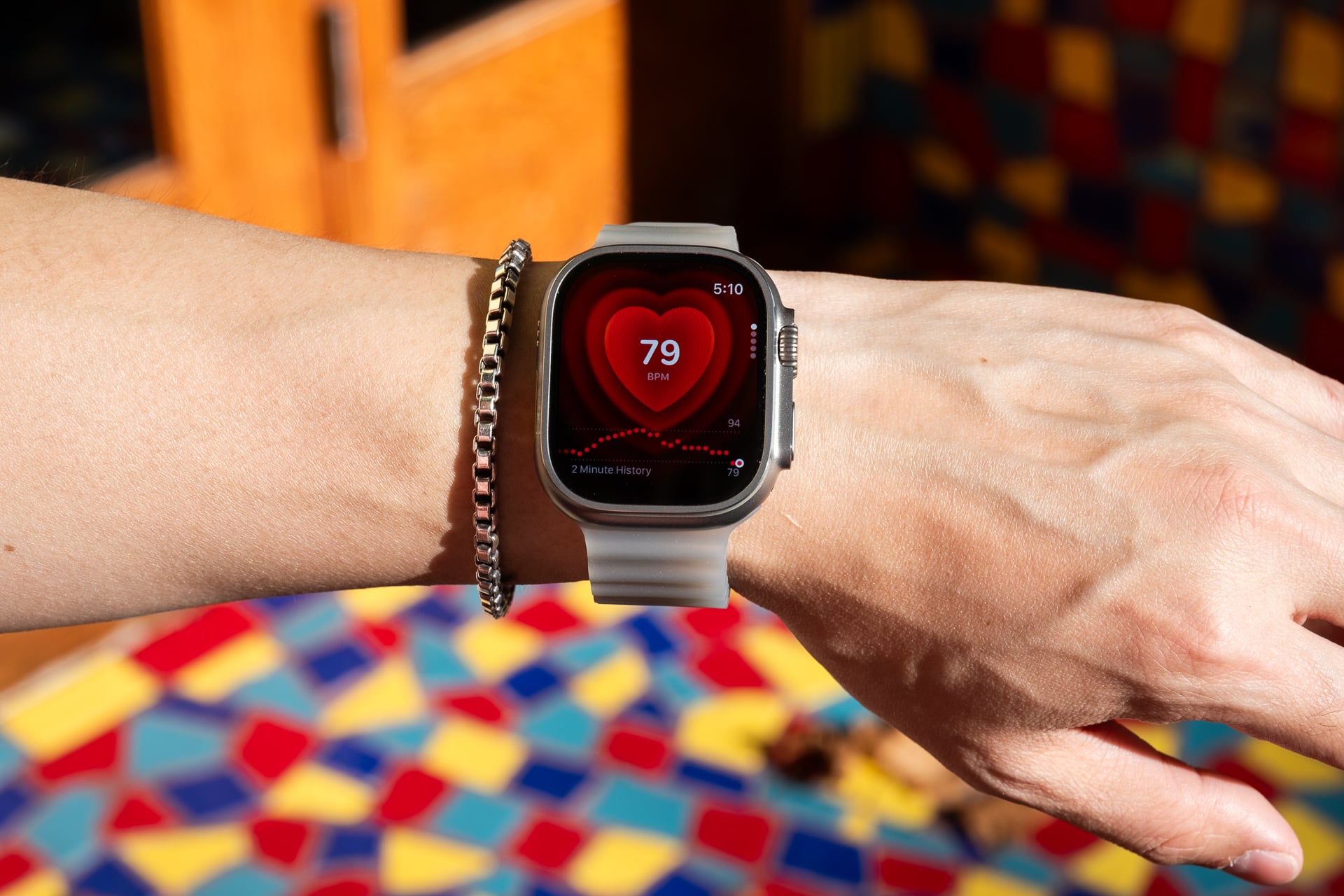
By collecting heart rate readings every five seconds continuously throughout the day instead of readings in the background every five minutes on previous Apple Watches, Apple says you’ll get a more realistic picture of your “readiness.” Indeed, I do feel more informed seeing my live heart rate in the Heart Rate app and on the new watch face, but it’s really just catch-up to competing smartwatches and wearables that have had continuous heart rate monitoring for years.
Additionally, the HSS also tracks your heart rate variability (HRV) every five minutes instead of every two hours. Apple says the HSS measures two kinds of HRV: recovery HRV and overall HRV. Recovery HRV, using the RMSSD formula, looks at signals to determine tiredness or stress—great for daily “readiness.” Overall HRV, using the SDNN formula, detects patterns that could inform your cardiovascular health.
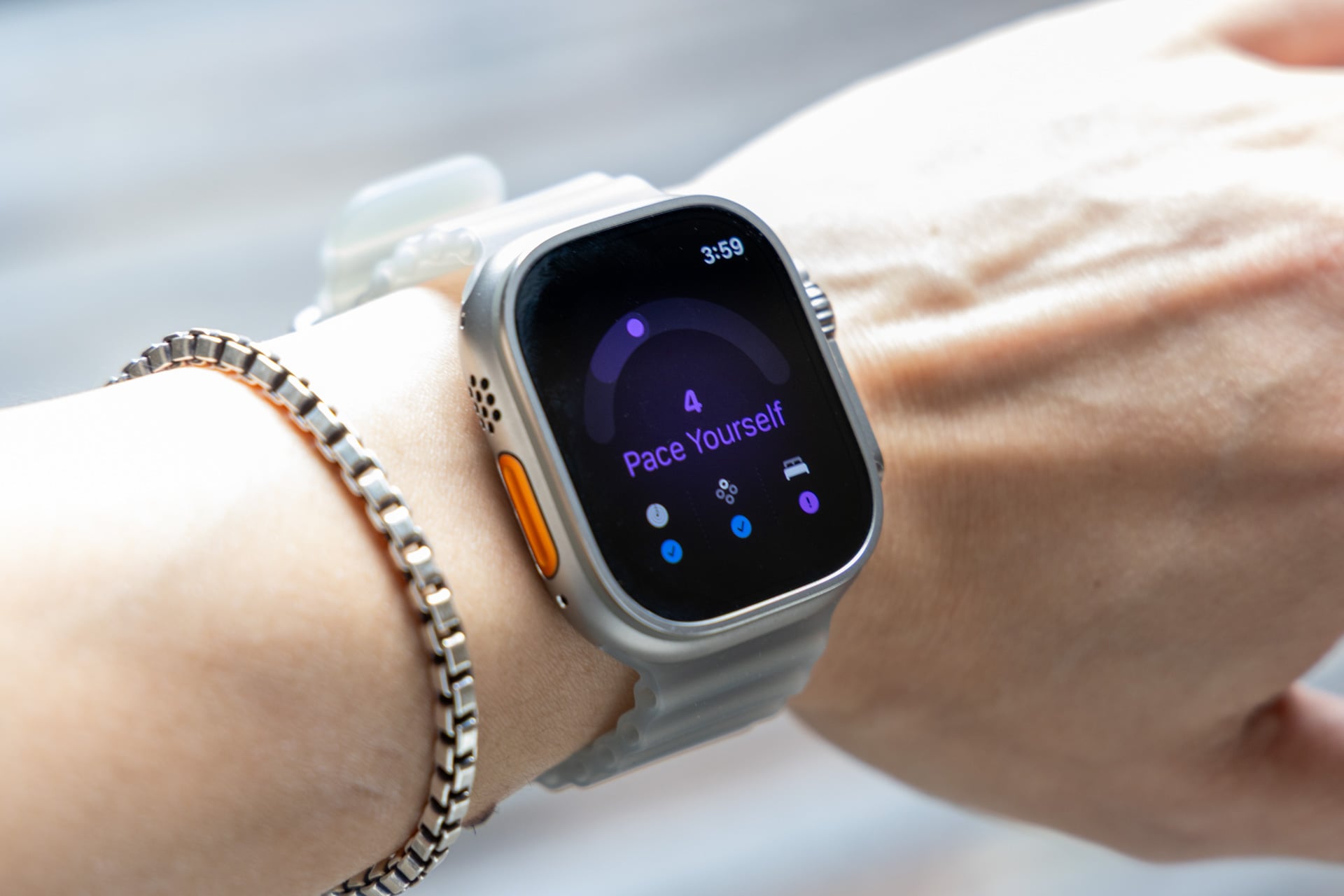
This is all great on a technical level, but did the new Readiness, Vitals, and redesigned Heart Rate apps push me towards a healthier lifestyle? The answer isn’t black or white. See, while the Readiness Score—which takes into account at least seven nights of recent activity, sleep, and overnight vitals, and then gives you a score between 0 and 10 (0-1 is Recover, 2-4 is Pace Yourself, 5-7 is Ready, and 8-10 is Go For It)—is an easy way to understand your body health at a glance and encourages methods of improvement, it’s only as valuable as your ability to stick to a daily routine: getting to bed on time and sleeping enough, moving or working enough, or slowing down when you’ve worked out too much. While I saw “Ready” on the screen most days, I admit that even when I saw “Recover” or “Pace Yourself”—and then immediately felt bad—there were days when I just ignored them. The Apple Watch Ultra 4 did its job nagging me to get ready for bed, but I chose to watch YouTube or peruse Reddit until 3 a.m. instead. This is not a fault of the Apple Watch or the HSS, but me, a human with the power to override the wrist computer and make bad decisions.
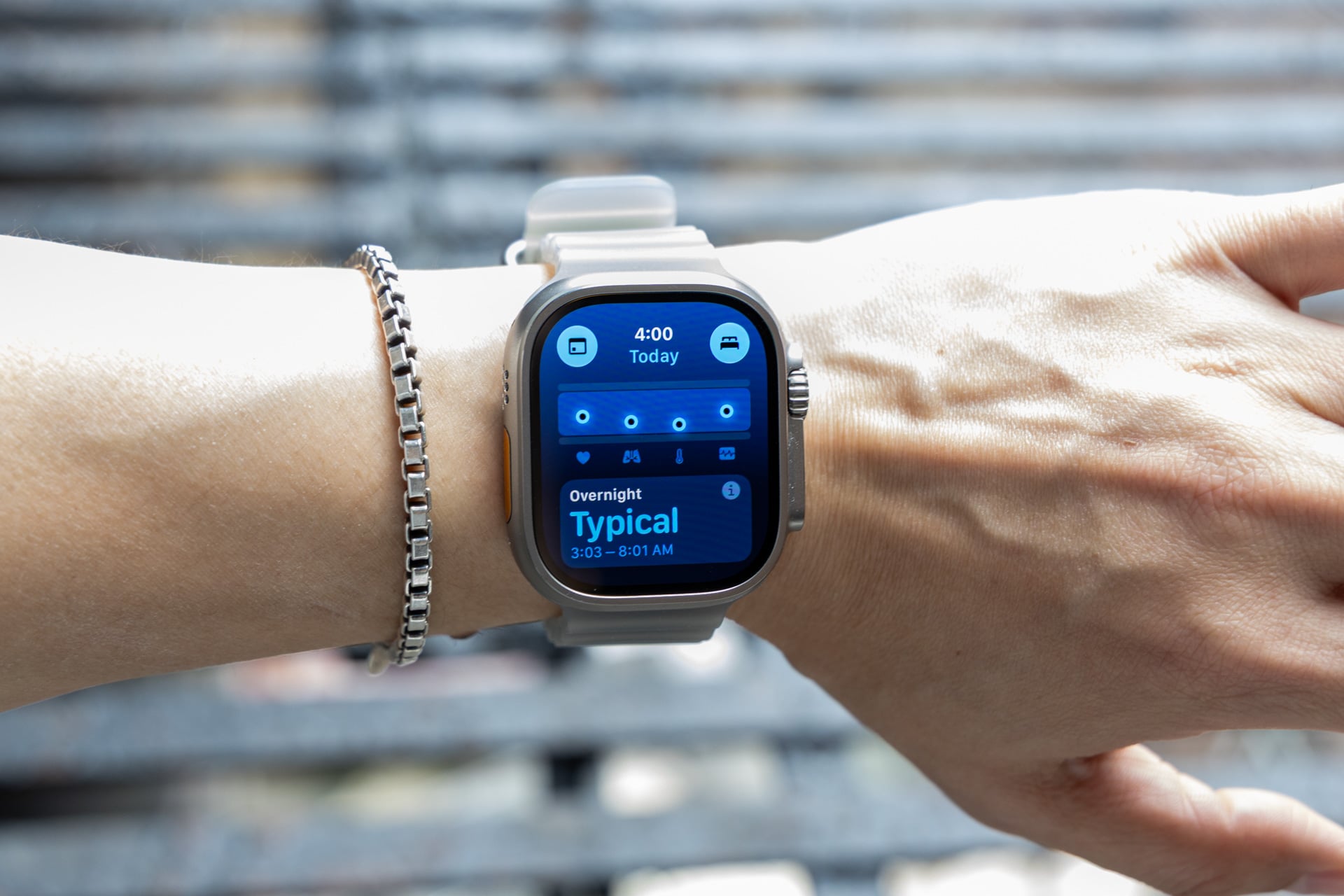
Now, if you’re already a more disciplined person or you’re trying to be one, the Apple Watch Ultra 4 can be a very helpful companion to nudge you along. You just have to really want to be pushed (or coached or whatever you want to call it). I’m not saying that I can’t become that person, but my more erratic schedule and lifestyle make it harder. Perhaps that should be even more motivation to fix my insomnia or irregular running schedule.
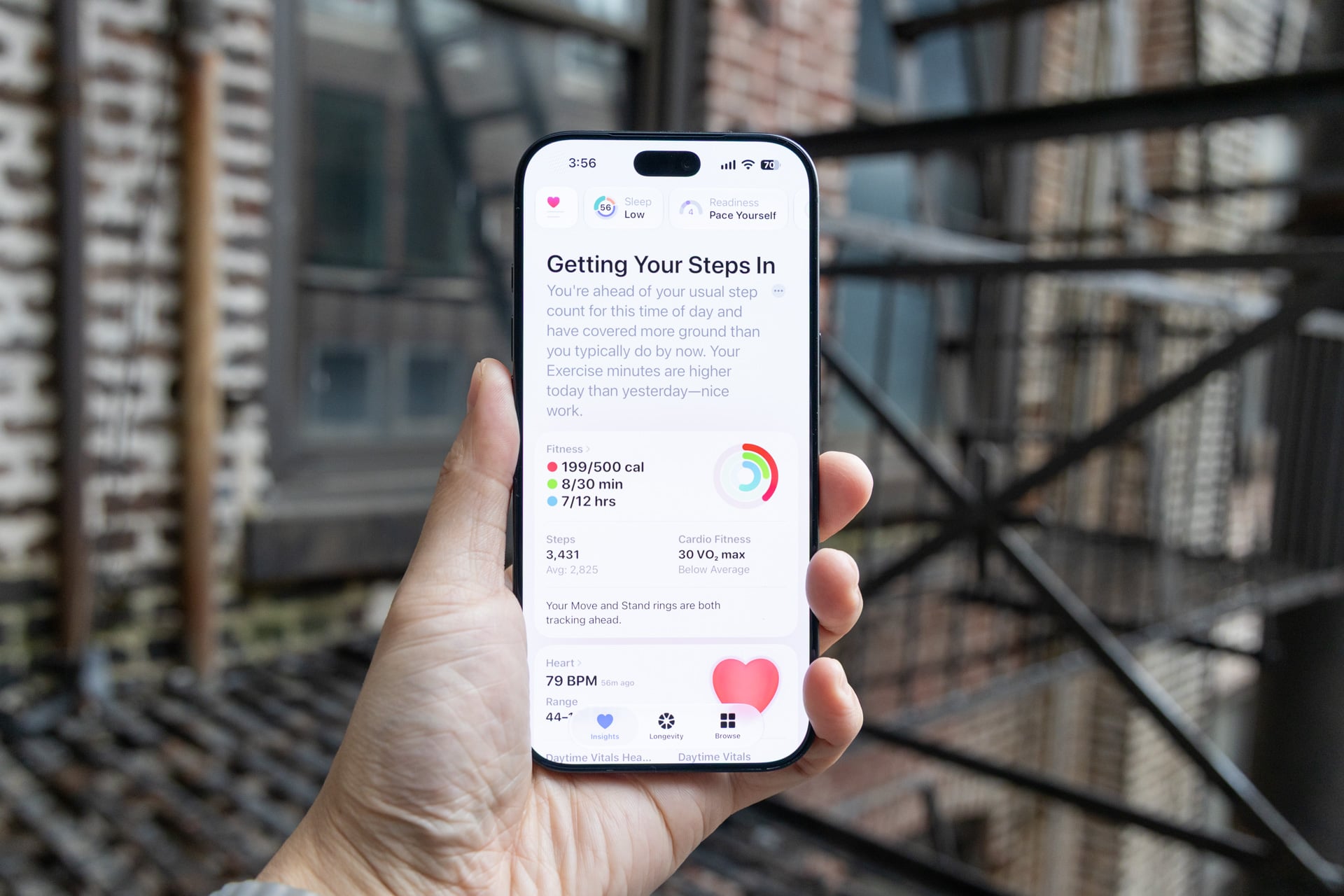
Where Apple deserves credit is in how it conveys the increasing amount of health data both on the Apple Watch and in the new Health app. I love a good chart, but if there are many or they’re hard to understand, my brain just shuts off. watchOS 27 greatly streamlines measurements and scores into more digestible pieces of information that don’t feel like an overload. Both the Readiness and Vitals apps are simple enough for even the most tech illiterate to understand.
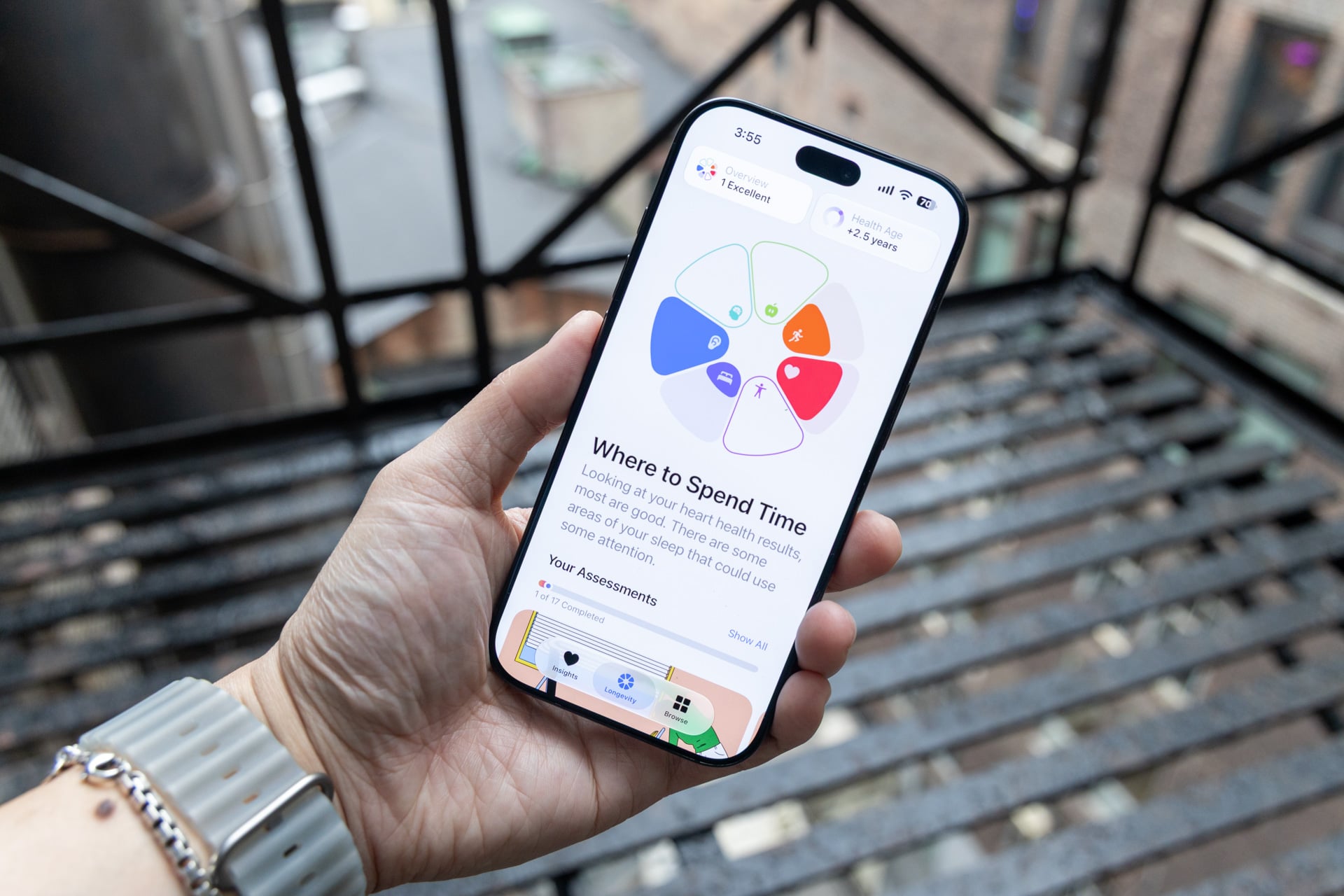
The metrics can still be overwhelming if you obsess over them too much, but I really like how the redesigned Health app on iOS 27, for example, provides a more glanceable presentation of all my vitals on a pie chart in the Longevity tab, while also offering health suggestions generated by Apple Intelligence. Wearables makers like Oura and Fitbit have long provided AI-generated health and workout insights. What I’ve found is that I prefer Apple’s—call it dumbed-down—approach. Health summaries aren’t longer than two sentences, and they sound more human than medical or scientific compared to what you might find on other wearables. That subtleness in presentation may not seem all that important, but it often felt like the difference between getting advice from a close friend versus a machine.
If you’re pairing a Watch Ultra 4 with an iPhone on iOS 27 that doesn’t support Apple Intelligence, you’re stuck with the “classic” version of the Health app, and you won’t get personalized health suggestions that make use of machine learning.
Apple also says the Apple Watch Ultra 4 (and Watch Series 12) use a new machine-learning-based pedometer model for more accurate step tracking, especially when your arms are stationary, like when you’re holding stuff or pushing a stroller. I walked 1,000 steps while wearing the Watch Ultra 4 on my left wrist and a Watch Ultra 3 on my right. The Watch Ultra 4 counted 1,004 steps, and the Ultra 3 logged 1,009. I repeated the test three times total and found the difference between the two was never more than 5-10 steps. Sometimes the Apple Watch Ultra 4 was closer to the 1,000 steps; sometimes the Watch Ultra 3 was. I wouldn’t lose sleep over logging a few fewer or extra steps.
My personal takeaway: I learned my “Health Age” is apparently 2.5 years older than my actual age. Should it scare me into making some changes to my cardio, fitness, and exercise habits? Let’s check in next year when I review the inevitable Apple Watch Ultra 5.
Longest-lasting Apple Watch Ever
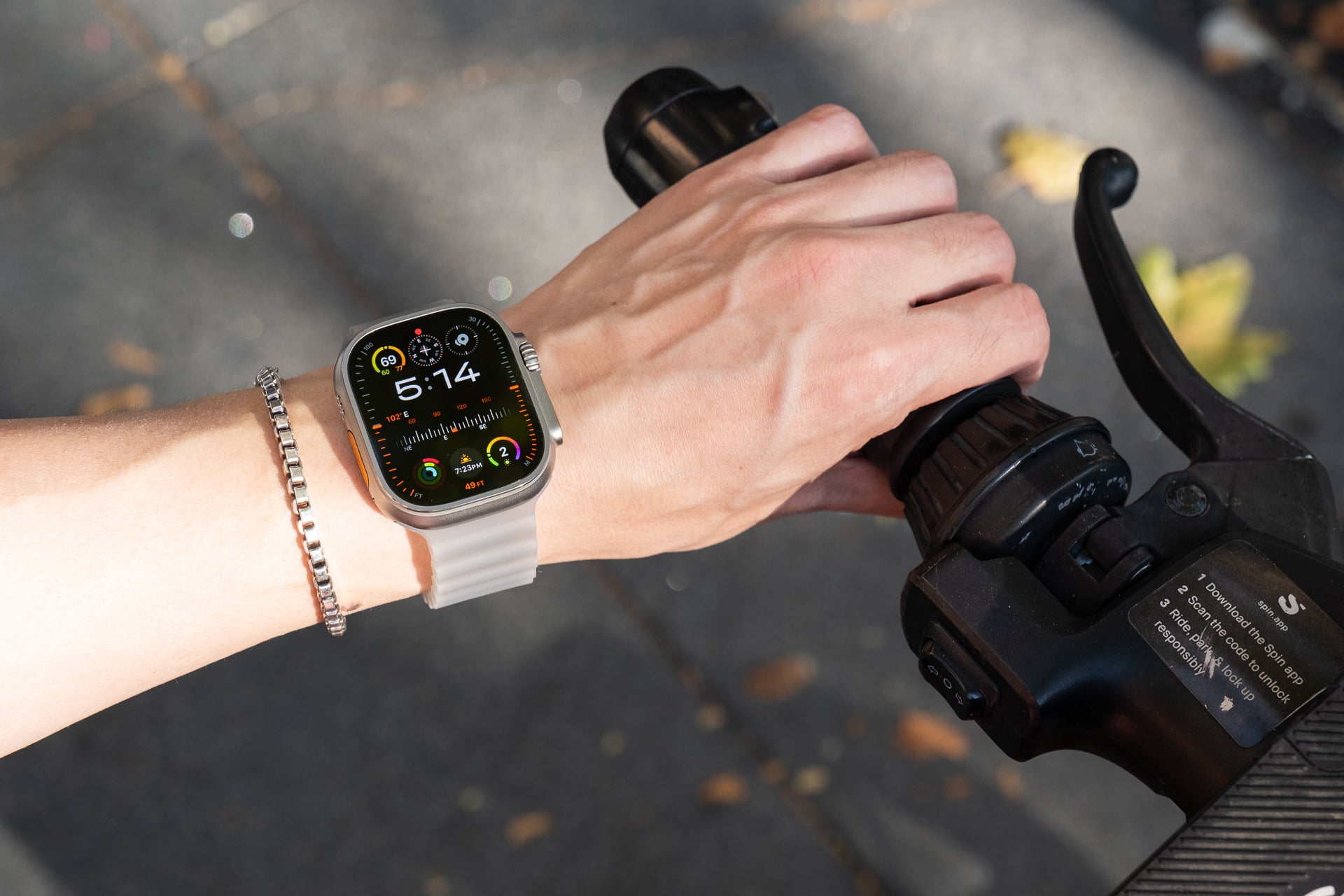
While not as exciting to talk about, I’ve gotta give it up to Apple for upping the battery life on the Apple Watch Ultra 4. For the first time, the smartwatch breaks the two-day battery life with up to 50 hours of normal advertised continuous use from a single charge. In low-power mode, battery life jumps from 72 hours on the Watch Ultra 3 to 84 hours on the Watch Ultra 4. That’s more than enough to last you through another day off the grid.
In weeks of testing, I found myself only needing to charge the Watch Ultra 4 every two to three days. The Watch Ultra 3 already had the longest battery life (up to 42 hours) in any Apple Watch. The extra 8 hours multiplied by two or three times each week adds up.
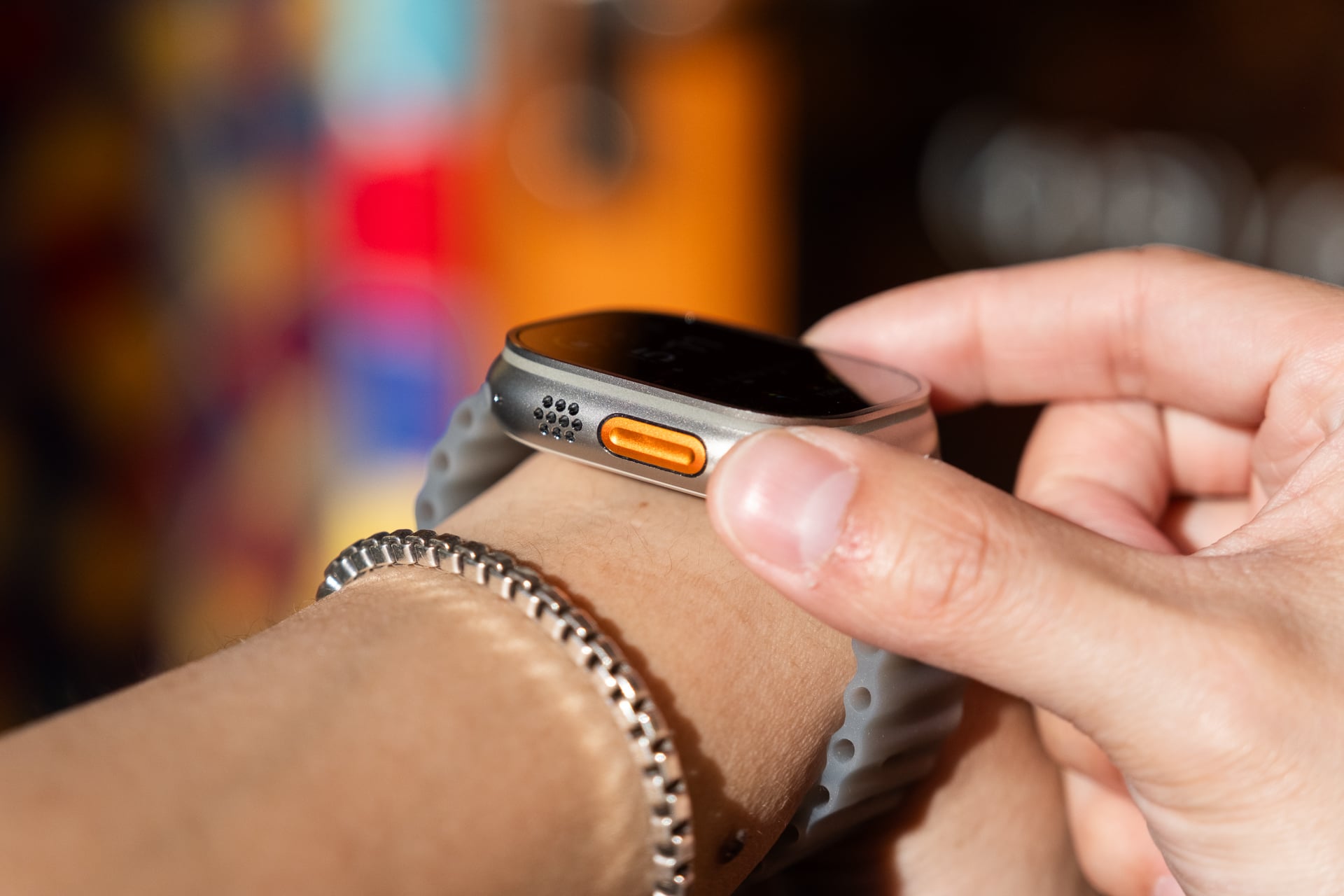
Also underrated is the improved fast charging. A 15-minute fast charge with the included 10W magnetic charging puck provides up to 18 hours of battery compared to the previous 12 hours. You won’t need to use a fast charger to get the quicker charging. The only downside is that the magnetic puck (A3277) looks exactly like the old ones. Use a Sharpie to mark it as the new fast puck. It also kind of sucks if, like me, you have charging stands with an older, slower charging puck. The Watch Ultra 4 will be stuck at whatever charging max charging speeds those support.
Maybe one day we’ll get silicon-carbon batteries in smartwatches that can push longevity closer to half a week or even a week of use. Until then, I’ll take the nearly 20% increase in battery life on the Ultra Watch 4.
Still class-leading
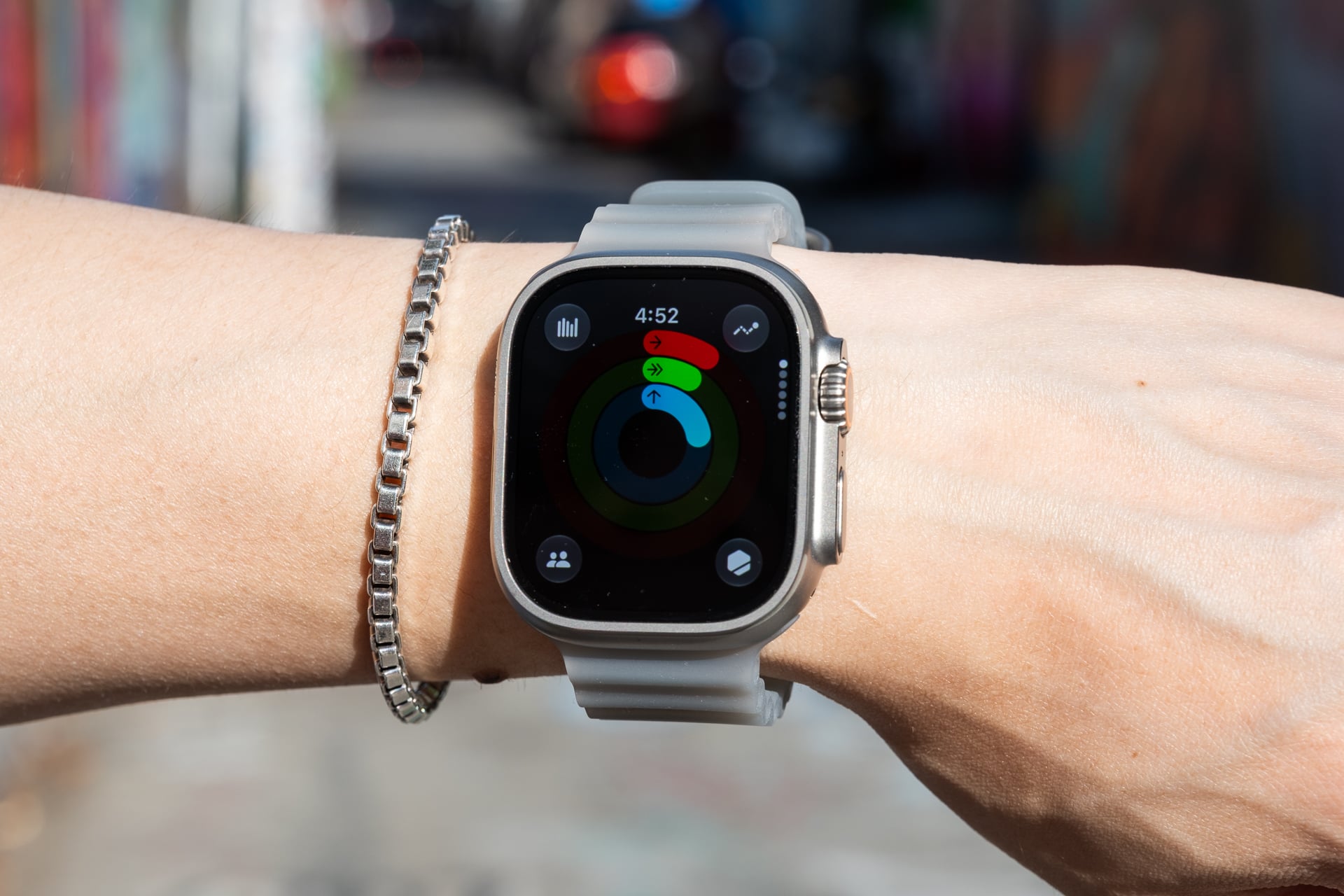
After testing the Apple Watch Ultra 4 for 2.5 weeks, I’m finally an Ultra convert. All of the things that I used to shrug off now feel like quality-of-life necessities to this aging dude. I like that I don’t need to squint at the screen to read notifications or health metrics and I love the extra-long battery life.
For iPhone users, the Watch Ultra 4 is the very best smartwatch that Apple offers. And as always, Android users should look elsewhere at options like Samsung’s Galaxy Watch Ultra 2, which is the closest alternative for Google’s ecosystem.
watchOS 27 comes with a some other improvements like Siri AI, which works noticeably faster than on previous Apple Watches and is great for actually getting useful answers from the web now, and for automatic Shazam song recognition in the Smart Stacks widget. The latter works like the “Now Playing” feature on Pixel phones that identifies songs and then displays it on the lock screen. It can be handy, but I found Shazam still struggled to quickly or correctly ID many of the Mandarin or Cantonese pop songs I often hear at the many Asian supermarkets in my neighborhood.
Maybe the biggest change in watchOS 27 is the new “dynamic app grid,” activated by tapping the digital crown, that brings up your five most-used apps in addition to Siri AI. I don’t dislike it, but I’m not sure suggesting the Photos app (even a few times a week) is more useful than the Mindfulness app, which I use every day. It would be nice if Apple let you pin your five favorite apps instead. (Side note: you can still access all your apps in a list view by default, but to see it in the “honeycomb” grid, you’ll need to turn that on within the Settings app.)
What remains to be seen is whether Audio Intelligence can stick the landing. Even if the features are not technically recording and saving any audio, explaining how audio processing works on-device and is securely processed on the “secure exclave” to the average person won’t be easy. They may not even care even if they do understand. I expect the backlash to Audio Intelligence since its announcement on Sept. 9 will only grow, if only because people hate anything resembling spying tech. If a feature seems creepy, it is creepy, even if the processing is all handled privately. I’ll update this review when Audio Intelligence becomes available. For what ships in the box, the Apple Watch Ultra 4 strengthens its health tracking fundamentals further without reinventing the wheel.