Self-hosting n8n means installing the workflow automation software on a server that you rent, instead of running it on n8n’s own cloud. You control the server, the data and the updates, and you pay only for the hosting. That is why many people look for a simple way to self-host n8n in 2026, and why the choice of host matters.
Most guides are long and technical, so we keep this one practical. We explain what you need, walk through a one-click setup on Hostinger, show a Docker Compose setup that works on any VPS, and compare the other hosts in our best n8n hosting guide. If you are still choosing a provider in general, our web hosting guide lists the main options.
Why Self-Host n8n?
n8n Cloud is convenient but n8n Cloud pricing follows executions so its plans limit how much you can run. Starter costs $20/mo on annual billing ($24 monthly) for 2,500 workflow executions, and Pro costs $50/mo ($60 monthly) for 10,000 executions. n8n also sells a Business plan as a self-hosted license for several hundred dollars a month, which mostly suits teams that need single sign-on and version control.
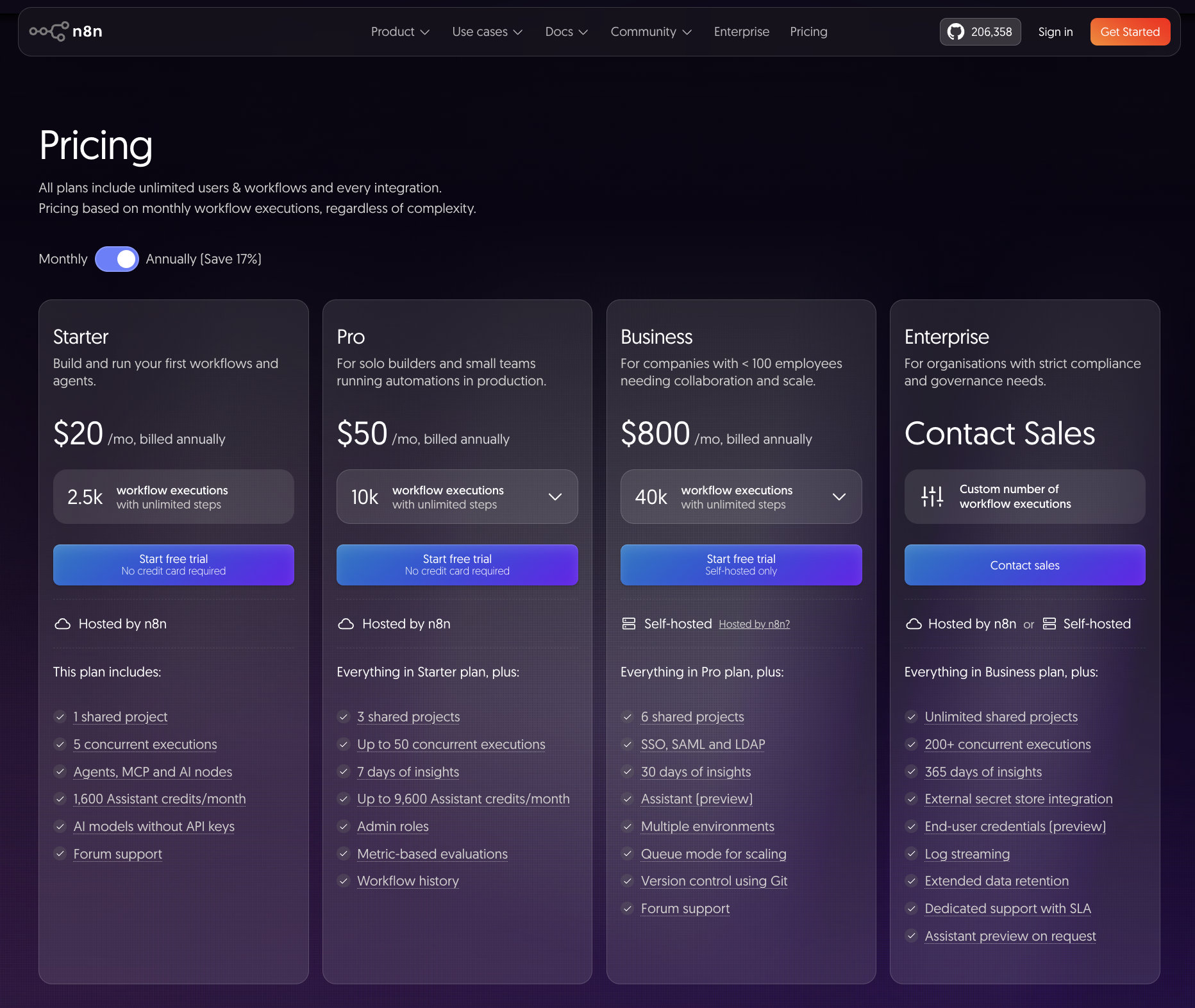
However the Community Edition has no vendor limit on executions or workflows, so the only cost is the server: It is source-available under n8n’s fair-code license and free to use for your own workflows. A starter server costs about $5 to $10 a month at the hosts in this guide, which makes self-hosting cheaper than either cloud plan once your workflows run often.
| Option | Price | Executions | Who runs the server |
|---|---|---|---|
| n8n Cloud Starter | $20/mo annual ($24 monthly) | 2,500 per month | n8n |
| n8n Cloud Pro | $50/mo annual ($60 monthly) | 10,000 per month | n8n |
| Hostinger AI agents and automation plan | $5.99/mo on 24 months | No n8n Cloud execution limit | Hostinger |
| Community Edition on a VPS | About $5 to $10/mo for the server | No vendor limit | You |
Self-hosting has a cost in time: You install and update n8n yourself, and n8n releases a new minor version most weeks. n8n recommends self-hosting for experienced users and suggests n8n Cloud if you are not used to managing servers, because mistakes can lead to data loss, security problems or downtime.
The Community Edition also leaves out some paid features, such as single sign-on. You can register your instance with your email to get a free license key that unlocks three extra features, which we cover below. For a head-to-head with a cloud rival, see our n8n vs Zapier comparison.
What Do You Need to Self-Host n8n?
n8n is light when you start and grows with your workflows, so RAM is the number to watch. The table below is a practical guide, not a hard rule.
| Workload | vCPU | RAM |
|---|---|---|
| Minimum to run n8n | 1 | 2 GB |
| Comfortable for most users | 2 | 4 GB |
| Heavier workflows and many webhooks | 2 or more | 4 to 8 GB |
You also need root access, a Linux server and ideally Docker, which makes installation and upgrades simpler. NVMe storage helps because n8n writes execution logs, and PostgreSQL works better than the default database once you have many workflows and a long history. For high volumes, n8n has a queue mode that hands executions to separate workers and needs more CPU and RAM.
Even the best shared hosting does not fit n8n, because it needs steady CPU and memory and a long-running process. A VPS is the normal choice, and some cloud servers also work. Our VPS hosting guide explains the difference in more detail.
Where to Self-Host n8n? The Best Hosting Option
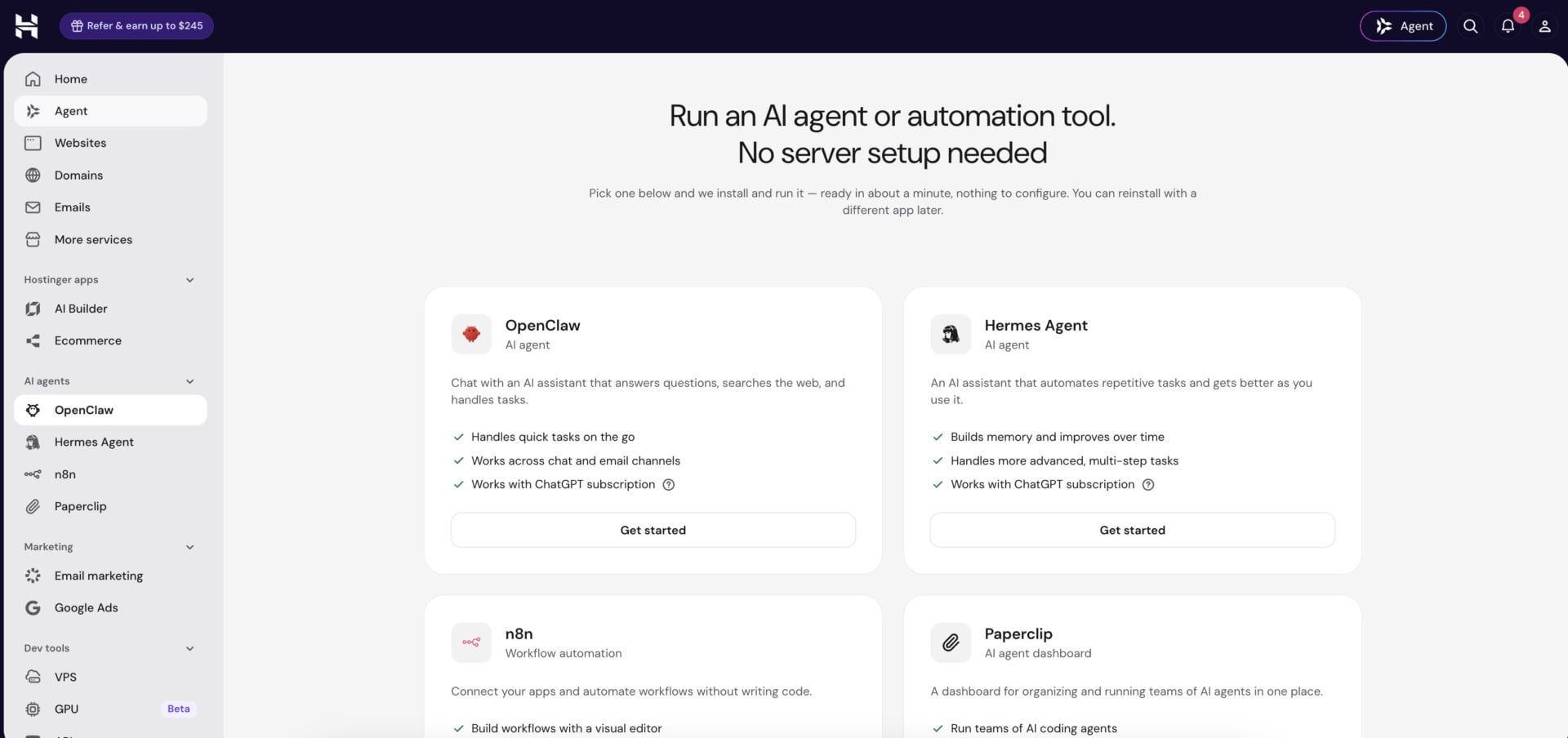
Hostinger is the best n8n hosting in 2026 because n8n arrives already running in Docker. When you set up a VPS, you pick a template, and there are three: a standard n8n install, one that sets up queue mode for higher volumes, and one with more than 100 prebuilt workflows. Our Hostinger review covers the provider in more depth.
On a 24-month term, KVM 1 has 1 vCPU, 4 GB of RAM and 50 GB of NVMe storage for $6.49/mo. KVM 2 has 2 vCPUs, 8 GB of RAM, 100 GB of NVMe storage and an 8 TB bandwidth cap for $8.99/mo, and it is where we would start. Code GIZMODO takes 10% off at checkout, which brings those plans to $5.84 and $8.09 per month. Renewals are $11.99 and $14.99, and every plan is billed upfront for the term you choose.
That makes KVM 2 about 2.2 times cheaper than n8n Cloud Starter on annual billing. Every VPS also includes root access, weekly backups, an AI web terminal and a free domain for the first year, and there is a 30-day money-back guarantee. Support runs through live chat 24/7.
Deploy n8n on Hostinger in One Click
If you want n8n without managing a server, Hostinger also sells it in its AI agents and automation plan. It costs $5.99/mo on 24 months ($5.39 with the code) and renews at $11.99, and hPanel lets you switch between n8n and other agent apps. The VPS route is better when you want root access and control over Docker.
How to Self-Host n8n on Hostinger in 2026
The steps below use Hostinger’s n8n template, so Docker and n8n are installed for you.
Subscribing to Hostinger
- Go to Hostinger’s website through this link or the button above.
- Scroll to the VPS plans and click Choose Plan under KVM 2, or another size that fits your workflows.
- Select the plan duration. The 24-month term has the lowest monthly price and is billed upfront.
- Choose the server location closest to the services your workflows call, since that keeps latency low.
- In the operating system step, open the application options and choose the n8n template. Pick the standard template if you are not sure, or the queue mode template for high volumes.
- Optional: enter code GIZMODO for 10% off, or read more on our Hostinger coupon page.
- Register an account with an email address or through Google, add your payment details and confirm the order.
- Create a root password for the server when Hostinger asks for it.
Hostinger takes a few minutes to create the server. When it finishes, you can open the VPS dashboard and find the SSH details you need if you want to connect from a terminal.
Setting Up a Domain for n8n
A domain is not required to start, but it is worth having. n8n needs a public address for webhooks, and HTTPS needs a domain name. Hostinger VPS plans include a free domain for the first year, and our page on how to get a free domain explains how it works. After the first year, domains usually cost under $15 a year depending on the extension.
Point the domain to your server by creating an A record with the server’s IP address in the domain’s DNS settings. Then set the n8n address and webhook URL to your domain, so that n8n builds its webhook links correctly. The exact place for these settings depends on the template, so check the app’s settings in hPanel.
Activating n8n
- In the VPS dashboard, open the n8n app from the overview page.
- Create the owner account with your email, name and password.
- Answer n8n’s setup questions. You can choose to register your instance with your email, which sends you a free license key.
- To register later, open Settings, go to Usage and plan, click Unlock and enter your email.
- Paste the key from the email into Enter activation key and click Activate.
The free license key does not turn on every paid feature. It unlocks three extra ones on the Community Edition: folders to organize workflows, debug in the editor, and custom execution data. Features such as single sign-on still need a paid plan.
You can now click the button to add your first step and build a workflow. Even with a domain, self-hosting costs less than n8n’s cloud plans, and our cheap web hosting guide shows other low-cost options if you run several projects.
Get Hostinger With Code GIZMODO
How to Self-Host n8n With Docker Compose
If your host has no n8n template, you can install n8n yourself with Docker Compose. This n8n Docker setup works on any Linux VPS with root access, and the commands below follow n8n’s official documentation.
Skip Docker With Hostinger’s n8n Template
- Connect to the server over SSH and install Docker Engine by following Docker’s instructions for your Linux distribution. Docker Compose is included as a plugin since Docker v20.10.0.
- Create a project folder for n8n, for example
mkdir n8n-compose && cd n8n-compose. - Create an
.envfile that holds your settings, includingN8N_HOSTfor your domain,WEBHOOK_URLfor the full HTTPS address,GENERIC_TIMEZONEandN8N_ENCRYPTION_KEYwith a long random string. - Create a
compose.yamlfile. n8n’s Docker Compose guide gives a ready-made file that runs n8n next to Traefik, a proxy that manages TLS certificates and routing, and you can add a PostgreSQL service for your data. - Mount a volume at
/home/node/.n8nso that workflows and credentials survive restarts and updates. - Start the stack with
docker compose up -dand check the output withdocker compose logs n8n. - Open your domain in a browser, create the owner account and register the instance if you want the free license key.
For a database, PostgreSQL is the better choice once you have many workflows. You point n8n at it with DB_TYPE=postgresdb and the matching DB_POSTGRESDB_* settings in the same .env file. You can also set CPU and memory limits in the compose file, which stops n8n from using all of the server’s resources.
To update, pull the new image with docker compose pull and restart the stack with docker compose up -d. Because n8n ships new versions most weeks, read the release notes before a major jump and take a backup first. The queue mode template on Hostinger and n8n’s documentation cover the worker setup if you outgrow a single container.
More Hosts for Self-Hosting n8n
Hostinger is our top pick, but four other hosts run n8n well. We compare them in full in our best n8n hosting guide, and the short versions are below.
Bluehost: Best for Root Access and Docker
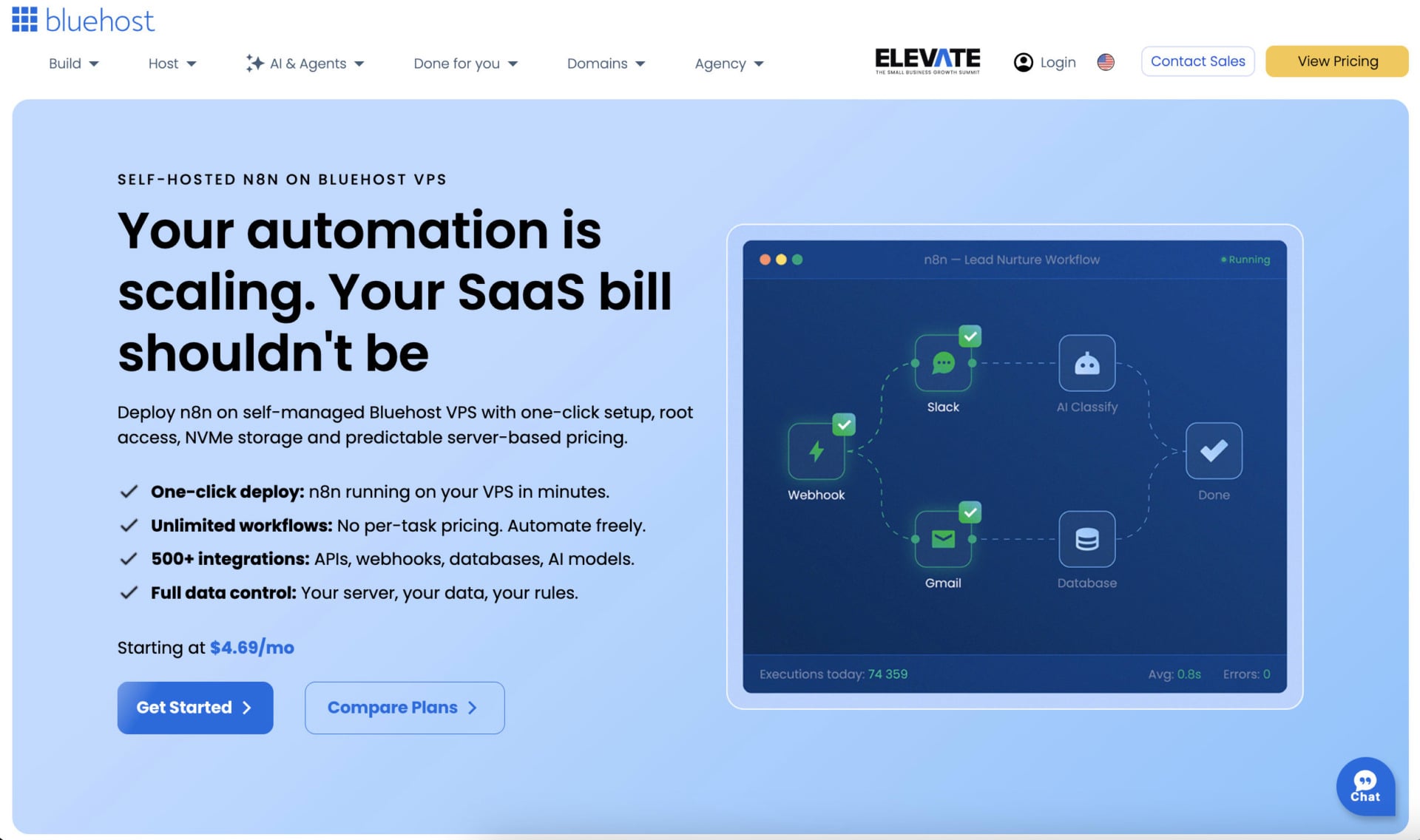
Bluehost sells n8n VPS plans with DDR5 memory, NVMe storage and unmetered bandwidth, and root access lets you install Docker yourself. It tags NVMe 4 as recommended for Docker, AI agents and growing applications. On a 24-month term, NVMe 4 has 2 vCPUs, 4 GB of RAM and 100 GB of storage for $9.49/mo, renewing at $11.99, while NVMe 8 has 4 vCPUs, 8 GB and 200 GB for $12.99/mo, renewing at $28.99.
You can add cPanel later, although Bluehost’s managed VPS plans with cPanel cost much more. Bluehost does not name its data centers on the plan page, which matters if your workflows call services in a specific region.
Compare Bluehost’s n8n VPS Plans
DreamHost: n8n Pre-Installed on a VPS
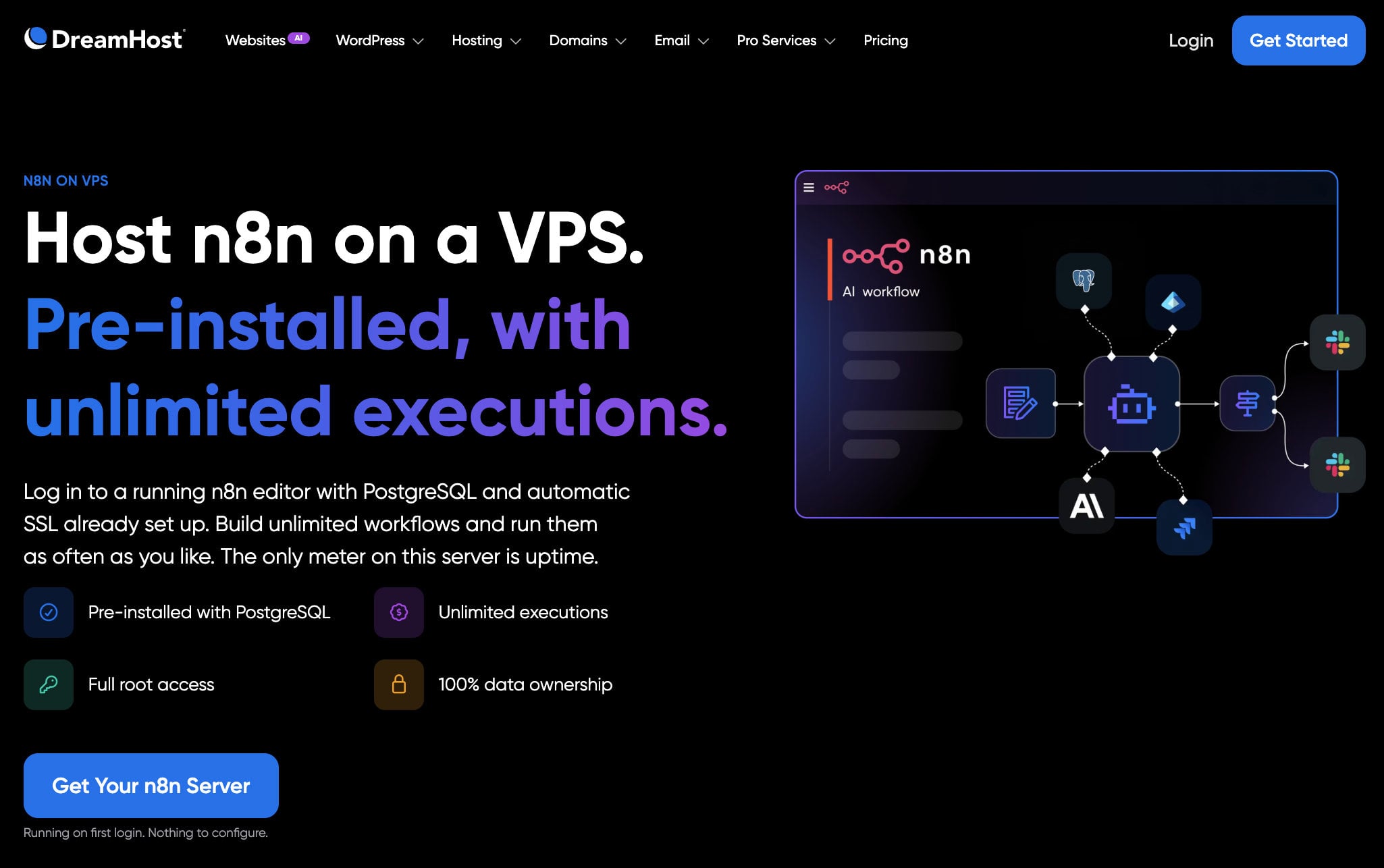
DreamHost includes n8n on every Stack plan. You log in to a running editor with PostgreSQL and automatic SSL already set up, and that removes the database and certificate work that trips up many first installs. Stack 4 has 2 vCPUs, 4 GB of RAM and 75 GB of NVMe storage for $5.99/mo on a two-year term, renewing at $10.99.
Stack 8 has 8 GB and 150 GB for $9.49/mo, renewing at $14.99, and it is the plan we would choose for n8n. Every Stack plan has full root access, unmetered bandwidth and a choice of Linux distributions. DreamHost’s managed VPS plans give you no root access, so they do not suit n8n.
InMotion Hosting: Scalable VPS With Setup Help
InMotion’s VPS plans include Launch Assist, an onboarding and server setup service that InMotion values at $199. That helps if you want someone to guide your first n8n install. The entry plan has 4 vCPUs, 8 GB of RAM, 160 GB of NVMe storage and 5 TB of bandwidth, and it costs $13.99/mo on a 24-month self-managed term, renewing at $26.99.
The self-managed plans give you root and SSH and are Docker-ready, but support covers only the hardware and network. The managed version costs $43.49/mo at launch and adds help with the operating system. InMotion has a 90-day money-back guarantee on VPS plans and phone support around the clock.
Hosting.com: Self-Managed VPS for Hands-On Users
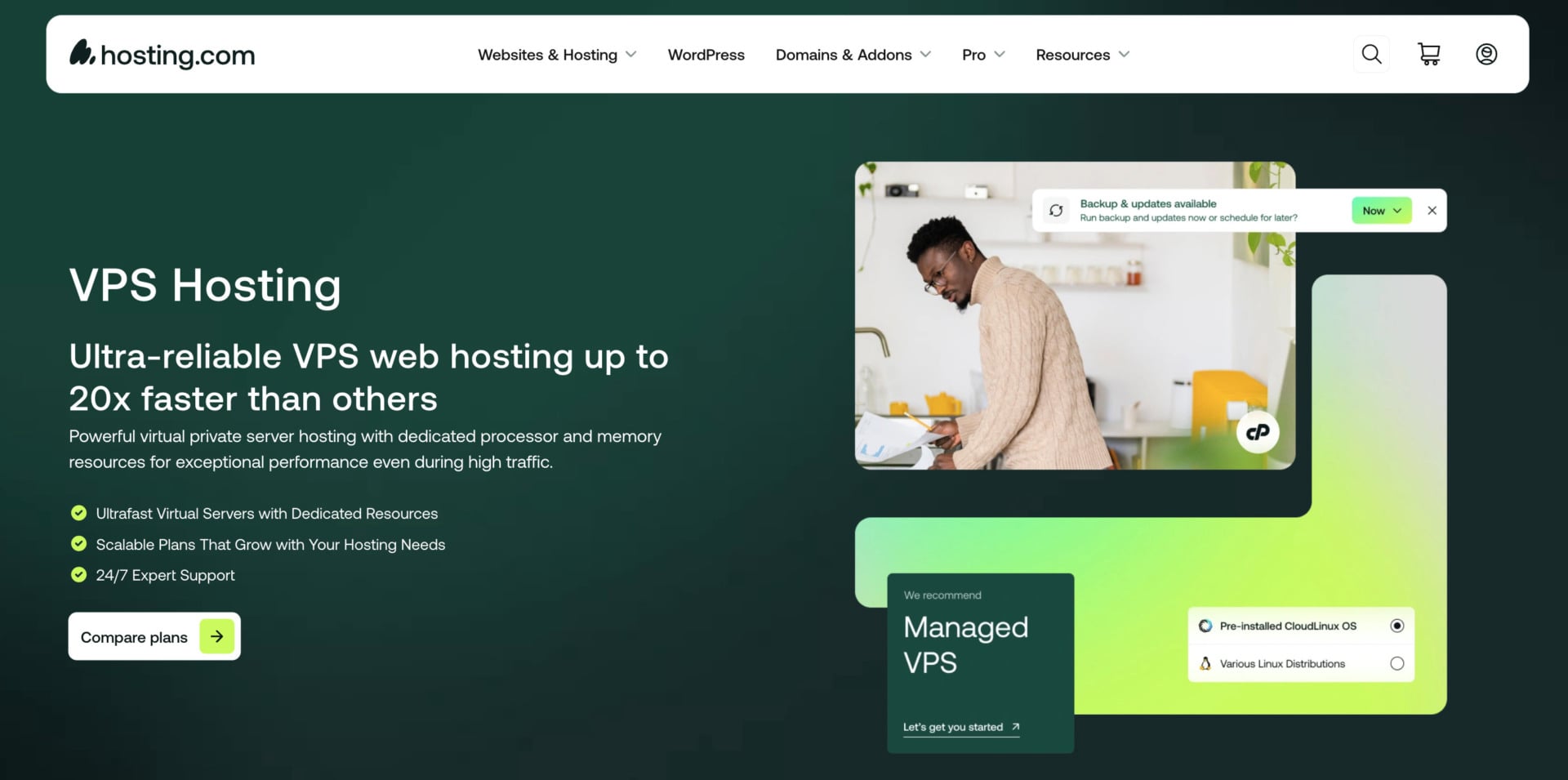
Hosting.com, formerly A2 Hosting, has no n8n plan, but its unmanaged VPS gives you a blank Linux server for n8n. You install Docker and n8n yourself, choose the Linux distribution and handle security and backups. The Self Managed Linux 8GB plan has 4 cores, 8 GB of RAM and 160 GB of NVMe storage for $9.99/mo on a three-year term, and it renews at $29, so the low price lasts only for the first term.
cPanel is optional, and Hosting.com also sells managed VPS plans from $23.20/mo for 4 GB of RAM, renewing at $58. There is a 30-day money-back guarantee.
See Hosting.com’s Self-Managed VPS Plans
| Plan | vCPU | RAM | NVMe | Launch price | Renewal | How n8n is set up |
|---|---|---|---|---|---|---|
| Hostinger KVM 2 | 2 | 8 GB | 100 GB | $8.99/mo | $14.99/mo | Docker template |
| Bluehost NVMe 8 | 4 | 8 GB | 200 GB | $12.99/mo | $28.99/mo | n8n VPS plan with root access |
| DreamHost Stack 8 | 2 | 8 GB | 150 GB | $9.49/mo | $14.99/mo | Pre-installed with PostgreSQL |
| InMotion VPS 4 vCPU | 4 | 8 GB | 160 GB | $13.99/mo | $26.99/mo | Root access with Launch Assist |
| Hosting.com Self Managed 8GB | 4 | 8 GB | 160 GB | $9.99/mo | $29/mo | You install n8n yourself |
Can You Self-Host n8n for Free?
The n8n software is free, but the server is not. Shared hosting and free web hosting plans cannot run n8n, because they lack the CPU, memory and long-running processes it needs, and our free web hosting guide explains those limits. A VPS at the hosts above starts at a few dollars a month.
There are ways to avoid a monthly bill, with trade-offs. Oracle Cloud’s Always Free tier gives you a server with 4 ARM CPUs and 24 GB of RAM, although it works only for ARM-compatible setups. You can also run n8n on hardware you own, such as a home server or a Raspberry Pi, but then your uptime and connection are your responsibility. For most people, a $5 to $10 VPS is the simpler path.
Keeping Self-Hosted n8n Secure and Backed Up
Self-hosting puts security and maintenance in your hands. Serve n8n over HTTPS, keep the owner account protected with a strong password, and limit who can reach the server. Update the n8n container regularly, since new versions often include fixes, and keep the server’s operating system patched.
Back up the n8n data volume and, above all, the encryption key. Without the N8N_ENCRYPTION_KEY, the credentials that n8n stores become unreadable, even if you restore the data. Hostinger’s weekly backups cover the whole server, but it is wise to export your workflows separately too, and to keep a copy of the database if you use PostgreSQL.
The Bottom Line
Self-hosting n8n removes the execution limits of the cloud plans and gives you control of your data, in exchange for a few minutes of setup and regular maintenance. Hostinger is our pick because its template starts n8n in Docker, and code GIZMODO takes another 10% off. Bluehost and DreamHost are the strongest alternatives, InMotion adds setup help, and Hosting.com suits people who like to build the server themselves.
If you would rather skip the server, n8n Cloud and Hostinger’s AI agents plan are simpler routes. Whichever option you choose, use the money-back window to test your workflows before you commit to a long term.
Self-Host n8n on Hostinger Risk-Free
FAQ
To cover the questions readers ask most, we answer six of them below.
Is n8n Free?
The Community Edition is free to self-host, so your only cost is the server, which starts at about $5 to $10 a month. n8n Cloud is paid, with Starter at $20 a month on annual billing for 2,500 executions and Pro at $50 a month for 10,000. The Community Edition is source-available under n8n’s fair-code license and free to use for your own workflows.
Can I Self-Host n8n for Free?
The software is free, but you still need a server. Free web hosting and shared hosting cannot run it. Oracle Cloud’s Always Free tier or a device you own can work with limits, and a small VPS at a few dollars a month is the simpler option for most people.
How Much RAM Does n8n Need?
n8n runs on 1 vCPU and 2 GB of RAM at a minimum. Most users are comfortable with 2 vCPUs and 4 GB, and heavier workflows or many webhooks benefit from 4 to 8 GB.
Do I Need Docker to Self-Host n8n?
No, because you can install n8n directly with Node.js. Docker makes installation, upgrades and backups simpler, though, and Hostinger and DreamHost set it up for you with their n8n templates and plans.
What Does the Free n8n License Key Unlock?
Registering your self-hosted Community Edition with your email gives you a free license key. It unlocks folders for organizing workflows, debug in the editor and custom execution data. Paid features such as single sign-on still need a Business or Enterprise plan.
Can I Self-Host n8n on Shared Hosting?
Rarely. n8n needs steady CPU and memory and a long-running process, which shared hosting does not give you. A VPS with root access is the better choice, and some cloud servers also work.