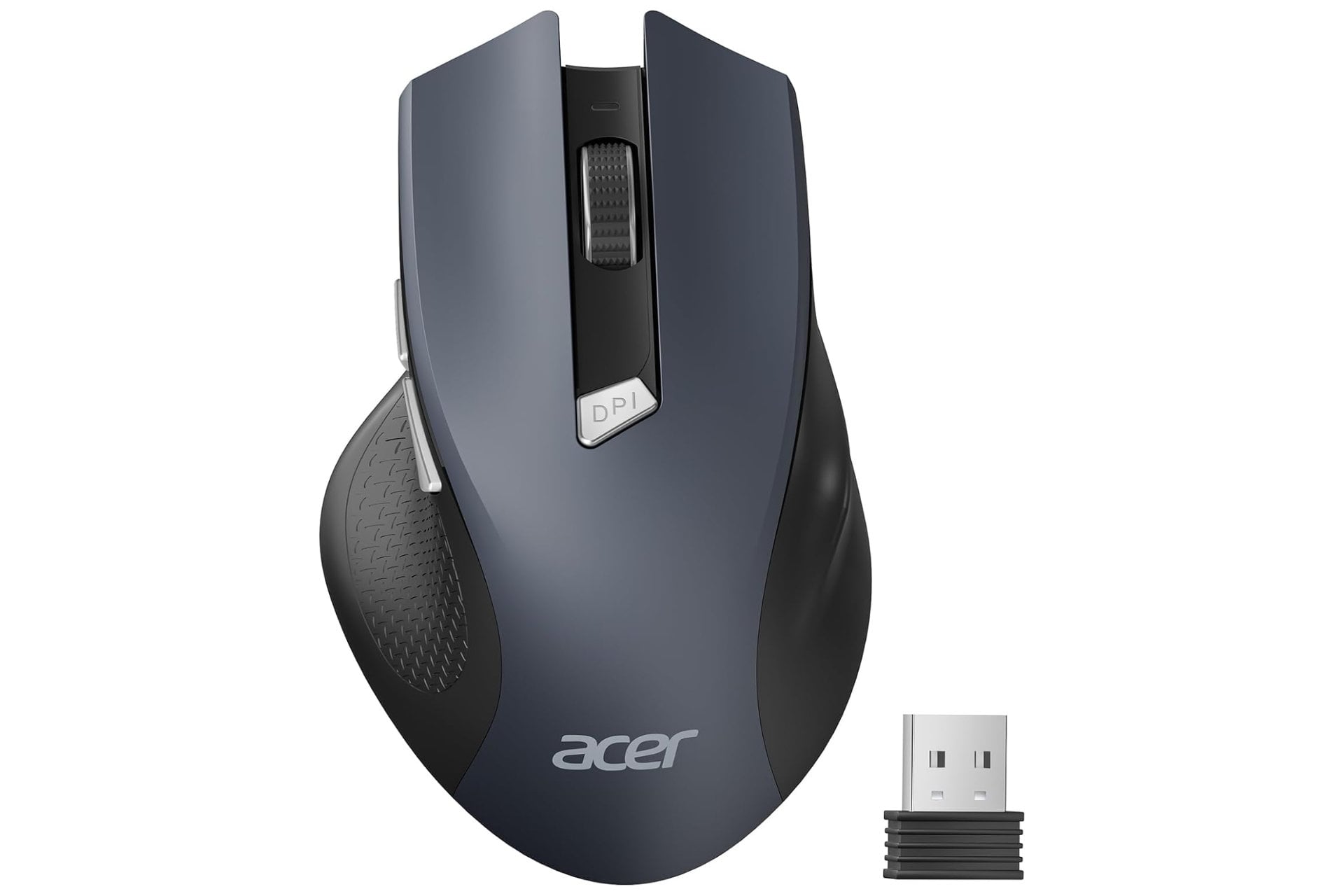
Logitech MX Master 3S costs $99, Razer DeathAdder costs $69, and a Starbucks latte costs $7. The Acer wireless mouse on Amazon right now costs less than the latte and is rated for 10 million clicks: Amazon has it at $9, off its $11 standard price, for a 2.4GHz wireless mouse with three adjustable DPI levels, 6 buttons, forward and backward navigation, smart sleep mode, and a 32-foot wireless range.
A price that makes premium mice embarrassing
The 10-million-click rating on the buttons and scroll wheel is the durability specification that most premium mice advertise as a selling point at five to twenty times the price. At under $10, the Acer wireless mouse engineers the same click durability into a product that costs less than the notebook you’re using alongside it. The three adjustable DPI settings at 800, 1200, and 1600 cover the range from precise design work at lower sensitivity to fast navigation at higher sensitivity, and the visual DPI indicator flashes once, twice, or three times to confirm the active setting without opening a driver menu.
The 2.4GHz wireless connection delivers a stable, interference-free signal up to 32 feet, which covers the full length of any home office, living room, or classroom setup without the Bluetooth pairing issues and dropout that cheaper wireless protocols produce. The USB-A receiver stores in the battery compartment when not in use, which keeps the receiver with the mouse during travel rather than requiring a separate case or the hope that the receiver doesn’t get separated from the mouse in a bag. Plug-and-play setup requires no drivers and no software installation: insert the receiver, install the batteries, and the mouse pairs instantly.
The forward and backward navigation buttons on the side streamline web browsing and file navigation without keyboard shortcuts, and the smart sleep mode activates after 10 minutes of inactivity to preserve battery life, waking with 2 to 3 clicks rather than the immediate motion wake that drains batteries faster. The result is 3x longer battery life than motion-wake mice, which at AAA battery prices means the ongoing cost of running this mouse is essentially zero. Note that side navigation buttons are not functional on Mac.
Premium mice charge 20x more for office use
The honest assessment of premium mouse pricing is that most office users don’t use features that justify $100 to $200 expenditure on a pointing device. Ergonomic scroll wheels, app-specific button programming, and RGB lighting are the differentiators that premium mice offer at premium prices, and for users who browse the web, work in Office applications, and navigate documents and files, none of those features change the daily experience in a meaningful way. The Acer wireless mouse at $9 covers every feature that office, home, and school computing actually requires: wireless freedom, adjustable sensitivity, navigation buttons, and click durability rated for years of daily use.
Designed for medium to large-sized hands with a lightweight 3-ounce build, the mouse handles all-day use without the fatigue that heavier mice cause during extended sessions. The low battery alert flashes red when power drops below 10%, which prevents the mid-session battery death that wireless mice without indicators produce without warning.