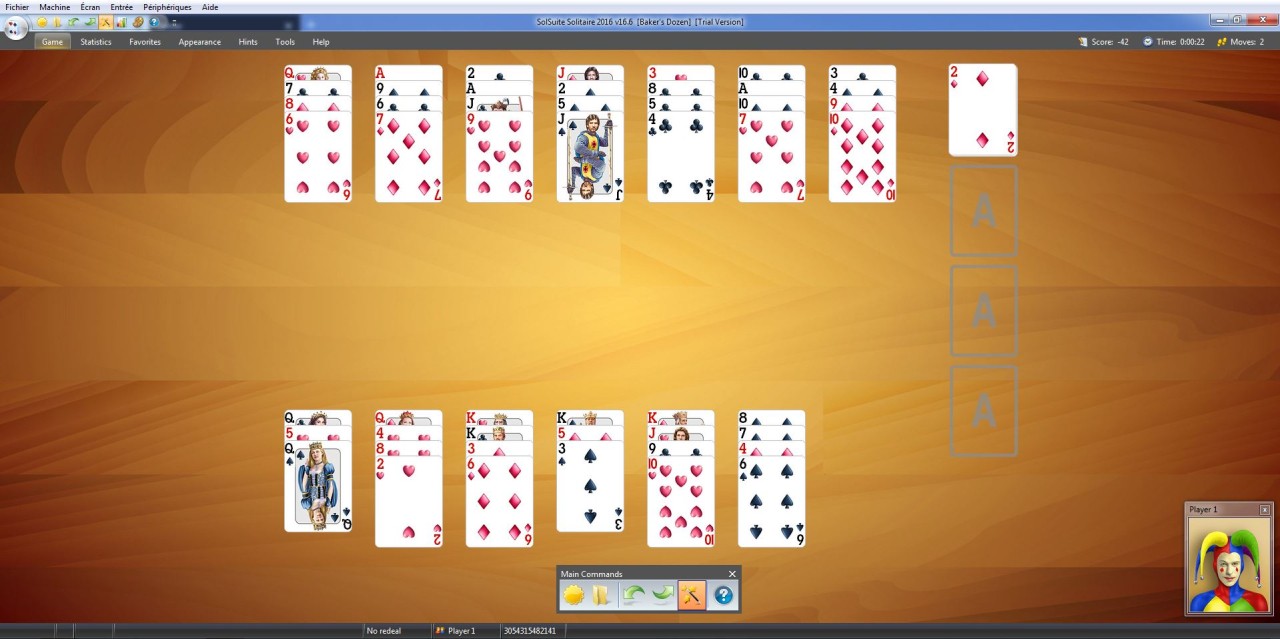
123 Free Solitaire is a software package that brings together a collection of classic card games under one roof. Instead of just one solitaire game, you get 12 different variations, ranging from the well-known favorites like Klondike and FreeCell to less familiar ones such as Yukon, Diplomat, and Forty Thieves. The idea behind it is simple: keep the spirit of traditional solitaire alive while giving players options that stop the game from ever feeling stale.
The program is designed with accessibility in mind. The interface is clean, straightforward, and not weighed down by unnecessary extras. That makes it easy for someone who has never touched a digital card game before to start playing in just a few clicks. At the same time, it has enough variety to keep longtime solitaire fans entertained. You can switch between different rulesets, learn new strategies, and keep yourself challenged without ever leaving the software. It’s the kind of game you can dip into during a coffee break or spend hours mastering, depending on your mood.
Why should I download 123 Free Solitaire?
The first reason is variety. A lot of solitaire programs give you only one or two versions of the game, but 123 Free Solitaire offers a whole set of 12. If you’re the type of person who gets bored playing the same style over and over again, this collection is a perfect fix. Each variation has its own quirks. Some, like FreeCell, lean heavily on strategy and careful planning, while others depend more on luck and quick decision-making. Having access to different kinds of challenges keeps the game fresh every time you play.
Another reason is the software’s simplicity. There’s no clutter, no confusing menus, and no gimmicks. It doesn’t try to reinvent solitaire—it just delivers a smooth, reliable experience. The controls are intuitive, so you don’t have to wrestle with awkward mechanics. You click, you drag, and the cards do exactly what you expect. That may sound basic, but when it comes to a game like solitaire, that simplicity is exactly what makes it enjoyable.
There’s also the practical side of things. Solitaire isn’t just about passing the time. It’s actually a great way to sharpen your mind. The game forces you to think ahead, spot patterns, and make decisions under a little bit of pressure. People often say they use solitaire as a way to relax, but it doubles as mental exercise, too. And since it’s a program that works offline, you don’t need an internet connection to play. That makes it a great option for travel, work breaks, or winding down at the end of the day.
Is 123 Free Solitaire free?
Yes, the name isn’t misleading—123 Free Solitaire is truly free to download and play. The base version includes all 12 solitaire variations at no cost. There’s no subscription wall waiting to trip you up after a week, and you don’t need to hand over your credit card just to unlock the basics. You download it, install it, and start playing.
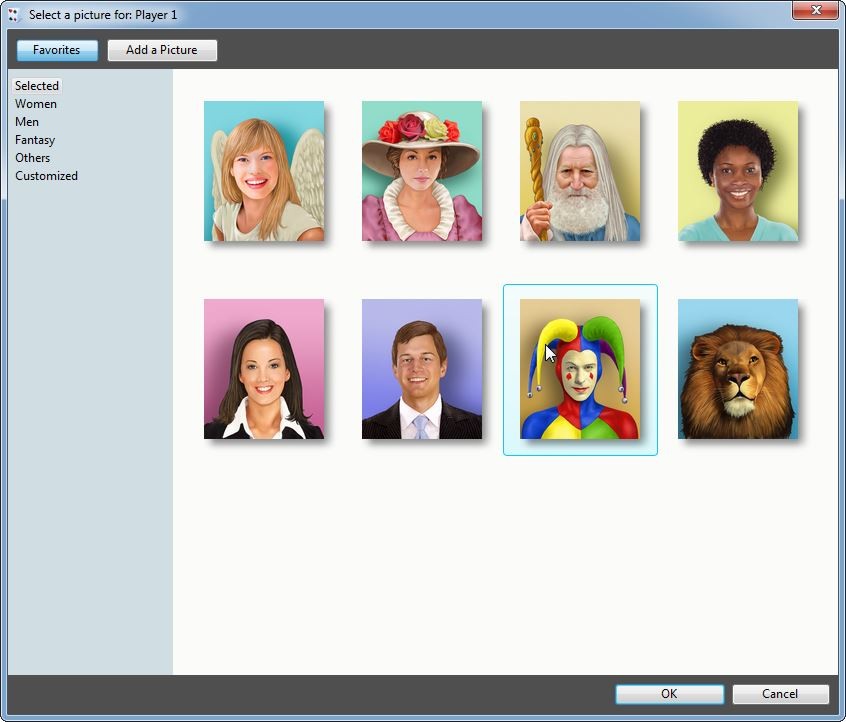
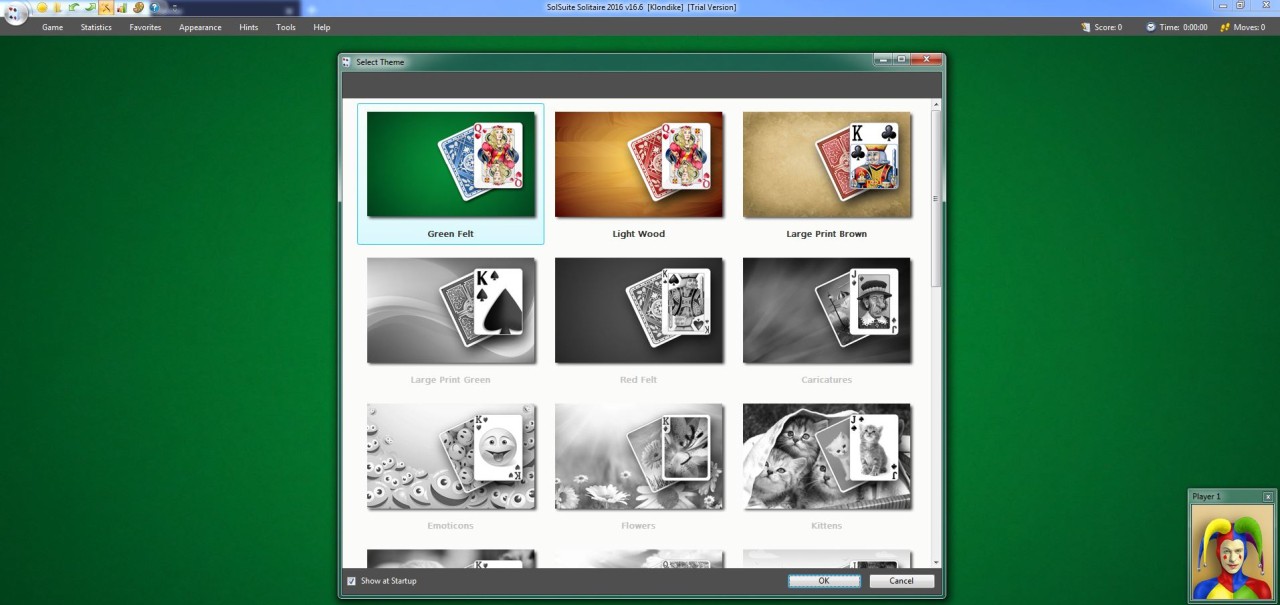
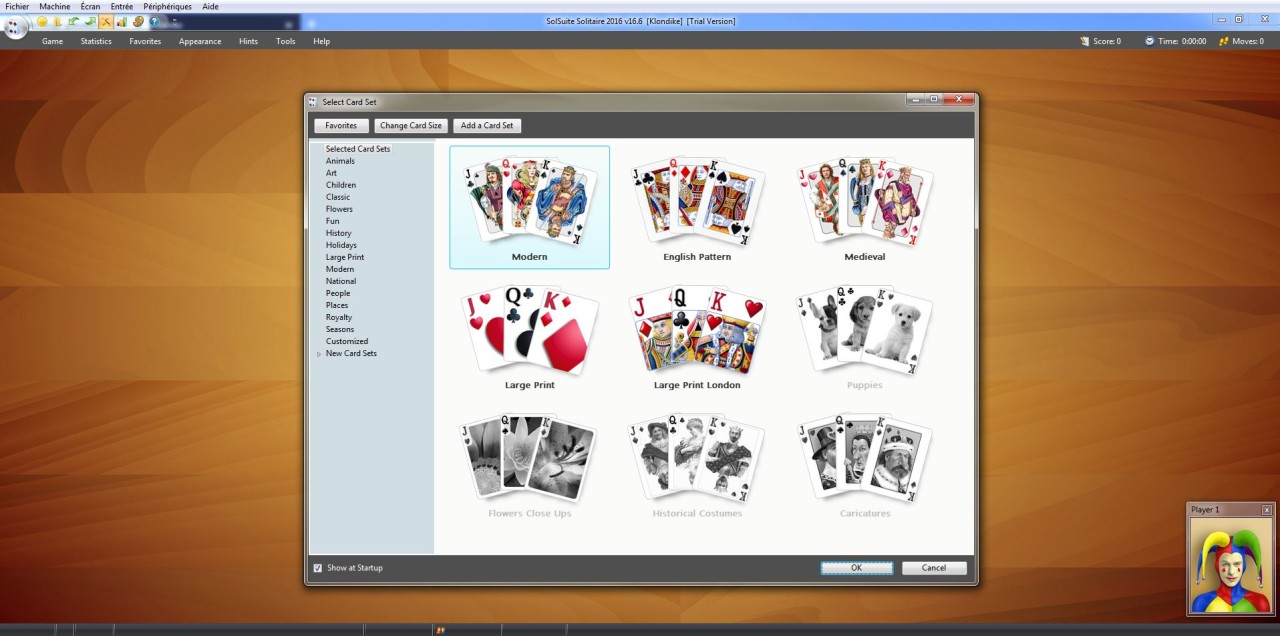
That being said, there is also a premium edition available for players who want to go beyond the essentials. The paid upgrade offers extra features like additional card sets, backgrounds, and customization tools. It doesn’t take away from the free version, though. If you’re perfectly happy with the standard collection, you won’t feel pressured to upgrade. The free edition stands on its own as a full solitaire experience, which is refreshing in a world where many “free” apps end up being limited trials.
What operating systems are compatible with 123 Free Solitaire?
123 Free Solitaire is designed for Windows, and that’s where it runs best. PC users have been playing it for years because it offers a stable, straightforward experience that feels right at home on the platform. The developers focused their support on Windows, so installation and performance are smooth with very little setup required.
But that doesn’t mean other operating systems are completely out of luck. Mac users, for example, often run it successfully through tools like Wine or other compatibility layers. While it isn’t officially released for macOS, many players have reported that it works just fine with a bit of setup. As for Linux, similar compatibility options can make it playable there as well.
Mobile devices are a slightly different story. 123 Free Solitaire itself isn’t officially available as a direct app for iOS or Android, but there are plenty of solitaire-style apps that take inspiration from this collection. If you’re mainly looking for a desktop experience, Windows is the place to be. If you’re open to some tweaking, Mac and Linux can work too.
What are the alternatives to 123 Free Solitaire?
The Microsoft Solitaire Collection is a game that, most likely, you have seen or have played in case you have ever owned a Windows computer. It is one of the most well-known sets of cards that are available, and you can play it on Windows but also Android, iOS, and others. This is a set of the classics, such as Klondike, Spider, FreeCell, Pyramid, and TriPeaks. The attractive appearance and compatibility with Microsoft's achievement system are what make it attractive. You are able to monitor your improvement, daily challenges, and even compete with friends. This is a good alternative in case you enjoy a bit of structure and additional goals in your card-playing solitaire games.
Solitaire Deluxe 2 follows the format and makes the classic game look more up-to-date and adorned. It is also one of the biggest collections of solitaire that has variations of more than 20 games in a single pack. Solitaire Deluxe 2 also allows the selection of various backgrounds, card designs, and themes, unlike other programs, which use a minimalist appearance. It can be accessed on various platforms, such as mobile, and therefore a good option should you wish to alternate between playing on your computer and your phone.
Hardwood Solitaire IV is dedicated to the creation of the atmosphere. Rather than dull green tables and bare card sprites, it employs dense graphics, motion pictures, and background score in order to bring the game to life. It allows numerous choices of solitaire and includes online leaderboards to show you where your skills rank in comparison to other players. It suits players who wish Solitaire to be less of a silent game, more of a game with masses of style as well.
In yet another fashion, Balatro does things quite differently. It is not a solitaire game in the classic meaning of the term, but it is a card game that has a similar audience appeal. Balatro combines poker rules with roguelike, instead of just piling cards together. You stack up the deck, roll the dice, and go all out to get better points in more difficult rounds. It is quick and tactical, and quite unlike the slow pace of solitaire. However, players who love playing cards and wish to have a break outside the box need something exciting, Balatro has to offer.