Microsoft Solitaire Collection is the updated home for a group of card games that have been part of the Windows world for more than three decades. If you’ve ever sat at a computer in the 90s or early 2000s, chances are you’ve played the original Solitaire that came built into Windows. It wasn’t just a way to pass the time; for a lot of people, it was their first introduction to computers. The Collection takes that nostalgia and folds it into something modern, polished, and full of options.
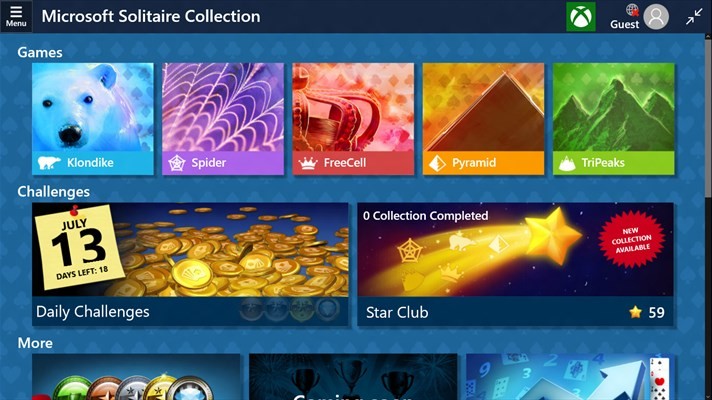
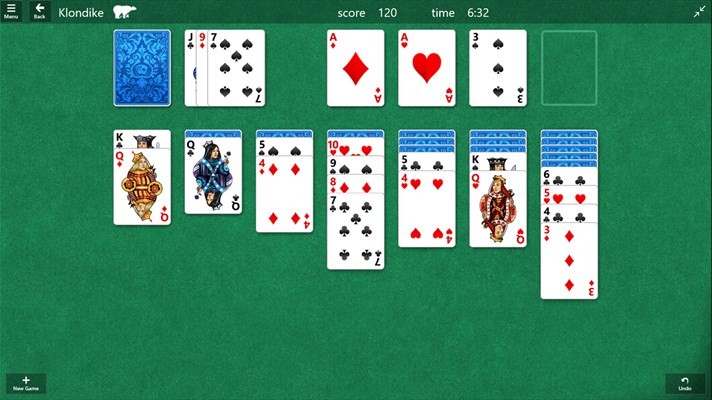
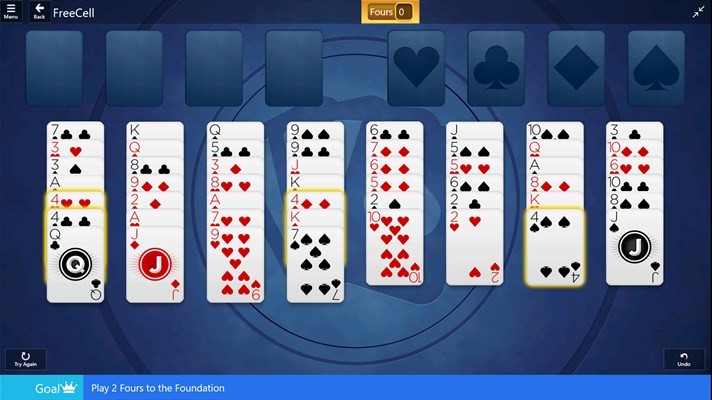
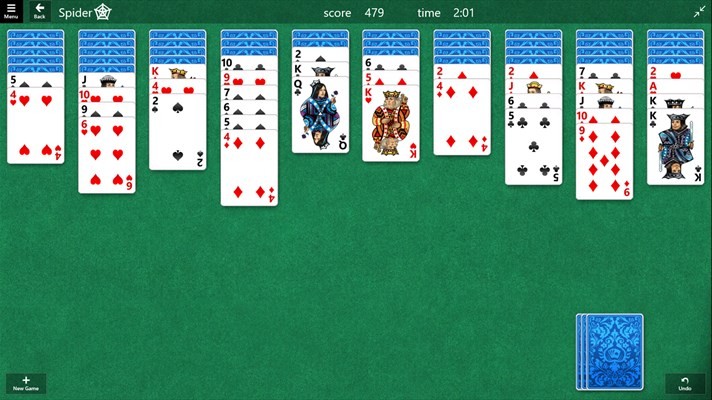
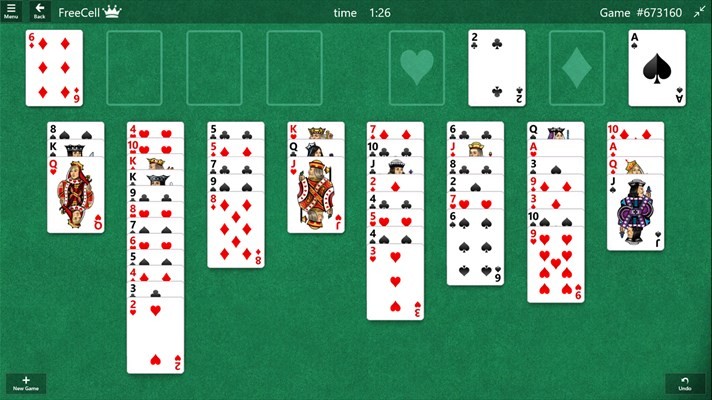
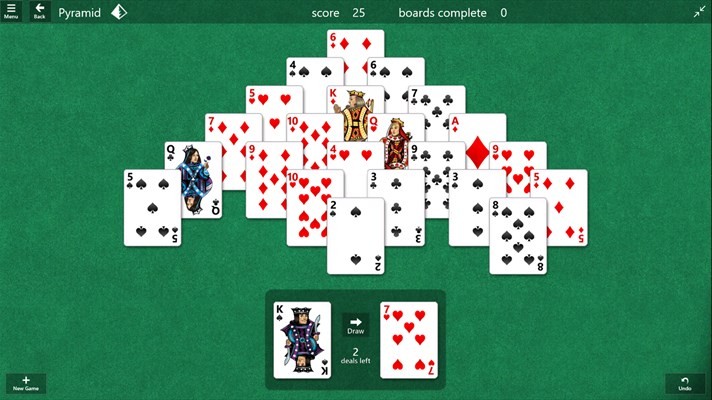
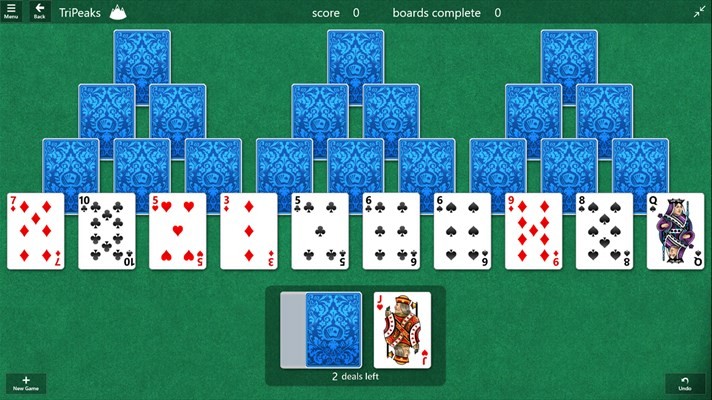
Instead of only offering one game, the Microsoft Solitaire Collection brings five popular Solitaire variants together. There’s Klondike, the classic drag-and-drop version where most people learned the rules. Spider Solitaire raises the challenge by stacking suits across multiple columns. FreeCell, where you use empty spaces to move cards strategically and where, technically, every deal is solvable. And TriPeaks, which is fast and rewards chain moves as you climb the peaks of cards. Finally, Pyramid, a game where you match pairs that add up to 13. Having all five bundled together means you can switch modes depending on whether you want something relaxed or something more intense.
It’s not just about the games, though. The interface has been redesigned for modern screens. Cards look sharp, animations are smooth, and the layouts scale well whether you’re on a large desktop monitor or a small phone screen. What’s interesting is how it still feels familiar. Even with upgraded visuals, you can tell it’s the same Solitaire at its core.
Why should I download Microsoft Solitaire Collection?
The obvious answer is because it’s fun, but that’s only the beginning. Solitaire game cards have lasted this long because it’s approachable. Anyone can sit down and understand the basics in minutes. The Microsoft Solitaire Collection builds on that by giving you choices. One day, you might feel like tackling a spider, which can take longer and requires more patience. The next day, you might just want a five-minute TriPeaks game before dinner.
It’s also great for filling small gaps of time. Not every game fits into a coffee break, but Solitaire does. You don’t have to commit to a long session. You can play one hand, pause when you’re busy, and pick up right where you left off later. The fact that it saves progress across devices makes that even better.
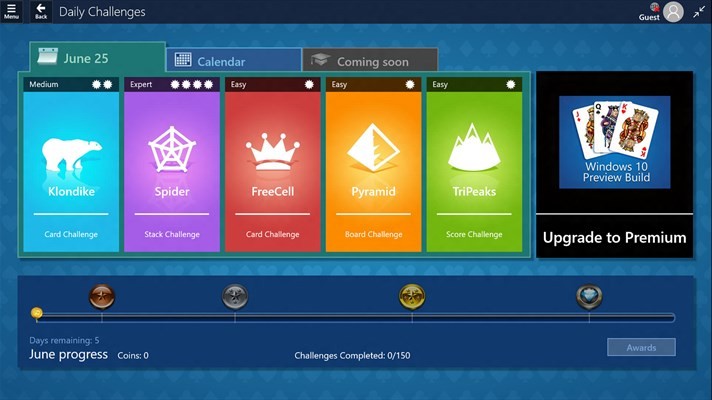
Another strong reason is the daily challenges and events. If you’ve ever thought regular Solitaire felt too repetitive, these challenges keep it fresh. They give you goals like clearing a certain number of suits or solving a deck within a move limit. When you complete them, you earn badges and awards, which adds that extra bit of motivation. It’s not overwhelming, just enough to keep you coming back.
On top of that, Solitaire is relaxing. It’s not flashy, it doesn’t bombard you with noise, and it doesn’t demand constant attention. Instead, it gives you a quiet puzzle to work through at your own pace. A lot of people use it as a way to wind down after work or to take a short mental break during the day. There aren’t many games that manage to be both calming and engaging at the same time.
So, why should you download Microsoft Solitaire Collection? Because it delivers nostalgia, variety, and relaxation in a way that feels fresh but still familiar.
Is Microsoft Solitaire Collection free?
Yes, it is free to download and play. You can grab it from the Microsoft Store on Windows, from Xbox if you’re a console player, or from the App Store and Google Play if you’re on mobile. The free version comes with all five Solitaire games, daily challenges, and the core features most people care about.
That said, the free version does include ads. They’re not overly intrusive, but if you prefer a cleaner experience, Microsoft offers a premium upgrade. The premium edition removes ads and gives you a few bonuses, like double coins for completing challenges and some exclusive perks. It’s offered as a subscription, but you don’t need it to enjoy the games.
The nice thing is you aren’t locked out of content just because you don’t pay. The free version is perfectly playable and complete. The upgrade is there for players who spend a lot of time in the game and want it to feel smoother. For most casual users, the free version is enough, which makes it very accessible compared to many other apps.
What operating systems are compatible with Microsoft Solitaire Collection?
Microsoft ensured that this compilation is not bound to a specific platform. It runs in Windows 10 and Windows 11 in the Microsoft Store on computers. It is optimized for those systems, runs well, and scales to the varying screen sizes.
Players of consoles are not left behind. It can be downloaded and played on the Xbox consoles, with a controller rather than a mouse or touchscreen. That is an enjoyable alternative to those who like playing on the big screen.
It can also be downloaded on the mobile platform. iOS users can access it in the App Store, and Android users can get it in Google Play. The interface is touchscreen-friendly, and thus navigating between cards by dragging and tapping is easy.
It even has a browser version (hosted on MSN Games), and that is convenient when you need to play fast without installing anything. The best thing is that these are all synchronized with your Microsoft account. You can start a game on your PC at home, then continue your game on your phone later and perhaps finish it on your Xbox in the evening- it all seamlessly works together.
What are the alternatives to Microsoft Solitaire Collection?
The Microsoft version is the most familiar, but that is not the only way to play Solitaire. The number of substitutes is sufficient, and each of them has its own style and advantages.
Solitaire Deluxe 2 is ideal when you would like more variants within the library. It also provides over 20 varieties of Solitaire, compared to the five that are offered by Microsoft. It has daily objectives and social aspects, as well, allowing you to interact with other players.
Hardwood Solitaire IV is a little different. In this version, the atmosphere is tilted. It is a mix of a classic game of Solitaire with beautiful scenes and soft music. The point is not so much competition, but about a soothing, meditative atmosphere to play the game.
123 Free Solitaire offers the familiar type of game that PC users can always find themselves craving: simple card games that are not overly loaded with frills. It presents a wide range of Solitaire, and although the design is minimalistic, it is aimed at providing reliability and familiarity.
In a completely different style, while still with cards, there is Balatro. The game has nothing to do with classic solitaire, but involves cards in a deck-building, roguelike format. It is attractive to those players who like strategy and would prefer something new, but keep the sensation of working with cards.