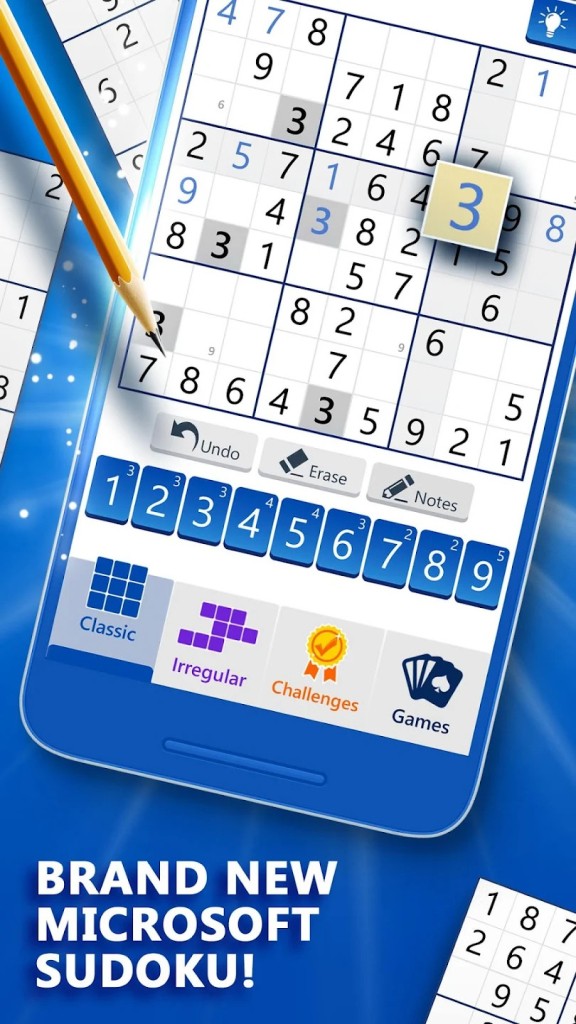
Microsoft Sudoku is the electronic version of the most popular number game in the world. It is intended for those who are fans of quiet logic games and a bit of modern comfort. The game is developed by Microsoft Casual Games, which is also the company that made Solitaire and Minesweeper. It is played according to the original rules of Sudoku - complete the 9x9 grid so that each row, column, and 3x3 block contains the numbers 1 to 9. It also comes with a cleaner design, more modes, and intelligent features.
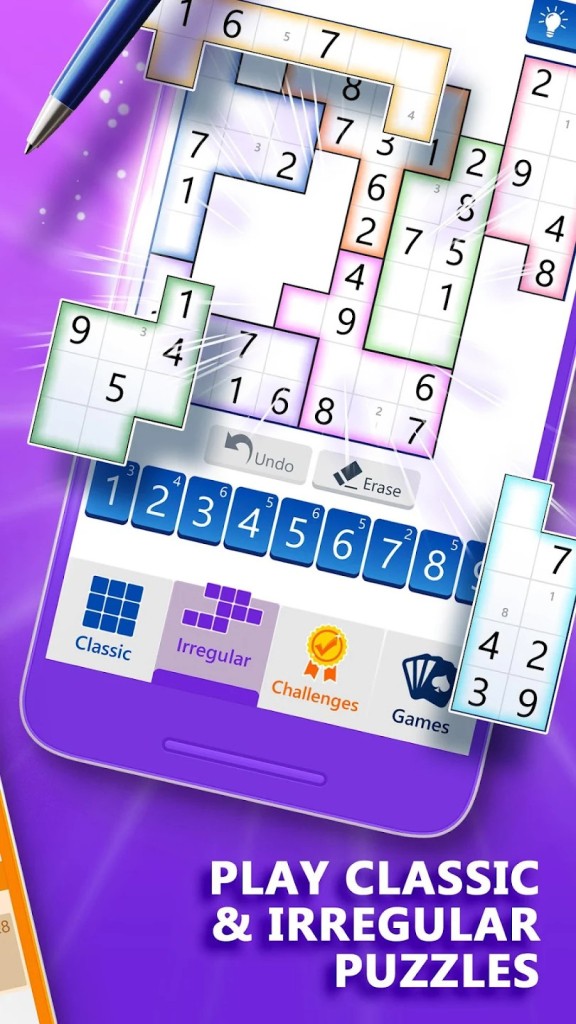
The app does not make use of static puzzles. It makes a different puzzle each time that you play, so the content is always new. The game features three primary modes: Classic Sudoku, Irregular Mode, and Ice Breaker Mode. Classic Sudoku uses the 9x9 grid. Irregular Mode transforms the 3x3 blocks into irregular shapes, which gives the game a refreshing twist. Ice Breaker Mode has a visual effect to it; when a correct number is entered, ice cracks across the screen.
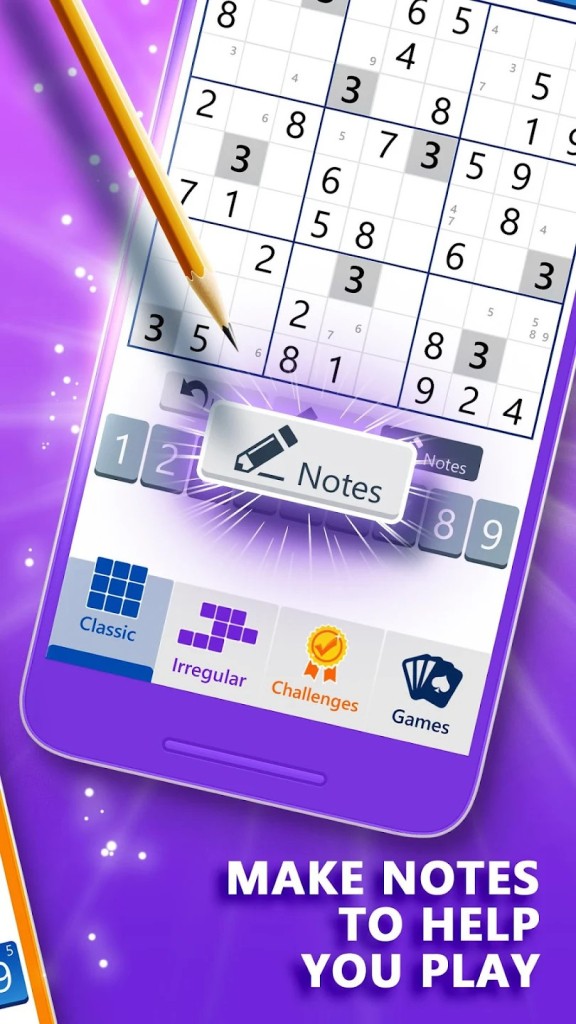
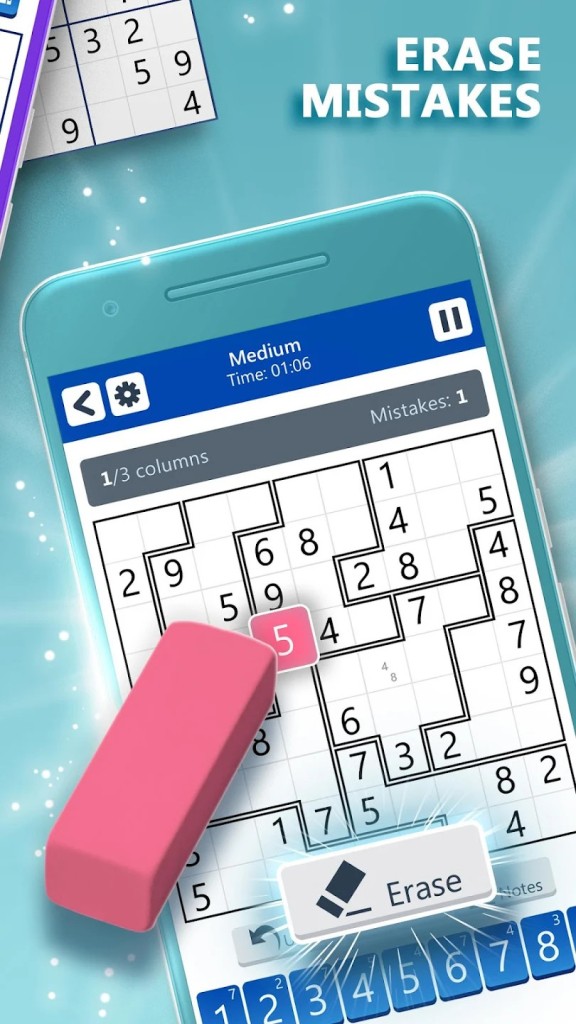
Hints and tools make it easier to play on your own time. Automatic note updates help you follow all your number options as you go. Undo and Clear buttons allow you to undo errors. Visual themes can be used to replace numbers with symbols if freshness is required. Whether playing a quick puzzle or completing day-to-day challenges that gradually build your skill, the experience feels relaxed yet mentally stimulating.
Why Should I Download Microsoft Sudoku?
If you’re after a calm and reliable puzzle app that avoids flashy distractions and constant ads, Microsoft Sudoku fits the bill. It deals with a game that many already love. The interface is sparse, the colors are gentle, and everything feels designed for comfort and concentration. You can start at the easiest level and practice your strategy, and then slowly take on higher levels.
Three daily challenges are offered across different modes and update every day. These challenges earn you coins and badges – small rewards that add some motivation. The short daily puzzles never feel like a task, and they keep your mind sharp. The statistics tracker allows you to view your best times and the number of games played.
There’s more customization than you’d expect. You can play with either numbers or symbols using the Charms theme. Settings can be configured to display errors or prevent duplicate records. Choose your input style — choose a number first or tap a square first. If you make a mistake, just go back and make a change. The game is forgiving, but still punishing enough to keep you on your toes.
Another quiet bonus is multi-device compatibility. Log in with your Microsoft account, and your progress, achievements, and saved games come with you everywhere — on phone, tablet, or Windows PC. It’s a puzzle game that grows along with you, simple to pick up but always able to keep you thinking.
Is Microsoft Sudoku Free?
Yes. Microsoft Sudoku is available free of charge for download and play on all supported platforms. The main game — Classic, Irregular, and Daily Challenges — is free to play. A Premium Subscription is available for a monthly or yearly fee. The subscription removes ads and allows you to revisit previous Daily Challenges. It is only available on mobile devices and cannot be transferred to other platforms.
What Operating Systems Are Compatible with Microsoft Sudoku?
Microsoft Sudoku works on Windows 10 and Windows 11, Android, iOS, and the Web. You can download it from the Microsoft Store, Google Play, and App Store. It’s also playable right in your browser at the Microsoft Casual Games website.
When you link the game to your Microsoft account, all your progress stays synced. You can begin a puzzle on your Windows laptop and finish it later on your Android phone. The game also supports Xbox Live integration, allowing you to unlock achievements and track your progress, such as the total number of puzzles solved and fastest completion times.
Microsoft Sudoku runs well on most devices regardless of how you control it. It adjusts to fit all screen sizes without issue. Normal puzzles can be played without an internet connection, but Daily Challenges, syncing, and cloud saves need an internet connection. The game is light and stable, and runs smoothly even on older systems.
What Are the Alternatives to Microsoft Sudoku?
If you are a player who is fond of logic-based gameplay but prefers playing with cards, you can try Microsoft Solitaire Collection. It features five classic games — Klondike, FreeCell, Spider, Pyramid, and TriPeaks — redesigned with smooth visuals and optional themes. Like Sudoku, it comes with daily challenges, achievements, and cloud synchronization through your Microsoft account. You can monitor your progress, compete against others in leaderboards, and play at your own pace. The app is free, but can be upgraded to a premium version, which removes ads and provides additional exclusive wallpapers. It offers the same easy reflective experience — just in a different format.
Microsoft Ultimate Word Games is for people who prefer word puzzles. The app brings together Wordament, Crossword, and Jumble into one platform that stretches your vocabulary and brain. Players can embark on daily tasks, obtain badges, and participate in online events that reward player commitment. The game also synchronizes progress and achievements across devices using your Microsoft account. It’s simple, lightweight, and ideally suited for anyone who wants the satisfaction of language-based reasoning rather than numeric problem-solving, but still wants that warm ‘aha’ feeling at the end of problem-solving.
Windows 7 Games for Windows 10/11 includes revamped editions of old classics like Chess Titans, Mahjong Titans, Hearts, Purble Place, and Spider Solitaire. These games are completely offline and do not require an internet connection, account, or subscription. While they are not as modern as Microsoft Sudoku, they have a nostalgic appeal and can still be a good brain workout. Use them for quick distraction-free sessions instead when you want something familiar and quiet, without the added clutter.