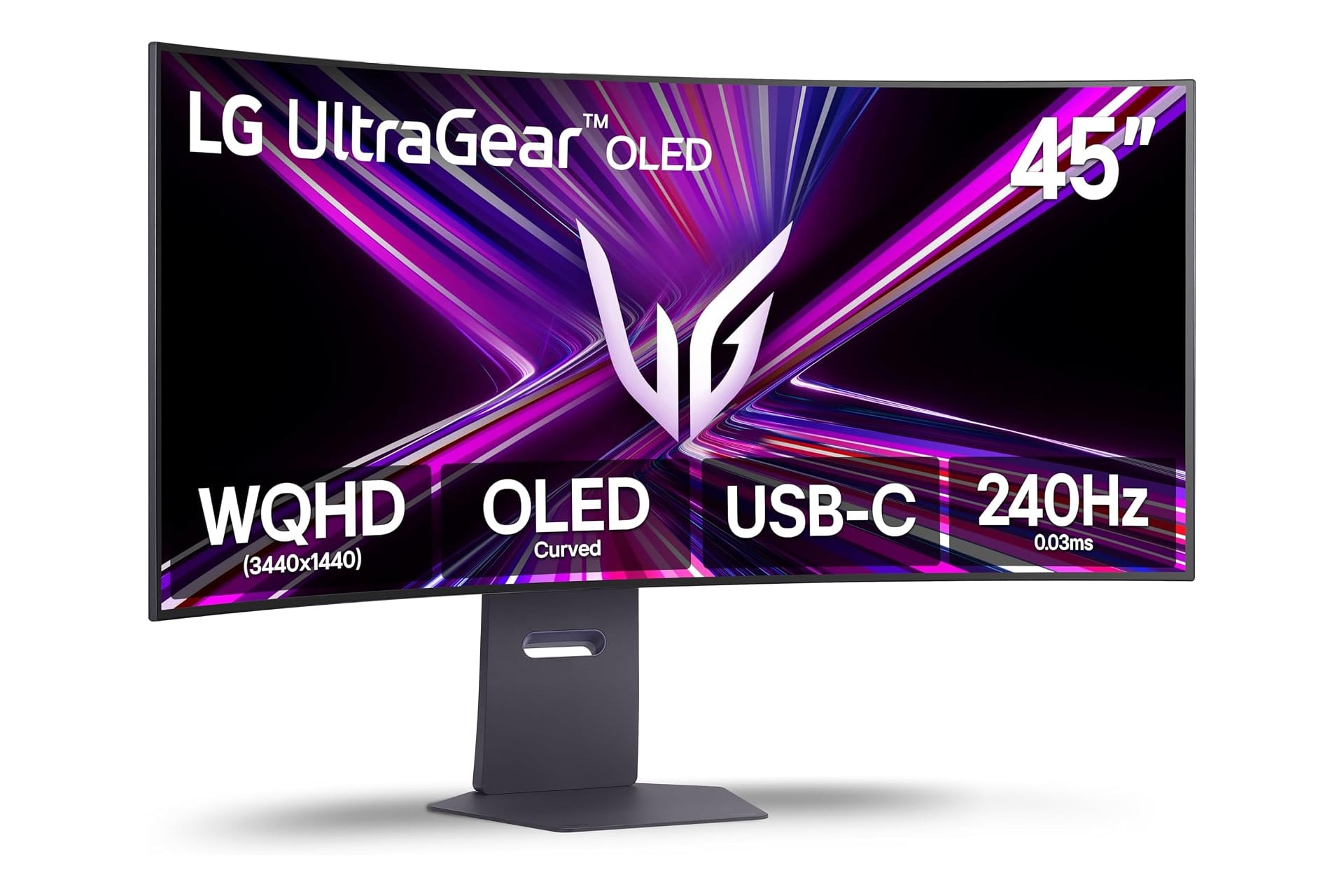
PC parts like RAM and storage are a little hard to come by at the moment, but if you’re already working with a powerful gaming PC, now’s a great time to upgrade to a new gaming monitor. This LG UltraGear look to have it all with its curved OLED screen and high refresh rate. This model monitor doesn’t sell cheap. It’s usually listed at $1,700, but this huge limited-time discount has cut the price down by 41%. That brings it to just $1,000, saving you a good $700 while the deal is still active.
Surround Yourself in the Action
This crazy-huge monitor measures across that 45 inches from corner to corner. Curved monitors really shine the larger they are, and the LG UltraGear 45GX900A-B is big enough to wrap around practically your whole peripheral vision. It has a steep 800R curve which is far more pronounced of a curve than most other curved monitors on the market. This can pull you into the game allowing for a much more immersive experience.
The screen uses an OLED panel which can display vivid visuals with extremely deep blacks and bright whites, hitting a peak brightness of up to 1,300 nits—making it the brightest UltraGear OLED yet. With a resolution above HD at 1440p, you’ll be able to make everything out on screen with great detail.
As for what’s really important for gaming, this LG UltraGear has some impressive specs. It’s able to achieve a refresh rate of 240Hz. This can allow for ultra-smooth gameplay, avoiding the choppiness you can sometimes experience at lower frame rates. Additionally, it has a near instantaneous response time of just 0.03ms. The moment you input an action, you will see it initiated on screen.
I used to have a screen with an extremely slow response time and I just assumed the games I was playing just had controls that felt like walking in mud. When I upgraded to something actually reasonable, it felt like that one episode of Samurai Jack where he trains with rocks tied to his wrists and ankles, then can jump super high when he finally takes them off. The point is, don’t underestimate the importance of avoiding input lag.
For connectivity, you can choose to plug in via either of its two HDMI ports, its DisplayPort, or over it’s upstream USB-C port.
You can fine tune the LG UltraGear monitor’s height and angle with its fully adjustable stand, ensuring you have the optimal view of the games you’re playing.