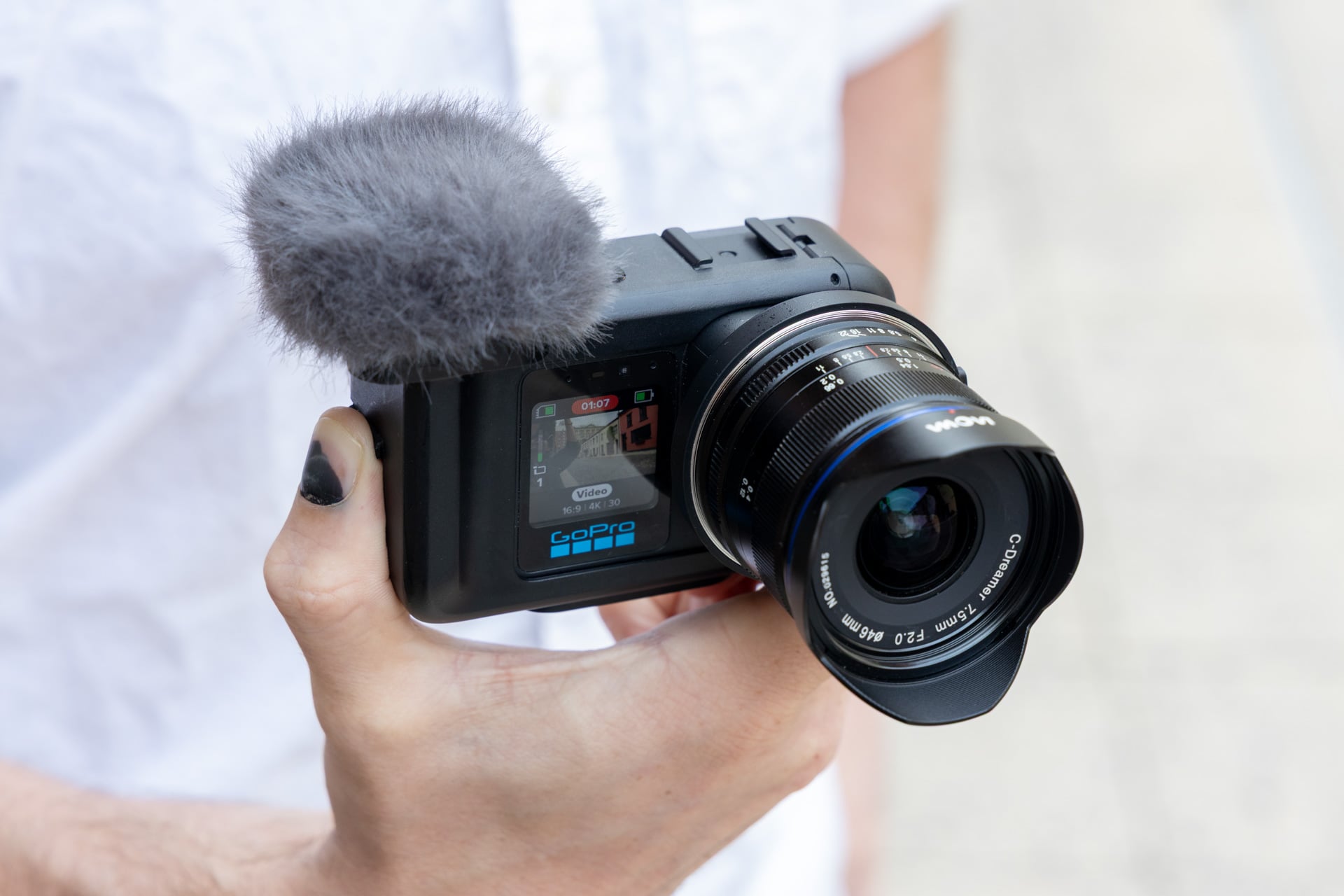
The GoPro Mission 1 Pro ILS is a chimera of a camera, and it should have been kept in the lab from which it spawned. It’s the first action camera of its kind with swappable third-party lenses, and as cool as that may sound, it’s worse than the sum of its parts. It fails at being a durable GoPro, and it’s not a great video tool for professionals, either.
When I sat down to write my previous GoPro Mission 1 Pro review, I had to consider who would need GoPro’s latest, most expensive, durable shooter. That camera actually has an audience—the people who want a traditional (though high-quality) GoPro experience without having to opt for a 360 camera. While GoPro’s adversaries in the creator camera market are busy trying new form factors to make shooting your sporting antics easier, the $700 Mision 1 ILS innovates in the wrong direction.
GoPro Mission 1 Pro ILS
This GoPro with swappable lenses doesn't make sense for the usual GoPro user, and it lacks the features a professional camera demands.
Pros
- Low-light footage quality looks good
- Interchangeable lens mount adds more control
- Squat size
- Good battery life
Cons
- Loss of image stabilization
- Lack of features compared to Mission 1 Pro
- No electronic lens contacts
- Worse image stabilization than Mission 1 Pro
- Would be better with physical controls
Third-party micro four-thirds lenses don’t actually give you all that much more control of your footage—not when the experience of using the camera is more finicky, less robust, and still stymied by the limitations inherited by all cameras of this shape and size. You can indeed get better control of your focal length, zoom, and focus with swappable lenses. However, GoPro kneecapped itself by limiting the number of lenses this camera supports. A lack of autofocus doesn’t help, either.
As a GoPro, the Mission 1 Pro ILS—which costs the same $700 as the Mission 1 Pro—doesn’t actually make sense. Let’s count it down: it’s not waterproof (GoPro instead calls it “weatherproof”), it doesn’t have a horizon lock feature, it doesn’t have subject-tracking capabilities, and the list goes on. The only advantage is the use of the traditional GoPro magnetic mount and 1/4-inch threads. As an alternative to your average DSLR, the ILS lacks the kinds of controls you would want.
GoPro has been through a lot this year. The company has been lagging behind China-based entities like Insta360 and DJI in the rugged camera space. Then, YouTuber Markiplier seemingly buoyed the camera maker with a big investment, only for GoPro to then sell itself to Starman Optical for a clean $285 million. Company CEO Nick Woodman released a public letter saying GoPro will keep going. I hope they do, and that the company can figure out a better way forward, maybe with something a little more “Go” and a little less “Pro.”
At least the video quality remains solid
I want to start with what I actually enjoy about the GoPro ILS, just so you know what you can actually expect. This camera uses the same 1-inch sensor as the Mission 1 Pro, which I already found was great for both outdoor action shots in bright light and also fairly good for low-light scenarios. Nothing’s changed on that front. The ILS version captures some quality footage with the added benefit of dealing with flat footage—no more fish-eye effect on your footage, unless that’s what you’re looking for.
The GoPro Mission 1 Pro ILS also supports 10-bit color depth for the sake of post-processing. There are also an incredible number of shooting modes available. The camera maxes out at 8K resolution and 60 fps when shooting in the standard 16:9 aspect ratio. However, you can also push it up to 8K and 30 fps when shooting in the 4:3 Open Gate mode (you can use this to capture a full frame and then edit it down later). For the sake of slow-mo footage, this camera is also a grand old time. You can hit a max of 240 fps at 4K or drop it down to 1080p for up to 10 seconds of 960 fps in “Burst slo-mo” mode. The footage may come out grainy even when shooting in bright conditions, but it’s there if you need it.
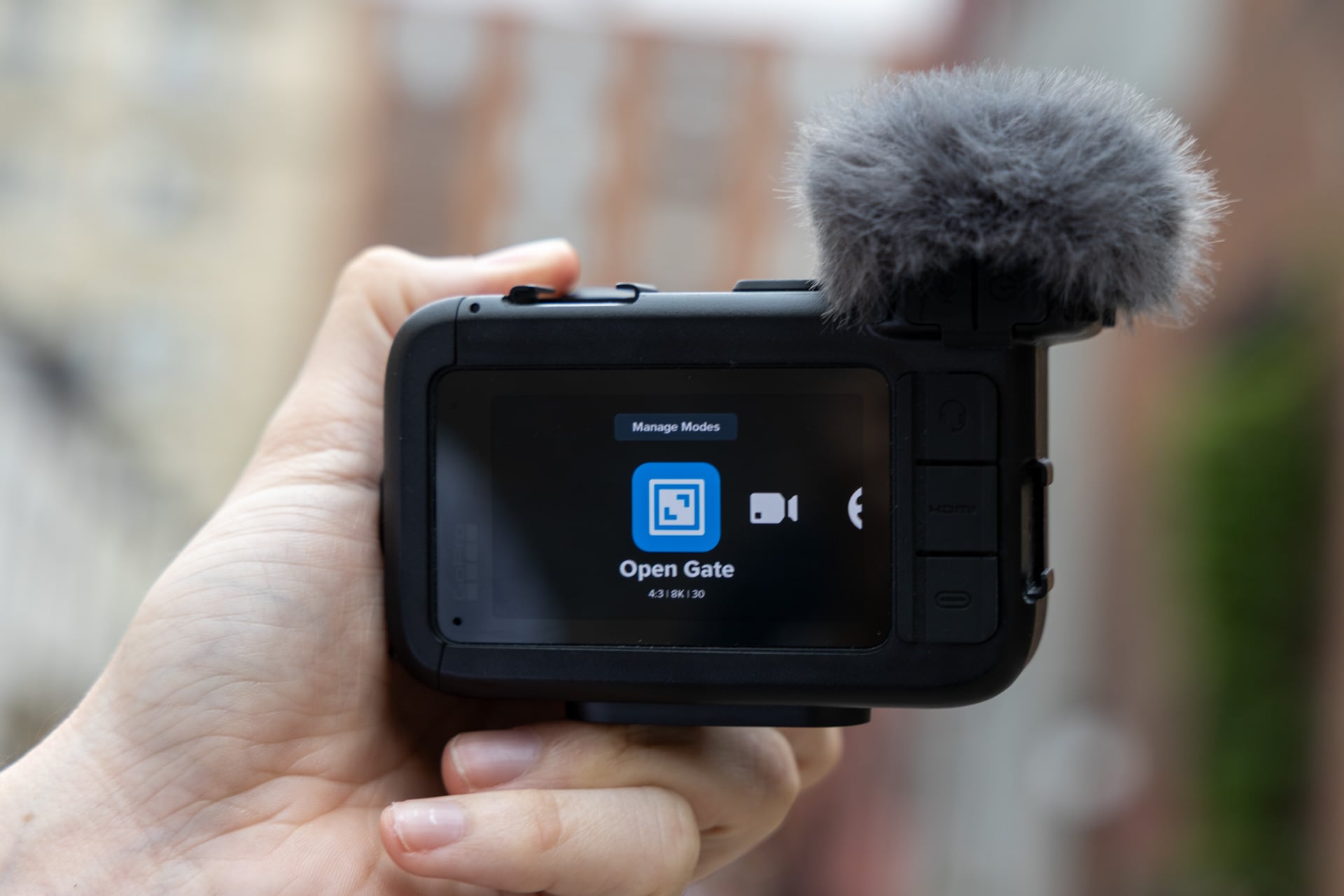
However, the GoPro Mission 1 ILS is actually missing some shooting capabilities present in the Mission 1 Pro. Most glaring is the lack of a timelapse mode, a staple for GoPro’s most recent cameras. That means if I’m trying to make a cute video of a Hawaiian sunrise, I have to shoot nearly 20 minutes of video and edit it down later.
If there’s one place that the Mission 1 Pro ILS does better than the Pro, it’s in a photo-taking capacity. The Mission 1 Pro is limited to wide angle for all its RAW photos. The ILS, with its usual flat lens, doesn’t have that problem.
Does that mean your GoPro is now your new backup lightweight camera? No, not at all. Despite promising to improve image processing speeds, GoPro Mission 1 cameras still take several seconds to record a single 50-megapixel photo. The only way to take multiple photos of the same subject is in burst mode. Let’s just say this is the opposite of what any photographer wants, especially when the Mission 1 Pro ILS costs $700 without a lens.
Seriously, what am I doing with this thing?
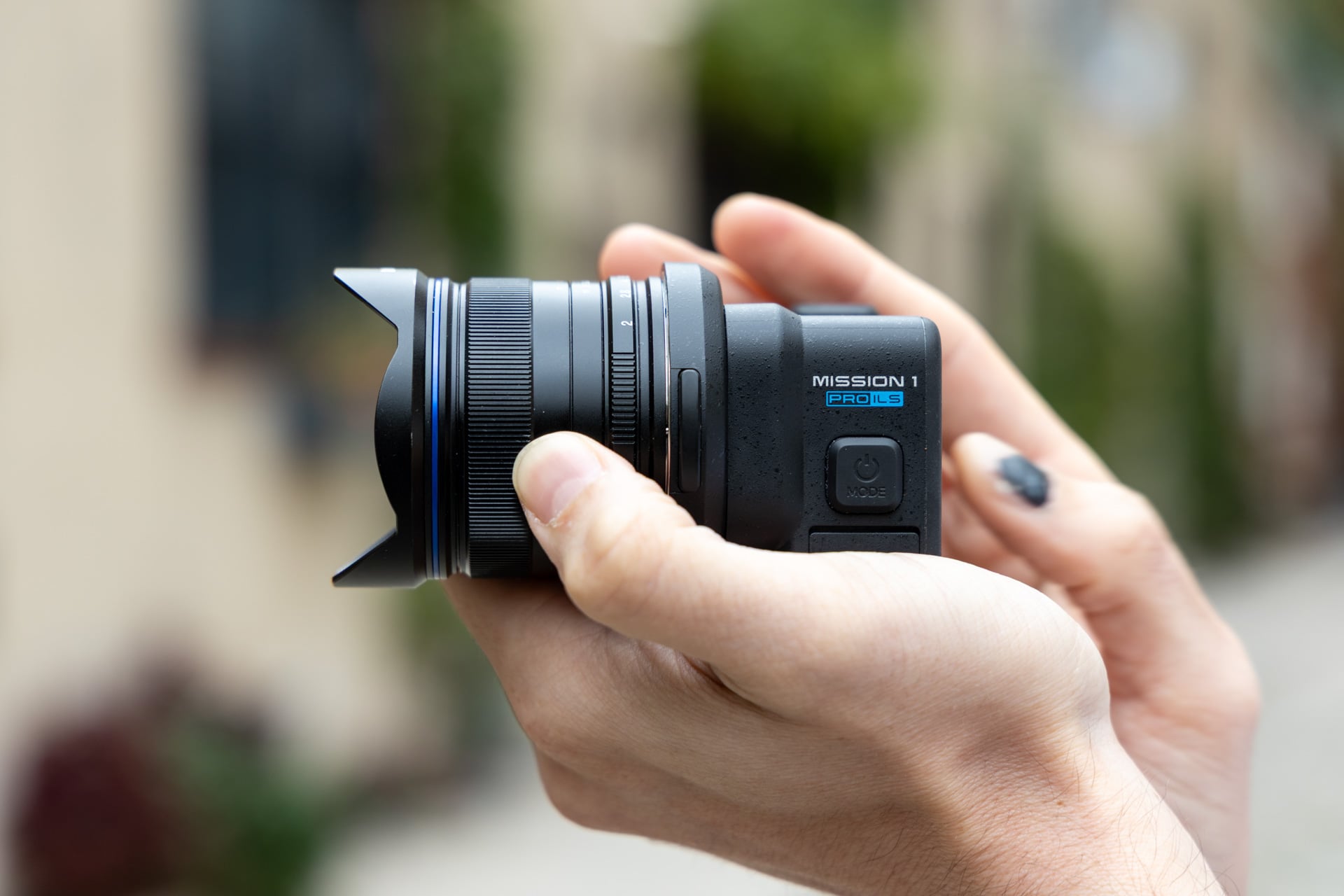
As Gizmodo’s semi-regular action camera reviewer, I have a few staples that I try to film to gauge the camera’s capabilities. I was already impressed by the Mission 1 Pro’s effective image quality in low-light settings, like in the basement of the gym where I practice historical sword fighting. I went even further with the ILS. I took it across the world, from Berlin, Germany, to Maui in Hawaii. Along every stop, I had to ask myself if I would be better served with any other GoPro.
I’ll admit right up front, this camera may not be best for what I need. My job, being a one-man-band journalist going to various tech events and conferences, doesn’t normally give me the freedom to bring along a tripod or have somebody there to ensure my shots are in focus while I simultaneously film hands-on with various products. However, the previous GoPro Mission 1 Pro could do that job admirably, perhaps even more so thanks to its bevy of shooting modes.
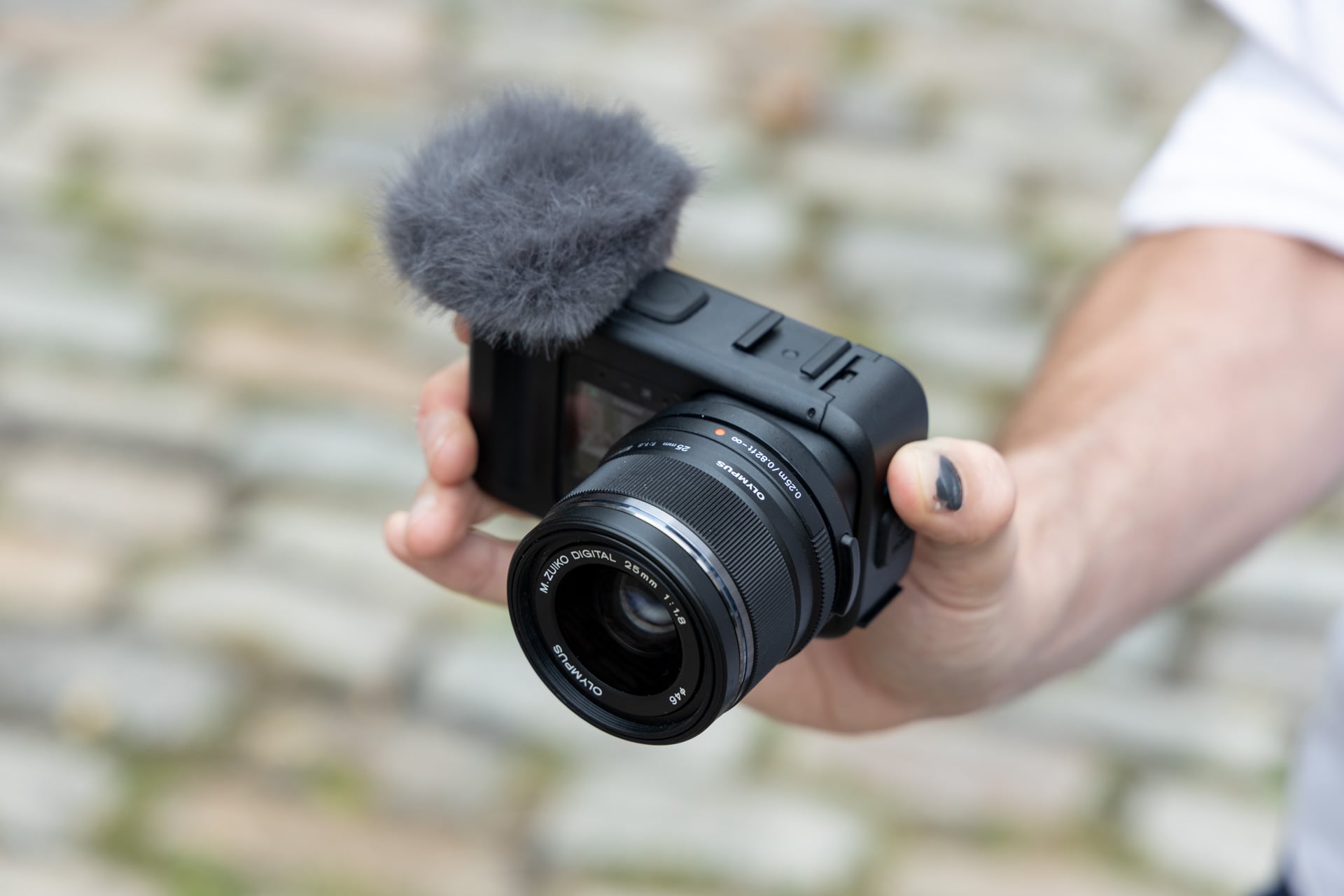
Even with the “Hypersmooth” setting turned on, the Mission 1 Pro ILS seems to lack the same sense of digital image stabilization that I could rely on with the Mission 1 Pro. To enable it, you need to accept a 10% crop on your footage. However, the bigger problem is the extended lens, which offbalances the short, stocky GoPro and makes every bump result in a juddering video that’s more annoying to fix in post.
It all leads to the ILS being a worse handheld camera than the Mission 1 Pro or, really, any kind of vlogging camera you can buy today. There’s a reason why most Instagram or TikTok video creators have moved on to an Osmo Pocket 4 or a more expensive Insta360 Luna Ultra.
Swappable lenses, but only a select few
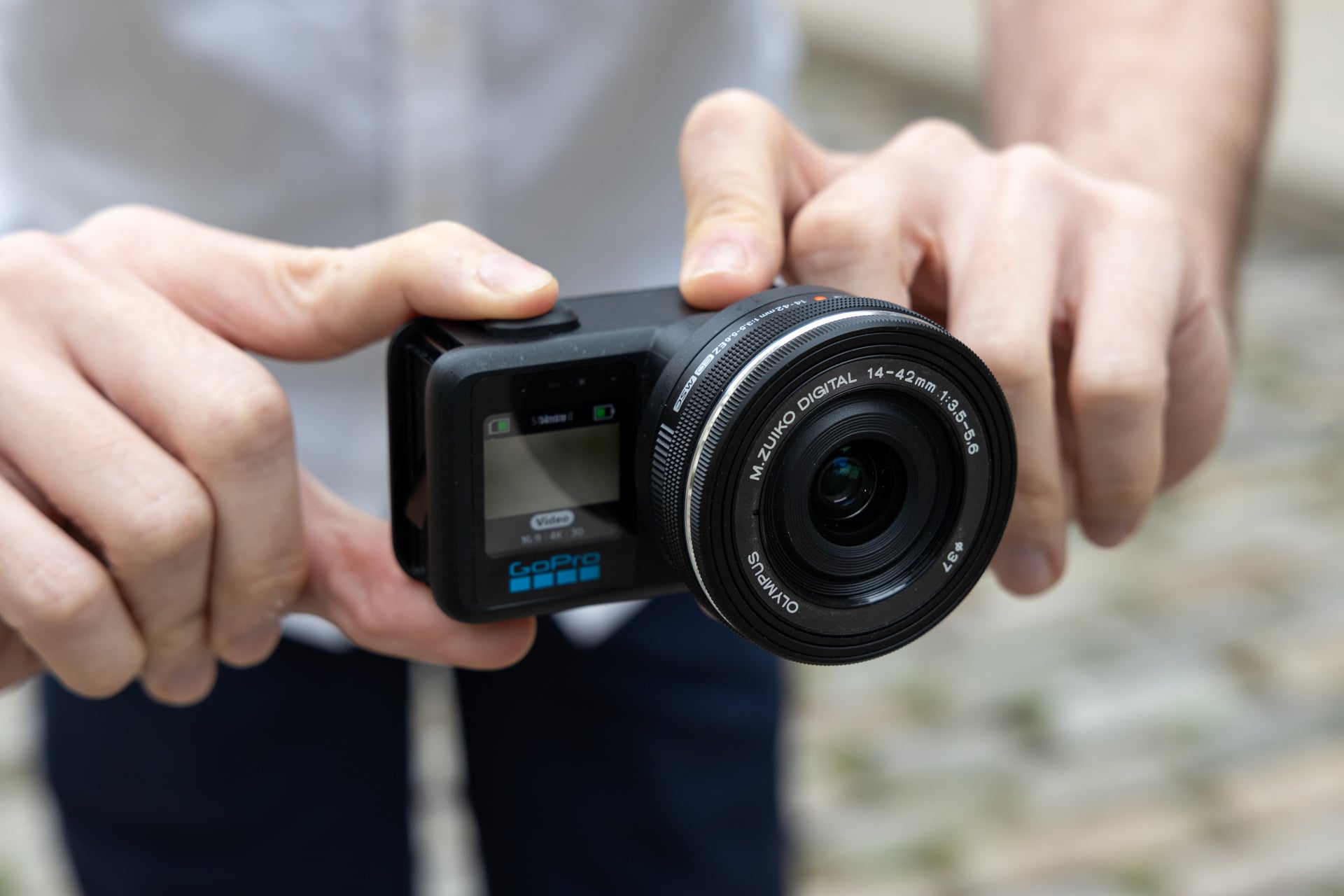
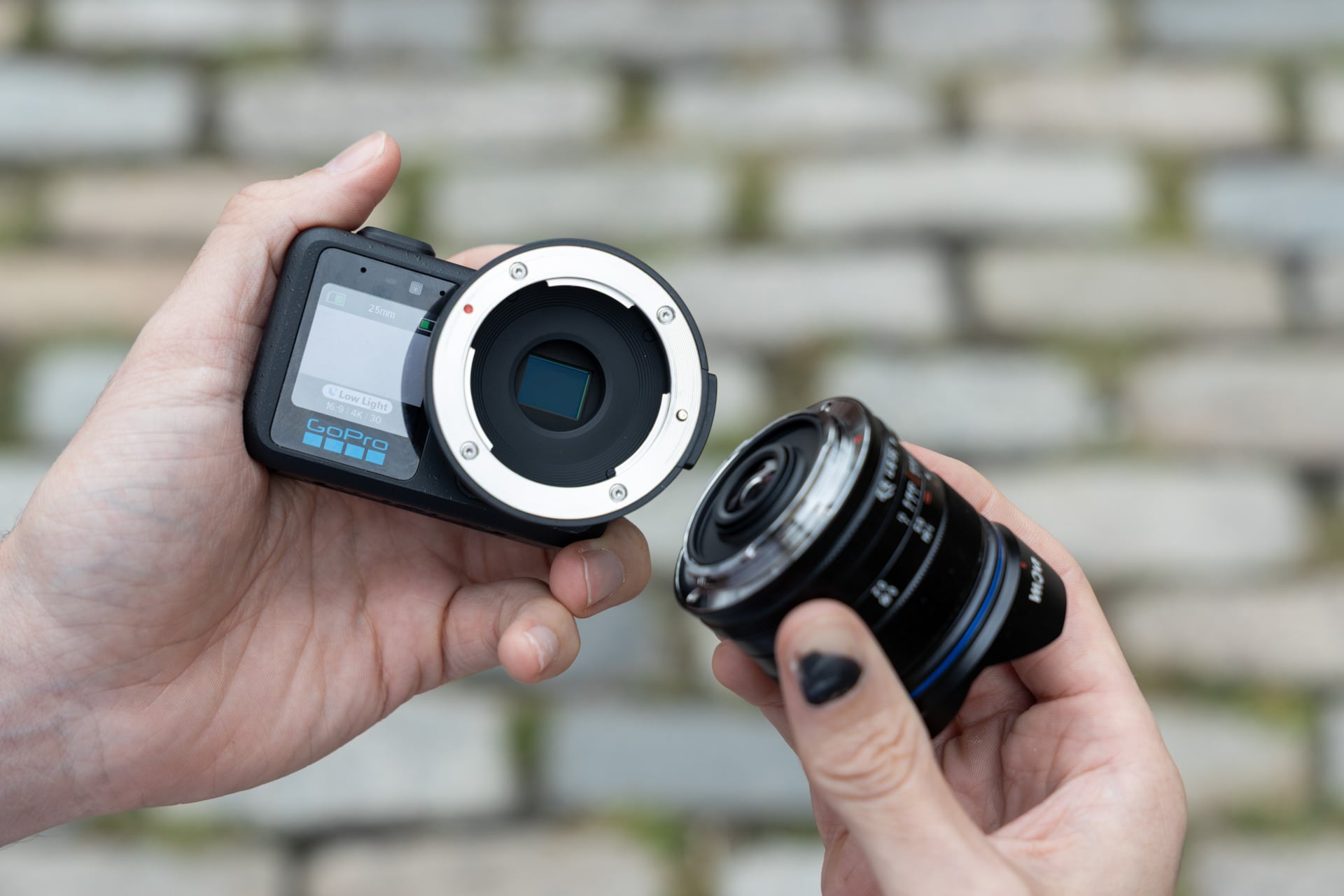
There are some obvious advantages to swappable lenses. You can just ask GoPro, who created multiple types of lenses for its GoPro Hero 13 Black, including an ultra-wide and a massive anamorphic lens. It means you can use a lens that fits the moment to actually hone in on your subject. And in that way, the ILS does its job. If you’ve handled any DLSR, swapping between your various lenses is easy. You’ll just have to agree to carry more gear than you usually do with any other GoPro-like device.
GoPro lists around 45 lenses that work with the ILS from several different makers. However, GoPro also says you’re better off with a compact lens that sits below f/4.5 to, in its words, “
If that still sounds like a good time, just know the GoPro ILS is often more difficult to use than any other camera because of a lack of auto-focus. Since there’s no electronic connection from the camera to the lens, you have to sit there and manually hone in for every shot. Then, if you want to use a lens with variable focal lengths, it gets even more annoying. You have to treat each focal length as its own “variable prime” that you manually input into the camera.
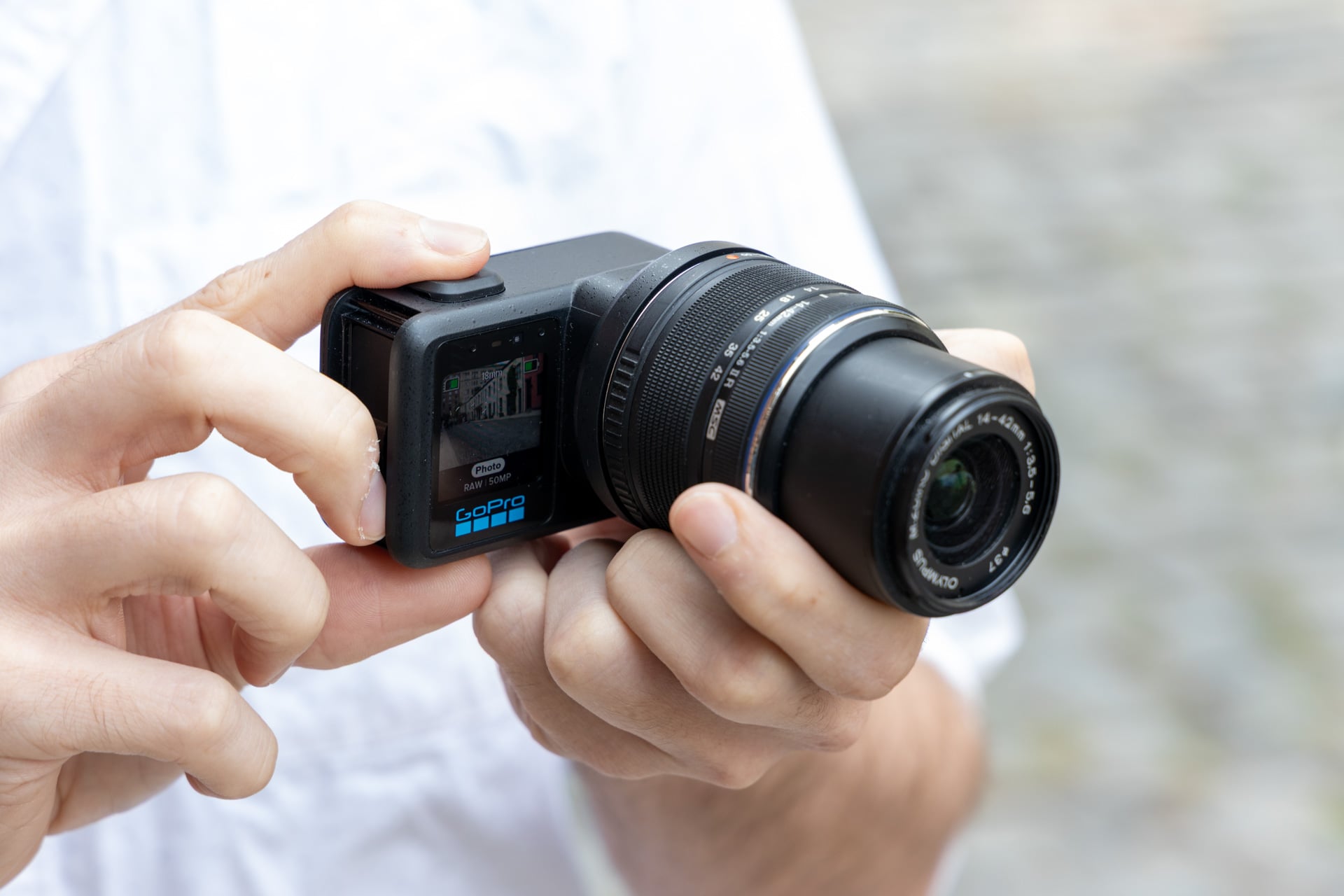
So let’s break down what that actually means in practice. I tried the GoPro Mission 1 Pro ILS with four different lenses. I started with a Venus Optics Laowa 7.5mm f/2 lens GoPro sent to Gizmodo for the purpose of review. The prime lens works well with the ILS, including the typical glow through the GoPro’s 2.59-inch OLED display to help you know when your subject is in focus (because the screen is certainly too small to see it with the naked eye). Then, when I plugged in an M.Zuiko Digital ED 14-42mm lens that requires an electronic connection to set the correct focal length, I couldn’t actually get the camera into focus at all.
Even if we go manual, there’s no guarantee your favorite lens will work. An M.Zuiko Digital ED 14-42mm f/3.5-5.6 EZ compact zoom lens would require you to input every focal length, which can be a mere guessimation based on the values on your lens. It’s still much easier to use a prime lens where you have consistent focal lengths to rely on. However, even that lens isn’t supported by the camera, and I could not actually change the focus on any of my footage. It’s the same story with the OM Systems M.Zuiko 25mm lens. That meant for most of my footage I could only use the Loawa.
If you have a few fisheye micro four-thirds lenses, then they may also work on the ILS. GoPro’s software lists models from Meike, Laowa, Brightin Star, and 7Artisans.
Every minute, I wish I had a different camera
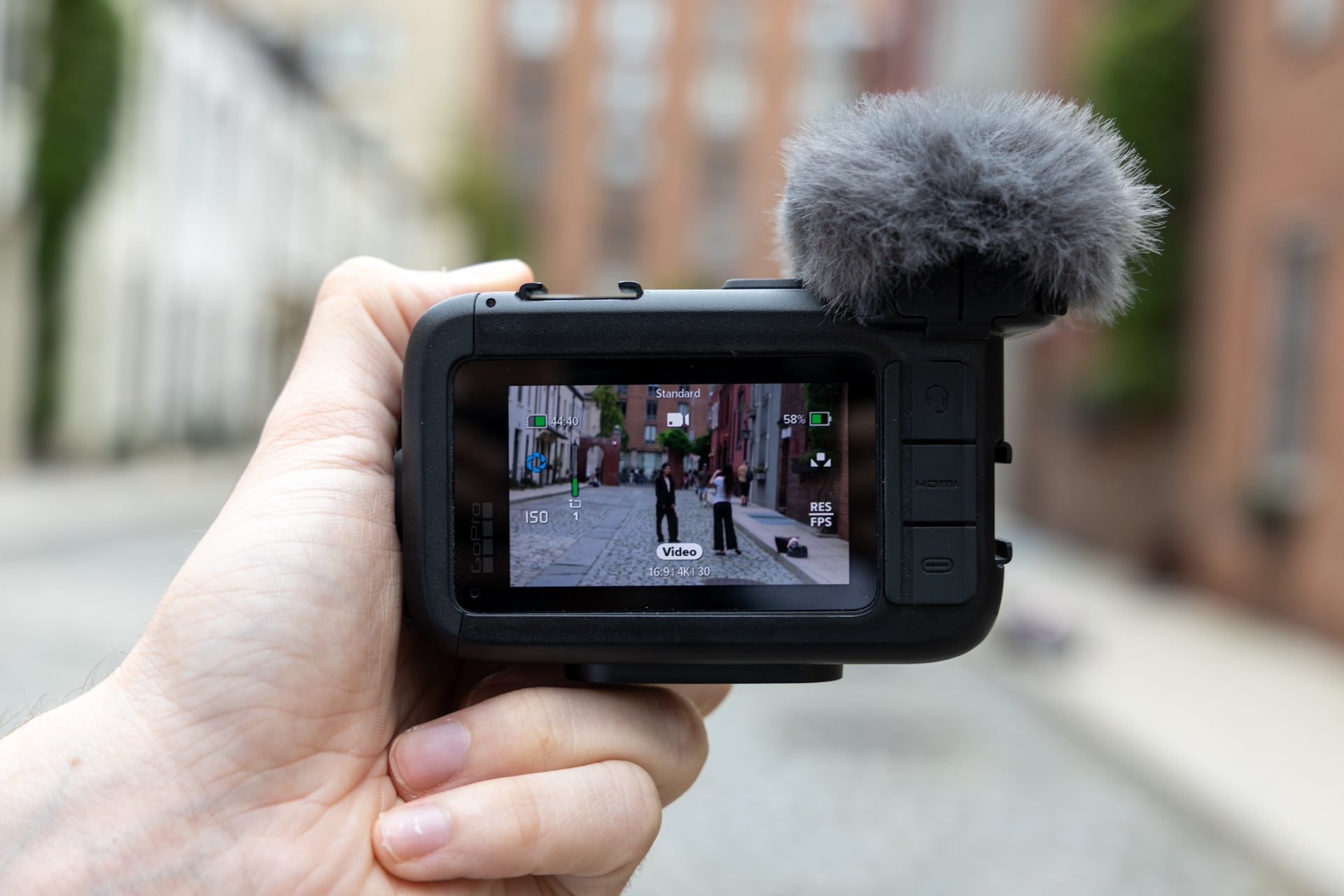
As a handheld camera, the Mission 1 Pro ILS isn’t worth your time. Even as a lightweight camera you can attach to a mount or tripod, the latest GoPro model takes more effort than other cameras due to a lack of physical controls.
GoPro shared with me the ILS version of its camera along with its Media Mod. This is an enclosure that plugs into the USB-C port of the Mission 1 body. It brings with it a few handy additions, including the large included mic with the pop filter built in. There’s also a separate jack for 3.5mm microphone input with 32-bit float recording as well as another port headphone monitoring. Finally, the Media Mod includes additional micro-HDMI output that supports up to 4K 60 fps live footage as well as two cold shoes, one on top and one on the side, to attach some camera accessories.
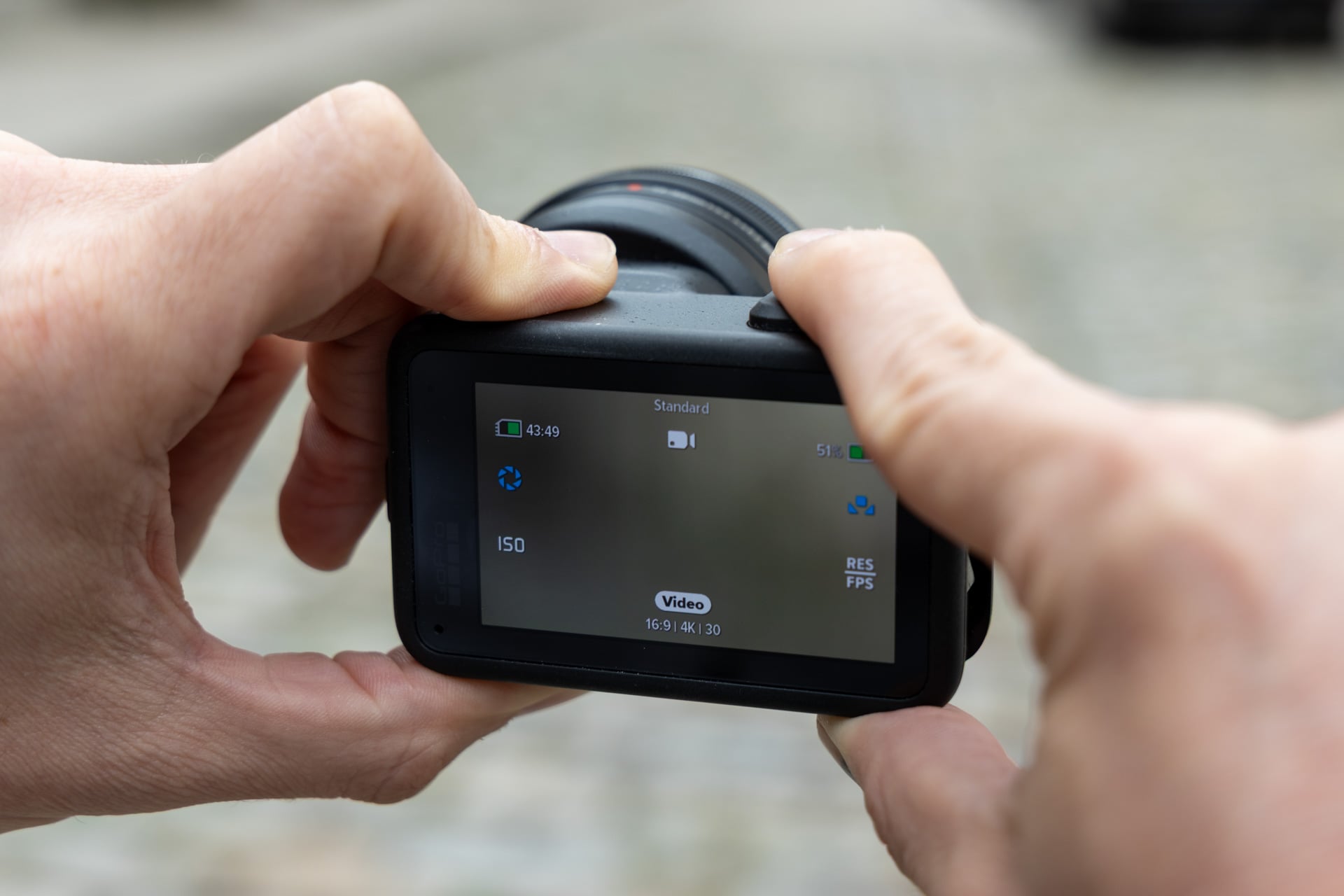
There’s just one all-too-obvious thing missing from the Media Mod or any of GoPro’s other peripherals: physical controls. If I were to treat the GoPro as a more professional camera, then I would want some other way than a touchscreen to manage my camera settings. It’s built with all the same options as the GoPro Mission 1, including white balance and ISO. You have a selection of three shutter speeds:1/120, 1/240, and 1/360. It’s just more annoying to adjust these settings on the fly—as limited as they are—with only a touchscreen.
So what if I want to turn my GoPro experience into a truly professional setup? You could combine the Mission 1 Pro ILS with the GoPro Wireless Mic System, although you’re only ever going to connect each individual mic over Bluetooth. You would imagine that the GoPro mic receiver with its shoe attachment point would simply work seamlessly with a GoPro camera, but that’s not the case. I actually found it easier to connect a DJI Mic 3 and Mic mini with a DJI camera like the Osmo 360 than I did with GoPro’s most “professional” camera.
At least it has a solid battery life
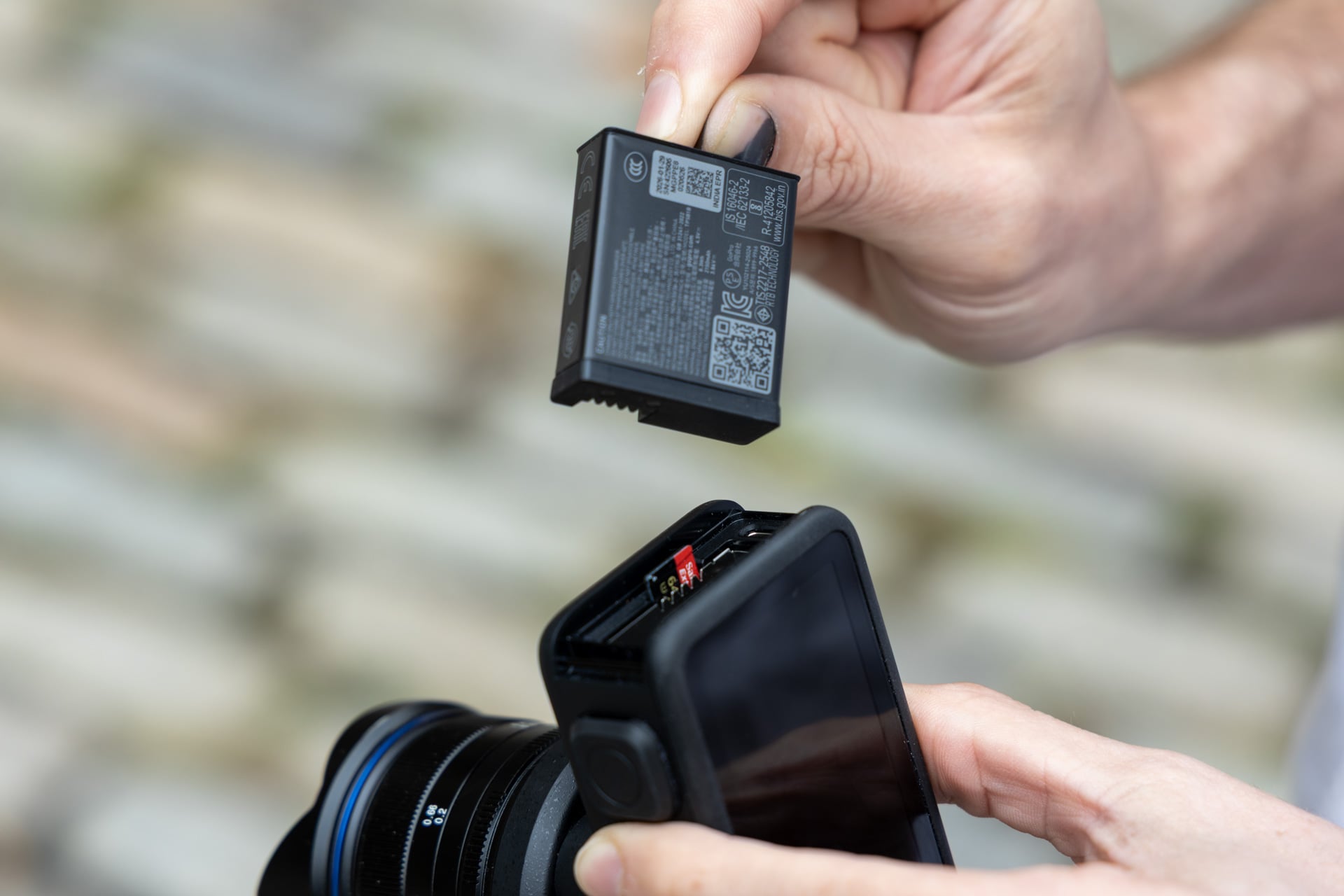
Initial beta updates to the ILS saw my battery drain excessively during use, but thankfully the full release gave me the expected longevity I already experienced with the Mission 1 Pro. I could shoot for a little under three hours at 4K and switch between 30 and 60 fps. GoPro also sells a battery charger unit in case you want to have multiple packs juiced up for extended shoots.
I just don’t know what kinds of shoots those would be. This camera doesn’t make for a good typical GoPro action camera experience. As a small, noble micro four-thirds shooter, I would vastly prefer any other camera with an electronic lens connection. It’s not a good photography camera. It’s not a great vlogging camera. It may be useful if you have a static shot in the desert you want to shoot and you have a bevy of GoPro mounts lying around. I just don’t image that particular product audience is all that large or varied.
I could complain about the lethargic photo-taking speed of the Mission 1 Pro and still give that camera a quality score knowing that’s not what most people are using it for. In the case of the ILS version, the slow photo processing speed is tear-your-hair-out maddening. GoPro tried to innovate, and I can appreciate that. They just thought of applying their camera to the professionals, when all the rest of us want is a camera that does the job.
TL;DR: Buy the Mission 1 Pro instead.