There’s a Kind of Virtual Touchpad Available On the iPad Virtual Keyboard
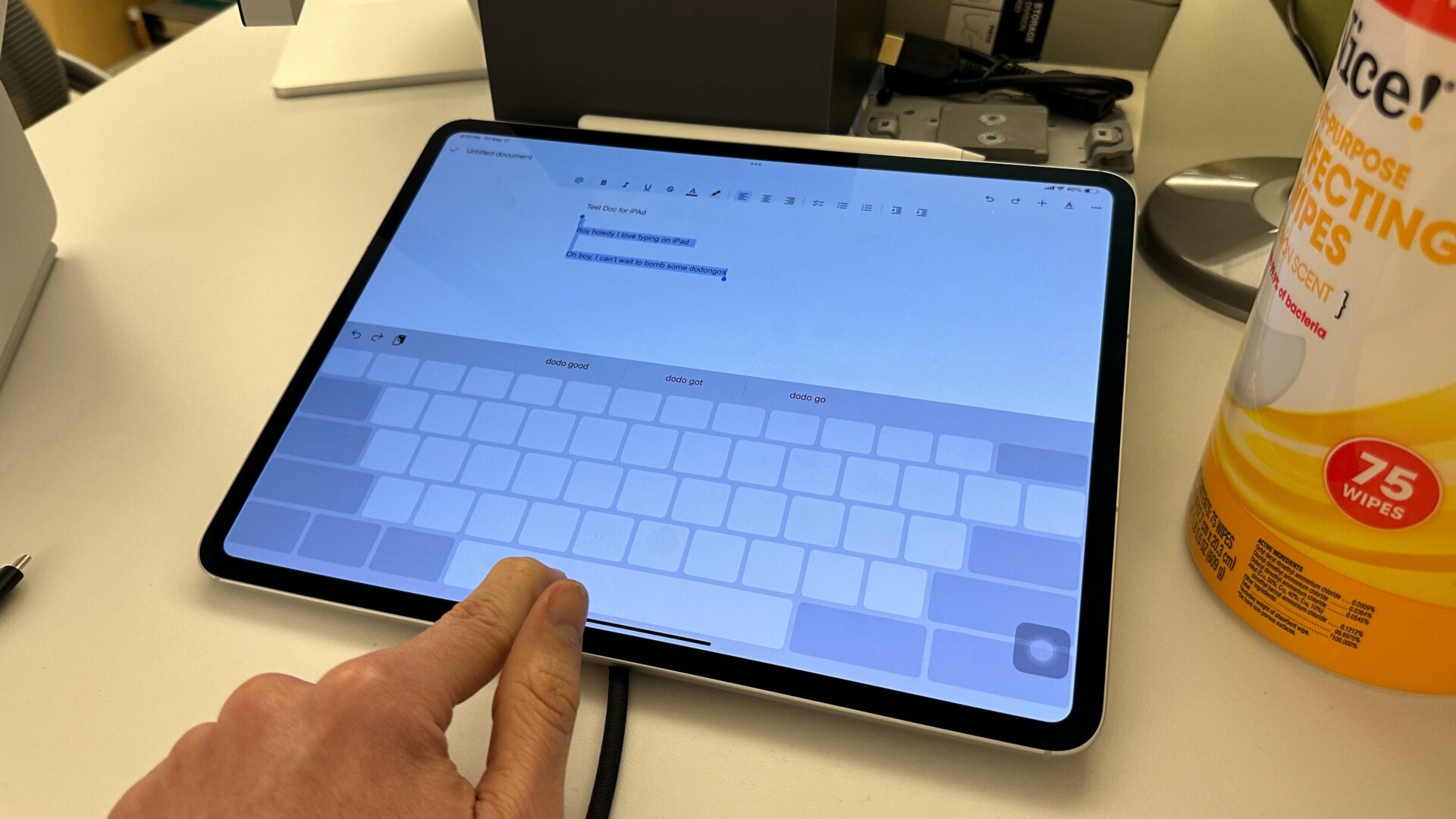
So you don’t actually need a Magic Keyboard to use a trackpad-like motion to select text on iPadOS.
When you have the virtual keyboard up on the screen, if you use two fingers or tap and hold the spacebar, the keyboard will turn blank, and you can then move your finger back and forth across the screen to shift the cursor to any part of the on-screen text. Is that not useful enough for you? You can also do it even when selecting emojis from the special emoji menu on iPadOS. On the bottom of the emoji bar is the small “space” key. Hold that, and you’ll have the same ability to move the cursor anywhere on the text box.