There are Three Different Modes for Managing Your iPad Menus, But Stage Manager is the Best
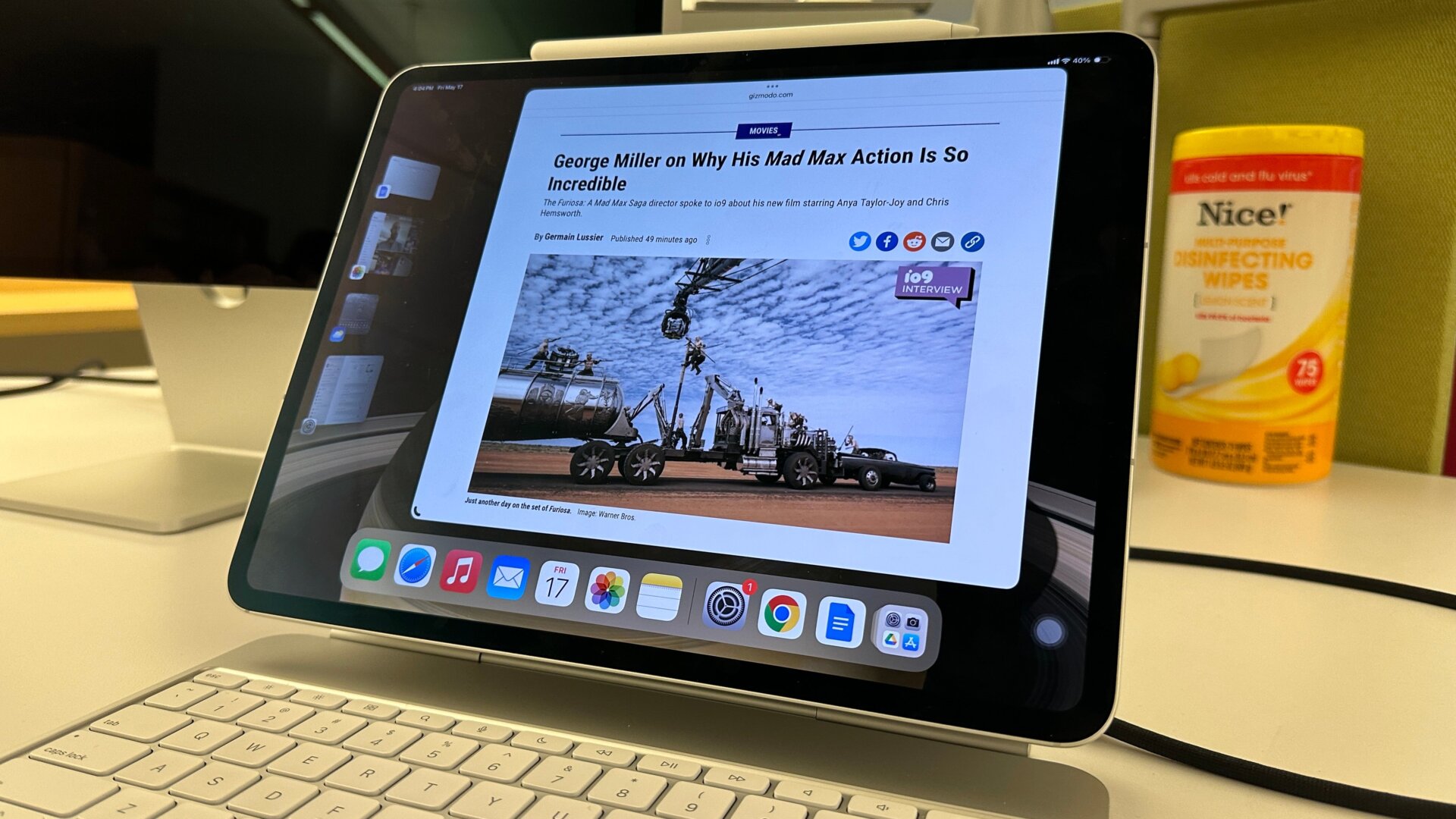
If you weren’t around for iPads back when Apple released its Stage Manager mode on iPadOS 16, you probably had no idea there was more than one mode for multitasking on iPad. If you go into settings and search for Multitasking & Gestures, you see right at the top there are several modes and options for managing your apps. By default, it sits on Split View & Slide Over. This mode allows you to have two apps side by side when you press on the three dots at the top of each app. You can have one additional app available in a floating menu.
This works, but Stage Manager is the superior option for most people who are used to a desktop experience. Here, you’ll use those same three dots to add a number of apps together at once, and you can move them around or rescale them to a few preset forms. On the left, you’ll see a row of other open apps or app groups, and pressing them swaps out the current set.
This mode is also best for when you’re connected to an external display, but be warned, it still isn’t anywhere near perfect for multitasking.