The Three-Finger Swipe Undo is Your Friend (Plus Other Helpful Gestures)
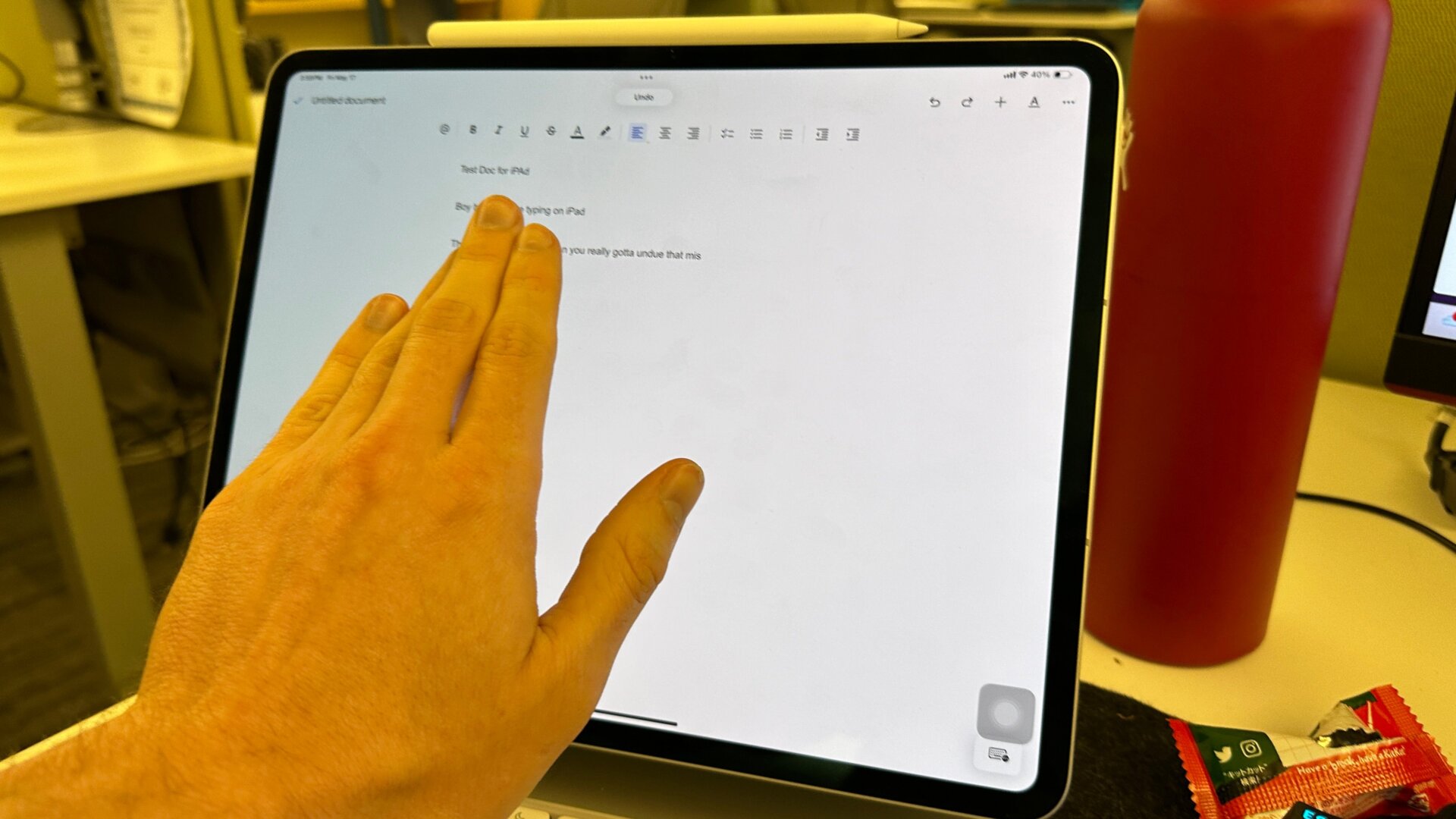
Navigating between apps on an iPad can occasionally be a chore. However, if this is your first time using an Apple-brand tablet, you should familiarize yourself with some of the most common swiping gestures. The first one I want you to remember is the four-finger swipe. This will switch you over to the next currently active app or app group, depending on whether you’re using Stage Manager or Split View.
The next gesture I would suggest learning is the three-finger swipe left. This lets you undo your last action or written text. It’s especially helpful if you’re not using a Magic Keyboard and you’re trying to quickly undo it when you accidentally delete a whole ream of text. If you use three fingers and move it to the right, you’ll redo the action you undid. You might want to learn a few other handy gestures, but if you don’t want any of the productivity or four-finger gestures, you can toggle them off in the Multitasking & Gestures menu mentioned before.