If you’re a PC gamer, the primary way you’re interacting with those games and everything else on your computer is via your mouse. I guess you could make a case for the keyboard too. Let’s just call it a 50/50 split. Either way, you’re going to want to make sure you’re working with something that is comfortable for long sessions at your desk and has helpful functionality you’ll actually use. With a bargain bin mouse, you get what you pay for. But you don’t have to pay premium prices for a premium mouse.
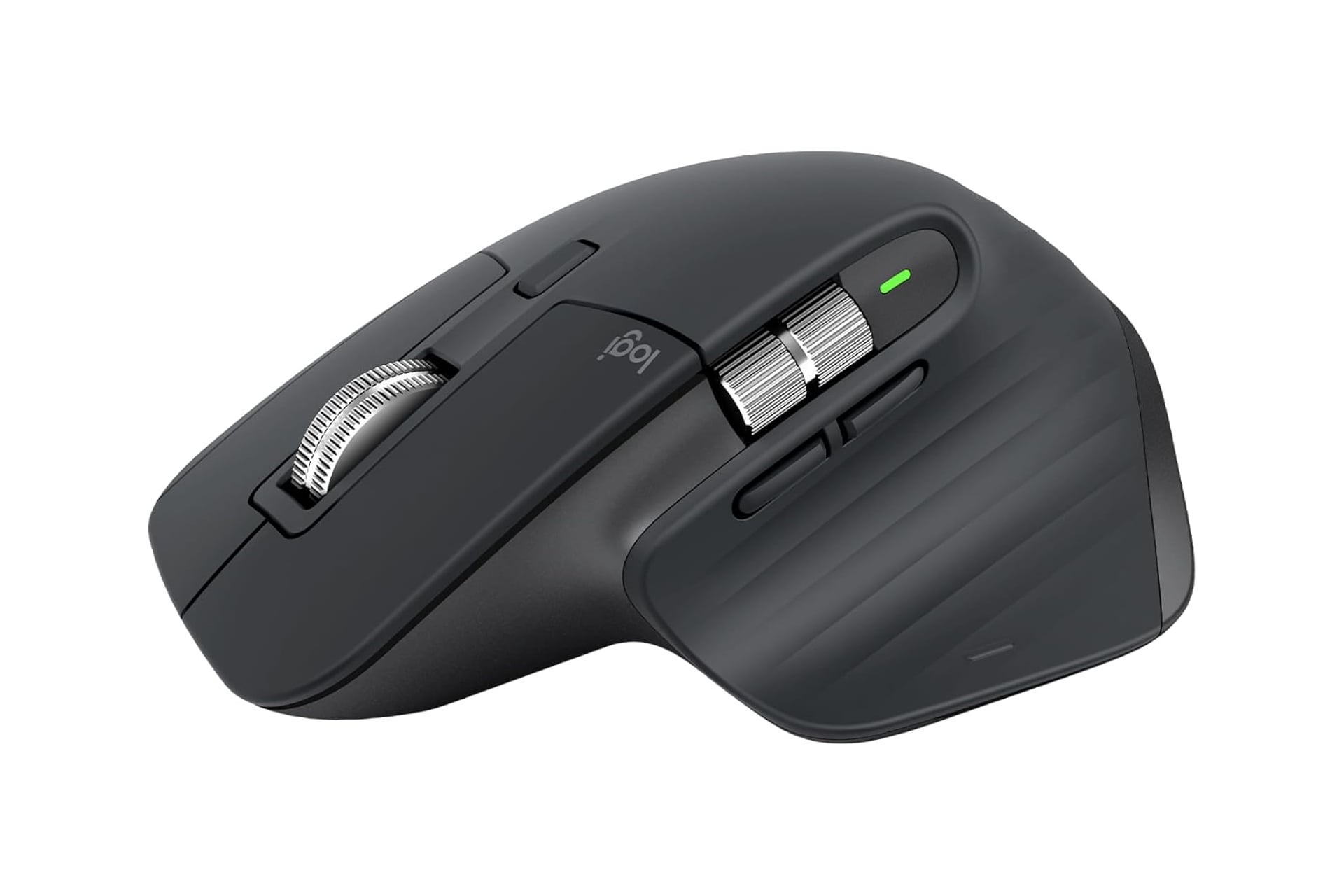
The Logitech MX Master 3S wireless mouse is ergonomic and feature-packed. Right now, Amazon has it on sale for 25% off. Normally, this mouse would set you back $120, but the limited-time deal ends up taking the price down by $30. Now you only have to pay $90, at least until Logitech changes their mind and brings the price back up.
Extreme Precision
Using the Logitech MX Master 3S mouse, you can expect ultra-precise control thanks to its 8K DPI tracking and ability to work well on practically any surface type—even glass. This mouse will smoothly glide across whatever you put under it and the sensitivity can be adjusted to meet your exact preferences for responsiveness and control.
Click away to your heart’s content with this thing. Each click is near silent, so you won’t be disturbing folks around you—be they colleagues, roommates, or family. Even with the clicking being as quiet as it is, every click is still satisfyingly tactile.
Just as quiet as the clicking is the MagSpeed scrolling. It’s fast and precise, letting you scroll through as many as a thousand lines per second.
The ergonomics on the Logitech MX Master 3S are a standout for sure. You hand lays on the mouse in a position that feels natural for the wrist. You rest your thumb along the side which is where you’ll also find the secondary scroll wheel as well as two buttons which can be individually programmed. This can be great for hotkeying reload or changing weapons in a shooter. Or you can assign useful functions outside of gaming like screenshot or copy/paste to streamline your workflows. Specific profiles can be set and easily swapped between so you can set yourself with multiple options based on what you’re working on or playing.
Cross-Computer Control
The mouse is wireless and can be paired over Bluetooth. You can be connected with up to three devices at once. This even allows you to momentarily store data in the mouse’s memory and move it between operating systems. You can literally copy something on your PC and then paste it to your MacBook via the mouse.