Here’s something VPN companies would rather not spell out: the ad blockers, tracker blockers, and malicious-site warnings bundled into most of them are DNS filters. They inspect your traffic as it passes through the provider’s own servers. Disconnect from those servers and the filtering stops with them.
NordVPN’s Threat Protection Pro is built the other way around. Instead of filtering at the DNS level, it operates a local proxy on your machine, so it keeps blocking dangerous sites, scanning downloads for malware, and flagging vulnerable installed apps whether or not the tunnel is up.
NordVPN’s own documentation confirms it: no active connection required. That distinction matters more than it sounds, because almost nobody leaves a VPN connected around the clock. You switch it on for hotel Wi-Fi, or a streaming catalog, then forget it. With every other provider, the security tools you paid for spend most of the week asleep.
What Happened When We Tested It
We used the EICAR test files, the industry-standard harmless string every antivirus vendor has agreed to flag. Downloaded them once with the VPN connected, then killed the connection and downloaded them again. Threat Protection Pro intercepted and quarantined them both times, before either file touched the disk.
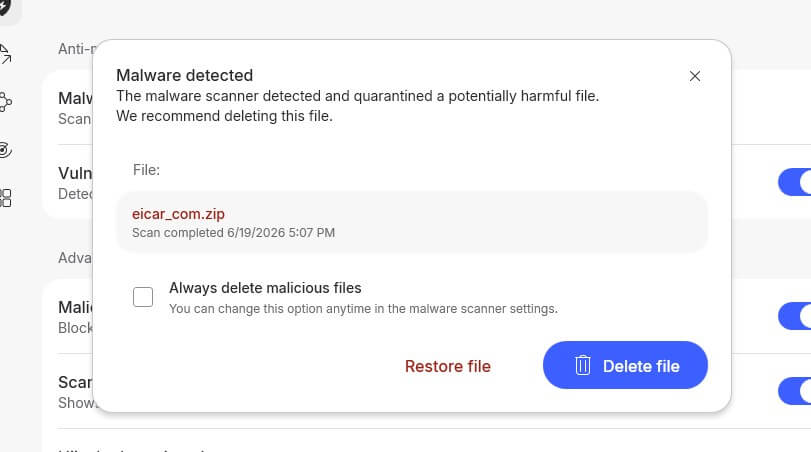
To be clear about what that proves: EICAR confirms a scanner is awake and inspecting downloads. It says nothing about how good the detection engine is, and anyone claiming a detection percentage from it is misreading the tool. What it demonstrates here is precisely the claim this article rests on, that the protection survives disconnecting, and you can reproduce it yourself in about two minutes.
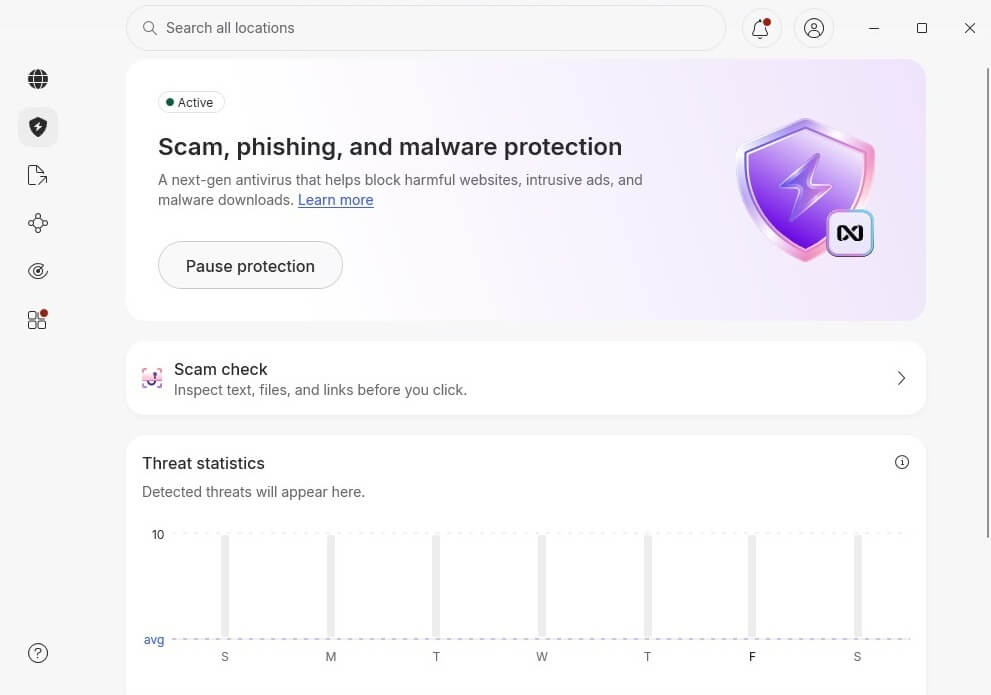
For actual detection quality, the independent labs are the place to look. In AV-Comparatives’ January 2026 anti-phishing test, Threat Protection Pro caught 92% of 250 live phishing URLs with zero false positives, finishing fourth against dedicated antivirus suites and browsers.
West Coast Labs has separately certified it to its antivirus standards for detection and remediation. That’s a bundled VPN feature holding its own against products people buy on purpose.
What It Costs
This is where the maths gets awkward for the competition. Threat Protection Pro sits on NordVPN’s Complete tier and above, and the current promotion puts the fully loaded plan at $4.49 a month. Standalone antivirus alone typically costs $40 to $60 a year, and it won’t encrypt your connection, manage your passwords, or watch for your details surfacing in breach dumps.
Put differently: you’re paying roughly a VPN’s price and getting the antivirus function included, still working on the days you never open the VPN app.
Where It Falls Short
Two limits you should know before subscribing. Threat Protection Pro is Windows and macOS only. Mobile devices get the basic Threat Protection, which is DNS-based and does need an active connection, so the headline advantage here doesn’t reach your phone.
It also won’t clean an infected machine. The tool guards the doors, downloads, and web traffic, rather than sweeping your hard drive. If something already slipped through, you need a conventional antivirus to remove it. Treat this as prevention, not a cure.
Worth Subscribing?
On Windows or macOS, paying separately for a VPN and an antivirus, this collapses two bills into one, and the security half stays awake permanently. If you mainly want protection on a phone, the advantage largely evaporates, and NordVPN‘s cheaper Basic plan may suit you better.
Either way, the 30-day money-back guarantee means you can install it, disconnect the VPN entirely, and watch whether the protection keeps working. If a month of that doesn’t convince you, ask for the refund.