Check your streaming quality
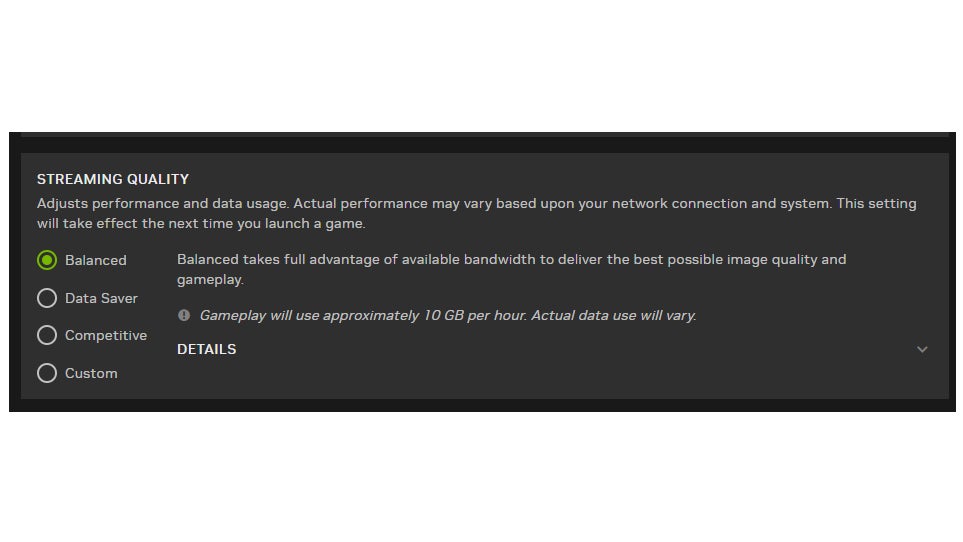
If you want to switch between a “balanced” streaming experience, which supports 4K @ 120 fps, or the “competitive” streaming experience, which gives you the full-fledged 240Hz at 1080p, you can do so. Head to the GeForce Now settings panel and select your choice under Streaming Quality. You can also opt for the “data saver” mode, which gives you a 720p @ 60 fps stream.