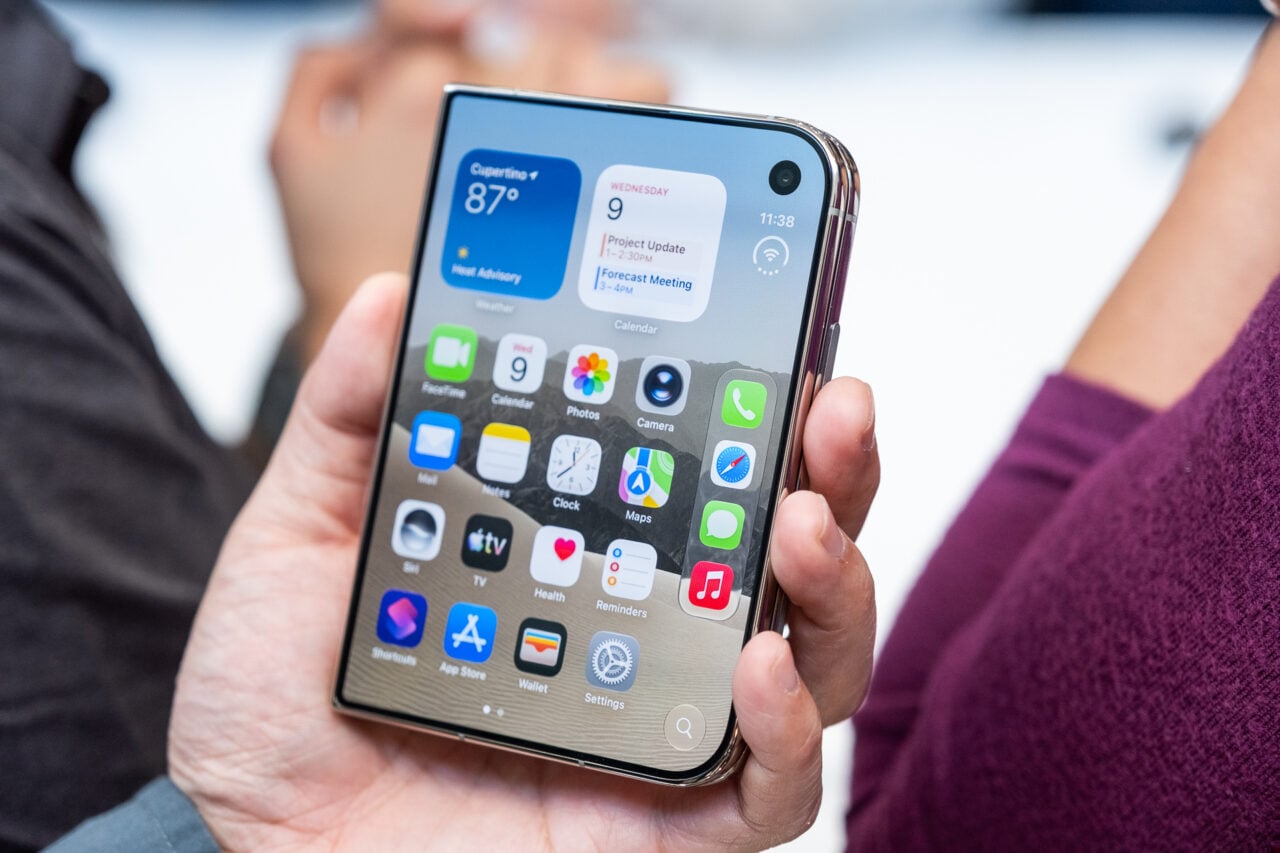
I hate pixel doubling except for arcade games emulators. On the iPad, the 2x video scaling for iPhone apps seems lazy and looks terrible, especially the text. So bad, in fact, that it gives me headaches. But there’s a fix.
It requires to jailbreak the iPad (really easy to do using the free Spirit software). Once it’s jailbroken, you just need to install OpenSSH from Cydia, and have an FTP browsing program on your computer. With those tools in hand, you have to hunt for a text file inside every iPhone app installed in your iPad, copy it to your computer, and add a line of text before copying it back to your iPad. It’s pretty easy. Follow the instructions here. [Macstories]
https://gizmodo.com/iphone-ipad-spirit-jailbreak-available-for-download-5529406