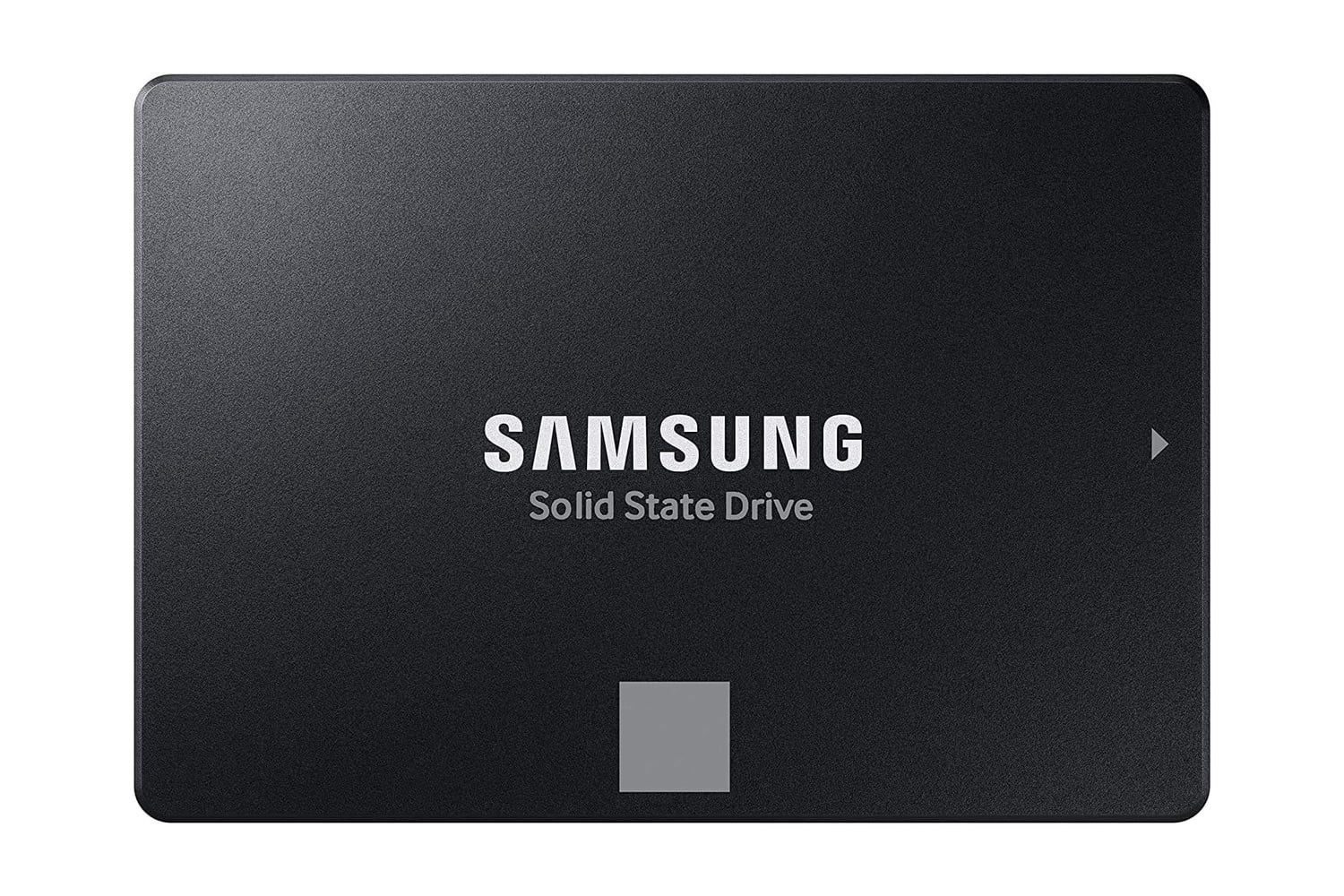
Many computers get their biggest boost by replacing an old spinning hard disk drive, or HDD, with a newer solid-state drive, or SSD, like the Samsung 870 EVO. It comes in a standard 2.5-inch size, so it should fit in the bay of many laptops and desktops without any adapter. This SSD can read files at speeds up to 560 megabytes per second and write new files at speeds up to 530 megabytes per second. Samsung claims this version of the 870 EVO has enough endurance to handle 1,200 terabytes written, and it backs that claim with a five-year limited warranty.
A 2.5-inch SATA SSD that drops into most laptops and desktops
Replacing an HDD with the Samsung 870 EVO really changes how a computer “feels” while you’re using it. Most people have used a computer where it took about half a minute to boot. But once you switch to a solid-state drive, boot time drops to just seconds. Programs open instantly, and you no longer get the pause you had while waiting for a hard disk’s read head to move to the correct track. You can give older systems a new lease on life by swapping out their HDD for an SSD.
While the Samsung 870 EVO reaches near-practical limits for SATA drives, maxing out sequential reads and writes at up to 560 MB/s and 530 MB/s, respectively, Samsung’s MKX controller and 2GB LPDDR4 cache help maintain high performance under load. While you may see some benefit from high sequential read and write performance in certain applications, random I/O is usually more important for the day-to-day experience. To help in these scenarios, the Samsung 870 EVO uses Intelligent TurboWrite, which lets you copy large directories continuously at high speeds.
The 870 EVO could write hundreds of gigabytes to this drive every day for years before reaching its 1,200 TBW rating. Samsung’s warranty covers this drive for five years. The NAND flash memory in the Samsung 870 EVO is identical to what Samsung uses across its entire SSD lineup, giving you confidence that your purchase is backed by one of the industry’s largest and most respected manufacturers.
With two terabytes of storage, you have space for your operating system, necessary applications, and thousands of photos with room to spare. In addition to serving as a primary drive, it can serve as backup or secondary storage in a desktop that already boots from an NVMe drive.
Samsung provides a utility called Magician that gives you a simple way to update your drive’s firmware, monitor its health, and migrate data from your previous drive, making the move from an existing drive to a brand-new one smooth. It also protects your data with AES 256-bit hardware encryption and works in a PlayStation 4 or any other device with a 2.5-inch SATA bay.