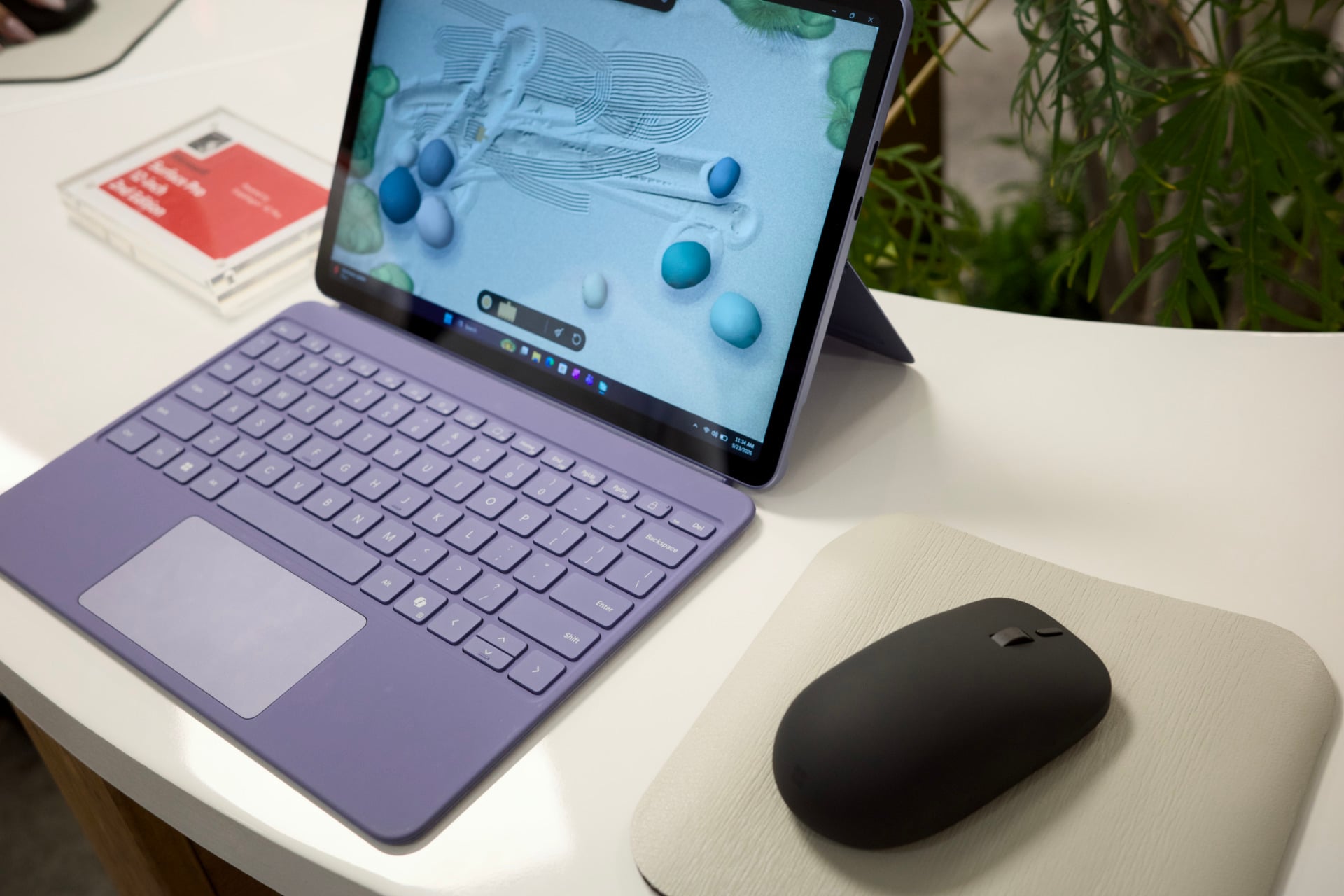
I was bearing too much concern when I stepped up to use the first Microsoft-made mouse in close to 10 years. Mostly, that was because the new $80 Surface Mouse is the kind of ambidextrous mouse that strays a little too close to the worst ideas of the maligned Apple Magic Mouse. It’s then that I learned the mouse is both innovative and backwards-looking, a relic for modern times with the smoothest mouse click around and powered by traditional AAA batteries.
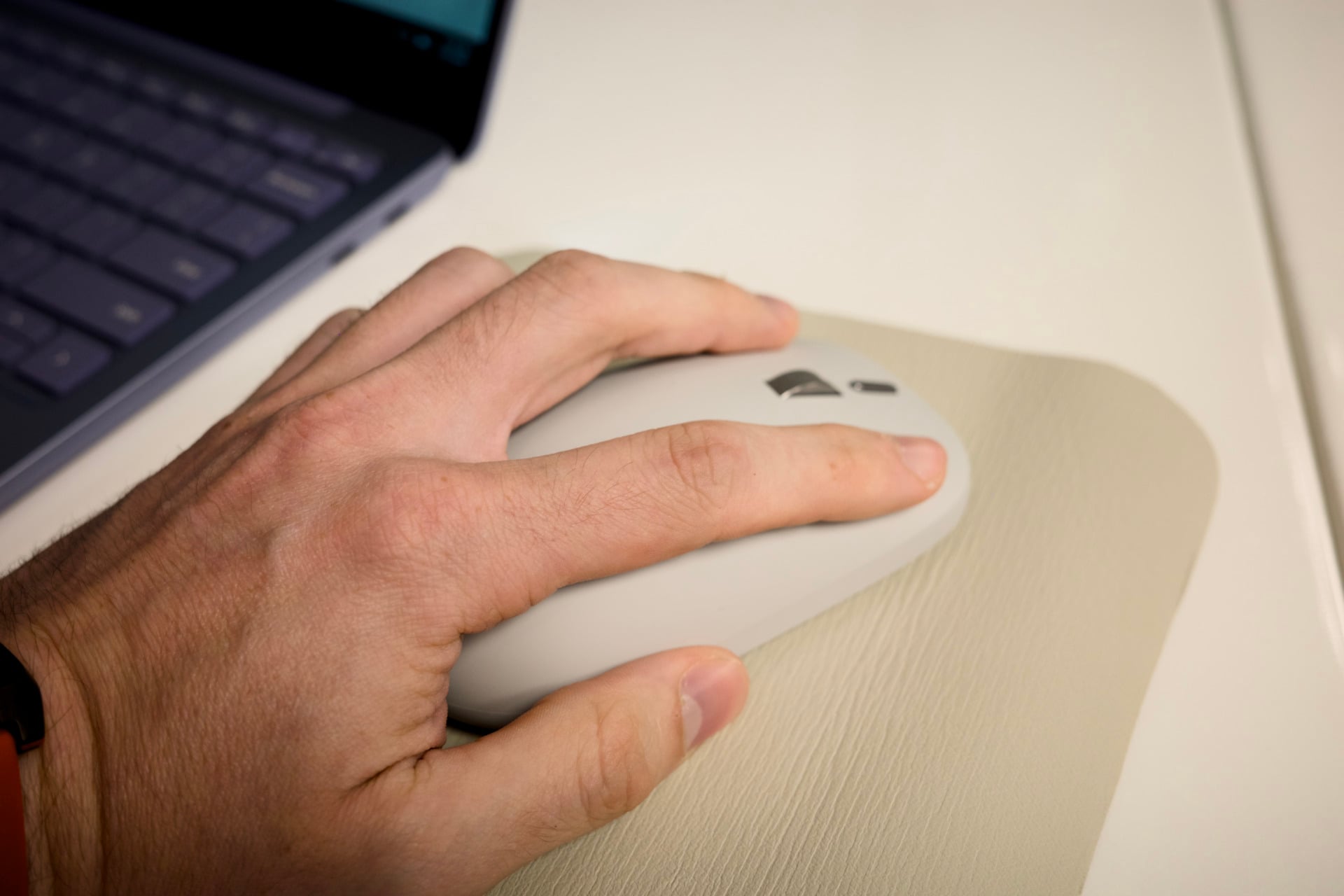
Microsoft is trying to rethink traditional productivity PC controls with a device that’s essentially Microsoft’s “Precision Haptic” trackpad in computer mouse form. Instead of any of the switches of a traditional optical mouse, the $80 Surface Mouse has capacitive touch and pressure sensors to determine if you’re performing a click. Built-in motors then respond with force feedback. Fewer moving parts means the device is technically more durable. There are more benefits besides.
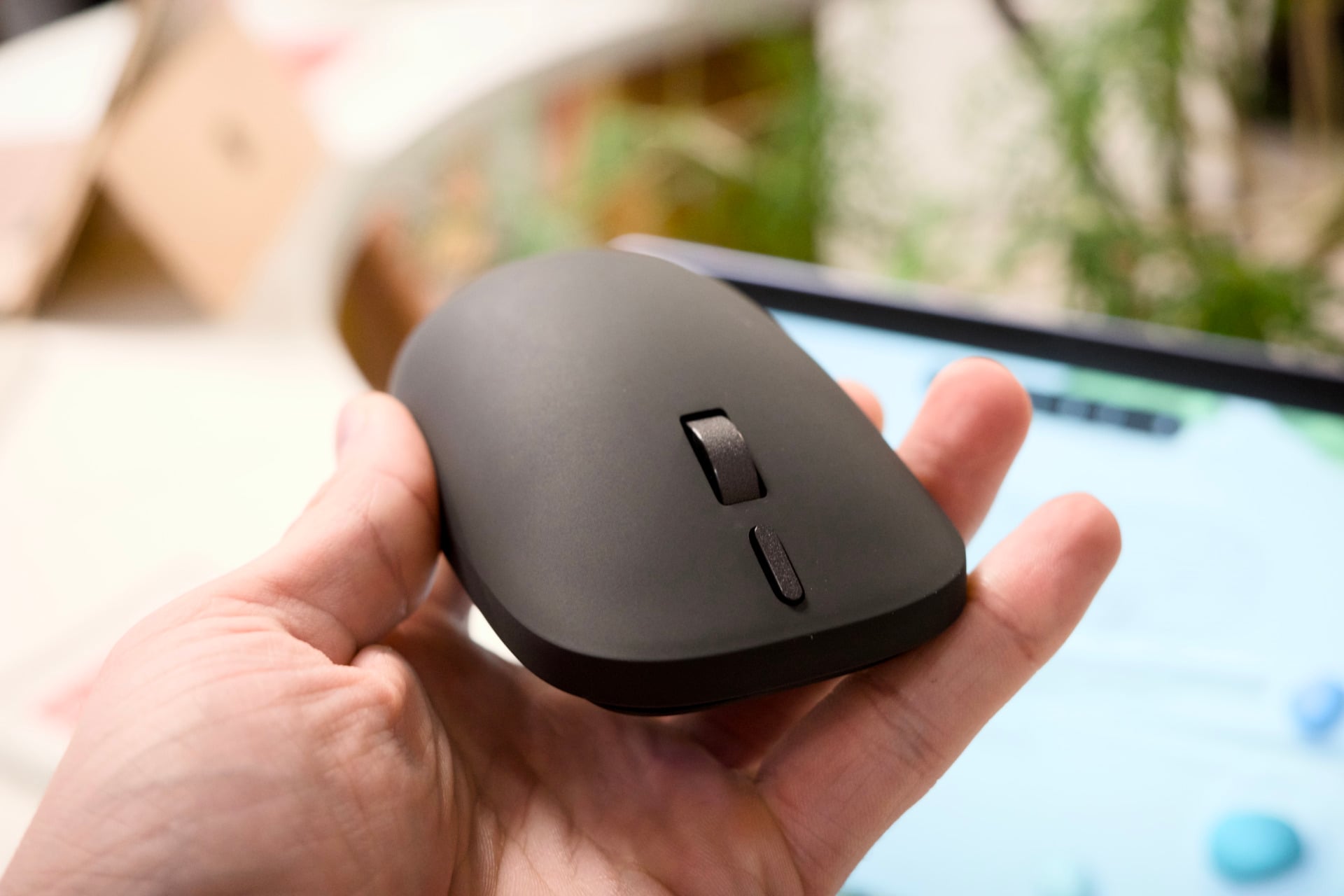
Microsoft has also used that motor to offer even more responsiveness. If you like the immersion of rumble in a game controller, then you already know what’s coming. The Surface Mouse motor is located at the top of the hump, and it can send the rumble through your palm when you’re lining up photos in apps like PowerPoint or Affinity. You can also set the haptics to feel more or less rumbly in your hand. In a demo app where you simulate raking sand or picking up stones, I could feel the rumble gradient. You can also set the force of the haptics in an app menu, though at the time of my demo Microsoft couldn’t say if you can change the haptic settings within Windows itself. The haptics-based Logitech G Pro X2 Superstrike and new Pro X3 Superstrike let you change the depth of your click and force feedback in an app.
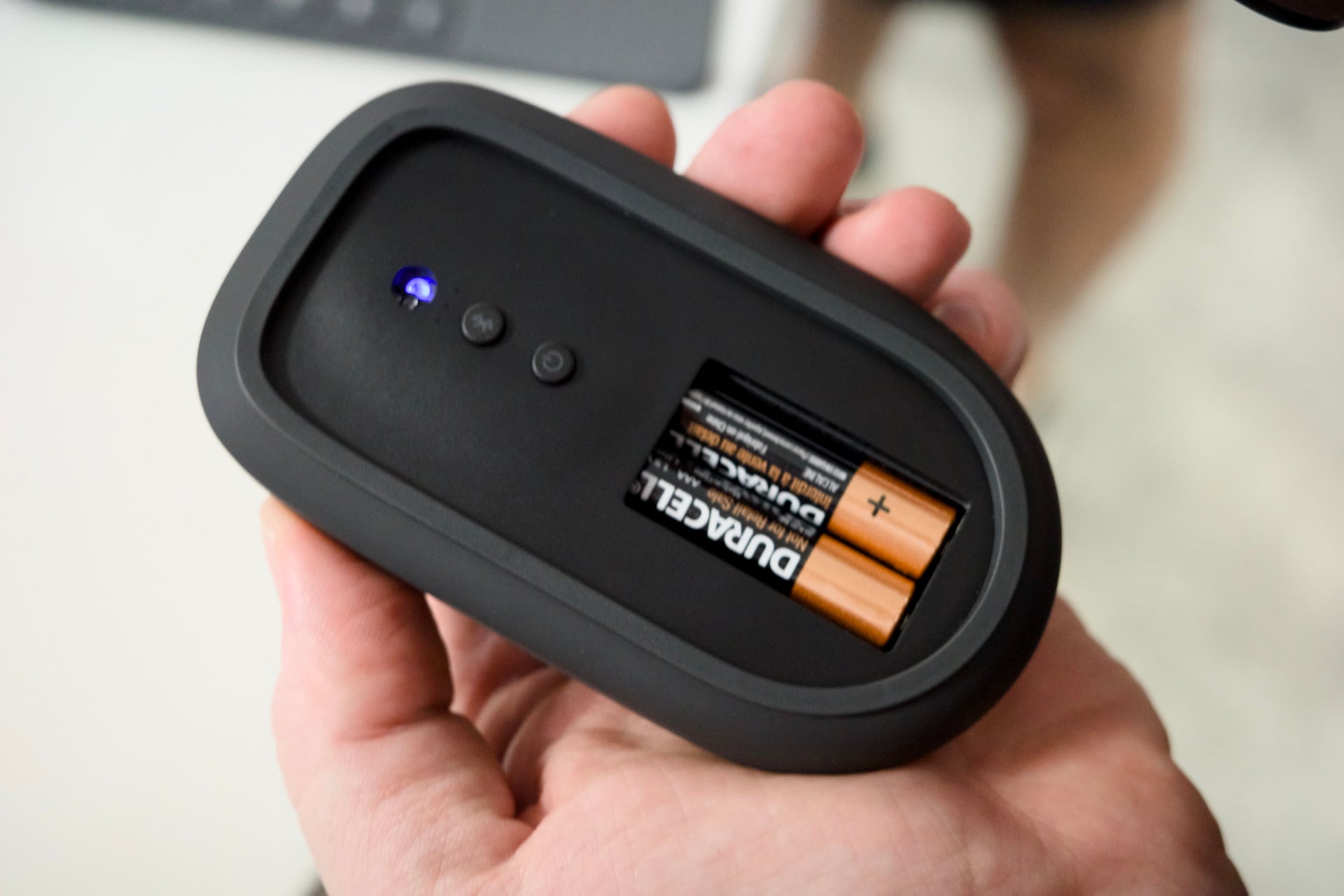
Microsoft plans to support more apps with its haptics, including Adobe’s Creative Suite, but it’s not available outside of beta yet. This feature is only thought of in terms of regular work apps. I couldn’t help but wonder why the rumble couldn’t be even more immersive, like the fine-tuned HD rumble inside the Switch 2 Pro controller. Beyond that one nod to a bygone time, the Surface Mouse is trying to innovate, and that shouldn’t be knocked. It is, however, using two AAA batteries instead of a standard rechargeable battery that you’d find in most mice that cost $80 or more. This is an odd choice when Surface is supposed to be the modern, premium brand straight from the minds of Microsoft.
The new $1,200 Surface Laptop 13-inch and second-gen $1,150 Surface Pro 12-inch (you still have to pay more for the keyboard and Slim Pen) also feature similar haptics in their trackpads, the same as the recently revised Surface Pro 13-inch and Surface Laptop 13.8-inch. Now that I’ve seen both in person, I find the violet color to be very calming for what are supposed to be cheaper PCs. The Surface Pro also costs $100 more than the first-gen version when accounting for recent price hikes, all of which was just another casualty of the RAMpocalypse.
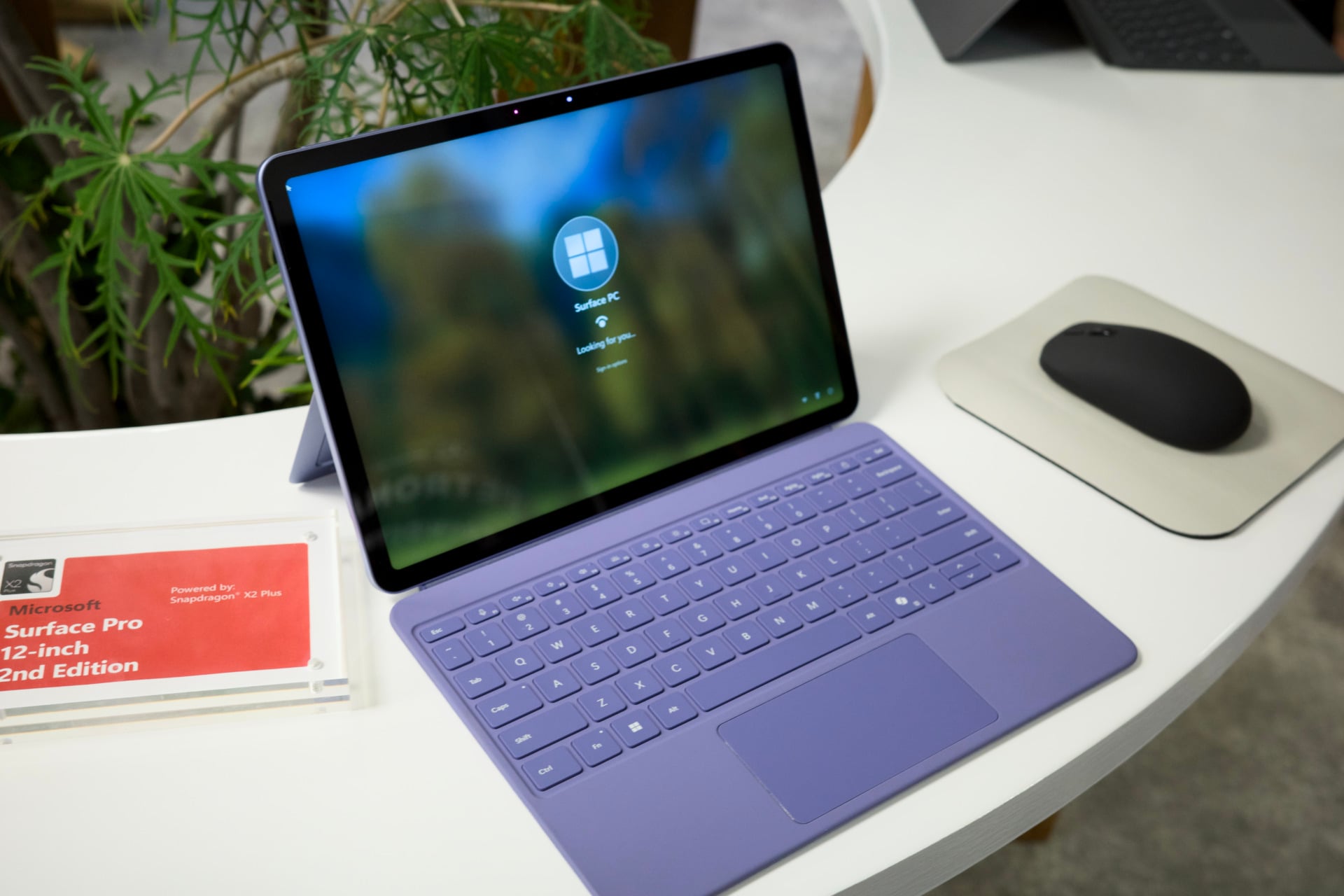
Either way, the updated Surface Laptop isn’t nearly as interesting as the 2nd generation Surface Pro. There are a fair few upgrades, including an option for 5G connectivity that just makes sense for a convertible tablet/PC combo.
I also got to try out Microsoft’s new app, called Ink Canvas. It’s much more than a reskin of Microsoft Paint; it’s a full notetaking or ideation app with a twist. You can jot down some notes or scribble a doodle on the page, then annotate that picture with something like “add a ceiling fan to this room scene.” If you circle that section, you can employ Microsoft’s Copilot AI to make that change to the image. You can then keep iterating on those images with even more notes. Artists and creators will have little reason to use these features, but at least Canvas Ink seems like a well-realized scribbling app.
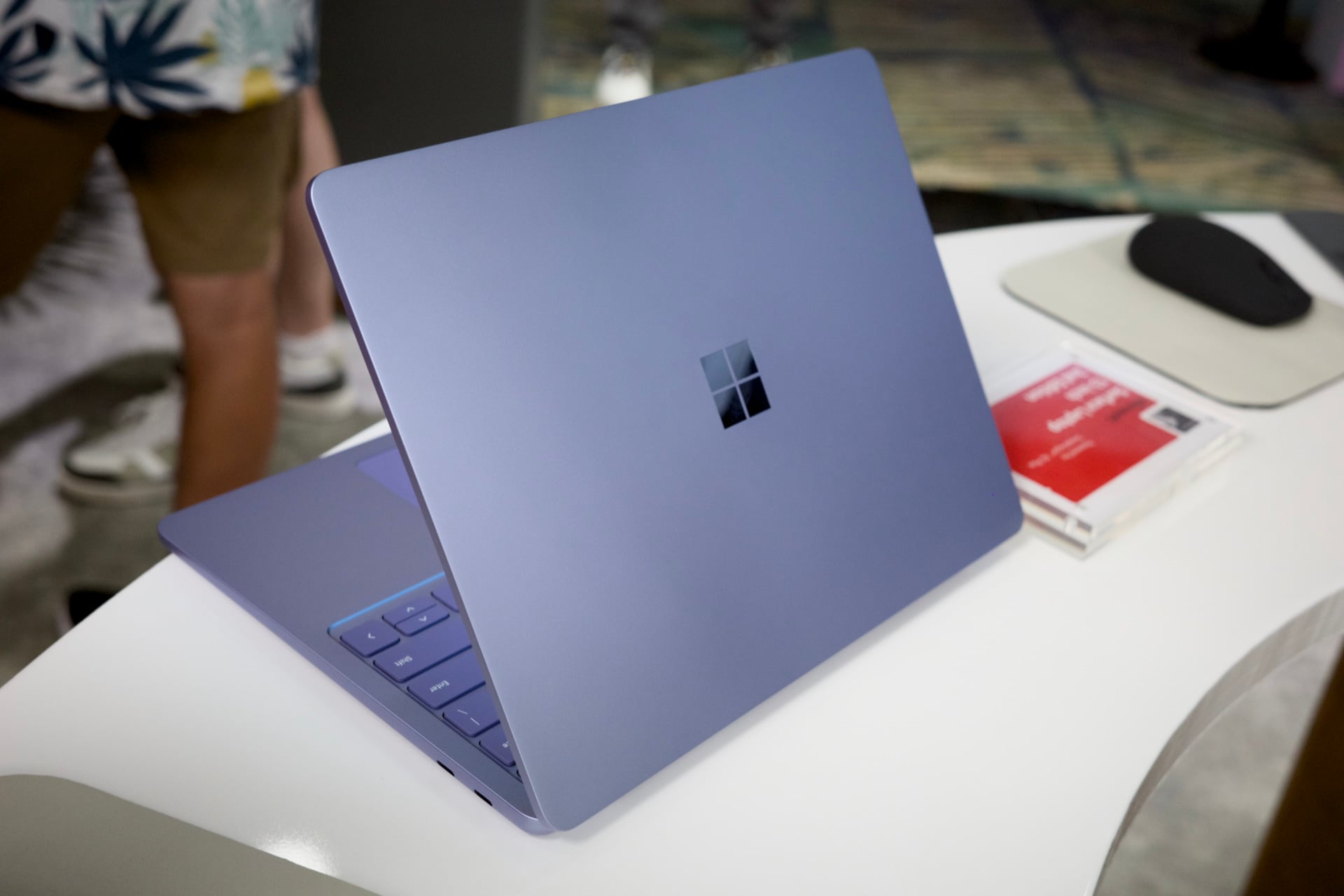
This year’s base-level Surface updates are welcome but relatively minimal in the grand scheme of things. We’re still waiting for our chance to test the Surface Ultra laptop that may showcase all of Microsoft’s engineering chops (and AI overpromises), even though that PC will likely cost a fortune even compared to these $1,150+ laptops. All the new Surface PCs as well as the Surface Mouse will go on sale Oct. 13.