A lot of folks severely underestimate how important audio is for watching movies and shows or playing games at home. You can have invested a ton of cash into the highest-rated TV on the market, with a high-contrast OLED panel that measures large and wide at over 100 inches and can even display in resolutions up to 8K. None of that will matter if you’re still just using its built-in factory speakers: They’re no good.
To make the most of your home theater setup, you need to invest in quality sound. Thankfully it’s really not too expensive to get something that’s a huge improvement on the default option. Bose for example has a soundbar that normally only costs $279, but has come down in an Amazon deal by 29%. That savings shakes out to $80, bringing the price to only $199 for a limited time.
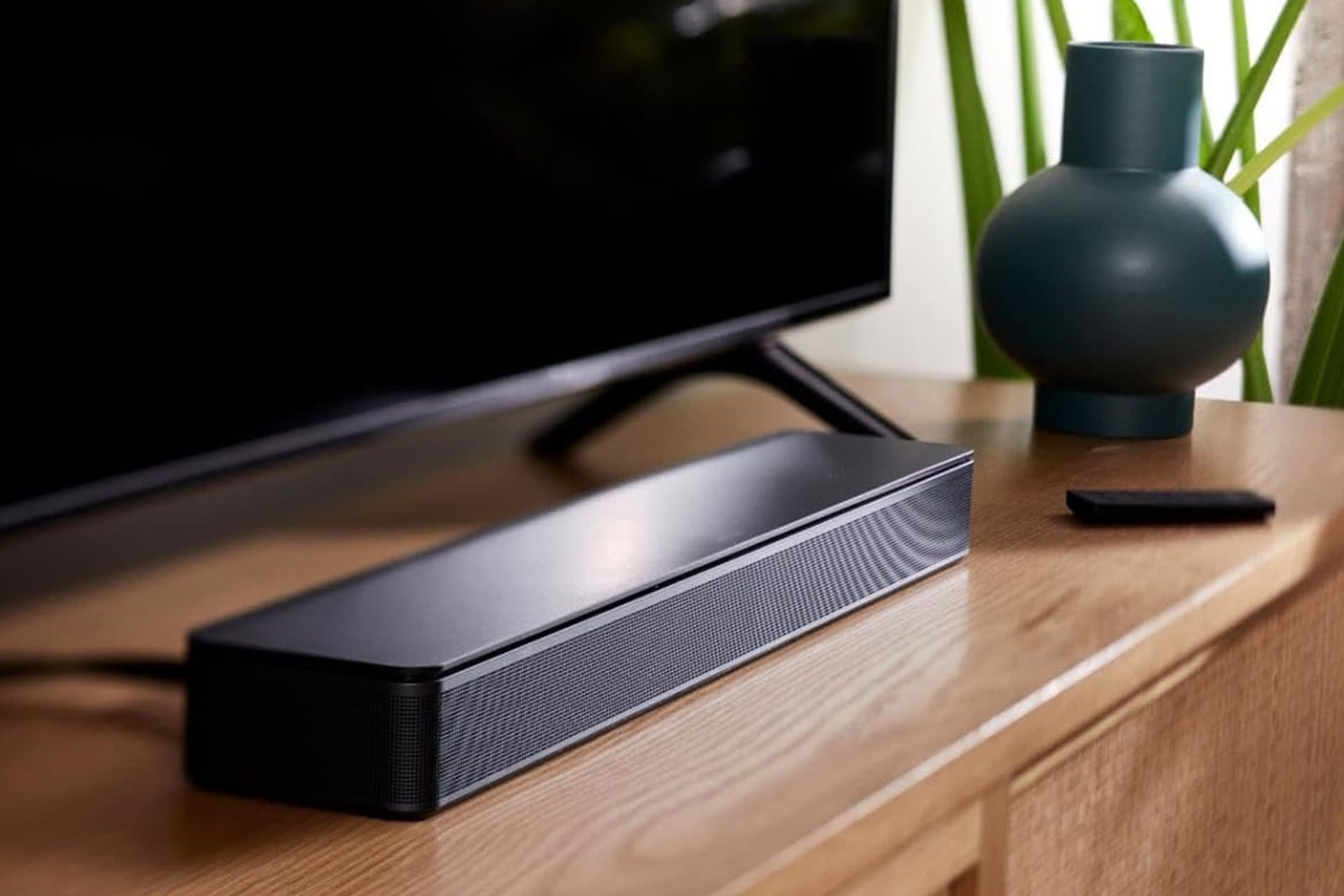
This all-in-one speaker from Bose can provide you with a much fuller sound in your living room thanks to its two angled full-range drivers. They create a spatial audio experience that feels as if the sound is coming from all directions despite not being true surround sound.
Enhanced Dialogue
One of the biggest improvements you’ll see from a soundbar like this comes across in the dialogue. It feels like in recent years, new shows and movies have poorly mixed audio tracks in which the action is weighted too high while sound queues from people just talking feels muted. You end up finding yourself riding the remote the whole flick, turning the volume up when it’s a dialogue heavy scene, and then pushing it way down as soon as the conflict gets heavy. Or you need to just put captions on and read through the whole movie while the volume stays down.
With the Bost TV speaker, dialogue becomes enhances. It’s better fit to elevate vocals and pronunciation and you can even turn on a dedicated dialogue mode which further enhances speech while you watch.
Setup could not be easier. The soundbar is compact and can sit right under your TV on the same media cabinet. If you’re TV is mounted to the wall, you can mount the soundbar right under it too.
You can connect the Bose soundbar to your TV via either HDMI, optical in, or AUX in. When you use HDMI to your TV’s HDMI-ARC input, you’ll be able to control the soundbar’s volume using the same remote you’re already using for your TV.