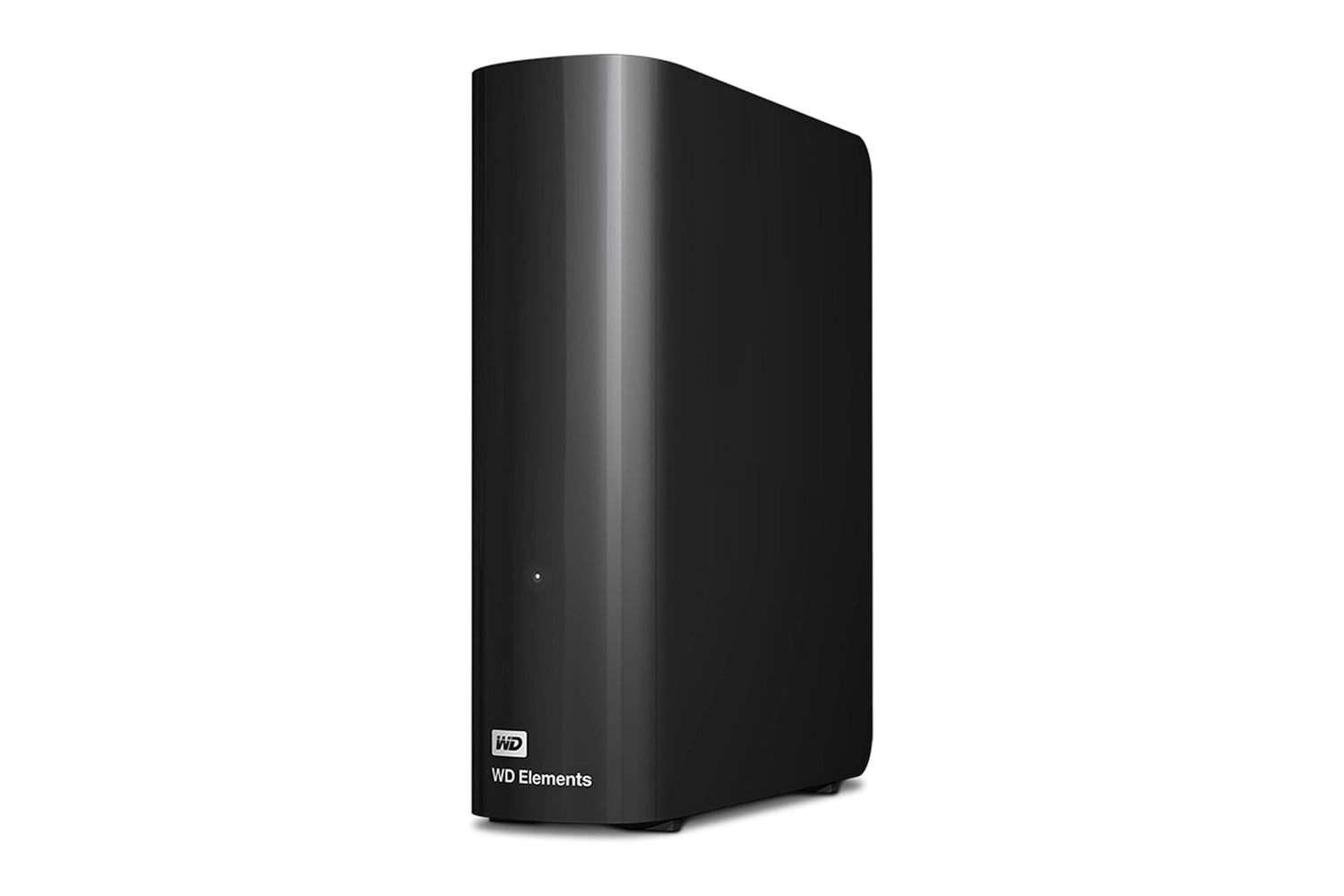
Western Digital’s WD 20TB Elements Desktop External Hard Drive provides tremendous file storage for backups, media libraries, and large projects in a single unit. The Elements Desktop connects via USB 3.2 Gen 1 and can transfer data at speeds up to 5 Gbps. This drive ships preformatted for Windows, but you can easily reformat it for Apple devices. Setup is as simple as plugging the device into a wall outlet and connecting it directly to a USB port. Once you’re connected, you can immediately begin transferring files.
Grab the WD 20TB Elements Desktop External Hard Drive on Amazon for $550, down from its list price of $815. That knocks $265 off, a 33% discount.
A 20TB desktop hard drive with a USB 3.0 connection
As a simple external hard drive, the Elements Desktop is primarily used to store a large number of files. Each model comes with 20TB of total capacity, a USB 3.2 Gen 1 (USB 3.0) connection, a power adapter, a USB cable, and a two-year limited warranty. All of these features are contained within a small case which sits on top of your desk.
With a total of 20TB available for storing files, you could potentially fill the drive with years’ worth of vacation photos, video clips of your children growing up, and even every game you own, and 20TB lets you create full backups of multiple computers. If you’re shooting video in 4K resolution or working with RAW images, the extra space on a 20TB drive means you won’t have to delete files because you’ve run out of room.
USB 3.2 Gen 1, also called USB 3.0, supports speeds up to 5 Gbps. For example, when using a USB 3.2 Gen 1 connection to copy large folders of information, such as an entire movie library, it takes significantly less time than using a standard USB 2.0 connection. While the Elements Desktop was designed to support newer computers with USB 3.2 Gen 1 connections, the drive is backward compatible with older computers that only have USB 2.0 connections.
To set up the Elements Desktop, first locate the included power cord and plug it into a nearby electrical outlet. Next, locate the included USB cable, attach one end to the drive, and plug the other end into one of your computer’s USB ports. You then drag and drop the files you want to save onto the drive. The Elements Desktop arrives formatted NTFS for use on Windows 10 and beyond. If you have an Apple computer, such as a MacBook Pro or MacBook Air, you can reformat the drive for macOS compatibility. Since the drive is powered by an outlet, it’s best suited for locations where it stays stationary, such as near your computer, media center, or workspace.
Storing multiple copies of your most important files safely helps protect them against loss from a main computer failure or accidental damage or theft. With 20TB of available space on each drive, you can back up multiple computers in your home to the same drive while leaving ample space for future use.
The Elements Desktop measures approximately 6.5 x 5.3 x 1.9 inches and weighs around 2 pounds, so it doesn’t consume too much desk real estate. You can choose to position it horizontally adjacent to your monitor or vertically adjacent to a router or other piece of equipment without encroaching upon your available workspace.
The 3.5-inch internal hard disk provides ample storage at an affordable cost. The exterior casing is made of black plastic and features a minimalist design that complements any desk environment. The WD 20TB Elements Desktop External Hard Drive is a convenient way to add substantial file storage to your current setup. Western Digital also backs this product with a two-year limited warranty.