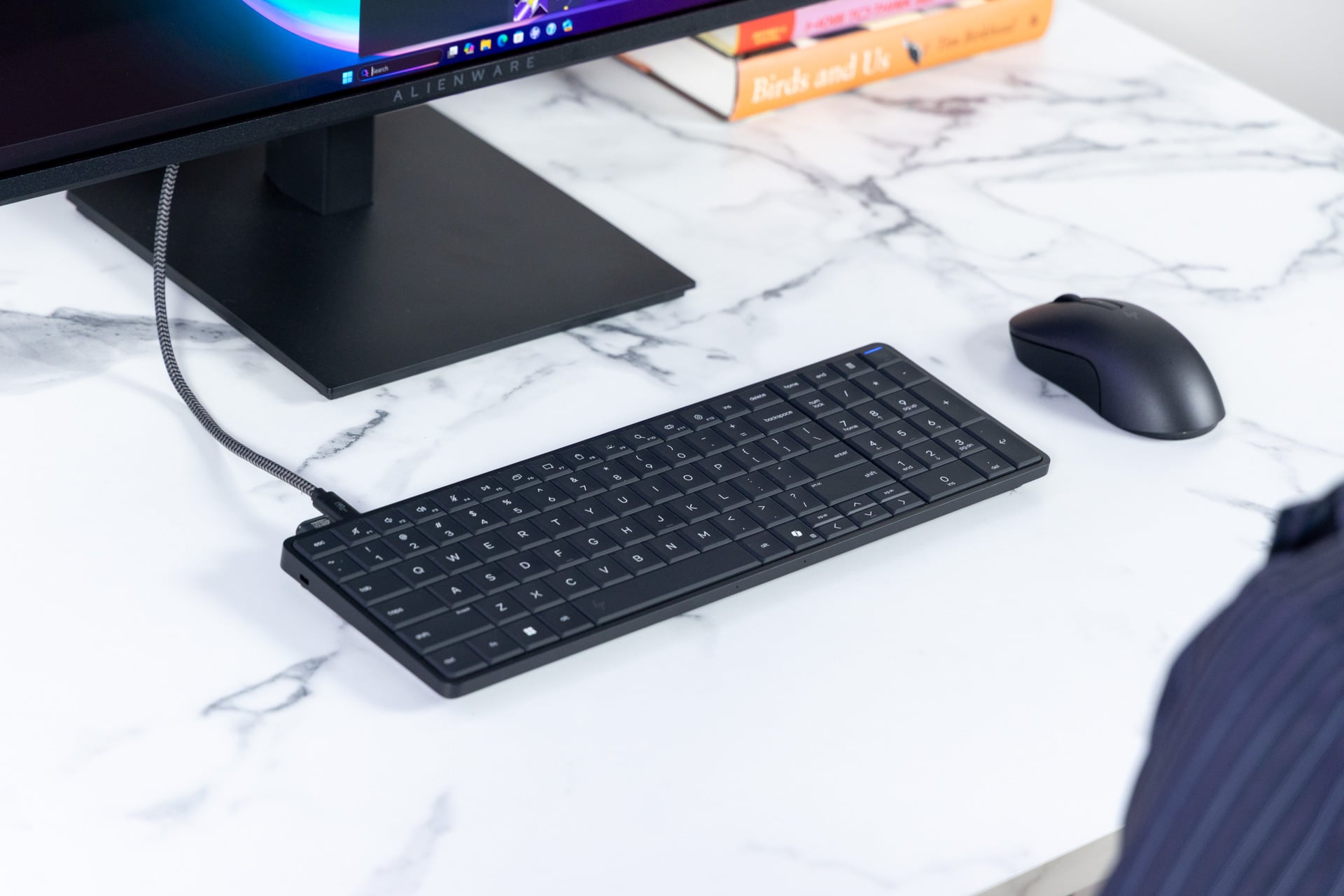
More than 15 years ago, PC maker Asus had a quirky idea that it shared with the world. The company stuck a full PC inside a keyboard. It was oversized, included a touchscreen, and had a name only a programmer could love, the “Eee Keyboard.” HP now has a similar keyboard-computer that’s less strange and much more constrained.
Let’s get one thing out of the way: the HP EliteBoard G1a was not explicitly made for you. This computer-in-keyboard was designed for working stiffs. It’s a commercial-end device first. HP sells a version with a non-removable power and connection cable.
HP’s lead product experience strategist, Kevin Wentzel, shared dystopian visions with me of a whole office worth of keyboard desktops connected to monitors. Suffering call center employees wouldn’t need a desktop nearby. Their whole world would be contained on their keyboard. Maybe the EliteBoard G1a would offer more space for family photos at your Severance-sized cubicle. Your “innie” would thank you.
HP EliteBoard G1a
It's a unique keyboard-computer that will save desk space. Most people are still better served with a laptop.
Pros
- Excellent typing feel
- Solid productivity performance
- Heatsink keeps warmth off fingers
- Sleek carrying case
Cons
- Only two ports
- Pricey for last-gen processor
- Generic design
- Bad speakers
You could potentially buy an EliteBoard G1a yourself for $2,848 from HP’s website with lower-end specs that includes just 512GB of storage. At the time of this writing, it’s listed as out of stock from HP, but stores like B&H offer it on preorder for between $1,500 and $2,000. I tested a config closer to the more expensive version. It’s powered by a last-generation processor, the AMD Ryzen AI 7 370 Pro, but my model contained more RAM and SSD storage than the consumer-end versions available for pre-order.
TL;DR: the EliteBoard G1a is perfectly fine for PC productivity tasks, types like a dream, and doesn’t feel hot on your hands. More than a product, the EliteBoard G1a is a look at what’s possible if we start thinking outside the box, which—for new form factors of desktop PCs—I mean that literally.
Just two USB ports for the entire PC
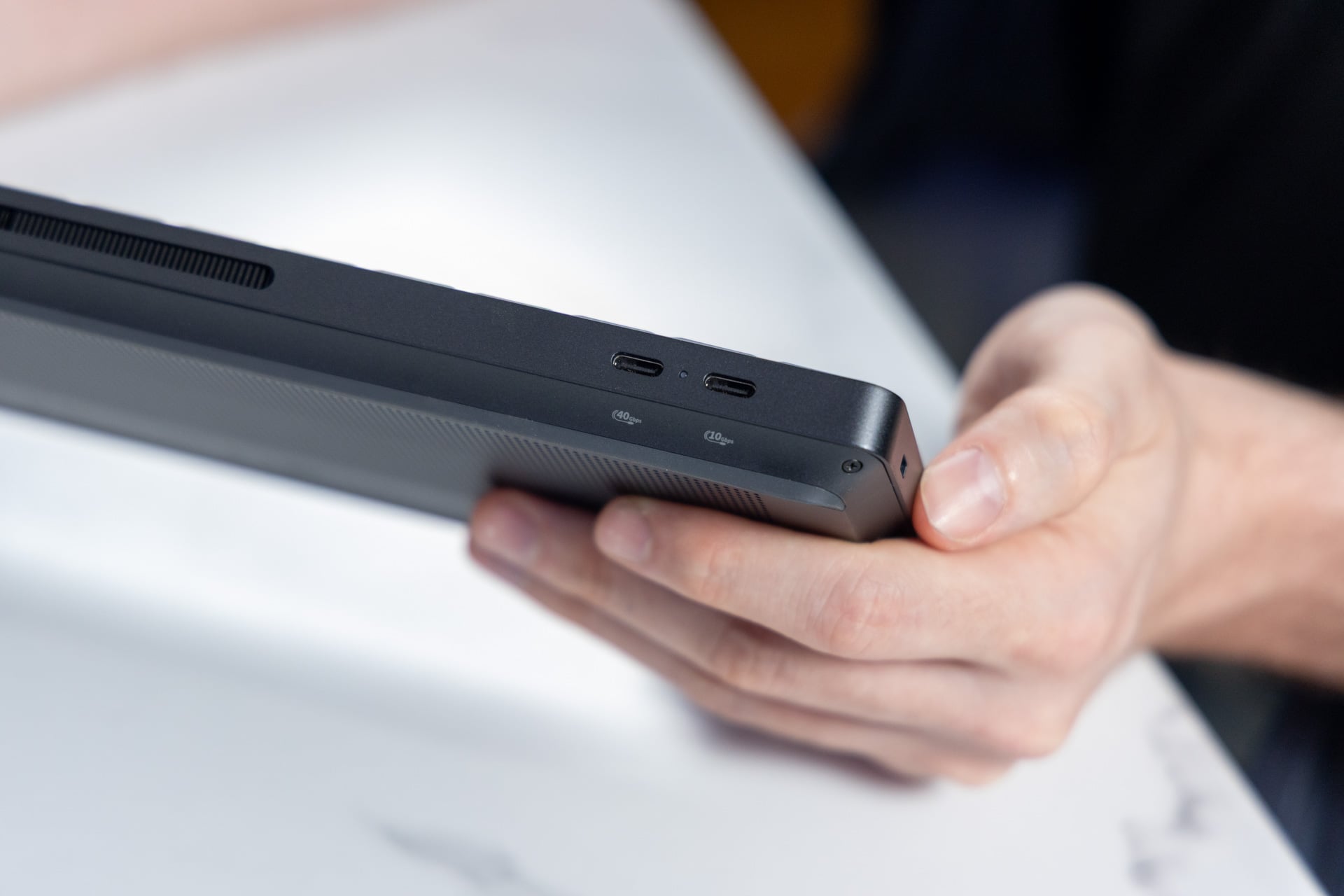
The EliteBoard G1a’s most obvious flaw is its limited two ports. A monitor connection will leave you with a single USB-C port for other accessories.
For what you get, this is a PC that needs a monitor connection to function. Only one of those offers 40Gbps transfer speeds. The other is limited to 10Gbps. That means you need to connect the keyboard to a monitor that either supports displays through USB or you need to hook it up through an adapter, like the USB-to-HDMI dongle that comes included. The dongle also lets you hook up another power source, run Ethernet, or connect another HDMI cable to a second monitor.
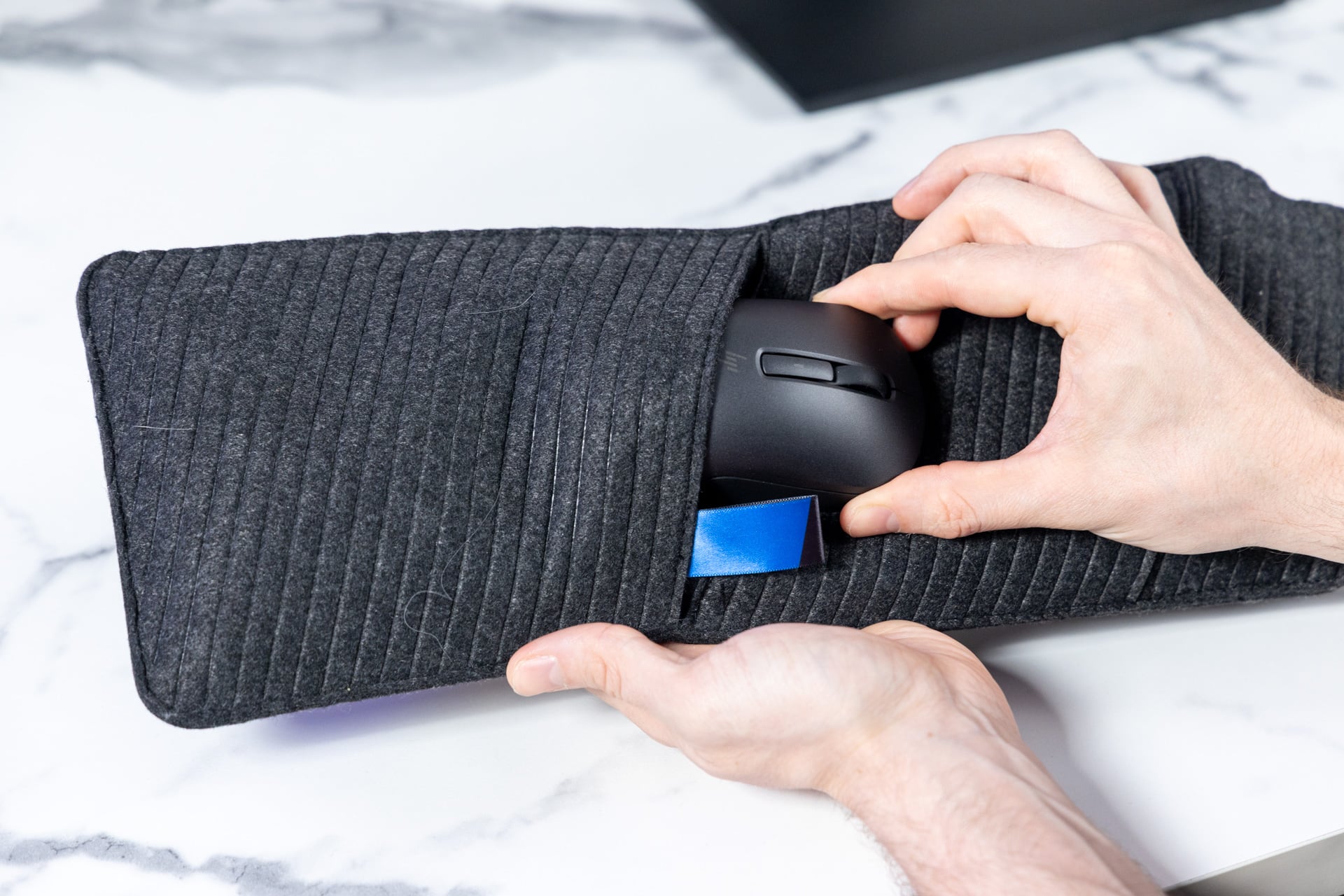
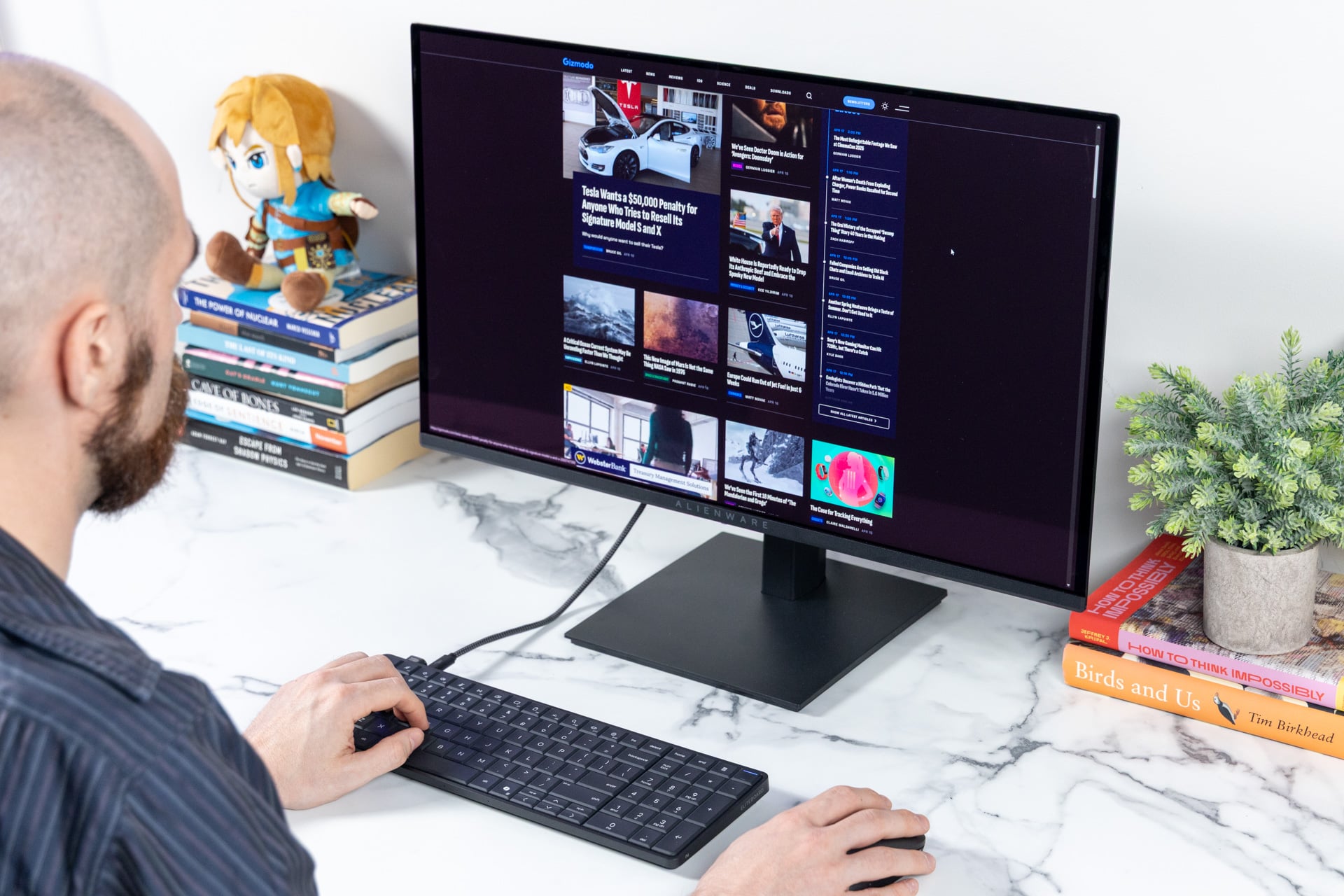
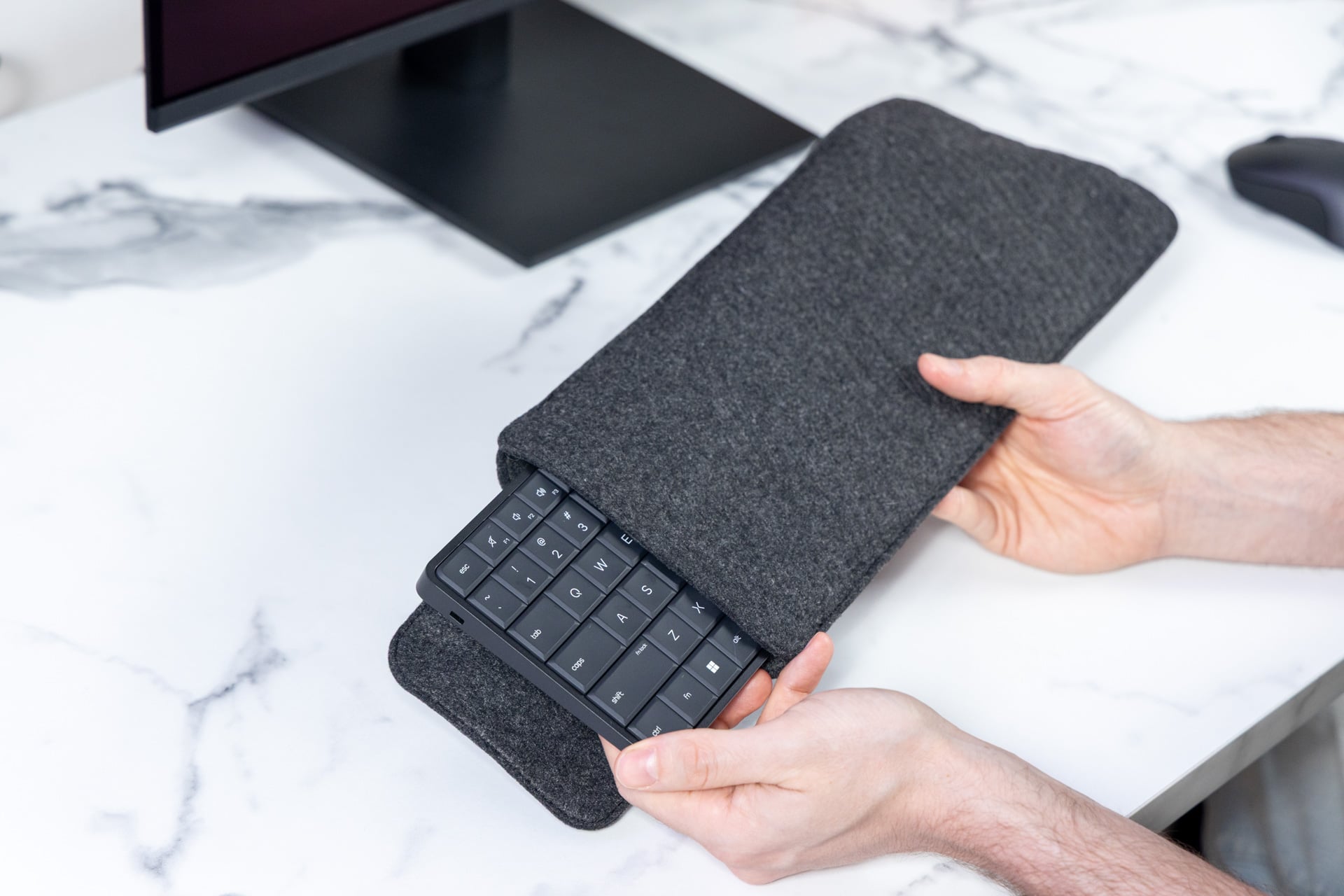
In the box, you also get a sporty sleeve to carry around your EliteBoard G1a. The backside has slots to stash the dongle and included wireless mouse.
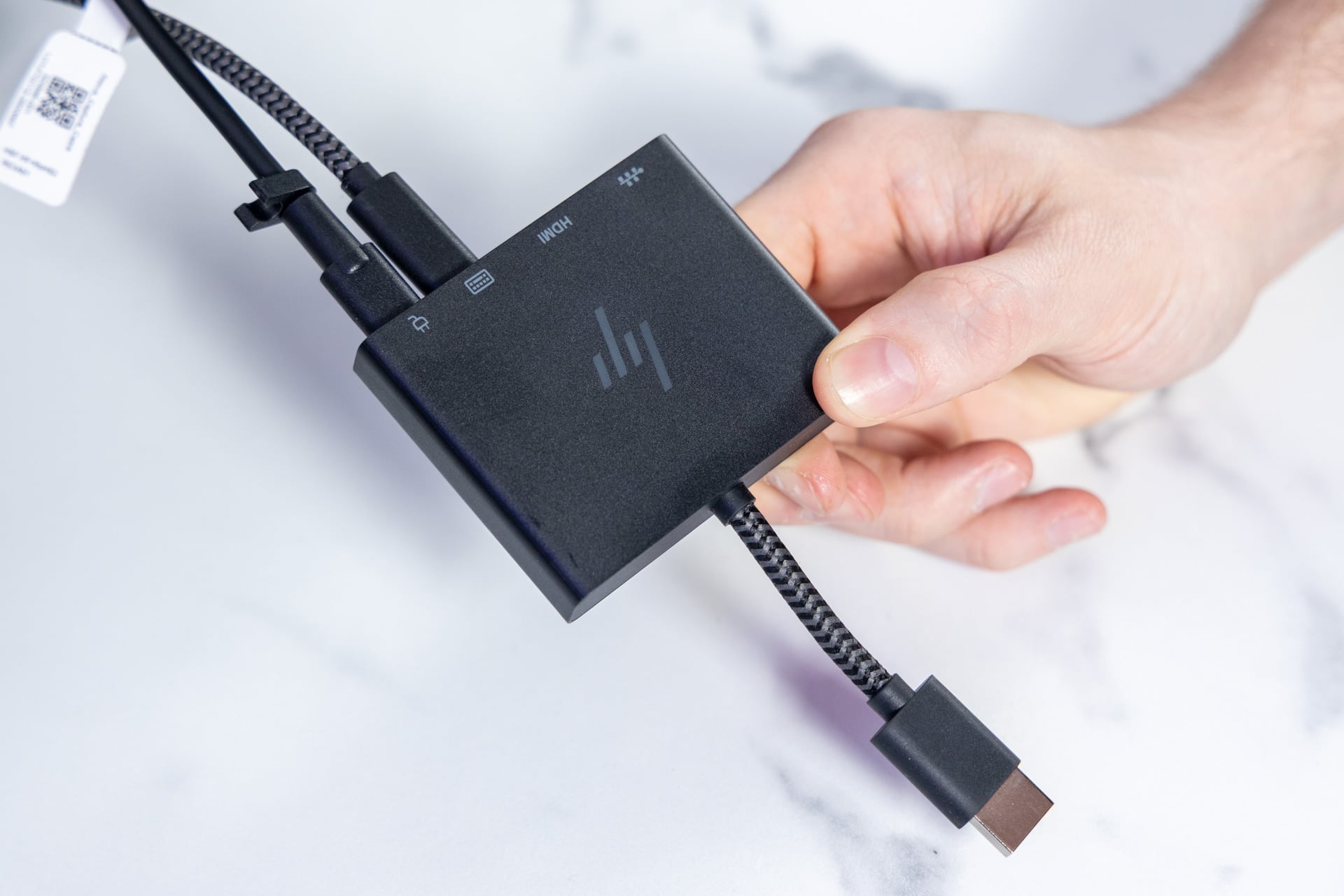
If you have a modern monitor with a high-bandwidth USB-C connection, like Thunderbolt, you can plug the EliteBoard G1a directly in without all the extra power and connection cables.
The included HP 675 mouse is a basic ambidextrous productivity mouse that wouldn’t demand me spilling more ink if it weren’t for the strangest glitch I’ve ever experienced with a PC peripheral.
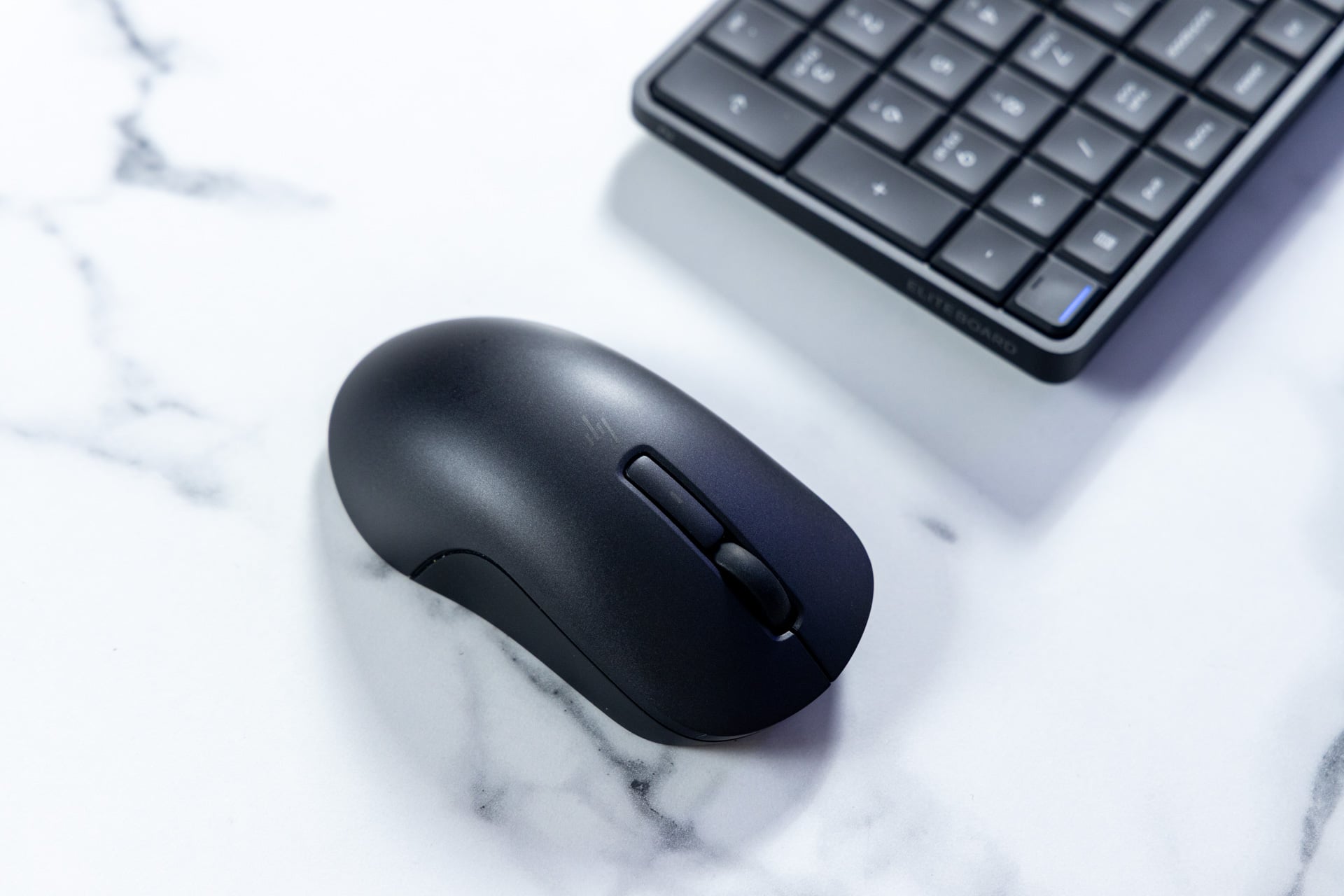
Throughout my testing of the EliteBoard G1a, the mouse would constantly glitch and turn every left click into a right click. After resetting the keyboard PC multiple times, I finally discovered the flaw was in the HP 675. If it was connected to the PC, then the click glitch would impact any other mouse as well.
HP told me this wasn’t an issue it recorded previously. The issue, the company said, was likely a faulty mouse. Either way, any third-party Bluetooth travel-sized mouse will serve you just as well.
Is the EliteBoard G1a a laptop without the screen and trackpad? Or is it a mini PC without the extra ports? The answer is yes. For a desk, the small and self-contained keyboard-computer let me enjoy a little more desk space than if I had to use a laptop or desktop computer. And at just 1.5 pounds, it weighs half as much as most laptops. Just know if you take it on the road you’ll need to take a dongle and mouse along with you, not to mention any portable monitor you may need if you don’t have one available. This is a device you take between desk setups at work or home. Or better yet, just leave it plugged into one place.
A flow-filled typing experience
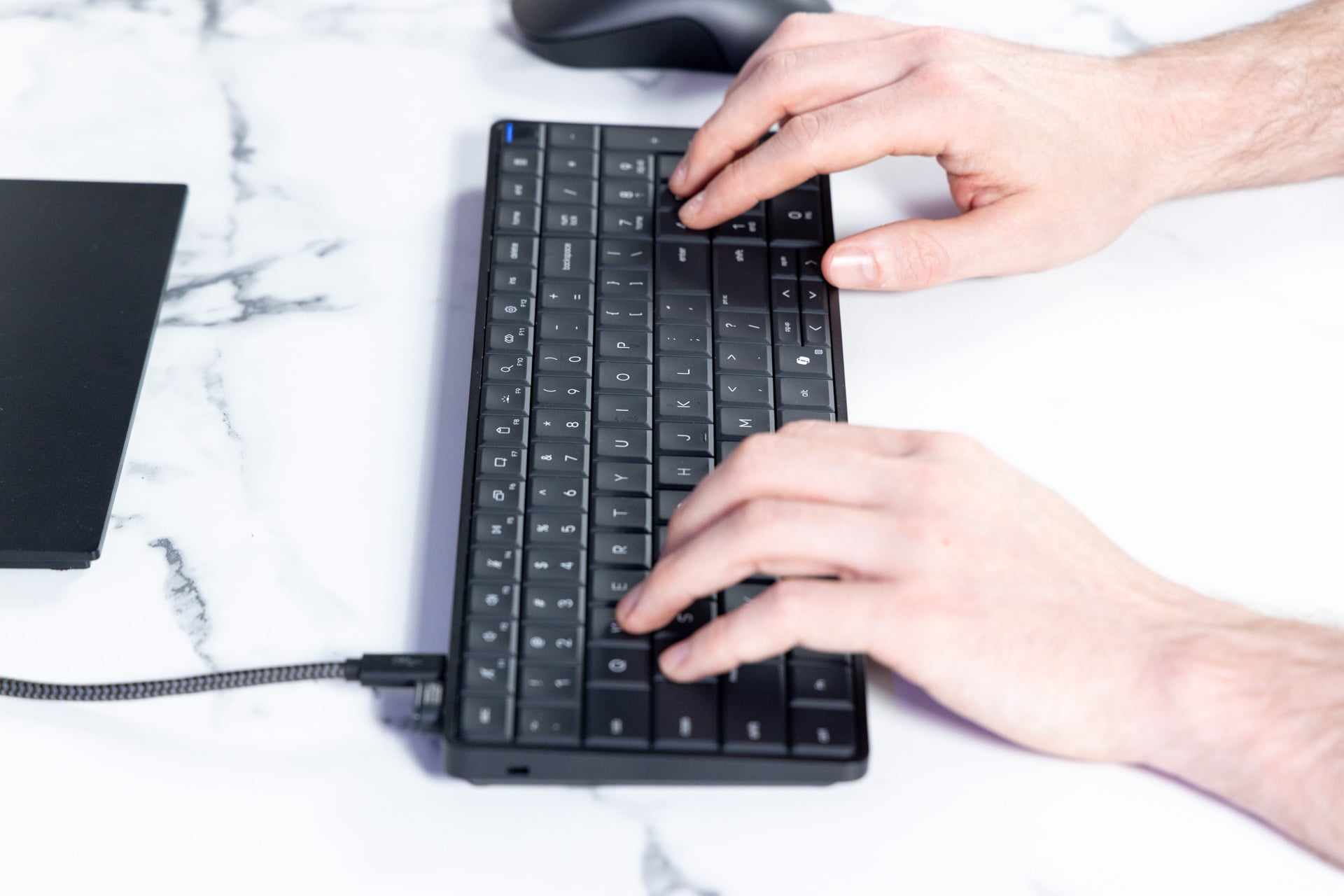
Beyond any of those rough patches with ports, the EliteBoard G1a’s keyboard aces comfort. The near-silent keys have enough presence that I could enter an easy flow state. The keyboard includes a full numpad on the right, which doesn’t leave a lot of room for arrow keys. And still, this was just the right size for me and my large mitts.
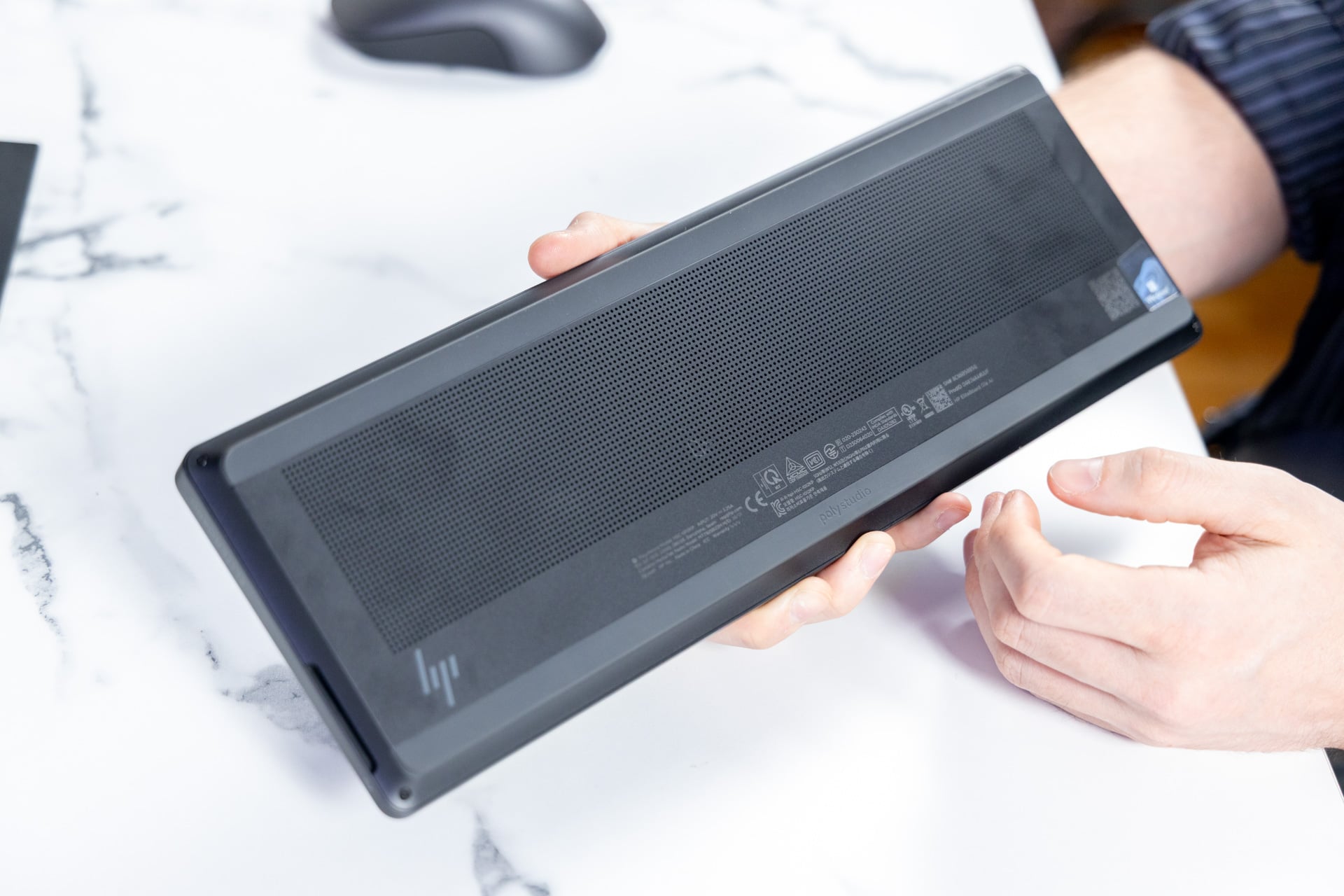
What’s also remarkable is how well the internal heat sink keeps the warmth from the CPU away from your fingertips. You can access the bottom compartment with a small Phillips-head screwdriver. You’ll find all the components arrayed on top of each other with a heat pipe running along the bottom. It’s clear HP put a lot of engineering expertise into making all these components fit and still leave enough room for the fans.
Surprisingly, the keyboard does come with speakers, but you won’t want to use them. There are two 1W, down-firing speakers underneath the keyboard that pump out thin sound. You can push the speakers to 100% volume, and while they can get loud enough to disturb your colleagues in their nearby cubicles, you won’t enjoy hearing anything through them.
Last-gen chip is good enough for productivity tasks
My EliteBoard G1a review unit came with the maximum 2TB of SSD storage and 64GB of DDR5 RAM. HP told me it went with the Ryzen AI 7 370 Pro because AMD’s chip was built for efficiency. It’s still a last-gen chip, not one of the new 2026 mobile CPUs from Intel, Qualcomm, or AMD. That means it falls behind in terms of raw performance for mobile machines. It’s more remarkable that this slim device doesn’t lose any performance compared to PCs running comparable processors with a larger chassis.
In terms of CPU performance, the EliteBoard G1a isn’t exactly a slouch, but it’s still behind the times. The Ryzen 7 370 Pro beats the performance of a device like the Framework Laptop 13 running an AMD Ryzen AI 7 350 chip. In Geekbench 6 multi-core benchmarks, an AMD Ryzen AI 9 365 found in a Razer Blade 14 is just under 10% faster.
Compared to modern PCs running Intel’s latest Core Ultra Series 3 processors or Apple’s M5 MacBooks, there’s no contest. An MSI Prestige 14 Flip AI has just over 19% better multi-core scores in Geekbench 6. A 15-inch M5 MacBook Air beats it by close to 21%.
Besides benchmark programs, in my Blender test, where I time how long the PC takes to render a scene on both the CPU and GPU, the EliteBook G1a took 30 seconds longer than a Dell XPS 14 running an Intel Core Ultra X7 358H.
In GPU capabilities, the Ryzen AI 7 350 Pro with the attached Radeon 860M graphics won’t get anywhere close to the latest from Intel, Apple, or even Qualcomm’s latest Snapdragon X2. It lagged behind in all our 3DMark real-time graphics benchmarks.
There are other considerations at play, namely the mass bloatware alongside HP’s Wolf Security for business software that comes preinstalled. I ran several benchmarks before and after I reset the PC, which also removed all of HP’s included software. While Wolf security does eat up RAM during use, it didn’t impact performance all that much. I would rather do without the HP Smart printing app on this device or—hell—HP’s giant Omen 45L gaming desktop PC.
The EliteBoard G1a is still a productivity machine, and it will be very speedy for all your typical browsing and typing tasks. If you spend all day at a call center, and your EliteBoard G1a isn’t loaded up with company spyware, you may be able to get away with some side activities like video editing or light gaming.
What’s next for keyboard-computers beyond the EliteBoard?
There may be some customers who won’t see the point in carrying around a laptop. After all, they only open their PC at work and at home when connected to one or several external displays. If the EliteBoard G1a cost less than many of today’s PCs, I could see the argument for it. Instead, most customers will be better off with another type of mini desktop.
As much as I enjoy the feel of this keyboard and admire its build quality, I would still tell you to spend money on a laptop. It’s about versatility. You won’t be going to your local cafe with an EliteBoard G1a and external monitor in tow. If you’re looking to claim the title as the weirdest guy at Starbucks, you’re better off with a dual-screen laptop like the Asus Zenbook Duo.
The EliteBoard G1a is one of those rare cases that, just because you can, means you actually should. As we stretch what we can define as a PC, we have more opportunities to craft something truly unique. The DIY community has been active in this field, sticking PCs inside desks, teddy bears, and Doctor Who Daleks. There are any number of cool case mods, like Cooler Master’s eternally radical shoe and shark PC desktops.
We can shrink down PCs into form factors some may not have thought of yet. I can’t help but wonder what an EliteBoard could look like if it were expanded out with a series of mechanical keys, extra cooling, and—of course—pointless RGB lights for that rainbow fart aesthetic. With a little extra room and enhanced cooling, you could possibly stick one of the latest Strix Halo APUs (accelerated processing units) from AMD with higher-end GPU capabilities inside.
I can hand it to the EliteBoard G1a and the innovations within, so long as I don’t imagine myself as one of those beleaguered call center workers tied to a desk with just this keyboard and a screen to keep me company.