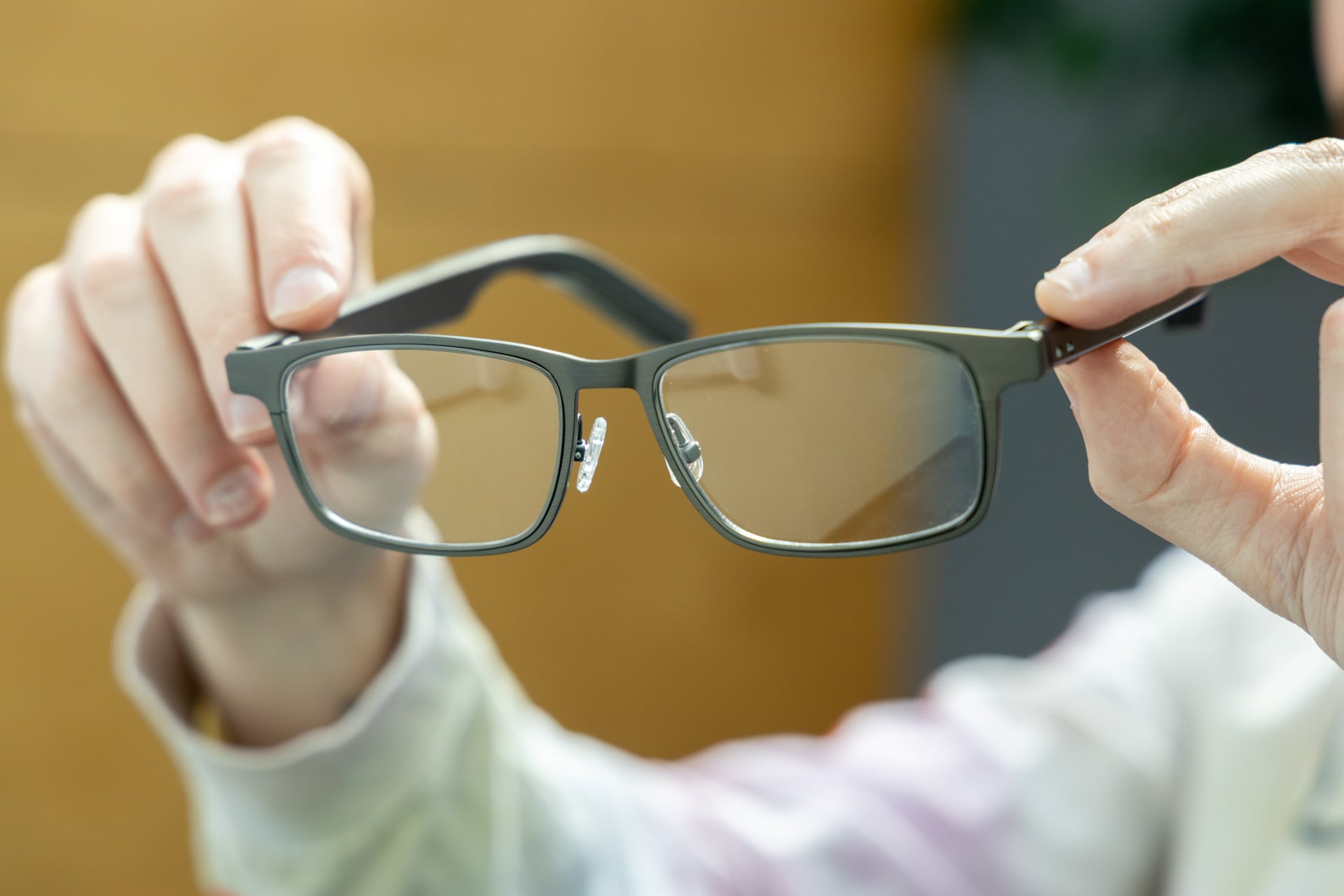
Murphy’s Law dictates that anything that can go wrong will go wrong—a statement that I think most would agree with. As true as that statement rings, there are some factors that even famed aerospace engineer Edward A. Murphy Jr. didn’t account for when he unknowingly enshrined Murphy’s Law into our lexicon; Dymesty AI Glasses, for instance.
In light of what are easily some of the worst smart glasses I’ve put on my face to date, I’d like to amend Mr. Murphy’s statement for the time being to “everything that can go wrong definitely did go wrong.”
Dymesty AI Glasses
The Dymesty AI Glasses are half-baked at best. Do not buy them.
Pros
- Lightweight
- Surprisingly good battery life
Cons
- Almost none of the features work as advertised
- I had to troubleshoot them to get them to work
- Dorky-looking
- Expensive
- Subpar audio
- Google thinks that linking them to my Gmail isn't safe (they might be right)
Dymesty did me dirty
The $399 Dymesty AI Glasses (going for $299 at the time of this publishing) are—as you may have gathered—a pair of smart glasses that focus on AI features. Unlike the Ray-Ban Meta AI glasses and the Meta Ray-Ban Display, respectively, they do not have a camera or a screen, but they do have speakers, a microphone, and AI features through a companion app that relies on ChatGPT.
I tested the Dymesty AI Glasses in the “Cook Edge” style as opposed to the “Jobs Circle,” which is an Apple reference that feels borderline ironic given what I’m about to write next.
In theory, there are quite a few things that the AI glasses can do, like translation, music playback, meeting summaries, and hands-free voice assistant stuff. In practice, though, they only qualify as doing most of that stuff if you’re really into making everything harder than it has to be or making it functionally useless.

Take the voice assistant, for example—a crucial interface for smart glasses as they’re intended to be used. To activate the Dymesty AI Glasses with your voice on iOS, you have to download the Dymesty app and then create a Siri shortcut that utilizes the app. The default shortcut that Dymesty asks you to make during the setup process on the app is “glasses,” which is supposed to summon the app when you double-press the glasses’ right arm button and then say, “glasses.”
The command flow is as follows: you have to ask Siri to ask the Dymesty app to use ChatGPT to do whatever it is you are trying to do. That’s the command flow in theory, at least, though it doesn’t quite work as advertised. In my testing, I was able to use the Dymesty shortcut, but only when I activate Siri on my phone with my voice by saying, “Hey Siri.” When I tried to double-press the button on the smart glasses’ arm to use the same shortcut, Siri either ignored me or just pulled up a bunch of random sh*t on the web about dynasties.
That means the only functional way to use these smart glasses hands-free is by saying “Hey, Siri” and then saying “glasses” or whatever you set your shortcut to. Not exactly ideal, especially when you consider that Meta’s AI glasses typically only need “Hey Meta” to work.
However annoying that feature is, there are plenty of other annoying quirks in these smart glasses to give that inconvenience a run for its annoying money.
Take, for instance, my experience using the AI recorder—or trying to, at least. I figured that using the recorder, which uses ChatGPT to transcribe audio, to capture a briefing that I took would be helpful. So, I fired it up during a video call and let it ride—big mistake. The AI recorder said that my audio was being captured for the 10-minute briefing, but when I listened back, I was informed that my recording was under three seconds and that nothing had been recorded. Oops! Guess I won’t be listening to a transcription of that call.
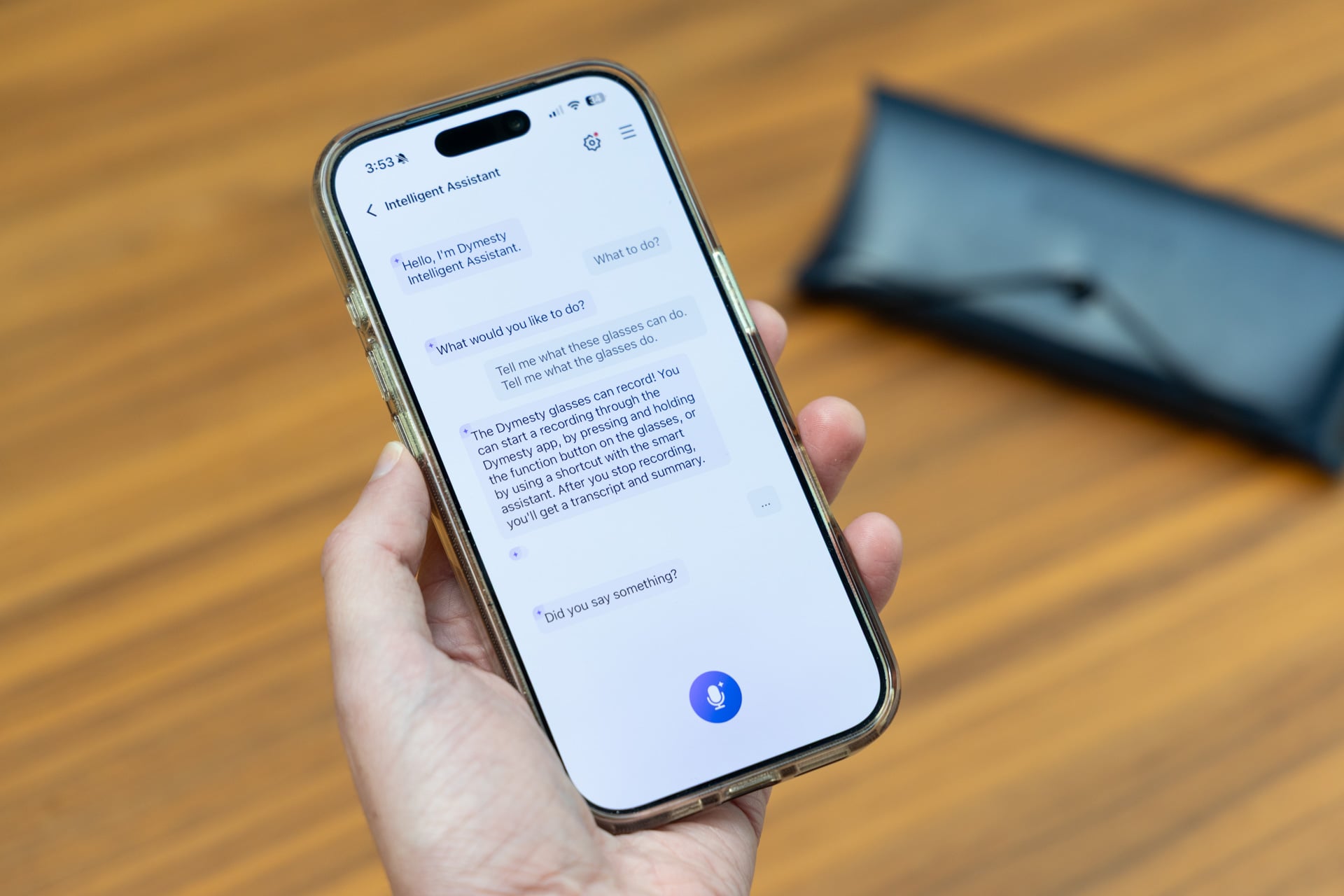
Problems exist in other core features as well. In addition to transcription and the voice assistant powered by ChatGPT, there’s also something called “Schedule Assistant,” which is basically a calendar app. Here you can input “events” into the Dymesty calendar, which I had assumed could be referenced by Dymesty’s “Intelligent Assistant,” so you can theoretically check your calendar hands-free or receive reminders. When I put things into the calendar app and then asked the intelligent assistant to tell me what’s on my schedule, however, I was told that it does not have access to that information.
I even tried to specify that I didn’t want it to check the iOS calendar, I wanted to check the native Dymesty calendar, and I was met with the same response. To top things off, when I returned to the Schedule Assistant feature in the Dymesty app, the event I had created was just… missing. These Dymesty folks sure love faking me out. Oh, Dymesty devs, you little pranksters.
There’s an option to integrate Gmail and Outlook, which could maybe make the “Schedule Assistant” experience more valuable, but when I tried to integrate Gmail with the prompts in the app, I was told by Google that the developers of the Dymesty app would need to verify that the app wasn’t harmful first. Naturally, I did what Google suggested and went “back to safety.”
“Safety,” unfortunately, included another feature that does not work. In the Dymesty app, there’s a “Phone Loss Alert” feature that’s meant to notify you in the smart glasses that your phone is 8 meters away—it’s meant to, uh, prevent phone loss. I tested the feature out repeatedly by walking away from my phone, and the only thing that indicated I left my ever-important glass slab behind was when I eventually exited Bluetooth range—the smart glasses informed me that they had been disconnected. Pretty sure that’s not how the feature is intended to work.
If there is one core feature that kind of works in the Dymesty app, it’s AI translation. I asked the AI translation to convert people speaking Spanish into English by playing videos on YouTube, and the transcriptions were solid in their accuracy. The only downside is that it waits until complete statements are done, which I imagine could make conversations using the feature pretty stilted. If you use this feature IRL, there might be a lot of putting your finger up and indicating a pause so you can wait for your infuriating smart glasses to catch up.
But hey, on the bright side, it kind of works, and it didn’t make Google wonder if someone was trying to hack my Gmail account.
There will be no Red Dot Award for design
With feature hell out of the way, you might be wondering how the hardware is, and the answer is mediocre, which is actually an improvement on the rest of the smart glasses.
The Dymesty AI Glasses are light, which is among the only positive things I am going to relay in this review. They are listed as weighing just 35g, but I measured the glasses at home on my own scale, and they actually clocked in at 41g. Maybe that 35g figure is without the lenses? Maybe Dymesty doesn’t even know how much its own smart glasses weigh? Hard to say, but in either case, they’re light since they’re constructed out of titanium.
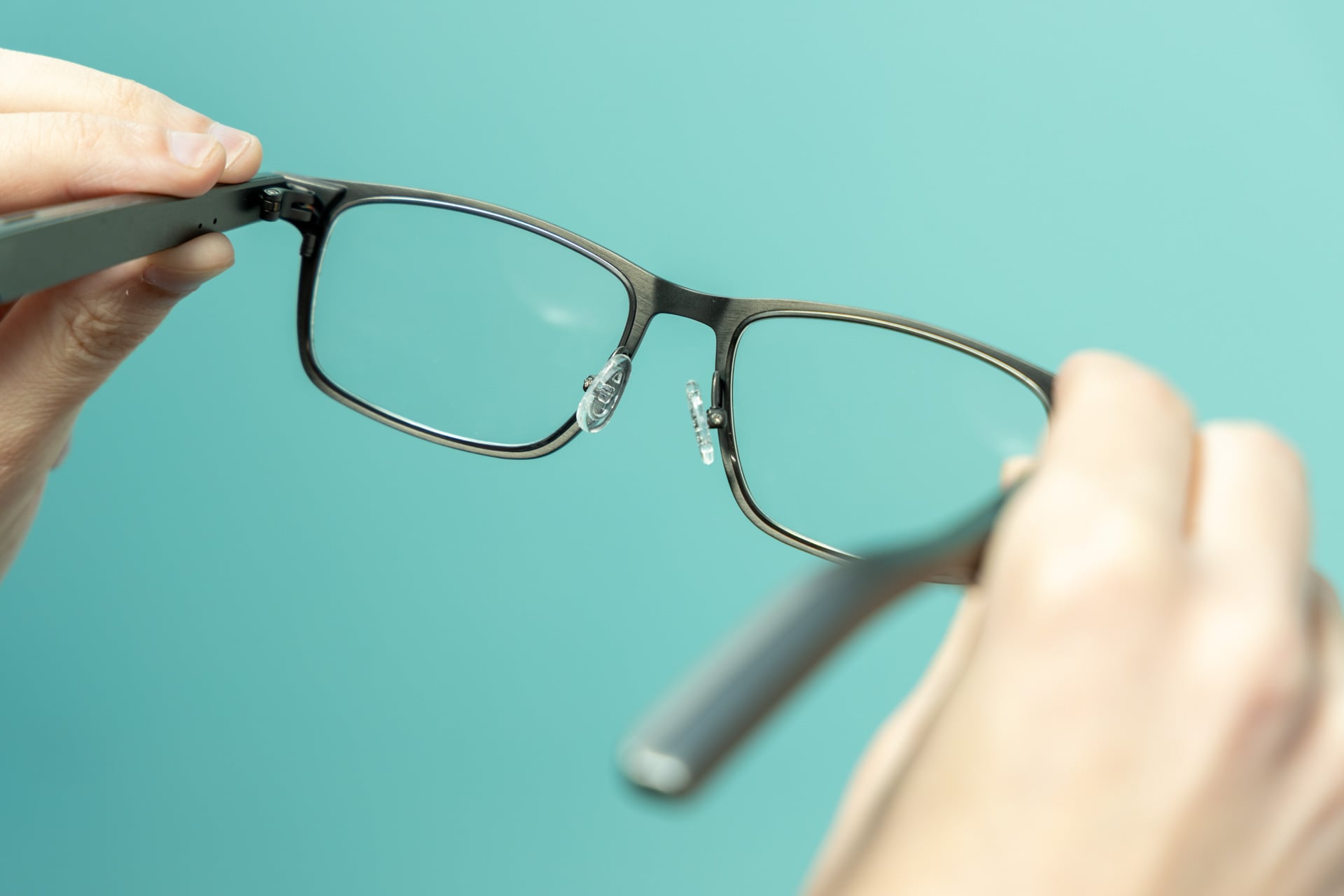
The lightness, however, is betrayed by other cheap materials. Nose pads are hard plastic and feel uncomfortable even after short periods of use, and the buttons are also small and cheap-feeling. The Dymesty AI Glasses also lack a touchpad like the one on the Ray-Ban Meta smart glasses. All you’re provided with is a button on both the right and left arms (both of which do the same things), and those lack the nuance of something touch-sensitive.

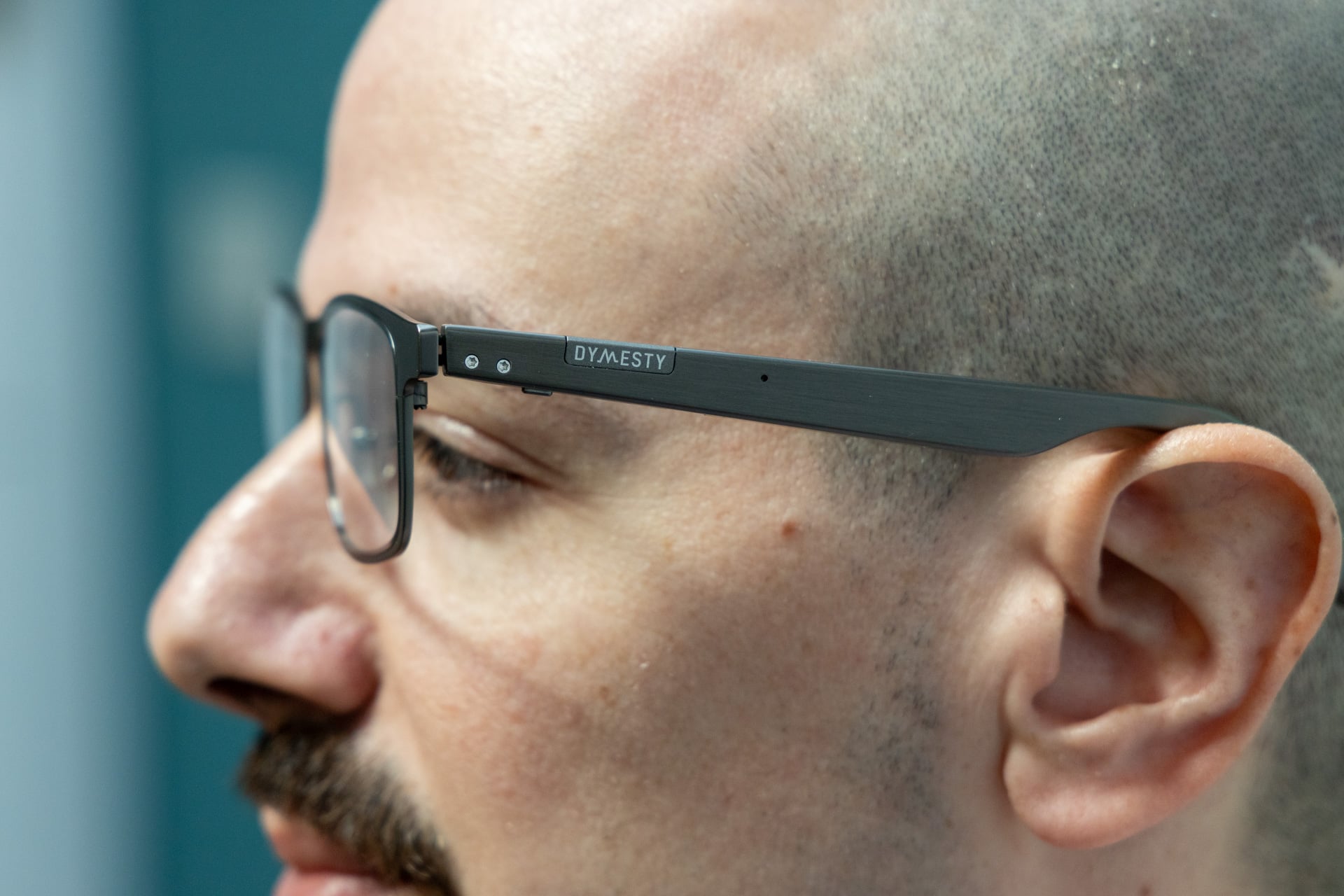
While you can play and pause and activate your phone’s voice assistant, you can’t control volume, which is one of the main things I use physical controls for on other pairs of smart glasses. It doesn’t help that the buttons are located on the underside of the arms, too, and the frames are light, so when you press them, there’s a solid chance it pushes the smart glasses off your ear unless you hold them down with another finger. The whole thing is awkward to say the least. It doesn’t help that the smart glasses look pretty dorky, too, at least on me. I think most would call that insult to injury. If you do like the look and you need smart glasses, the Dymesty AI Glasses are also prescription compatible.
There are visible speakers on either side of the arm, which might signal solid audio, but before you go ahead and get your hopes up, let me just shoot down that last bit of optimism you might have; the audio on these glasses is mediocre at best. It’s fine for listening at home if you don’t like good things, but it’s easily drowned out in noisy settings. The fidelity is somewhere between an Android phone and the world’s most underpowered Bluetooth speaker. I found myself cranking the volume to the max most of the time to get a good sense of what I was listening to, but that just made the speakers sound blown out and distorted.
In some songs, I could even hear pops like the audio was clipping, struggling under the own weight of its mediocrity. Given the fact that audio is probably one of the best use cases for most AI glasses, the lackluster fidelity and volume are major downsides.
On a slightly more positive note, the call audio seemed to work okay, though according to a friend with whom I had a five-minute phone conversation with, the Dymesty AI Glasses do pick up a lot of ambient audio. It would appear that they don’t have the same level of environmental noise cancellation as competitors like the Ray-Ban Meta AI glasses, which are excellent in the calling department. Still, she rated the audio quality an 8/10, so there’s that.

Dymesty makes the lofty claim that its smart glasses get 48 hours of battery life, and though they definitely have a solid battery life, I’m not sure they’re quite two days. After an hour of listening to music at max volume (a volume you may be at more than you want due to the fact that the smart glasses are hard to hear), Dymesty AI Glasses went from 100% to 90% battery. The Dymesty app doesn’t give exact readings (it only does increments of 10), so it’s hard to say for sure, but I’m going to assume these glasses get somewhere closer to 9-10 hours at max volume, which is more than the Ray-Ban Meta Gen 2 AI glasses, which get about 5 hours of battery life if you’re playing music consistently according to official figures. That depends on volume, though, and at 100%, you might get even less.
This is all to say that the battery life is good, but maybe not the advertised 48 hours. I reached out to Dymesty, and the reason it’s so good is that there’s actually a battery in each of the Dymesty AI Glasses’ arms, which also explains the very strange charging cable. Instead of charging from one location, the Dymesty AI Glasses come with a split charger that has two magnetic connectors for attaching to the underside of each arm. It’s strange, to be honest, and not easy to line up sometimes. It also means that you need to charge the smart glasses upside down, which is, again, just odd.
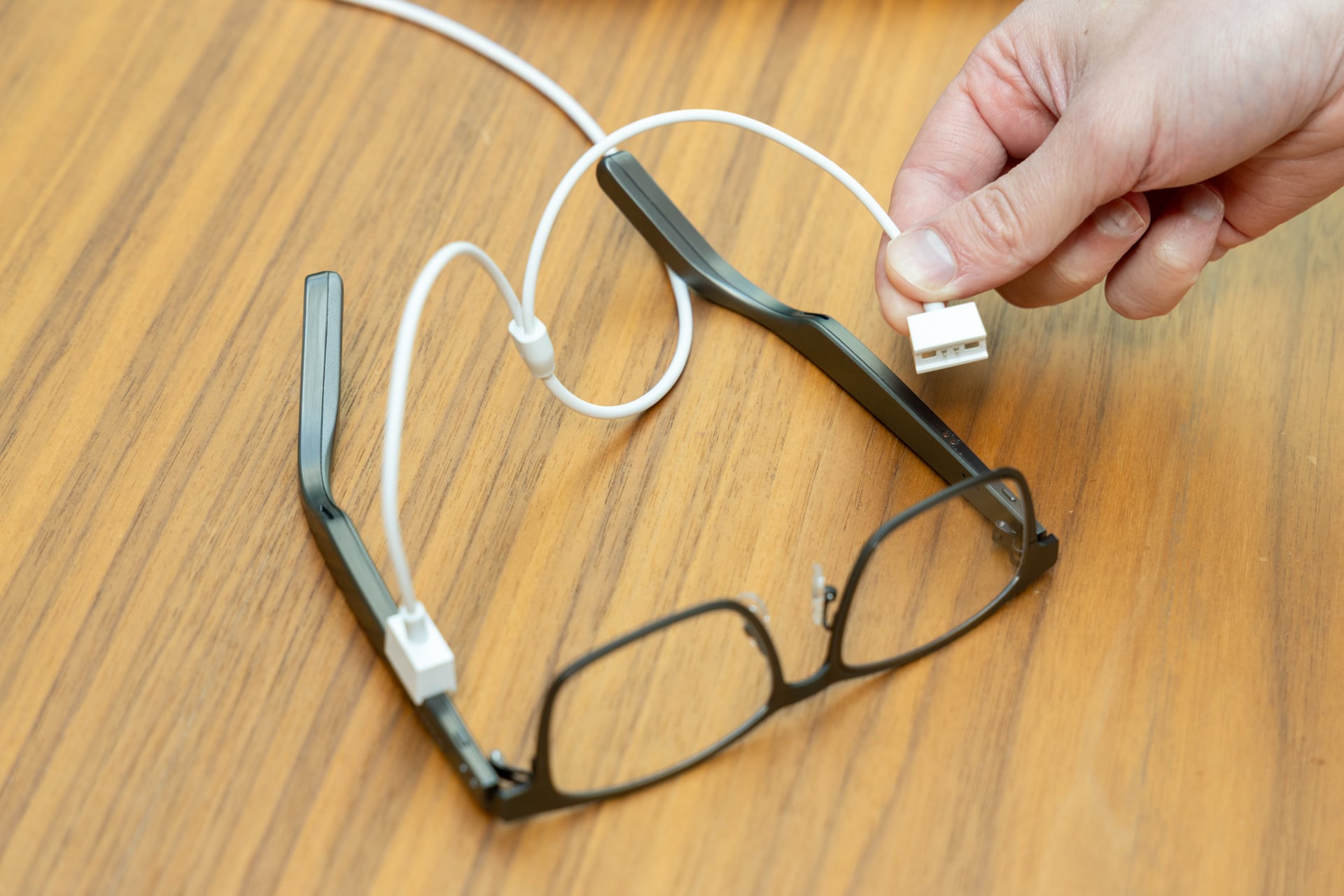
Weirdly, it also means that each side of the smart glasses can also function independently, which I experienced after problems, where only one speaker would work at a time. This was solved after a back-and-forth with Dymesty that led to a hard reset.
Still, I think you can count battery life as one of the very few strengths of the Dymesty AI Glasses, even if that life comes with some inconveniences and quirks.
The glass is half-baked
It would be easy to forgive the Dymesty AI Glasses for all its faults if it were truly breaking ground. But the fact of the matter is, there are a lot of AI glasses out there at this point, and while lots of them (maybe all of them) are a work-in-progress, I don’t think that Dymesty even rises to that level.
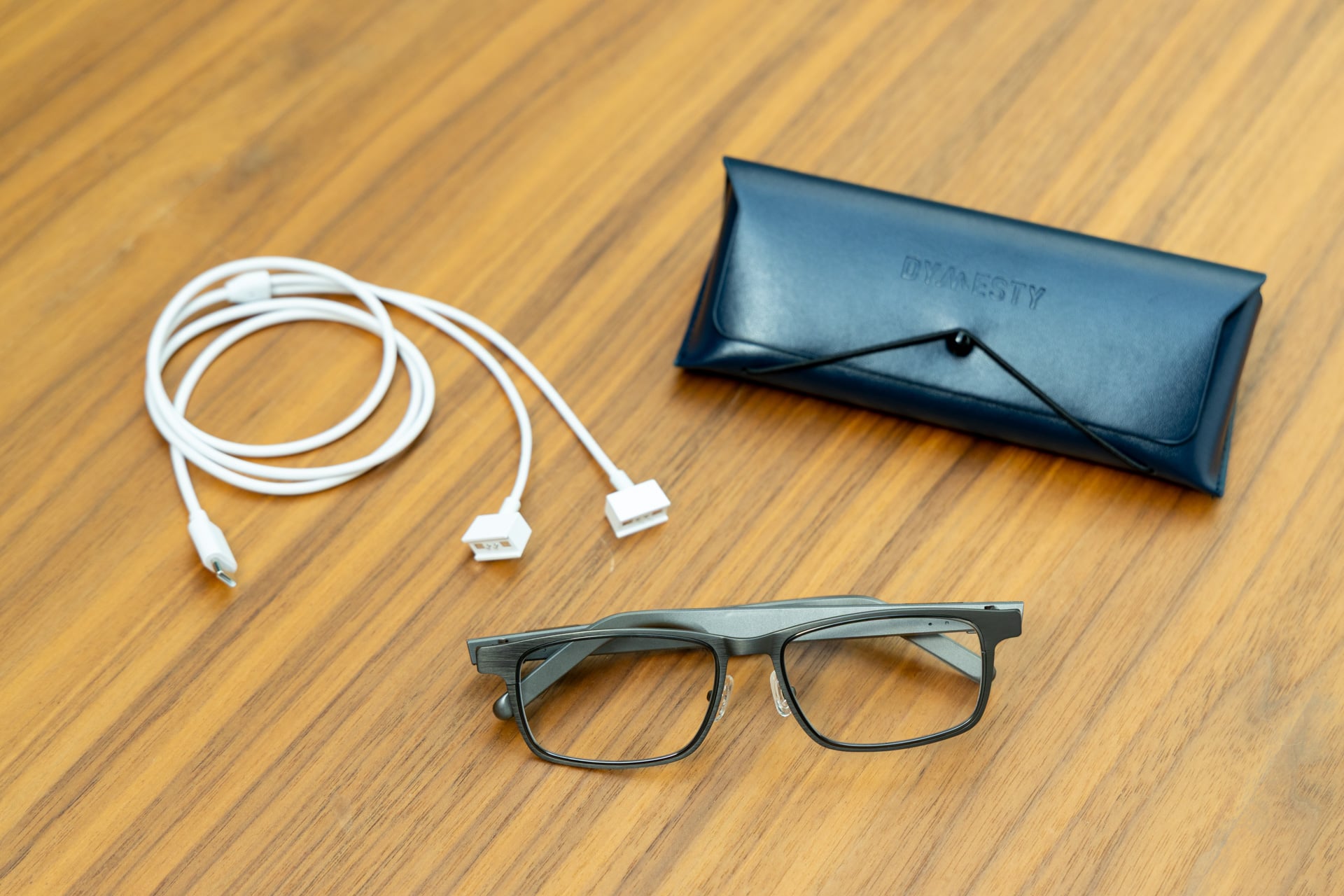
They’re difficult to use, frustrating, expensive, and I don’t think they quite work as a fashion accessory. And the stuff that is good? Well, that’s all betrayed by the dysfunction. Sure, the smart glasses will last for a long time on a single charge, and they’re light, but who wants to wear a useless piece of titanium on their face if they paid for a smart piece of titanium on their face?
My guess is no one, but hey, maybe you get off on wasting money, and if that’s the case, I have the perfect pair of AI glasses for you.