Out of all the companies to drop a good deal in gaming gear, I never expected it to be Alienware.
Here’s the long and short of Alienware’s new AW2726DM gaming monitor: 27-inch QD-OLED with 1440p resolution and a 240Hz refresh rate. All that for $350. Alienware shaved off practically everything it could to get this monitor down to this price point.
For the unfamiliar, QD-OLED, or quantum dot OLED, offers premium screen quality, rich colors, and deep contrast. They also often cost a chunk of change, especially for a max refresh rate of 240Hz. The AW2726DM’s QD-OLED panel is indeed a beautiful sight to behold, but you’ll give up so many quality-of-life features to get it this cheap.
Alienware 27 240Hz QD-OLED AW2726DM
You will struggle to find any other QD-OLED monitor for this cheap. It feels every bit that price.
Pros
- Beautiful 1440p, QD-OLED screen
- 240Hz refresh rate
- Quality anti-reflective screen
- A price that can't be beat
Cons
- Very low brightness
- Cheap stand
- 240Hz only over DisplayPort
- Limited ports
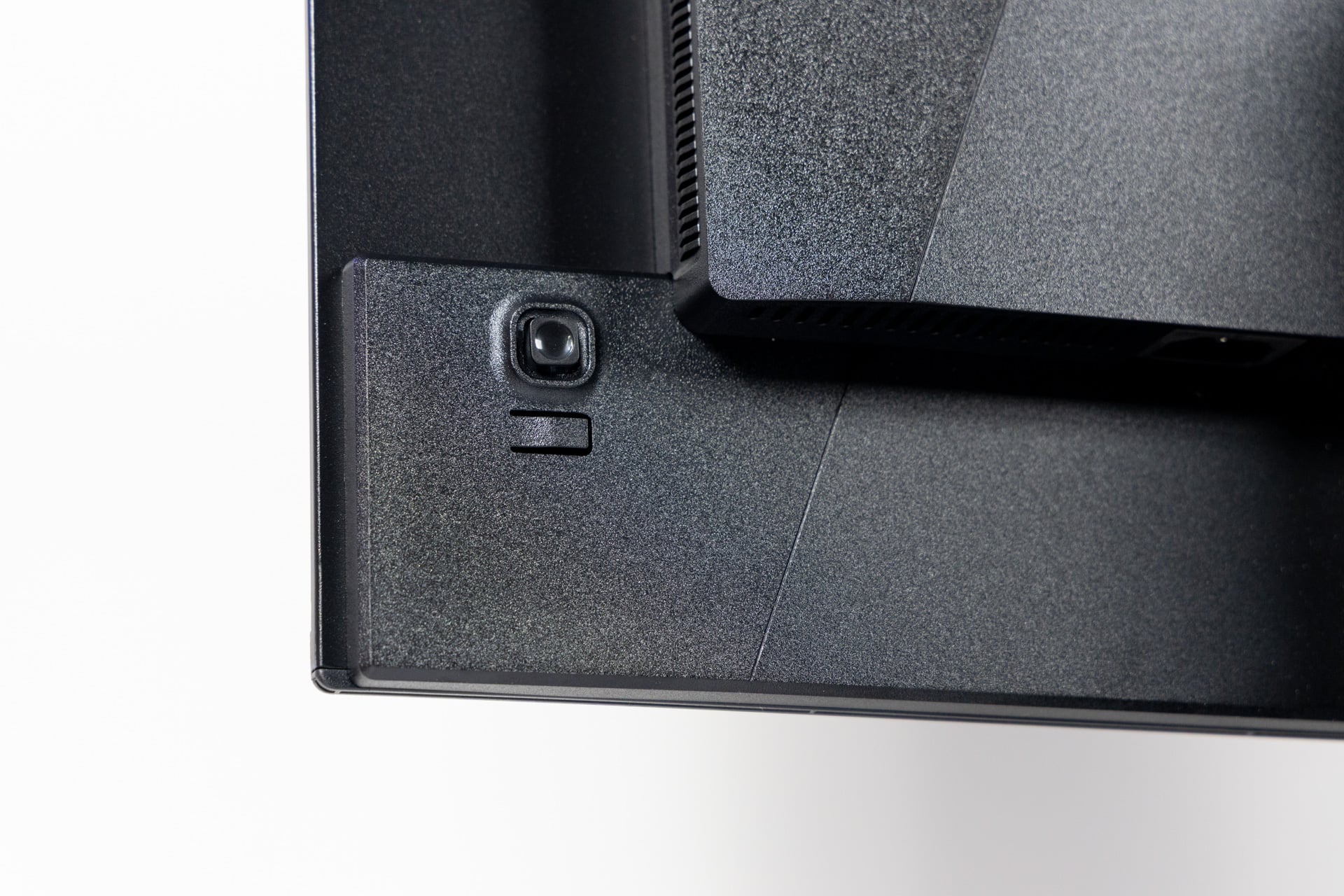
The AW2726DM sports large bezels, though not nearly as thick as the borders on the Apple Studio Display XDR, which has some of the thickest bezels of any monitor in 2026. There is no physical swivel action without rotating the entire screen’s base. The monitor isn’t supported by any of Alienware’s Command Center software, which means you’ll be stuck flicking the rear joystick to change every display setting. And if you want to output at the 240Hz refresh rate, you’ll need to use DisplayPort instead of HDMI.
And if you hoped the AW2726DM would be your one and only monitor, you should know it’s much dimmer than most other QD-OLED displays at a stated 200 nits in SDR, with a higher 400 nits in HDR. It’s barely saved by a quality anti-reflective layer that reduces a mirror-like sheen while you desperately try to boost brightness in whatever way you can.
You can find regular OLED monitors without the extra quantum dot layer for around the same $350 price point during a lucky sale. There are still few direct comparisons. HP sells a HyperX OLED 27q OLED monitor for $400. You can nab an LG UltraGear 27GX704A-B OLED monitor for just under $500. All these monitors will have their own drawbacks for their price. There are more QHD-resolution QD-OLEDs from smaller brands like AOC, like the Agon Pro AG276QZD2, which has a higher brightness spec for around $500. So you’ll need to choose how much you value QD-OLED and how wide your wallet can stretch before you decide on your next choice of 1440p monitor.
A great price, limited ports, and an ugly stand
The last Alienware monitor I reviewed, the AW2725Q—a 4K resolution, 240Hz, QD-OLED beautiful beast—from 2025, cost $900. If the AW2726DM’s $350 price were the only consideration, I would be absolutely smitten with it. But as I already mentioned, its coveted ultra-high refresh rate isn’t available over HDMI. You’ll need to plug in through the DisplayPort slot instead. Most desktop GPUs will have at least one DisplayPort; that’s rare on a laptop.
Alienware’s new 27-inch QD-OLED monitor hits a max resolution of 2,560 x 1,440. It’s just large and sharp enough for many lower-end or budget gaming PCs. That’s just one difference between Alienware’s inexpensive QD-OLED and another that costs $550 more. While the packaging for the AW2726DM was premium, without any risk of injuring the screen, you’ll need to physically screw the stand into the monitor before you can haul it to your desk. Many other high-quality monitors that cost just a little more use a physical latch system that eschews any need for screws.
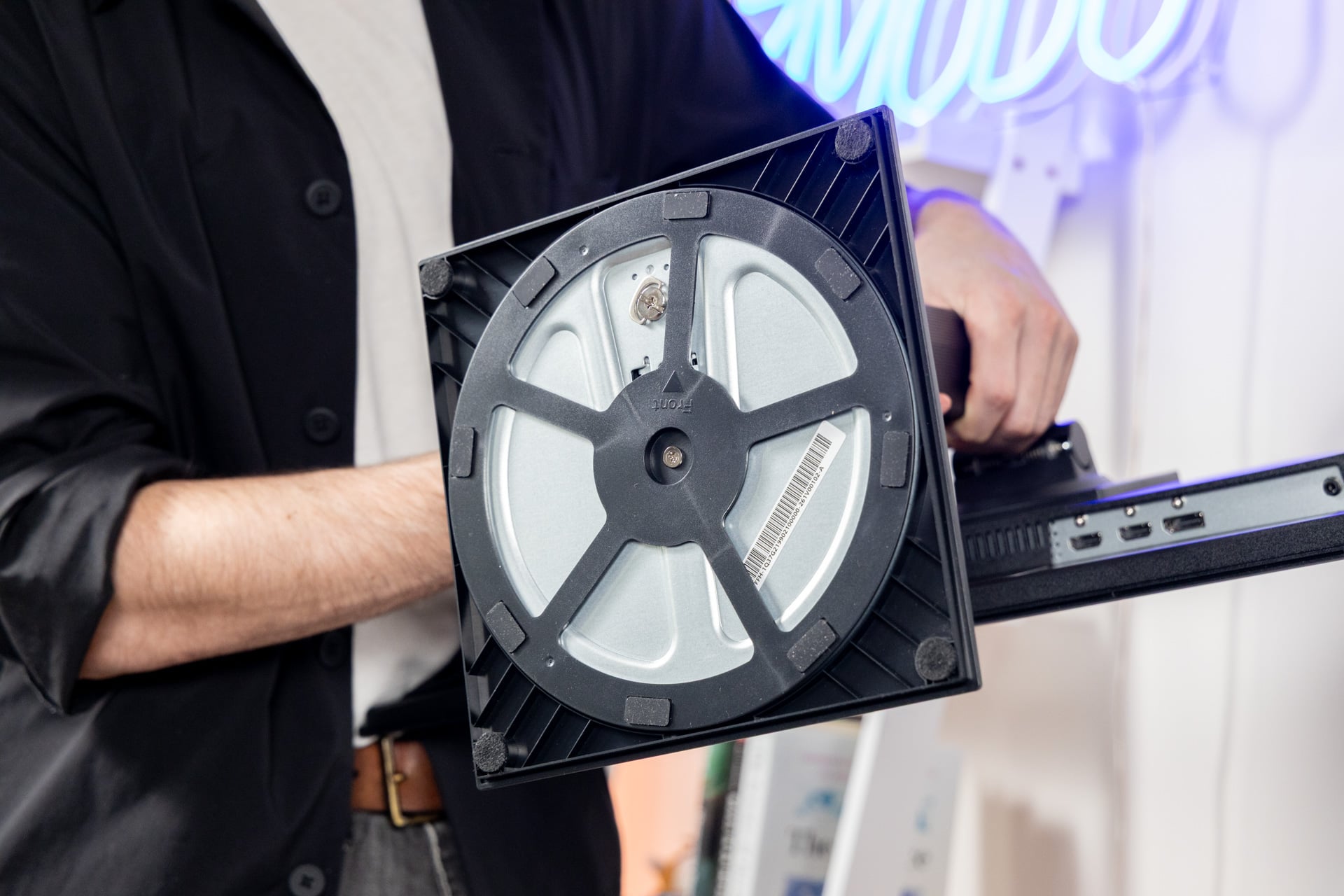
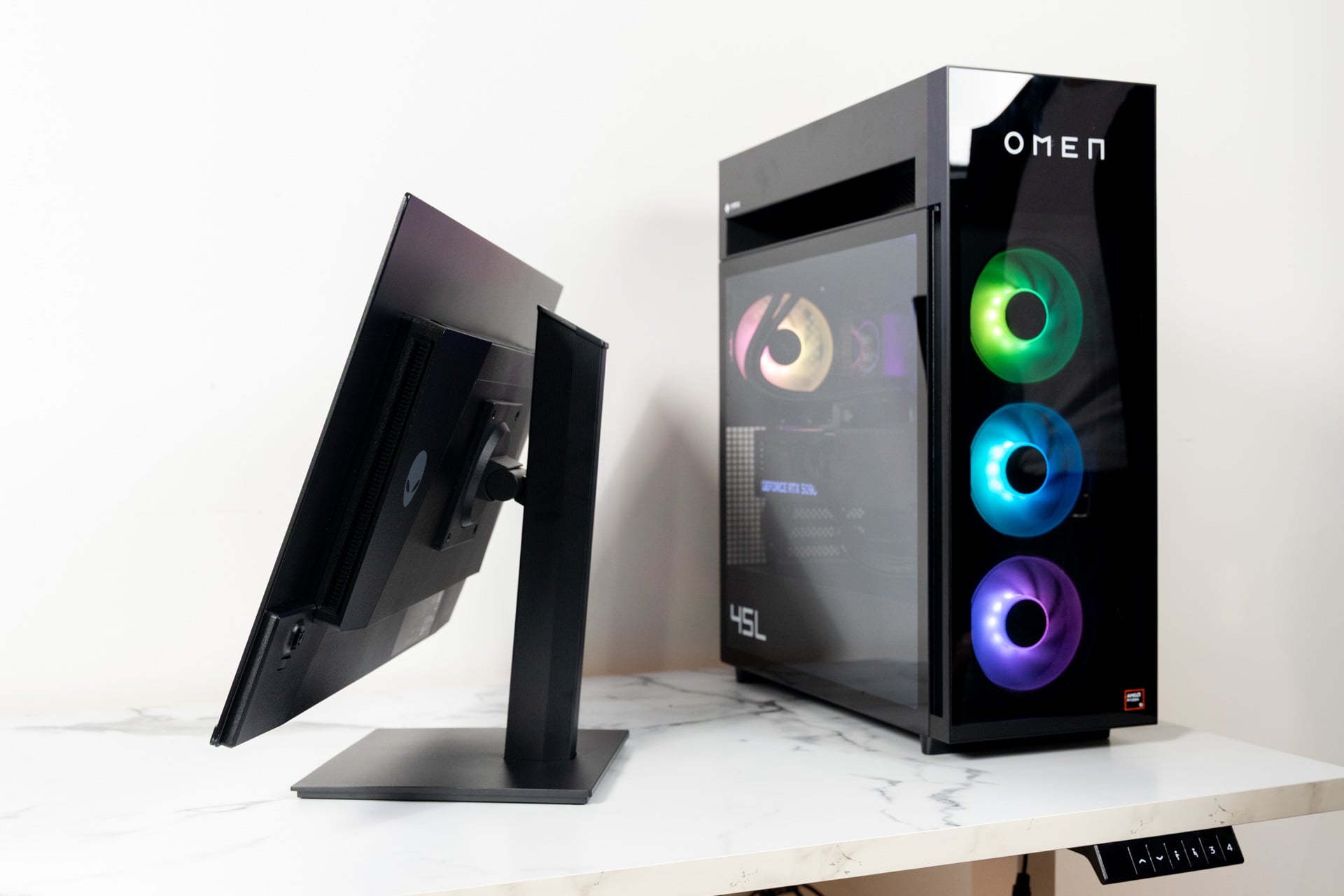
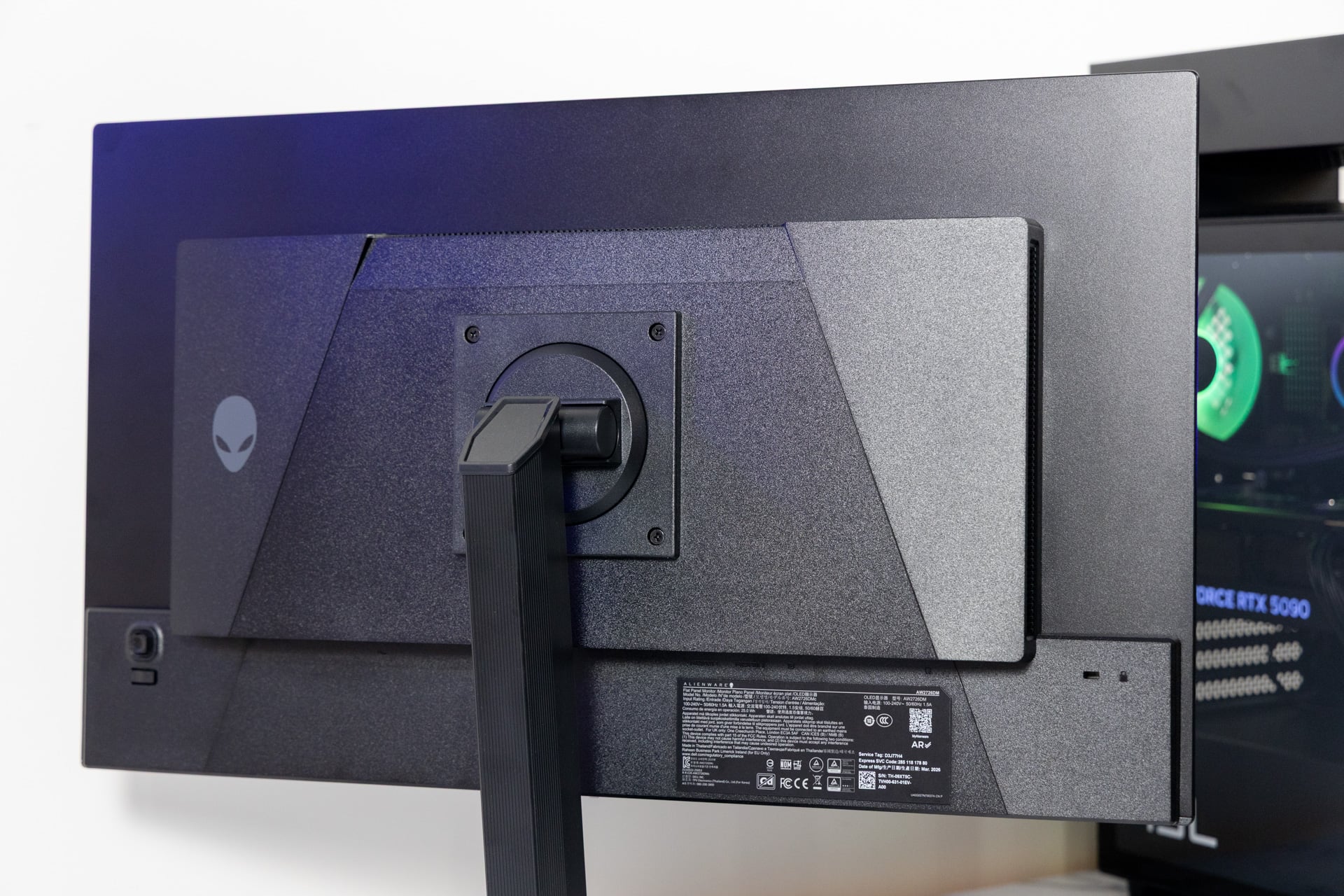
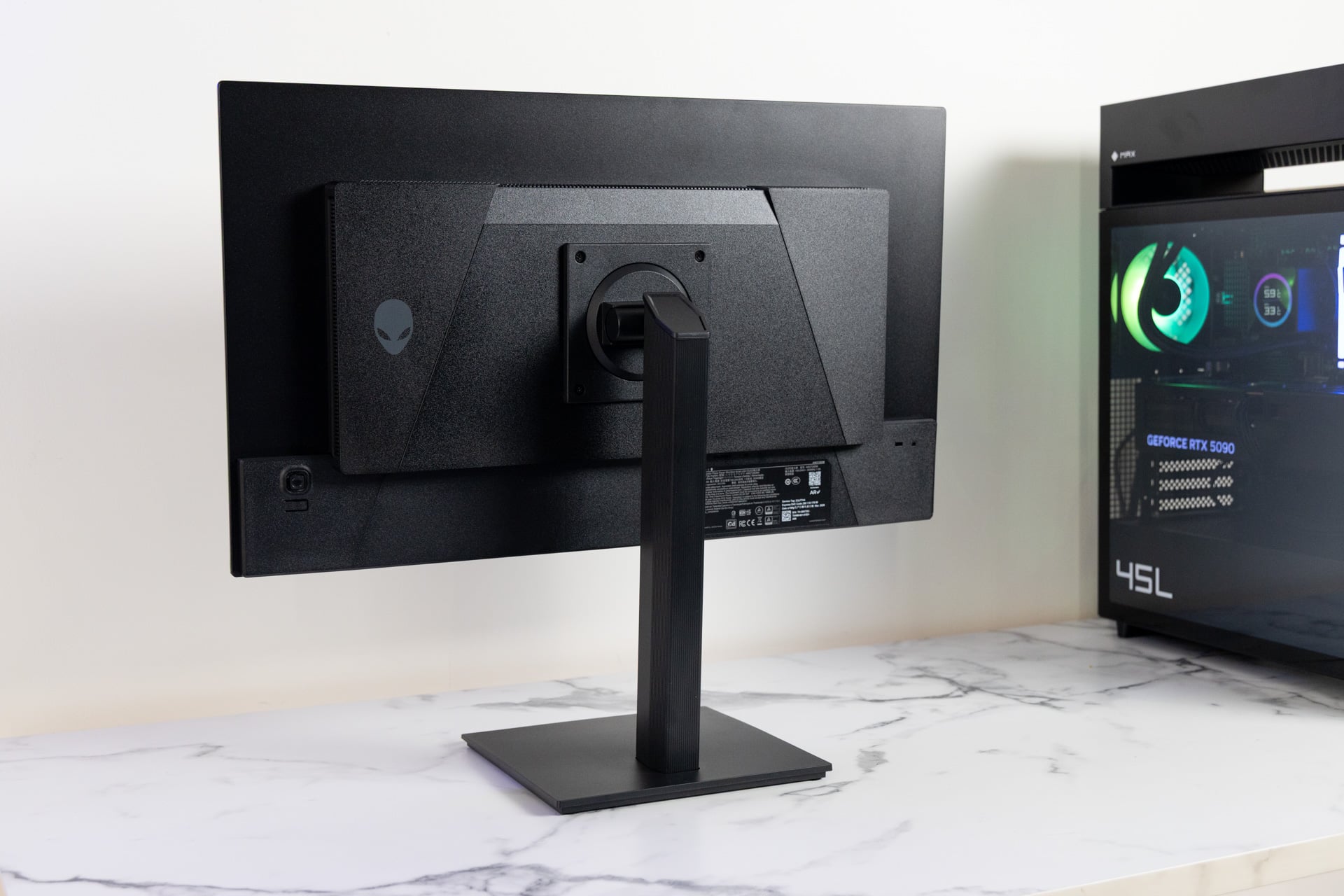
The AW2726DM may be better off with a VESA mount interface rather than the stand it comes with, which has a cheap, plasticky feel that looks far less like the ware an “alien” would use and more like it was made from old house gutters. It’s a function-over-form type of stand. Instead of providing any swivel function on the monitor, the base includes a disc on a wheeled track that lets you physically rotate it a full 360 degrees. Sure, this means you can angle the monitor however you want. It just looks ugly.
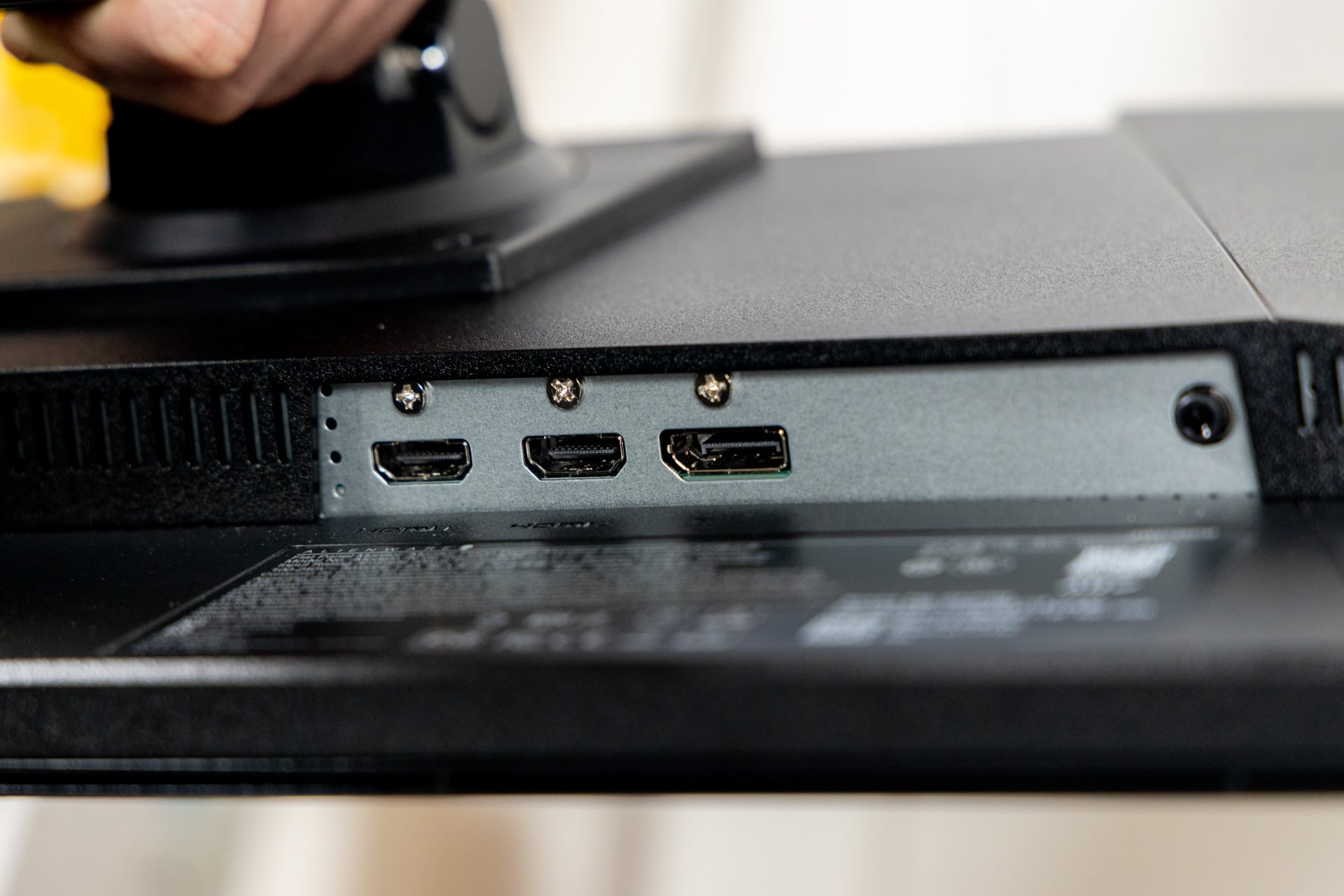
As for ports on offer, you have two HDMI and one DisplayPort 1.4. There’s also a headphone jack. Sadly, there are no USB ports for passthrough connections or charging. And there’s no physical means of managing cables. You’ll need to use Velcro ties or zip ties if you care about desk aesthetics.
Otherwise, the monitor can tilt from a low of -5 degrees to a high of 21 degrees. The AW2726DM can also raise and lower a total of 130mm or about 5 inches. That doesn’t seem like a lot, but it actually offers more range than a $1,300 32-inch Asus ROG Swift OLED Gen 3 monitor I had sitting on the same desk in Gizmodo’s office.
See Alienware’s New Gaming Monitor at Best Buy
QD-OLED is beautiful, even at $350
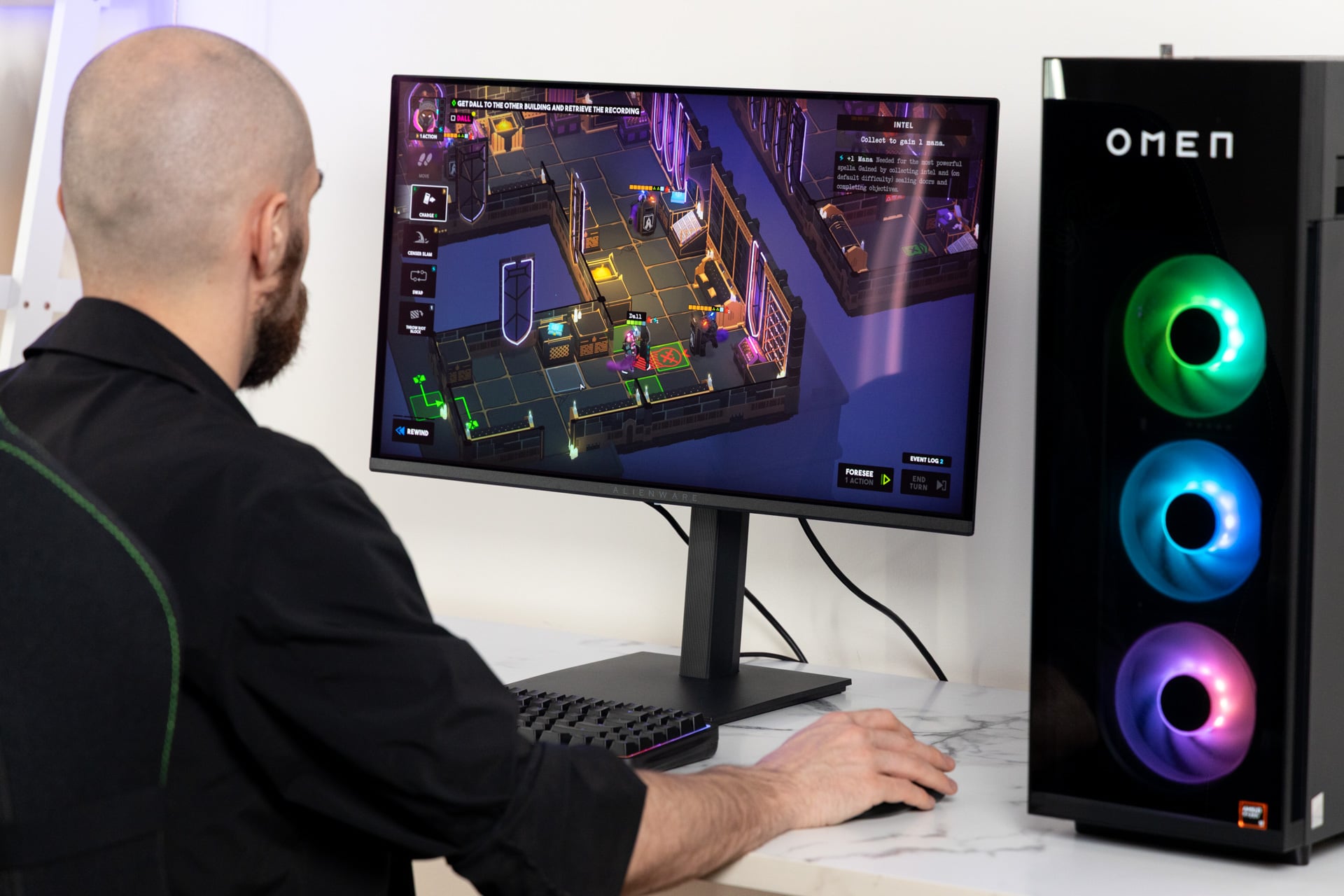
So why are people still jonesing for QD-OLED? Let’s break it down. OLED stands for organic light-emitting diode. Like the name suggests, this screen uses a layer of self-emissive organic lights that—on paper—allow for near-infinite contrast and deep, inky blacks. The QD in the name stands for quantum dots. This is another layer in front of the OLED panel, which—again, on paper—results in more vibrant colors.
The difference between QD-OLED and regular OLED can be minimal. Then you have to identify the differences between WOLED—a screen type with an extra layer of white LEDs to enhance brightness—and multiple OLED layers in Tandem OLED displays. Either way, these screen types are normally better for gaming thanks to a near-instantaneous 0.03ms response time, which means minimal delay in the change of pixels. This becomes even more important when playing games at a high frame rate.
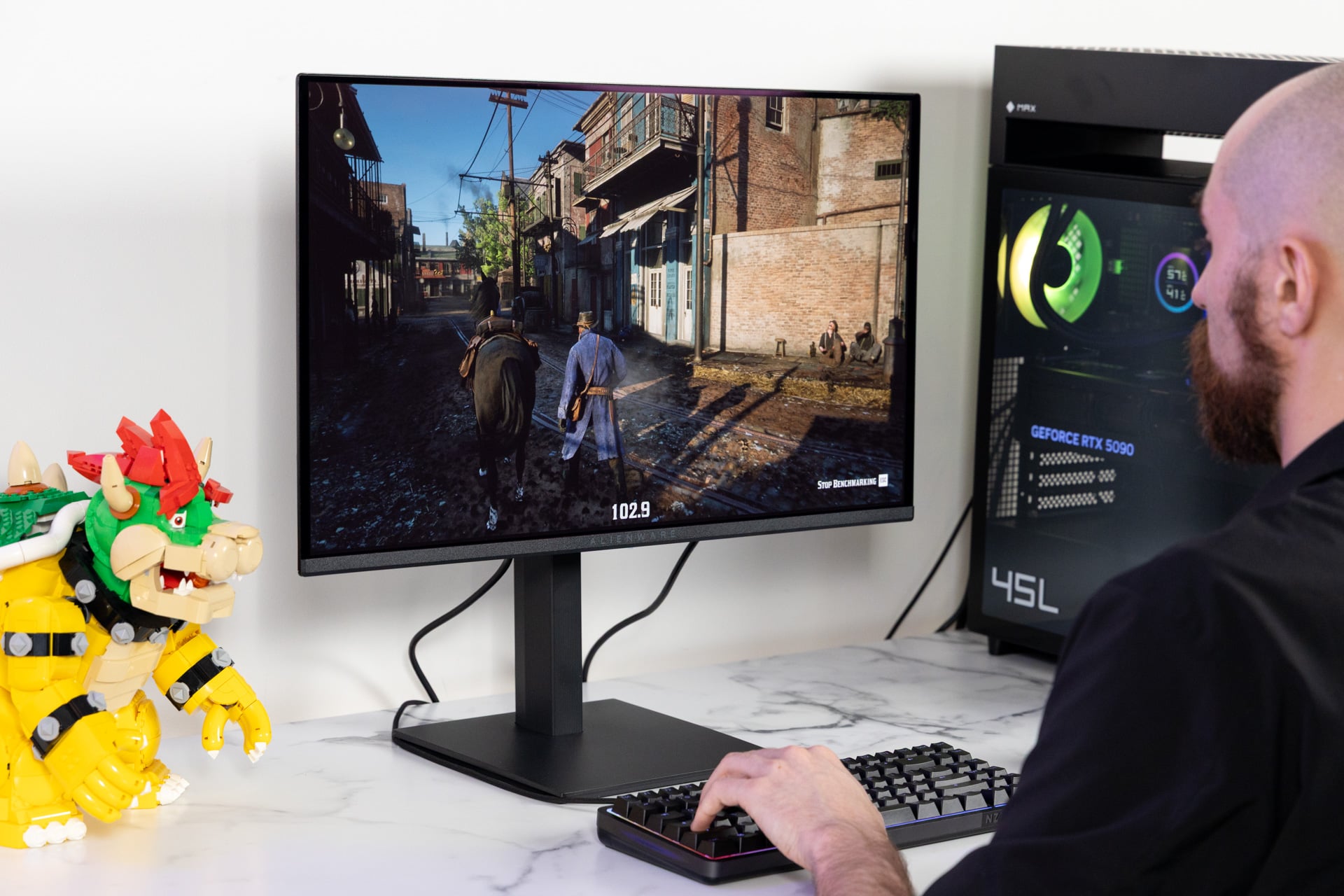
Alienware’s AW2726DM also supports AMD FreeSync and VESA AdaptiveSync, which adapts the refresh rate of the monitor to the frame rate of a game. That eliminates any issues with screen tearing—where your monitor displays multiple frames at the same time—or awkward stuttering. I didn’t spot any obvious visual issues in my time with the AW2726DM. All of the games I tested looked pretty and striking thanks to the screen’s deep contrast. Of course, to even see what was happening, I had to boost brightness as high as it would go.
Bad brightness matters more than you think
What you need to understand first is that you’re not getting many of the higher-end certifications with this monitor. Unlike other monitors of this kind, it lacks any VESA DisplayHDR True Black certifications. That essentially means the AW2726DM has a lower brightness than what you could get from a more expensive display. The monitor also does not support Dolby Vision or Samsung’s HDR 10+. It’s limited to basic HDR10 for maximizing the screen’s contrast in supported content.
Anybody who buys this monitor needs to come to terms with the lack of any additional HDR support. What even the most display-illiterate layperson will see first is how dim the display gets. I forced the AW2726DM to 100% brightness and still needed to boost brightness settings by a significant amount in practically every game I played.
The poor brightness is very noticeable. Compared to AOC’s Agon Pro 27-inch from 2025, which has 414 nits of brightness, the Alienware monitor only has a bare 200-nit screen. In games, that brightness matters. It helps the colors pop more without having to potentially reduce contrast. If I had to choose between the two, I would go with the Agon Pro.
Take a game like Resident Evil Requiem, for example. A high-end OLED monitor emphasizes the beautiful blacks of such a moody game, especially in the opening levels. But without pushing the brightness, I would lose environmental details that help sell its rain-slick streets or the burned-out relics of a dilapidated hotel. It’s a similar story when you’re playing a more stylistic game, like Hades II. The art style of the game is enhanced with such amazing contrast as you can get with QD-OLED. You just need to raise in-game brightness levels to compensate for the screen’s drawbacks.
What really matters for your gaming experience?
By its nature, a QHD-resolution monitor is better designed for lower-end or budget desktop PC setups. That’s why you have to consider whether you’ll actually get anything from the Alienware AW2726DM’s 240Hz refresh rate. You’ll need a PC that can push frame rates upwards of 200 fps.
Likely, the only way you’ll see such excessive frame rates is with a truly powerful PC or with software tricks, such as Nvidia’s DLSS 4.5 6x Dynamic Multi Frame Generation. Frame gen will also create more graphical artifacts and latency. I find frame gen works best for smaller displays, where you can’t see such visual blemishes.
The difference between a 4K and a 1440p screen is the sense of pixel density. Alienware’s $900 AW2725Q QD-OLED monitor has 160 PPI, or pixels per inch. The $350 AW2726DM monitor only has 111 PPI. In person, you’d have to be a determined pixel hunter to spot such a difference in quality. If you’re truly a discerning consumer who wants to bask in the glory of 4K resolutions, you’re going to be spending a whole lot more.
At the very least, you don’t have to worry about OLED burn-in as much as the doomsayers claim on Reddit. Along with the usual AI pixel refresh software, the monitor includes a graphite film heatsink to reduce burn-in to some degree. It’s not the most sophisticated heat management for OLED, but Alienware is still backing its monitor with a three-year warranty in case something goes wrong.
So beyond longevity worries, you’ll be left with a screen that scrapes away all the gamer embellishments, all the certifications, and all the HDR options for the sake of spending less for a QD-OLED monitor. For those who just want the prettiest screen possible and can’t afford anything else, Alienware’s AW2726DM may be the right call. For everyone else, you’re better off with a brighter screen.
See Alienware’s New Gaming Monitor at Best Buy
This review was modified 4/15/26 at 10:45 p.m. ET to correct one of the comparison monitors and to add the Alienware monitor’s HDR brightness.