
Malware that’s already on the device needs to be removed. I deliberately infected a PC and ran 6 tools through the cleanup to see which ones finished the job.
Remove Malware Right Now: The Fast Route
If you think something is already on your device, start here. The reviews below matter once the immediate problem is handled.
- Disconnect from the internet if you suspect anything is being taken: banking logins, saved passwords, work files. Pulling the network stops data from leaving while you work.
- Install an on-demand scanner from a vendor you can name and scan the whole device. On-demand means it checks the drive when you ask. It will coexist with whatever antivirus you already have.
- Remove what it finds, then reboot. The reboot is the part people skip. Many infections only reveal themselves once the system starts fresh. Scan a second time after the restart.
- Change your passwords from a different device. Not the one you cleaned. Start with email, then banking, then anything sharing that password.
One tool per platform to get you moving. Windows users want Malwarebytes Free. On Mac, Malwarebytes for Mac targets the adware and browser hijackers behind most real macOS infections. Android has Play Protect built in: open Play Store, tap your profile picture, then Play Protect, and scan before installing anything else. The full walkthrough for each is further down, including iPhone.
⚠️ Before you download anything, read this. Don’t install a removal tool that a pop-up offered you, or one from a search ad, or one from any site that isn’t the vendor’s own domain. Fake cleanup tools are one of the most common ways a mild adware problem turns into a serious one. The moment you’re frightened and searching is exactly when they work. Type the vendor’s address yourself.
Shortlist of the Best Malware Removal Tools
Six products, ranked by how well they clean a machine that’s already compromised. Every one removed everything in testing, so the ranking turns on how fast you get there and what it costs. Here’s the list:
- Malwarebytes Free: Best dedicated malware removal tool. Free, works alongside an existing antivirus, and its quickest scan was enough.
- Bitdefender: Best malware removal and protection software in one. Cleanest lab record of the six and a pre-boot rescue option.
- Norton 360: Best for a badly or repeatedly infected machine. Bootable rescue media plus a refund pledge; nothing else matches.
- Avast One Free: Best free option that keeps protecting afterward.
- McAfee: Best for covering several devices at once.
- NordVPN Threat Protection Pro: Best for stopping reinfection. It can’t remove anything, and that’s the point of it.
What Happened on the Infected Machine
The headline result is a tie, and it should be reported plainly. Every product that scans files removed every infection put in front of it. Nothing survived in the registry, scheduled tasks, services, or browser extensions. Nothing came back after a restart, and re-scans were clean. So the question isn’t whether these tools clean a machine. It’s how much scanning it takes before they’re finished, and there the field separates.
Malwarebytes needed only its Threat Scan, at 2 minutes 20 seconds. Bitdefender, Norton and Avast each caught everything on a quick scan, all finishing inside 90 seconds. McAfee’s quick scan missed a WMI event subscription, one of the quieter ways malware arranges to restart itself, and its full system scan took 16 minutes 47 seconds to find it.
Best Malware Removal Software: Detailed List
Let’s deepen this analysis.
1. Malwarebytes Free: Best Dedicated Malware Removal Tool
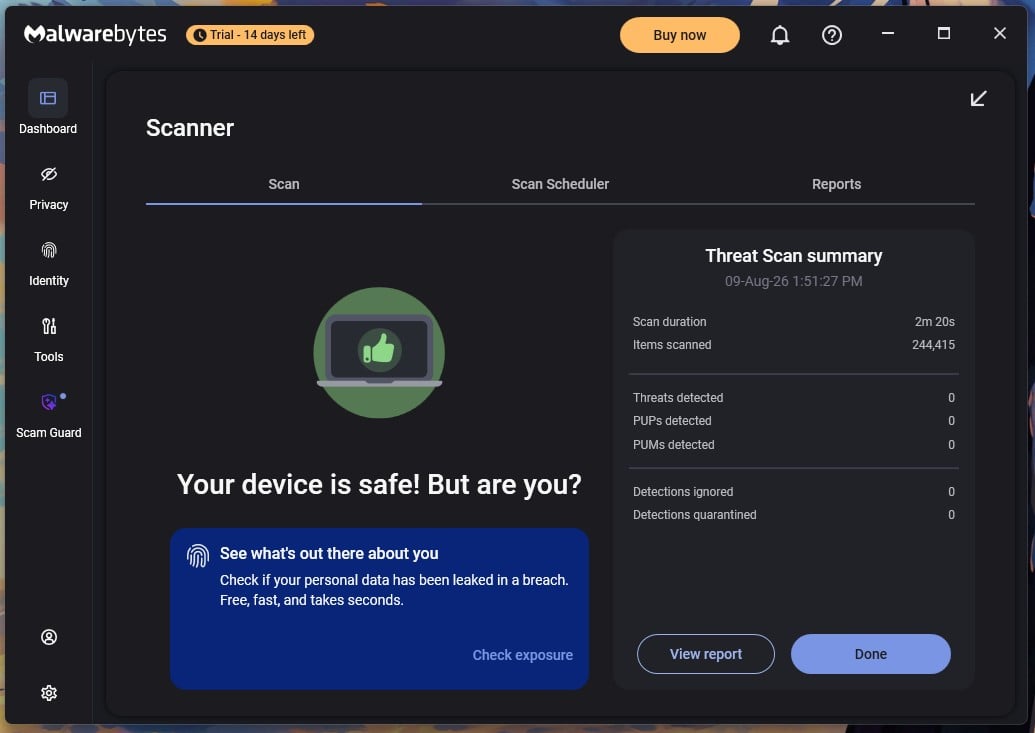
Malwarebytes does one job and doesn’t pretend otherwise. It scans on demand, removes what it finds, and leaves ongoing protection to something else. That focus is why it belongs first here, and why it’s the answer to what is the best malware removal tool for most people with a problem right now.
Rating: 4.7/5⭐
What Malwarebytes Does on an Infected Machine
- Removal result: everything removed, nothing returned after restart
- Scan needed: Threat Scan, 2 minutes 20 seconds
- Detection: 99.57% in testing with 14 false alarms; 99.59% protection at AV-Comparatives in March 2026, with 23 false alarms
- Speed and load: Deep Scan 28 minutes 43 seconds, 645 MB during scans, 38 seconds to install
- Price: free on unlimited devices; Premium from $44.99 a year for 1 device or $59.99 for 3
- Pre-boot option: none
Rootkit scanning arrives switched off, and you want it on: Settings, Security, Scan for Rootkits. Every figure came from the defaults, so expect the deep scan to slow further. Watch the 14-day Premium trial too. Real-time protection stops on day 15, and the app tells you so. As a cleaner, that’s fine. As your only defense, it isn’t.
Should You Use Malwarebytes to Clean Your Device?
Yes, and it’s the first thing to reach for. It installed and worked quietly with Bitdefender and Avast both present, which is what a second-opinion scanner has to do. Its false alarm counts are the worst here, and the deep scan is the slowest by ten minutes. Neither matters much for a tool you use when something is already wrong.
Pros
- Free on unlimited devices
- Quickest scan removed everything
- Coexists with an installed antivirus
- Strong on adware and hijackers
Cons
- 23 false alarms at AV-Comparatives
- Deep scan takes 28 minutes
- Real-time protection ends after 14 days
- Rootkit scanning off by default
2. Bitdefender: Best Malware Removal and Protection Software
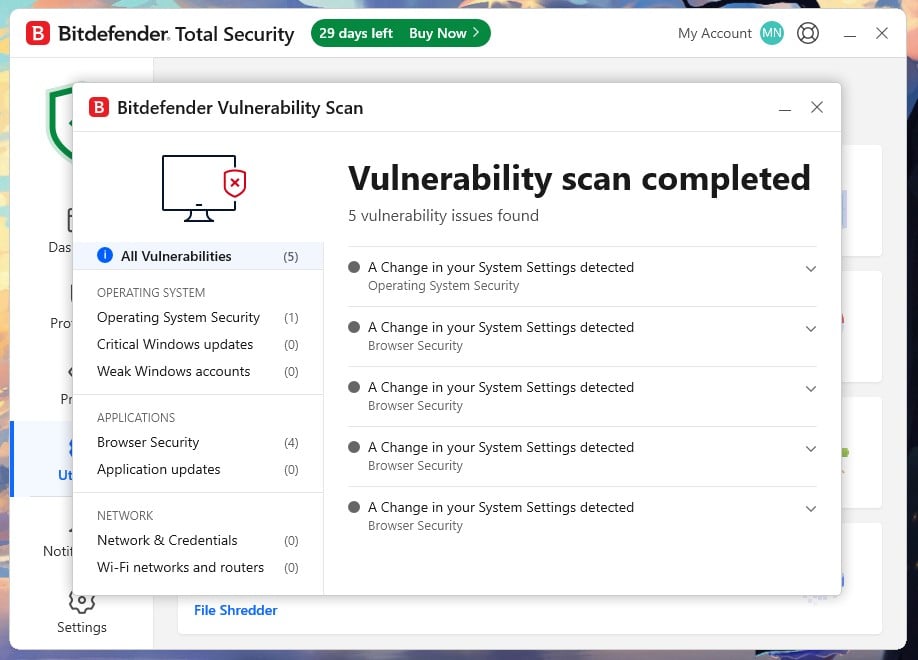
Bitdefender removes the problem and then stops the next one; a combination most people want, and it has the cleanest independent record.
Rating: 4.6/5⭐
What Bitdefender Does on an Infected Machine
- Removal result: everything removed, confirmed across quick, system, and boot scans
- Scan needed: quick scan, 1 minute 4 seconds
- Detection: 99.8% in testing with 5 false alarms; 99.94% protection at AV-Comparatives with 4 false alarms, the lowest of the six
- Speed and load: full scan 14 minutes 3 seconds, 11% CPU peak, the lightest measured
- Price: Total Security $59.99 for the first year, $109.99 on renewal, 5 devices. Antivirus Free is Windows only
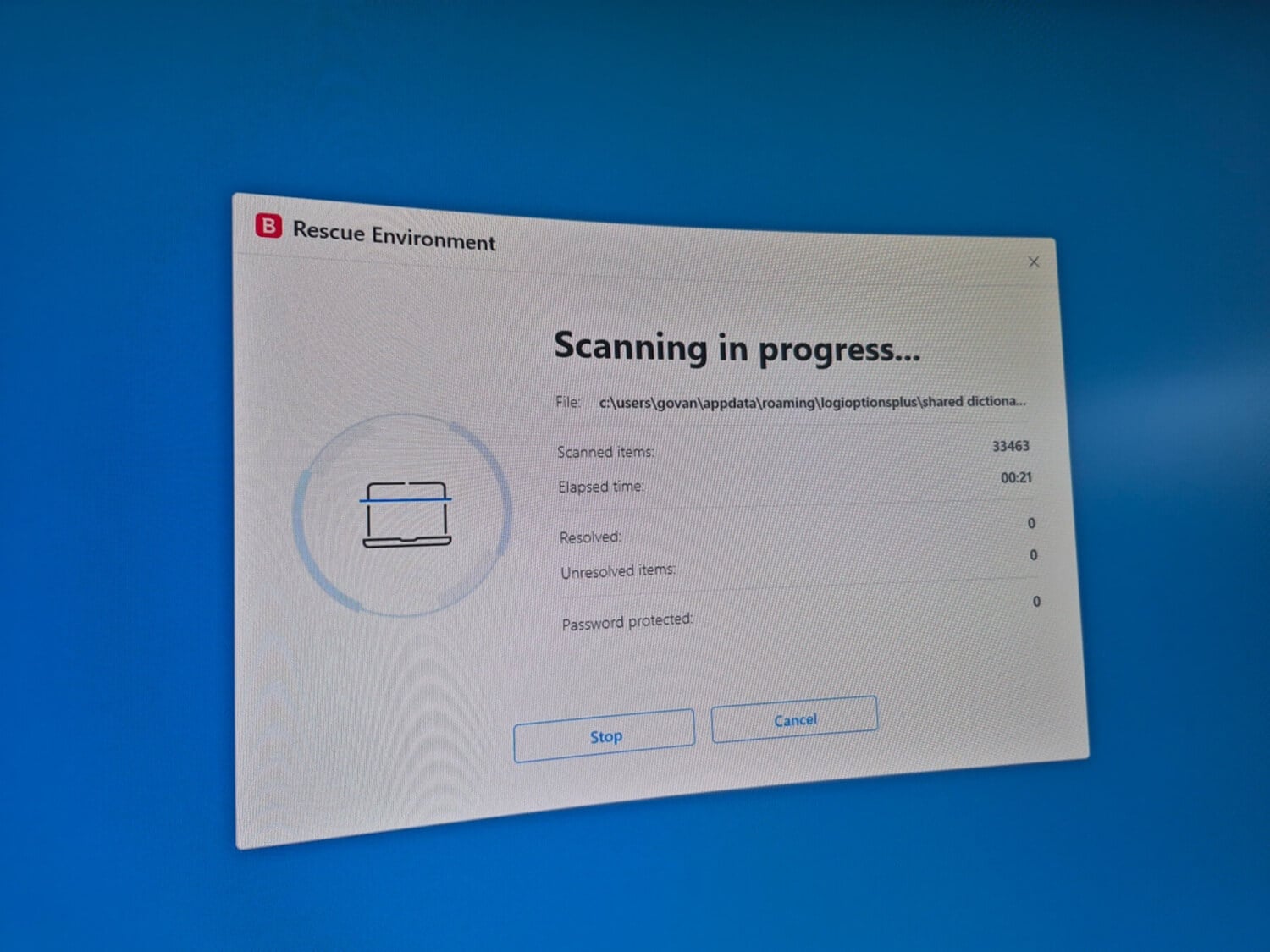
- Pre-boot option: Rescue Environment, 21 minutes 57 seconds
Ransomware Remediation is switched off by default, by the way. Turn it on. In my own testing, it restored every file it was asked to, and a manual restore control means you don’t wait on Bitdefender to act.
Should You Use Bitdefender to Clean Your Device?
Yes, particularly if you want one product for both halves. The renewal price is the sting, nearly doubling in year two, and the free edition is Windows-only. Web protection is strong enough to make browser reinfection unlikely.
Pros
- Lowest false alarm count of 6
- Lightest on CPU during scans
- Ransomware rollback restored every file
- Pre-boot Rescue Environment included
Cons
- Renewal jumps to $109.99
- Ransomware Remediation off by default
- Free edition is Windows only
- Phishing blocking trails Norton
3. Norton 360: Best for a Badly or Repeatedly Infected Machine
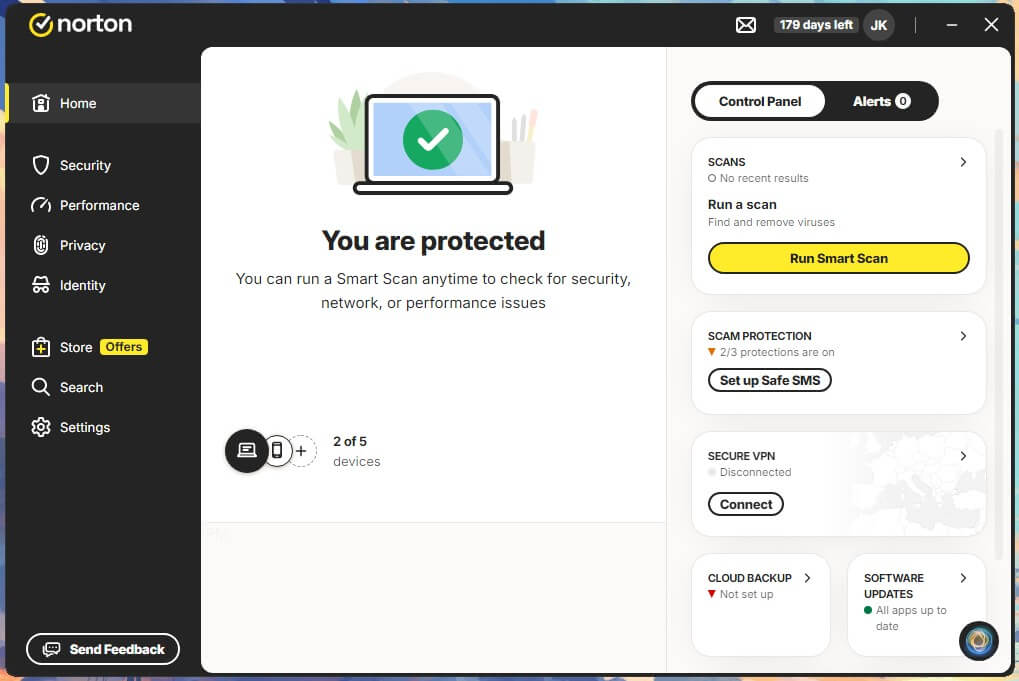
Norton 360 is the pick when the machine is in real trouble. It’s the only one here with a route back from a computer that won’t start, and the only one that refunds you if it fails. Here’s what I found in my testing.
Rating: 4.5/5⭐
What Norton Does on an Infected Machine
- Removal result: everything removed on the first attempt; nothing returned
- Scan needed: quick scan, 58 seconds
- Detection: 99.8% in testing with 3 false alarms; 99.97% protection at AV-Comparatives. Best phishing blocking of the six at 95%
- Speed and load: full scan 13 minutes 22 seconds, the quickest tested, at 23% CPU and a 12-second cost to boot time
- Price: AntiVirus Plus $29.99 for the first year; Norton 360 Standard $39.99, Deluxe $49.99 for 5 devices
- Pre-boot option: Norton Rescue Disk, 16 minutes 39 seconds
Norton Power Eraser was discontinued on April 30, 2026, with no replacement. Rescue Disk takes over. It scans inside a Windows Preinstallation Environment before Windows loads, exactly what you need when an infection blocks the antivirus from installing. Creating the media took 3 minutes 49 seconds on an 8 GB USB drive, first attempt, no retries. The Virus Protection Promise is conditional.
A Norton expert attempts the clean-up. If they can’t manage it, your current subscription is refunded within a few business days. Autorenewal has to be switched on for that to work, so make sure it’s that way for you.
Should You Use Norton to Clean Your Device?
Yes, when things are bad. Norton costs the most in system impact, adding 12 seconds to boot, and renewal pricing is steep. For a machine that keeps getting reinfected, the rescue media and the refund pledge earn that back.
Pros
- Fastest full scan at 13 minutes
- Bootable rescue media for dead machines
- Refund if an expert can’t clean it
- Best phishing blocking: 95%
Cons
- Adds 12 seconds to boot
- Refund needs auto-renewal switched on
- Power Eraser retired with no replacement
- Renewal pricing is steep
4. Avast One Free: Best Free Malware Removal With Real-Time Protection
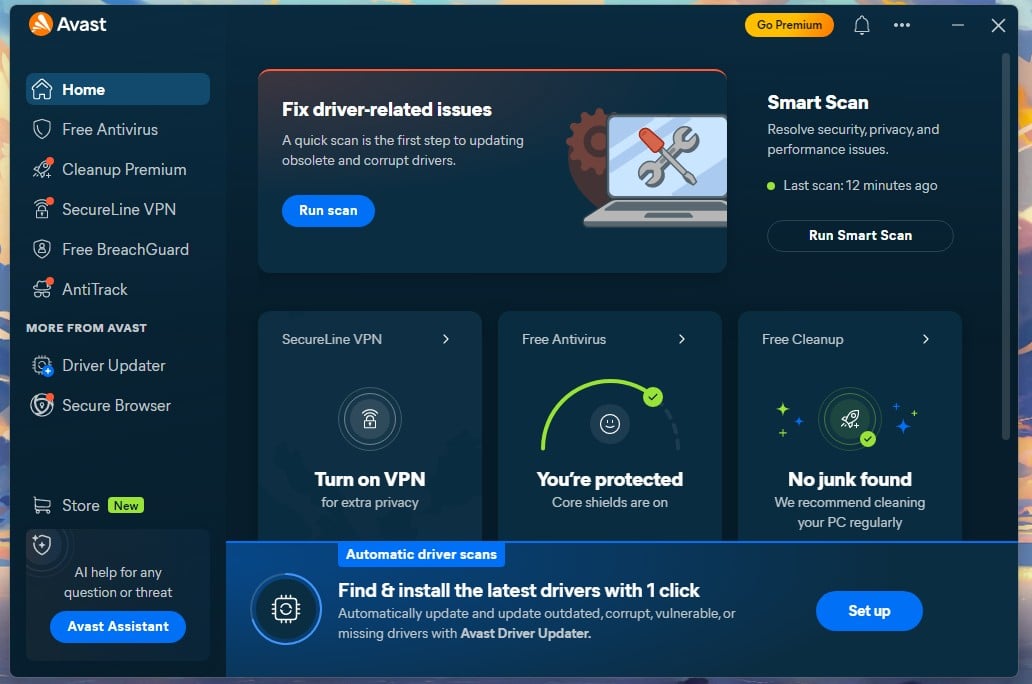
Avast matched the paid suites on the infected machine and costs nothing, making it the strongest free option if you want protection to stay on afterward.
Rating: 4.4/5⭐
What Avast Does on an Infected Machine
- Removal result: everything removed on the first attempt; nothing returned
- Scan needed: quick scan, 1 minute 12 seconds
- Detection: 99.78% in testing with 4 false alarms; 99.97% protection at AV-Comparatives
- Speed and load: full scan 14 minutes 38 seconds, 12% CPU peak
- Price: free, permanently, with real-time protection included
- Pre-boot option: boot-time scan, around 42 minutes
The boot-time scan is one of Avast’s better features and barely explained anywhere. It starts before Windows does, reaching things that hide once the system is up. It’s also the slowest pre-boot option here, roughly triple its own full scan, and the machine is unusable throughout. One thing on Avast’s record.
In February 2024, the FTC fined the company $16.5 million over its Jumpshot subsidiary selling browsing data. That’s a data-handling matter, not a detection one, and you should know about it before installing.
Should You Use Avast to Clean Your Device?
Yes, especially on a budget. It performed identically to Norton on the infected PC, and its AV-Comparatives figures match Norton’s and AVG’s, which is a curious thing to find in a public table. The firewall and Software Updater are paid-only.
Pros
- Free with permanent real-time protection
- Matched paid suites on removal
- Boot-time scan included at no cost
- Light on CPU, 12% peak
Cons
- Boot-time scan takes 42 minutes
- FTC fined it $16.5 million
- Firewall locked behind paid tier
- Frequent upgrade prompts
5. McAfee: Best for Covering Several Devices at Once
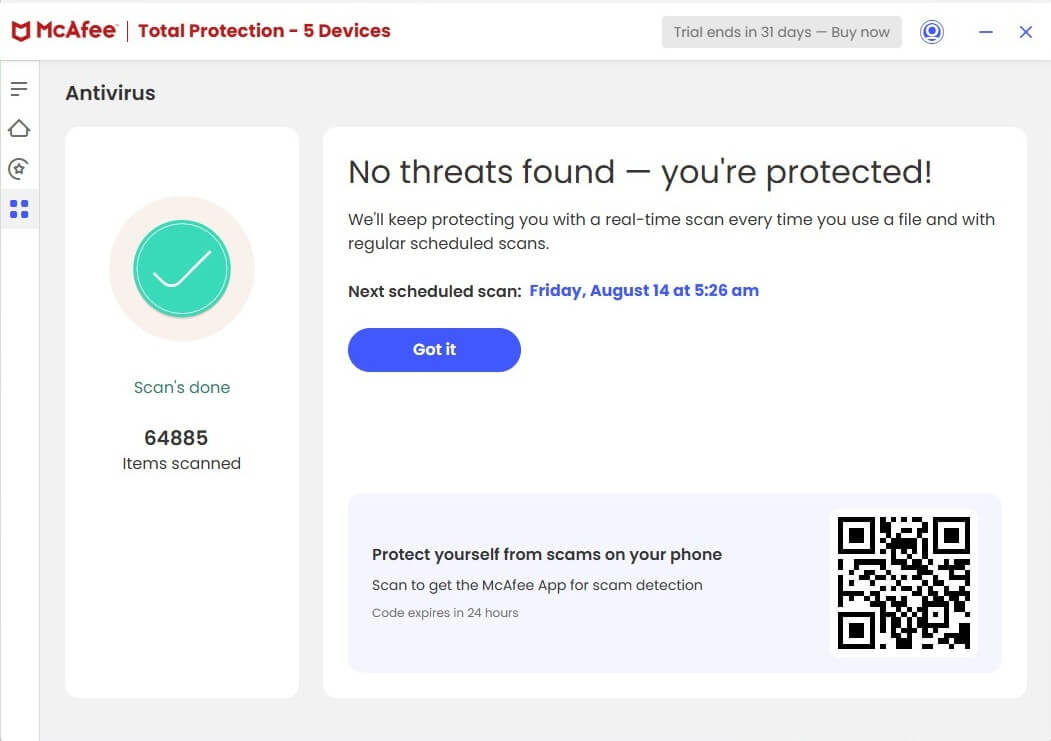
McAfee’s argument is coverage. Its mid and upper plans install on unlimited devices, a big plus when more than one machine in a household has a problem.
Rating: 4.2/5⭐
What McAfee Does on an Infected Machine
- Removal result: everything removed eventually, nothing returned
- Scan needed: full system scan, 16 minutes 47 seconds. The quick scan missed a WMI event subscription
- Detection: 99.71% in testing with 7 false alarms; 99.97% protection at AV-Comparatives, though its offline rate of 86.1% is the weakest of the six
- Speed and load: 33% CPU peak and 415 MB during scans, the heaviest measured
- Price: Essential $39.99 first year for 5 devices; Premium $49.99 for unlimited
- Pre-boot option: none
The WMI miss is the one result that separated any product, and a quick scan reporting a clean machine is exactly where you may stop. On McAfee, run the full system scan. Two other findings. Security Scan Plus, McAfee’s free standalone checker, never launched: it installs, shows a logo, then closes, leaving a scheduler process behind.
That held after a restart and as administrator. Scam Detector worked well on a live mailbox, flagging genuine scam and phishing messages, with 3 false positives: an email from an internet provider and marketing from well-known security brands, which I personally know are not scams in any way.
Should You Use McAfee to Clean Your Device?
Yes, if you’re cleaning several devices on one subscription. On a single machine, there are quicker routes. The heavy scan load and the quick scan’s blind spot count against it, and its offline detection is the weakest here, which matters if you disconnect while working or simply lose your internet connection unknowingly.
Pros
- Unlimited devices from $49.99
- Full scan removed everything
- Scam Detector caught real phishing
- 99.97% protection at AV-Comparatives
Cons
- Quick scan missed a WMI entry
- Heaviest scan load, 33% CPU
- Security Scan Plus won’t launch
- Weakest offline detection, 86.1%
6. NordVPN Threat Protection Pro: Best for Stopping Reinfection
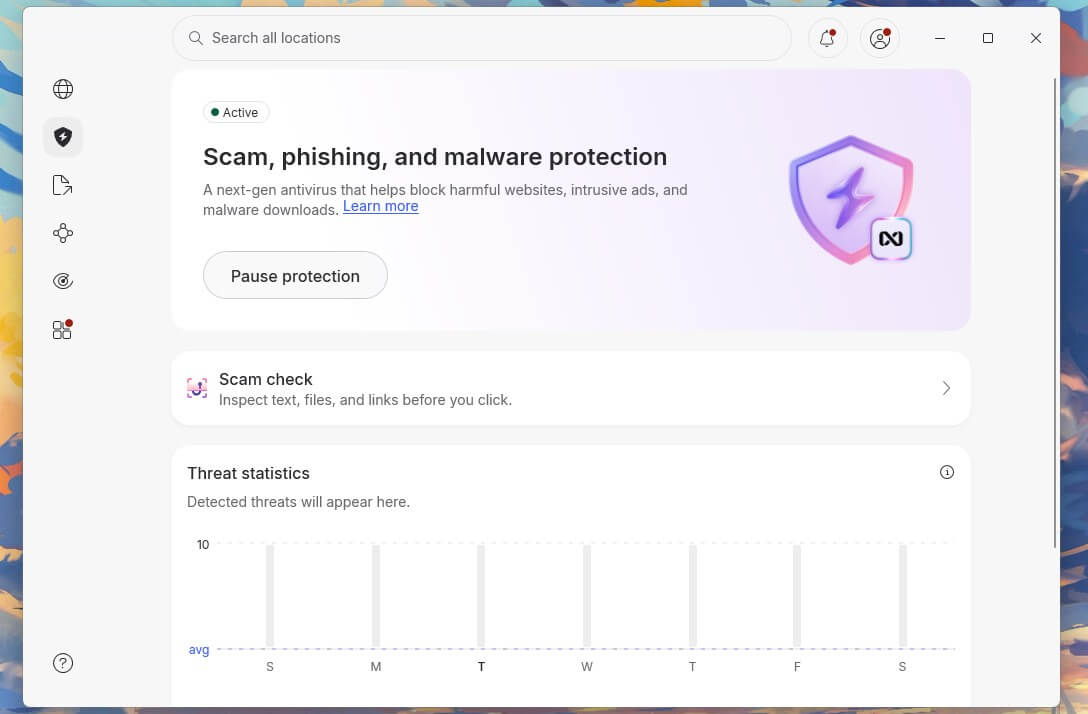
NordVPN Threat Protection Pro can’t remove malware from your device. It has no system scanner. It’s on this list because the step after cleaning a machine is keeping it clean. Blocking the route in is a different job from cleaning up after it.
Rating: 3.9/5⭐
What NordVPN Does on an Infected Machine
- Removal result: not applicable; it can’t scan files already on the system
- Scan needed: none available
- Detection: blocked 90% of malicious downloads before they reached the disk, and 95% of phishing pages. Absent from AV-TEST and AV-Comparatives results
- Speed and load: 0.2% CPU and 282 MB while idle, with no scanning to perform
- Price: included with NordVPN Complete, from $4.49 a month
- Pre-boot option: none
It works at the download stage, checking files as they arrive and blocking malicious sites before they load. On a machine cleaned once and reinfected, that’s the layer that was missing, and it’s why I placed it at the last spot.
Should You Use NordVPN to Clean Your Device?
No, because it can’t. Use it after the clean-up, alongside a scanner, or skip it if you don’t want a VPN. It ranks last in scope, not so much in quality.
Pros
- Blocks malware before download completes
- 95% phishing blocking
- Almost no system load
- Included with a VPN subscription
Cons
- Can’t remove existing infections
- No system scan at all
- Missing from independent lab testing
- Needs the pricier NordVPN tier
Compare the Best Malware Removal Tools
| Removal result | Scan needed to reach clean | Left behind | Pre-boot option | Free version | |
|---|---|---|---|---|---|
| Malwarebytes | Complete | Threat Scan, 2:20 | None | No ❌ | Yes, unlimited devices |
| Bitdefender | Complete | Quick, 1:04 | None | Rescue Environment, 21:57 | Windows only, 3 devices |
| Norton 360 | Complete | Quick, 0:58 | None | Rescue Disk, 16:39 | No ❌ |
| Avast One | Complete | Quick, 1:12 | None | Boot-time scan, ~42:00 | Yes, with real-time |
| McAfee | Complete | Full system, 16:47 | None after full scan | No ❌ | No ❌ |
| NordVPN | Not applicable | No scanner | Not applicable | No ❌ | No ❌ |
How to Remove Malware Step by Step
Each platform below stands on its own, so jump to your device. iPhone has its own section further down. The order matters: identify, isolate, remove, verify, then secure the accounts. Here’s my in-depth guide.
Signs a Device Is Actually Infected
Some symptoms point to malware far more strongly than others. Pop-ups appearing when no browser is open are close to conclusive, because a website can’t draw a window on your desktop. A homepage or search engine you didn’t set is another. So is security software that won’t start, won’t update, or has quietly turned itself off.
Weaker signals need corroborating: slowdowns, unexplained data or battery use, and apps you don’t remember installing. Most have dull explanations. A slow laptop is a full disk. Check that first. A clean scan on a healthy device is a good outcome, and it’s not always a sign of a failed malware test.
Removing Malware From Windows
Start in Safe Mode with Networking, which loads Windows with almost nothing running and stops most infections from defending themselves. Hold Shift while clicking Restart, then Troubleshoot, Advanced options, Startup Settings, Restart, and press 5. Scan, remove what’s flagged, and reboot normally.
Then check where infections hide to bypass that reboot. Task Manager’s Startup apps tab and the Task Scheduler Library are both places a cleaned-up infection reinstalls itself from, so treat anything you can’t account for as suspect. Next, the browser. Remove extensions you didn’t install, then reset to defaults, which clears hijacked search settings and startup pages. Check the shortcut too.
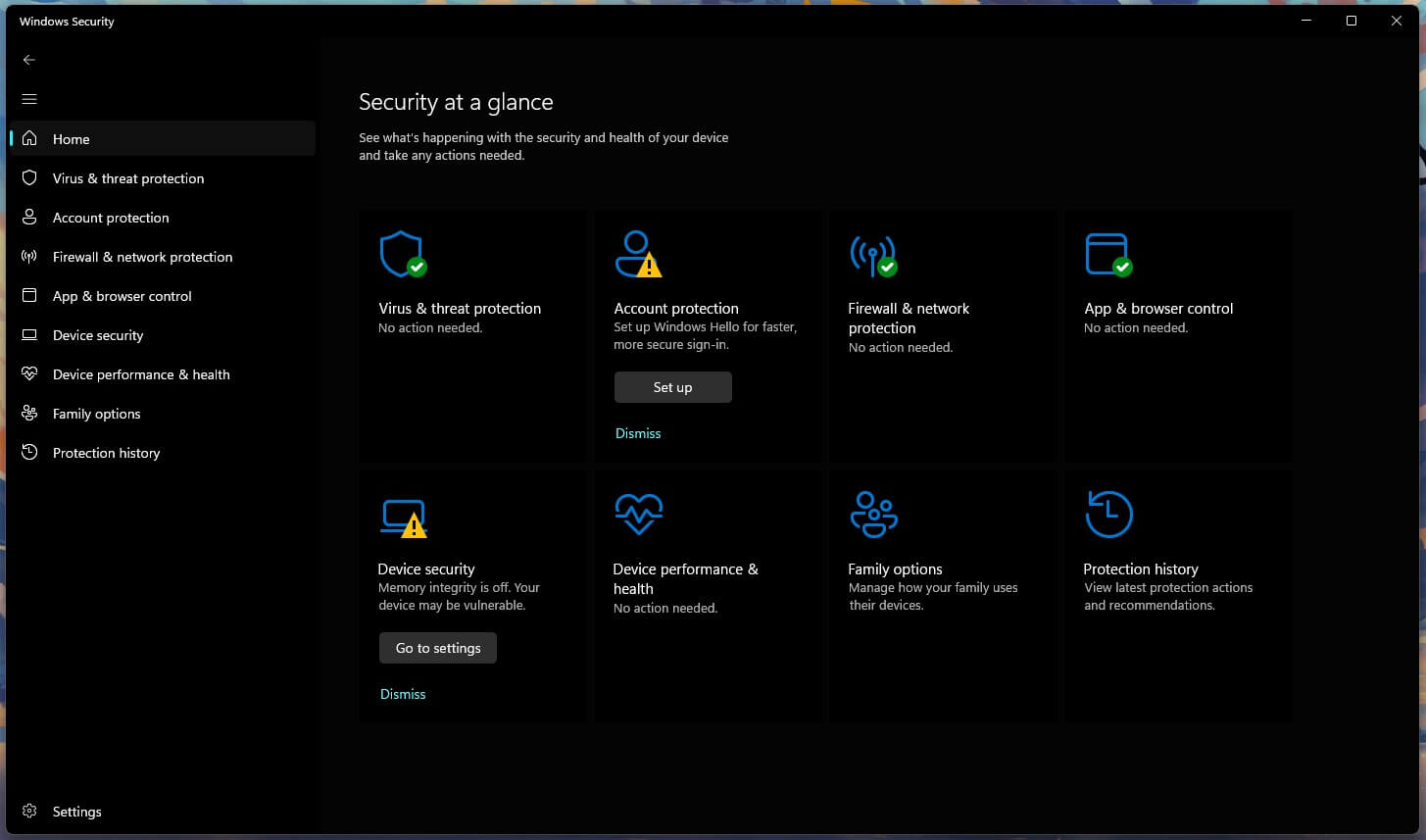
Right-click, Properties, and make sure nothing has been appended to the Target line. Two tools you can use. Microsoft’s Malicious Software Removal Tool comes with Windows Update monthly, but it targets a short list of families, so treat it as a bonus sweep. The Defender Offline scan is the useful one.
Windows Security, Virus and threat protection, Scan options. This walkthrough is written for Windows 11. The same steps apply to the best malware removal for Windows 10, though that release left mainstream support in October 2025, and no removal tool can secure an unpatched operating system.
Removing Malware From a Mac
Open Activity Monitor and sort by CPU. Note the name of anything working hard that you don’t recognize. Quit it, and expect it back until you remove whatever restarts it. That restart comes from one of three places. Login Items and Background Items, under System Settings> General, are visible. Launch agents and daemons are hidden.
Check ~/Library/LaunchAgents, /Library/LaunchAgents, and /Library/LaunchDaemons for .plist files matching the name you noted. The third is where most Mac adware persists. Open System Settings, Privacy and Security, and look for Profiles. If the entry isn’t there, nothing is installed. If it is there and you didn’t put it there, that profile is very likely what keeps resetting your search engine.
Remove it before cleaning the browser, or the cleanup won’t hold. Finish by clearing unknown extensions and resetting the search engine, then scan. Nearly all of what gets called a Mac virus is adware, and this sequence handles the majority. It’s also the answer to the best malware removal software for Mac question.
Removing Malware From Android
Boot into Safe Mode, so third-party apps stay dormant. Press and hold the power button, then press and hold Power off until Safe mode appears. Revoke the app’s permissions before trying to uninstall it. Go to Settings, Security, Device admin apps, and switch off anything you didn’t enable. An app registered as a device administrator can’t be uninstalled until you do it.
It’s why so many people conclude an app is unremovable. Then go to Settings>Accessibility. This matters most on Android, because it lets an app read the screen and act for you. Almost nothing harmful works without it. Turn it off for anything unfamiliar. Uninstall, restart, then scan with Play Protect from the Play Store. Finally, check Payments and subscriptions in that same menu.
Fleeceware routinely leaves a live subscription behind, and uninstalling the app doesn’t cancel it. Deleting the app and paying it monthly forever is a common ending to this story quickly and painlessly.
When a Factory Reset or Clean Install Is Necessary
Reset when removal has visibly failed, not when you’re nervous. The signs: the same detection returns after every reboot, your scanner won’t launch or update, security vendor sites won’t load, or administrator privileges that you didn’t create appear. Every major suite includes a scan that starts before the operating system does. This is how you reach an infection that defends itself once Windows is up. All need a restart, and none lets you use the computer meanwhile.

On the test rig, Norton Rescue Disk finished in 16 minutes 39 seconds, Bitdefender’s Rescue Environment in 21 minutes 57 seconds, and Avast’s boot-time scan in around 42 minutes. Defender Offline is the free equivalent at 5 minutes 36 seconds, quicker because it works in a lightweight trusted environment and checks targeted locations instead of every file. Norton’s version needs bootable media, which took 3 minutes 49 seconds to create on an 8 GB USB drive and worked the first time.
Make it before you need it. A factory reset does get rid of malware in every consumer case, since it wipes the operating system and everything on top of it. The backup is what catches people. Restore one containing the infected app, file, or profile, and the problem is back in a minute. So back up documents and photos only, restore those first, then reinstall apps from their source. The rare firmware-level infections survive a reset, and that’s the point to involve the manufacturer.
What to Do After the Device Is Clean
A clean device doesn’t mean clean accounts. Change passwords from a different device, starting with the email account that can reset the others. Then sign out everywhere. Google, Apple, and Microsoft accounts each have a security page listing active sessions, with one control to revoke them all.
Revoke app-specific passwords there too, since they survive a password change. Then turn on two-factor authentication, check recent logins and subscriptions, and switch real-time protection back on.
Best Malware Removal for Android
Bitdefender Mobile Security tops the best malware removal Android list, and Google Play Protect is the free one already installed. Choosing between them gets easier once you know what an Android security app is able to see. Android sandboxes apps from one another, so no security app can read another app’s private data. What it can do is inspect installed package files and check downloads as they arrive.
It also compares apps against a cloud reputation service and filters web pages and messages. The malware engines are close together. The scam filtering and web protection aren’t. Bitdefender detected 100% of samples with no false positives on a Galaxy S26 Ultra. That matches the 100% it recorded at AV-Comparatives in June 2026. It used 0.5% of the battery over the sampled period.
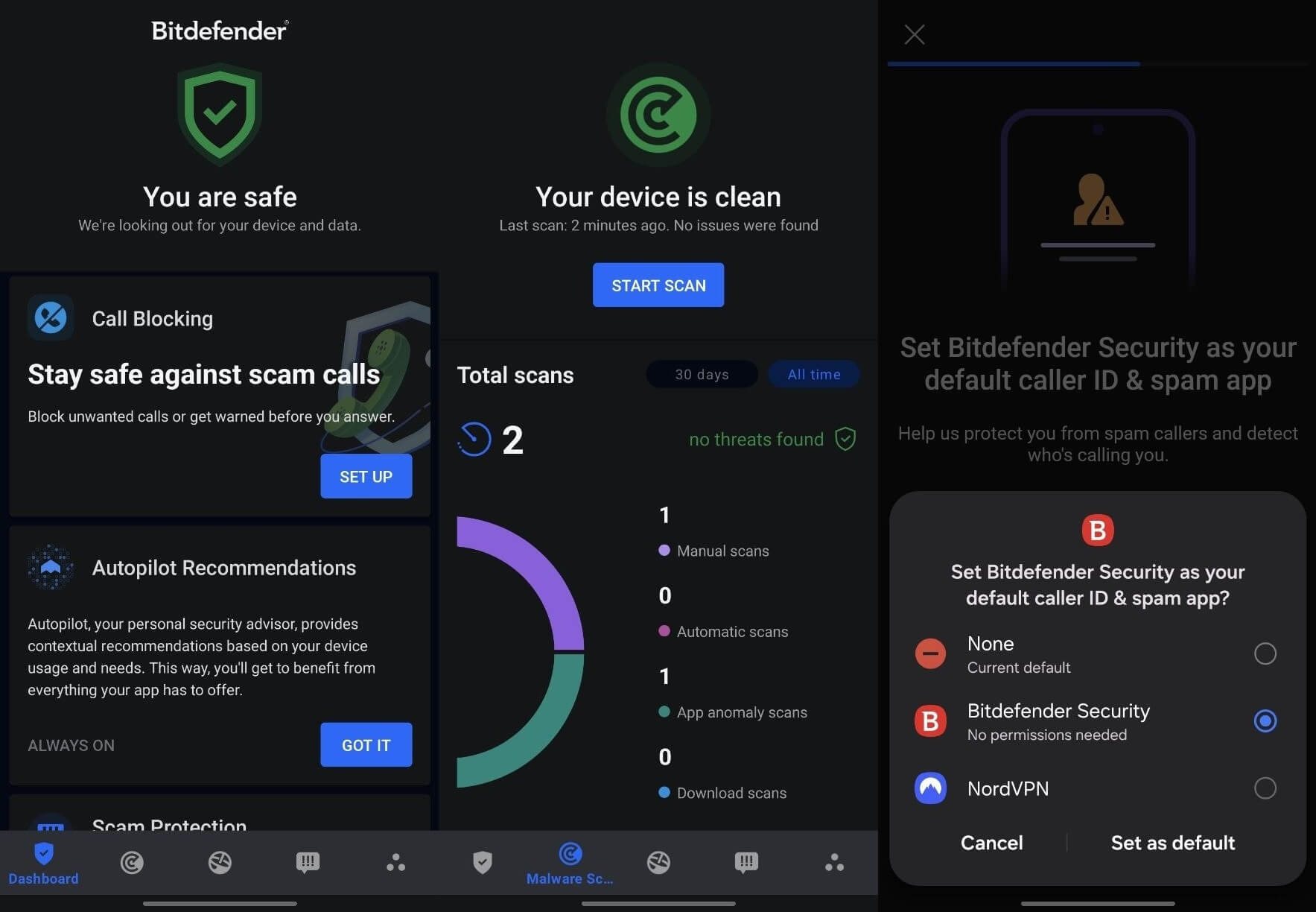
The best malware removal app for Android won’t sweep your phone the way a desktop scanner sweeps a drive. On a phone, the useful work happens at the moment something arrives. Play Protect covers the basics and costs nothing, which makes it the best malware removal for Android free. It scored 5.5 out of 6 for protection at AV-TEST in May 2026. That was the only mark below a full 6 in that round.
Every paid app tested reached 6/6. The difference is small in absolute terms and enough to matter on a phone with banking apps. One note for the largest handset maker. Searches for the best malware removal for Samsung Galaxy have a built-in answer. Samsung has App Protection in One UI, and it checks installed apps with no security app. Our best antivirus for Android covers what the paid apps add on top.
Best Malware Removal for Mac
Malwarebytes for Mac is the pick here. The free tier of Avast One for Mac is the no-cost option that keeps protecting afterward. Before either, macOS already removes known malware on its own. XProtect Remediator works in the background, so a Mac never starts from zero. The realistic
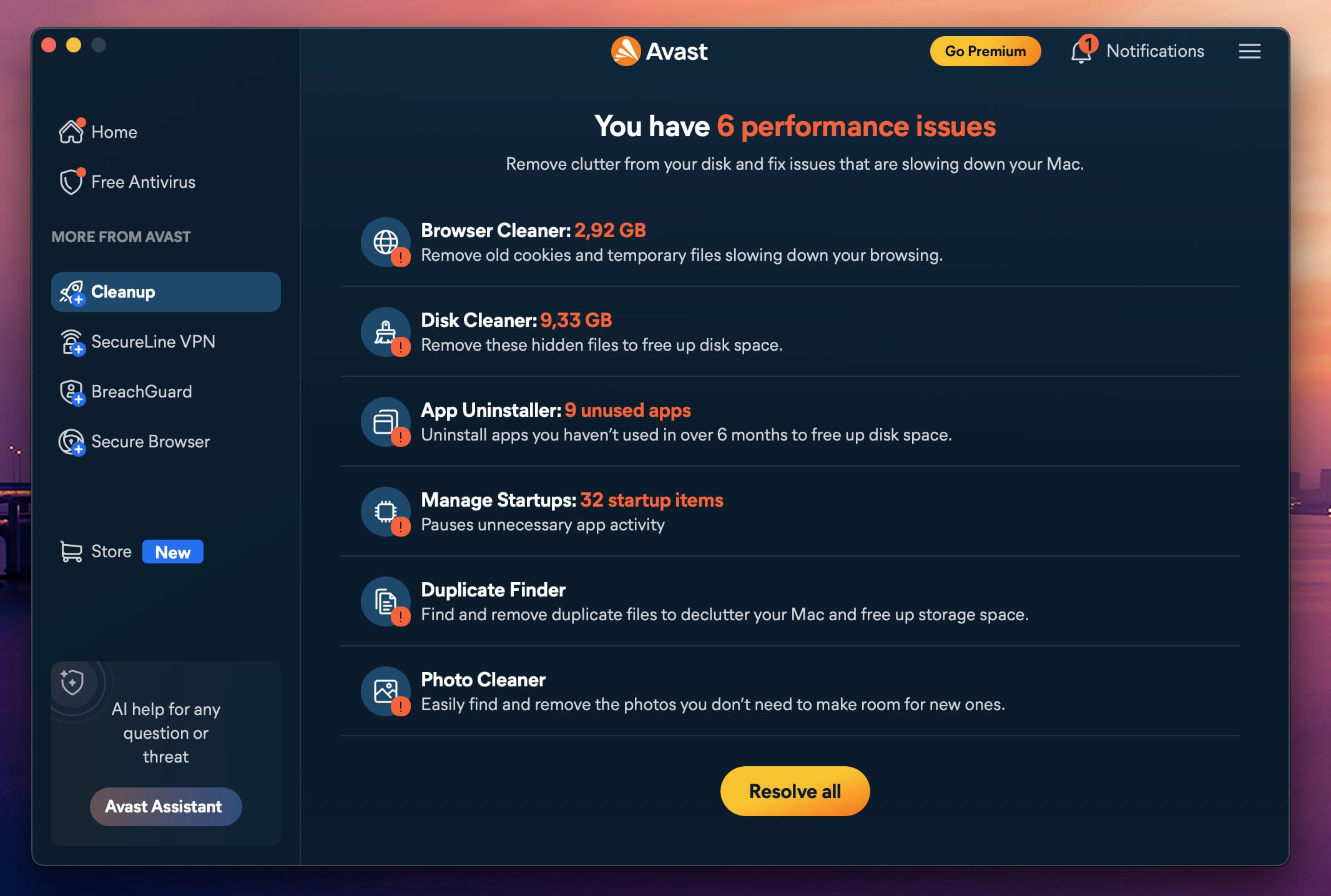
That shapes which tool to reach for. The answer to best malware removal tool for Mac is a dedicated cleaner instead of a full suite. On an M1 Air, Malwarebytes posted the weakest potentially-unwanted-application blocking score, at 92%. Avast One and Norton reached 97%. Those measure two different jobs. Blocking scores rank the resident suites higher because they measure stopping something on the way in.
Clearing something already installed is the job this is about. Malwarebytes detected 99.4% of malware samples on the same machine, with a full-drive scan finishing in 10 minutes 44 seconds. For anyone wanting the best malware removal Mac free, Avast One’s free tier keeps real-time protection permanently. One feature does move behind the macOS paywall that stays free on Windows: Ransomware Shield.
Check that before assuming the two free versions match. Our best antivirus for Mac testing has the full comparison, redone and updated in 2026.
Malware Removal on iPhone: What Actually Works
Searches for the best malware removal for iPhone are fruitless. There’s no iPhone malware removal app, good or bad. iOS won’t let an app read another app’s files or scan the OS, so nothing on the App Store can do what a Windows or Mac scanner does. Traditional malware is also rare on an iPhone that hasn’t been jailbroken.
What gets called an iPhone virus is nearly always a browser pop-up, a malicious configuration profile, or a scam page dressed up as an alert. Four steps handle almost all of it. Clear Safari first: Settings, Apps, Safari, Clear History and Website Data. Then open Settings, General, VPN and Device Management, and remove anything you didn’t install, whether a profile or a VPN entry.
Profiles can change your search engine, route your traffic, and install web clips, which makes them the closest thing iOS has to a persistent infection. Update iOS, since most real iPhone compromises exploit a flaw that’s already patched. Turn on Lockdown Mode, under Privacy and Security, if you’re a journalist, an activist, or another plausible target for a paid surveillance tool.
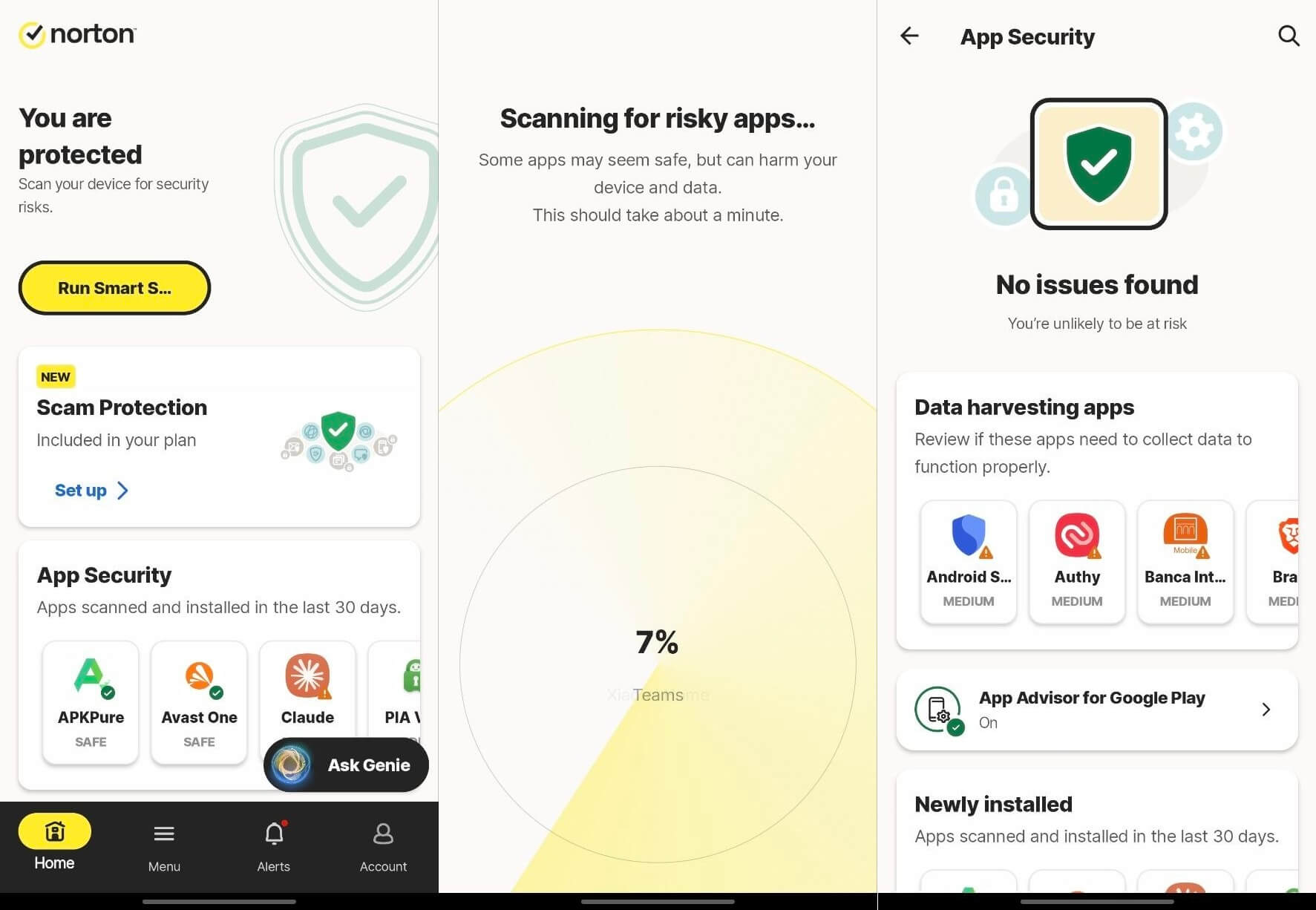
Security apps for iPhone still earn their place, and none is the best malware removal app for iPhone, because no such thing exists. Bitdefender Mobile Security and Norton 360 for Mobile filter dangerous links, monitor for breached credentials, and flag unsafe Wi-Fi. Threat Protection blocks malicious sites and checks links. All three stop you from reaching a bad page, which is the threat that exists on iOS.
Best Malware Removal for Windows 11 and Windows PCs
Malwarebytes Free is the pick for best malware removal Windows 11. Windows Security is a capable free tool already on the machine. Windows Security covers real-time protection, a firewall, browser controls, and ransomware protection through controlled folder access. The Offline scan covered earlier is part of it too. Microsoft Defender is good but has one specific weakness.
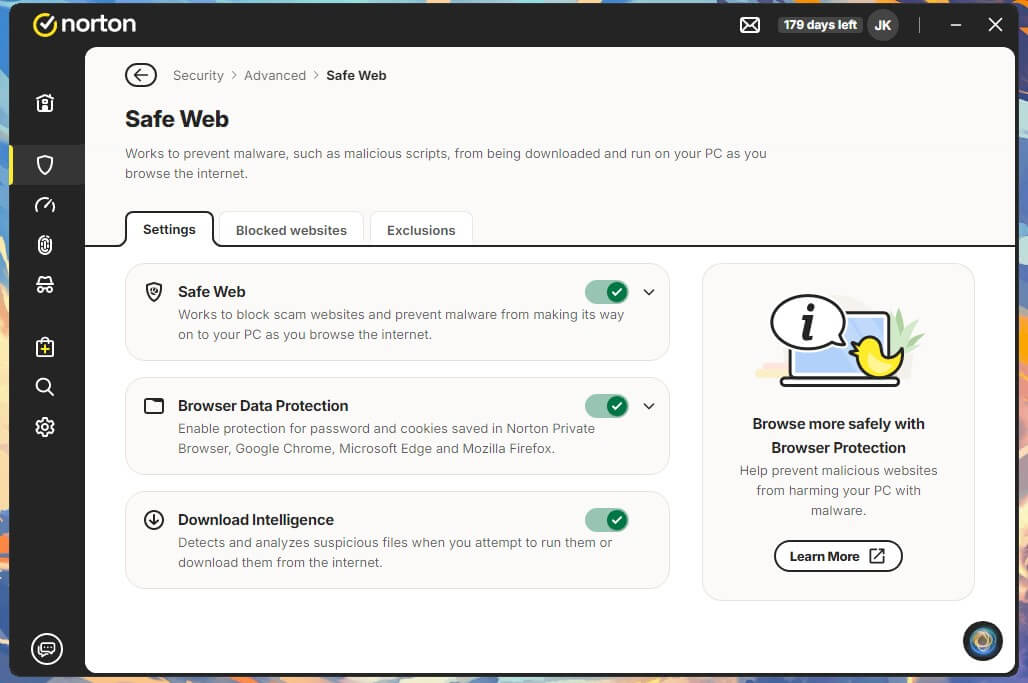
It leans heavily on cloud lookups. Cut the internet, and its detection drops to 88%, as it did in my testing. That closely tracks the 89.2% AV-Comparatives measured in March 2026 with no connection. Reconnect it, and the same lab put its online detection at 98.1%. That interacts directly with step one of the fast route. Disconnecting is the right call when data theft is a live worry.
It also removes the cloud half of Defender’s engine. So disconnect, deal with the immediate risk, then reconnect and scan again before deciding the device is clean. The best malware removal tool for PC is two things. Windows Security stays on for nonstop cover, and a dedicated on-demand cleaner comes in when something gets through.
Best Free Malware Removal Tools
Being asked to pay before anything works is unnecessary. The answer to best malware removal for free is that it works. Free tools remove the majority of consumer infections. Two of the picks above have no-cost versions that do the job properly. For a device that’s already infected, the best free malware removal tool is Malwarebytes Free. It scans on demand and installs on unlimited devices across Windows, macOS, Android, and iOS.
Setup took 38 seconds in testing. Two things to know before starting. Rootkit scanning is OFF by default, so open Settings, Security, and turn on Scan for Rootkits before the first scan. The installer also grants a 14-day Premium trial, so real-time protection lapses on day 15. At that point, the app says so and asks you to upgrade. As a cleanup tool, that’s fine, and I really can’t complain.
As permanent cover, it isn’t. Avast One Free is the pick where free malware removal software also has to keep working afterward. Real-time protection stays on permanently, which Malwarebytes can’t match, and a full scan took 14 minutes 38 seconds. Bitdefender Antivirus Free completes the shortlist of best malware removal free software: Windows only, 3 devices, and light on resources.
Free Tools Already Installed
On Windows, Defender Offline scan restarts the PC and scans before Windows even loads, catching infections that defend themselves once the system is up. It took 5 minutes and 36 seconds for me. On Android, Play Protect scans installed apps from the Play Store profile menu. On Mac, XProtect Remediator removes known malware in the background. Use those first and think about other solutions later.
Where Free Isn’t Enough
Free tiers remove infections. They’re weaker at what follows one. There’s no ransomware rollback, so encrypted files stay encrypted, and Bitdefender’s Ransomware Remediation is a paid feature. There’s no bootable rescue media, which is what handles a computer too infected to start. Support is through community forums and help articles.
The trigger for paying is specific. Free has reached its limit in these situations. The same infection returns after a clean removal. Files have been encrypted. The PC won’t boot. Several devices in one household are affected. Short of that, a free scanner and the built-in tools handle it. Our best free antivirus testing covers the no-cost options.
Fake Malware Removal Tools to Avoid
Scareware has followed this category for two decades in two forms. The first fakes detections to sell a subscription for a problem you never had. The second is malware wearing a cleanup tool’s name. Both find people thirty seconds after a scary pop-up. Naming current offenders is pointless because the list turns over weekly. Watch for a scan you didn’t start, especially one that appears inside a web page.
A website can’t scan your computer. Any page claiming to be doing so is fabricating the result. Watch for a headline count of problems found with no named detections behind it. Watch for a countdown, a price, or a demand to pay before anything is removed. Legitimate tools show you what they found and let you remove it. Four checks before you install anything (important):
- Did you go looking for this tool, or did it find you? Anything that arrived via pop-up or ad fails here.
- Is the download coming from the vendor’s own domain, typed by you into the address bar?
- Does the vendor appear in public AV-TEST or AV-Comparatives results? Serious products submit for testing. Scareware never does.
- Does it name specific detections, or just report some issues?
Anti-Malware vs Antivirus: Do You Need Both?
Antivirus once meant signature matching against known viruses. Anti-malware was coined for products catching newer categories like adware, spyware, and ransomware. Every good and serious product now does both. The difference that does matter is how a product works, not what it’s called. On-demand scanners check the drive when you ask, then stop. Resident suites watch files, downloads, and web traffic continuously.
A cleanup tool and a protection product do different jobs. Most people in this situation want one of each. Something to remove what is there today, and something to prevent the next one. That leads to the question people keep asking: whether two products can be installed at once. One resident suite plus any number of on-demand scanners is fine. A second scanner for a second opinion is useful, since no engine catches everything.
Two resident suites at once is a different matter. They hook the same parts of the filesystem and flag each other as suspicious. The result is a noticeably slower computer, and sometimes neither product works properly. Windows handles this well on its own. Install an antivirus and Windows Security steps aside automatically. What most people miss is that Defender can still work as an on-demand second opinion alongside it.
The periodic scanning option in Windows Security does that, and it arrives switched off. Turning it on gives you a free second engine you already own. For the resident half of the pairing, our best antivirus software testing covers the paid picks.
How I Tested
Detection, speed, and system load were measured on one desktop: a Ryzen 7 5800X with 32 GB of DDR4-2666 and two M.2 SSDs, on Windows 11 Pro. Every product was left at its default, so the figures reflect what you get out of the box. Removal was tested separately, as the clean-machine detection scores say nothing about clearing an infection that has already taken hold. I built a virtual machine with no security software, executed malware samples, and restarted.
Autoruns confirmed each had written into a persistence location: registry run keys, scheduled tasks, services, browser extensions, and a WMI event subscription. That infected state was captured as an image. Each product was then installed onto an identical copy of that image, put through its own scans, told to remove what it found, and restarted. I compared the persistence locations against the pre-clean-up record and re-scanned.
Everything was done online, so cloud lookups were available throughout. Lab figures come from AV-Comparatives’ March 2026 Windows Malware Protection Test and AV-TEST’s June 2026 Windows round, with mobile results from AV-TEST in May 2026 and AV-Comparatives in June 2026. The removal findings describe one controlled test on one infected image, and they’re reported as such.
Conclusion
Start with Malwarebytes Free. It works alongside whatever you already have, and its 2-minute scan removed everything without a second pass. For a PC you also want protected afterward, Bitdefender does both jobs with the cleanest lab record here. If the machine won’t boot or keeps getting reinfected, Norton 360 has a way back in and refunds you if it fails. Avast One Free matches the paid suites at no cost.
McAfee suits a household with several affected devices if you run the full scan. NordVPN Threat Protection Pro belongs at the end of the process.
Try Bitdefender Risk-Free Today
Common Questions About Malware Removal
👾 What Is the Best Malware Removal Tool Right Now?
Reach for Malwarebytes Free first when something is already on the machine. It scans on demand and coexists with an installed antivirus. Its strongest results are against adware and browser hijackers, which a resident antivirus often waves through. Pairing it with Bitdefender covers the prevention side. Malwarebytes stops providing real-time protection once its 14-day trial ends.
🔄 Can You Run Malwarebytes Alongside Another Antivirus?
Yes. It was tested with Bitdefender installed and again with Avast, and neither produced a conflict or a duplicate alert. The free version has no permanent real-time component after its trial ends, so there's nothing for a resident suite to fight with. The pairing that causes trouble is two full suites, not a suite plus a scanner.
☢️ What Is the Best Free Malware Removal Software?
Malwarebytes Free for a one-off clean-up, Avast One Free if protection needs to stay on afterward. Neither is a trial. The distinction that matters between them is what happens on day 15: Avast keeps guarding the machine; Malwarebytes reverts to scanning only when asked. Pick based on whether anything else is already protecting the device.
🛡️ Can Malware Be Removed Without a Factory Reset?
Yes, in the large majority of cases. A scan plus manual removal of startup entries, scheduled tasks, browser extensions, and configuration profiles resolves most consumer infections. A reset becomes necessary when removal visibly fails. Watch for a detection returning after every reboot, security software that won't launch, or privileges changing without permission.
🛠️ Will a Factory Reset Get Rid of Malware?
Yes, in nearly every consumer case, because it wipes the operating system and everything installed on top of it. The failure mode is almost always the restore afterward, not the reset itself. A backup taken while the device was already compromised will carry the infection straight back onto a clean install, which is why the backup date matters more than the backup method.
🍎 What Is the Best Malware Removal for Mac?
Malwarebytes for Mac, though the tool matters less on macOS than the order of operations. Removing a browser extension while the configuration profile that installed it stays buys about a day of clean browsing. Deal with Profiles before touching the browser. An absent Profiles entry means there's nothing of that kind installed.
📱 Is There Malware Removal Software for iPhone?
No. iOS prevents any app from reading another app's files or scanning the operating system. No App Store product can perform a malware scan. Apps sold as iPhone virus scanners do something else. They filter dangerous links, monitor for breached credentials, and check Wi-Fi networks. Those are useful, and none of them is a scanner.
📣 A Pop-Up Says the Device Is Infected. Is It Real?
No, almost never. A web page can't scan a computer. Any page reporting a count of infections found is fabricating it, either to sell something or to deliver malware. Close the tab, and force-quit the browser if the tab won't close. Don't call a phone number it displays, and don't download whatever it offers.