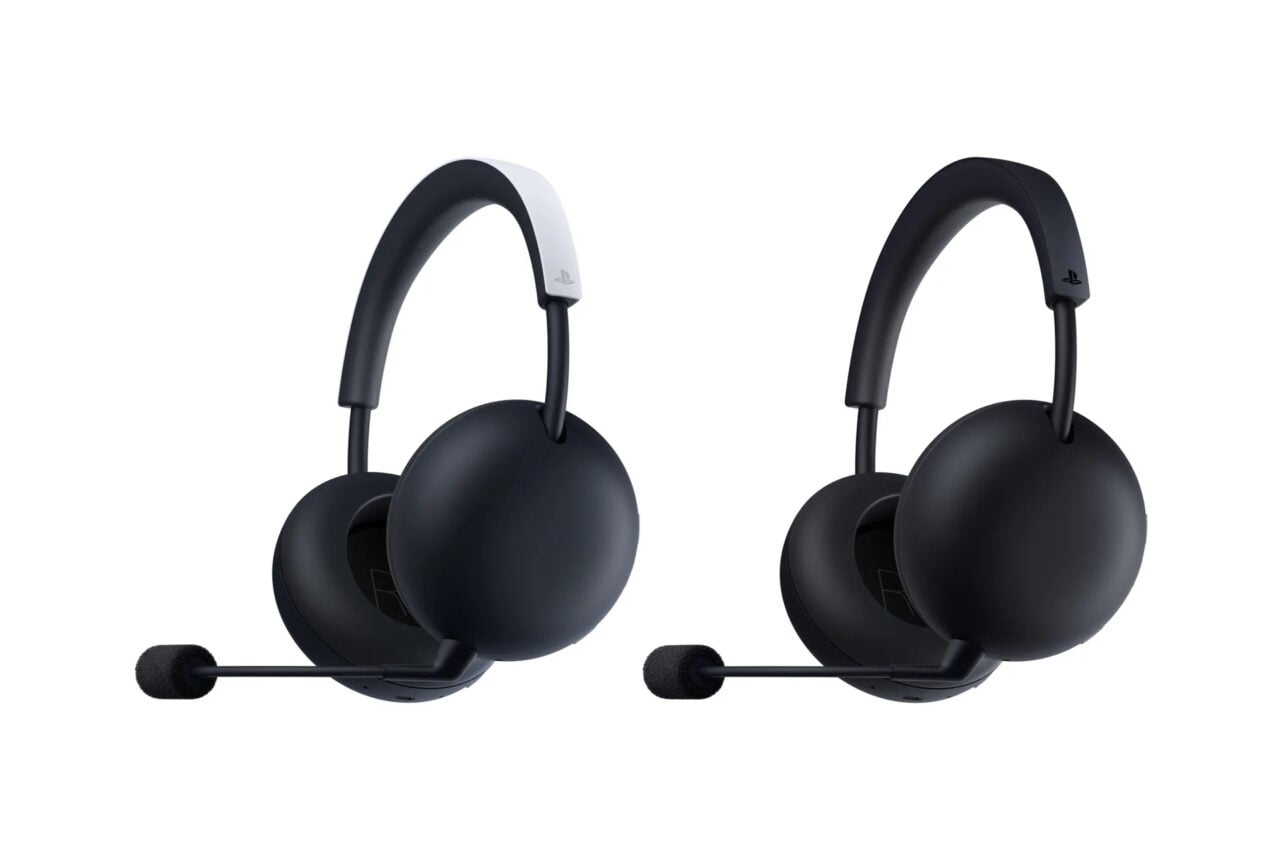
If there’s one thing this past year has taught me about gaming hardware, it’s that headsets are going premium. Sony has its Inzone H9 II, which goes big on hi-fi sound and ANC but also has an MSRP of $350 to match. Then there are entrants from SteelSeries, like the Arctis Nova Elite, which costs an eye-watering $600 and justifies that price (or attempts to) with great sound and a special dock that lets you mix audio streams together and pair with multiple devices at once.
In January, Asus ROG also decided to hop on board the super-premium headset train with the Asus ROG Kithara, a wired gaming headset done in collaboration with hi-fi audio brand HiFiman. I finally got around to trying Asus ROG’s premium headset out, and the good news is that the Kithara is one of the best-sounding headsets I’ve used in the past year. The not-so-good news (or part of it) is what I’m about to tell you next.
Asus ROG Kithara
The Asus ROG Kithara gaming headset has excellent sound and mic quality, but wires and heft make things complicated.
Pros
- Excellent sound and sense of space
- Great mic quality
- Comfortable open-back design
- Premium build quality
Cons
- Wires and dongles make things complicated
- This gaming headset is huge
- USB-C dongle makes things annoying with some consoles
- Very expensive
Better start saving up now
The Kithara is $299, and there’s no getting around it: that’s a lot of money to spend on a gaming headset. Sure, it’s still less than the two aforementioned gaming headsets from Sony and SteelSeries, but that’s still the price of an Xbox Series S—or it used to be before RAMageddon.
If you can get past the sticker shock, the silver lining is that the emphasis on hi-fi audio pays off. The Kithara sounds fantastic. I tried this headset out on a few games and a few different platforms, and it performed well across all of them. In my first test, playing Fortnite on my partner’s Asus gaming laptop, the results were immediately noticeable. Gunfire sounded almost weirdly realistic and nuanced, while footfalls and other environmental noises had a noticeable sense of space. With the Kithara on my head, there was never any question about what direction noise was coming from, which is good for immersion but also for playing your best game.
Similarly, while playing Cyberpunk 2077 on my Xbox Series S, the sense of space was palpable. I could tell what direction in-game music was emanating from, and dialogue panned nicely depending on where my character’s head was pointed in the game. I’m not usually the type of person to put on a gaming headset if I don’t need the microphone for online co-op, but I could see myself using the Kithara for casual solo gaming.
I also used the Kithara to play Super Smash Bros. Ultimate on my Nintendo Switch, and while there wasn’t much needed for the 3D sense of space here, it was still nice to play through a gaming headset that sounds as clear and nuanced as the Kithara.
While I saw some people complaining about the volume output of the Kithara, I didn’t find the headset to be lacking. It could be a little bit louder, I guess, but 80% volume on my laptop, or Xbox, or the Nintendo Switch felt plenty loud to me. If you’re in a desktop PC situation where there are lots of obnoxious fans blowing, though, I guess things could be different, so there’s a chance you’ll end up wanting to pair the Kithara with a DAC.
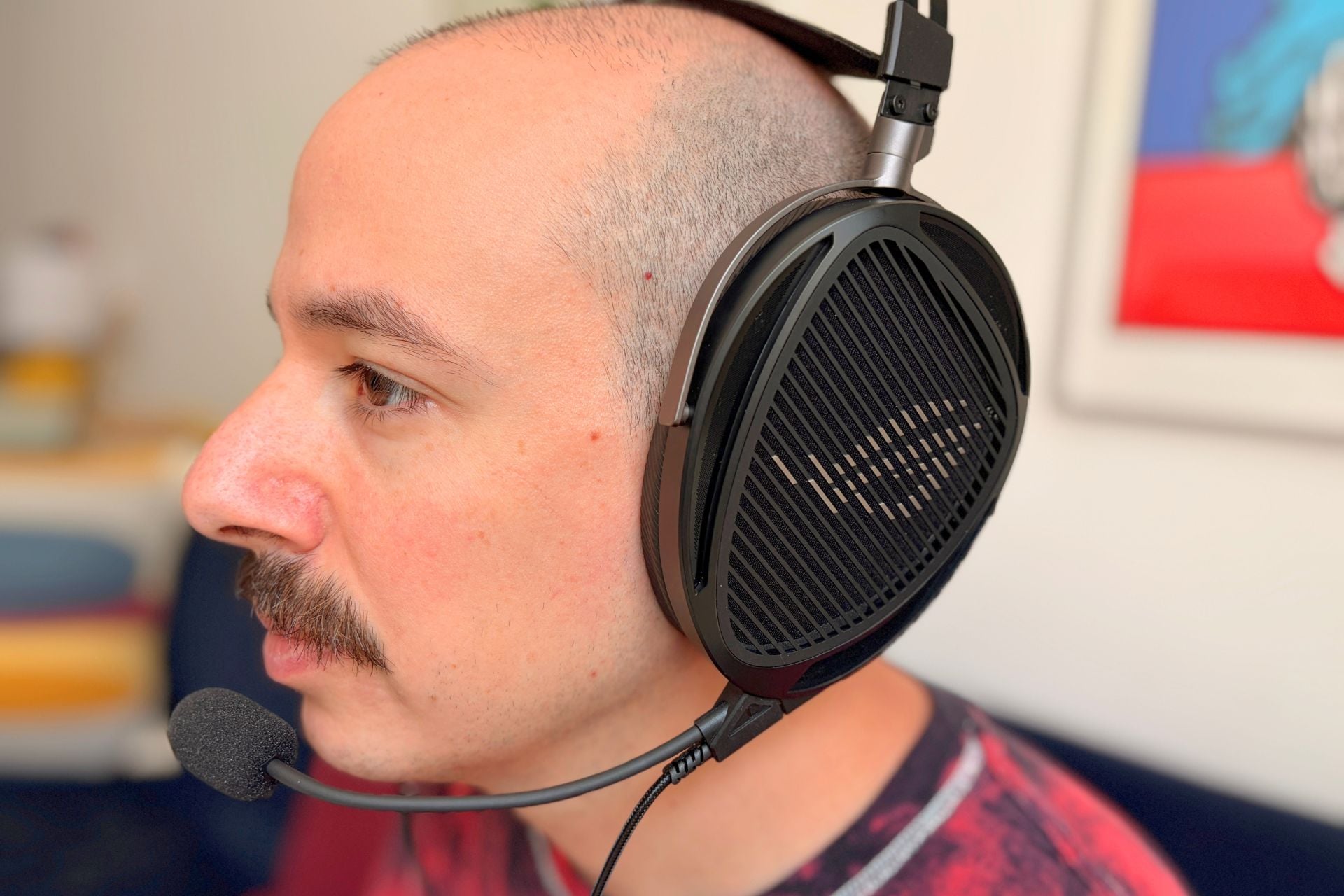
The Kithara’s great soundstage and fidelity, by the way, are due in large part to the drivers. On the Kithara, you’ll find 100mm planar magnetic drivers from HiFiMan, which are most often used in hi-fi headphones that an audiophile might buy. I was curious how that audiophile approach would translate to a gaming headset, and I don’t think anything was lost in the change of scenery. Another hi-fi audio touch is the open-back design, meaning the outside of the headset isn’t fully enclosed—there’s a metal grate and a thin layer of foam separating your ears from the world.
See ASUS ROG Kithara at Amazon
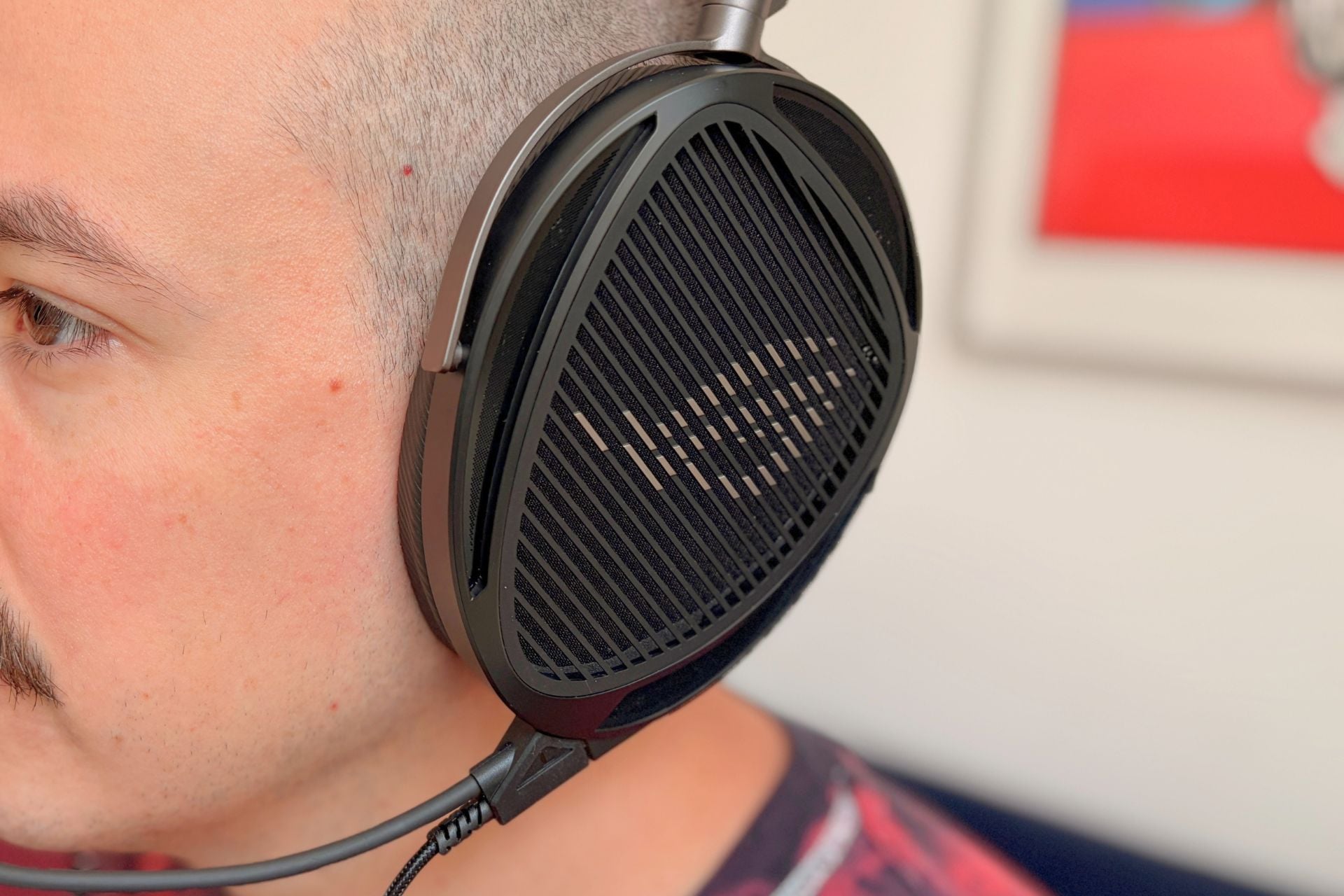
Personally, I’m a big fan of open-back designs on gaming headsets in particular. Not only are they more breathable, but they also help you hear your own voice better. I personally hate hearing myself talk when my ears are blocked since my voice reverberates in my own head but isn’t fully captured by my ears—it’s just weird. The Kithara, however, mitigates that weirdness and does so without letting too much environmental noise in. Another perk is that you can actually hear when people address you. I was playing Cyberpunk 2077 at home when my partner said something to me, and I could hear what she had to say immediately.
Obviously, for those who are looking for active noise cancellation (ANC), this won’t be a perk since the open-back nature precludes any sort of noise cancellation, but for everyone else, it won’t matter much.
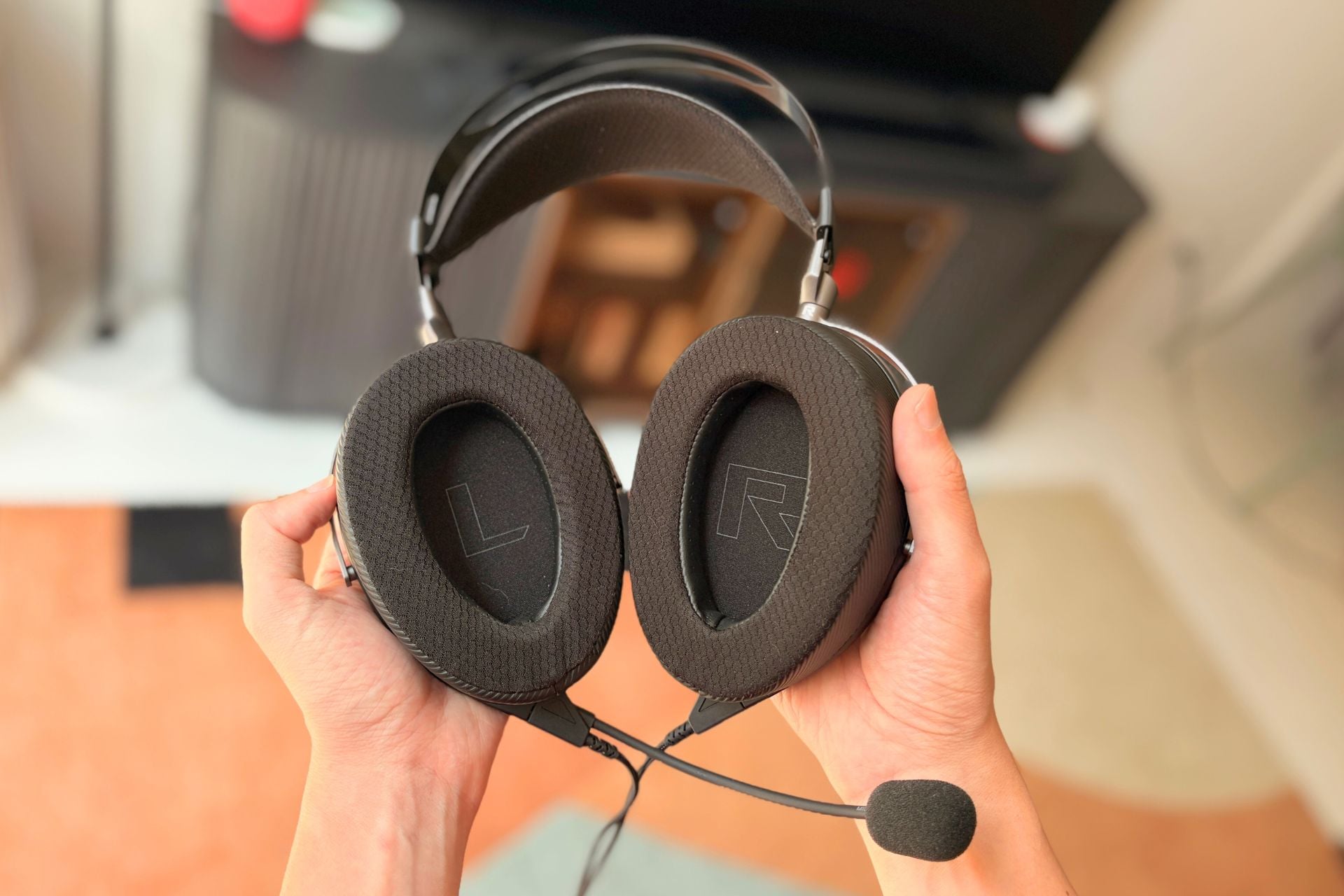
Delivering sound to your ears is only half the battle of a gaming headset, though. You also need to take into account how good the microphone is for delivering your voice to others. I’m happy to report that, in the Kithara’s case, the microphone quality is just as good as its sound. After a round of Fortnite, my teammate rated my audio quality a 9/10 in terms of clarity and nuance, which isn’t surprising given the fact that Asus ROG opted for a MEMS boom mic, which makes it great for beamforming—zeroing in on a voice—for example, and also blocking out environmental noise.
Obviously, how your vocals sound will depend on how other people are listening or what method they’re using to play games (cloud gaming drastically degrades audio quality, for instance), but it’s still nice to have a microphone that gives your voice a fighting chance even in less-than-ideal scenarios.
A big boy gaming headset
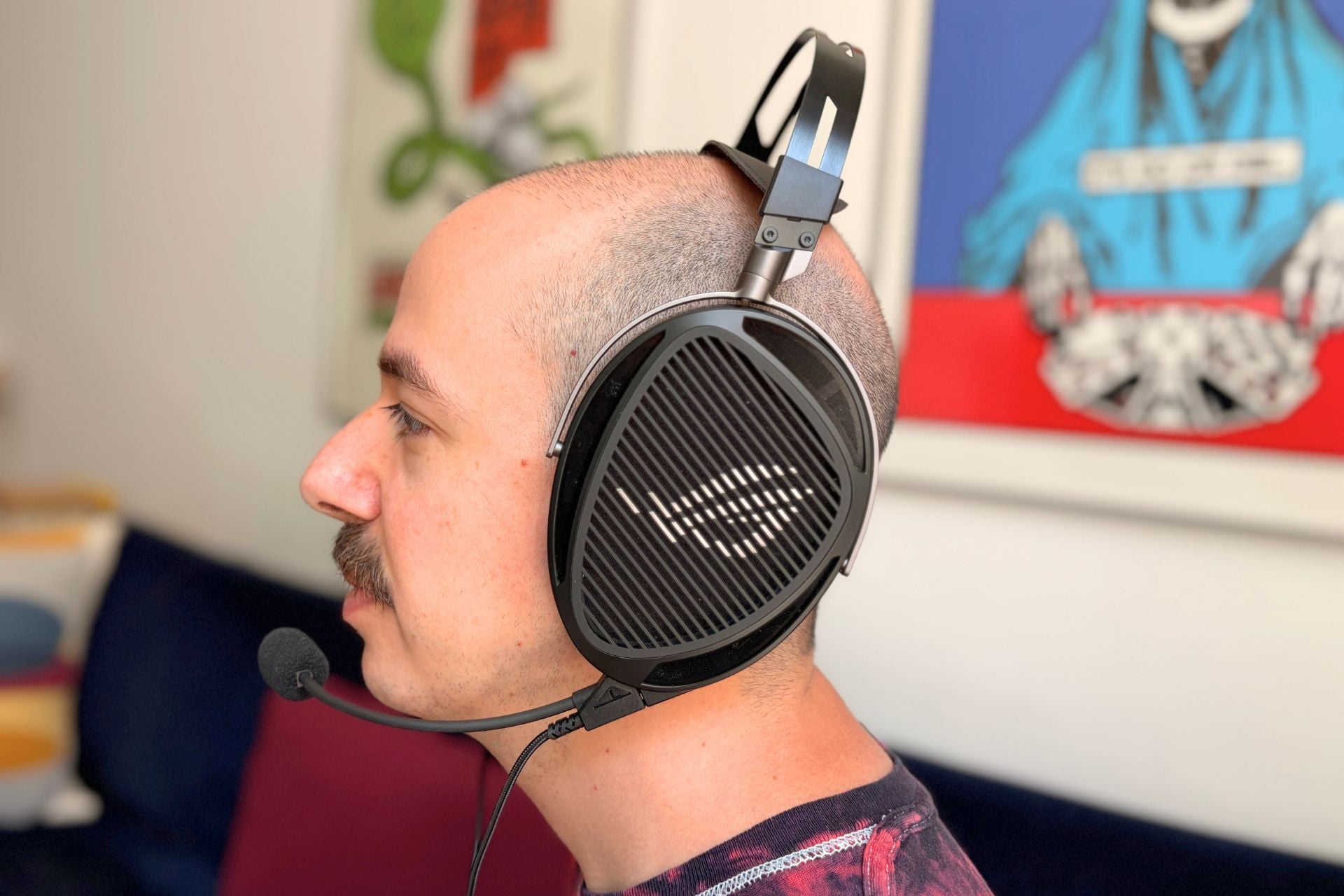
You should know that the price isn’t the only downside of the Kithara—there’s also the convenience factor. Probably the biggest knock against the Kithara (I’m speaking literally) is the size. This gaming headset is gigantic. Just look at it draped around my neck like some kind of wild animal. As ridiculous as it looks on my neck, it looks doubly as ridiculous on my head.
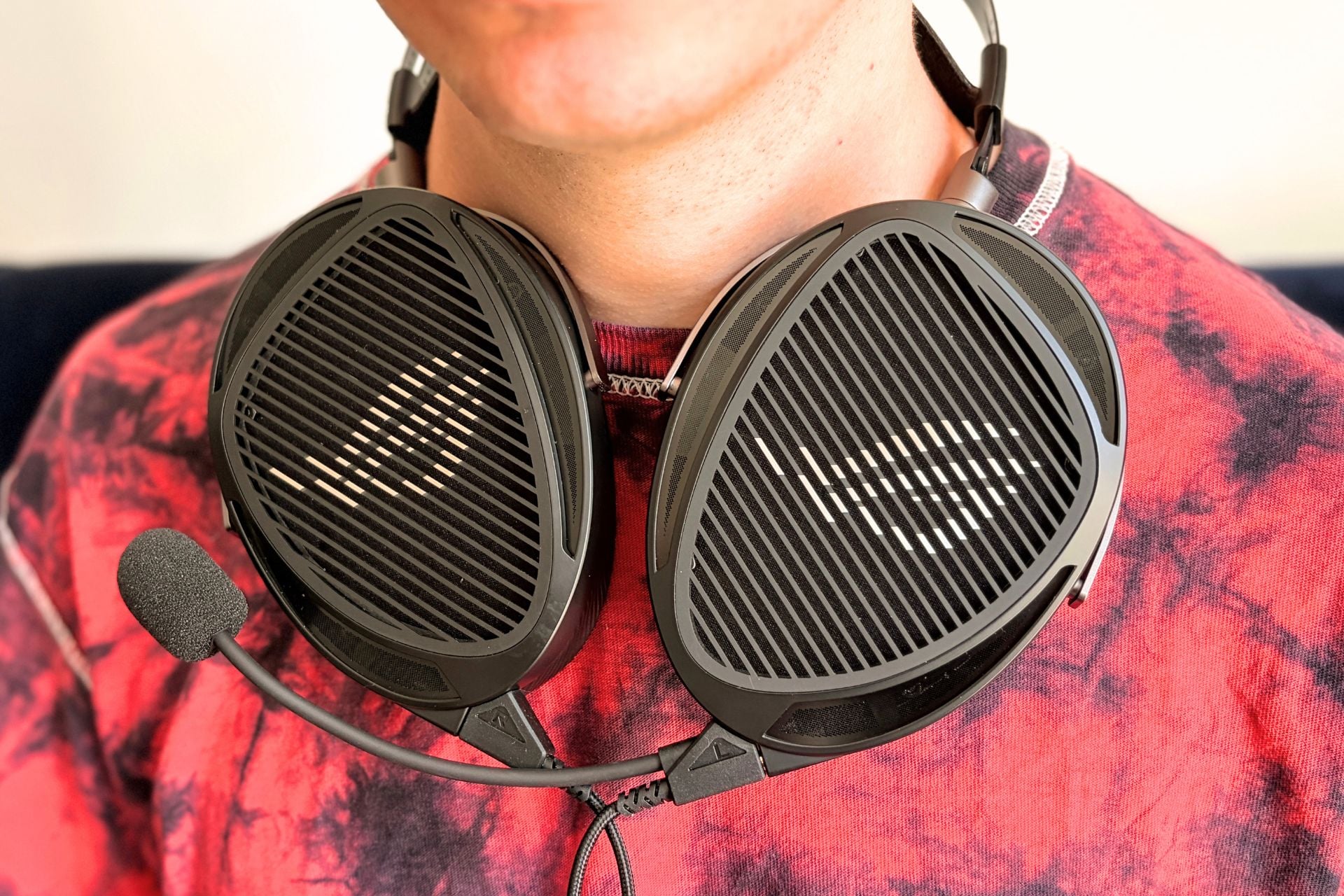
In order to get it to fit, I had to adjust the size to its smallest possible option, too, which creates a lot of negative space arching over the top of my head. Don’t get me wrong, the Kithara is still comfortable. I found the earpads cushy, and I like that they’re removable in case they wear out or you want to clean them. And even despite the weight—a formidable 420g—this headset felt pretty good on my head. Still, there’s no denying that the Kithara is an absolute unit, so if you’re planning on gaming in a situation where looks really matter, you should keep size in mind.
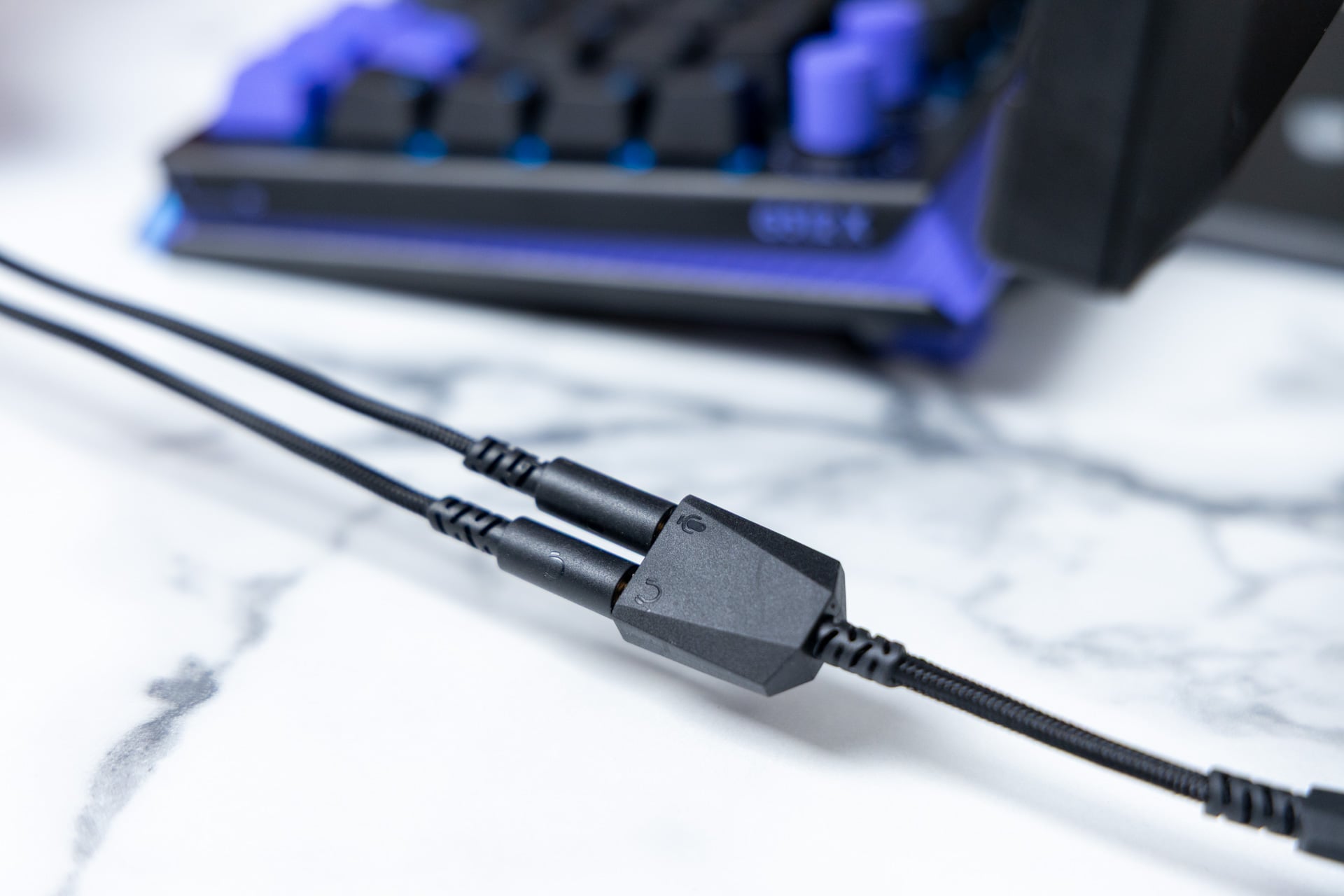
Another thing to note is that this is a wired gaming headset, meaning you are going to have to be okay using cables—all kinds. In the box, there are two different cables. There’s one that has the boom mic attached to it and is a split 3.5mm connection at the bottom as well as a braided 3.5mm cable without a boom mic attached. Those ends could theoretically be hooked into a desktop PC with separate jacks for sound and a microphone, but more often than not you’re going to have to use an included dongle that converts both into a single USB-C. With the USB-C dongle attached, you can connect to most devices, including consoles like the PS5 or a Nintendo Switch, as well as a laptop, gaming handheld, or desktop PC.
One major thing to note if you’re an Xbox owner is that the Kithara is not natively compatible. You can use the 3.5mm cable without the boom mic attached to hook into the Xbox controller, for example, but you cannot use the cable with the microphone since neither the Xbox Series S nor the Series X has a USB-C connection. As for PS5 and the Nintendo Switch, you can connect using the USB-C dongle with the boom mic cable, but you’ll have to go directly into the console and not through the controller. In the Switch’s case, that means you can’t charge the console while you have the Kithara connected, which is a bit of a bummer.
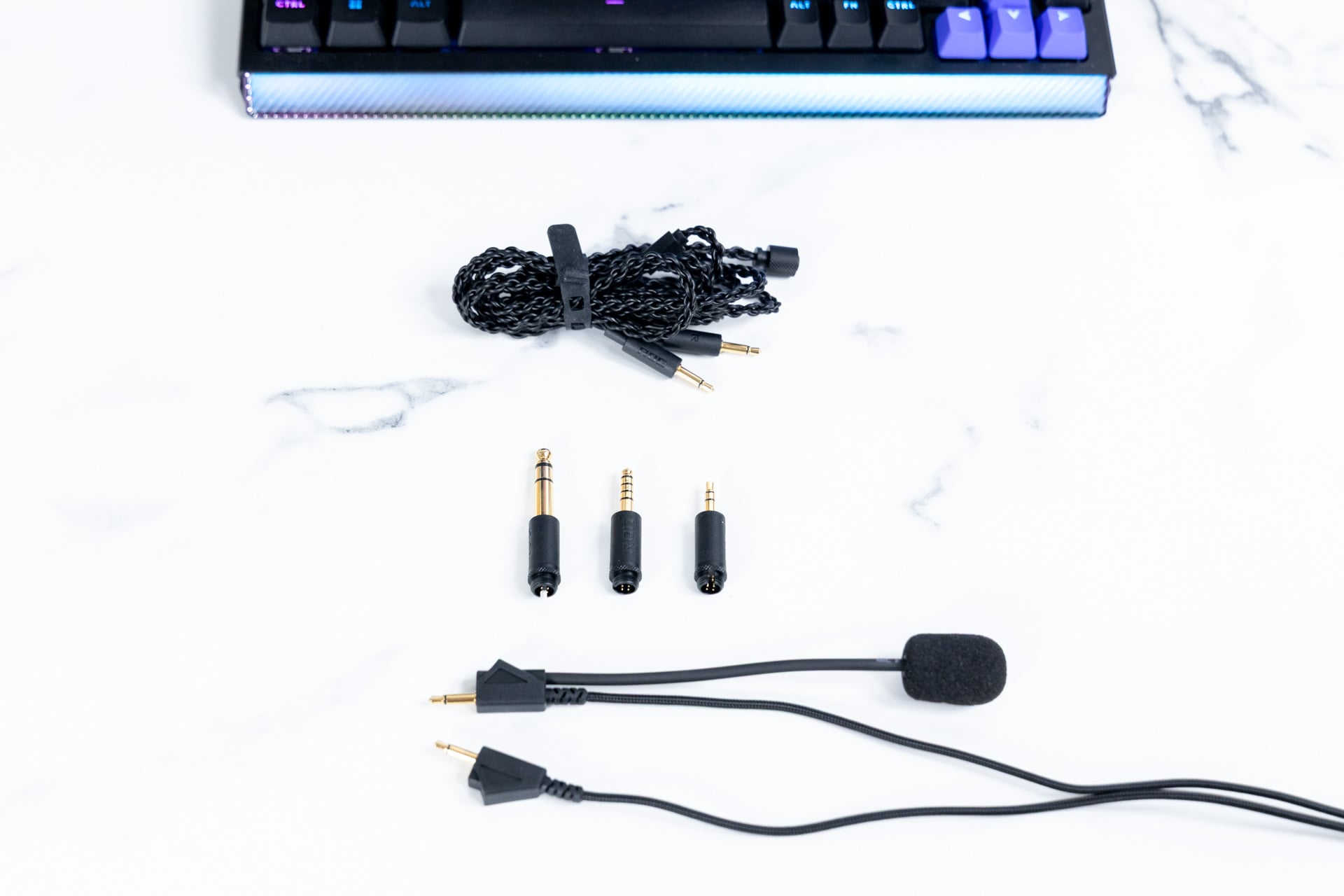
That’s all to say that the cables do complicate things a bit, though Asus ROG does include several ways to connect depending on your preference. In addition to the USB-C dongle, there’s a 4.4mm balanced plug, a quarter-inch adapter like the kind you’d use to hook into an audio interface, and a more common 3.5mm adapter. Those can be pushed onto the end of the braided 3.5mm cable and then screwed on.
Overall, the Kithara feels sturdy as hell from a build quality perspective. There’s an aluminum frame and metal accents on the outer ear where the grate is, and there’s even a separate set of earpads included. The default is a “leatherette with fabric,” which are apparently more focused on the best sound signature, but those can be swapped out for an included “velour” pair that’s a bit softer to the touch. This is a headset that feels like it’s worth several hundred dollars.
Cost vs. convenience
The fundamentals of the Asus ROG Kithara gaming headset are there. They sound great—nuanced, spatial, accurate, and clear—even if the volume isn’t super high. That performance extends to the microphone, too, which also delivers high-quality, clear audio. Where the Kithara loses points, though, is convenience.
Messing around with wires isn’t for everyone, even if wired audio does deliver the best possible sound, and having to use so many different cables and adapters is objectively kind of annoying. The size of this gaming headset doesn’t exactly help the sometimes cumbersome experience of using it, either.
Whether the Kithara feels worth it to you will depend on your setup and your tolerance for wires and heft, but if you’re okay screwing around with that stuff, Asus ROG definitely delivers on its promise of hi-fi audio. Don’t get me wrong, $299 is still a lot of money to spend on a gaming headset, but sometimes you do actually get what you pay for, and in this case you’d be paying for sound that even an audiophile can’t turn their nose up at.