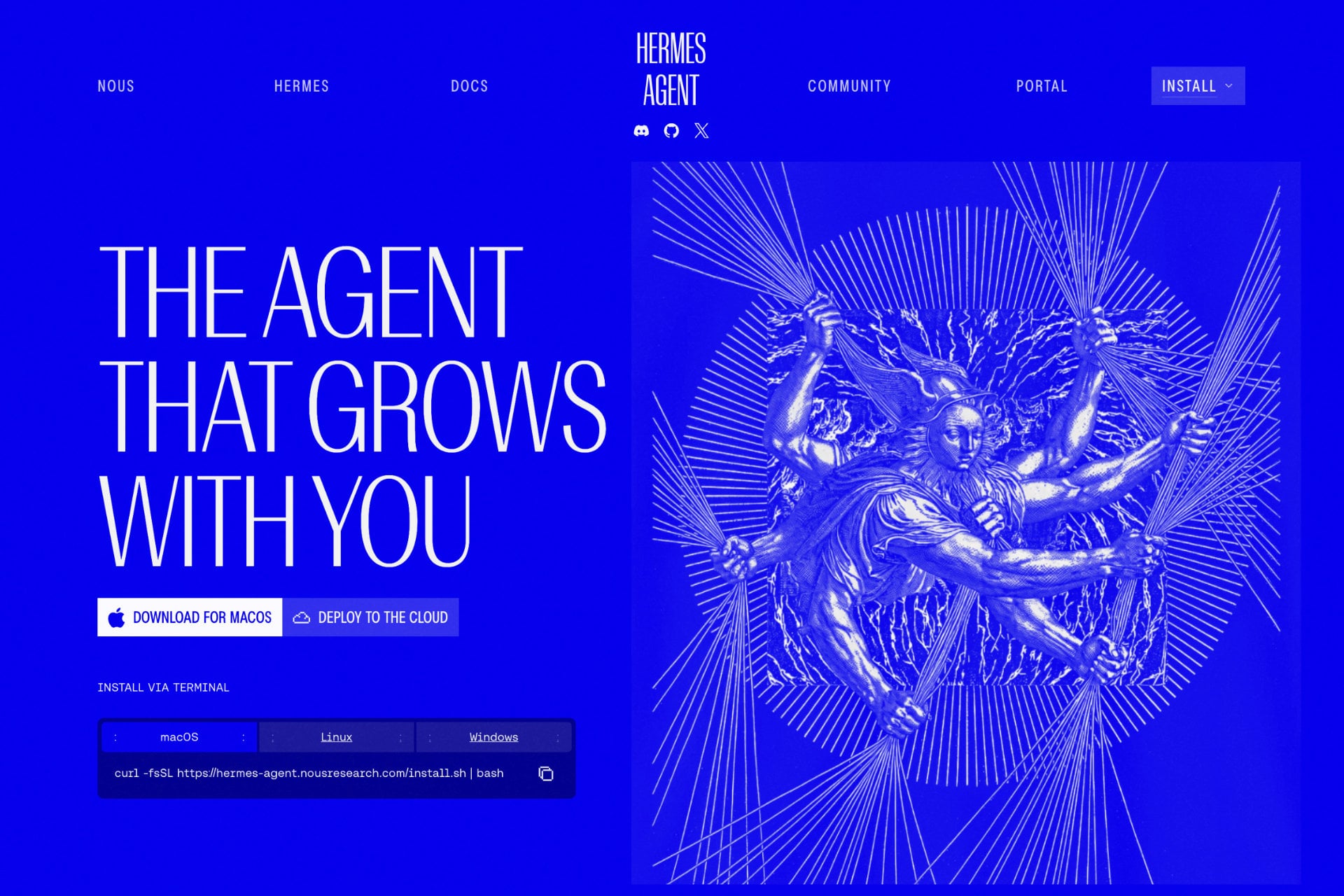
Looking for the best VPS for Hermes Agent? The right server is smaller than most people expect, because the agent sends its AI requests to a model provider instead of running the model itself. Hermes Agent is an open-source AI agent from Nous Research that builds skills from experience and reaches you through Telegram, Discord, Slack, WhatsApp and other messaging apps. To keep it available around the clock, it needs a Linux server that stays online.
Nous Research says Hermes can run on a $5 VPS and several hosts now sell a one-click Hermes Agent VPS. We compared the plans of several hosts on RAM, storage, root access, setup effort and renewal price, and we added Hetzner for readers who prefer a European provider. This guide covers what Hermes needs, six servers ranked, a size table from 2 GB to 8 GB, and an install and security checklist.
6 Best VPS Options for Hermes Agent Ranked
- Hostinger: the best VPS for Hermes Agent for most people, with a one-click Docker template
- Bluehost: the best one-click Hermes setup on a root VPS
- DreamHost: the best pre-installed Hermes image, with automatic HTTPS
- HostGator: the best budget root server from 2 GB
- InMotion Hosting: the best pick for hands-on support
- Hetzner: a community favorite for self-managed European servers
What Does Hermes Agent Need to Run?
Hermes Agent is released under the MIT license, so the software is free. You pay for the server and for the AI model you connect, which can be Nous Portal, OpenRouter, Anthropic, OpenAI or a local model. The official installer sets up Python, Node.js and the other dependencies, and the project also publishes a Docker image that you can run on any Linux VPS.
The agent has two entry points: You can chat with it in the terminal, or you can start its messaging gateway and talk to it from Telegram, Discord, Slack, WhatsApp, Signal, email and other channels. A VPS matters for the second mode, because the gateway has to stay online when your laptop is closed.
How Much RAM Does Hermes Agent Need?
Sources disagree a little on the minimum. Guides that summarize the Hermes documentation list 1 GB of RAM and 1 CPU core, other guides say 2 GB, and most recommend 2 vCPUs and 4 GB once you turn on browser automation. On a small server you can skip the browser components during installation, which keeps memory use down.
Local models change the math completely. Guides that cite the official documentation put a lightweight local setup at 8 GB of RAM for small 3B models and 32 GB or more for models above 27B. Those sizes matter only if you run the model on the same machine, and this guide assumes you use a cloud provider.
| Use case | Suggested server | Why |
|---|---|---|
| Terminal use or one messaging channel with cloud models | 1 to 2 vCPU, 2 GB RAM | The agent runtime is light when the model runs elsewhere |
| Always-on agent with cron jobs and two or three channels | 2 vCPU, 4 GB RAM | Room for gateways, scheduled jobs and updates |
| Browser automation and research tasks | 2 to 4 vCPU, 4 to 8 GB RAM | A headless browser uses a lot of memory |
| Hermes next to a web dashboard or other apps | 4 vCPU, 8 GB RAM | Each extra service competes for memory |
| Local models through Ollama | 8 GB for 3B models, 32 GB or more above 27B | Model weights load into memory |
Best VPS for Hermes Agent in 2026: Six Servers Ranked
All six options below run Linux, let you install Hermes Agent, and cost little at the sizes most people need. The differences come down to how much of the setup is done for you, whether you get root access, and what happens at renewal, so read the sections that match your experience.
1. Hostinger
Pros
- One-click Docker template with a browser-based admin panel
- A separate AI agents plan that includes Hermes without any server work
- Plans from $6.49/mo, or $5.84/mo with code GIZMODO
- Live chat support 24/7 and a 30-day refund
Cons
- Renewals run 1.7 to 1.9 times higher than the launch price
- Bandwidth is capped at 4 to 32 TB depending on the plan
- No phone support
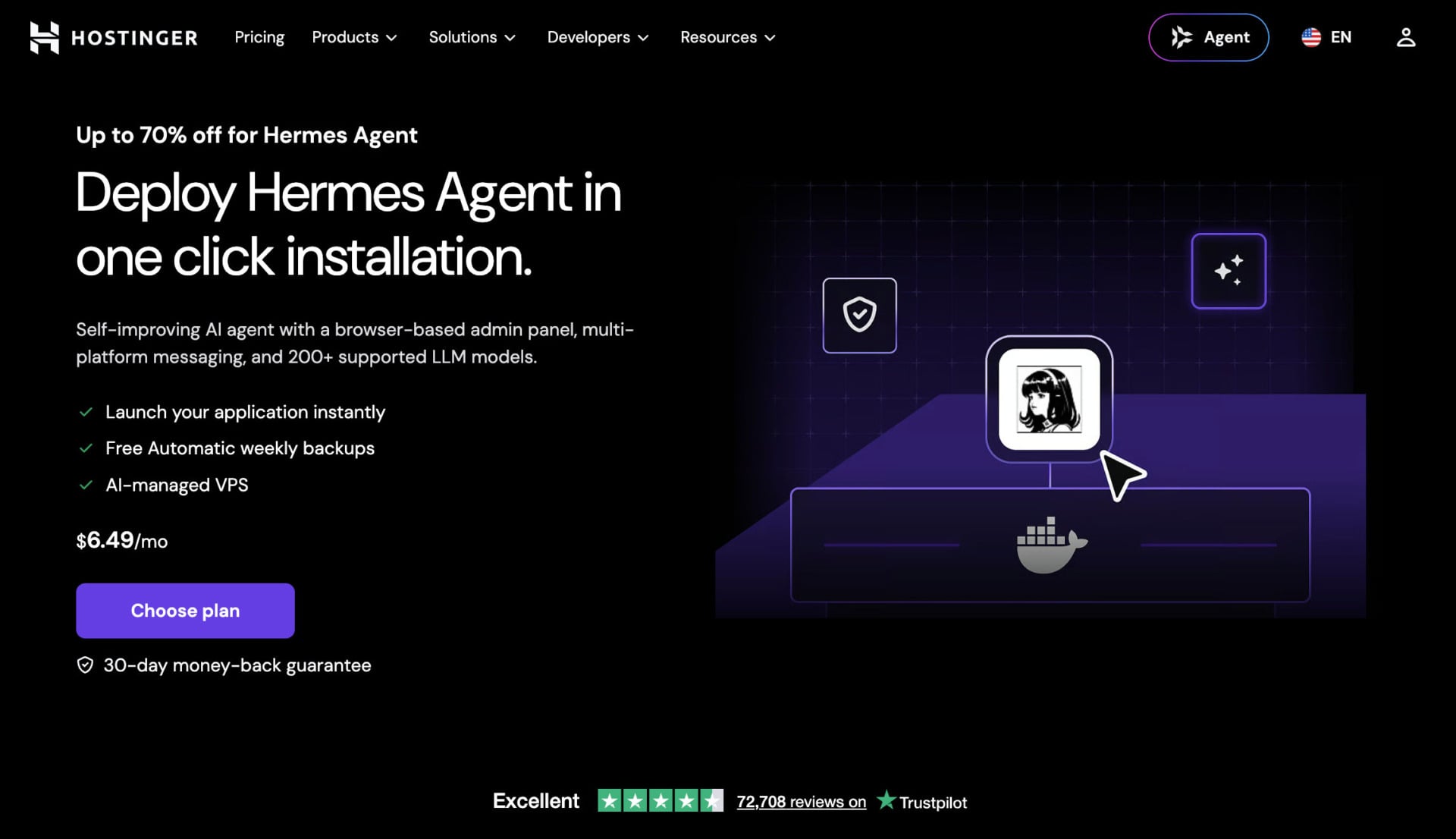
Hostinger is the best VPS for Hermes Agent in 2026 because the setup takes the fewest steps. Its Hermes Agent page describes a one-click Docker template with a browser-based admin panel, multi-platform messaging and support for more than 200 AI models. People searching for a Hostinger Hermes Agent install will also find it inside the AI agents and automation plan, which runs Hermes without a server to manage.
Plans and Pricing
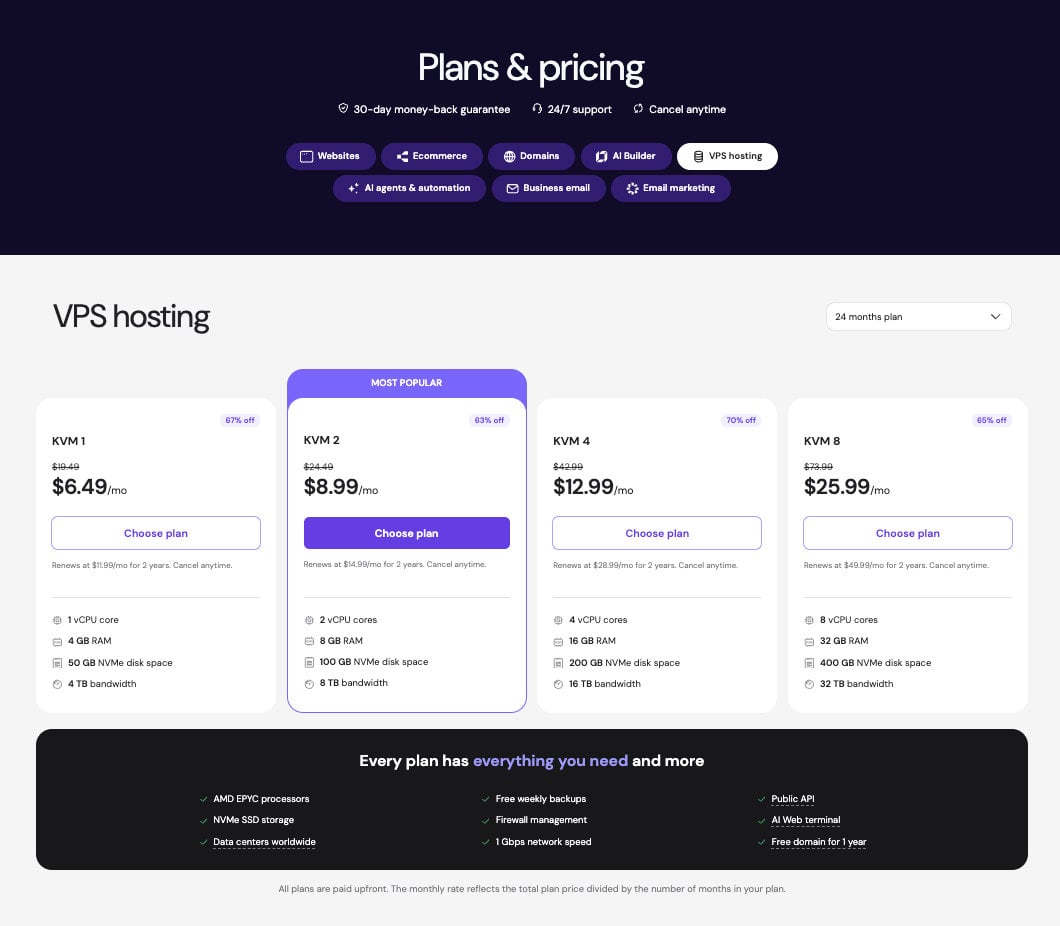
On a 24-month term, the KVM 1 plan has 1 vCPU, 4 GB of RAM and 50 GB of NVMe storage for $6.49/mo. KVM 2 has 2 vCPUs, 8 GB of RAM and 100 GB of NVMe storage for $8.99/mo. Code GIZMODO takes 10% off, which brings the plans to $5.84 and $8.09 per month, and renewals are $11.99 and $14.99 per month. Every plan is billed upfront for the term you choose.
The AI agents and automation plan costs $5.99/mo on 24 months, or $5.39/mo with the code, and renews at $11.99. It lets you switch between Hermes, OpenClaw, n8n and other agent apps in one click from hPanel, which suits people who would rather not run a server.
Deploy Hermes Agent on Hostinger in One Click
Hermes Setup and Performance
Every VPS runs on AMD EPYC processors with NVMe storage, and it includes weekly backups, a firewall manager, a public API and a web terminal with AI assistance. Hostinger has data centers in North America, South America, Europe and Asia. Bandwidth is capped at 4 TB on KVM 1 and 8 TB on KVM 2, unlike DreamHost and HostGator, which advertise unmetered bandwidth.
KVM 1 meets the 4 GB recommendation for an always-on agent with cloud models, although it has a single vCPU. KVM 2 is the safer choice once you add browser automation or a second agent, and it costs only $2.50/mo more at signup. Our VPS hosting guide compares the other Hostinger plans in more detail.
Get Hostinger With Code GIZMODO
Support and Guarantee
Support runs through live chat 24/7, where Agent Hostinger handles guided tasks from the top of hPanel and a human agent is available on request. There is no phone line. Every plan has a 30-day money-back guarantee, so you can test the Hermes template on a real server and request a refund if it does not fit. Our Hostinger review covers speed tests and the AI Builder.
2. Bluehost
Pros
- One-click Hermes Agent, or Hermes with Open WebUI, on a self-managed VPS
- Root access and DDR5 memory on the NVMe plans
- Small gap between launch and renewal price on the lower plans
- 30-day money-back guarantee
Cons
- Only one application can be installed through the one-click setup
- The 8 GB plan more than doubles at renewal
- Bandwidth is not stated on the plan page
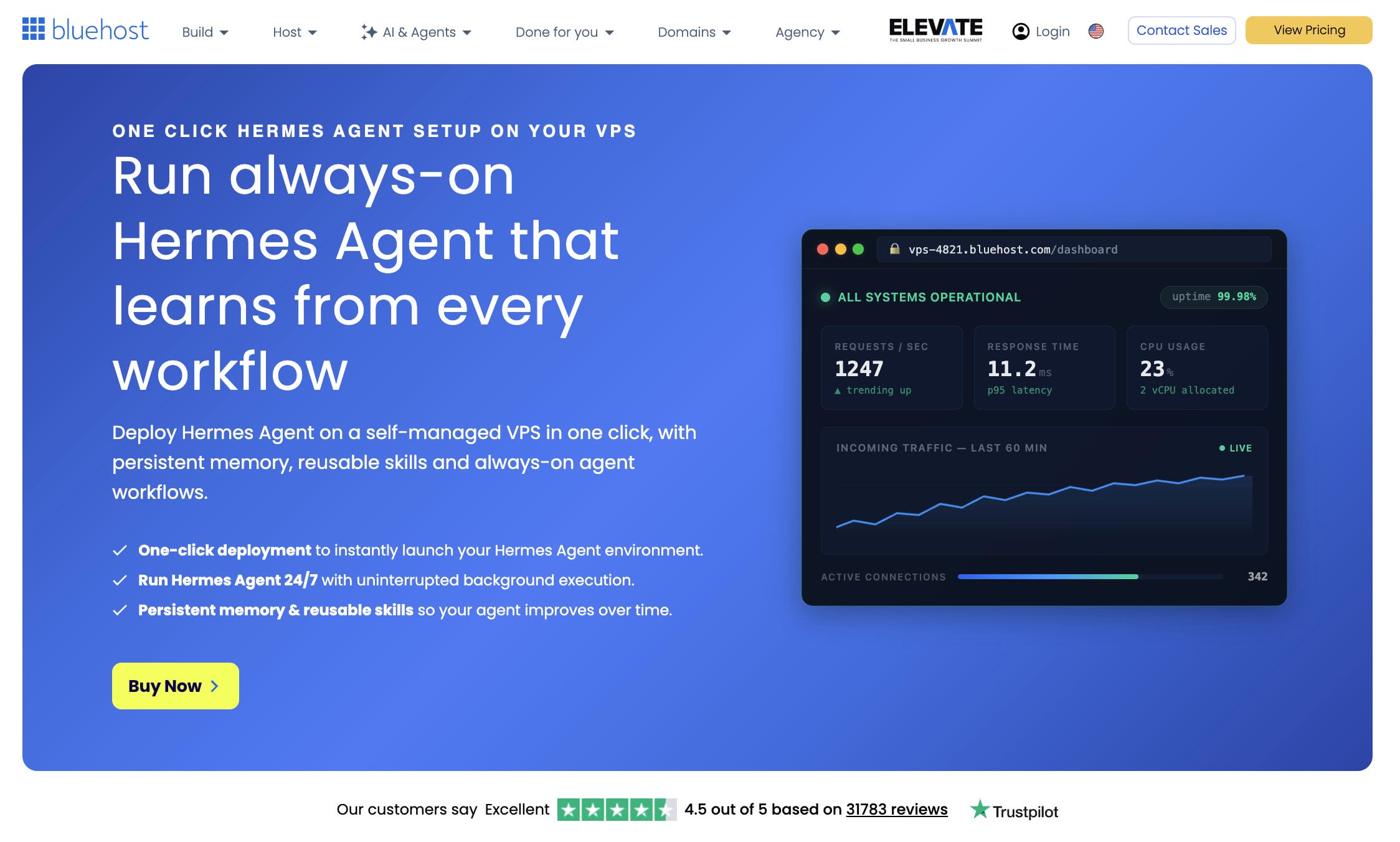
Bluehost is one of the best VPS hosts for Hermes Agent if you want a one-click start and still need root access. On its self-managed VPS, you choose a plan, open the Application tab in the pre-configured setup, select Hermes Agent and confirm. Bluehost also sells a second template that installs Hermes with Open WebUI, where Nginx, Open WebUI and the agent are connected out of the box.
Plans and Pricing
On a 24-month term, NVMe 2 has 1 vCPU, 2 GB of RAM and 50 GB of storage for $4.69/mo, which matches the low end of Hermes guidance. NVMe 4 has 2 vCPUs, 4 GB and 100 GB for $9.49/mo, and NVMe 8 has 4 vCPUs, 8 GB and 200 GB for $12.99/mo. Renewals are $5.69, $11.99 and $28.99 per month, so the two smaller plans barely change while the 8 GB plan more than doubles.
Compare Bluehost’s NVMe VPS Plans
Setup and Support
After the server is provisioned, you can set the root password in the Bluehost portal and finish the setup in the terminal. The first step is choosing a model, for example with the hermes model command, and then restarting the service. Because the template installs only one application, pick the Hermes with Open WebUI option if you want a web interface from day one.
Bluehost has 24/7 support and a 30-day money-back guarantee. Our Bluehost vs. Hostinger comparison shows how the two stack up on shared plans.
Launch Hermes Agent on Bluehost
3. DreamHost
Pros
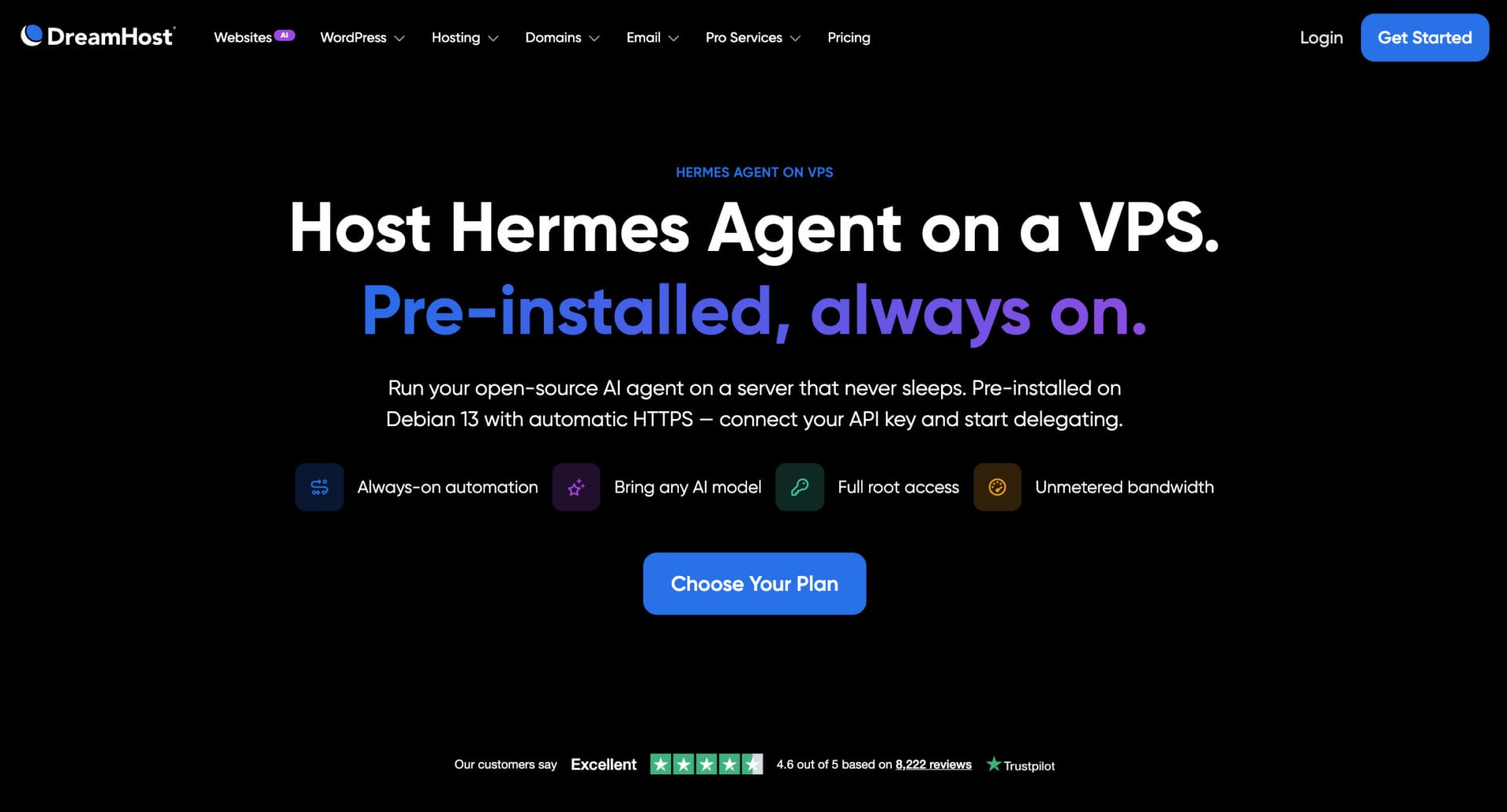
- Hermes Agent pre-installed on Debian 13 with its web dashboard
- Automatic HTTPS through a Caddy reverse proxy
- Full root access and unmetered bandwidth
- Stack 4 from $5.99/mo on a two-year term
Cons
- Support covers hardware and network, and Hermes itself is community-supported
- No phone support
- Monthly billing costs $15.99 after the first three months
DreamHost is one of the best VPS hosts for Hermes Agent if you want the agent running when the server boots. You pick the Hermes Agent image when you order, and the server is provisioned with Hermes and its web dashboard already running on Debian 13, behind a Caddy reverse proxy with automatic HTTPS. DreamHost says every Stack plan includes the Hermes installation, full root access and unmetered bandwidth.
Plans and Pricing
Stack 4 has 2 AMD EPYC vCPUs, 4 GB of RAM and 75 GB of NVMe storage. It costs $5.99/mo on a two-year term and renews at $10.99, or $8.99/mo for the first three months on monthly billing, then $15.99. Stack 8 has 8 GB of RAM and 150 GB of storage for $9.49/mo, renewing at $14.99. DreamHost suggests starting on Stack 4 and moving up when you add gateways or heavier jobs, and it says moving between Stack plans is straightforward.
Choose a DreamHost Hermes Agent VPS
Root Access and Support
Choose the Stack line and skip the Managed VPS plans, which give you SSH but no root access. DreamHost support is available 24/7 for hardware, network and connectivity, while Hermes is open-source software from Nous Research, so questions about the agent go to its community. There is a 30-day money-back guarantee. Read our Hostinger vs. DreamHost comparison to see how it fares against the top pick.
Start Hermes Agent on DreamHost
4. HostGator
Pros
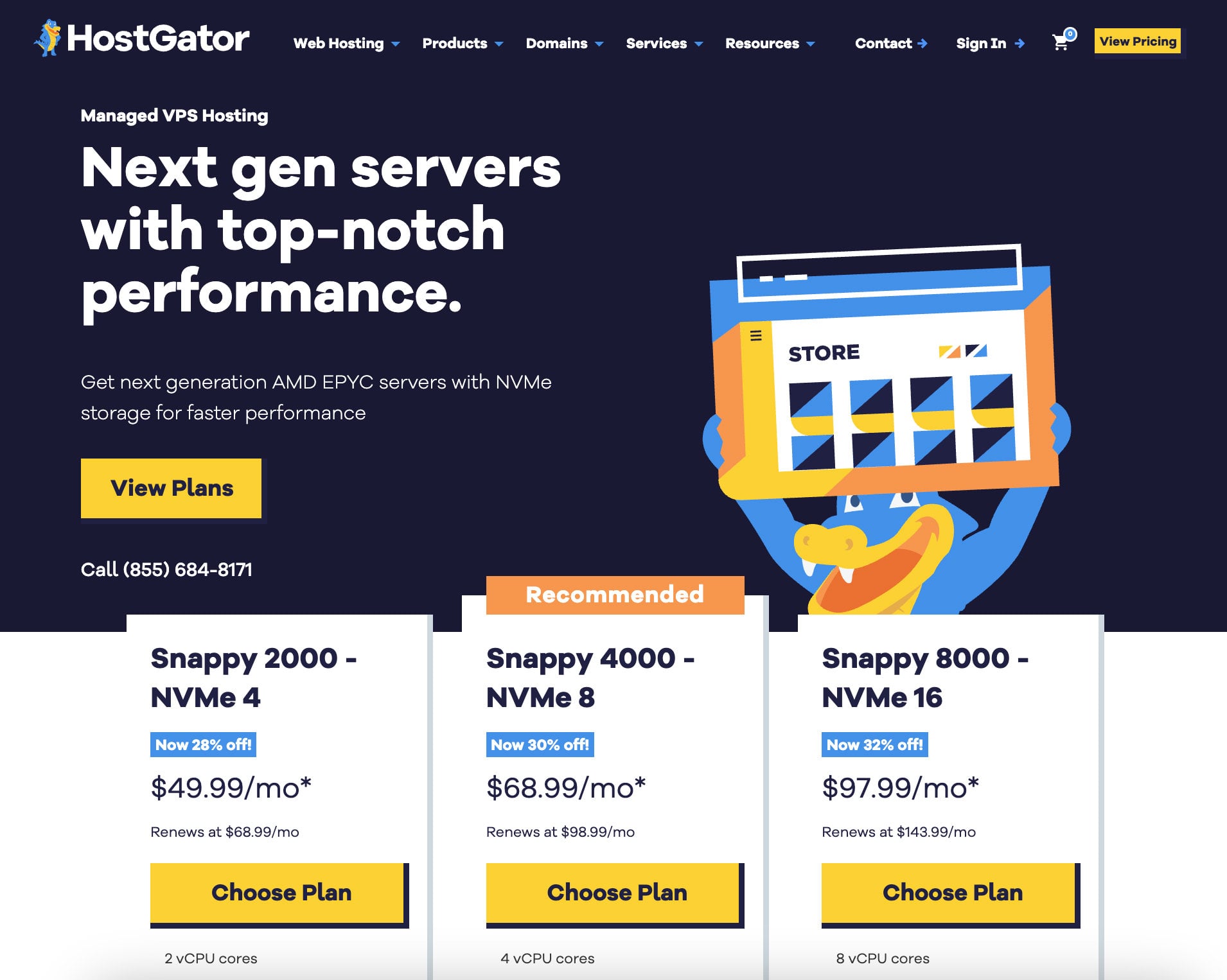
- Lowest prices in this guide, from $2.64/mo for 2 GB and $4.18/mo for 4 GB
- Root SSH, an API and unlimited bandwidth
- 4 GB and 8 GB plans with DDR5 memory and NVMe storage
- 30-day money-back guarantee
Cons
- No Hermes template, so you install the agent yourself
- Renewal prices are 1.9 to 2.2 times the promo price
- cPanel and priority support are not included
In fourth place among the best VPS options for Hermes Agent, HostGator is the cheapest way to get a root server that fits the agent. It has no Hermes template, but the official installer needs a single command on any plan, and the agent needs little memory when the model runs at a provider. That makes the 2 GB and 4 GB plans a low-cost starting point for a personal agent.
Plans and Pricing
Snappy 1000 NVMe 2 has 1 vCPU, 2 GB of DDR5 memory and 50 GB of storage for $2.64/mo, renewing at $4.95. Snappy 2000 NVMe 4 has 2 vCPUs, 4 GB and 100 GB for $4.18/mo, renewing at $9.35, and Snappy 4000 NVMe 8 has 4 vCPUs, 8 GB and 200 GB for $8.36/mo, renewing at $18.70. HostGator does not show the length of the promo term on the plan page, so treat the displayed price as an introductory rate.
See HostGator’s Snappy VPS Plans
Root Access and Support
Every plan has root SSH, API access, AMD EPYC processors, DDoS protection, a dedicated IP and unlimited bandwidth. cPanel and priority 24/7 support are extras on the self-managed line. HostGator lists a phone number and a 30-day guarantee, and our HostGator review has the details.
Get a HostGator VPS for Hermes Agent
5. InMotion Hosting
Pros
- Root and SSH on both self-managed and managed plans
- Managed plans include onboarding help and 24/7 human support
- Docker-ready, with snapshots on demand
- 90-day money-back guarantee
Cons
- The entry plan starts at 8 GB, which is more than Hermes needs
- Self-managed support covers only hardware and network
- Renewals run 1.9 to 2.7 times higher on self-managed plans
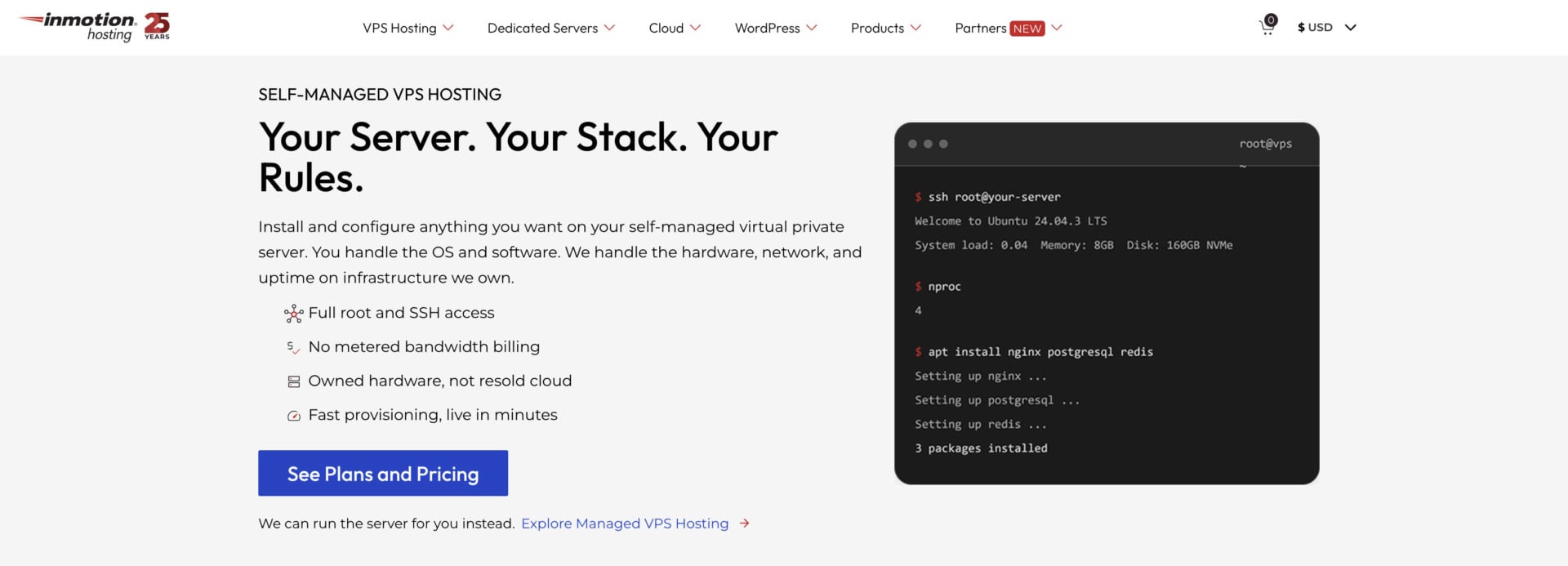
InMotion Hosting is the pick for readers who want a person to call when the server misbehaves. Its self-managed VPS gives you root and SSH, a choice of AlmaLinux, Debian or Ubuntu, and a Docker-ready setup that fits the official Hermes image. The managed version keeps root and SSH and adds onboarding help, security patches, daily backups and full human support around the clock.
Plans and Pricing
The entry VPS has 4 vCPUs, 8 GB of RAM, 160 GB of NVMe storage and 5 TB of bandwidth. On a 24-month term it costs $13.99/mo self-managed, renewing at $26.99, or $43.49/mo managed, renewing at $56.49. That is more server than a typical Hermes setup needs, so InMotion makes sense mainly when you plan to run Hermes with a dashboard, a browser and other tools on the same machine.
Support and Guarantee
On the self-managed plans, support covers the hardware, the network and the data center, so software questions about Hermes remain yours to solve. The managed plans suit you better if you want help with the operating system. The guarantee is 90 days on VPS plans, the longest of any host in this guide, and snapshots on demand let you save the server before you test a Hermes update.
6. Hetzner
Pros
- Mentioned in Nous Research’s Docker guide as a host with a browser console
- Hourly billing and 24/7 ticket support
- 20 TB of traffic included at European locations
Cons
- Prices changed twice in 2026
- Shared-vCPU plans were listed as unavailable in September
- No Hermes template
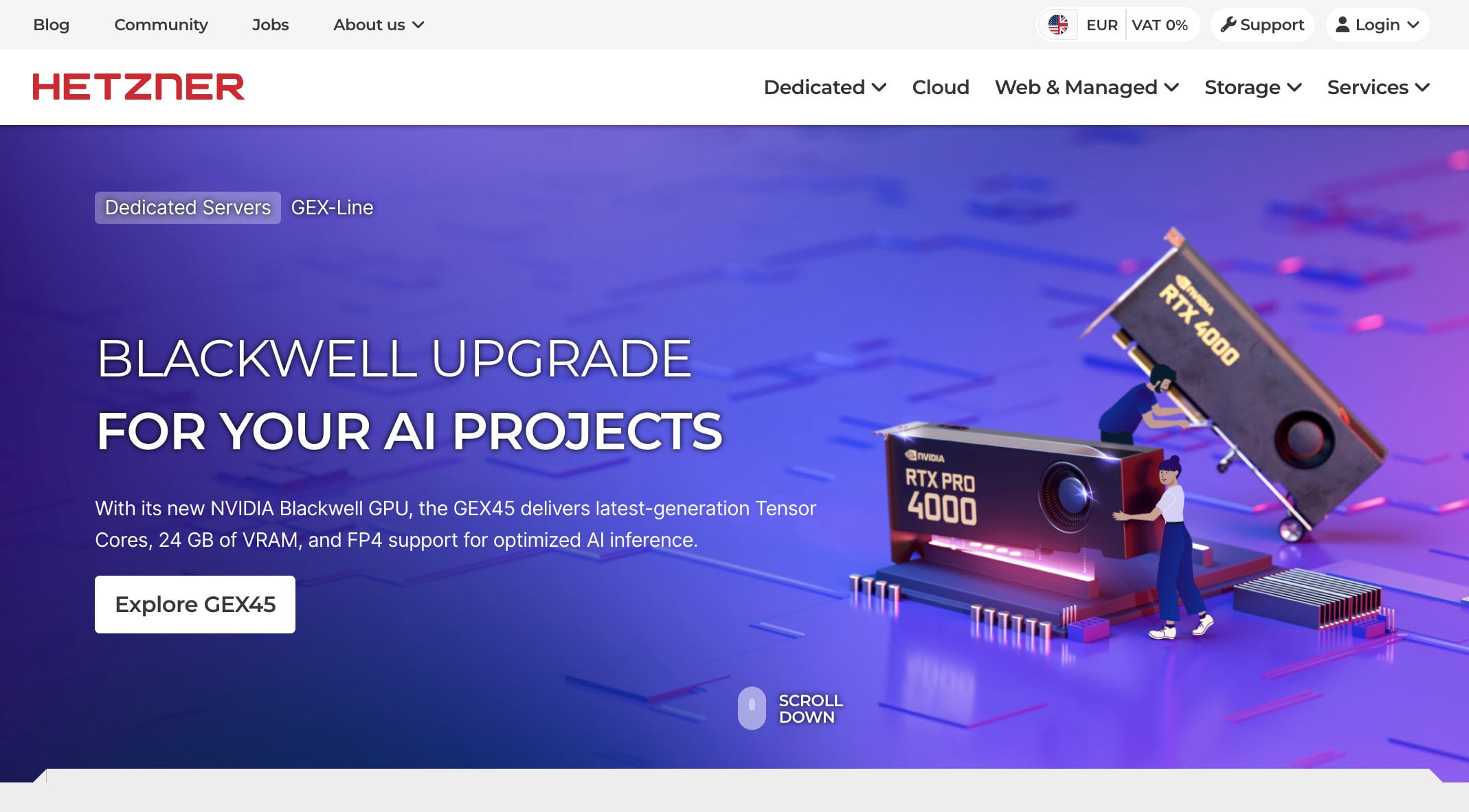
Hetzner closes our list as a community favorite: The Hermes Docker guide from Nous Research mentions Hetzner Cloud’s browser console as an example of a host that has one, and community setup guides use its servers often.
Be careful with the numbers you find online: Hetzner raised prices twice in 2026, renamed the older CX22 to CX23, and its status page has flagged limited availability of cloud plans. In September 2026 the pricing page marked the shared-vCPU plans as unavailable, so check the price and availability for your region before you plan around it. European locations include 20 TB of traffic, while US locations include far less, and support is by ticket around the clock.
Hermes Agent Server Sizes Compared
The tables below group the plans by RAM, using the prices shown on each host’s plan page. Every price is a launch rate that requires paying for the stated term upfront, so the renewal column shows what you pay after that term ends.
| 2 GB plan | vCPU | NVMe | Launch price | Renewal |
|---|---|---|---|---|
| HostGator Snappy 1000 NVMe 2 | 1 | 50 GB | $2.64/mo | $4.95/mo |
| Bluehost NVMe 2 | 1 | 50 GB | $4.69/mo | $5.69/mo |
| 4 GB plan | vCPU | NVMe | Launch price | Renewal |
|---|---|---|---|---|
| HostGator Snappy 2000 NVMe 4 | 2 | 100 GB | $4.18/mo | $9.35/mo |
| DreamHost Stack 4 | 2 | 75 GB | $5.99/mo | $10.99/mo |
| Hostinger KVM 1 | 1 | 50 GB | $6.49/mo | $11.99/mo |
| Bluehost NVMe 4 | 2 | 100 GB | $9.49/mo | $11.99/mo |
| 8 GB plan | vCPU | NVMe | Launch price | Renewal |
|---|---|---|---|---|
| HostGator Snappy 4000 NVMe 8 | 4 | 200 GB | $8.36/mo | $18.70/mo |
| Hostinger KVM 2 | 2 | 100 GB | $8.99/mo | $14.99/mo |
| DreamHost Stack 8 | 2 | 150 GB | $9.49/mo | $14.99/mo |
| Bluehost NVMe 8 | 4 | 200 GB | $12.99/mo | $28.99/mo |
| InMotion VPS (self-managed) | 4 | 160 GB | $13.99/mo | $26.99/mo |
HostGator has the lowest launch price at every size, while Bluehost’s smaller plans have the smallest renewal jump. Hostinger, Bluehost and DreamHost are the three hosts with a Hermes template or image, so they trade a little price for less setup work. If you plan to keep the agent for years, the renewal column matters more than the launch price.
Hermes Agent vs. OpenClaw: Which One Should You Host?
Both tools are self-hosted AI agents that run on your own server and talk to you through messaging apps, and both send their AI requests to an external provider. That means the same kind of VPS works for either one. In a Hermes vs. OpenClaw comparison, the hosting side is nearly identical, and our OpenClaw hosting guide compares the same hosts with a sizing table built for that agent.
The differences are in the software. Hermes describes itself as self-improving, because it creates skills from experience and keeps memory across sessions, and it installs with one script that manages Python and its dependencies. OpenClaw runs on Node and is set up with an onboarding wizard. Because neither tool needs a large server, many readers try both on one 4 GB VPS, and some hosts let you switch between them in a few clicks.
How to Install Hermes Agent on a VPS
The steps below follow the official Hermes documentation and work on an Ubuntu or Debian server from the list above. On the Hostinger, Bluehost and DreamHost templates you can skip the first steps, because the agent is already installed. On other hosts the process takes a few minutes of typing.
- Order a plan with at least 2 GB of RAM, choose Ubuntu 22.04 or 24.04 or Debian, and connect over SSH. Update the system, create a dedicated non-root user and set up SSH keys and a firewall.
- Install Hermes with the official script,
curl -fsSL https://hermes-agent.nousresearch.com/install.sh | bash, which sets up Python, Node.js and the other dependencies. You can also run the official Docker image,nousresearch/hermes-agent, with a persistent data folder. - Run
hermes setuporhermes modelto pick your AI provider and add your API key. Start a first conversation in the terminal to confirm the model responds. - Run
hermes gateway setupto connect Telegram, Discord, Slack or another channel, then start the gateway withhermes gateway startand run it as a service so it survives reboots. - Check the result with
hermes doctorand back up the~/.hermesfolder, which holds your settings, sessions and logs.
Start Hermes Agent on Hostinger
Best VPS for Hermes Agent: The Final Verdict
Hostinger is our pick for the best VPS for Hermes Agent, because its one-click Docker template and its AI agents plan give beginners the quickest working setup. Code GIZMODO takes 10% off, and the 30-day refund lets you test the agent on a real server before you commit to a long term.
Try Hostinger With a 30-Day Refund
If you want a one-click start on a root server, Bluehost and DreamHost are the strongest alternatives, and DreamHost starts the agent behind HTTPS on first boot. HostGator has the lowest prices from 2 GB, InMotion suits people who want a human to help, and Hetzner is the option for readers who prefer a European provider. Whichever server you choose, start at 4 GB of RAM unless you know you need less.
If you are also weighing other agent tools, read our OpenClaw hosting guide or our n8n hosting guide next.
FAQ
How Much RAM Does Hermes Agent Need?
The minimum listed in most guides is 1 to 2 GB of RAM, and we recommend 4 GB for an always-on agent with a few channels. Plan for 4 to 8 GB if you use browser automation. Local models need much more, with guides citing 8 GB for small 3B models and 32 GB or more for models above 27B.
Can Hermes Agent Run on a $5 VPS?
Yes, as long as the AI model runs at a provider. Nous Research says Hermes can run on a $5 VPS, and plans from HostGator and Bluehost start below that price at 2 GB. The agent only handles the runtime, tools and messaging, so a small server is enough for a personal agent without heavy browser use.
Does Hermes Agent Need a GPU?
No, not when you use a cloud model through an API. A GPU matters only if you run large models on the same machine, and those setups need far more memory and storage than the plans in this guide.
Is There One-Click Hermes Agent Hosting?
Yes. Hostinger has a one-click Docker template and an AI agents plan, Bluehost lets you add Hermes Agent, or Hermes with Open WebUI, when you order a self-managed VPS, and DreamHost sells a VPS with Hermes pre-installed. On other hosts you install the agent with the official script or Docker image.
Is Hermes Agent Free?
The software is free and open source under the MIT license. You pay for the VPS, which starts at a few dollars per month in this guide, and for the AI model you connect, whether that is an API provider or a Nous Portal subscription.
Should I Host Hermes Agent or OpenClaw?
Both run on the same kind of VPS, so the choice comes down to the software. Hermes builds skills from experience and keeps memory across sessions, while OpenClaw has its own setup wizard and skill ecosystem. Many readers test both on a 4 GB server, and our OpenClaw hosting guide covers that agent in detail.