Looking for the best hosting for OpenClaw? The answer depends less on brand names than on RAM, root access and how much of the server setup you want to do yourself. OpenClaw is an open-source AI assistant that you run on your own server so it needs a machine that stays on around the clock and lets you install Node.js or Docker.
OpenClaw hosting has grown quickly and the choices range from one-click templates to bare Linux servers. This guide covers what OpenClaw needs to run, six servers ranked, and a setup and security checklist based on the official documentation.
6 Best OpenClaw Hosting Options Ranked
-
- Hostinger: the best OpenClaw hosting for most people, with a one-click setup
- Bluehost: the best pick for root access and Docker
- DreamHost: the best root server with unmetered bandwidth
- HostGator: the best budget 8 GB server, with OpenClaw in its app list
- InMotion Hosting: the best pick for hands-on support
- Hetzner: a community favorite for self-managed European servers
What Does OpenClaw Need to Run?
OpenClaw (formerly known as Clawdbot and Moltbot) is a self-hosted AI assistant. Its gateway runs on your server, connects to messaging apps such as Telegram or WhatsApp, and sends your requests to an AI provider like Anthropic, OpenAI or Google. The heavy AI processing happens at the provider, so the server mostly needs memory, fast storage and a stable connection.
According to the OpenClaw documentation, the gateway runs on macOS or Linux, and Windows works through WSL2. A small VPS is the usual choice for an always-on setup. Node 24 is the recommended runtime, although Node 22.16 and later still works, and the installer sets up a systemd service so the agent restarts with the server.
How Much RAM Does OpenClaw Need?
Community guides agree on the low end and disagree a little on the comfortable size: A Linux VPS with 2 vCPUs and 2 GB of RAM is the minimum most tutorials list, and some warn that 2 GB can crash during onboarding. Hostinger’s own guide recommends 4 to 8 GB of RAM, and setup guides that use browser-based skills treat 8 GB as the realistic floor. Local models through Ollama need 16 GB or more.
Storage speed matters as much as size, because OpenClaw keeps memory and context on disk. Bluehost’s requirements guide suggests at least 50 GB of NVMe storage, which every plan in this guide meets. You also need a Linux distribution such as Ubuntu or AlmaLinux and root access, since you install packages and a system service yourself.
| Use case | Suggested server | Why |
|---|---|---|
| One always-on agent with cloud models | 2 vCPU, 4 GB RAM, 50 GB NVMe | Gateway and messaging channels fit with room for updates |
| Agent with browser skills | 4 vCPU, 8 GB RAM, 100 GB NVMe | A headless browser uses a lot of memory |
| Several agents or a small team | 4 vCPU, 8 to 16 GB RAM | Each agent adds memory and disk use |
| Local models through Ollama | 16 GB RAM or more | Model weights load into memory |
| Shared or managed cPanel hosting | Not suitable | No root access and no long-running Node process |
Best OpenClaw Hosting in 2026: Six Servers Ranked
1. Hostinger
Pros
- OpenClaw deploys in one click from a VPS template
- A separate AI agents plan skips Docker and SSH entirely
- Plans from $6.49/mo, or $5.84/mo with code GIZMODO
- Live chat support 24/7 and a 30-day refund
Cons
- Renewals run 1.7 to 1.9 times higher than the launch price
- Bandwidth is capped at 4 to 32 TB depending on the plan
- No phone support
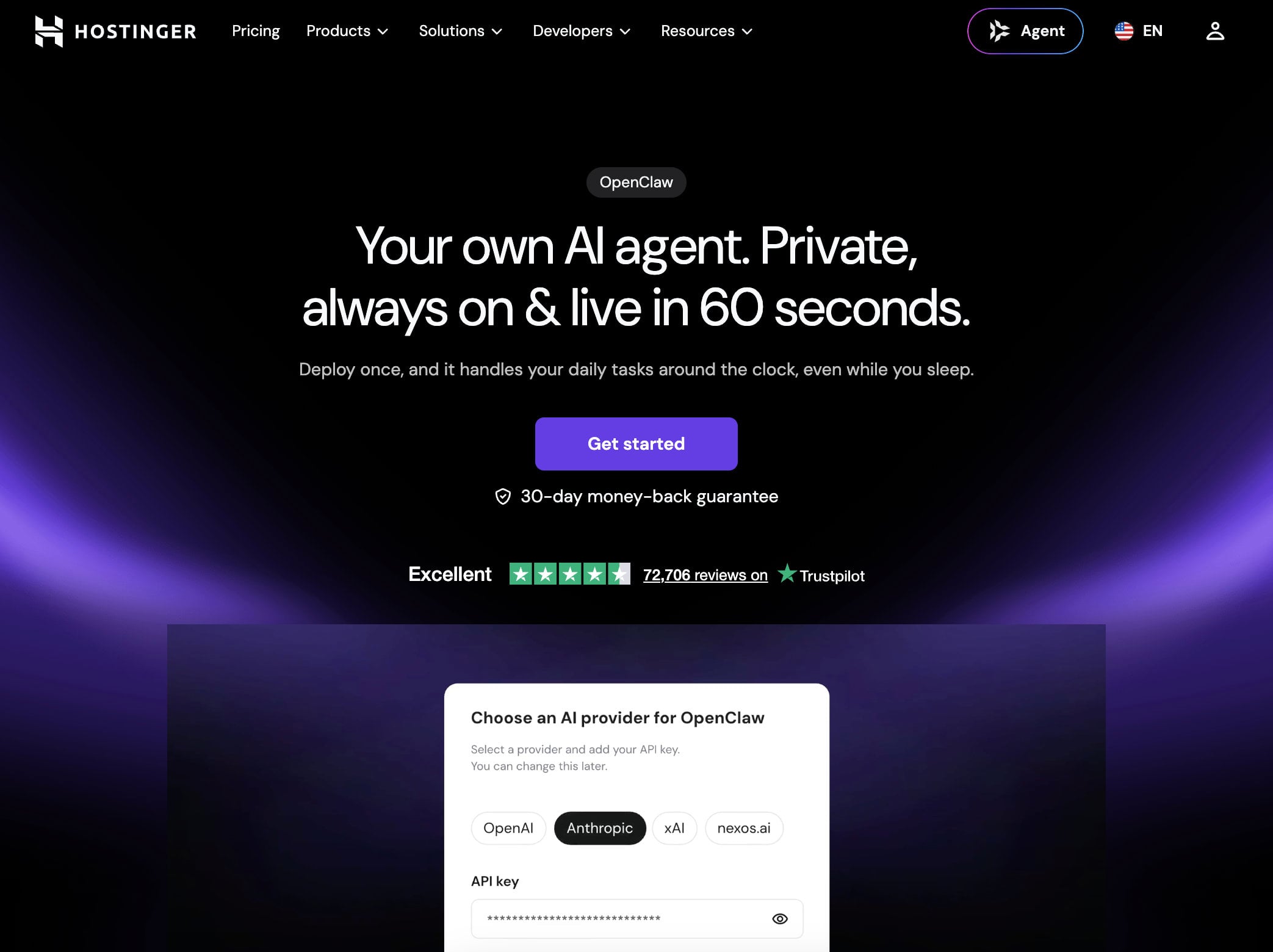
Hostinger is the best OpenClaw hosting in 2026 because it removes most of the server work: Its VPS plans include an OpenClaw template that deploys the agent in one click and a separate AI agents and automation plan runs OpenClaw from hPanel without any Docker or SSH setup. Hostinger says more than 100,000 agents have been deployed this way and that an agent can be running within 60 seconds.
Plans and Pricing
On a 24-month term, the KVM 1 plan has 1 vCPU, 4 GB of RAM and 50 GB of NVMe storage for $6.49/mo. KVM 2 raises that to 2 vCPUs, 8 GB of RAM and 100 GB of NVMe for $8.99/mo. Code GIZMODO takes 10% off, which brings the two plans to $5.84 and $8.09 per month.
The AI agents and automation plan costs $5.99/mo on 24 months, or $5.39/mo with the code, and renews at $11.99. It lets you switch between OpenClaw, n8n and other agent apps in one click from hPanel, which suits people who would rather not manage a server at all.
Deploy OpenClaw on Hostinger in One Click
OpenClaw Setup and Performance
Every VPS runs on AMD EPYC processors with NVMe storage and it includes weekly backups, a firewall manager, a public API and a web terminal with AI assistance. Hostinger has data centers in North America, South America, Europe and Asia, so you can place the server near your messaging channels. Bandwidth is capped at 4 TB on KVM 1 and 8 TB on KVM 2, unlike DreamHost and HostGator, which advertise unmetered bandwidth.
For a personal agent that calls cloud models, KVM 1 meets the RAM recommendation, although it has a single vCPU. KVM 2 is the safer fit once you add browser skills or run more than one agent, and it costs only $2.50/mo more at signup. If you want to compare this route with a plain VPS, our VPS hosting guide covers the other plans in detail.
Get Hostinger With Code GIZMODO
Support and Guarantee
Support runs through live chat 24/7, with Agent Hostinger handling guided tasks from the top of hPanel and a human agent available on request. There is no phone line. Every plan has a 30-day money-back guarantee, so you can test the OpenClaw template on a real server and request a refund if it does not fit. Our Hostinger review covers speed tests and the AI Builder.
2. Bluehost
Pros
- Root access on every NVMe VPS plan
- DDR5 memory and NVMe storage
- The 4 GB plan is tagged for Docker and AI agents
- Small gap between launch and renewal price on the lower plans
Cons
- No one-click OpenClaw template
- The 8 GB plan more than doubles at renewal
- Bandwidth is not stated on the plan page
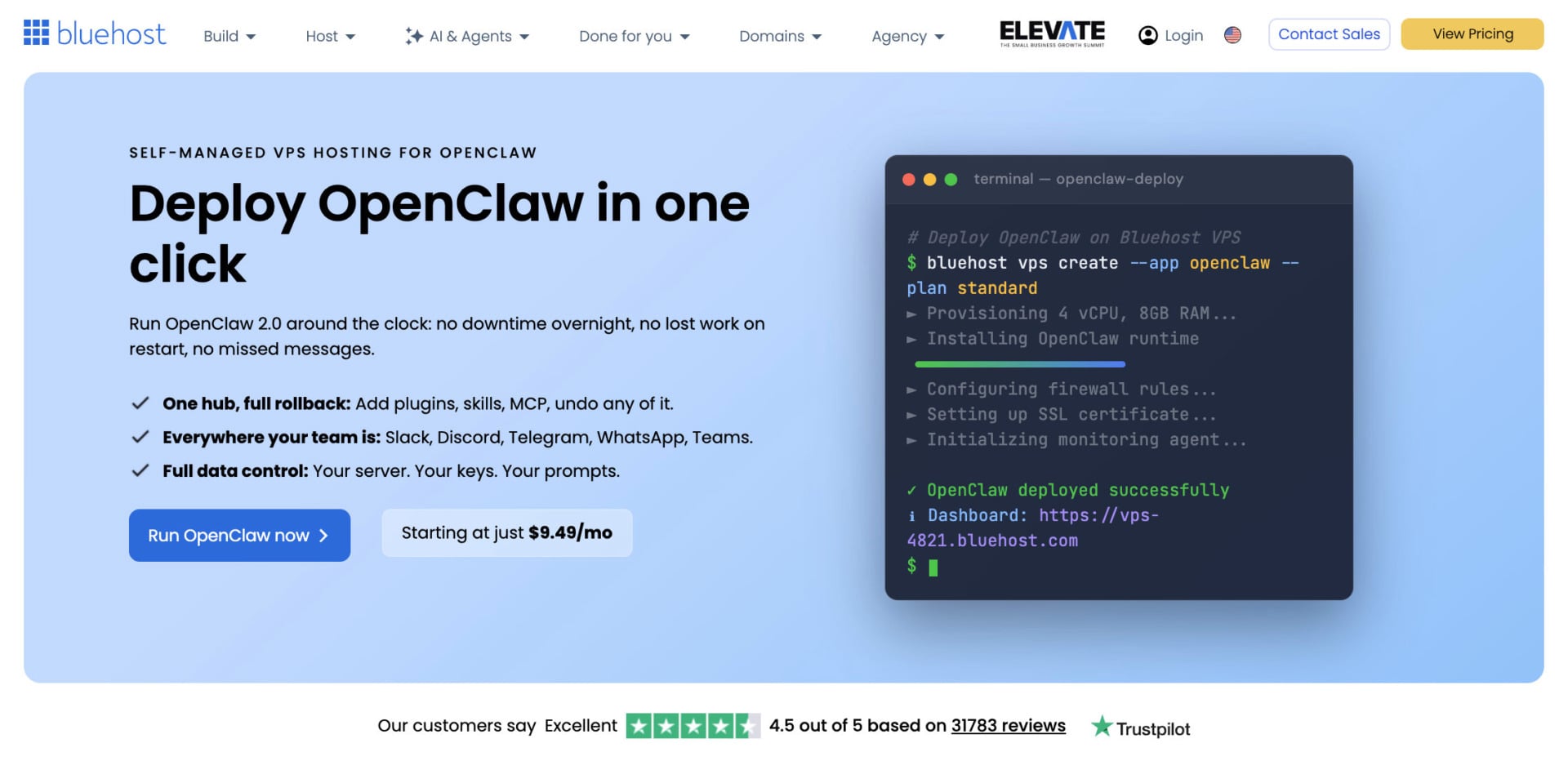
Bluehost is one of the best OpenClaw hosts for people who want a clean root server and are comfortable installing the agent themselves. Its NVMe VPS plans use DDR5 memory and give you full root access, and Bluehost tags the NVMe 4 plan as recommended for Docker, AI agents and growing applications. That matches the way OpenClaw is normally installed, either through the official script or as a Docker container.
Plans and Pricing
On a 24-month term, NVMe 2 has 1 vCPU, 2 GB of RAM and 50 GB of storage for $4.69/mo, which sits at the OpenClaw minimum. NVMe 4 has 2 vCPUs, 4 GB and 100 GB for $9.49/mo, and NVMe 8 has 4 vCPUs, 8 GB and 200 GB for $12.99/mo.
Compare Bluehost’s NVMe VPS Plans
Root Access and Docker
You get root access and can add cPanel later if you also want to host websites on the same server. Because there is no OpenClaw template, you install Docker or Node yourself, which takes the 15 to 30 minutes described later in this guide. If you also plan to run automation tools next to OpenClaw, our n8n hosting guide uses the same Bluehost plans.
Bluehost has 24/7 support and a 30-day money-back guarantee. Data center locations are listed only as multiple on the plans page, so check the region at checkout if latency matters. Our Bluehost vs. Hostinger comparison shows how the two stack up on shared plans.
Get a Bluehost VPS for OpenClaw
3. DreamHost
Pros
- Full root access and Docker on the Stack plans
- Bandwidth is not metered under fair use
- Stack 8 gives you 8 GB of RAM for $9.49/mo
- 30-day money-back guarantee
Cons
- The Managed VPS plans have no root access
- No phone support
- Only 2 vCPUs on both the 4 GB and 8 GB plans
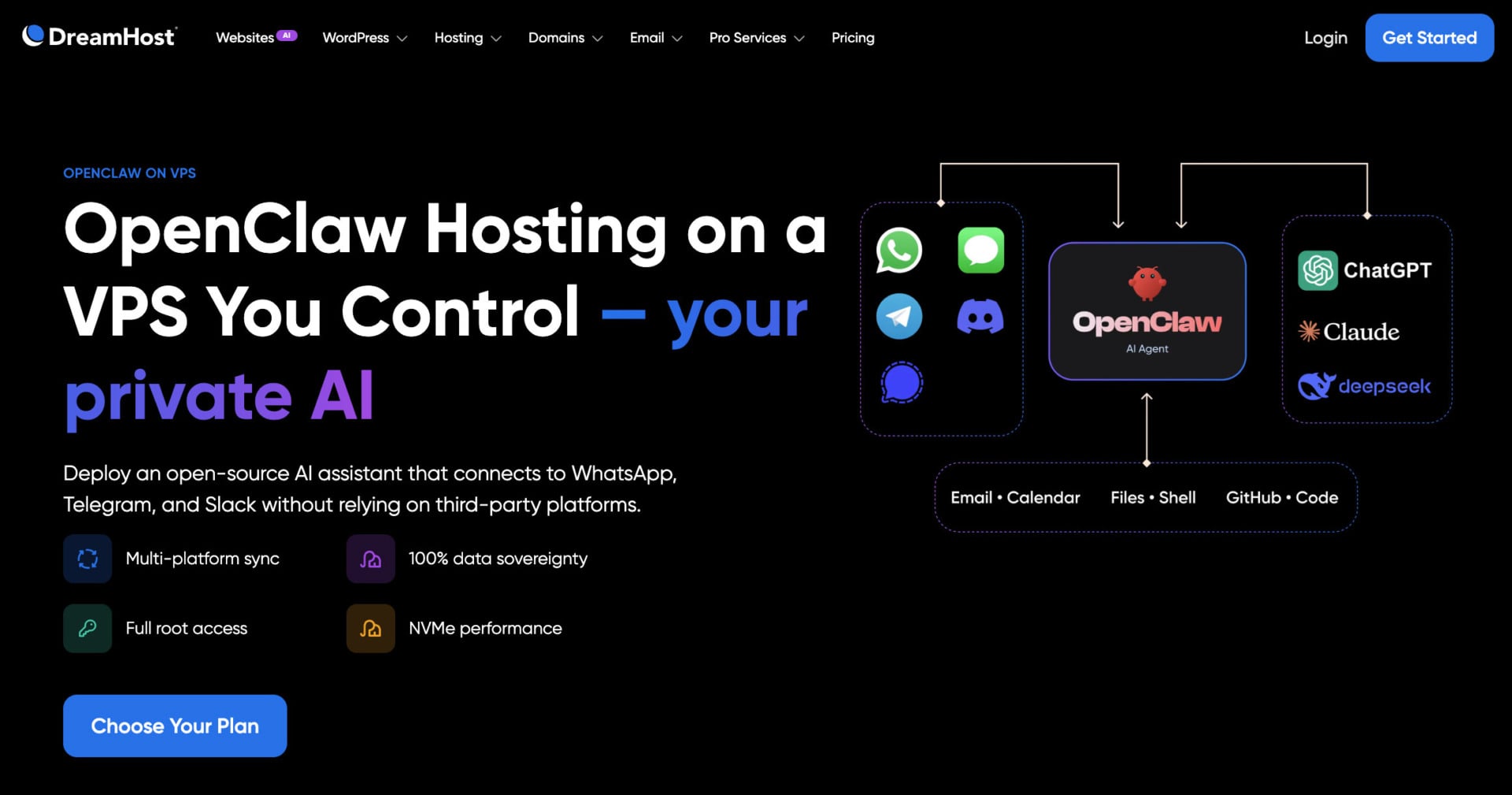
DreamHost is one of the best OpenClaw hosts if you want generous bandwidth on a server you fully control. The Stack line is its self-managed VPS, and it has full root access, a choice of Linux distributions and support for Docker and KVM. Both the 4 GB and 8 GB plans use 2 AMD EPYC vCPUs, which is enough for the gateway because the AI work runs at your model provider.
Plans and Pricing
On a two-year term, Stack 4 has 4 GB of RAM and 75 GB of NVMe storage for $5.99/mo and renews at $10.99. Stack 8 has 8 GB and 150 GB for $9.49/mo and renews at $14.99, a gap of about 1.6 times. That makes the 8 GB Stack the smallest jump at renewal among the 8 GB servers in this guide. Monthly billing costs more, at $8.99 and $13.99 for the first three months.
Root Access and Support
Choose Stack, not the Managed VPS line. The Managed plans give you SSH but no root or sudo, and OpenClaw needs both to install its system service. DreamHost lists 24/7 support and a 30-day money-back guarantee, but it has no phone line. Read our Hostinger vs. DreamHost comparison to see how it fares against the top pick.
4. HostGator
Pros
- OpenClaw appears in the one-click app list
- Lowest 4 GB and 8 GB prices in this guide, at $4.18 and $8.36
- Root SSH, an API and unlimited bandwidth
- Claude Code comes pre-installed on every plan
Cons
- Renewal prices are 2.2 times the promo price
- cPanel and priority support are not included
- The promo term is not shown on the plan page
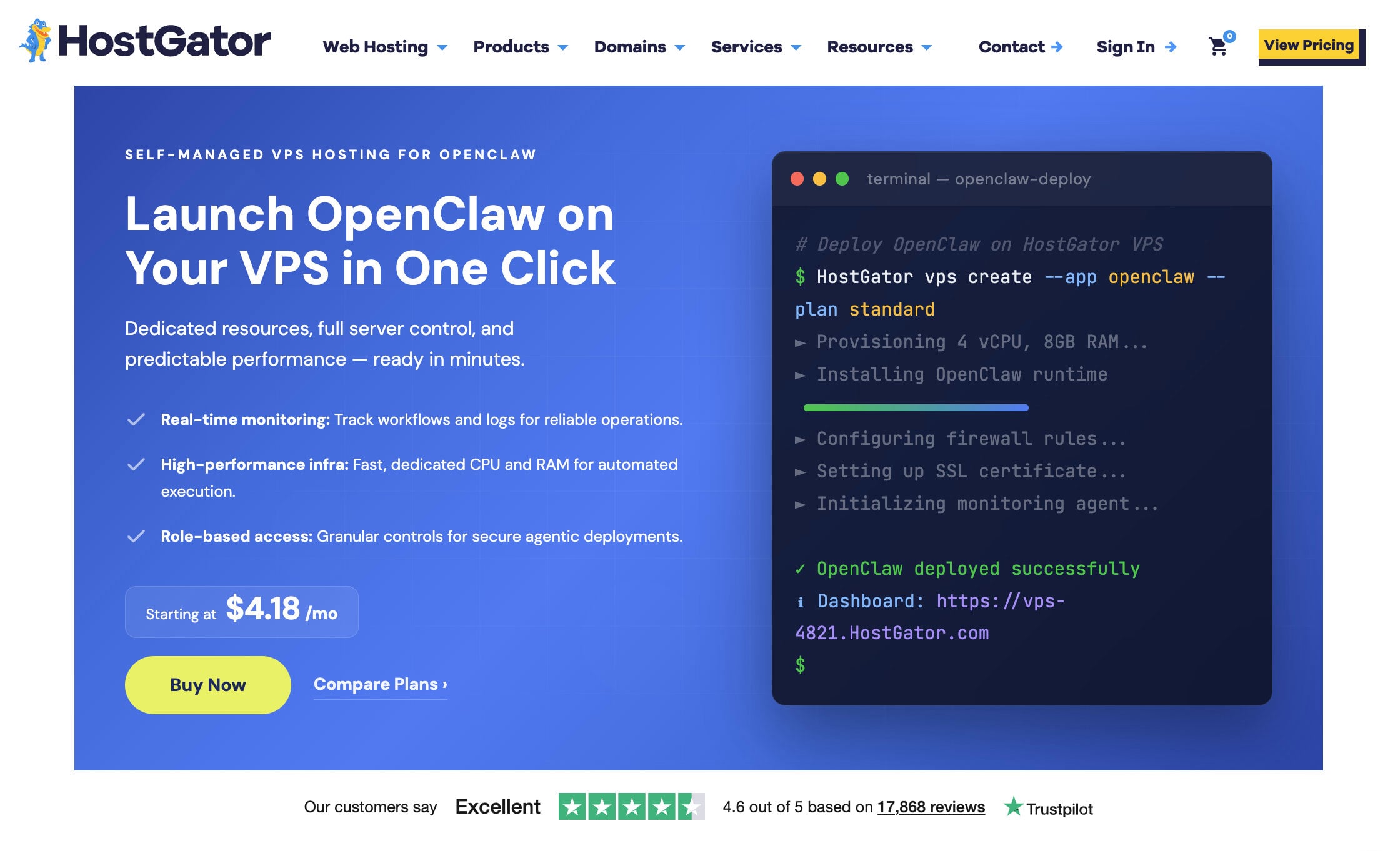
In fourth place among the best OpenClaw hosts, HostGator is the cheapest way to get an 8 GB server that has OpenClaw in its one-click app list. The app menu also includes n8n, Open WebUI, Ollama and Claude Code, so the same server can run other agent tools later. HostGator adds Claude Code pre-installed on every plan, which helps if you plan to edit OpenClaw skills from the command line.
Plans and Pricing
Snappy 2000 NVMe 4 has 2 vCPUs, 4 GB of DDR5 memory and 100 GB of storage for $4.18/mo, and it renews at $9.35. Snappy 4000 NVMe 8 has 4 vCPUs, 8 GB and 200 GB for $8.36/mo, renewing at $18.70. HostGator does not show the length of the promo term on the plan page, so treat the displayed price as an introductory rate and expect the renewal figure afterward.
See HostGator’s Snappy VPS Plans
Root Access and Support
Every plan has root SSH, API access, AMD EPYC processors, DDoS protection, a dedicated IP and unlimited bandwidth. What you do not get is cPanel or priority 24/7 support, since those are extras on the self-managed line. HostGator lists a phone number and a 30-day guarantee, and our HostGator review has the details.
Get a HostGator VPS for OpenClaw
5. InMotion Hosting
Pros
- Root and SSH on both self-managed and managed plans
- Managed plans include onboarding help and 24/7 human support
- Docker-ready, with snapshots on demand
- 90-day money-back guarantee
Cons
- The entry plan starts at 8 GB, so it costs more than the others
- Self-managed support covers only hardware and network
- Renewals run 1.9 to 2.7 times higher on self-managed plans
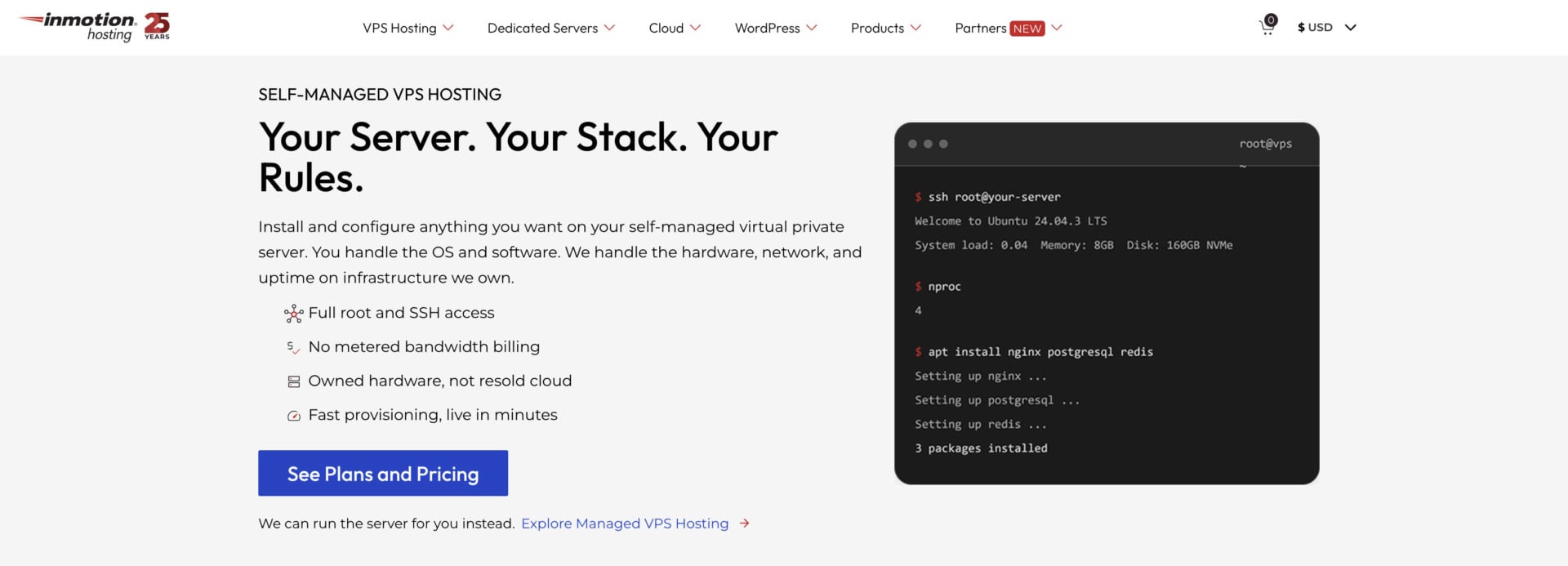
InMotion Hosting is the pick for readers who want a person to call when the server misbehaves. Its self-managed VPS gives you root and SSH, lets you choose AlmaLinux, Debian or Ubuntu, and is described as Docker-ready. The managed version keeps root and SSH but adds onboarding and migration help, security and operating system patches, daily backups and full human support around the clock.
Plans and Pricing
The entry VPS has 4 vCPUs, 8 GB of RAM, 160 GB of NVMe storage and 5 TB of bandwidth. On a 24-month term it costs $13.99/mo self-managed, renewing at $26.99, or $43.49/mo managed, renewing at $56.49. The 16 GB plan costs $21.99/mo self-managed and is the most popular tier. The guarantee is 90 days on VPS plans, which is the longest of any host in this guide.
Support and Guarantee
On the self-managed plans, support covers the hardware, the network and the data center, so software questions about OpenClaw remain yours to solve. The managed plans are the better match if you want help with the operating system and updates. InMotion has phone support, and its plans include snapshots on demand, so you can save the server before you test a new OpenClaw version.
6. Hetzner
Pros
- Frequently used in community OpenClaw setup guides
- Hourly billing and 24/7 ticket support
- 20 TB of traffic included at European locations
Cons
- Prices changed twice in 2026
- Shared-vCPU plans were listed as unavailable in September
- No one-click OpenClaw template
Hetzner closes our list as a community favorite. It shows up often in OpenClaw setup guides because its cloud servers combine 4 GB or 8 GB of RAM with NVMe storage at low prices. Hetzner is not one of our partner hosts, so we list it without a button and without a promo code.
Be careful with the numbers you find online. Hetzner raised prices twice in 2026, renamed the older CX22 to CX23, and its status page has flagged limited availability of cloud plans. In September 2026 the pricing page marked the shared-vCPU plans as unavailable, so check the price and availability for your region before you plan around it. European locations include 20 TB of traffic, while US locations include far less, and support is by ticket around the clock.
Like the VPS plans above, a Hetzner cloud server is self-managed. You install Docker or Node yourself and follow the same steps as in the installation section below.
OpenClaw Server Sizes Compared
The two tables below compare the servers with 4 GB and 8 GB of RAM, using the prices shown on each host’s plan page. Every price is a launch rate that requires paying for the stated term upfront, so the renewal column shows what you pay after that term ends.
| 4 GB plan | vCPU | NVMe | Launch price | Renewal |
|---|---|---|---|---|
| HostGator Snappy 2000 NVMe 4 | 2 | 100 GB | $4.18/mo | $9.35/mo |
| DreamHost Stack 4 | 2 | 75 GB | $5.99/mo | $10.99/mo |
| Hostinger KVM 1 | 1 | 50 GB | $6.49/mo | $11.99/mo |
| Bluehost NVMe 4 | 2 | 100 GB | $9.49/mo | $11.99/mo |
| 8 GB plan | vCPU | NVMe | Launch price | Renewal |
|---|---|---|---|---|
| HostGator Snappy 4000 NVMe 8 | 4 | 200 GB | $8.36/mo | $18.70/mo |
| Hostinger KVM 2 | 2 | 100 GB | $8.99/mo | $14.99/mo |
| DreamHost Stack 8 | 2 | 150 GB | $9.49/mo | $14.99/mo |
| Bluehost NVMe 8 | 4 | 200 GB | $12.99/mo | $28.99/mo |
| InMotion VPS (self-managed) | 4 | 160 GB | $13.99/mo | $26.99/mo |
HostGator has the lowest launch price at both sizes, and Hostinger and DreamHost have the smallest renewal jump at 8 GB. Hostinger’s two plans are the only ones with an OpenClaw template, so they trade a little price for less setup work. If you plan to keep the server for years, the renewal column matters more than the launch price.
VPS or Managed OpenClaw Hosting?
An OpenClaw VPS gives you a blank Linux server, and you install and update the agent yourself. Managed OpenClaw hosting works the other way: a provider runs the server, applies runtime updates and often gives you a web dashboard, and you bring your own AI provider keys. Managed plans cost more per month than a small VPS, but they remove the maintenance work.
Hostinger’s AI agents and automation plan sits between the two options. It is not a bare VPS, and it does not need Docker or SSH, yet it costs $5.99/mo at launch. If you want a plain VPS instead, the plans above give you root and full control, and you should budget a few minutes each month for updates and backups.
Shared hosting is not an option in either case. OpenClaw needs a long-running Node process and a system service, and shared plans do not allow either. Our cheap hosting guide covers shared plans for regular websites, and our free hosting guide explains why free plans do not fit an always-on agent.
How to Install OpenClaw on a VPS
The steps below follow the official OpenClaw documentation and work on any Ubuntu or Debian server from the list above. On Hostinger’s template or app plan you can skip most of them. On other hosts the whole process takes 15 to 30 minutes if you are comfortable with SSH.
- Order a plan with at least 4 GB of RAM, choose Ubuntu 22.04 or 24.04, and connect over SSH as root. Run your system updates first.
- Lock down access before you install anything. The OpenClaw docs suggest keeping SSH access limited, for example by joining the server to a Tailscale network and then restricting public SSH.
- Install OpenClaw with the official script,
curl -fsSL https://openclaw.ai/install.sh | bash, or withnpm i -g openclaw@lateston Node 24. You can also run it in Docker with the official image. - Run
openclaw onboard --install-daemonto set up the systemd service, then add your AI provider key and connect a messaging channel such as Telegram. - Check the result with
openclaw doctorandopenclaw gateway status, then runopenclaw security auditand create a first backup.
Best OpenClaw Hosting: The Final Verdict
Hostinger is our pick for the best OpenClaw hosting, because it is the only host in this guide with a one-click OpenClaw template and a plan that skips server administration altogether. Code GIZMODO takes 10% off, and the 30-day refund lets you test the setup before you commit to a long term.
Try Hostinger With a 30-Day Refund
If you want a plain root server, Bluehost and DreamHost are the cleanest picks, and HostGator has the lowest price at 4 GB and 8 GB. InMotion suits people who want a human to help, and Hetzner is the alternative for readers who prefer a European provider and can order a plan that is in stock.
If you are comparing servers for other self-hosted tools too, read our best VPS hosting guide next.
FAQ
Can I Run OpenClaw on Shared Hosting?
No. OpenClaw needs a Linux server where you can install Node.js or Docker and run a long-lived system service. Shared and cPanel-style hosting do not allow that, so you need a VPS with root access, or a plan such as Hostinger’s AI agents app plan that runs the agent for you.
How Much RAM Does OpenClaw Need?
The minimum is 2 GB of RAM, although some guides warn it can crash during onboarding. We recommend 4 GB for one always-on agent, 8 GB if you use browser skills, and 16 GB or more for local models through Ollama. OpenClaw sends AI requests to an external provider, so the server needs more memory than processing power.
How Much Does OpenClaw Hosting Cost?
The VPS plans in this guide start at $4.18/mo for 4 GB at HostGator and $6.49/mo at Hostinger, and 8 GB servers start at $8.36/mo. Those are launch prices billed for a long term, and renewals are higher. You also pay your AI provider for model usage, because OpenClaw does not run the model on your server.
Is There Free OpenClaw Hosting?
Yes, but with limits. Oracle Cloud’s Always Free tier is the option people mention most, with 4 ARM CPUs and 24 GB of RAM, and it works only with ARM-compatible setups. Free web hosts such as those in our free web hosting guide cannot run OpenClaw, because they lack root access and long-running processes.
Is Managed OpenClaw Hosting Better Than a VPS?
It depends on how much server work you want. Managed hosting handles updates and gives you a dashboard, which saves time but costs more per month. A VPS gives you full control and a lower price, and you handle Docker, updates, backups and security yourself.
How Do I Keep OpenClaw Secure?
Keep the gateway on loopback and use an SSH tunnel or Tailscale Serve to reach it, and set a shared secret if you expose it on a network. Run the built-in security audit after updates, keep the server patched, and back up the OpenClaw state folder regularly.