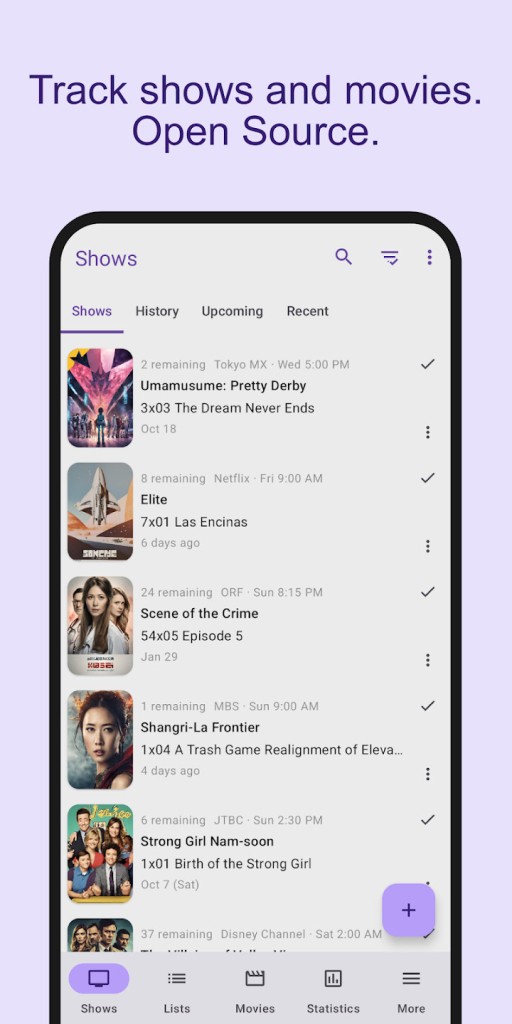
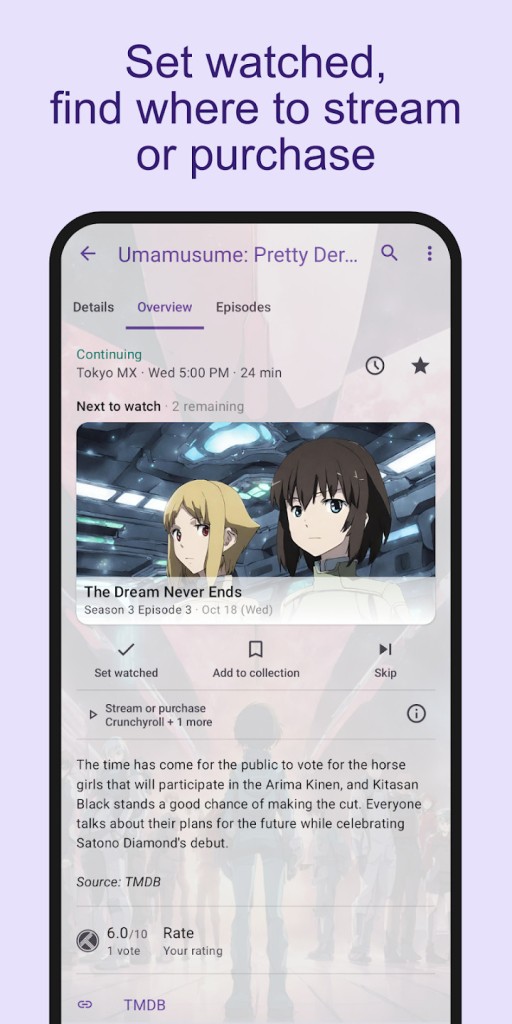
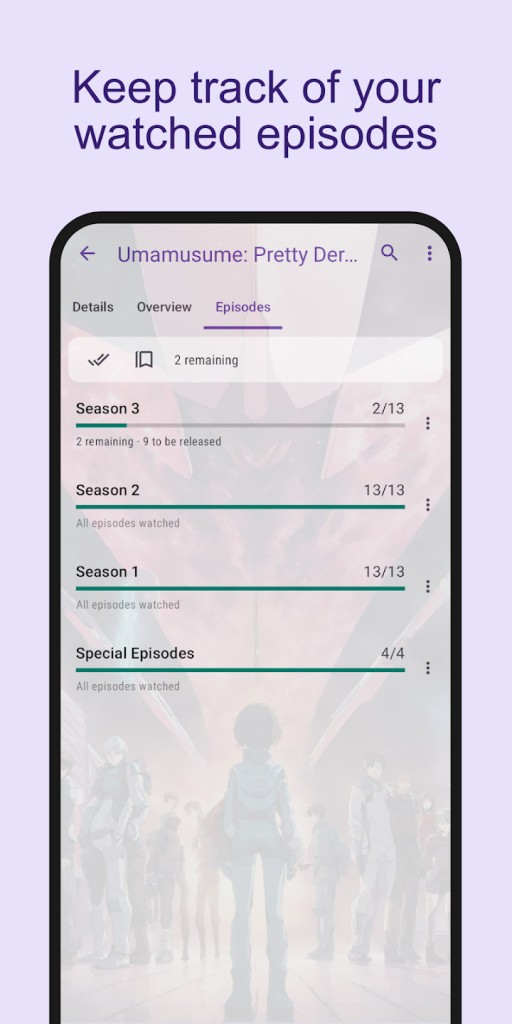
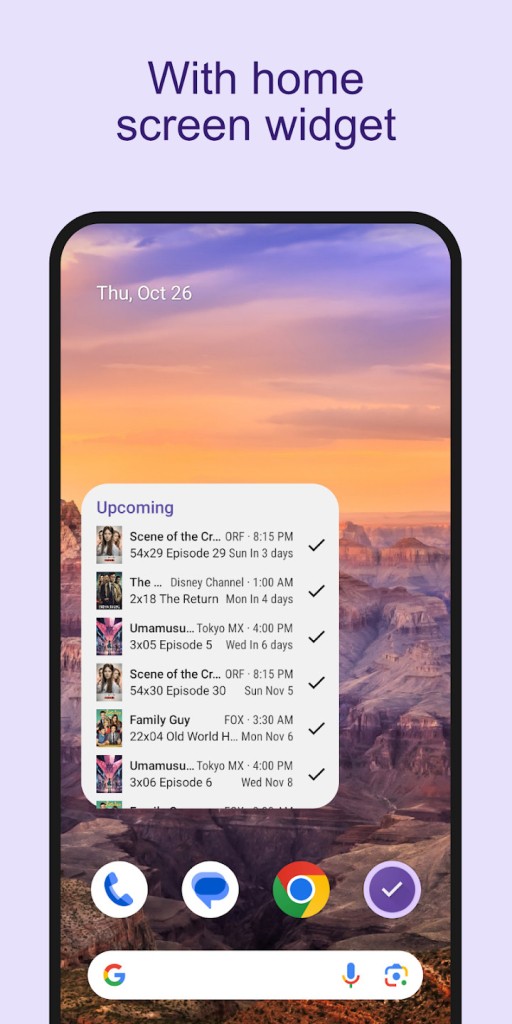
SeriesGuide is a user-friendly yet thoughtful app that will help you follow up on the shows and movies that you are watching. It doesn’t overwhelm you with popular news and reviews. It’s not trying to sell you a subscription or pressure you into its ecosystem. It just provides you with a calm, clean place to remember what you have already seen and what will come next.
It’s not meant for people who love to scroll for hours. It’s made for those who want clarity. You open it, tick an episode off as watched. No noise. No stress. Just a feeling of control over something small but frustrating. If you have ever paused a show for months to come back, not sure where you left it, SeriesGuide is the best friend that never forgets. It remembers, therefore, you do not have to. It ensures that your time spent watching is used to watc,h not to try to work out what happened last.
Why should I download SeriesGuide?
The streaming world is chaotic. One show lives on Netflix. Another on Prime. A third somewhere else. Then there were those you completed, the ones you skipped, the ones you promised you’d come back to and never did. That mess resides in your head until it doesn’t. SeriesGuide silently does it for you. Anyone can use it to organize their TV life, asking not a lot in return.
There’s a refreshing lack of ambition in how little it attempts to be for all. It doesn’t force you with some recommendations or guess your taste. You can create your own list, your own timeline. You note what you’ve seen and when. You know what is going to air next and at what time. And that’s all the primary function it has. You aren’t fighting notifications or being prompted to rate or share even once you open it. It delivers what you want (your progress) and then holds its hand.
It works well offline too. That means you can use it on a train, a plane, or anywhere you don’t want to use data. And since, it can link to Trakt if you desire, your progress may sync to several devices. You can begin on one phone, and resume on another. But in case you don’t sync it, the app does just as well. It stores your watch history locally and makes everything straight forward.
It also goes a long way if you happen to be a little obsessive with completion. There’s a small satisfaction in having something ticked. Watching a list grow. Watching how your viewing habits align perfectly like those pieces of a puzzle. It’s weirdly satisfying, and SeriesGuide indulges it quietly. It doesn’t rejoice when you finish a season. It just updates. You move on. But it develops into something comforting. You know where you are. You know what’s next. It makes you addicted to the show rather than controlling the viewing of the same. That’s what makes it stick.
Is SeriesGuide free?
SeriesGuide is free, both to use and download. No cost, but all the basic tracking powers will be available, and you will not see ads crowding you on the screen. There is a cheap upgrade called SeriesGuide X that opens some additional features, cloud backing, and extra tweaks, but after all, the basic app works nicely without paying for anything. It gives you your space and doesn’t urge you to upgrade.
What operating systems are compatible with SeriesGuide?
SeriesGuide is Android-based and will run on any modern Android phone or tablet. It operates well on older devices, too, and does not make high power or storage use. You can find it in the Google Play Store.
Although it’s mainly an Android application, it is possible to synchronize it with Trakt to see your progress on different platforms if you use complementary tools. There is no iOS version, and there is no dedicated desktop app, but on Android, it’s reliable, lightweight, and always ready when you need it.
What are the alternatives to SeriesGuide?
Several other apps help you keep track of your watchlists, but each of them follows a different path. Some wish to become more social. Others are more rigorous when it comes to content discovery. SeriesGuide is unique for being quiet and private, but of course, a few others might catch your attention depending on what you’re after.
TV Time is another of the most popular alternatives. It lets you track episodes and shows, and it gives that experience a layer of community. You can read about what other people think about an episode, share your own reactions, and get recommendations based on what’s popular. It’s flashier and more connected. If you prefer to engage other fans or be up-to-date with the popular series, it does that.
IMDb Movies and TV goes a different way. It is heavier on background and data. It’s the place to find out anything about actors or trivia about a show. It’s fantastic for discovery and learning, but not so much for tracking your own progress, even if it offers streaming notifications. It also allows you to find out on which platform the show or movie is aired. Finally, it offers a watchlist functionality.
Then there’s JustWatch. This one doesn’t really follow what you’ve watched, rather helps you determine where to watch it. It informs you what platform is streaming what and what is possible to rent, buy or watch for free on it. It’s not much after you’ve begun a series, but it’s a boon on finding starting points. In a world where the content is fragmented across platforms, it saves time and avoids frustration.