After years of loyal service, the developer of TV Time has decided to call it quits. The platform therefore shut down on July 15, 2026. To continue watching your movies and TV shows, we recommend scrolling down this page to access the alternatives directly.
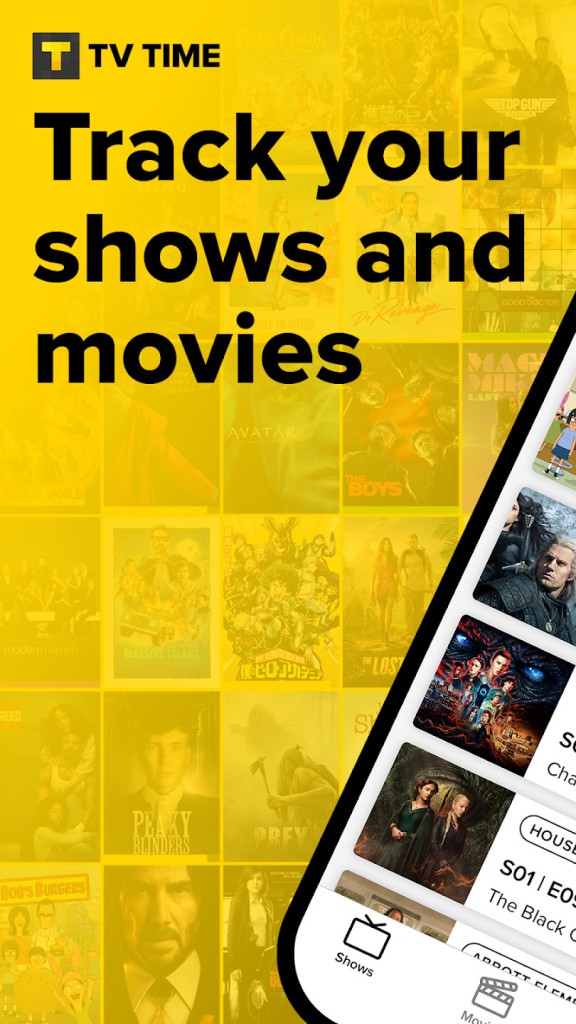
TV Time is an app that tracks your TV shows and movies. It doesn’t stream any content, and you cannot find episodes inside the app, but it will help you to track every show/movie you have watched, want to watch, or are in the process of watching.
It provides you with a single location in which to log your complete viewing history. You watch something, return to the app, tap to mark as watched, and gradually your profile turns into a timeline of everything you’ve ever watched.
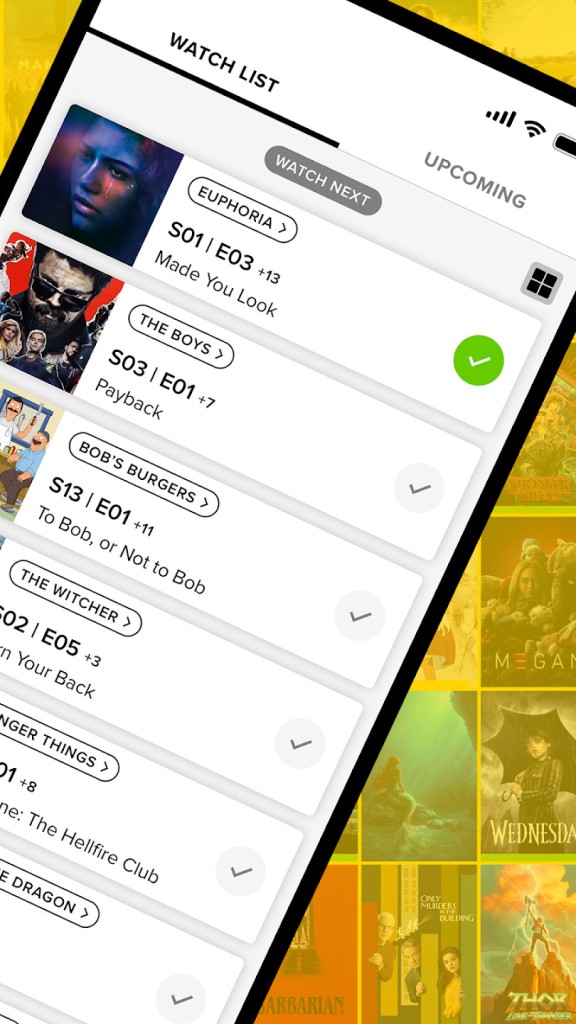
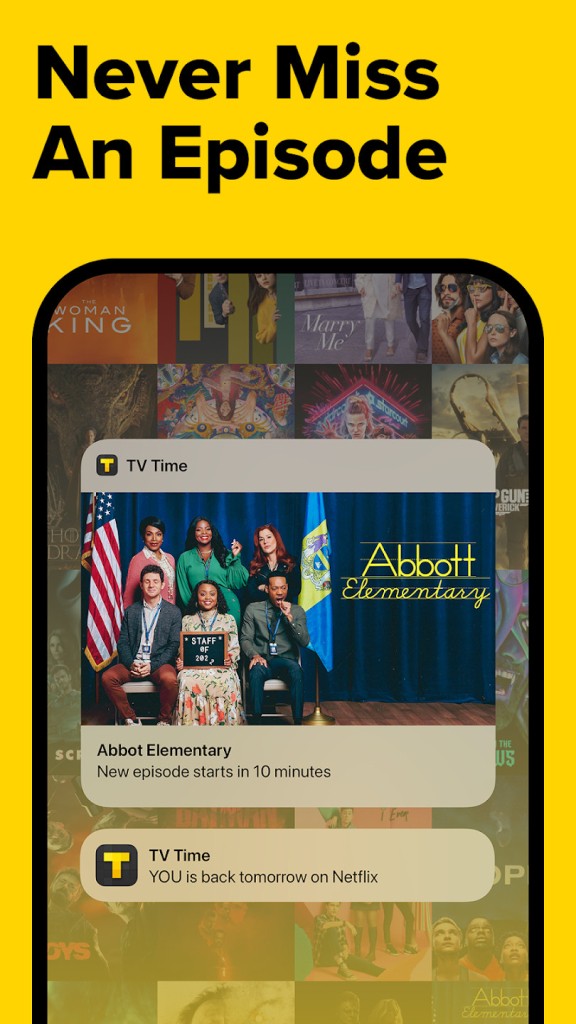
You can follow several shows simultaneously without needing to remind yourself what episode you were on. That alone makes it useful. You also receive indications of what to watch next, depending on your viewing habits. When you complete a series, it tells you others that you should watch.
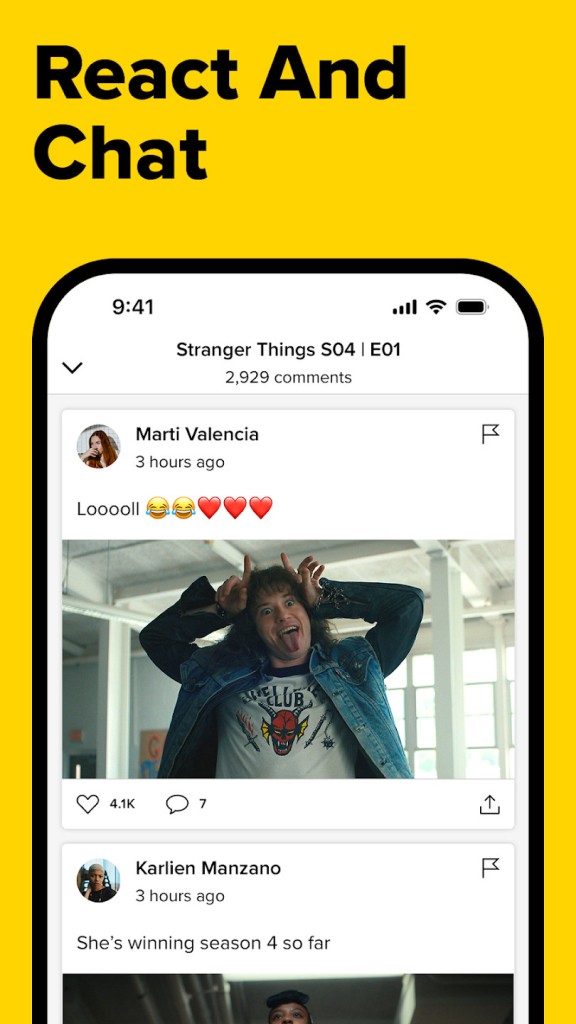
It’s not just a checklist. Click reactions, rate episodes, share thoughts with other viewers, and see what people thought about the same scenes you did. That adds another dimension to the experience. You’re not alone watching, even if you are. And all of that you do in the app quietly creates your profile, and over time, it quietly becomes a mirror of your taste in entertainment.
Why should I Download TV Time?
TV Time is among those apps that quietly work in the background of your daily life. You aren’t in it for hours, but it alters your attitude towards watching things. Unconsciously, you are likely on one platform with a half-watched show, another half-watched show you gave up on a few months back, and a movie someone knew you would like that you have forgotten about. TV Time then becomes that place where you put all those bits together. You log in, search the title, add it to your list, and now it’s going nowhere.
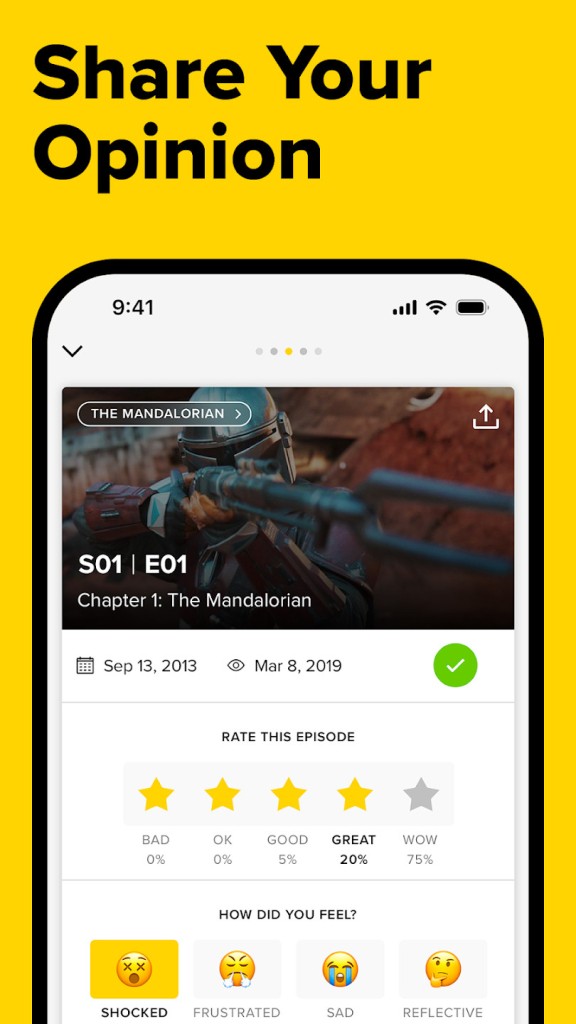
There’s sort of a real sense of satisfaction when you complete an episode and tick it off. You click the little check mark, and it updates your progress. You get to rate, leave comments or reactions with emojis, and sometimes see what others have said. TV Time is that place if you are a fan of talking about shows, even in your head, without forcing it. It enables you to see how others feel without having to argue or respond. You just scroll, think, and go ahead with the next episode.
The statistics that the app provides are surprisingly thought out. It informs you of how long you have spent on the whole watching content. That number can be quite shocking or oddly comforting. You also get a look at what genres you watch most frequently and which shows you’ve consumed the quickest. The long-term results turn it into more than a tool. It turns into a habit. You don’t leave all the information you had given, and don’t forget where you left off. You don’t wonder what to start with next. You access the application, look at your watchlist, and everything is waiting for you. In some way, it’s a clutter cleaner for your mind. You do not have to remember titles or keep things tracked on your own anymore.
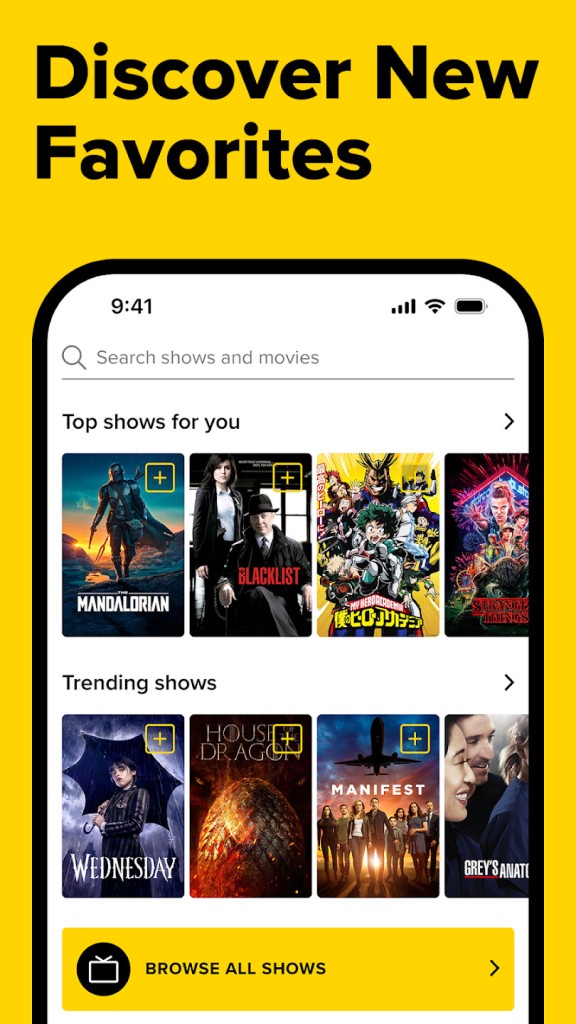
TV Time also provides a discovery feature. It subtly recommends titles of your taste to you. These are not even the trendy picks or ads. They tend to agree with what you like. There will be a show you didn’t hear about, yet it is perfectly suited to your disposition. Such specific suggestions, tailored, without pressure, make a difference. You’re not being marketed to. You’re feeling pushed along softly, and it helps make it more pleasant.
If you’re a watcher, from multiple platforms, throughout the year, this app gives you a home base. It maintains your entertainment life in one place, and not like a job. You don’t need to write things down. You don’t need to scroll through several apps to try something new. You just go to TV Time and your watching life opens naturally.
Is TV Time free?
True, TV Time is free of charge to use. There are no charges to track shows or log your movies. There are extra features included in the app, but the base functionality is free. You can download it and use it immediately.
What operating systems are compatible with TV Time?
TV Time is accessible on Android as well as iOS-based devices. You can find it at the Google Play Store or on the Apple App Store, depending on your device. It operates flawlessly on most of the latest smartphones and tablets with operating systems above the standard. There is also a web version of the app for desktop users who are more comfortable managing their watchlist on a larger screen. There are frequent updates that the developers further develop performance and layout for phone and desktop users.
What are the alternatives to TV Time?
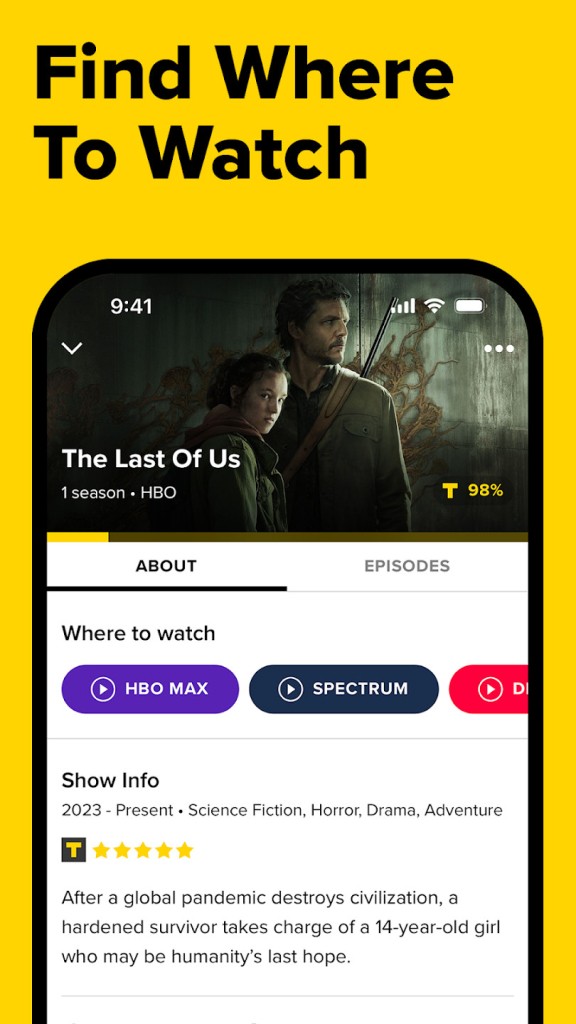
There are several other apps that do tracking for shows and movies, but each takes a different approach to it. If you are comparing options, you might see JustWatch. This app will enable you to determine where to stream a particular movie or show. It monitors which content is accessible within your region and on what platform. You put the title in, and it tells you which service it has. You can also filter on price, subscription, or genre. JustWatch has more emphasis on the content that’s available and less on tracking your progress.
Another place to consider is IMDb Movies and TV. Although it is mainly recognized as a database on films, actors, and directors, the app has user accounts, where you can rate and review, and create watchlists. It is more formal, but if you enjoy knowing cast details or watching trivia about scenes, then you get more out of the experience. It’s less episode by episode tracking, but it gives you a wide perspective on all in the film and TV universe.
Another tracker that is almost created for use by Android users is SeriesGuide. It has a simple, minimalist design, and you can track shows/movies, mark which episodes you’ve watched, and check up on the upcoming ones. It’s more private and direct. There’s no solid community or reaction feed, like TV Time. SeriesGuide cleans this up, but if you’d just like to log your watching and see your timeline grow, it provides that. Some like it as it doesn’t interfere with social features or recommendations. It’s more about quiet functionality.