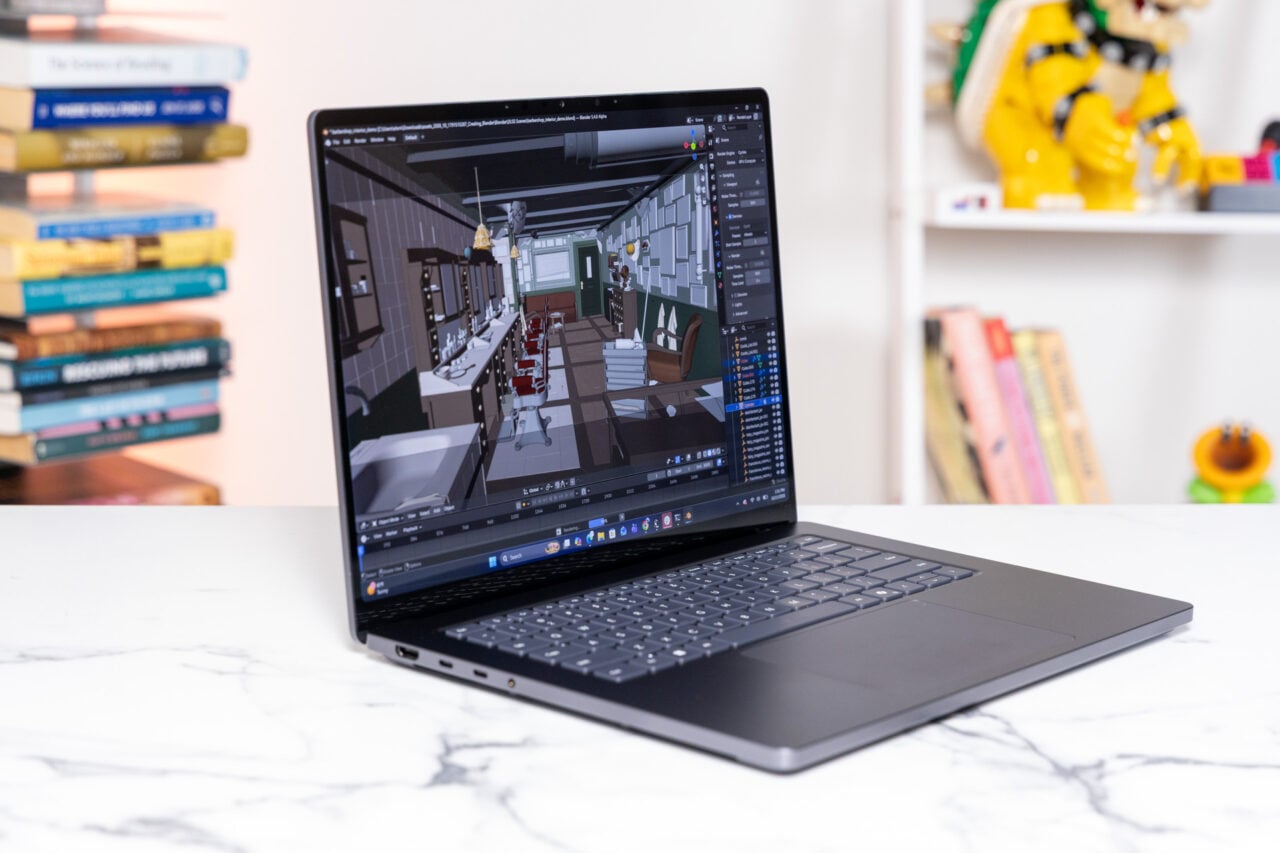
Eyeing Windows 7 but feeling left out in Mac land? Well, if you have 10GB to spare and a DVD burner, here’s how to join the Win7 party for free with Boot Camp.
Since the Windows 7 beta is free (for a time), it’s also a great time to play around with Windows on your Mac via Bootcamp if you haven’t done so yet (like me)-since you don’t have to drop money or pirate points on a legit Vista or XP license.
https://gizmodo.com/giz-explains-the-windows-7-beta-fine-print-5130902
SimpleHelp‘s guide is exhaustive, save for one little tidbit: running the 64-bit version may take a little tweaking, depending on your machine. If your machine officially supports the Boot Camp 2.1 64-bit update (any recent “Pro” model), grab that for you driver install under Windows. Recent Macbooks may also require a new video and audio driver-find them according to these instructions.
If you have a Macbook Regular or any other machine with 64-bit hardware but no official seal of approval from Apple, this thread on Mac Rumors can help you. You can also just run the 32-bit version.
The whole thing looks pretty painless, and I’m going to start it up tonight after my Time Machine backup finishes. [SimpleHelp via Lifehacker]
https://lifehacker.com/install-windows-7-beta-on-your-mac-with-boot-camp-5131766