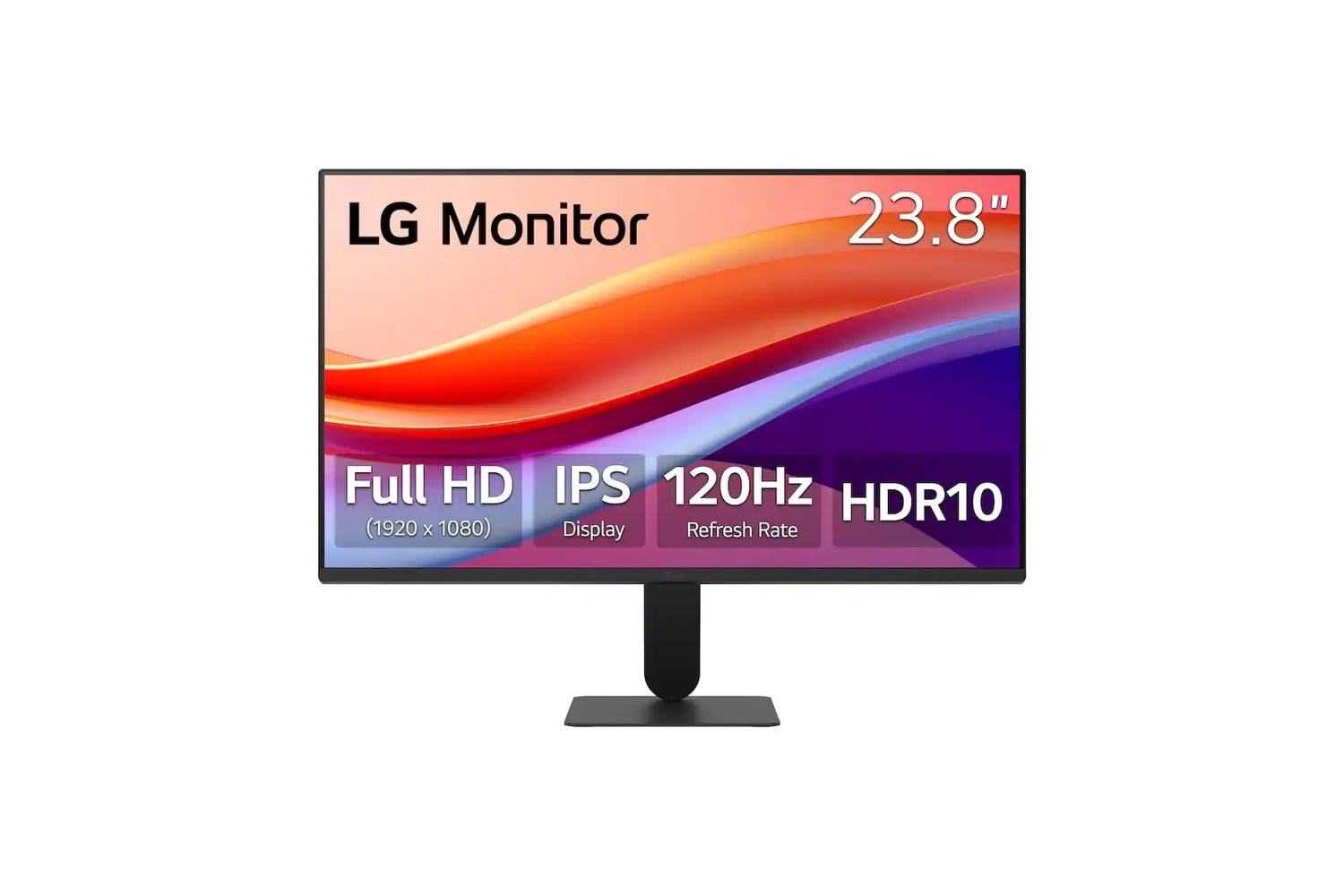
The LG 24-inch IPS FHD 120Hz Monitor with HDR10 pairs a 23.8-inch IPS panel with a 120Hz refresh rate, which is double the 60Hz standard on most sub-$150 office monitors. Native resolution is 1920×1080 with 99% sRGB color coverage and HDR10 support. Motion Blur Reduction at 1ms cuts ghosting in fast-moving content, and Dynamic Action Sync reduces input lag. Connections on the back include one HDMI 2.0 port, a D-Sub VGA input, and a 3.5mm headphone jack.
A 24-inch monitor perfect for adding a second TV to another bedroom or kitchen
The 24U41YA-B is the lowest-end model in the U-Series, priced below $200, ideal as a secondary display for a home office or as the first monitor after a laptop screen. The display is an IPS panel rather than the less expensive TN or VA panels used in many sub-$150 monitors.
IPS-type panels offer several advantages over TN- and VA-type LCDs. The 24U41YA-B achieves 99% sRGB color coverage, which is enough to accurately check color in documents or edit photos on the side. IPS-type panels keep images clear even when you move your head or shift back away from your computer. TN-type panels lose brightness at wide viewing angles, while VA-type panels tend to lose color saturation.
A higher refresh rate improves performance in two ways: gaming smoothness and desktop responsiveness. With each frame drawn in 8.3ms, cursor tracking and scrolling will be tighter and faster. LG’s 1ms Motion Blur Reduction feature keeps moving objects sharp during rapid gameplay in fast games such as Rocket League or Overwatch. However, enabling MBR will reduce overall brightness and disable Dynamic Action Sync. So, it should be enabled for gaming and disabled for other uses. Response time for this panel is 5ms gray-to-gray.
There are thin bezel strips along three edges of the panel, allowing you to fit two monitors side by side without a noticeable seam down the center. The rectangular base of the stand is thinner than usual, which leaves additional room on your desk. It also tilts to allow you to position the monitor at eye level. Unfortunately, this model does not have a VESA mount, so you have to use the included stand.
In terms of connectivity, the 24U41YA-B lacks some common features found on many office monitors. There is no DisplayPort or USB-C port. There is a single HDMI 2.0 connector for video and audio input, and audio output is limited to a 3.5mm jack for headphones or external speakers. However, it’s priced to move,, and you can get a 120Hz IPS panel with 99% sRGB color coverage, HDR10 support, and 1ms Motion Blur Reduction for $87, $113 below its original list price.