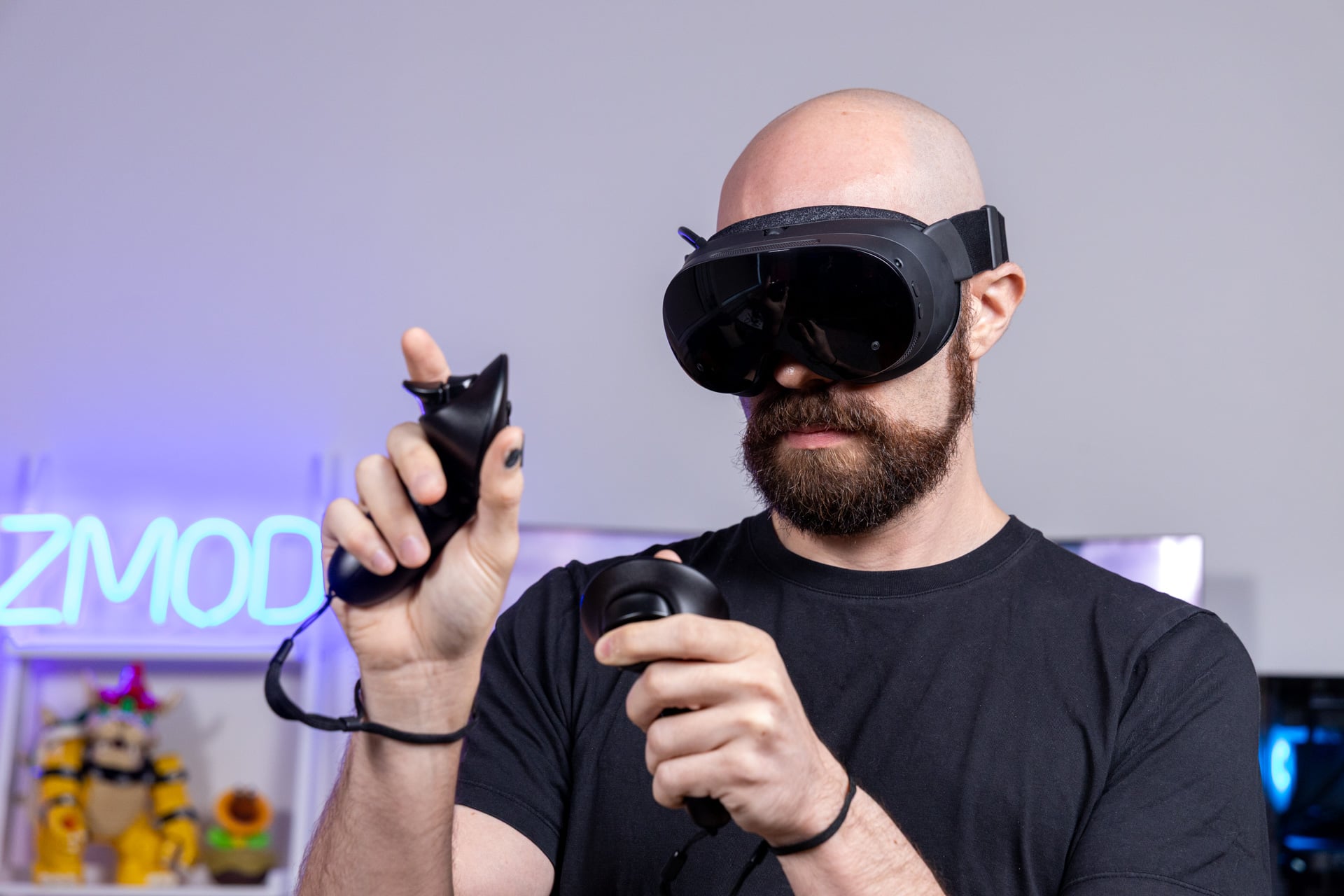
Valve wants to reset the clock on VR. The $1,060 Steam Frame is pure virtual reality gaming goodness in a costly frame. There’s no hint of the metaverse, no talk of “spatial computing,” and no pretending that strapping a pair of big plastic goggles to your forehead is anything but a fun distraction that only lasts for around two hours before the battery runs out.
From its original ideation, VR was better off as a toy. I write that not because I think headsets like the Steam Frame are unsophisticated (although the Meta Quest 3’s software suite is, in several ways, more advanced than much of what Valve offers), but because these types of headsets were meant for play. All but a very select few VR diehards can even imagine trying to get any work done with two screens beaming content two inches from your eyes.
Steam Frame
Valve's wireless VR headset has terrible battery life, and yet it's still the best gaming VR headset available right now.
Pros
- Very lightweight
- Solid visual and audio quality
- Foveated streaming and rendering capabilities
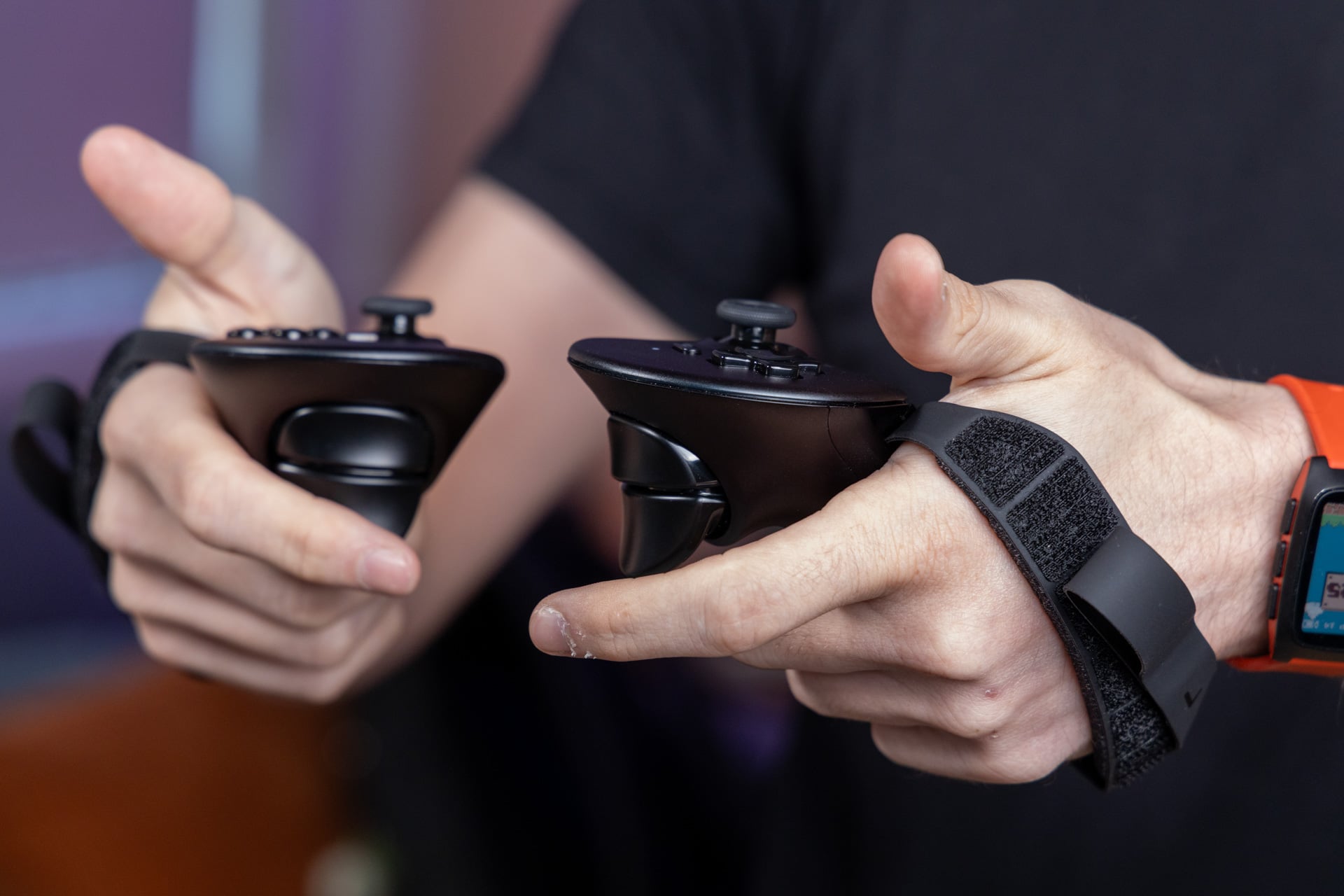
- Responsive controllers
Cons
- Terrible battery life
- Only black and white passthrough
- Routine glitches
- Limited game compatibility
- Pricey for VR headsets
The Steam Frame plays games—although it’s also more interesting than that for people who want to fiddle with said games. This headset runs on SteamOS, the Linux-based operating system that also powers the Steam Deck and Steam Machine. It’s also a full working PC, and you’re able to access the full Linux desktop suite with a mere press of the “+” button on the main menu. Meta’s Horizon OS is a locked-down ecosystem that allows for little of the same flexibility outside the app developer space. The makers of Facebook also never brought us those third-party headsets it promised more than two years ago, so Valve remains one of the few still holding PC VR together.
Still, even though the Steam Frame is a gaming PC you can wear, it isn’t perfect for playing games natively. It uses a Qualcomm Snapdragon 8 Gen 3 chip, not one of the high-powered XR processors Qualcomm has been crowing about the last few months. It’s also limited to 16GB of RAM and a choice of either 256GB or 1TB of storage (the latter costs $1,300). Valve’s headset is capable of running many lower-end 2D games, some older AAA games, and even a few less-demanding VR titles, though you’ll need to wait longer before more games can truly support it.
In the end, the main reason you should buy the Steam Frame is because you already have a capable gaming PC and you’ve always wanted to play SteamVR games without any annoying wires getting in the way. If you’re already heavily invested in VR, the Steam Frame is the best streaming device you can find in today’s market. That being said, it may still not change how you think of virtual reality gaming.
Battery life is the real killer
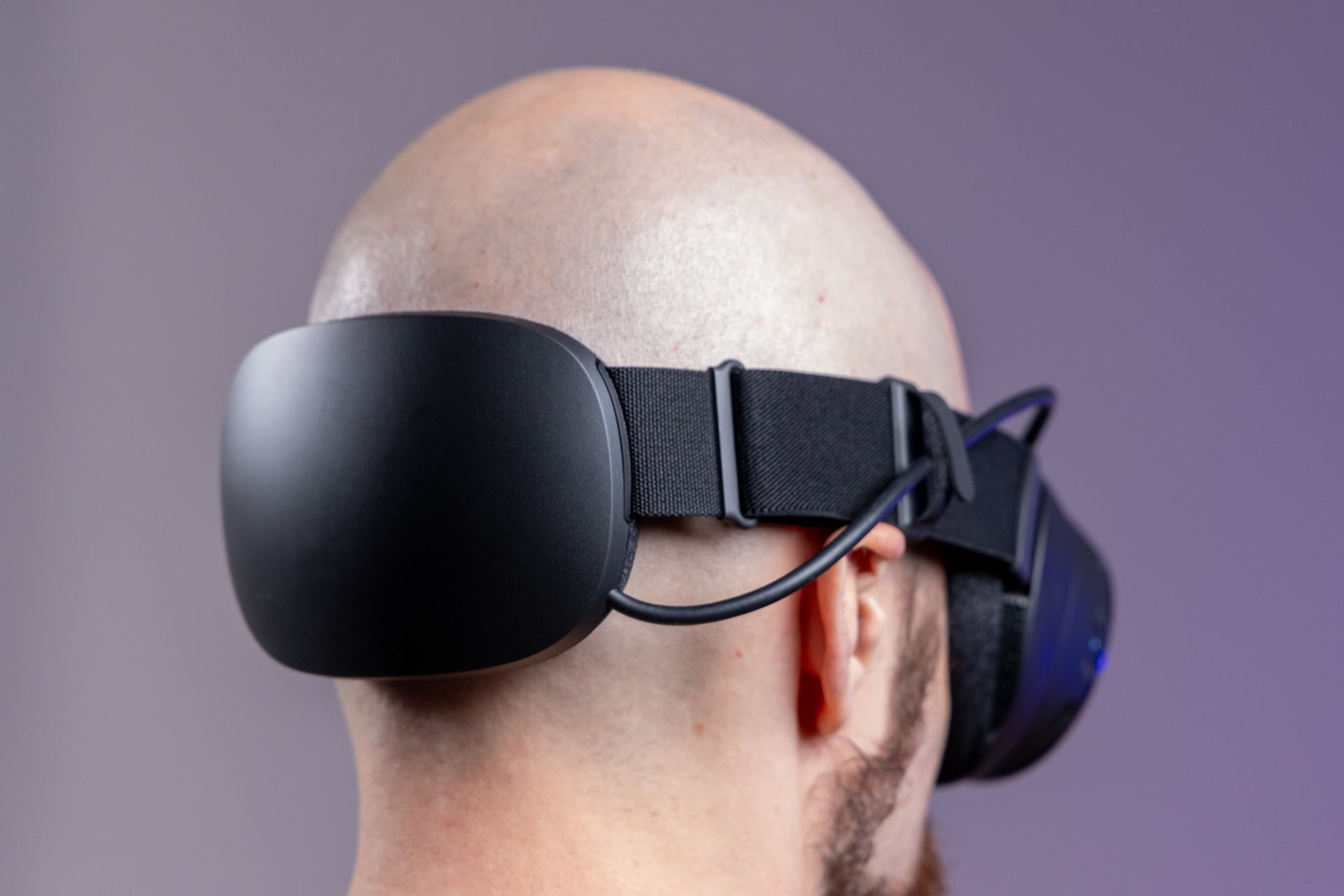
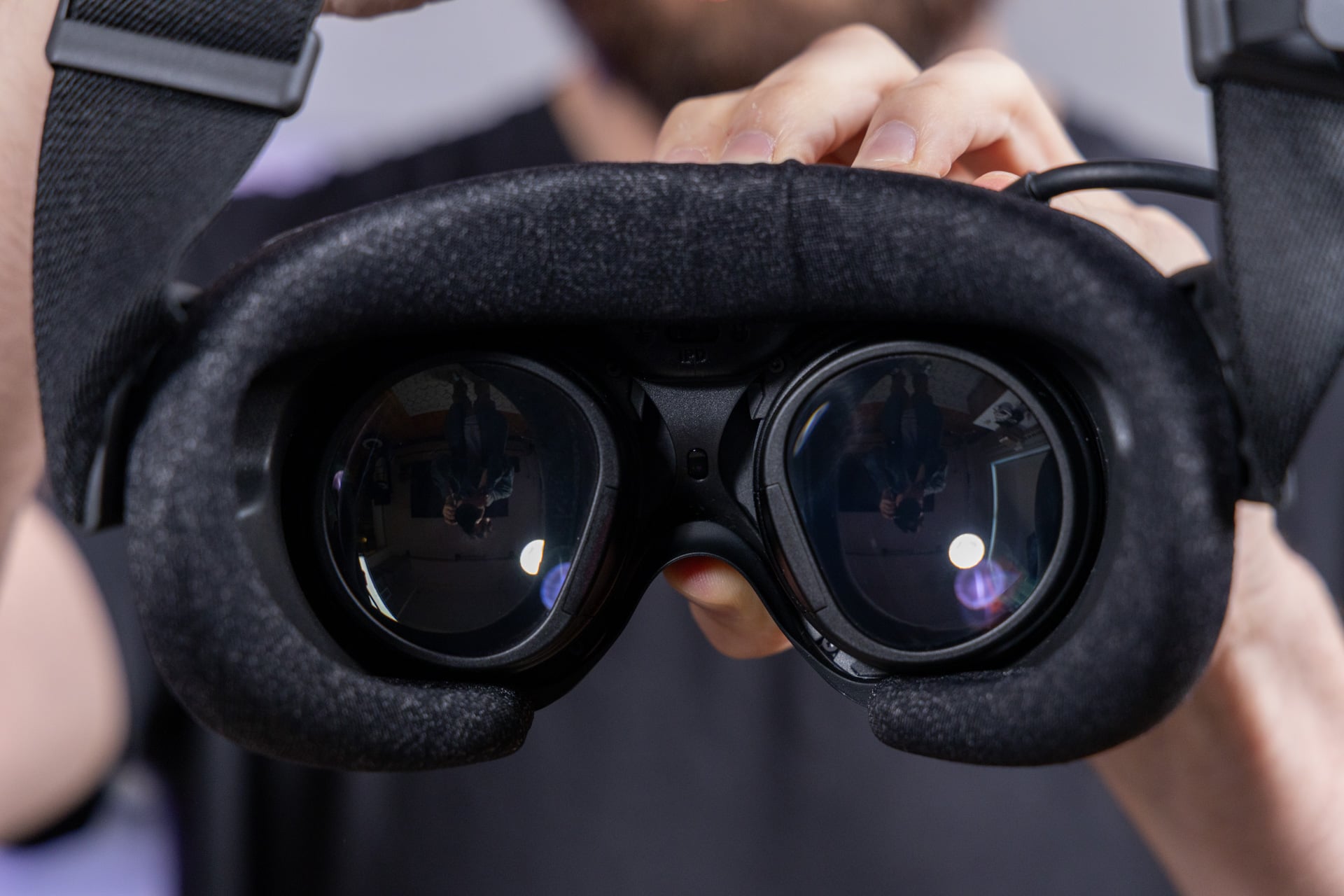
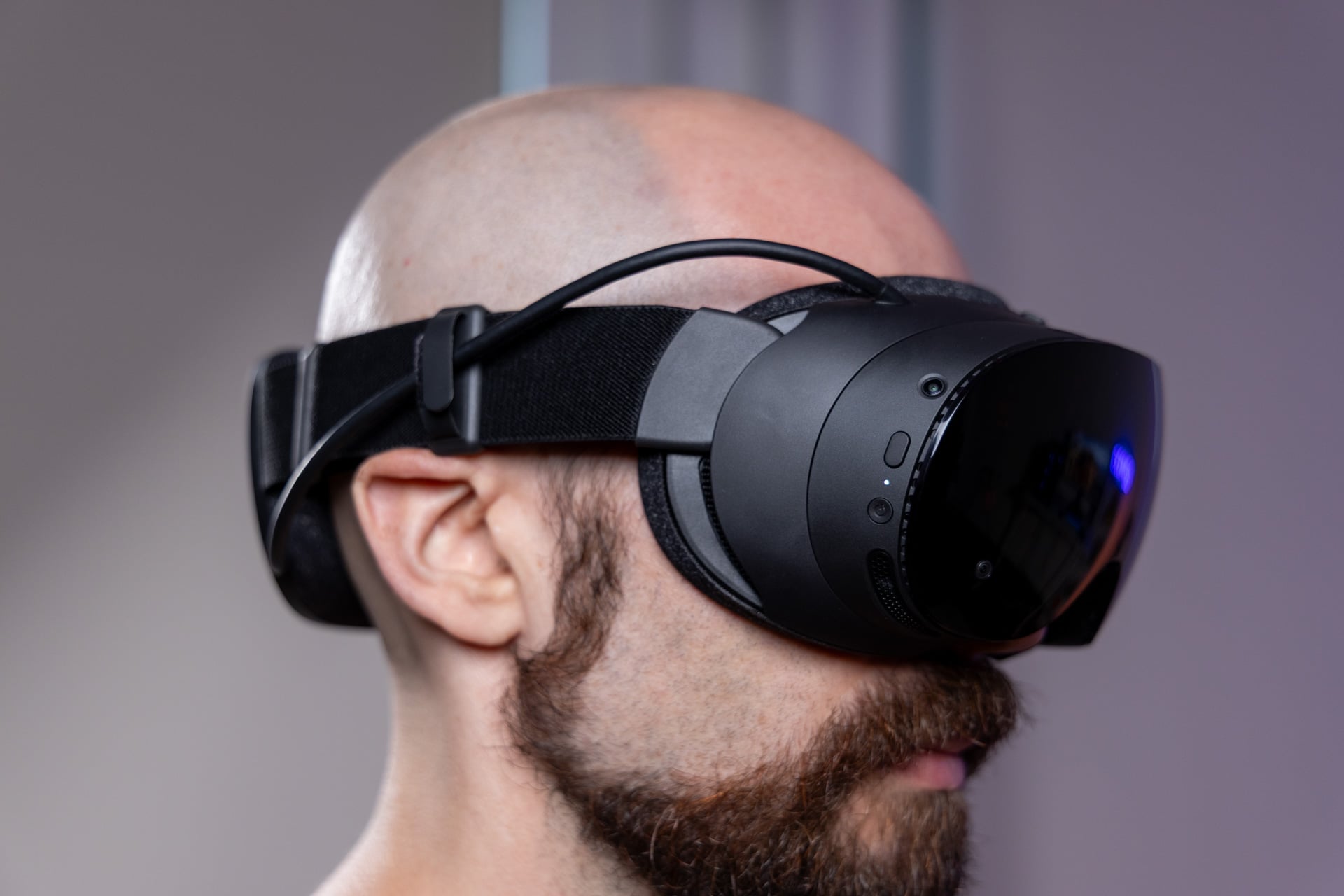
The Steam Frame is light—exceptionally light—and you won’t understand just how much a difference that makes until you strap on competing headsets for any length of time. The headset, with its strap and connected battery, weighs in at 440g or 0.97 pounds, which is just under one pound. A Meta Quest 3 and Quest 3S are both around 515g or 1.14 pounds. Needless to say, the sumo champion of headsets, the M5 Apple Vision Pro, clocks in at a ludicrous 1.65 pounds, most of that centered around your forehead and cheeks.
The Steam Frame gets away with it thanks to the positioning of the battery along the back of the head strap. When it’s on your head, you hardly feel it until several hours of play, though you’ll never forget it’s there. If you use it for any extended period, you’ll find yourself sporting red markings outlining where the fabric settled on your cheeks and brow.
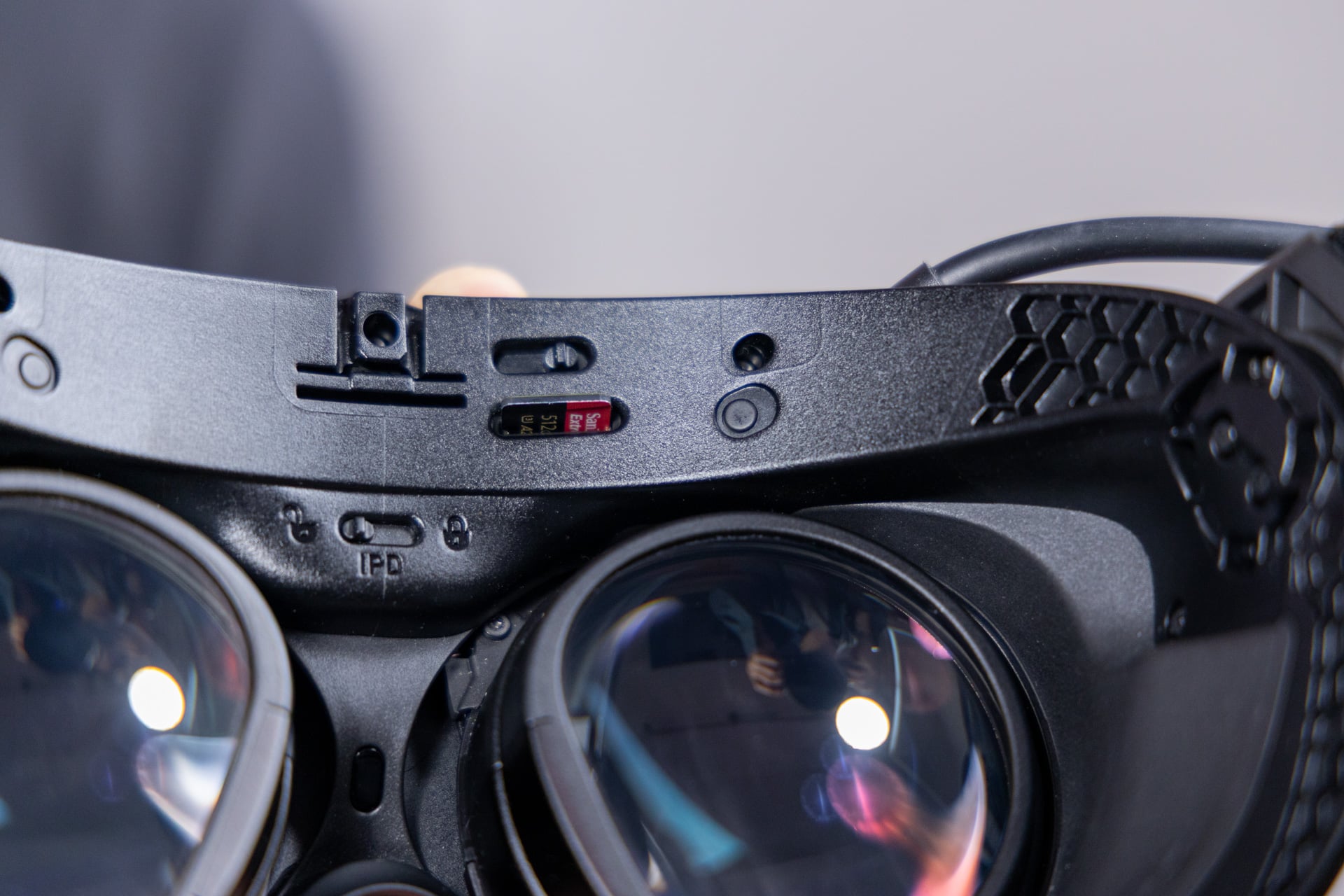
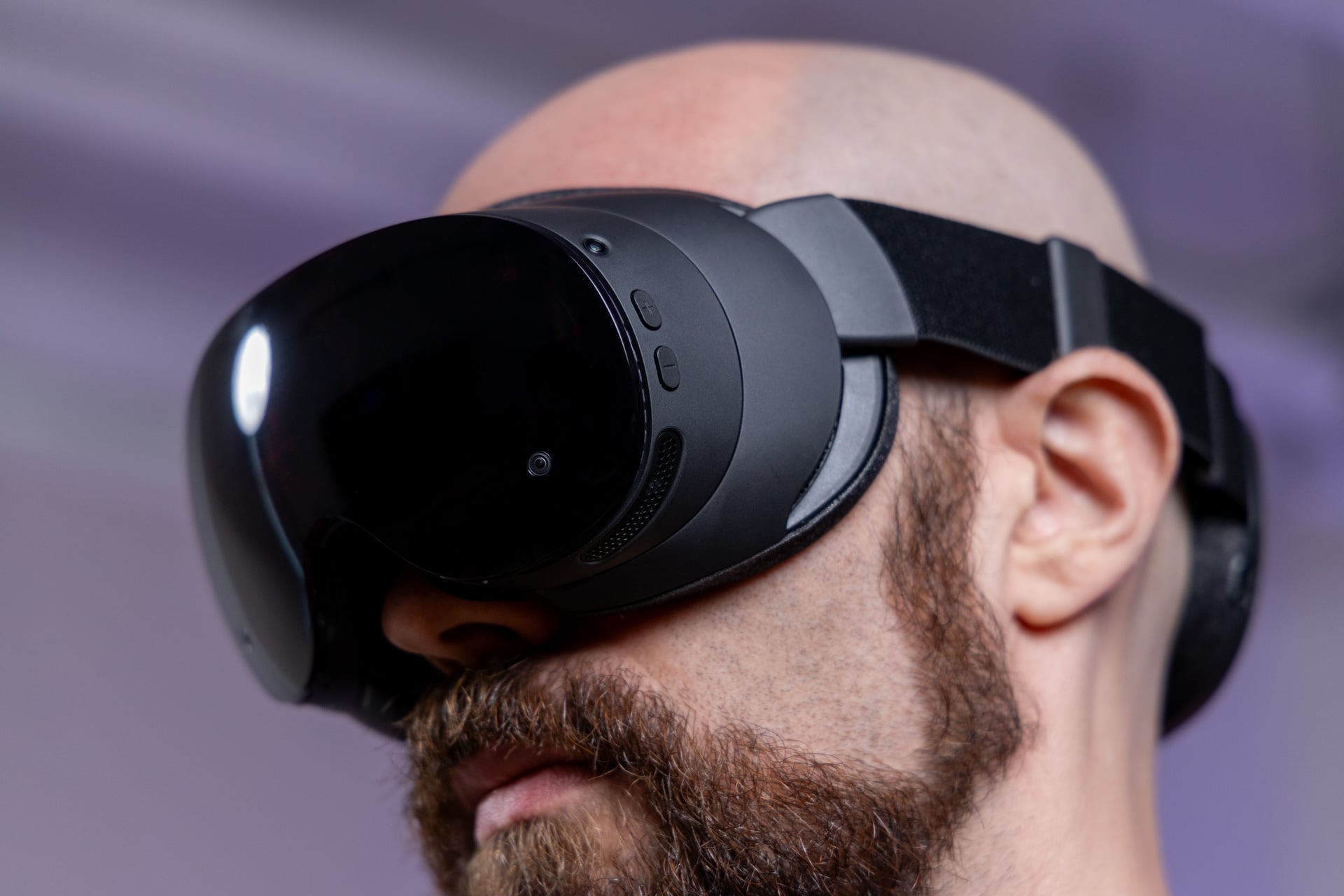
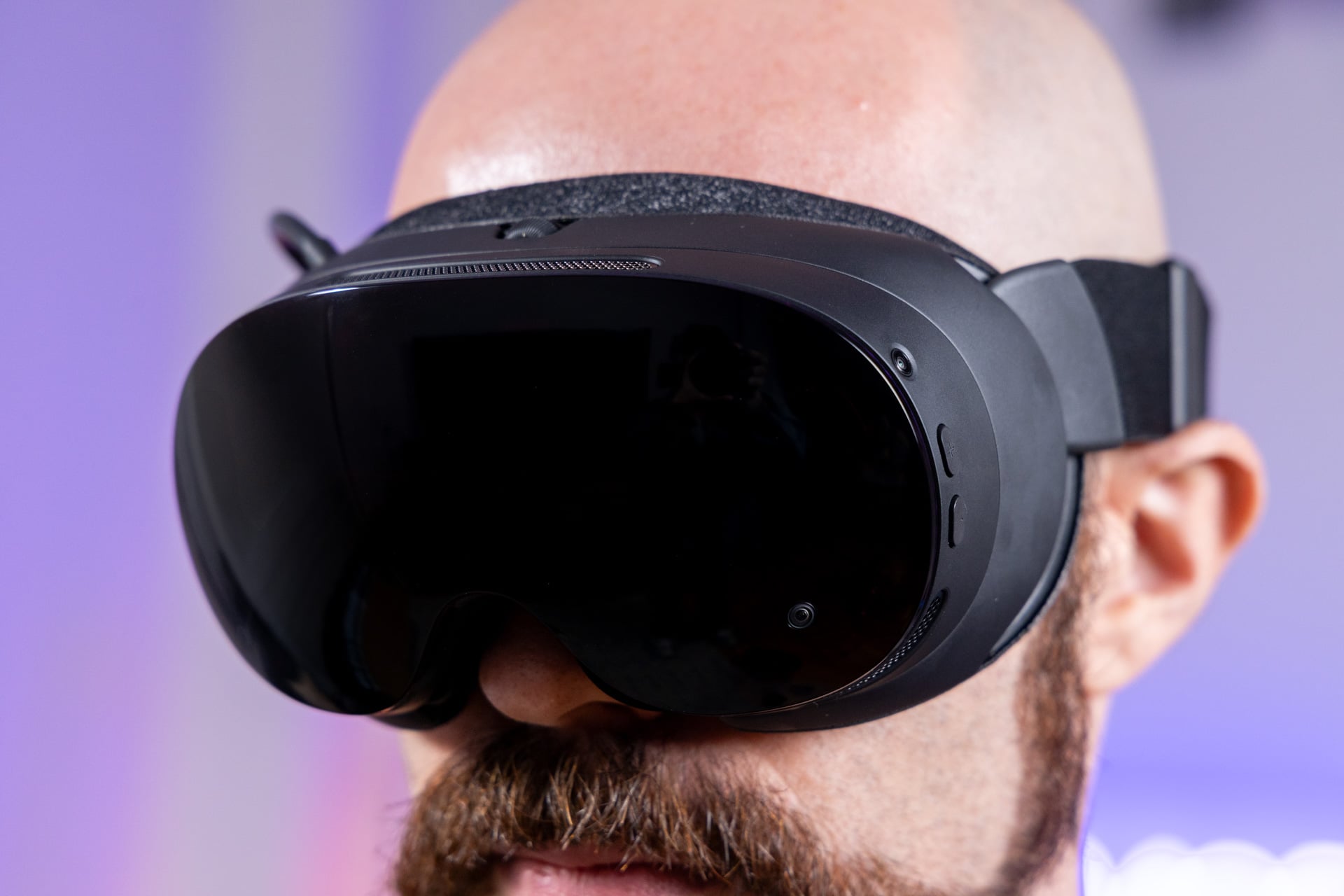
In terms of the visual quality, it’s not bad by any standard. The headset has two pancake LCD lenses with 2,160 × 2,160 resolution. This isn’t the ultra-premium 4K micro OLED optics of the Apple Vision Pro or the Samsung Galaxy XR. And still, when you can push the visual quality of VR titles, they can look absolutely fantastic. Games also sound great, thanks to dual-driver speakers built into the head strap itself. The headset has a 110-degree FOV horizontally, which is enough for immersion. While Valve did not reveal its vertical FOV, I can tell it offers more room than a Quest 3.
Considering the base comforts, I would still suggest players grab the $60 Ergonomic Accessories Kit. It comes with a top head strap that alleviates much of the need to constantly readjust the headset’s straps. The extra controller hand straps are also much better than the simple lanyard for most intense VR titles. Games like Half-Life: Alyx or Gunman Contracts – Stand Alone feel much better when you’re not death gripping a controller all the time.
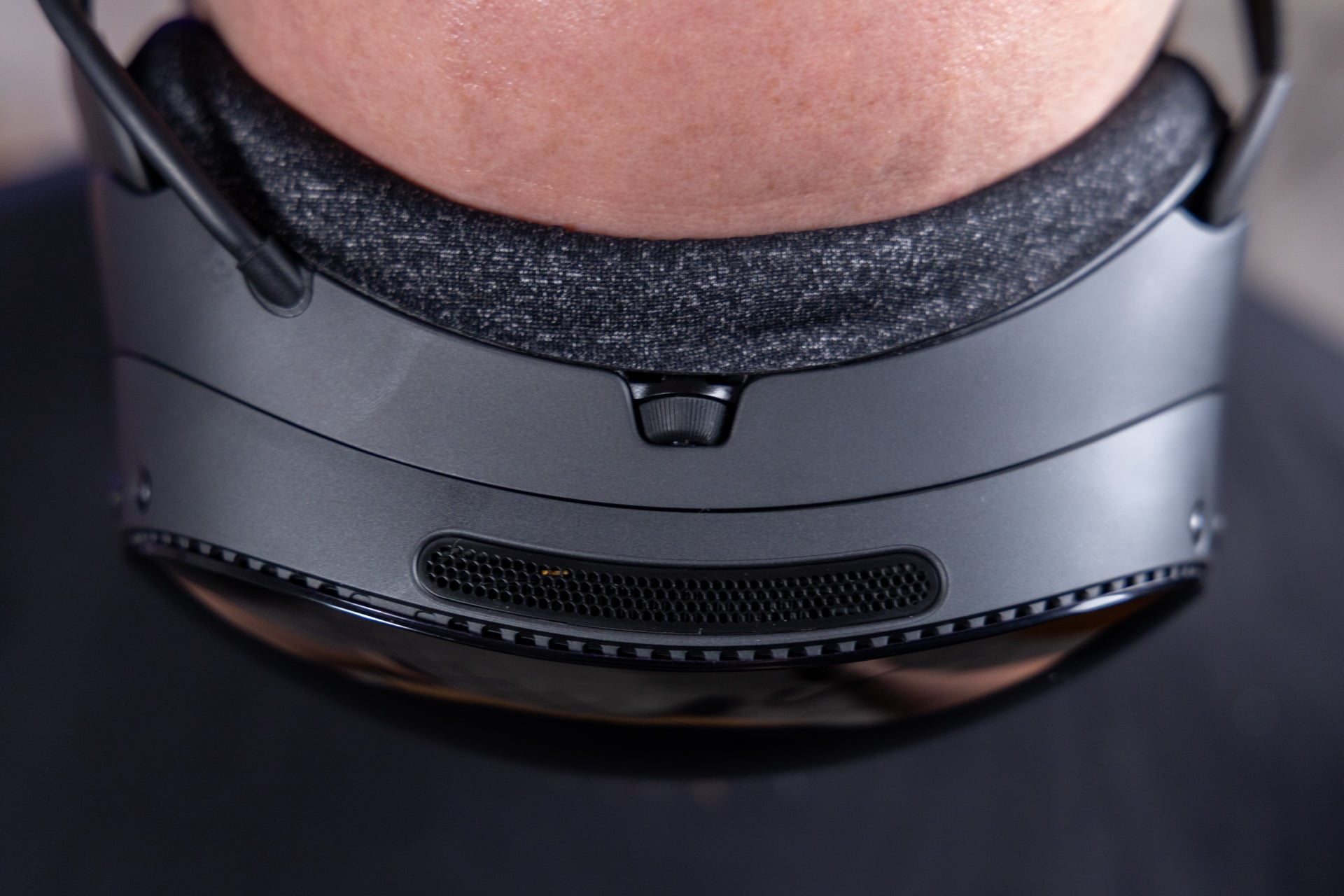
For as many good things as I can say about the light, comfortable fit—made better by the soft foam padding cushions—there’s a major drawback to all this. The Steam Frame’s battery life is atrocious. It’s got a 21.6Wh capacity battery, which you would imagine is enough considering the Quest 3 has an 18.8Wh capacity. When I actually got up to play games directly on the headset, including VR titles like Half-Life Alyx and Superhot VR, the Steam Frame drained from 100% to zero in a little more than one hour.
When playing 2D games on a virtual ultrawide display inside the headset, I didn’t get much better battery life, with the headset conking out well before two hours. It’s only when streaming games from a PC using the included wireless adapter dongle that I could even hope to get more than two hours. Gizmodo reached out to Valve about the headset’s battery life woes, and we’ll see if the company has plans to improve play time.
It becomes a bigger problem, then, that the Steam Frame doesn’t support any form of fast charging. The headset supports up to 45W wired charging via USB-C, and that can mean waiting well over an hour for it to go from 0 to a mere 50%. Luckily, I don’t often want to spend more than two hours playing VR games at any one time. However, if you want to play for longer, you could plug the Steam Frame in with an extra-long power cable. That would also defeat the entire purpose of playing with an untethered VR headset.
Built for gaming, and only that

Despite the fact it costs $1,060, the Steam Frame can sometimes feel like a less-advanced headset compared to Meta’s 3-year-old Quest 3. First and foremost, Valve’s headset supports passthrough, but only in a monochromatic mode that’s only useful for helping you avoid banging your legs on furniture. Even the $350 Quest 3S has color passthrough.
So this expensive facial computer isn’t used for augmented reality (AR) anything, in which case you won’t be trying any weird games that try to put zombies in your living room, like Drop Dead: The Cabin. And then there’s the other obvious lack of any form of hand- or eye-tracking that’s not explicitly used for the system’s foveated streaming (more on that later).
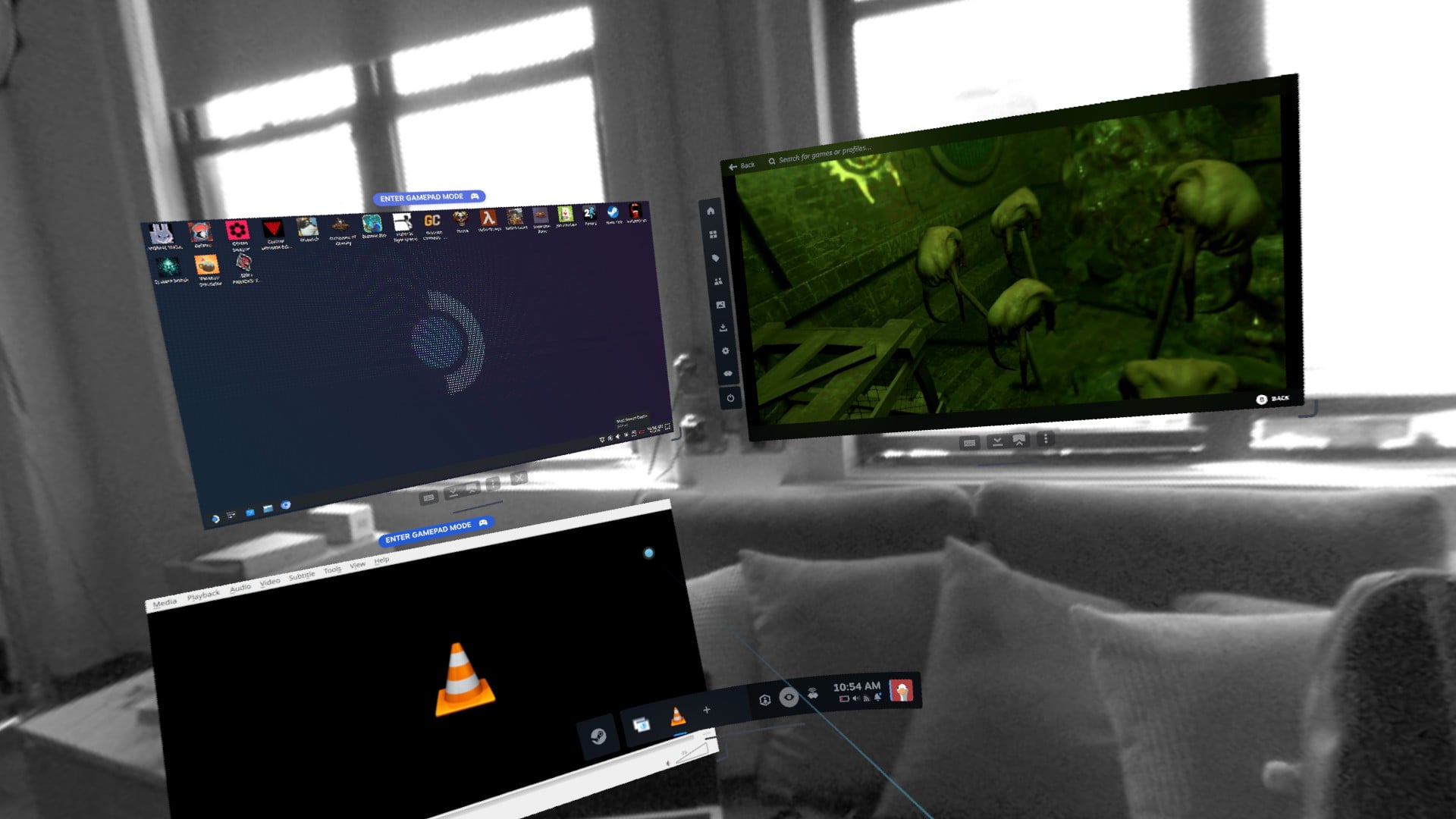
At the same time, Valve is still having players draw out their player boundaries on the floor when gaming. The Quest headsets all have much better room-scanning tech that can automatically dictate a playable area. And then there are other Meta-exclusive flourishes Valve hasn’t replicated, like the ability to pin floating windows to walls in your space. Meta also has neat extra features like a virtual keyboard you can lay down on any surface. Valve does allow you to run multiple app windows side-by-side, though this capability is more helpful for working outside of games.
The reason why Valve is slightly behind is partly because the company hasn’t thrown billions upon billions of dollars into the wood chipper chasing some metaverse dream that never came true. And for all of the better qualities of Meta’s headsets, they have one major drawback: they’re made by Meta. In a Quest, you’re tied to a Meta account to access practically any features. The company has a horrible track record on privacy, and it makes using their headsets feel like you’re willingly stuffing your head into a face-scanning device.
Valve only needs you to sign in with a Steam account. After that, it’s your headset, and you can do as you please. Again, the Steam Frame is not built for passive entertainment. It’s a gaming device, and that’s where it shines.
The best VR streaming I’ve ever experienced
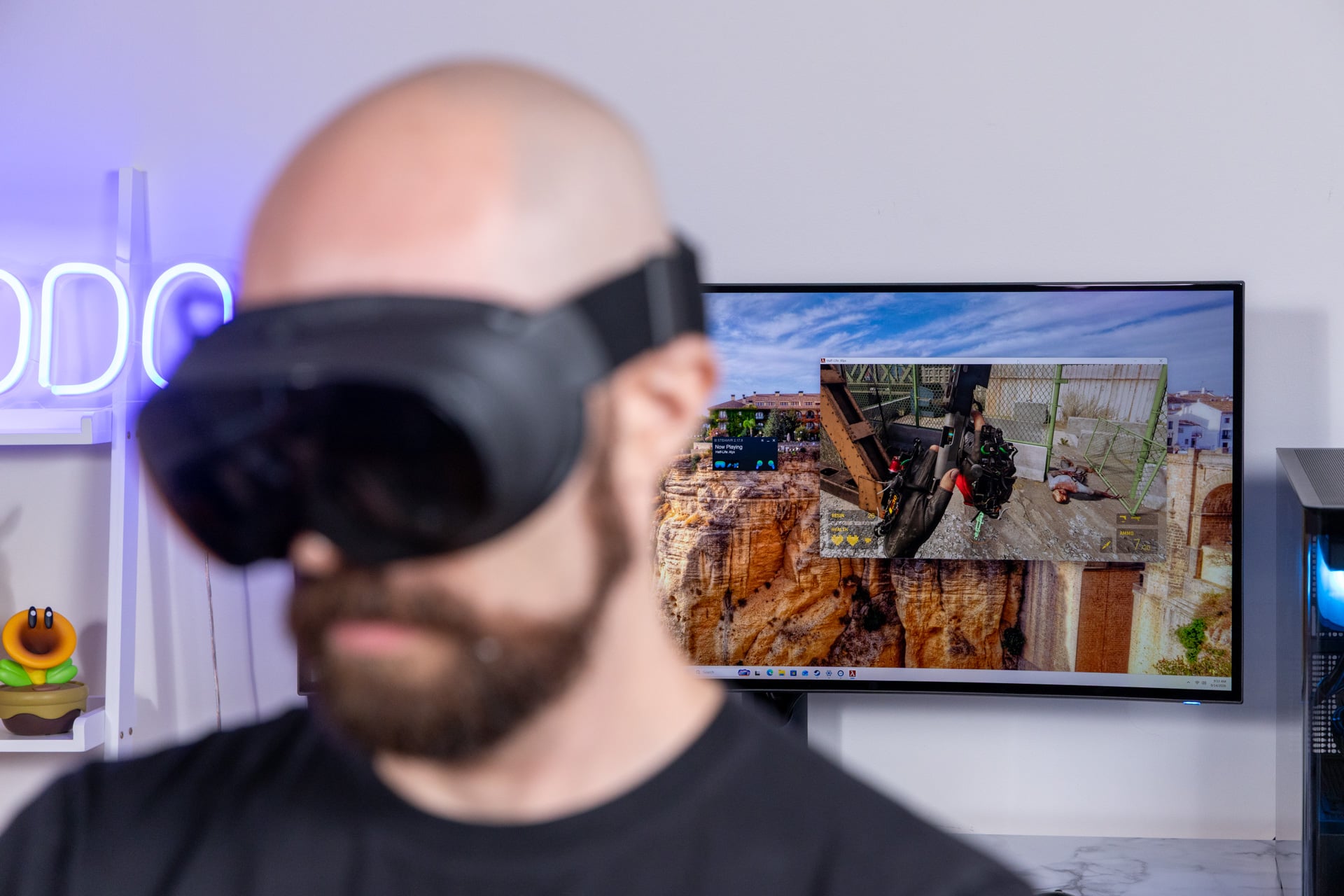
There are very few things about the Steam Frame that “just work.” For one, Valve isn’t letting you stream directly from a Steam Machine at launch. The company says it is “actively working” on this capability, but it won’t be available until after the first Frames ship to customers.
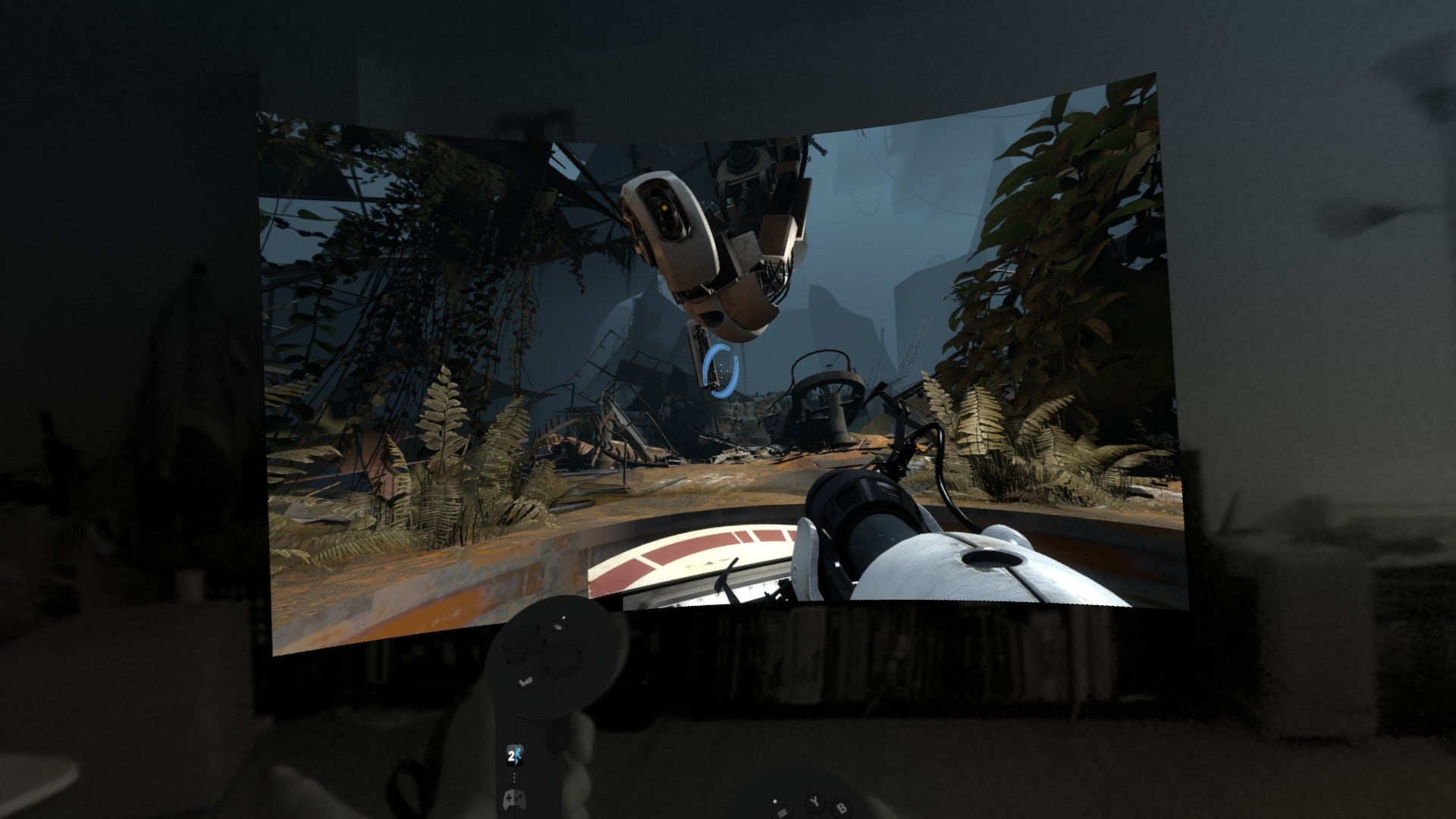
Trying to game natively is a mixed bag—really a briefcase full of sponges and cakes that also look like sponges. Valve points to 130 games that currently have the “Great on Steam Frame” label that work without problems. These include a few VR games—including old standbys like Beat Saber, Job Simulator, and Vacation Simulator. The headset supports many other 2D titles, as varied as the two Hades games, Dave the Diver, and Portal 2. Valve even went as far as to add a small amount of VR controller mouse aiming mode to its now 15-year-old first-person puzzle game.
Other games without the badge can work, though you won’t know until you try. Somehow, the recent System Shock remake worked flawlessly. However, even games that ostensibly run on ARM platforms, like Control, suffered from bugged shadows that would inevitably crash the game in the first few minutes of play.
Then there are games like Half-Life: Alyx. Valve is shipping the title free with each Steam Frame headset, and yes, it plays surprisingly well on the headset. The game required a relatively powerful PC at launch back in 2019, but Valve said it did extra work to optimize the title for the Steam Frame. The tech in the headset also helped, with foveated rendering (where the game only renders in full what players directly see), and the system’s 16GB of VRAM made it possible. Then again, I also experienced one or two crashes using the game’s early beta build, so I can’t guarantee it will be a perfect experience at launch.
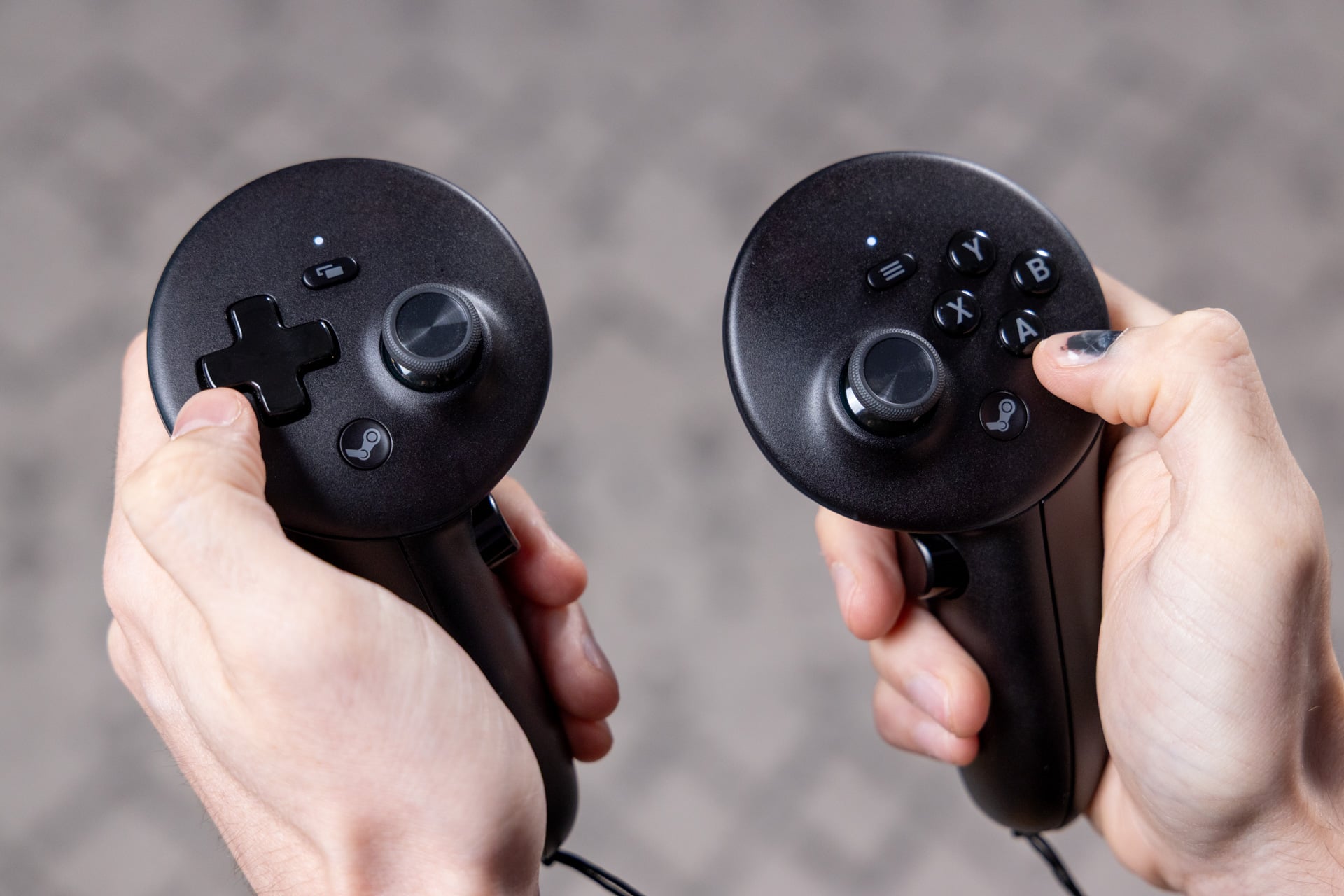
The one problem with VR gaming in this headset is how it only offers you a warning if the headset crosses the threshold of your set play space, not the controllers. I ended up punching my TV twice while trying to play VR games in my small Brooklyn apartment. Even with all that in mind, the native battery life and slow charging will severely limit your gaming time when running games natively. On the flip side, this system is easily the best for wireless VR when you have a gaming-capable PC nearby.
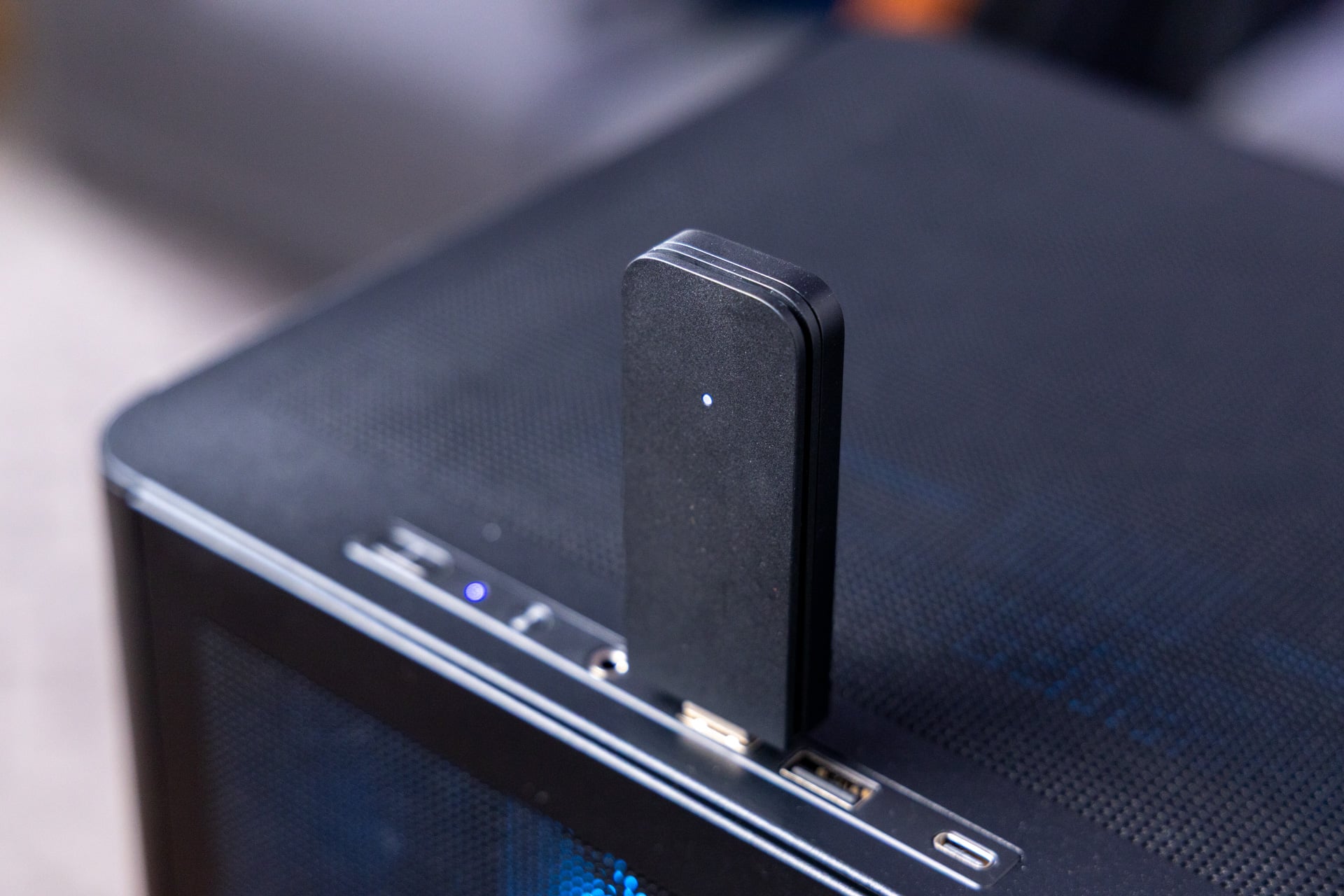
Each Steam Frame comes with an absolutely massive wireless dongle. This sucker is nearly as big as an Apple TV remote or a miniature vape. You’ll want to use it though, even if it’s so large it may eat up space that could occupy multiple other PC ports. You’ll want to deal with its size, though, because it allows the Steam Frame to use the wireless connectivity on top of your home Wi-Fi to offer the lowest possible latency. Past headsets like the HTC Vive Focus tried using a similar streaming setup to achieve lower latency, but Valve has accomplished the same in a more compact package.
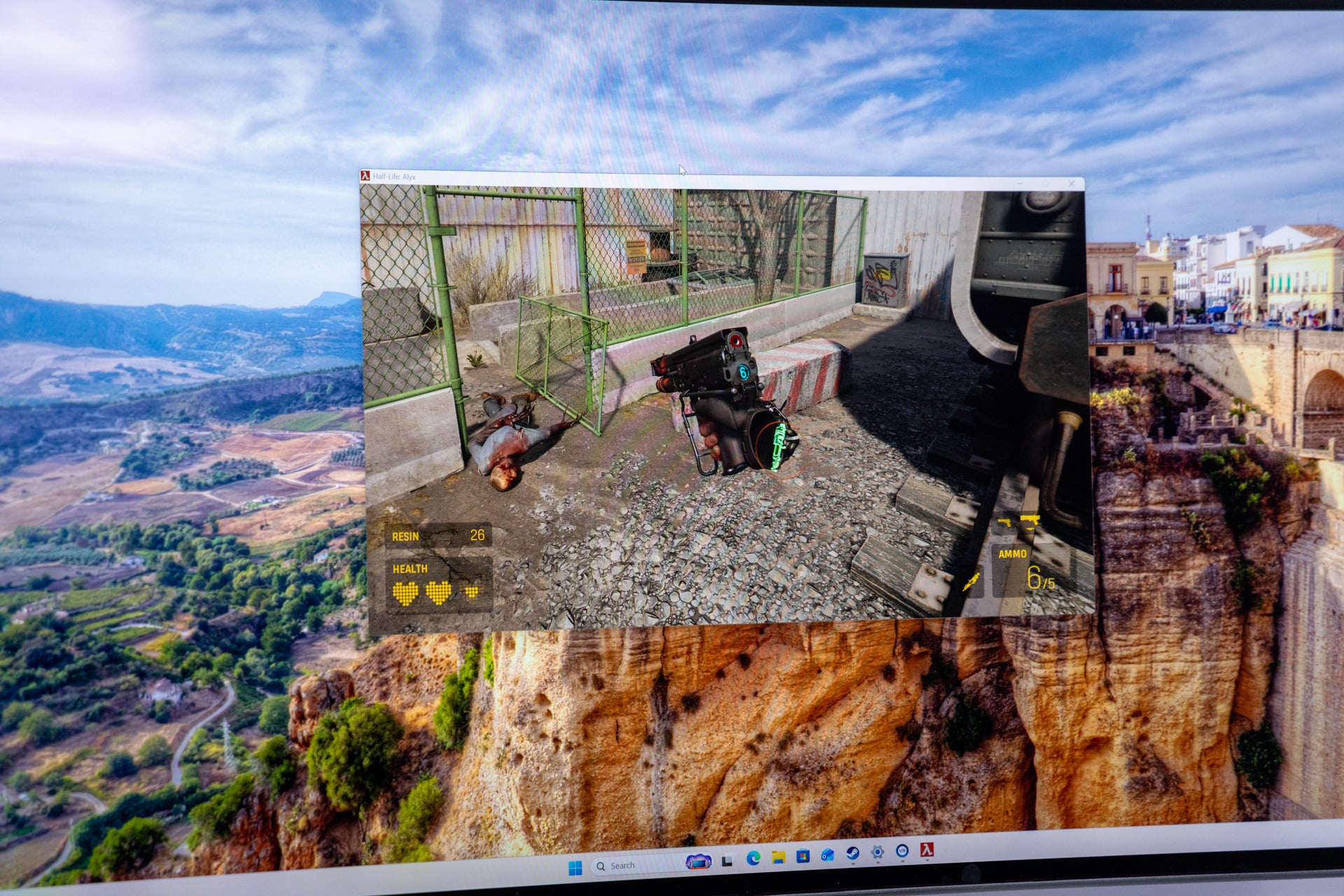
I have played hours of SteamVR with the Steam Link app through a Meta Quest 3S. The experience streaming from a PC Steam Frame is a million times better. There were no interruptions, no lost packets, and no sudden blurry visuals when the bitrate faltered. I replayed Half-Life: Alyx again on Steam Frame, and I didn’t experience any issues of lag or dropped frames. The dongle is one thing, but the Steam Frame’s unique foveated streaming capabilities—a system-level encoder that increases the bitrate for data where players are looking—are everything Valve promised they would be.
While I didn’t have the tools to test latency specifically in VR, I could use the system-level monitors to check responsiveness in 2D games. When using the dongle, games maintained a relatively steady 30ms latency with essentially no issues, even when streaming through several walls and closed doors. Without the dongle, the latency jumped by close to 50ms or more on my home Wi-Fi—and that with many more spikes in latency.
Steam Frame is also a straight-up Linux PC
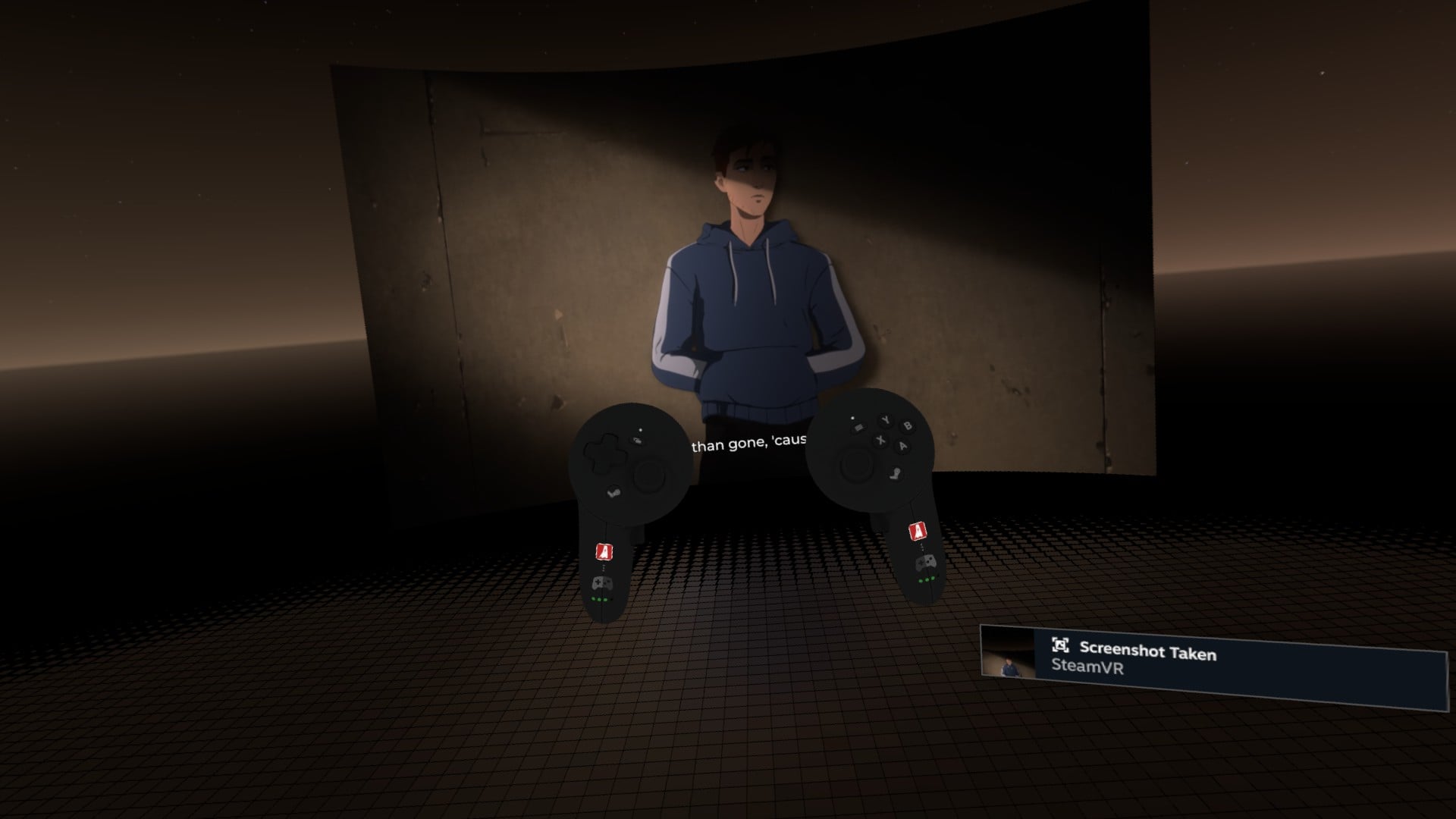
If you were wondering, 2D games looked fine, especially when blown up to a massive curved ultrawide size inside the headset. However, the Steam Frame natively wants to render 2D games at only up to 1080p. Even if you force Steam to stream a game to the headset at a supposed 3,820 x 1,620 resolution, you’ll never have an actual 4K visual experience even if you’re streaming a game from your 4K-capable PC. When playing these titles, you can blow up the screen size to the rough equivalent of a 120-inch home projector or more. That’s not quite the IMAX-level screen size of watching a movie inside a Vision Pro with its higher-resolution displays, but it’s still a relatively luxurious experience. There’s nothing like sitting on the toilet and playing Hades on a supersized, wraparound screen, which I actually did.
And this is where things get awkward. While Valve did a good job of letting you play 2D games with the Frame’s VR controllers (you can also connect a third-party controller or Steam Controller over Bluetooth), it’s not the best way to play these games. At a certain point, I simply wished I were playing my games in comfort, staring at a high-quality TV that supports better HDR and contrast than the Steam Frame’s optics. There are other reasons to consider a Steam Frame, and part of that is because this thing is quite literally a PC sitting on your face.


You have to hand it to Valve for other reasons. The company spearheaded a fan project to allow for x86 emulation on ARM-based systems. The emulator is called Fex, and it’s a community-made project backed by and partially financed by Valve. While Microsoft has its Prism emulator, Valve is helping us meet the future of more ARM-based systems on Linux. Of course, we may not see the dividends of this venture for years.
Getting into the Linux desktop is actually easier than on Steam Deck or Steam Machine. You hit the plus button on the bottom of the SteamVR dock and load up the desktop, which includes a browser and whatever apps you want that also support Linux and ARM. With that in mind, I still missed many of the apps I was used to on a Steam Deck. There’s still no support for Heroic Games Launcher, which could let me access GOG or Epic Games titles. The plugins app, Decky Loader, doesn’t run on the headset no matter what I try. Emulation is also extremely iffy on this platform, in case you hoped to play your favorite retro titles on a blown-up virtual screen size.
Valve is holding the torch for VR gaming
I don’t know what may come in the future. The Steam Deck became a small hub of independent development—making what was a good handheld at launch into a truly excellent portable gaming device. I can only hope a new suite of developers will come to Steam Frame, or at least start considering more support for Linux on ARM.
With Meta’s next headset having obvious XR (extended reality) ambitions and more headset makers and developers going defunct, Valve seems to be the last company giving VR gaming a leg to stand on. And it’s clear why things are so tenuous. In PC VR, every moment of immersive embrace—where your mind tunes out the silliness of you standing in the middle of a room with a cranium prison strapped to your forehead—is inevitably punctuated with some disruptive annoyance.
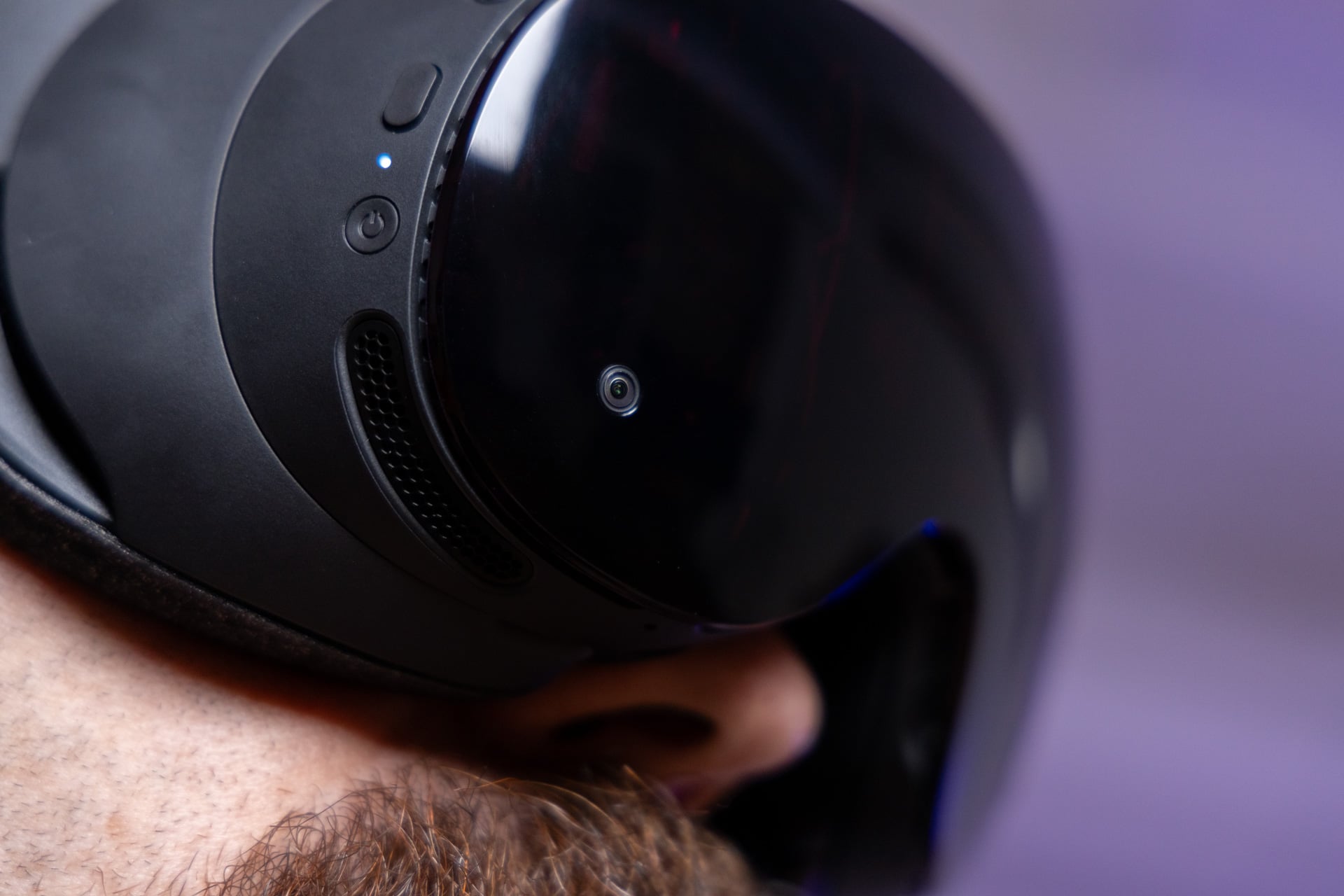
It could be from the games themselves. Steam Frame launch titles like Gunman Contracts – Stand Alone may flawlessly play until you encounter a bug that soft locks you in the first level after you die mid-checkpoint. In other times, it could be SteamVR suddenly failing to properly stream the game to the headset, requiring me to replug in the dongle. I’ve experienced dozens of other small bugs, some of which required a restart. It’s all so much effort just to play those few VR titles you’ve longed to try ever since Valve launched its first Valve Index back in 2019.
The Steam Frame offers the best PC VR experience, but that may say more about how gaming-focused headsets have stalled. The starting $1,060 price is what it is, given the ongoing RAM pricing crisis. If the only thing you care about is finally playing Half-Life: Alyx the way it was meant to be played, and you have both the gaming PC and space for it, the Steam Frame is your best bet.