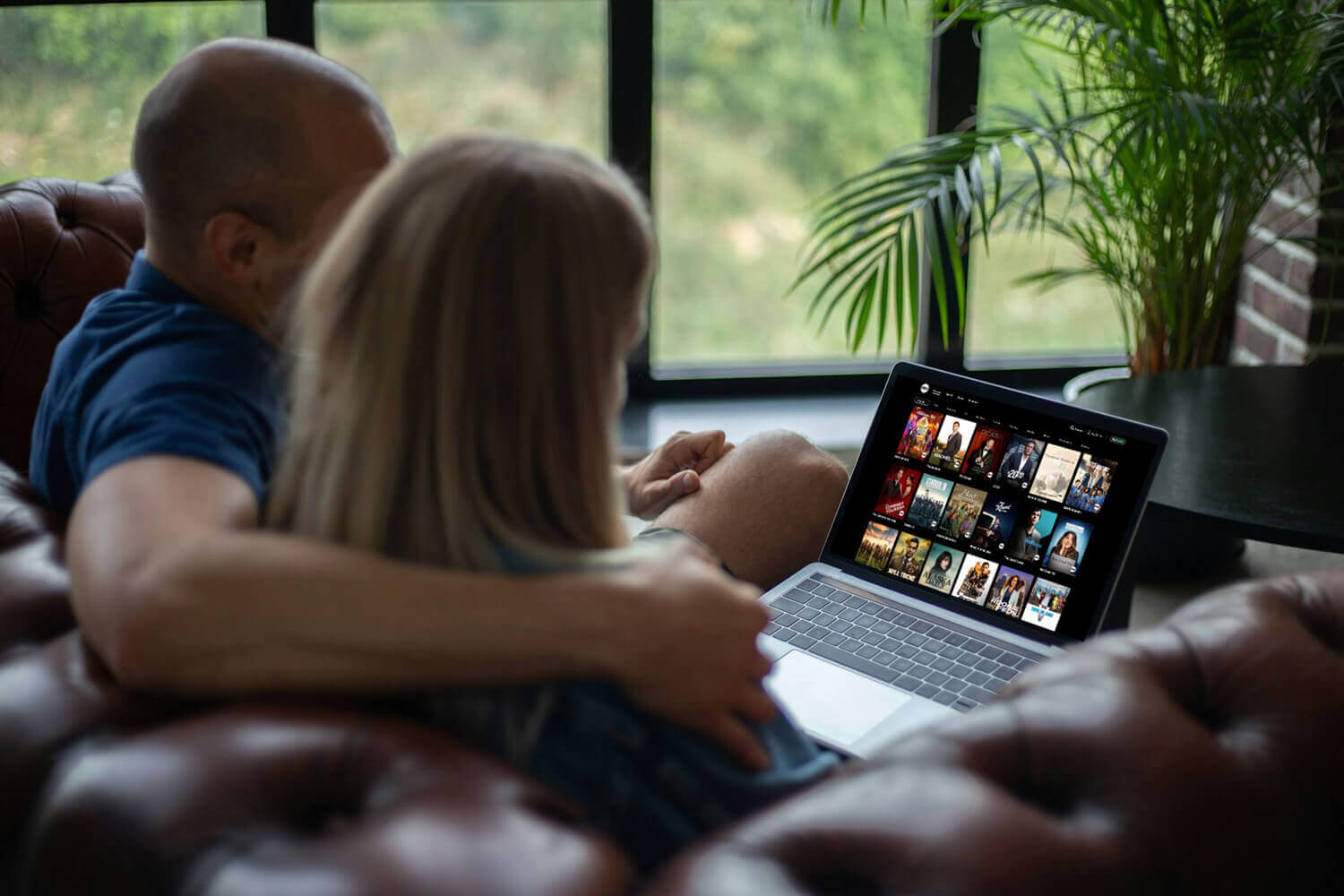
Ask a Canadian which American channel they miss, and ABC rarely comes up first. USA Network does, along with the CBS Sunday game and a news feed that stopped loading somewhere north of the border. Detroit is visible from Windsor, and the stream still refuses. American networks read the IP address on every request and turn Canadian ones away. A VPN settles it.
How to Watch US TV in Canada: Unblock ABC, Fox, USA Network, and More
- Get a VPN that reliably unblocks US TV channels. My pick is NordVPN, with all 50 states covered, currently at 75% off.
- Install the VPN on your device and open the app.
- Connect to a US city close to Canada. Detroit and Seattle keep latency low and speeds high for most of Canada.
- Clear the channel’s cookies, or load it in a private window.
- Sign in with a US TV provider account if required.
- Start the stream and watch all the content.
Why You Need a VPN to Watch US TV in Canada
You settle in for the latest episode, open ABC, NBC, CBS, or FOX, and get a blank player with a variant of this line: “This content is not available in your location.” Licensing agreements explain most of it. Rights to a series are sold territory by territory, and Canadian broadcasters pay for the Canadian window. Advertising contracts written for the US market add another layer.
To police both, the platform uses your IP address to work out where you are. A VPN builds an encrypted tunnel between your device and a server elsewhere. Traffic exits at that server, wearing its address instead of yours. Connect to a VPN server in the United States, and the network sees an American visitor.
How to Watch American TV Live in Canada
Start with the VPN. My #1 is NordVPN, with servers in all states and the fastest speeds in my recent re-test in October. Once installed and properly set up, open NordVPN and connect to any US server. I recommend cities close to Canada, like Seattle or Detroit, though other VPN servers will work well. I used Chicago.
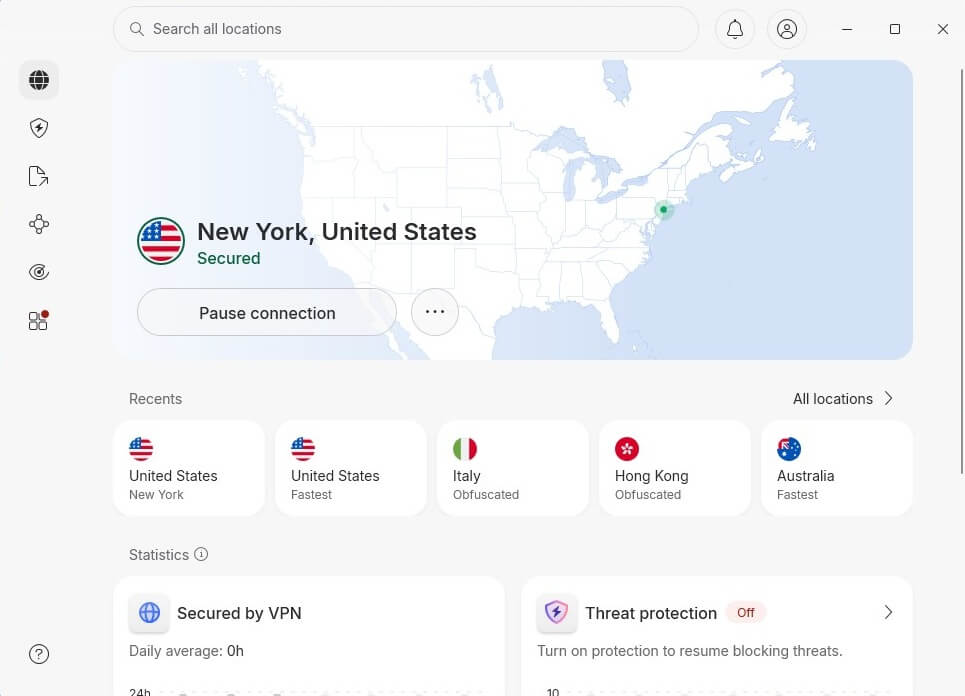
After that, you’re free to watch anything. Go to any US TV channel or platform, and enjoy it fully. I tried ABC, and it worked without issues, but USA Network, CBS, and others are also accessible this way.
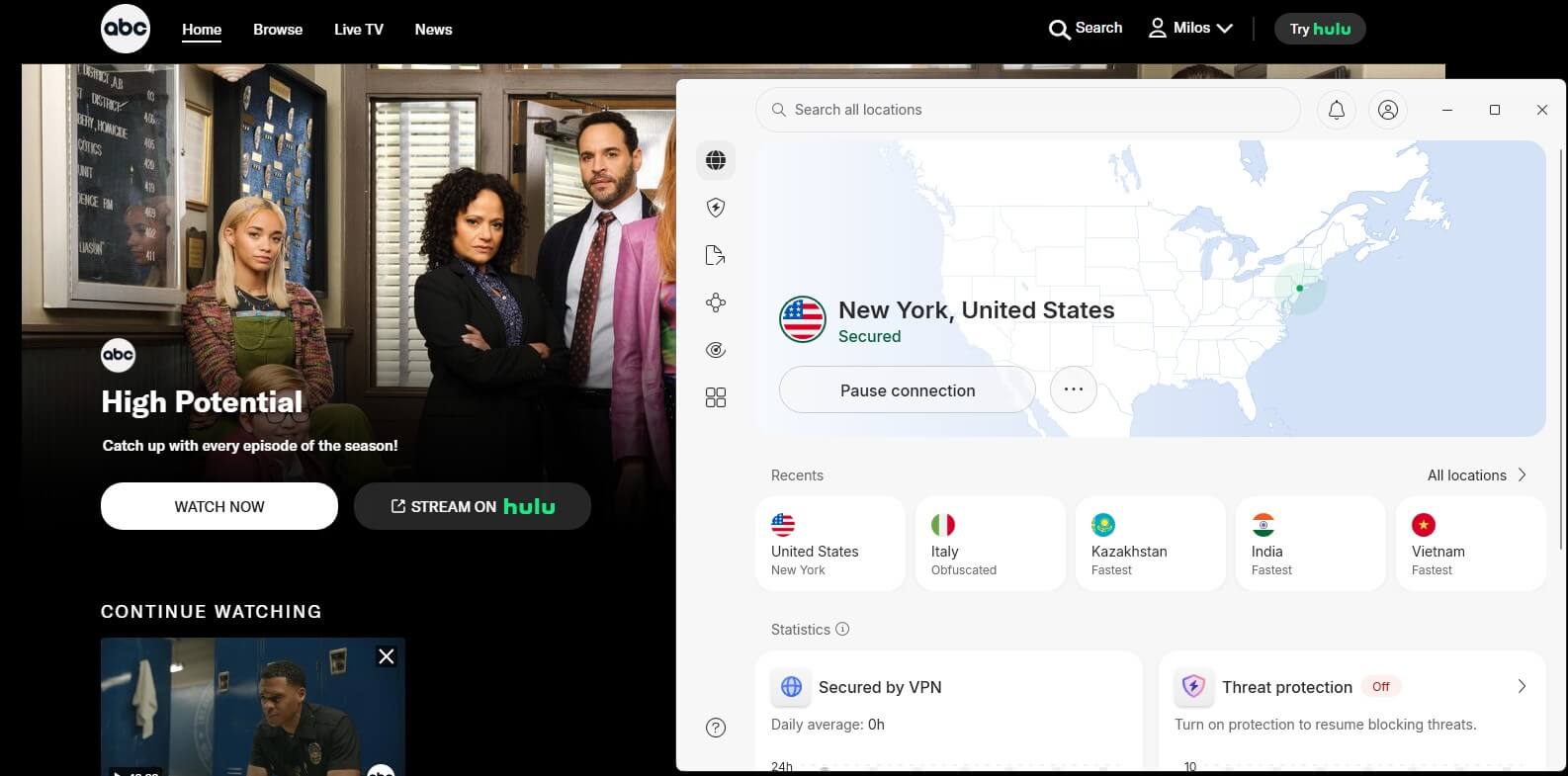
For anyone who wants a permanent American IP for other services, our guide to getting a US IP address covers the alternatives. The same works in reverse, which is what Americans use to watch Canadian TV from the USA.
Which US Channels Work in Canada
USA Network. Usanetwork.com and the USA app require a TV provider sign-in, and the live feed arrives through YouTube TV, Hulu + Live TV, Sling Blue, or DirecTV Stream. Fubo dropped it in December 2025 during a carriage dispute with NBCUniversal. Peacock shows USA series after they air. WWE Raw and SmackDown, NASCAR playoff races, Premier League matches, and the US Open are there.
ABC, NBC, CBS and FOX each publish full episodes on their own sites, usually a day after broadcast, and each gates the live feed behind a US provider login. An American address alone opens the on-demand catalog.
US news costs nothing. ABC News Live, NBC News NOW and CBS News 24/7 stream around the clock with no account and no subscription, and all 3 open the moment an American server connects.
Sports coverage moves between a broadcast network and its cable sibling mid-season, so a viewer following one team may need both. Our wider look at American TV from overseas has the country-by-country picture.
Best VPN to Watch US TV Channels in Canada
Most VPNs sell US servers. Fewer hold a stable connection through a 3-hour broadcast without the network spotting them. I tested 10 VPNs for this one, and NordVPN, Proton VPN, and ExpressVPN impressed me the most.
1. NordVPN: Best VPN Overall
Pros
- Panama jurisdiction
- Servers in every US state
- 9,500+ servers worldwide
- Audited no-logs policy
- Dark web monitor
- Unlimited bandwidth
Cons
- Higher renewal price
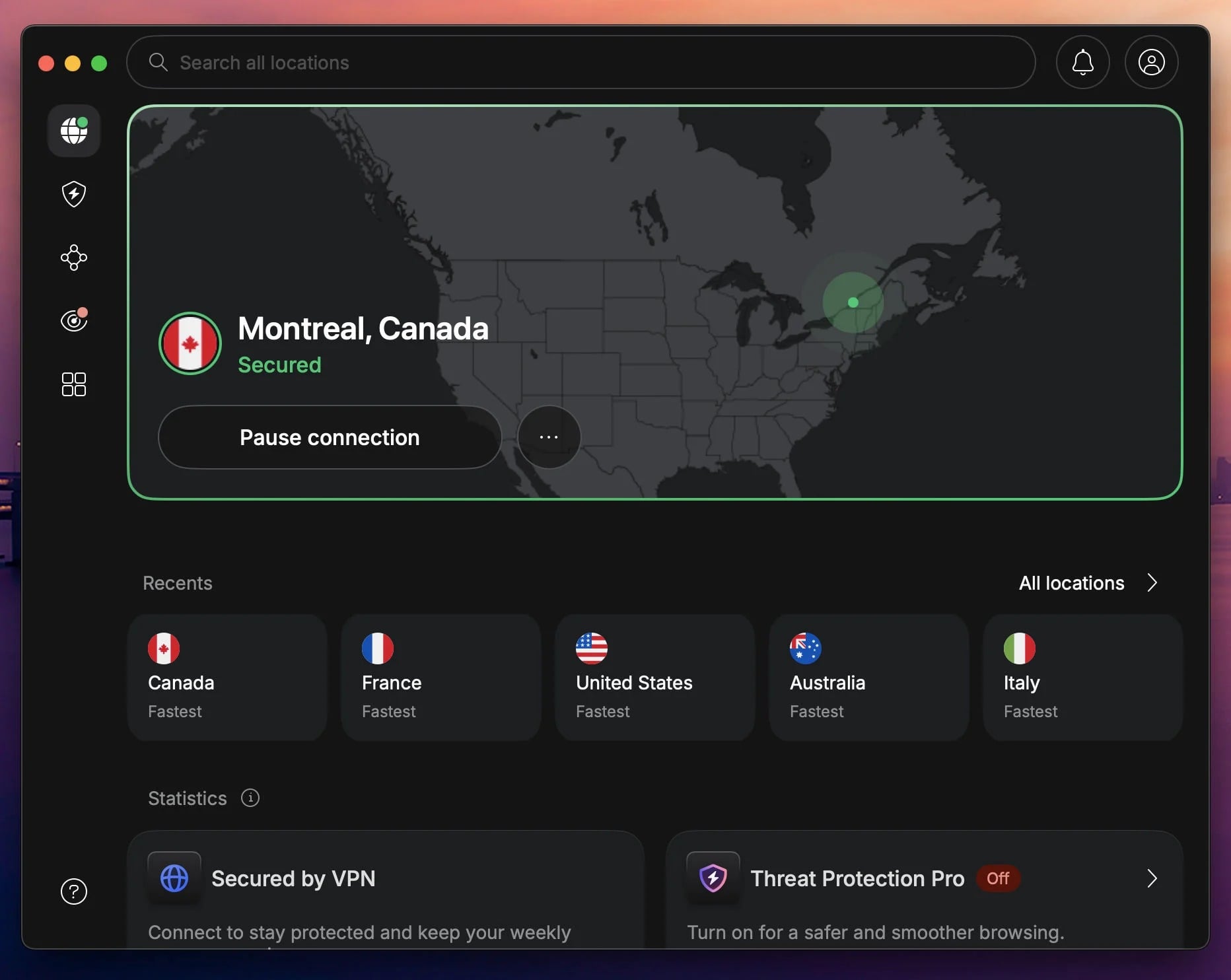
NordVPN is the most reliable option for Canadians, and one of the best VPN services on the market. Border-adjacent cities make it work here. Connecting from Vancouver to Seattle, or from Toronto to Detroit, keeps the hop short enough that a live game behaves like a domestic stream. The 2-year plan is $3.49 a month, and the rate goes up once that term is done.
Every American channel we tried opened on the first attempt, with no server-hopping or error screens. The same address handled Netflix, Hulu, and Prime Video. SmartPlay pairs the encrypted connection with streaming DNS, so the smart TV behaves as the laptop, and Apple TV owners get a native app instead of a router project.
2. Proton VPN: Best US TV VPN With a Privacy Focus
Pros
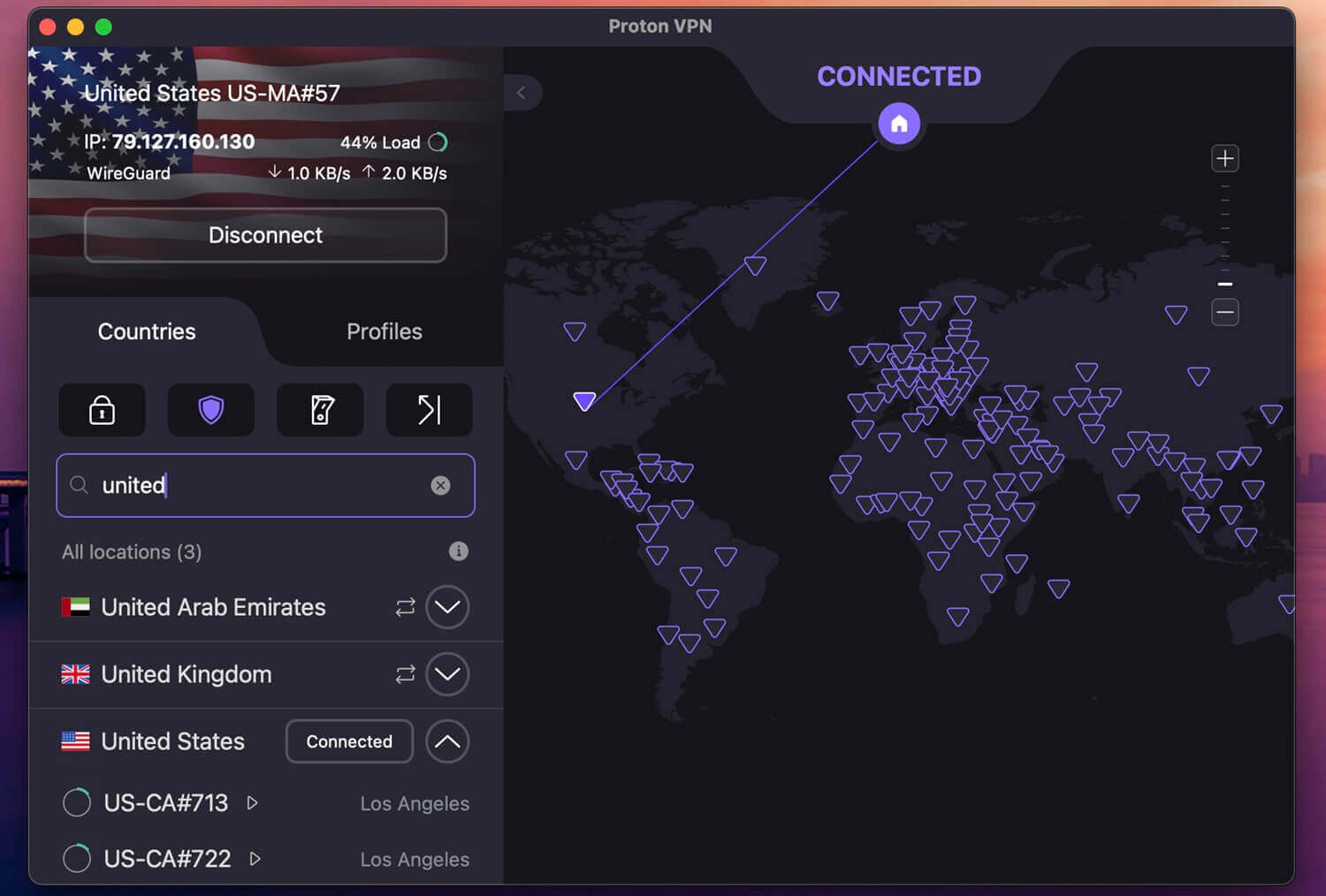
- 20,000+ servers
- City-level US selection
- VPN Accelerator
- Tor over VPN
- Independently audited
Cons
- Secure Core costs speed
- No dedicated IP
Proton VPN moved into second place, and streaming is only half the reason. Swiss laws keep data retention obligations off the company, which matters more to some Canadians than which catalog opens. American channels opened without incident during our checks, including the network on-demand catalogs and Netflix US.
A Montreal viewer can name New York and hold it, instead of accepting whatever the app picks, and evening congestion never showed on the US locations we used. Pricing is $2.99 a month over 2 years, or $3.99 on the annual plan.
3. ExpressVPN: Easiest-to-Use VPN
Pros
- Privacy-friendly jurisdiction
- Automatic obfuscation
- TrustedServer RAM-only
- Blocks trackers and ads
Cons
- Dedicated IP is an add-on
- No free tier
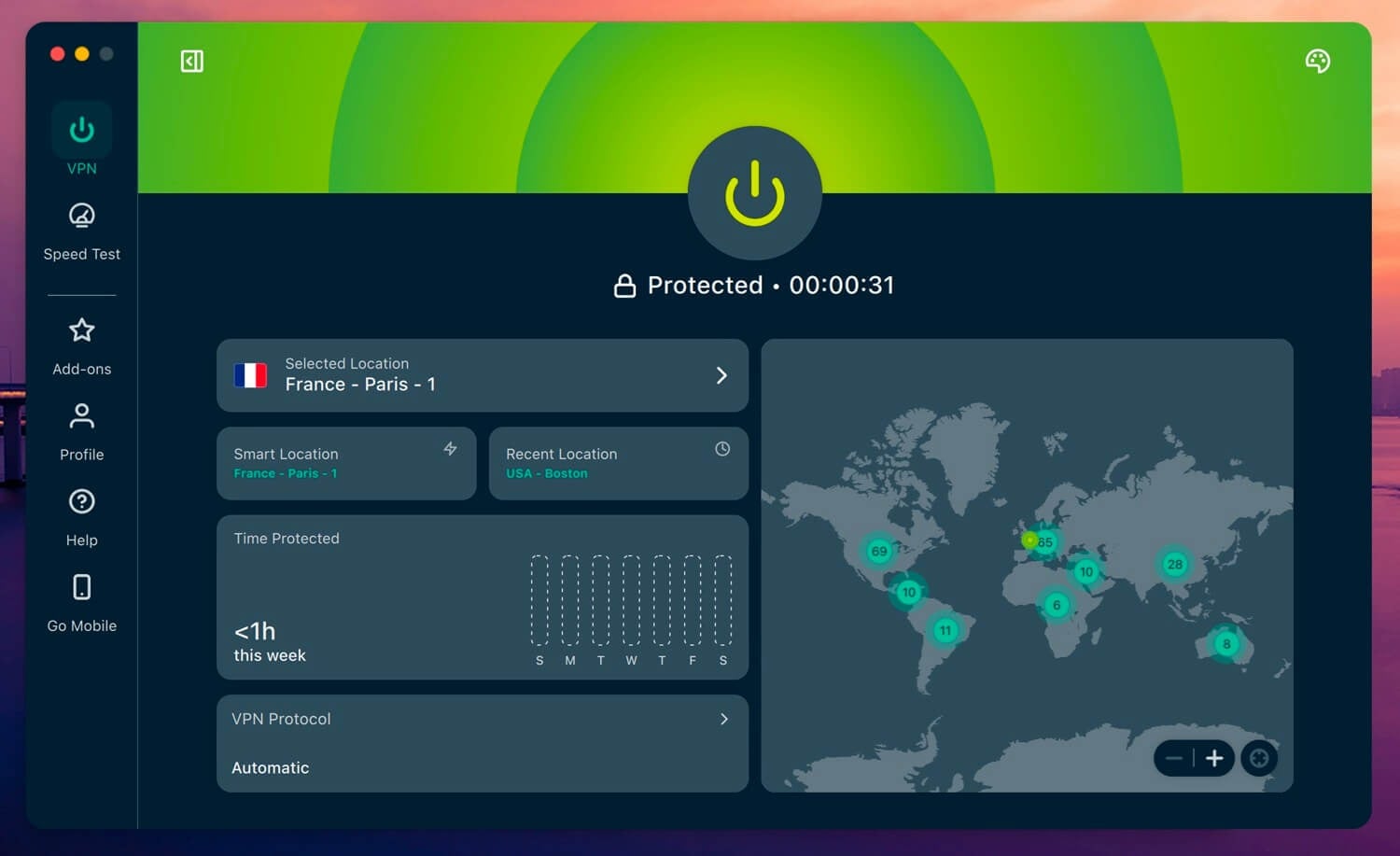
ExpressVPN is my top option for beginners with little to no VPN knowledge. Launch it, press the big button, and a US IP address is in place before the pre-game show ends. Nobody has to learn a protocol menu or pick a server off a list. The July expansion put the US within the 113 countries covered. 4K streams from Canada were smooth, and the difference between a connected and disconnected session was unnoticeable.
Lightway is the house protocol, with WireGuard with it, and post-quantum protection applies to both. One plan covers 10 devices, and Basic costs $2.99 a month on the 28-month term before the rate steps up.
Can You Use a Free VPN to Watch US TV in Canada?
Technically yes, practically rarely. We recommend a few free VPNs for light browsing, and streaming is where those recommendations stop. US platforms keep blocklists of free VPN addresses, and those lists are short enough to maintain. An IP that worked last week often produces the same error message this week.
Even a working one tends to disappoint:
- Few servers: a handful of US locations shared by thousands of people, which shows up as buffering by 8 pm.
- Throttled speeds: congested hardware means less bandwidth per user and more spinning wheels.
- Data caps: 10 GB a month sounds generous until an NFL game eats a third of it.
A provider giving away bandwidth needs revenue somewhere, and for several free apps, that revenue comes from logging activity and selling it on. Weak encryption and missing kill switches show up in the same products. Pay a few dollars and skip the aggravation. A short comparison of Proton VPN and NordVPN covers the 2 we’d point Canadians toward, both with a 30-day money-back guarantee.
Conclusion
NordVPN is our pick for Canadians for its border-city coverage and its unblocking record. Proton VPN follows for anyone who cares about the privacy question as much as the picture, and ExpressVPN for households that want none of the configuration. Pick one, test it, and get a refund if unsatisfied.
Frequently Asked Questions
🍁 Does USA Network work in Canada with a VPN?
Yes, with a US IP address and a TV provider sign-in. USA Network is a cable channel, so the site and app both ask for a cable or live TV account. Any US live TV package with the channel in its lineup does the job.
📺 Do American channels need a cable login?
For live feeds, usually yes. On-demand episodes on the network sites open with an American address alone. The 24-hour news streams from ABC, NBC, and CBS need neither an account nor a subscription.
💳 Will a Canadian credit card work on US streaming services?
No, often not. Several US services check the billing country and decline foreign cards at checkout, even when the connection shows a US IP address. Gift cards bought in USD are the usual workaround for those without US billing details.
⚡ Which US server is fastest from Canada?
The nearest one. Seattle suits British Columbia, Chicago and Detroit suit Ontario, and New York or Boston suit the Maritimes. Connecting to a distant state adds latency without improving access.
🗽 Is USA Network still on Fubo?
No. NBCUniversal channels came off Fubo in December 2025 following a carriage dispute, so USA Network left that lineup. The other major live TV packages kept it, and the channel's own app still accepts their logins.