
Netflix is home to one of the largest libraries of movies, TV shows, and documentaries. While it offers content globally, Netflix US is particularly renowned for hosting one of the most extensive catalogs. Unfortunately, this vast library is only available to those residing in the United States. If you’re logging into the streaming platform from a different country, it will automatically redirect you to that region’s library due to licensing agreements and geo-restrictions.
Many international viewers are restricted from accessing US-exclusive content. But don’t worry, there’s a solution! With a Virtual Private Network (VPN), you can bypass Netflix’s geo-restrictions.
Designed to work like any other app on your device, a VPN masks your device’s actual location by replacing your IP address with one from another country, such as the United States. This makes it appear as though you’re browsing from within the US, unlocking access to American Netflix, no matter where you are in the world.
Without further ado, let’s get straight to the point. We will explain to you, step by step, how to take advantage of the renowned catalog of the American streaming platform.
Why Use a VPN to Access American Netflix?
Sure, there are alternative methods to access Netflix US content, such as Smart DNS, proxies, and browser extensions. However, these methods often fail due to the service’s aggressive anti-proxy measures. While they may provide access, they lack the encryption and security features of a VPN, leaving your data vulnerable to exposure.
In comparison, VPNs remain the most reliable and secure method to access Netflix US from anywhere in the world. NordVPN, for example, is the best Netflix VPN due to its consistent unblocking of the platform’s US library and fast speeds.
- Bypass Geo-restrictions—A VPN masks your real IP address and replaces it with one from the US, effectively tricking the service into thinking you’re in the US. This allows you to unlock the platform’s largest catalog of shows and movies.
- Enhanced Streaming Quality—Premium VPNs like NordVPN and ExpressVPN are optimized for speed, meaning you can stream high-definition content without buffering or lag, no matter where you are. They even provide servers specifically optimized for streaming, ensuring a smooth experience.
- Access on Multiple Devices—High-quality VPNs for Netflix US offer apps for various platforms, including smartphones, tablets, laptops, and even routers. This makes it easy to watch movies and TV shows on any device, regardless of where you are. On that note, please be aware that we have published a comparison of the best VPNs for Firestick.
- Avoid Proxy Errors—Premium VPNs to unblock the service in the US have advanced obfuscation technology that can hide your VPN usage, preventing it from detecting it and throwing proxy errors.
How to Watch Netflix US from Anywhere: Complete Tutorial
Accessing Netflix’s US library from outside the United States is easier than ever, thanks to VPNs. For this tutorial, we will use NordVPN, which we consider the most reliable option.
However, if you choose another VPN, the steps will be almost identical.
Step 1: Sign up and Install the NordVPN App
The first step to watching the US library of content on the platform is to subscribe to a reliable VPN like NordVPN.
Once you’ve signed up, download the NordVPN app onto your device. NordVPN supports multiple platforms, ensuring you can watch Netflix US on any device.
Step 2: Enable NordLynx for the Best Streaming Speeds
For the best streaming experience, you’ll want to use NordLynx, NordVPN’s proprietary protocol that offers faster speeds and more stable connections. To enable it, head over to Settings> Connection>VPN Protocol and select NordLynx from the drop-down menu.

Step 3: Connect to a US Server
After logging in, open the NordVPN app and use the interactive map or the server list to connect to a server in the United States.
For the best speeds, we recommend connecting to a server in a major city like New York or Los Angeles. Incidentally, NordVPN is the best VPN for Los Angeles according to our tests.

Step 4: Log into Your Netflix Account
With NordVPN active and your connection routed through a US server, head to the platform. When you log in, you’ll now see the US library, which gives you access to exclusive movies and shows that are not available in your region.
Best VPNs to Watch Netflix US from Anywhere
Before we discuss the best VPNs for watching Netflix US in 2026, it’s essential to note that not all VPNs can bypass its advanced VPN detection system.
In fact, it has significantly improved its ability to detect and block VPN usage, so even if you’re using a standard VPN, you might still be blocked from accessing the US content library.
The platform uses multiple techniques, including IP blocks and deep packet inspection, to detect VPN traffic. This means that only premium VPNs with specific features like obfuscated servers and frequent IP refreshes can reliably give you access to Netflix US without triggering the dreaded proxy error.
The most reliable VPNs to watch Netflix US that we recommend here have been rigorously tested and work consistently for a smooth streaming experience.



 9200 servers
 128 covered countries
 30 days money-back guarantee
 10 simultaneous connections
9.4 /10

20396 servers
148 covered countries
30 days money-back guarantee
10 simultaneous connections
9.2 /10

3000 servers
105 covered countries
30 days money-back guarantee
10 simultaneous connections
9.1 /10
1. NordVPN
When it comes to streaming Netflix US, NordVPN is an ideal choice due to its combination of speed, ease of use, and reliability. This isn’t really a surprise, as it is Gizmodo’s Editor’s Choice for the best VPN overall.
With a vast network of 120+ servers in the US alone, NordVPN makes it simple to connect to a US-based server and access the American library from anywhere in the world.
In terms of performance, NordVPN leverages its NordLynx protocol (a modern adaptation of WireGuard) to ensure high-speed streaming with minimal buffering. When our team members tested it from London, we noticed a speed drop of only 10% on US servers, allowing for smooth HD streaming without interruptions.
SmartPlay, a built-in technology that combines Smart DNS and VPN features, is another valuable tool that helps NordVPN bypass its geo-restrictions. This ensures stable connections even on platforms known for strict VPN-blocking policies.
Additionally, Meshnet allows you to connect multiple devices securely, which is especially handy if you’re sharing your account across different networks. These dedicated streaming features make NordVPN the best VPN to unblock Netflix’s US library from anywhere in the world.
NordVPN is priced competitively, with long-term plans starting at around $3 per month, and comes with a 30-day money-back guarantee, letting you try it risk-free.
Pros
- Obfuscated servers to bypass the content block
- NordLynx protocol for high-speed streaming
- 6,400+ servers, including many in the US
- SmartPlay technology for seamless streaming
- Support 10 simultaneous devices
- Multi-platform support, including routers
Cons
- The desktop UI is a bit clunky
2. ExpressVPN
ExpressVPN stands out as one of the fastest VPNs we’ve tested for streaming Netflix US, delivering exceptional speeds and offering seamless performance.
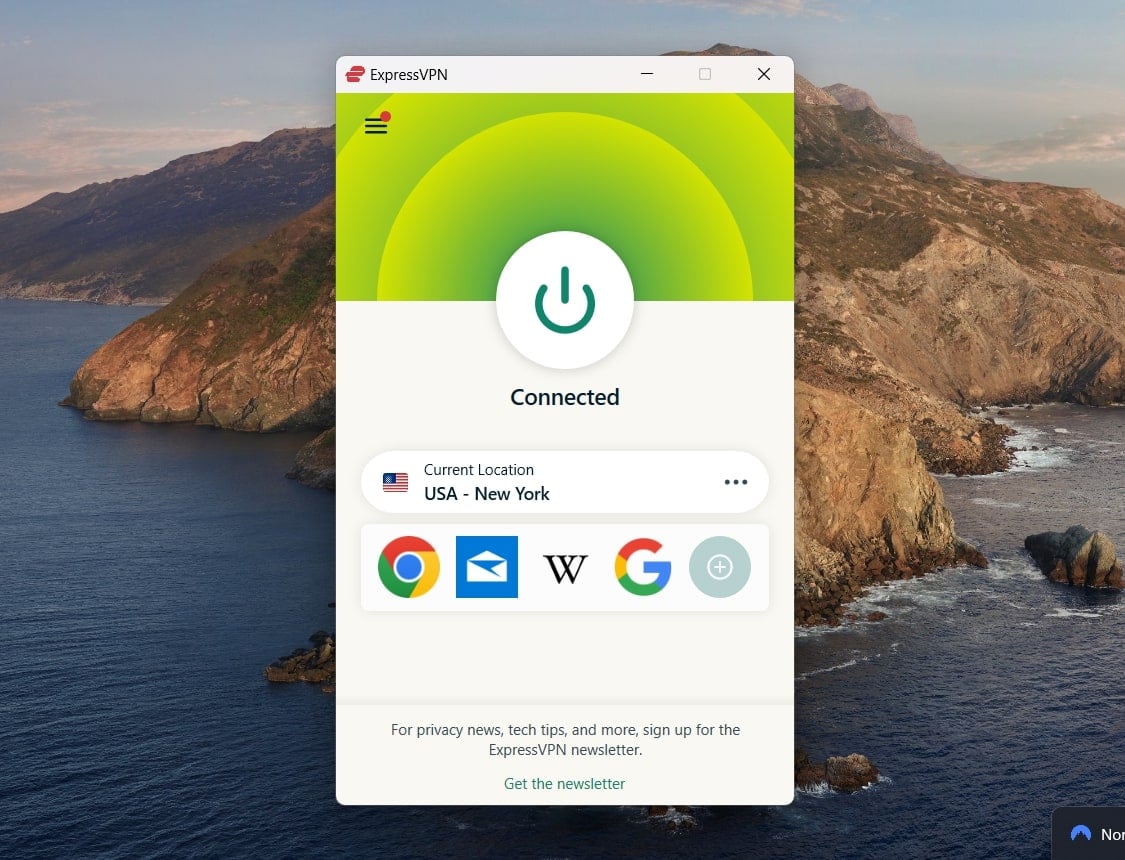
With over 3,000+ servers across 105 countries, including numerous servers in the US, you can connect quickly and stream content in HD or even UHD without any interruptions.
During our tests, ExpressVPN’s proprietary Lightway protocol consistently provided ultra-fast speeds, which made streaming a breeze. Whether we connected from nearby US servers or distant locations, like Europe, we experienced minimal speed drops from our baseline. This allowed us to enjoy TV shows and movies with no buffering, even when watching in the highest quality.
One unique feature we love is MediaStreamer, ExpressVPN’s Smart DNS service. This feature is perfect for streaming the service on devices that don’t support VPNs, such as smart TVs and gaming consoles.
Additionally, ExpressVPN’s split tunneling feature gives you control over which apps use the VPN connection and which don’t. This helped us optimize our streaming experience by using the VPN only for Netflix while other apps continued using the local internet connection.
While ExpressVPN is slightly more expensive, starting at $6 a month, it offers excellent value. Plus, you can take advantage of its 30-day money-back guarantee, allowing you to try it risk-free.
Pros
- Lightway protocol for ultra-fast speeds
- MediaStreamer for devices that don’t support VPNs
- Split tunneling for optimizing streaming
- Works on restricted networks
- A no-nonsense UI
Cons
- Slightly higher price compared to competitors.
- Only supports 8 devices simultaneously.
3. Private Internet Access
PIA VPN is an excellent option for watching Netflix US from abroad due to its expansive network and fast speeds. During our tests, Private Internet Access provided reliable access to the platform’s libraries, including the US, UK, and Canada, maintaining stable streaming quality even during peak hours.
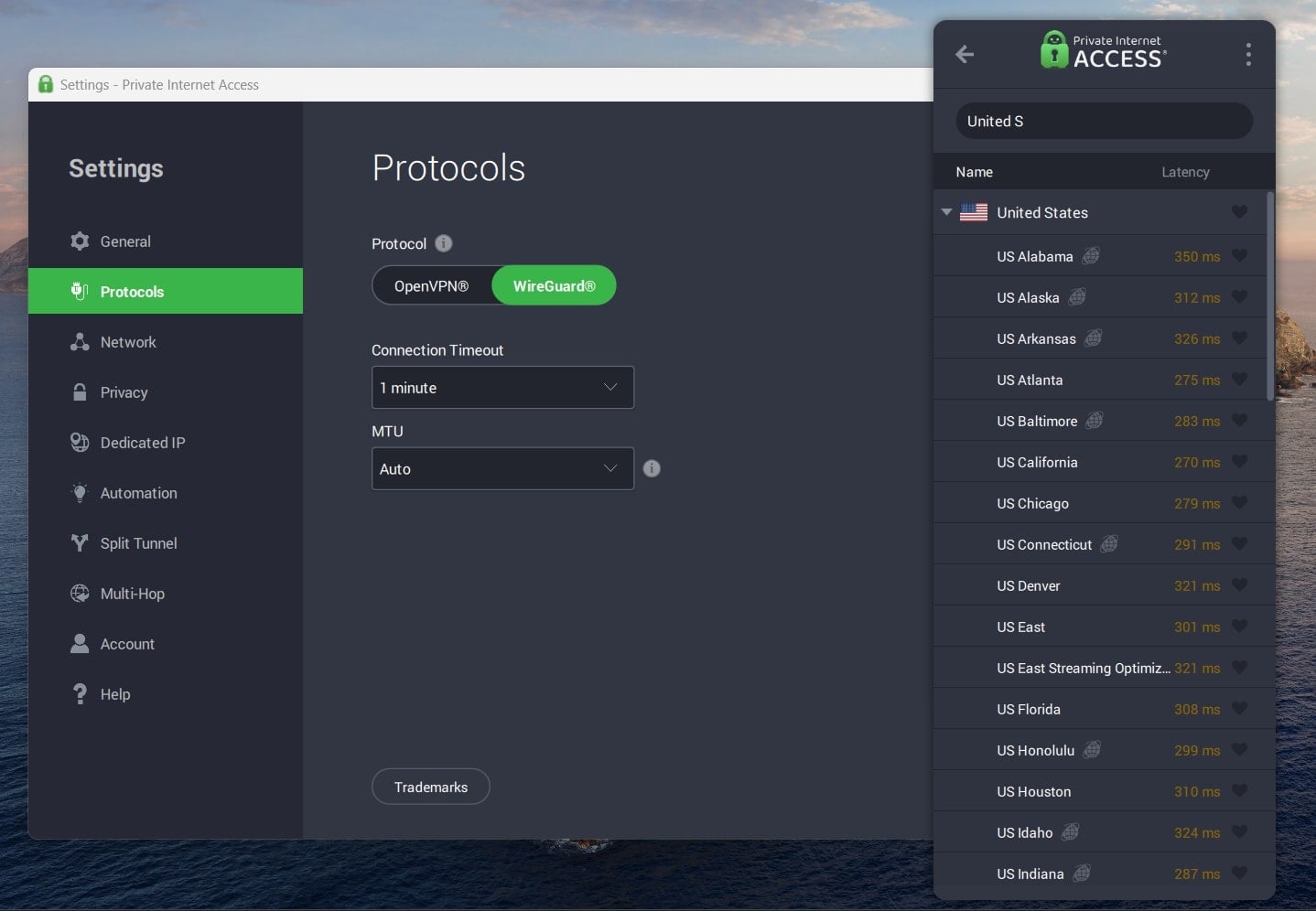
What makes PIA stand out is its ability to deliver fast, buffer-free connections consistently. While it may not be as fast as NordVPN, its network allows you to switch between multiple servers in the US to find the fastest one. We noticed minimal slowdowns when using PIA’s WireGuard protocol, making it perfect for smooth streaming in HD or 4K.
One area where PIA excels at streaming content is its unlimited device connections feature. With 29,650 servers in 91 countries, PIA is among the few in the business with servers across all 50 US states.
PIA’s browser extensions for Chrome (it’s one of the best-rated Chrome VPN extensions) and Firefox are especially handy for users. They provide location spoofing, making it easier to unblock geo-restricted content without needing to run the full desktop app.
Starting at $2 a month, PIA offers great value. Its 30-day money-back guarantee lets you test the service risk-free.
Pros
- Massive server network (29,000+)
- Unlimited device connections
- Support across multiple platforms
- US-optimized streaming locations
Cons
- Speeds are solid but not the fastest
- Lacks advanced features like NordVPN
Common Issues When Watching Netflix US Content
Even though you may have a Netflix subscription, international users face several hurdles when trying to access the US catalog:
- Regional Restrictions—As mentioned, licensing agreements mean that certain titles are unavailable outside the US. Even if you log in to the service with the same account, your content will vary based on your geographic location.
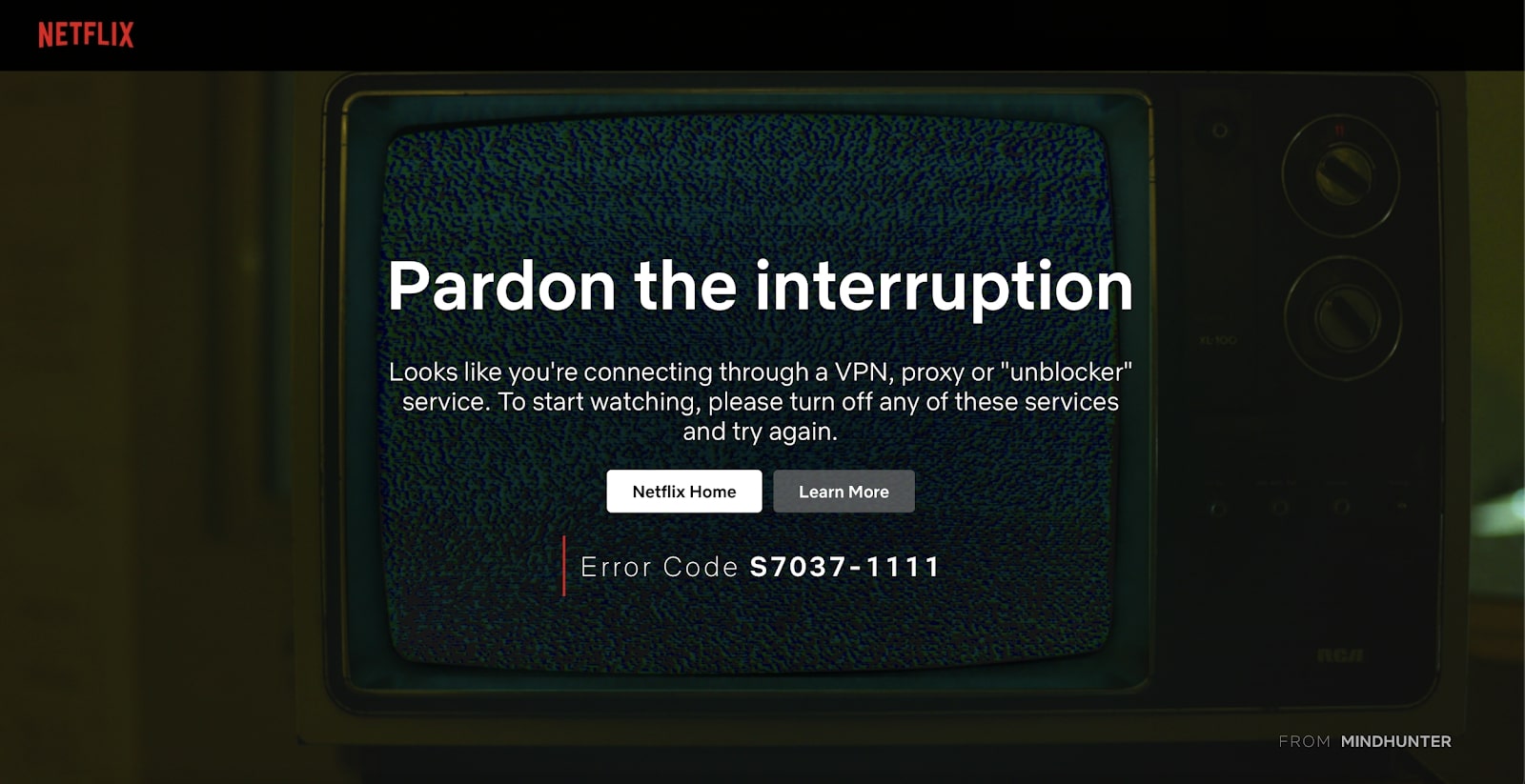
- Proxy Errors—The platform actively works to block VPNs and proxies. If you’re using an unreliable or free VPN, you may encounter the infamous Netflix proxy error. The error message reads: “You seem to be using an unblocker or proxy. Please turn off any of these services and try again.” This happens when the service detects the use of a VPN or proxy and prevents access to US content.
- Slow Streaming Speeds—If the VPN you’re using isn’t optimized for streaming, you may experience buffering or slow loading times while trying to watch content. This can ruin the viewing experience, especially for high-definition videos.
- Device Restrictions—Some streaming devices, such as smart TVs, don’t support VPN apps directly, making it harder to use a VPN to access American Netflix.
Conclusion
When it comes to watching American Netflix from anywhere, choosing the right VPN can make all the difference between smooth, uninterrupted streaming and frustration with geo-blocks. While the service has gotten smarter at detecting and blocking many VPNs, the top services still offer reliable access to the US library, with features designed specifically to bypass these restrictions.
NordVPN remains our top recommendation due to its blazing-fast speeds, advanced SmartPlay technology, and user-friendly app.
With its proprietary Lightway protocol, ExpressVPN consistently delivers one of the fastest connections, making it perfect for lag-free streaming. On the other hand, PIA offers a massive server network and allows unlimited device connections. Ultimately, the VPN you choose depends on your priorities, whether it’s speed, affordability, or server variety.
Access Netflix US with NordVPN
Frequently Asked Questions
Here are the most common questions users have about unblocking Netflix in the US library, all answered for your convenience.
Why do I need a VPN to watch Netflix US?
The platform’s content is geo-restricted, meaning certain shows and movies are only available in specific countries. A VPN can mask your location, making it appear as though you’re in the US, unlocking the US Netflix library.
Can Netflix block VPNs?
Yes, it actively blocks many VPN services. However, premium VPNs like NordVPN are constantly updating their servers to bypass these blocks.
Which devices can I use to stream American Netflix through a VPN?
All the VPNs we’ve reviewed are compatible with major devices, including Windows, Mac, Android, iOS, smart TVs, and routers.
Is it legal to use a VPN to access American Netflix?
Using a VPN to access the platform isn’t illegal, but it may violate its terms of service. However, while Netflix might block your connection, you won’t face legal repercussions.