An iPhone switches between WiFi and cellular all day, and a VPN that drops the tunnel during a switch exposes your IP address. Out of the 40+ VPNs we’ve tested, we put five on an iPhone 17 Pro in October, measuring speed on UK, US, and Japanese servers, battery drain over 20 minutes of video, and stability through network changes.
NordVPN is the best VPN for iPhone: it lost just 13.6% of its speed, the smallest drop on iOS, and kept the connection through every network switch we tried. ExpressVPN used the least battery. None of them can exclude a single app from the tunnel, though, because iOS blocks per-app split tunneling, and only PIA offers a domain-based workaround.
Best VPN for iPhone: Five iOS VPNs Ranked
- NordVPN: Best VPN for iPhone overall, and the fastest we measured on iOS
- Proton VPN: Best iPhone VPN for privacy, and the only usable free tier
- ExpressVPN: Gentlest on battery, with the smoothest iOS app
- Surfshark: Covers an iPhone, an iPad, and a Mac without a device cap
- Private Internet Access: Cheapest of the five, with the most settings to adjust
iPhone VPNs Compared
| Average speed loss | Extra battery drain | Devices at once | iOS split tunneling | Starting price | |
| NordVPN | 13.6% | 2% | 10 | No | $3.49/mo |
| Proton VPN | 17.5% | 2% | 10 | No | $2.99/mo |
| ExpressVPN | 16.2% | 1% | 10-14 | No | $2.99/mo |
| Surfshark | 21.4% | 3% | Unlimited | No | $2.49/mo |
| Private Internet Access | 24.2% | 3% | Unlimited | Domains only | $2.19/mo |
Best iPhone VPN Apps We Tested
Every figure comes from an iPhone 17 Pro on home WiFi that measures 54.7 Mbps down and 37 ms ping with no VPN. We connected each VPN to UK, US, and Japanese servers on WireGuard, NordLynx, or Lightway, then measured battery drain over a 20-minute YouTube session at 1440p with every extra protection enabled.
1. NordVPN: Best VPN for iPhone Overall
Pros
- Fastest iOS speeds
- Siri Shortcuts
- Quantum-safe NordLynx
- Reliable network handoff
- Blocks trackers and sites
- Dark Web Monitor
Cons
- Dense iOS interface
- No iOS free trial
- Costly renewal
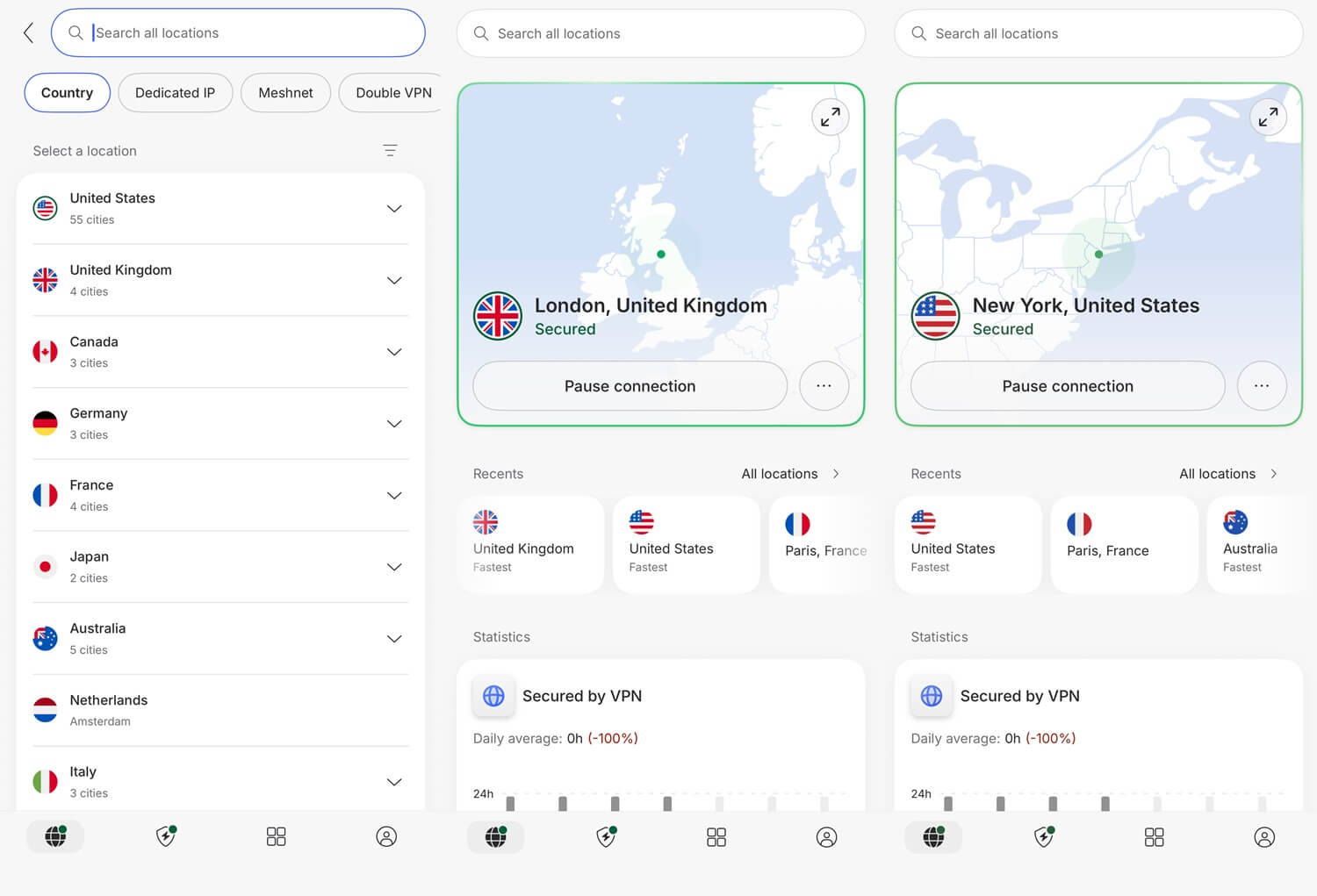
NordVPN had the lowest ping on the two distant servers: 203 ms to Japan, the hardest location for every VPN, and 102 ms to the US. Its UK server measured 52.11 Mbps, and its 13.6% average speed loss was the smallest of the group. NordLynx is built on WireGuard, and it kept the connection through every switch between WiFi and cellular we tried.
Quantum-safe encryption is a single toggle. Siri Shortcuts connect the tunnel by voice, and NordWhisper disguises traffic on networks that filter VPNs. Next-gen antivirus blocks trackers and malicious sites on iOS, though iOS doesn’t allow the file scanning NordVPN runs on Windows and macOS. The iOS app packs a great deal into a small screen and takes longer to learn than ExpressVPN’s.
NordVPN’s 3-day trial works only on Android, so iPhone users start on a paid plan. Six independent audits back the no-log policy, with Deloitte running the last four, and our NordVPN review covers the desktop side. On the 27-month term, the Basic plan is $3.49 a month for 10 devices.
2. Proton VPN: Best iPhone VPN for Privacy
Pros
- Open-source iOS app
- Unlimited free tier
- Swiss company
- Secure Core routing
- Stealth on free
- Tor over VPN servers
Cons
- Nothing quantum-safe
- Smart DNS missing
- Hulu and Disney+ blocked
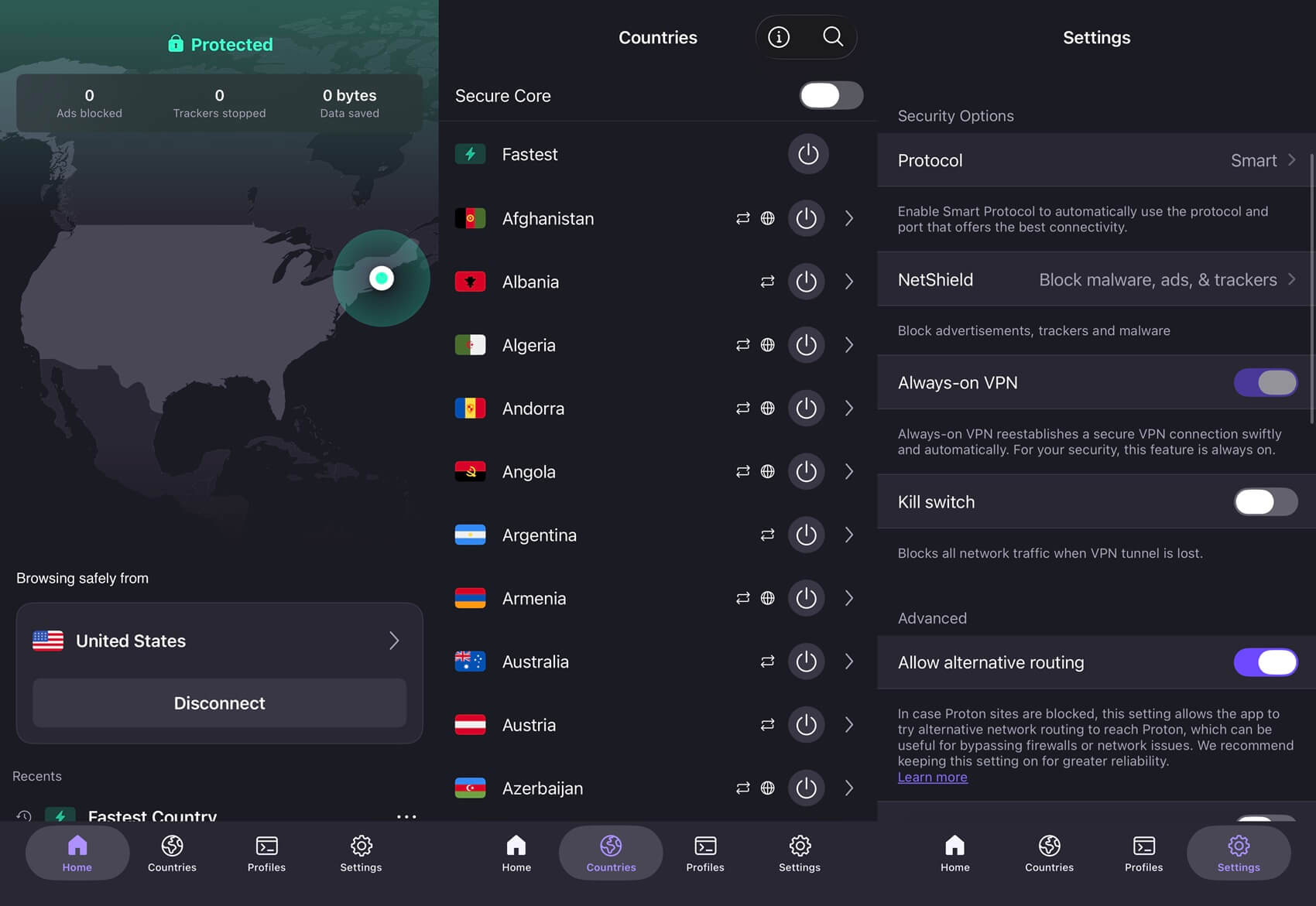
Proton VPN placed third on iOS at a 17.5% average speed loss, with 50.48 Mbps on the UK server at 47 ms. Its own Android app lost 27.0% of its speed on the same WiFi, the widest difference between platforms we measured. Its iOS client is published on GitHub for researchers to examine, as PIA’s apps are, and Switzerland belongs to no surveillance alliance.
That means the no-log claim rests on readable code and a favorable legal base. Secure Core adds a second encrypted stage on servers Proton VPN owns in Switzerland, Iceland, or Sweden. Proton VPN also has Tor over VPN servers, but .onion addresses still require a Tor browser such as Onion Browser. Free accounts keep the Stealth protocol, so an unpaid tier still has a disguised connection.
Quantum-safe encryption is absent, while NordVPN, ExpressVPN, and Surfshark already offer it. There’s no Smart DNS for smart TVs either, and Hulu, Disney+, Pluto TV, and ITVX blocked it in our desktop testing. Proton VPN costs $2.99 a month on the 2-year plan and $83.88 a year after that.
3. ExpressVPN: Gentlest on iPhone Battery
Pros
- Lowest battery drain
- Obfuscation always on
- Simplest iOS layout
- Stable on cellular handoff
- Native tvOS app
- Diskless servers
Cons
- No double-hop option
- Sparse iOS settings
- Renewal jumps sharply
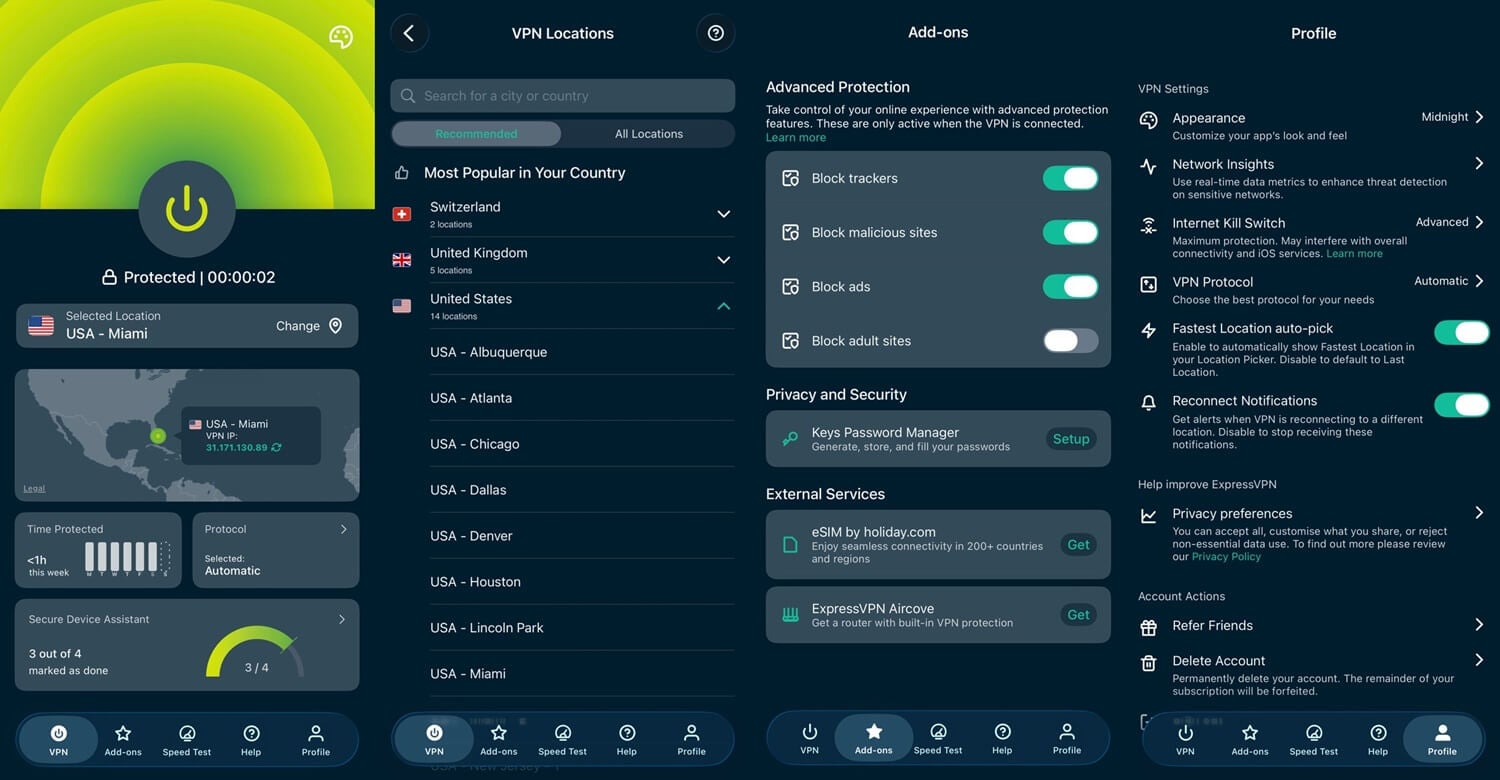
ExpressVPN took second on speed at a 16.2% speed loss and won the battery test. Twenty minutes of 1440p video with its protections enabled cost 1% above the no-VPN reading, while the rest cost 2% or 3%. Its 44 ms UK ping was also the lowest we recorded on iOS. Lightway was designed for the conditions an iPhone creates, and it moved between WiFi and cellular without interrupting a download.
Obfuscation is always on, with no protocol list to work through, so a filtered school or office network requires no setup. ExpressVPN has a native tvOS app for an Apple TV, and MediaStreamer covers TVs with no VPN app. The servers write nothing to disk, and ExpressVPN operates from the British Virgin Islands, outside the 5, 9, and 14 Eyes agreements.
That simplicity costs you control. Double-hop routing has been requested for years and still hasn’t appeared, and the settings list is short next to PIA’s. ExpressVPN costs $2.99 a month on the 28-month Basic plan, covering 10 devices, and renewal climbs to $99.95 a year.
4. Surfshark: One Plan for Every Apple Device You Own
Pros
- No connection limit
- Rotating IP addresses
- Two-location chaining
- Alternative ID
- Week-long trial
- Camouflage mode
Cons
- Weak Japan speed
- Slow to connect
- Nine Eyes country
Surfshark came fourth at a 21.4% average speed loss, and the average hides what the three servers did. On the UK server, it measured 50.42 Mbps, only 0.06 Mbps behind Proton VPN. On the Japanese server, it dropped to 33.81 Mbps, a 38.2% speed loss and the largest drop any of the five showed on a single server. Connect to servers in Europe or North America, and it keeps pace with the leaders.
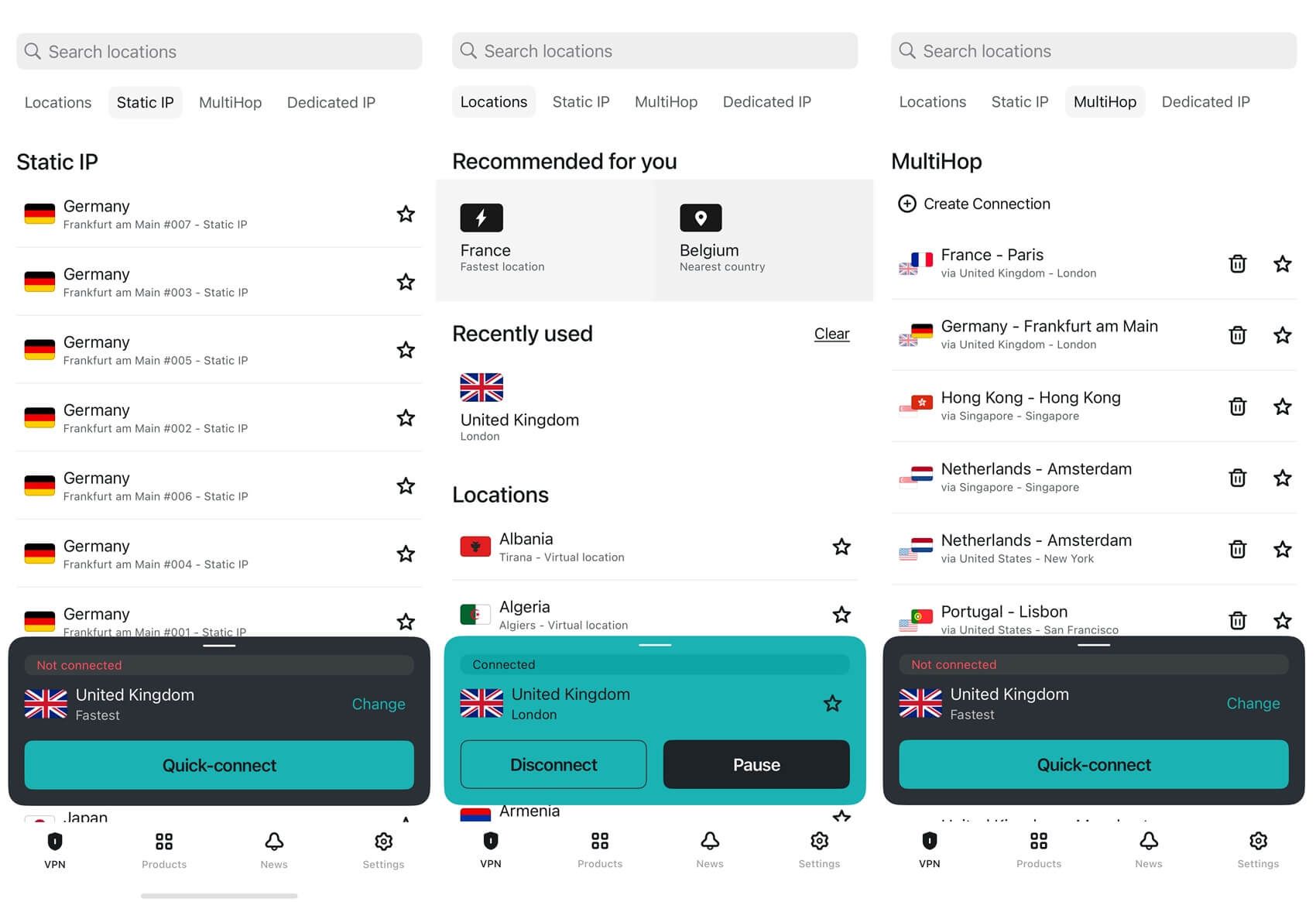
An iPhone is rarely the only Apple device in a household, and Surfshark sets no cap on connections. The rotating option cycles your IP address on a timer while the session stays up. Dynamic MultiHop lets you set both ends of a two-server chain, Alternative ID produces a throwaway identity for sign-up forms, and Surfshark One adds antivirus for a Mac.
Connecting takes longer than in the other four apps, and that shows on a phone unlocked for a quick check. Its Dutch base falls within the 9 Eyes agreement, though Deloitte confirmed Surfshark keeps no IP addresses, browsing history, session data, or timestamps. The App Store trial lasts 7 days, the Starter plan costs $2.49 a month, and our Surfshark review goes through the desktop apps.
5. Private Internet Access: The Cheapest Way In
Pros
- Covers every device
- Domain split tunneling
- Shadowsocks proxy
- DNS-level ad blocking
- Seven-day trial
- Apple TV app
Cons
- Slowest of the five
- Dated iOS design
- Weak streaming record
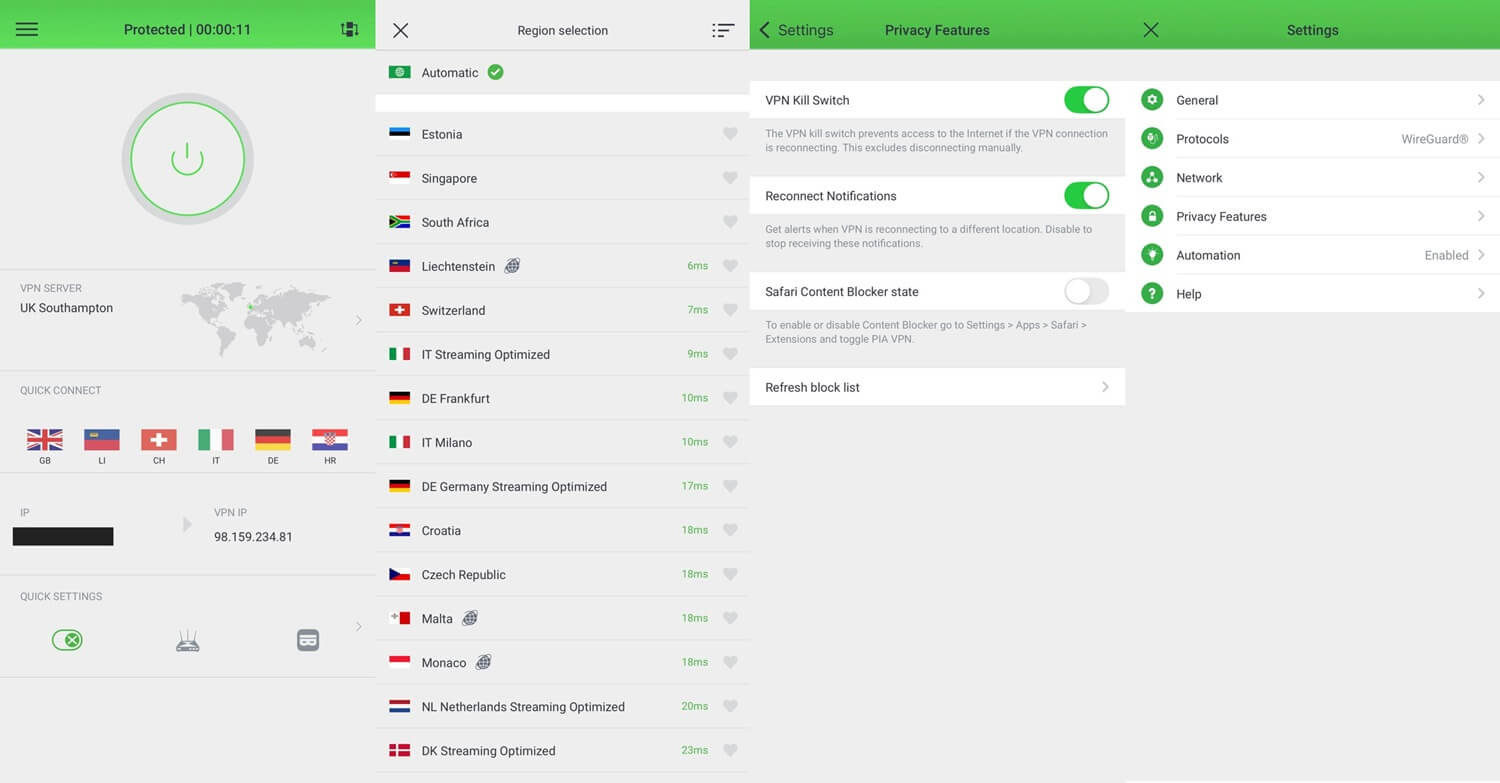
PIA came fifth at a 24.2% average speed loss, with 48.65 Mbps on the UK server and 34.42 Mbps on the Japanese one, where its 249 ms ping was the highest we recorded on iOS. It’s also the cheapest of the five, and speed is the trade-off. PIA offers the most settings on iOS. Split tunneling exists in the only form Apple permits, letting you name domains that skip the tunnel, which none of the other four offer.
Shadowsocks disguises traffic on a filtered network, MACE blocks ads and trackers at the DNS level, and a tvOS app covers an Apple TV. Device connections are uncapped, and the trial lasts 7 days. PIA’s apps were our least favorite to use, and clutter that’s merely untidy on a monitor becomes a problem on a phone screen. Its streaming record is the weakest of the five: Netflix Japan, Prime Video, HBO Max, JioHotstar, and Hulu blocked it in our desktop testing.
The PIA review covers its desktop apps and the court cases that tested its logging claims. PIA costs $2.19 a month, or about $57 for the first 26 months, then the same amount each year.
How iPhone VPNs Differ From Desktop Apps
- Network handoff. A phone moves between WiFi and cellular dozens of times a day. Each switch is a moment when the tunnel can drop and the true IP address can show. NordLynx and Lightway were designed around that problem, and neither lost a session in our testing.
- Battery. Our 20-minute video test put the extra drain between 1% and 3%. That adds up for a tunnel kept open from morning until night. WireGuard-based protocols draw less power than OpenVPN, so leave the app on its automatic protocol setting.
- Split tunneling. Apple’s sandbox blocks the per-app version Android allows, so an iPhone can’t send one app around the tunnel while the rest goes through it. PIA’s domain-based version is the closest available substitute, and the other four have none.
One iOS setting helps with this. Go to Settings, then General, then VPN & Device Management, and tap the info icon beside your VPN. Enable Connect On Demand so the tunnel comes back after a network change.
Free VPNs for iPhone
The App Store lists hundreds of free VPNs, and almost all of them are a poor trade. Caps of 500 MB to 2 GB a month are typical, enough for one episode of a show. The apps with no cap are usually funded by selling browsing data instead. Proton VPN’s free plan is the exception. It has no data limit, its logging practices are independently audited, and the Stealth protocol comes with it.
The limits are strict: one device at a time and no say over the server location. The app assigns one of ten countries at random. On our iPhone, the US server it assigned measured 33.12 Mbps, a 39.5% speed loss, and Netflix blocked its American IP address. The next step up is a paid plan. PIA at $2.19 a month lifts every one of those limits.
Best VPN for iPhone: Conclusion
On an iPhone, the deciding question is how long the tunnel stays on. NordVPN is the VPN to install on most iPhones. It lost the least speed of the five and had the lowest ping on the American and Japanese servers, and the crowded interface is the cost. ExpressVPN suits a phone that keeps the VPN connected all day, drawing the least battery and requiring the least attention.
Proton VPN fits a buyer whose first concern is privacy, with open-source code and a Swiss base, and its free tier is the only free option we’d install. Surfshark covers a phone, a tablet, and a laptop on one subscription, provided your servers aren’t in Asia-Pacific. PIA is the cheapest entry point and the most adjustable of the five.
Frequently Asked Questions
What is the best VPN app for iPhone?
NordVPN is the best VPN for iPhone, with the lowest speed loss among major iOS VPNs, quantum-safe NordLynx, and Siri Shortcuts. Proton VPN is the stronger choice for privacy.
Does the iPhone have a built-in VPN?
No. iOS can store a manual VPN configuration from an employer or school, but Apple offers no VPN service of its own. A VPN subscription and app are required to connect.
What is the fastest VPN for iPhone?
NordVPN is the fastest VPN for iPhone among major VPNs. Its NordLynx protocol, built on WireGuard, keeps most of a WiFi or cellular connection's speed and stays connected through network changes.
Is there a good free VPN for iPhone?
Yes. Proton VPN's free plan has no data cap and an audited no-log policy, though it assigns the server and connects one device. Hide.me and PrivadoVPN also offer free iOS plans.
Can a VPN change an iPhone's location?
Yes, partly. A VPN changes the IP-based location that websites and streaming services see, but not the iPhone's GPS, so apps using Location Services still see the true position.