A Fire TV Stick is one of the cheapest ways to turn an ordinary TV into a smart one, and it’s small enough to pack for a trip. Add a VPN, and your streaming apps behave as if you were at home, with the same shows and the same catalog on a hotel TV. The complication is that Amazon now sells two kinds of stick.
The newest models use different software from the older ones, and a VPN with an app for an older stick may not have one for a new model. A stick also has far less processing power than a laptop, so a slow VPN quickly shows up as buffering. Here are the five that did best on my own stick in 2026 plus setup steps.
5 Best VPNs for a Fire TV Stick
- NordVPN: Best overall, with apps for old and new Fire TV Sticks
- Proton VPN: Best for privacy, with a no-log policy audited every year
- ExpressVPN: Best for blocked networks, with obfuscation that requires no setup
- Surfshark: Best for Netflix libraries, unblocking every one we tried
- CyberGhost: Best for a low price, with servers labeled by streaming service
How the Five Firestick VPNs Compare
Check the Fire TV app column first. Without an app, a VPN can cover the stick only through a router or Smart DNS, a DNS service that changes the location streaming apps see.
| VPN | Best for | Fire TV app | Smart DNS | Devices | Starting price |
| NordVPN | Overall performance | Fire OS and Vega OS | SmartPlay | 10 | $3.49/mo |
| Proton VPN | Privacy | Fire OS and Vega OS | No | 10 | $2.99/mo |
| ExpressVPN | Blocked networks | Fire OS and Vega OS | MediaStreamer | 10 | $2.99/mo |
| Surfshark | Netflix libraries | Fire OS and Vega OS | No | Unlimited | $2.49/mo |
| CyberGhost | Low price | Fire OS | Yes | 7 | $2.19/mo |
How we tested: download speeds come from a Fire TV Stick 4K Plus connected to the router with Amazon’s USB-C Ethernet adapter, on a 190.36 Mbps connection, in October 2026. Each VPN used its fastest protocol on British, American, and Japanese servers, and we tried 14 streaming services in the same tests.
Best VPNs for Firestick in 2026
1. NordVPN: Best VPN for Firestick Overall
Pros
- App for Fire OS and Vega OS sticks
- Minimal speed loss
- Netflix US, Hulu, and Peacock unblocked
- Smart DNS for the 2014 stick
- Ad and tracker blocking
- Free trial through Android
Cons
- Steep renewal price
- No free plan
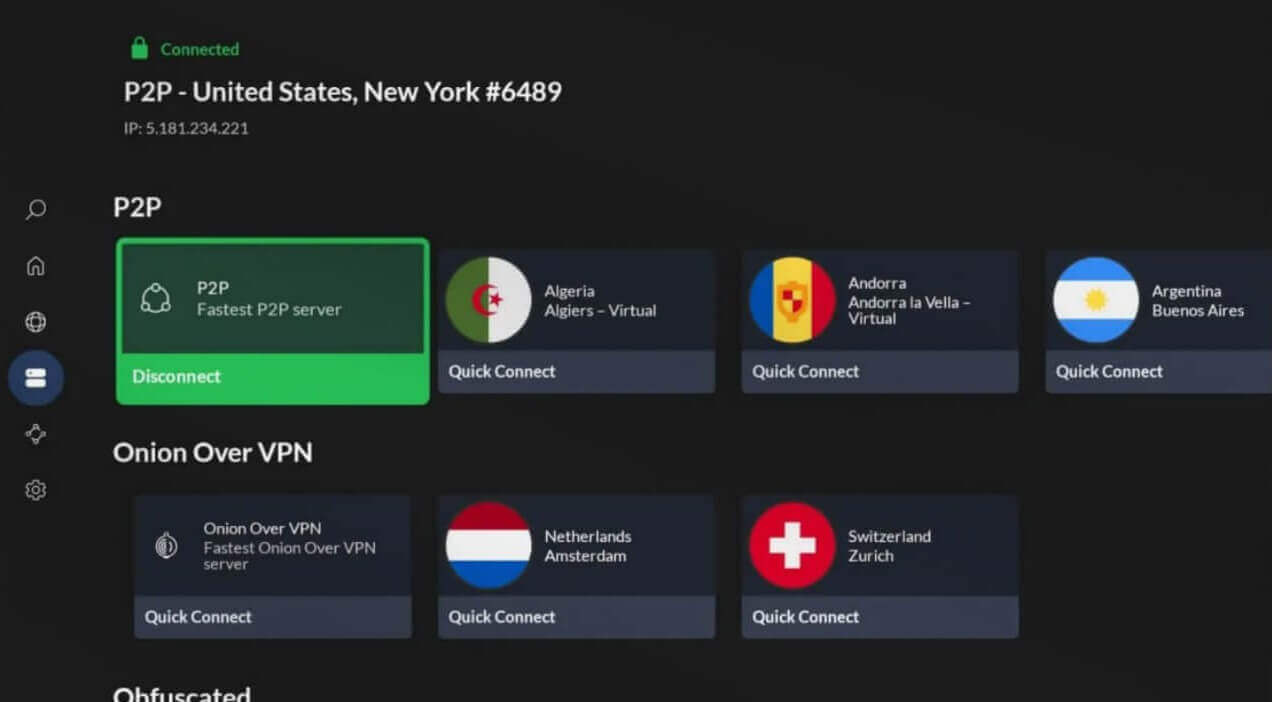
NordVPN was one of the first VPNs on Vega OS, launching there in November 2025 alongside IPVanish, so its app installs on a Fire TV Stick 4K Select as well as a 4K Max. The app is free in the Amazon Appstore, and your subscription unlocks it. It was also the fastest VPN on our stick. The British server tested at 189.13 Mbps, almost our full 190.36 Mbps connection, and the American and Japanese servers at 187.92 and 176.81 Mbps.
That’s an average speed loss of just 3.0%, and even the slowest result is more than ten times the 15 Mbps Netflix recommends for 4K. It unblocked all 14 streaming services, including Netflix US, BBC iPlayer, Hulu, and Peacock. Pluto TV and Prime Video detected it on a few attempts, so if either shows a region error, try a different server in that country.
NordLynx, NordVPN’s own protocol (the method the app uses to connect), is behind those speeds, and the full NordVPN review covers its other apps. The price is the downside. The Basic plan costs under $3.50 a month on the 27-month term, but it renews at about $140 a year, so put the renewal date in your calendar.
A 30-day money-back guarantee covers the first term, and signing up on Android adds a 3-day trial that also works on the Fire TV app with the same account.
2. Proton VPN: Best Amazon Fire TV Stick VPN for Privacy
Pros
- Yearly no-log audits
- Stealth obfuscation
- NetShield ad blocker
- Open-source apps
- Vega OS app
- Swiss jurisdiction
Cons
- Couldn’t unblock Hulu or ITVX
- No app for Fire OS 5 sticks
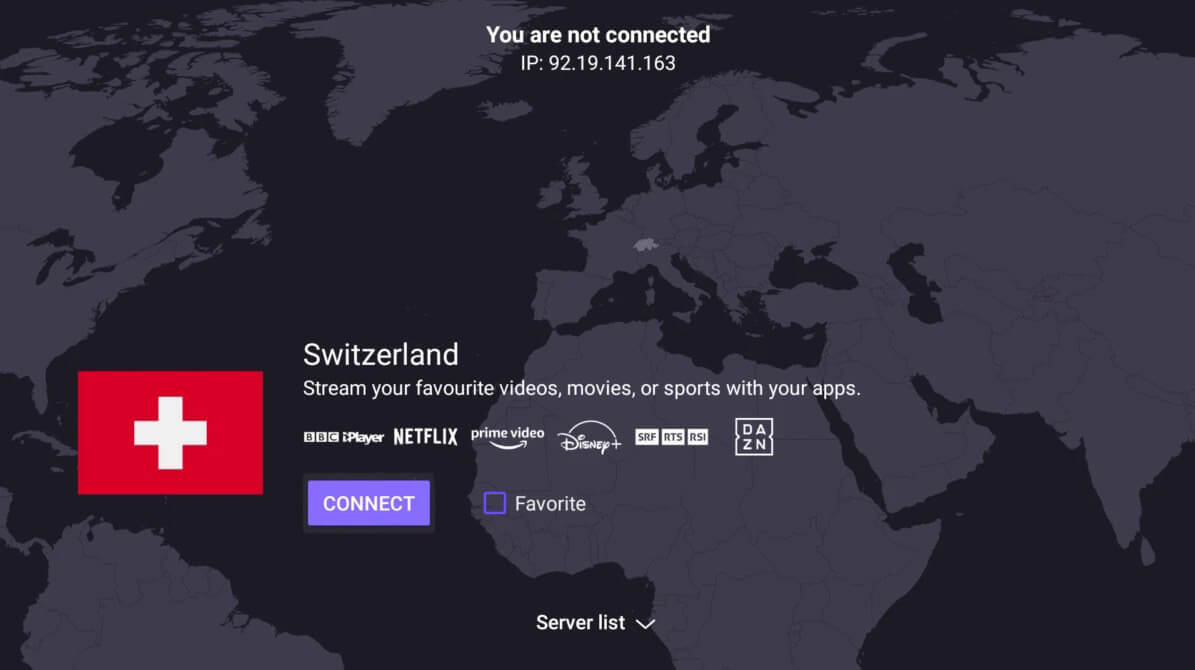
Proton VPN supports Fire OS 7 and newer, which covers the 4K Max, the 4K Plus, and the third-generation stick. Older Fire OS 5 models aren’t supported, so their owners should look at the other VPNs in our ranking. A Vega OS version followed in September 2026, covering the newer Fire TV Stick 4K Select as well. The American server tested at 183.45 Mbps with VPN Accelerator enabled, a default setting that speeds up connections to distant servers, and the Japanese one at 169.74 Mbps.
Its average speed loss was 5.3%, but its streaming results were mixed. It unblocked BBC iPlayer and most other services, but couldn’t unblock four of the 14, including Hulu, Pluto TV, and ITVX, so use NordVPN or ExpressVPN if you watch those. Our streaming ranking has the full results. Securitum has audited the no-log policy five years in a row, most recently in May 2026, and NetShield blocked 126 of 135 ad and tracker domains on d3ward’s test.
Stealth, its obfuscation protocol, disguises VPN traffic on networks that block it. Post-quantum encryption is still missing, while NordVPN, ExpressVPN, and Surfshark already offer it. It protects today’s traffic from future quantum computers, so it makes no difference on a TV, though privacy-minded users may want it. The NordVPN comparison covers the difference.
Proton VPN costs under $3 a month on the two-year plan, and its 30-day refund covers only the unused part of the term, so cancel early if you’re unsure.
3. ExpressVPN: Best Fire Stick VPN for Blocked Networks
Pros
- Vega OS app
- QR code sign-in
- Obfuscation on every connection
- Favorite locations on the first screen
- MediaStreamer for first-generation sticks
Cons
- No multi-hop
- Few app settings
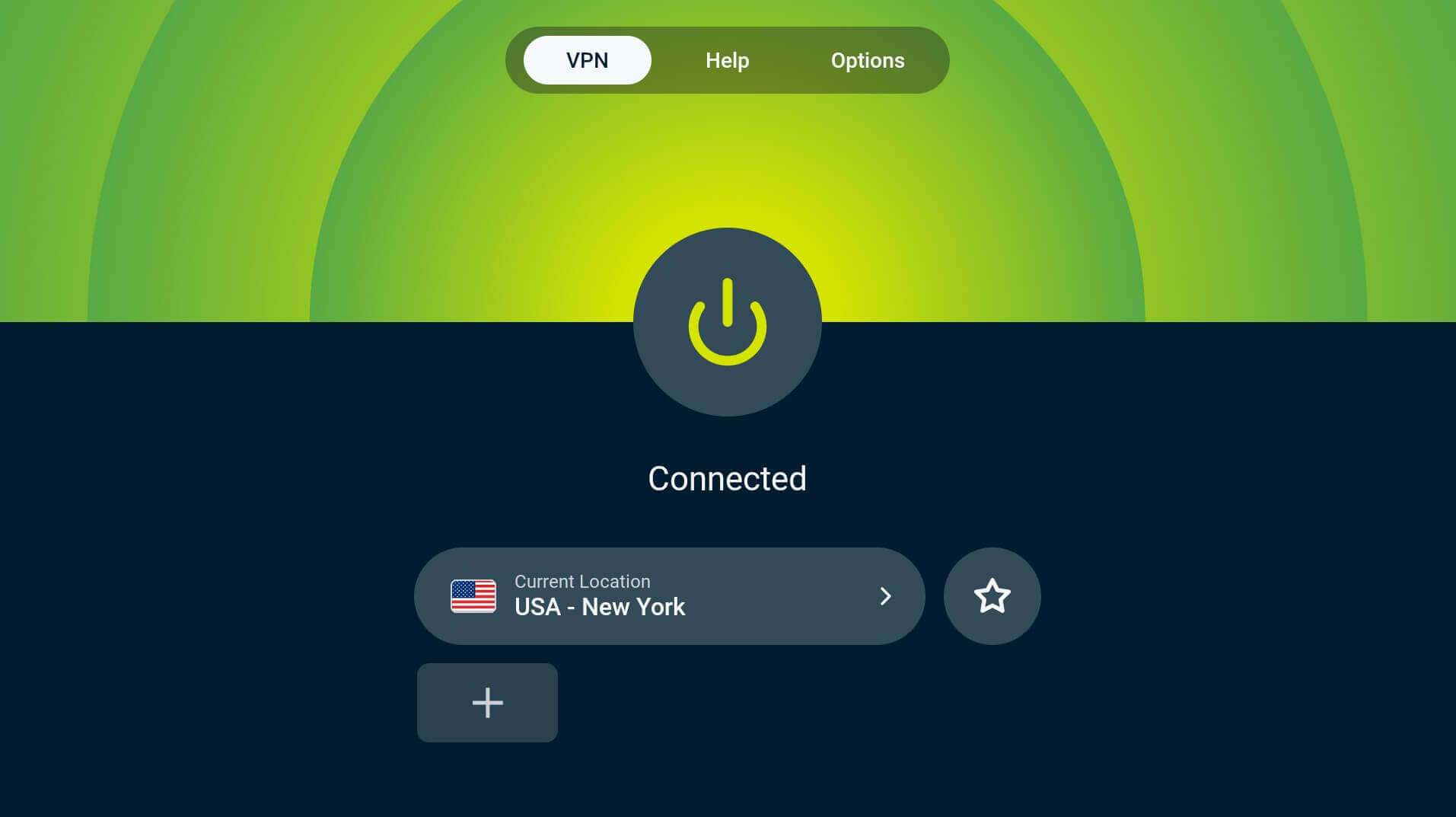
ExpressVPN is easy to set up with a remote. Signing in uses a QR code, so you scan it with your phone instead of typing a password, and your favorite locations stay pinned to the first screen. ExpressVPN released its Vega OS app on September 3, 2026, the fourth VPN there, so it supports the Fire TV Stick 4K Select. It came second on speed, at 187.26 Mbps on the British server, 185.02 Mbps on the American one, and 172.43 Mbps on the Japanese one, averaging a 4.6% speed loss.
It unblocked the full set of 14 streaming services, though ITVX and Prime Video flagged the connection a few times, so keep a second server in mind for those. Obfuscation works on every connection with no setting to find, which helps on hotel and campus networks that block VPNs, and the VPN for China page explains how it copes with the strictest blocks. On a first-generation stick, MediaStreamer, its Smart DNS service, covers streaming without an app.
ExpressVPN’s Basic plan is under $3 a month, and current ExpressVPN discount codes can lower that further, so look before you pay. The app has few settings and no multi-hop, which sends traffic through two servers, but on a TV, you’re unlikely to miss either.
4. Surfshark: Best Fire TV Stick VPN for Netflix Libraries
Pros
- Netflix libraries unblocked
- No device limit
- NoBorders obfuscation
- Low starting price
- Alternative ID for sign-ups
Cons
- Couldn’t unblock ITVX
- No first-generation stick support
- Basic Vega OS app
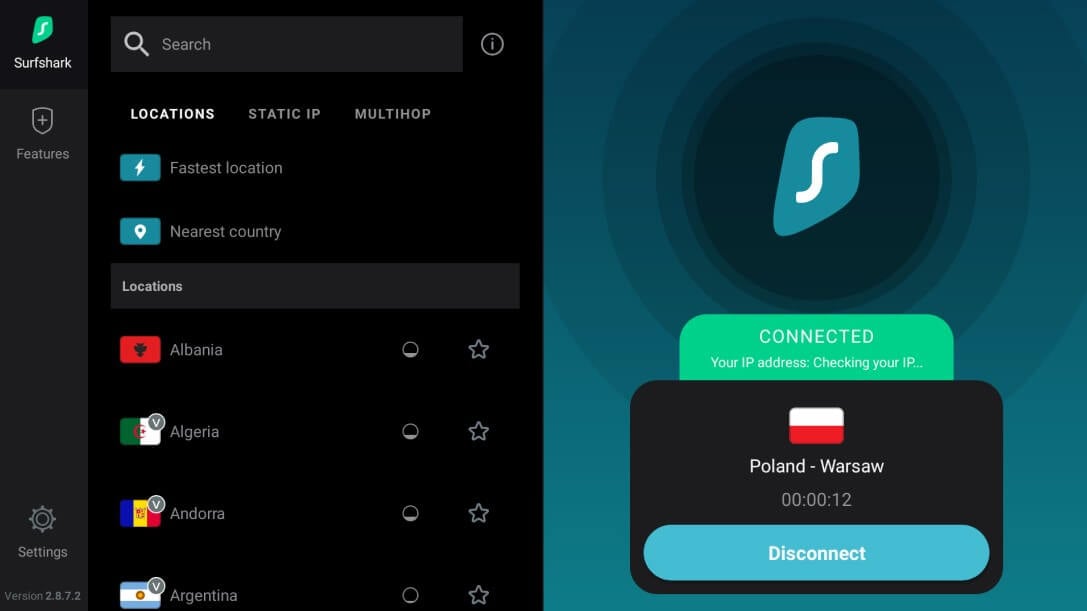
Surfshark unblocked 13 of the 14 streaming services on the stick, including every Netflix library we tried, so it’s a good fit if you switch between Netflix catalogs. Its British server came in at 188.88 Mbps and the American one at 182.31 Mbps. It couldn’t unblock ITVX on any attempt, though, so for ITVX, go with NordVPN or ExpressVPN. Connection times were the other irritation. Most locations connected in a couple of seconds, but a handful took several more.
Surfshark’s Vega OS version came out in May 2026 and covers only the basics: WireGuard and a location list. Surfshark’s CleanWeb ad blocker and its kill switch, which cuts the internet if the VPN drops, are still missing on Vega OS, though the Fire OS app has both, so a Fire OS stick is the better match for Surfshark. One subscription also covers every device in the house, with no limit on how many connect. The Starter plan costs under $2.50 a month for 27 months, then about $80 a year.
5. CyberGhost: Cheapest VPN for Fire TV Stick
Pros
- Streaming-labeled servers
- Smart DNS for older sticks
- Long refund window
- Low starting price
- Automatic Wi-Fi protection
Cons
- Couldn’t unblock Netflix Japan
- No obfuscation
- Limited device count
- No Vega OS app
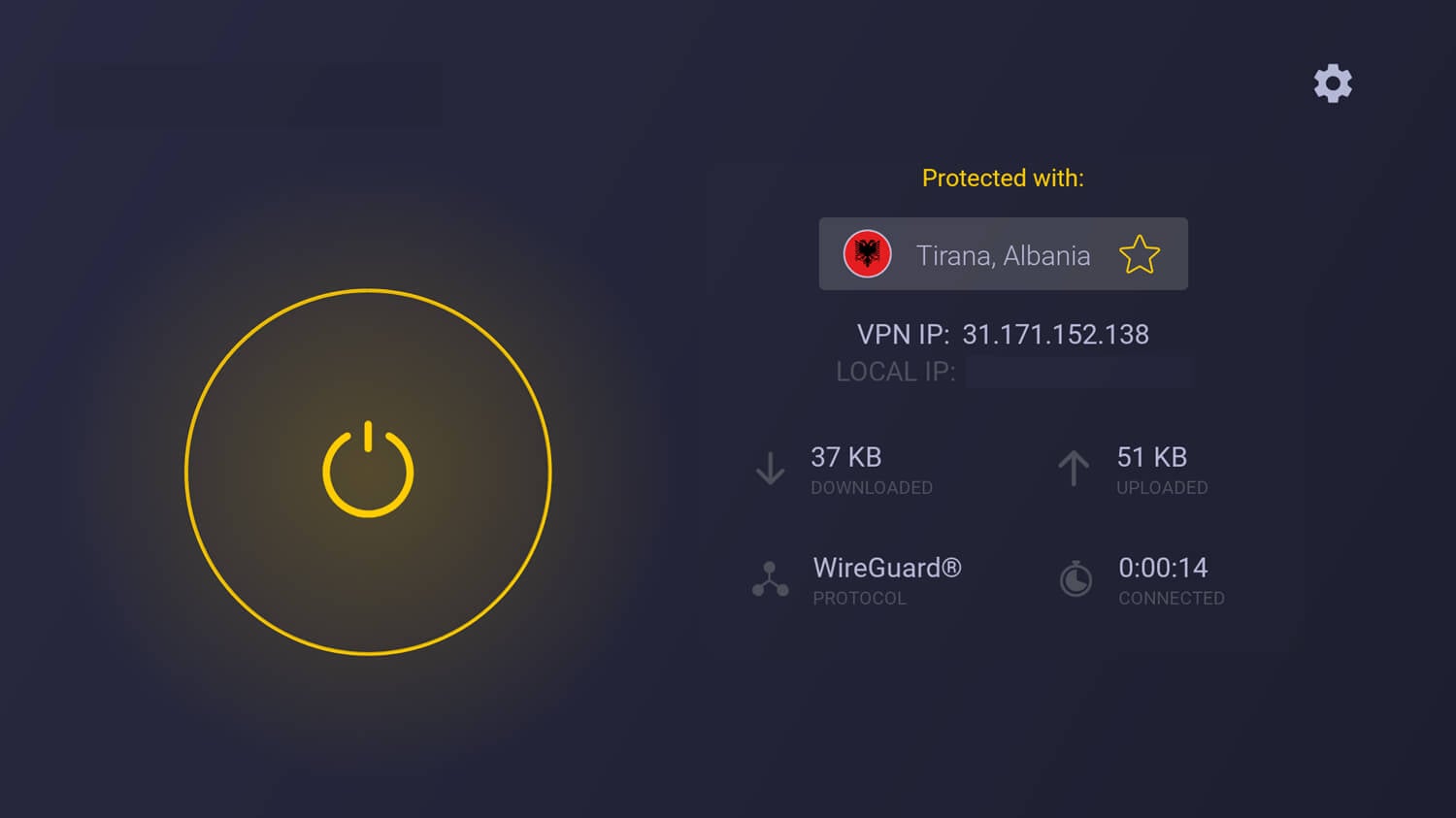
CyberGhost labels its servers by streaming service, so the Fire TV list shows servers named after Netflix US, BBC iPlayer, and Hulu instead of plain city names. With a remote in your hand, picking a labeled server is quicker than scrolling through a country list. It also has the lowest starting price in our ranking, under $2.20 a month for 26 months, and renews at about $57 a year, still under $5 a month. The 45-day money-back guarantee applies to the long plans, while monthly plans have 14 days.
Its Japanese server was the weak point. The American server came in at 182.15 Mbps, close to the others, but the Japanese one dropped to 159.67 Mbps, a 16.1% speed loss, though that’s still about ten times what 4K requires. Its average speed loss of 7.7% was the largest in our ranking. It couldn’t unblock JioHotstar, and Netflix Japan stayed blocked even on CyberGhost’s own Japanese server. It unblocked the other 11 of the 14 services we tried.
With no obfuscation, networks that inspect traffic can detect the VPN, so avoid it on hotel or office Wi-Fi that blocks VPNs. There’s also no Vega OS app yet, so owners of the newest sticks should choose NordVPN instead. CyberGhost labels servers for gaming too, and a console on your network can use the same account.
How to Install a VPN on Firestick
Installing a VPN on a Firestick takes about five minutes.
Subscribe to a VPN
Choose a VPN with a Fire TV app and subscribe on a phone or computer, where entering an email address and card number is much quicker. We used NordVPN for this walkthrough, at 69% off on the two-year plan. Confirm the account from the email you receive and set a password, because the Fire TV app requires it in the next step.
Install the App From the Amazon Appstore
On the stick, open the Appstore from the home row and search for the VPN by name. Select it from the top of the results, press Download, and wait about a minute.
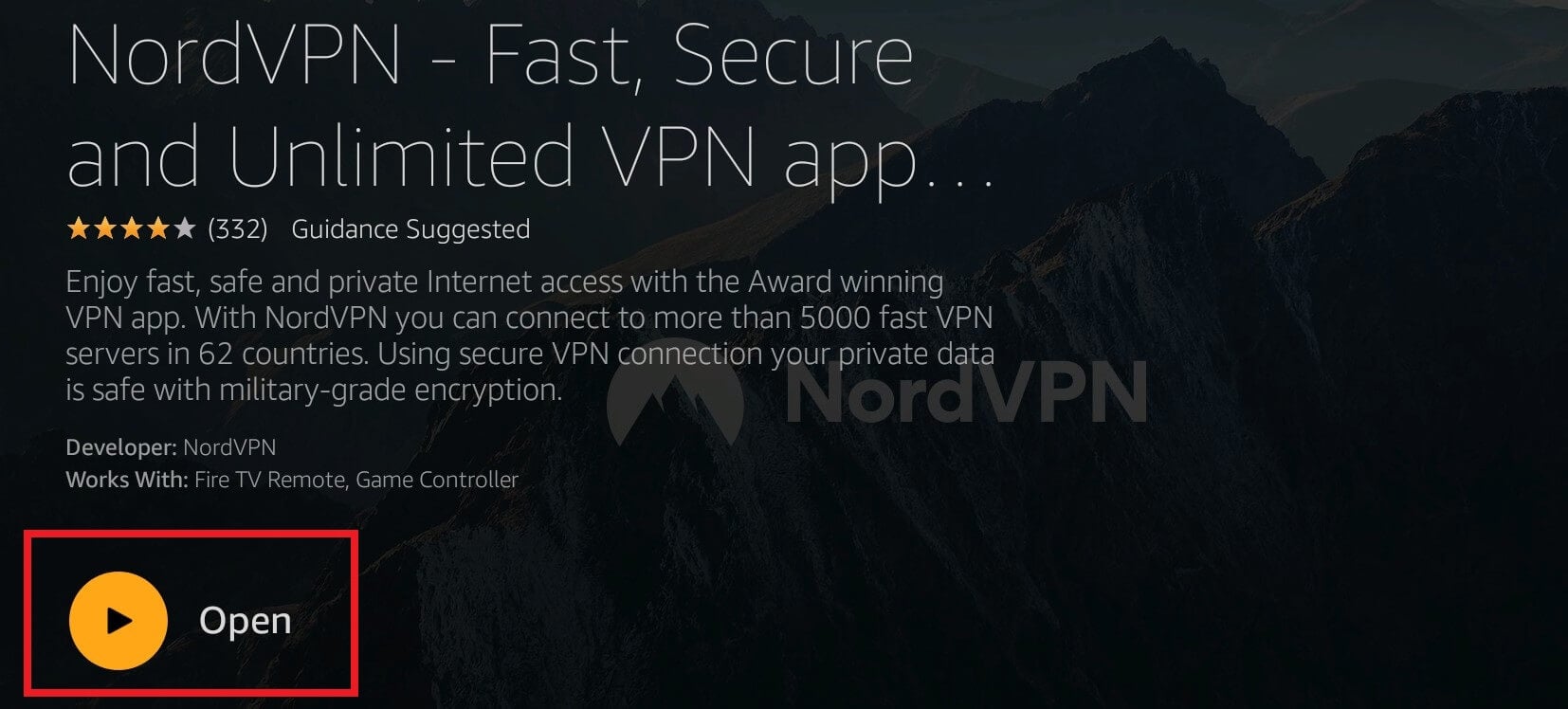
Open the app and sign in with the email address and password from the first step. On a Vega OS stick, Amazon also requires a one-time permission to create a VPN connection, so accept it.
Connect and Start Watching
Open the location list, choose the country whose catalog you want, and press the connect button. The app reconnects by itself after a reboot. Netflix then shows that country’s library, a British server unblocks BBC iPlayer, and you can watch Pluto TV from outside the US.
Which Fire TV Sticks Support a VPN App
Amazon moved its newest sticks to a new operating system in October 2025, so the best VPN for Amazon Fire Stick owners now depends on which model is plugged into the TV.
- Fire OS sticks include the Fire TV Stick 4K Max, the 4K Plus, the Fire TV Cube, and every stick back to the second generation from 2016. Every VPN in our ranking has a Fire OS app, though Proton VPN’s requires Fire OS 7 or newer, and a VPN missing from the Appstore can be sideloaded, or installed manually, with the Downloader app.
- Vega OS sticks are the Fire TV Stick 4K Select from October 2025, the 2026 Fire TV Stick HD, and the new Fire TV Stick 4K that Amazon announced in September 2026. Vega OS is built on Linux instead of Android, so every VPN had to rebuild its app from scratch, and sideloading is no longer possible. Amazon enabled VPN support at the end of November 2025, and five VPNs have published an app since: NordVPN and IPVanish first, Surfshark in May 2026, then ExpressVPN and Proton VPN in September 2026. CyberGhost and Private Internet Access don’t have one yet.
- The first-generation stick from 2014 doesn’t support VPN apps on any operating system. Smart DNS or a router covers it.
Smart DNS and Router Setups for Older Sticks
Neither method installs an app on the stick, so both work on the 2014 model and on TVs with no VPN app in their store.
Smart DNS
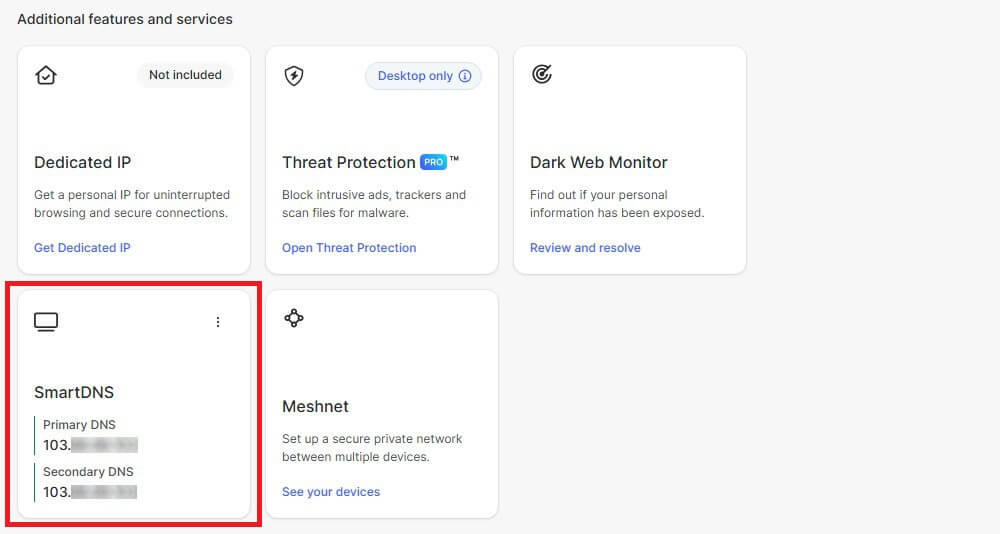
Smart DNS points the stick at the VPN’s DNS servers, so streaming apps see a different location. NordVPN, ExpressVPN, and CyberGhost offer it, while Proton VPN and Surfshark don’t. To set up NordVPN’s version:
- Sign in on NordVPN’s website and go to Services, then NordVPN.
- Find SmartDNS, press Enable, then Activate SmartDNS. Activation takes around ten minutes.
- Return to the same page and copy the two DNS addresses it shows.
- On the stick, go to Settings, then Network, and open your network’s properties.
- Enter both DNS addresses under DNS Settings and confirm.
That unblocks most American streaming services, including HBO Max, Peacock, Netflix US, and Prime Video. The downside is coverage: Smart DNS offers far fewer locations than a full server list, and your traffic isn’t encrypted, so keep it for streaming.
VPN Router for Firestick
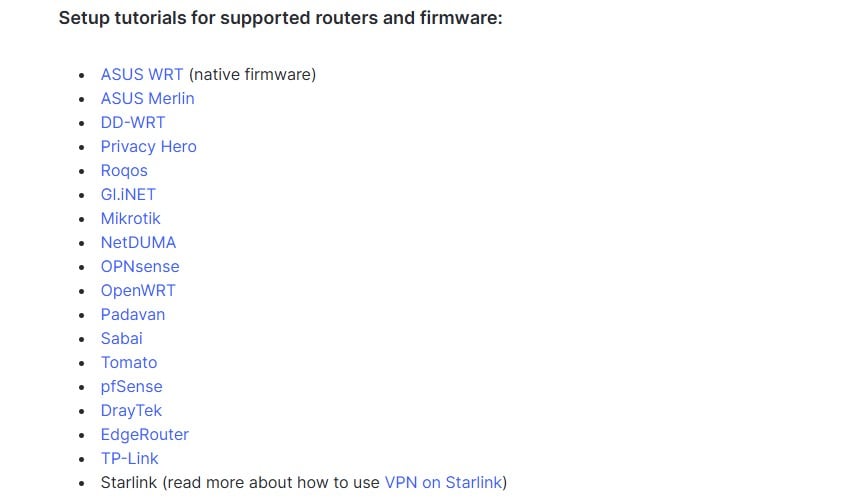
Installing the VPN on a router covers the stick, the TV, and every other device on your network, and it counts as a single connection. With a router that has VPN firmware built in, it’s a ten-minute job. Installing new firmware on a router that wasn’t built for it can leave the router unusable and void its warranty, so check the VPN’s list of supported models first.
What a VPN Changes on a Fire TV Stick
Most people install a VPN on a Firestick for streaming. Netflix, Prime Video, and HBO Max offer different libraries in each country, and a British IP address on the stick unblocks BBC iPlayer from the US, just as an Australian one unblocks 9Now. It helps on vacation too, because your home subscription keeps working on a hotel TV in another country.
Some ISPs slow down video traffic, a practice called throttling, but an ISP can’t identify video in an encrypted connection. That’s why a VPN for IPTV on Firestick is common advice. A VPN doesn’t change the legal position of an unlicensed IPTV service, though. It only stops your ISP from slowing a legitimate one.
NordVPN, Proton VPN, CyberGhost, and Surfshark on Fire OS also block ads and trackers, which cuts some of the pre-roll ads on free channels. A foreign IP address can also unblock free MotoGP streams, and the wider case for a VPN covers privacy.
Which VPN Protocol to Use on a Fire TV Stick
A Fire TV Stick has a small ARM processor and 1 to 2 GB of memory, and that same chip does the encryption work. Choose WireGuard where the app offers it. NordLynx and Lightway are built on the same lightweight idea, so they work well too. OpenVPN does the same job with far more code, which costs speed on a processor this small.
Leave the app on its automatic setting unless a network blocks the connection, then switch to NordWhisper, Stealth, or NoBorders, the obfuscation protocols from NordVPN, Proton VPN, and Surfshark.
How Much a Firestick VPN Costs
Long plans from these five VPNs cost about $2 to $3.50 a month, so a cheap VPN for Firestick is easy to find:
- CyberGhost: $2.19 a month, $56.94 for 26 months
- Surfshark: $2.49 a month, $67.23 for 27 months
- Proton VPN: $2.99 a month, $71.76 for 24 months
- ExpressVPN: $2.99 a month, $83.72 for 28 months
- NordVPN: $3.49 a month, $94.23 for 27 months
Renewal prices differ more. Spread the first term plus one renewal year over all the months it covers, and CyberGhost is the best value VPN for Firestick at about $3 a month:
- CyberGhost: renews at $56.94 a year, $3.00 a month over that period
- Surfshark: renews at $79 a year, $3.75 a month
- Proton VPN: renews at $83.88 a year, $4.32 a month
- ExpressVPN: renews at $99.95 a year, $4.59 a month
- NordVPN: renews at $139.08 a year, $5.98 a month
Monthly plans cost about $10 to $15. With no budget, free Fire TV VPNs are available with data caps, and our low-cost ranking covers cheaper paid VPNs in more detail.
Conclusion
We’d install NordVPN on a Fire TV Stick. It was the fastest VPN on our stick, unblocked every streaming service we tried, and has apps for both old and new sticks. Its renewal price is the main drawback. If privacy comes first and you don’t watch Hulu or ITVX, choose Proton VPN.
For hotel or school Wi-Fi that blocks VPNs, ExpressVPN connects with no setup. Before you subscribe, check which stick you own: CyberGhost, for example, has no app for Vega OS sticks yet.
FAQ About VPN for Firestick
How much is a VPN for Firestick?
A VPN for Firestick costs the same as on other devices. One subscription covers the stick alongside phones and computers, and long-term plans cost far less per month than monthly billing.
Which VPN is easiest to set up on a Firestick?
NordVPN is the easiest to set up on a Firestick. Its app installs from the Amazon Appstore on Fire OS and Vega OS sticks, and signing in requires only an email and password.
Can a VPN work on Vega OS Fire TV Sticks?
Yes. NordVPN, Proton VPN, ExpressVPN, Surfshark, and IPVanish offer Vega OS apps in the Amazon Appstore. CyberGhost and Private Internet Access don’t have one yet, and Vega OS doesn’t allow sideloading.
Do VPNs work on older Fire TV Sticks?
Yes, on most of them. Fire OS sticks from the second generation onward support VPN apps, while the original first-generation stick requires Smart DNS or a VPN installed on the router.
Which VPN is best for a Firestick in the UK?
NordVPN is the best VPN for a Firestick in the UK. It unblocks BBC iPlayer, ITVX, and other British services on UK servers, and Proton VPN also unblocks iPlayer, with strong privacy tools.
Does a VPN slow down a Fire TV Stick?
Yes, slightly. The stick’s small processor does the encryption work, so lightweight protocols like WireGuard, NordLynx, and Lightway keep the slowdown small enough for smooth 4K streaming.
Is a VPN required for IPTV on a Firestick?
No, a VPN isn’t required for IPTV, but it stops an internet provider from seeing and throttling video traffic. It doesn’t make an unlicensed IPTV service legal, though.