
A VPN on a router covers everything behind it, including the devices that can’t run an app: smart TVs, consoles, doorbell cameras. The cost is speed, because the router does the encryption on its own processor. We tested 5 services on an Asus RT-AX86U Pro on firmware 3.0.0.6.102_37436, a current Wi-Fi 6 router with a WireGuard client built into VPN Fusion.
It still gives up around half a gigabit connection once the tunnel is up, which is the ceiling no subscription can lift. All five VPNs install without flashing. They differ in firmware coverage, setup effort, and price.
Best VPN for Router in October 2026
- NordVPN: Widest firmware support and a pre-flashed option
- Proton VPN: Router configuration on the free plan
- ExpressVPN: The only VPN selling its own router
- Private Internet Access: Cheapest, with unlimited devices
- Surfshark: Broadest hardware list including NAS
Router VPN vs VPN Router: Not the Same Thing
A router VPN is a subscription you install onto a router you own by uploading configuration files or by buying hardware with the software preloaded. A VPN router is the hardware: a Wi-Fi router whose firmware can run VPN client software. Asus, GL.iNet, TP-Link, and Linksys models qualify. Most routers supplied by an ISP don’t.
Best VPN for Router: 5 Tested
All 5 run on an Asus router without flashing. They differ in how much work the setup takes and what the finished product can do.
| NordVPN | Proton VPN | ExpressVPN | PIA VPN | Surfshark | |
| Own router hardware | No ❌ | No ❌ | Aircove and Aircove Go ✅ | No ❌ | No ❌ |
| Pre-flashed available | Yes ✅ | Vilfo ✅ | Yes ✅ | Yes ✅ | No ❌ |
| Firmware supported | 18 platforms | 9 platforms | 10 platforms | 5 platforms | 9 platforms, plus NAS |
| Config on free plan | No free plan ❌ | Yes ✅ | No free plan ❌ | No free plan ❌ | No free plan ❌ |
| Devices | 10 | 10 | 10 to 14 by tier | Unlimited | Unlimited |
| Cost of a term | $94.23 / 27 months | $71.76 / 2 years | $83.72 / 28 months | $56.94 / 26 months | $67.23 / 27 months |
1. NordVPN: Widest Firmware Support
Pros
- 18 firmware platforms
- Pre-flashed hardware sold
- Starlink passthrough covered
- Threat Protection Pro included
- Meshnet for remote access
Cons
- No browser app
- WireGuard needs manual setup
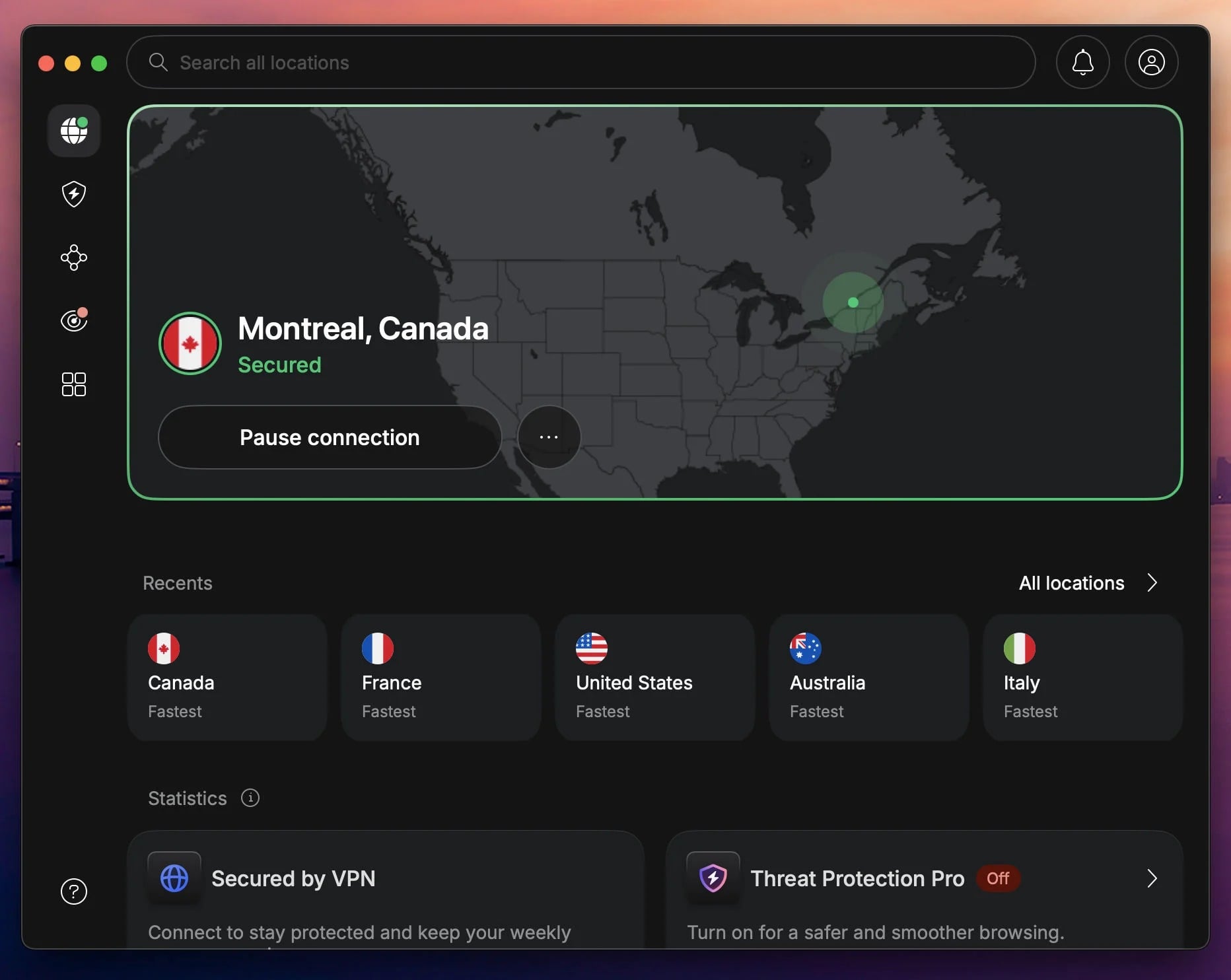
NordVPN documents more router platforms than every other VPN. The list covers Asus WRT and Merlin, DD-WRT, OpenWRT, Tomato, pfSense, OPNsense, MikroTik, GL.iNet, Padavan, Sabai, Roqos, NetDUMA, DrayTek, EdgeRouter, TP-Link, Privacy Hero, and Starlink. Each has its own walkthrough with screenshots. On our RT-AX86U Pro, the setup was a standard OpenVPN client configuration: download the .ovpn file, upload it under VPN Fusion, enter service credentials.
NordLynx is the complication. NordVPN publishes no downloadable WireGuard file from its dashboard, so putting it on a router means extracting the private key and server details by hand. The shortcut is hardware with native NordVPN token support, which GL.iNet models have built in. The catch is the UI. There’s no browser app, so switching country means loading a different config file.
A pre-flashed router solves that with a web dashboard, at the cost of buying hardware. Threat Protection Pro blocks malicious domains for every device on the network. That’s its argument for a router, since a smart TV can’t block ads itself and the router can. The full NordVPN review covers the rest. Basic is $94.23 across 27 months, and Plus, Complete, and Prime add extras including identity theft cover.
2. Proton VPN: Router Setup on the Free Plan
Pros
- Free plan includes configs
- Vilfo partnership
- No free data cap
- Open-source clients
- Swiss company
Cons
- Free tier blocks P2P
- Setup took several attempts
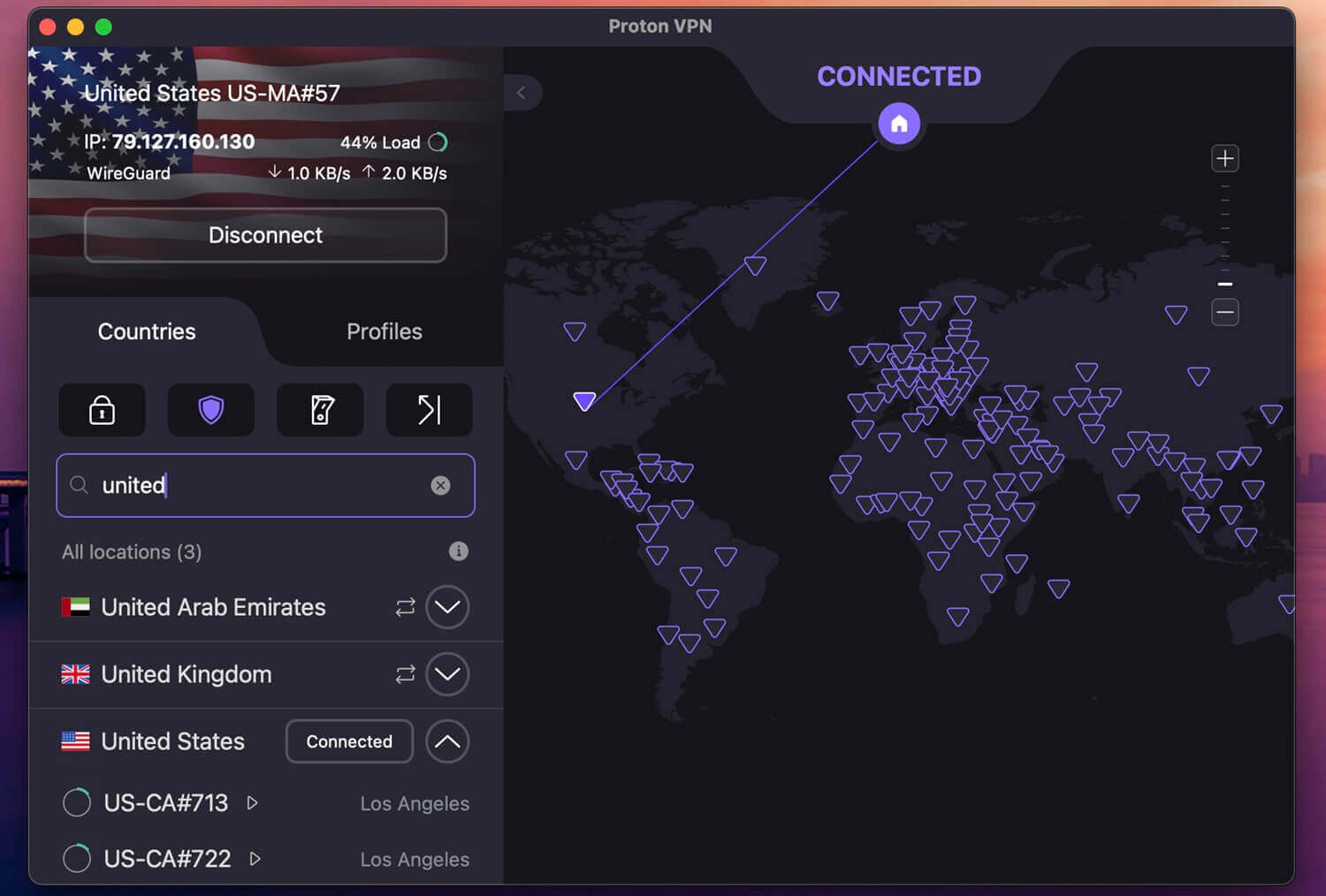
Proton VPN is the only service here that hands router configuration files to people for free, and it counts the router as a single connection on the free plan. One covers every device in the house, and most free plans cap data at 10 GB a month. Proton VPN’s free tier has no cap. Supported platforms are Asus WRT, DD-WRT, FreshTomato, GL.iNet, MikroTik, OpenWRT, OPNsense, pfSense, and Vilfo, which sells routers with Proton VPN preloaded.
On the RT-AX86U Pro, the free configuration worked, though it needed three attempts, and the guides don’t cover what goes wrong. Paid plans offer 20,000+ servers in 148 countries, NetShield for domain filtering, and Secure Core. The free tier gives 10 countries with no manual choice, no P2P, and no streaming. It suits a household that wants encryption more than a different location. Our Proton VPN testing goes further. A 2-year plan is $2.99/mo.
3. ExpressVPN: The Only One Selling Its Own Router
Pros
- Aircove hardware and app
- 5 device groups
- Cure53-audited router
- Guest network isolation
- Parental controls built in
Cons
- Hardware costs extra
- No dedicated IP option
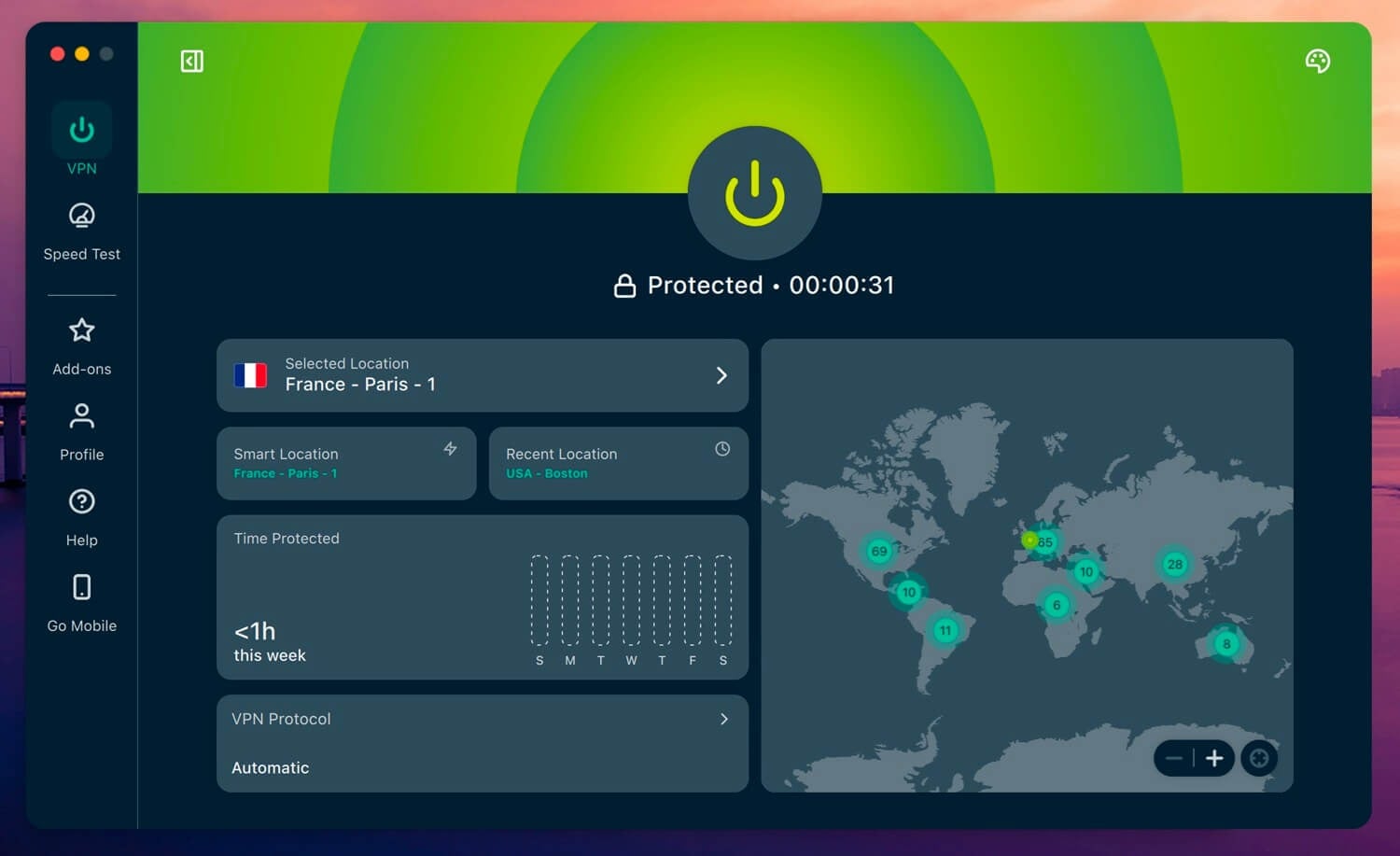
ExpressVPN sells 2two routers. Aircove covers a medium home of around 1,600 square feet and has 5 gigabit ports. Aircove Go is the travel model, 250 grams and powered over USB-C. The browser app makes the case. Device groups assign up to five VPN locations at once. A streaming stick can be in the UK while a laptop stays local, and changing one group leaves the others connected. A guest network stays separate, with those devices unable to see the rest of yours.
Cure53 audited the router, and it counts as one connection against your allowance, which goes from 10 on Basic to 14 on the top tier. ExpressVPN publishes its own speed figures: up to 330 Mbps with the VPN active, against 910 Mbps over Ethernet with it off. Manual setup on other brands works too.
Though it’s the older experience of one configuration file per location. Try ExpressVPN risk-free for 30 days. Basic is $83.72 over 28 months, and the Advanced tier adds an eSIM for travel.
4. Private Internet Access: Cheapest With Unlimited Devices
Pros
- No device ceiling
- MACE blocks domains
- Adjustable encryption strength
- Smart DNS included
- Lowest price here
Cons
- Only 5 firmware platforms
- US company registration
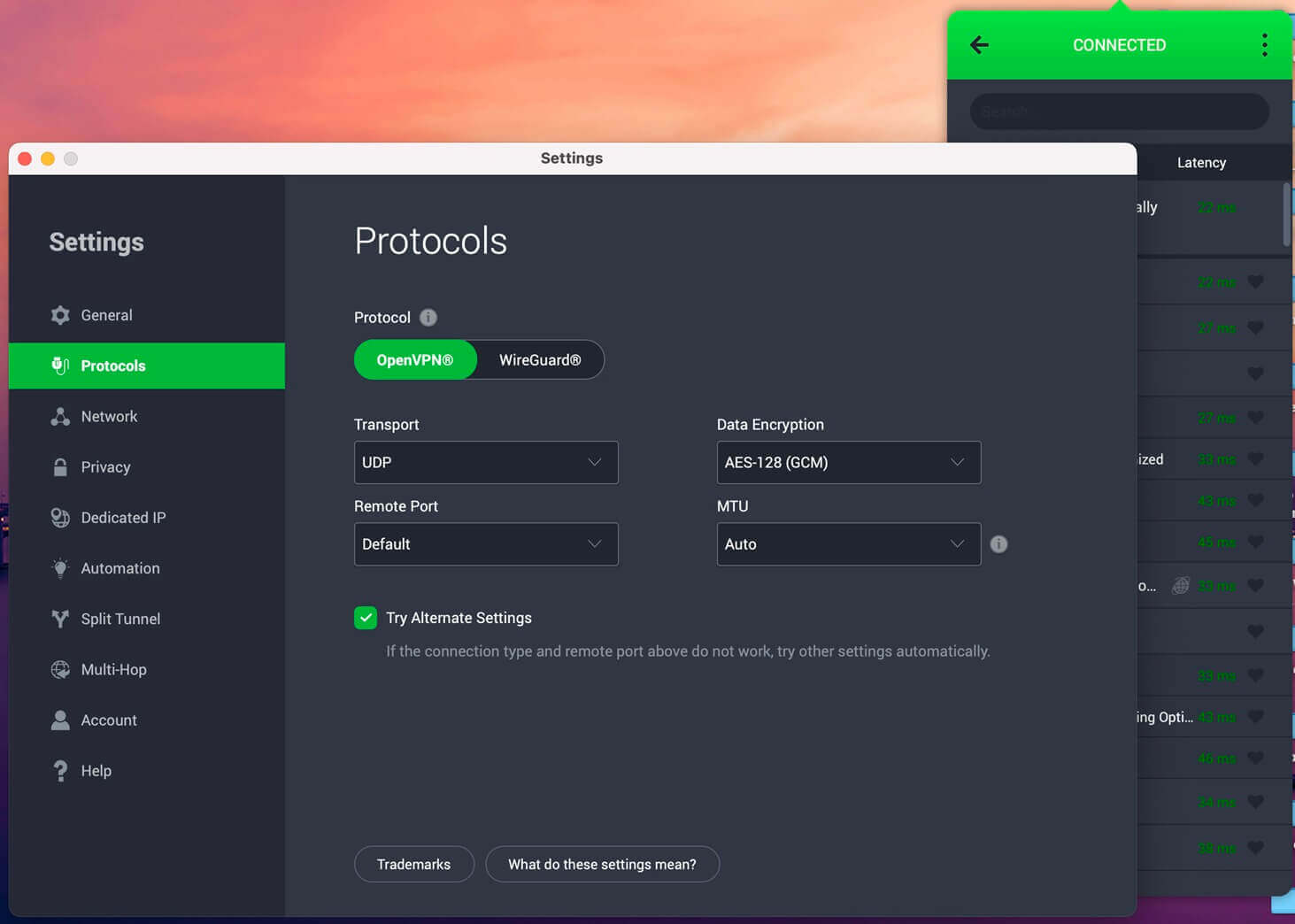
PIA raises a fair question about whether the router is needed. It puts no ceiling on simultaneous connections. Where a router still helps is with devices that can’t run an app: a smart TV, a game console, a doorbell camera. For those, PIA covers DD-WRT, Asus WRT and Merlin, OpenWRT and pfSense. It’s the shortest list here. Encryption strength is adjustable between AES-256 and AES-128, which recovers usable speed on an older router processor.
That’s a router-specific advantage. MACE filters ads and malicious domains network-wide, and MultiHop chains a proxy ahead of the VPN server. Our guide to US-based VPNs covers the jurisdiction question. Long plans come to $56.94, which ends up as $2.19 per month for 2 years.
5. Surfshark: Broadest Hardware List
Pros
- Synology and QNAP support
- Unlimited connections
- Keenetic and Freebox covered
- CleanWeb filtering
- RAM-only hardware
Cons
- No pre-flashed option
- Smart DNS discontinued
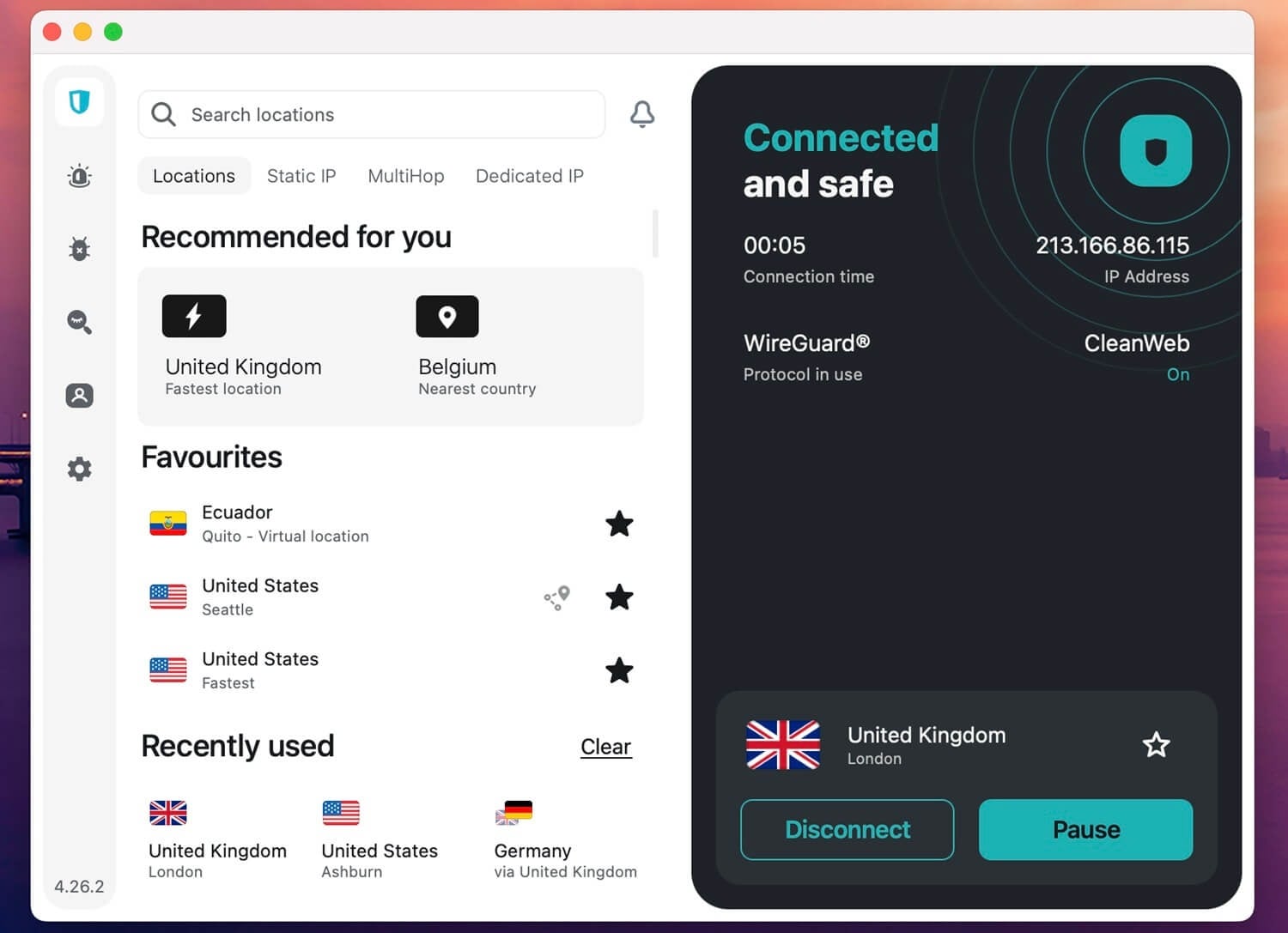
Surfshark covers hardware the others miss. Alongside Asus WRT, OpenWRT, OPNsense, pfSense, TP-Link, GL.iNet, and MikroTik, it covers Keenetic, Freebox, and Synology and QNAP network storage. If a NAS handles your network instead of a conventional router, it’s the only one here that covers them. Unlimited connections make the same argument PIA does: install it everywhere and the router becomes optional. Starter is $2.49 a month, $67.23 across 27 months.
Smart DNS is gone, which removes the fallback for a device that refuses a VPN. A router covers that device, so the loss shows up elsewhere, but it’s worth knowing before you rely on it. CleanWeb handles ads and trackers, and the server hardware keeps nothing on disk. It also places well among the fastest VPNs we’ve measured.
Which Routers Can Actually Run a VPN?
Routers supplied by an ISP rarely run VPN client software, and that includes the Arris, Sagemcom, Technicolor and Hitron boxes handed out with a broadband contract. The firmware is locked, and there’s no VPN client section to find. Hardware that does work falls into 3 groups:
- Native support out of the box. Most Asus routers, TP-Link models with a WireGuard client, GL.iNet across the range, MikroTik, and Synology or QNAP storage. Upload a configuration file and connect
- Support after flashing. Many Linksys, Netgear, and older Asus models accept DD-WRT, OpenWRT, Tomato, or Merlin. This voids the warranty, and a failed flash can leave the router unusable
- No support. ISP-issued hardware, most mesh systems, and cheap standalone routers. The workaround is putting a capable router behind the ISP box in bridge mode
To check yours, sign in to the router’s control panel and look for a VPN or VPN Client entry. If there’s a VPN Server entry but no client, it’s for connecting into your home network from outside, which is a different job. One thing to check before spending time: whether the manufacturer still updates the firmware.
Asus, for one, publishes end-of-life notices per model, and older units stop receiving security patches while continuing to work. A router handling your whole household’s traffic is the wrong place to accept that.
VPN Routers Worth Buying
If your current hardware can’t take a VPN, buying a router that can is cheaper than a failed flash. Four that work and I personally tested include:
- GL.iNet Flint 2 (GL-MT6000), around $160. Up to 900 Mbps on WireGuard and 880 Mbps on OpenVPN with DCO, which leaves a gigabit line intact. Built on OpenWrt, with AdGuard Home, parental controls, and multi-WAN failover, plus native NordVPN token support, so NordLynx works without the manual key extraction an Asus router needs. The most speed per dollar here
- ExpressVPN Aircove, from ExpressVPN directly. The plug-and-play option, with the browser app and device groups. Capped at 330 Mbps with the VPN on, and it requires an active ExpressVPN subscription
- GL.iNet Beryl AX (GL-MT3000), around $90. Pocket-sized, with up to 300 Mbps on WireGuard and 150 Mbps on OpenVPN, a 2.5G WAN port, and OpenVPN and WireGuard clients preconfigured for 30+ VPN services. Built for hotels and rentals
- Asus RT-AX86U Pro, around $180. The one we tested on. Wi-Fi 6, WireGuard and OpenVPN clients through VPN Fusion, and per-device tunnel assignment, so some devices use the VPN while others don’t
Pre-flashed routers are the third path. Third-party sellers ship hardware with a chosen VPN configured and a web dashboard, the Privacy Hero 2 being the best-known example. You pay a premium over the bare router and avoid the setup.
How to Install a VPN on an Asus Router
We followed these steps on the RT-AX86U Pro. Other Asus models with VPN Fusion follow the same path, and DD-WRT or OpenWRT differ only in the menus.
- Download the configuration files. Sign in to your VPN account, find the manual or router setup area, and download the .ovpn file for the country you want. Get your service credentials at the same time, since they’re separate from your account login
- Open the router’s control panel. Type the router’s IP address into a browser, usually 192.168.1.1 for Asus, and sign in. The default credentials are printed on the underside of the unit
- Go to VPN, then VPN Fusion. Select Add Profile, pick OpenVPN or WireGuard, name the connection, and enter the service username and password. WireGuard needs firmware above 3.0.0.4.388.23000, which rules out most pre-2023 Asus models
- Upload the .ovpn file and apply. The profile appears in the client list with an Activate button
- Activate and check. Connect, then load an IP checker from a device on the network. It should report the server’s country
Changing country means repeating steps 1 and 4 with a different file. That’s the trade-off compared to a pre-flashed router or an Aircove, where the location is a dropdown. If the connection fails, the causes are account credentials used in place of service credentials, or a firmware version older than the config file expects.
Speed on a Router: What to Expect
Our measured figures below come from desktop testing, against a 324 Mbps baseline, and they show what each VPN can do when the hardware isn’t the limit.
| Desktop average (base 324 Mbps) | |
| NordVPN | 300 Mbps |
| ExpressVPN | 297 Mbps |
| Private Internet Access | 284 Mbps |
| Proton VPN | 281 Mbps |
| Surfshark | 255 Mbps |
On a router, the processor decides how much of that arrives at your devices. The spread between first and last is 45 Mbps, which the hardware flattens. Our RT-AX86U Pro is a current gaming router and still tops out near 500 Mbps on WireGuard and 200 Mbps on OpenVPN, whichever service is installed, because encryption falls to a single CPU core. Choose the router on speed and the VPN on features.
A Flint 2 at roughly 900 Mbps on WireGuard leaves the VPN as the limiting factor again. A Wi-Fi 5 router from 2018 does not come close.
Why Put a VPN on a Router?
- Devices that can’t run an app. Smart TVs, consoles, streaming sticks, and smart home hardware get covered with no configuration of their own
- One connection slot for the whole house. Services counting 10 devices count the router as 1, so a household with 20 connected things stays inside the limit. This is the same problem our multiple devices guide solves a different way
- Always on. The tunnel is up as long as the router is, with nothing to remember and nothing to switch on
- ISP visibility. Every request from the household leaves encrypted, which removes the basis for throttling by traffic type and matters for torrenting and gaming alike
The trade-off is speed and control. Every device loses the same percentage, and switching country affects every device at once. Our guide to why people use a VPN covers the general case, and a VPN app on a phone remains simpler for one person.
Free VPN for Routers
A data cap that would last a month on one phone disappears in days across a household, and the configuration files a router needs are usually reserved for paying subscribers, which basically rules out most free VPN services. Here are your best options:
- Proton VPN Free publishes router configuration files to free accounts, and the router counts as a single connection no matter how many devices are behind it. There’s no data cap. Servers cover 10 countries with no manual choice; P2P and streaming are blocked. For a household that only wants encryption, it works, and the wider free VPN rankings put it at the top for the same reasons.
- Windscribe is worth naming for the opposite reason. Its free plan is generous everywhere else, with 10 GB a month, P2P and unlimited connections, but the config generator is reserved for paying subscribers. A free account can’t be put on a router at any point.
Best VPN for Router: Summary
Buy the router first. Our RT-AX86U Pro shows why. A current gaming router still halves a gigabit line once the tunnel is up, and no VPN subscription will help. NordVPN is the pick for most setups, on 18 documented firmware platforms and the widest choice of pre-flashed hardware. Try Proton VPN first if the budget is nothing, since its free plan includes router configs and no data cap.
ExpressVPN suits the person who would sooner buy a working box than configure one. PIA and Surfshark put no ceiling on devices, so the app on each device may be all a household needs. All five refund inside 30 days, so a setup that won’t connect on your hardware costs nothing.
Router VPN: Frequently Asked Questions
🛜 What is a VPN router?
A Wi-Fi router whose firmware can run VPN client software, encrypting traffic for every device connected to it. Asus, GL.iNet, TP-Link, and MikroTik models qualify, as do some Linksys and Netgear units after flashing third-party firmware.
🌐 Can a VPN be installed on any router?
No. Routers supplied by an ISP seldom allow it, since the firmware is locked and has no VPN client section. Arris, Sagemcom, and Technicolor boxes fall into this group. The workaround is a compatible router behind the ISP unit in bridge mode.
🔒 Is it safe to install a VPN on a router?
Yes, provided the router already supports VPN clients. Uploading a config file changes nothing permanent. Flashing third-party firmware is risky: it voids the warranty, and an interrupted flash can leave the hardware unusable.
📶 Does a VPN on a router slow the internet down?
Yes, and more than on a computer. Encryption happens on the router's processor, and on Broadcom hardware a single core does all of it. A current Wi-Fi 6 router commonly delivers around 500 Mbps on WireGuard and 200 Mbps on OpenVPN, regardless of the service.
✅ Which VPN is easiest to set up on a home router?
ExpressVPN, where the hardware is an Aircove, since the software arrives preloaded and the settings are in a browser app. On a router already owned, NordVPN publishes the most model-specific walkthroughs, which makes an OpenVPN configuration manageable.
🔰 Is a router VPN necessary?
No, provided every device can run the app itself. Private Internet Access and Surfshark place no limit on connections, which removes the main reason to use one. A router earns its place when smart TVs, consoles, or smart home hardware need covering.
🏠 Can the VPN location be changed easily on a router?
Yes, but only on some setups. Pre-flashed routers and Aircove offer a dropdown. A manual configuration means uploading a different file for each country, so most people pick one location and leave it.